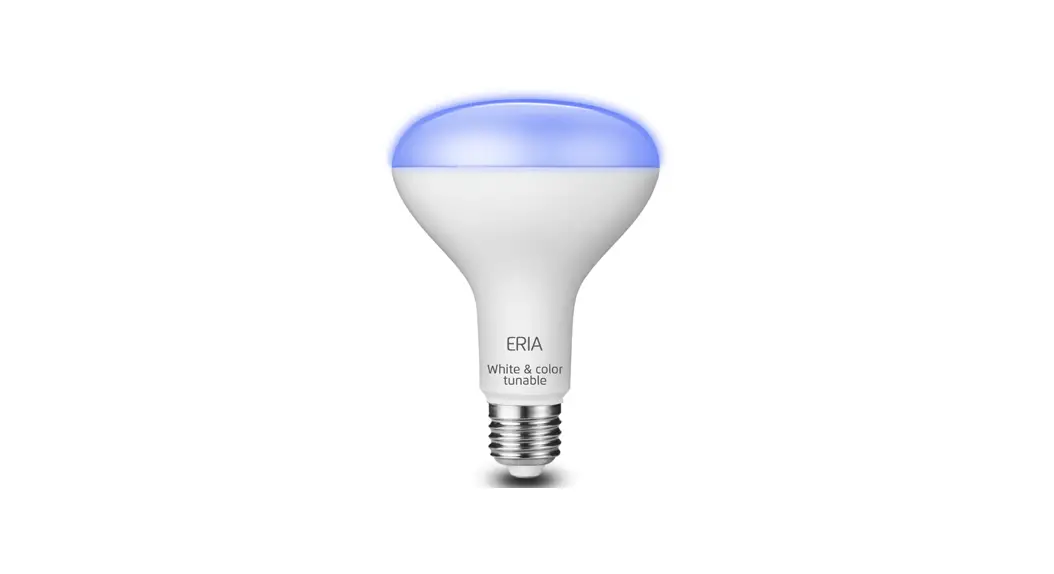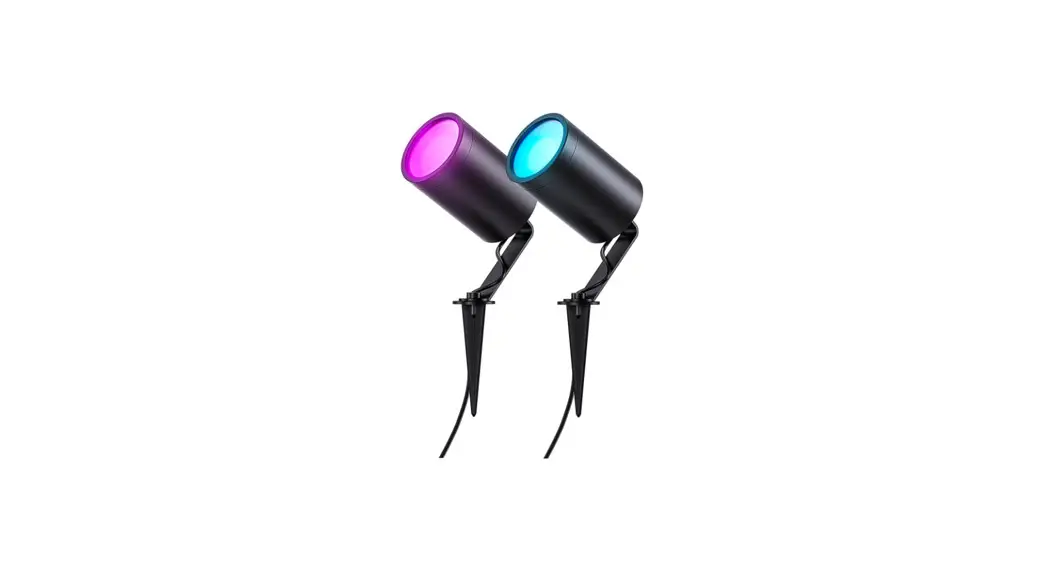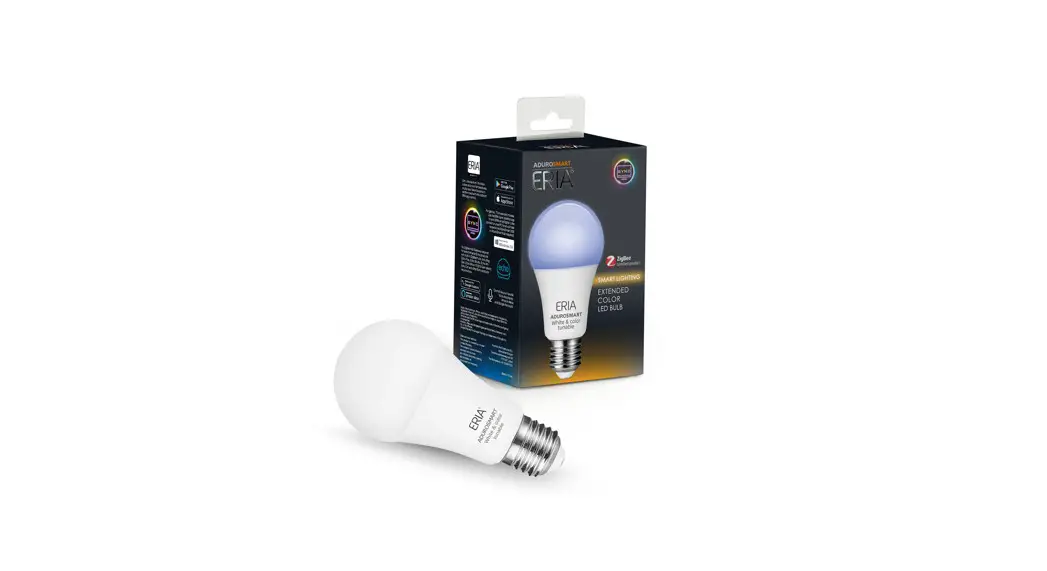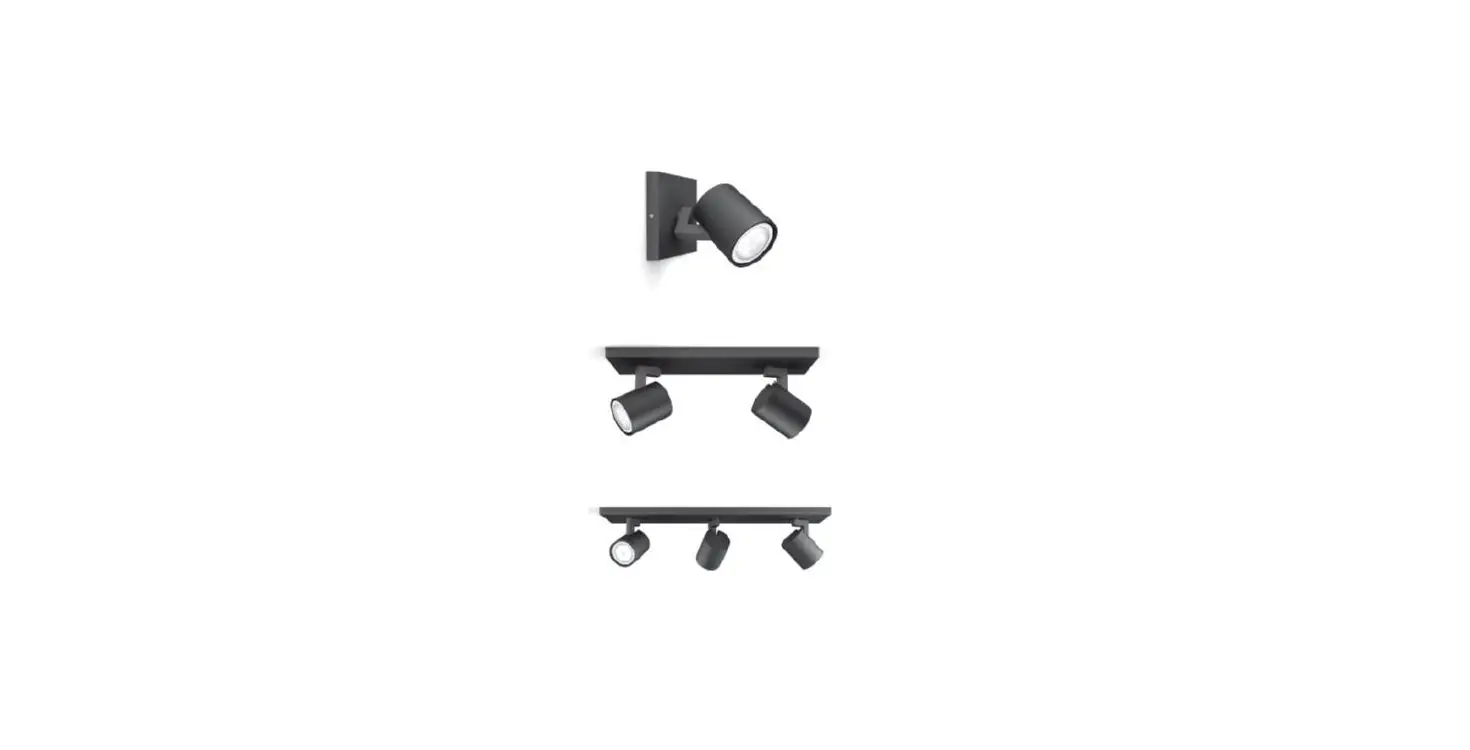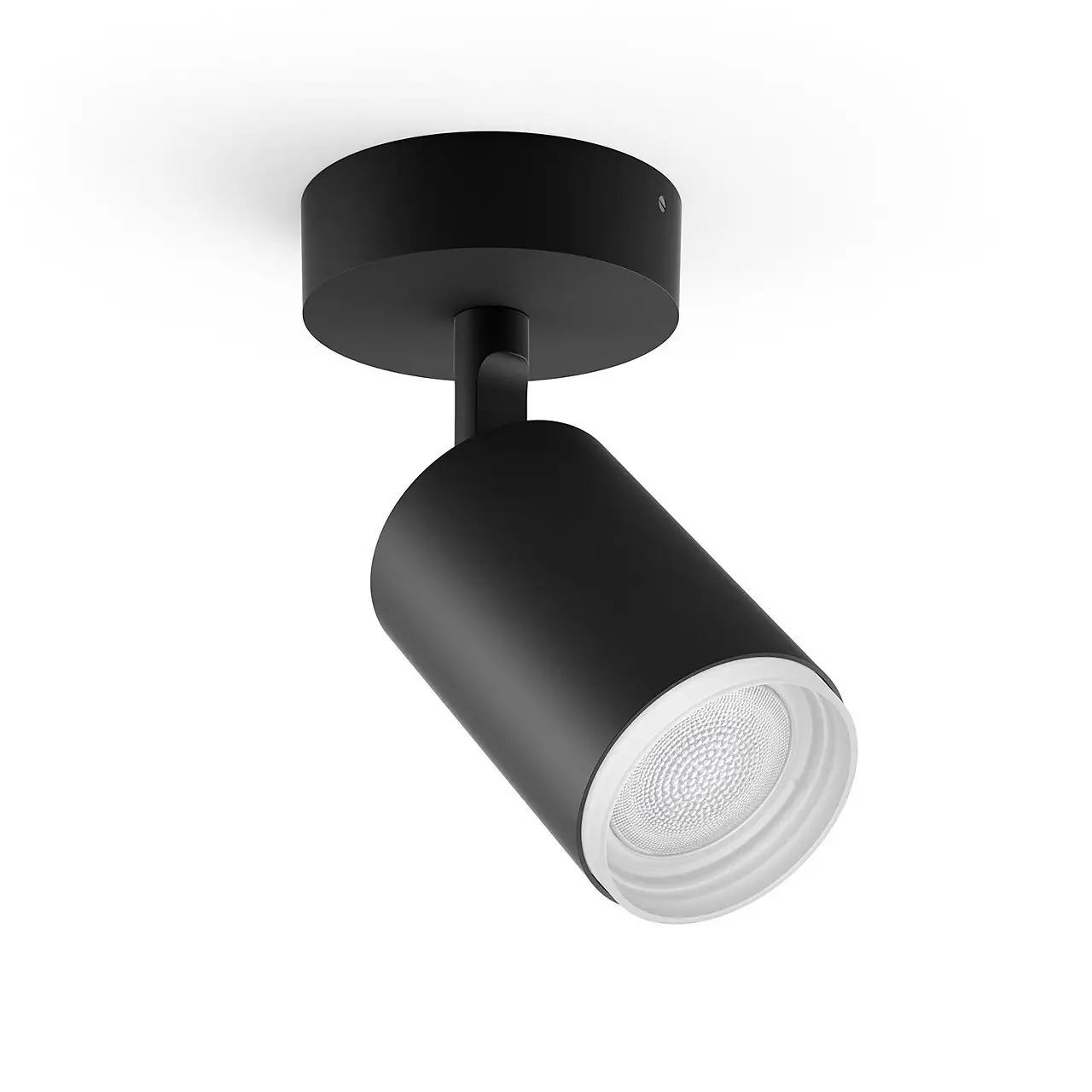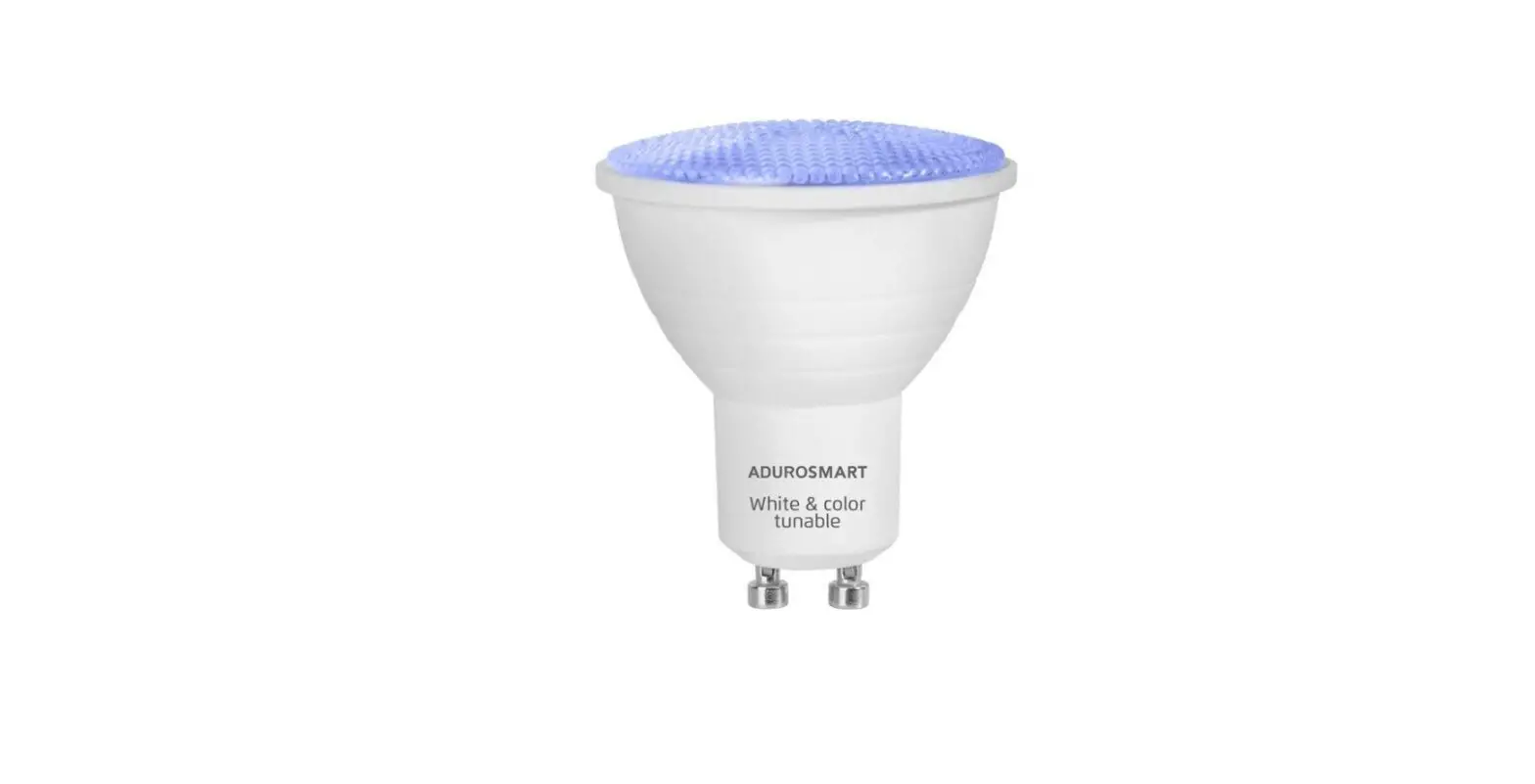
ERIA ADUROSMART GU10 Extended Color Spotlight User Manual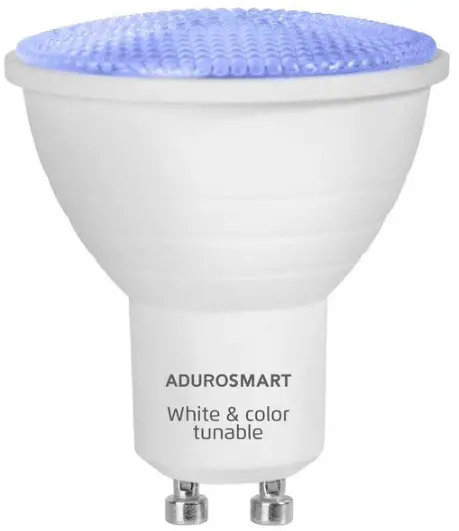
Unpack your bulb and screw it info you right fifing and fern on the fight.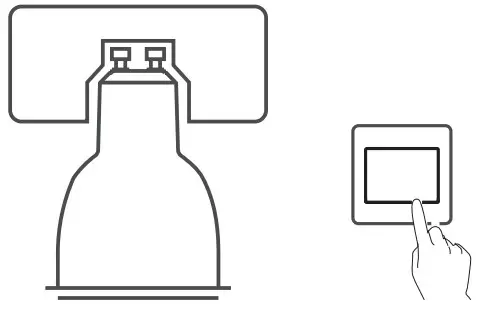
Connect with the ERIA hub
Download the Adurosmar App from the Apple App Store or from Google Ploy orgofo. hifp://adurosmart.cam/adurosmort-app/
Android

108

11 you hove a third parley ZigBee compatible hub fen proceed 1o step10.
Open the Adurosmar ERIA AP, (For latest version, please check it online user manual)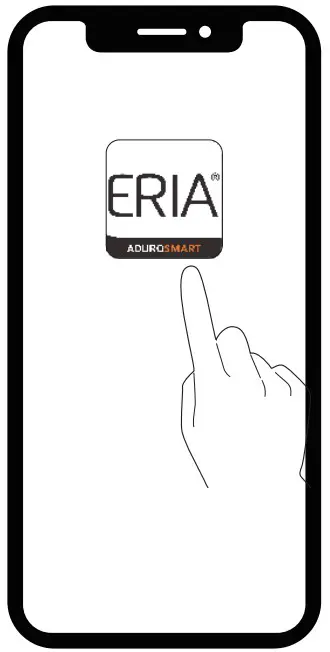
0n the bottom right corner press on ‘Seedlings”.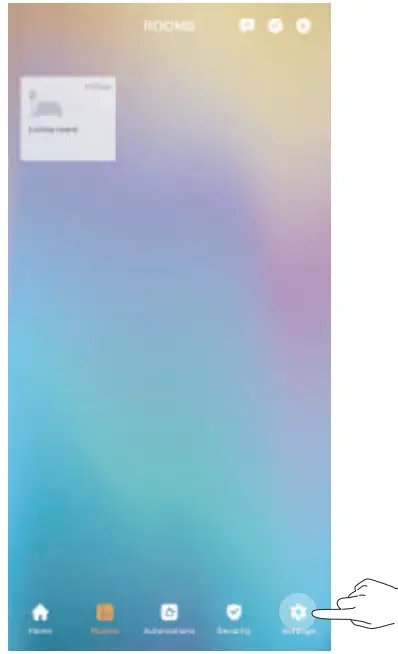
Select “Devices”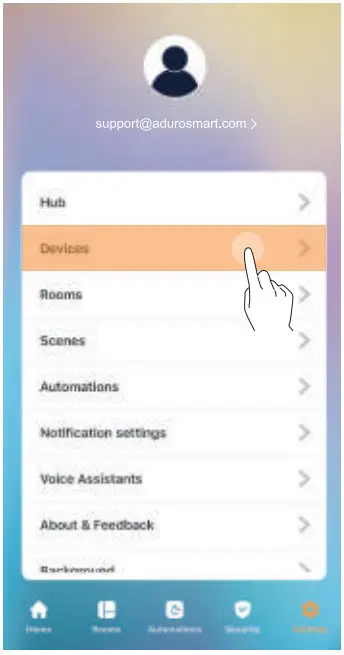
0n the fop right comer person fee 4 symbol Hen press on “Add device’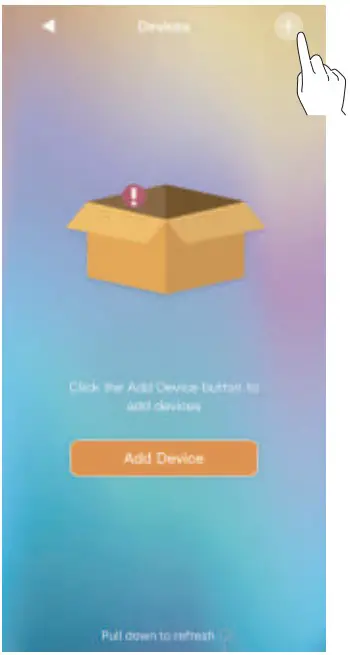
Select the device type.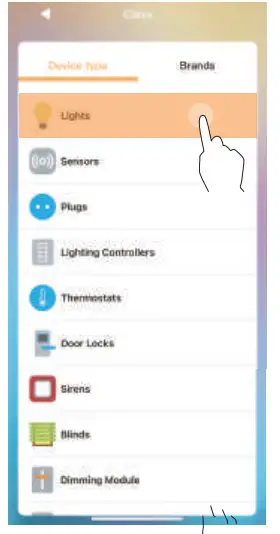
Prison select rends” and then Adurosmar ERIA”.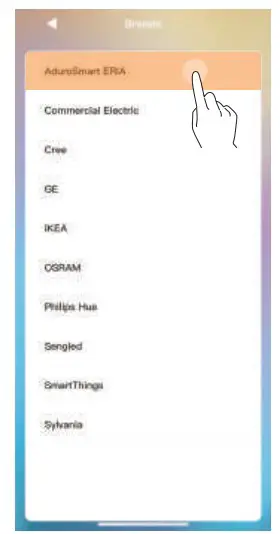
Person “Extended Color bulb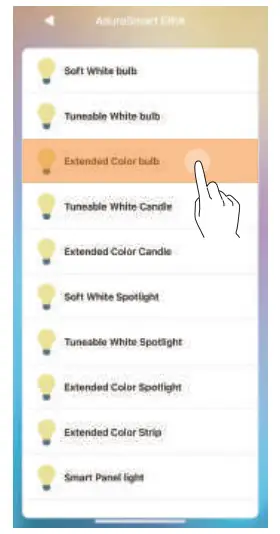
Switch the power 1o the light ON & OFF 5 fames of inflate the pairing mode. The bulb will fish once indicating that it has entered pairing mode. The pairing mode willets 60seconds.
5xON and OFF
If you have hoard parley hues then thesis the moment of inflate the search from your Smart Home hub app.
Proceed by pressing on “Search” 1o allow the ERIA hub of find the bulb, the LED indicator one hubris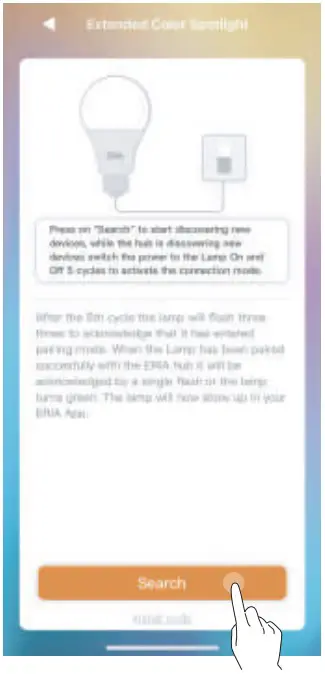
When the bulb has been found and paired successfully it will fern green bandit will show up in your search results, press on “Done” of complete the process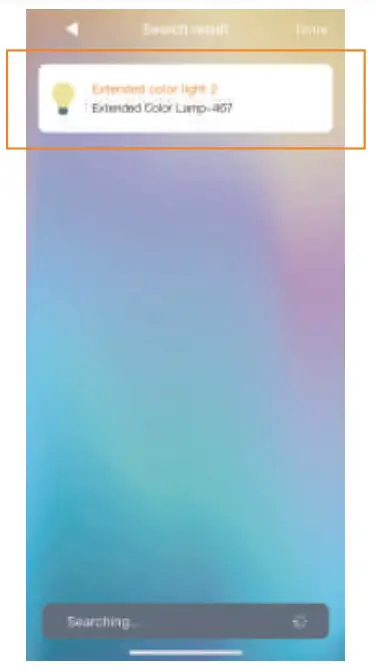
NEED HELP? CALL US
For troubleshoots, instruction video’s or more information
please visa us of www.adurosmart.com/faq
Chat with one of our support agents ot
‘www.adurosmart.com
The Netherlands: +31 523687532
[email protected]