
USER MANUAL
SMART LED STRIP
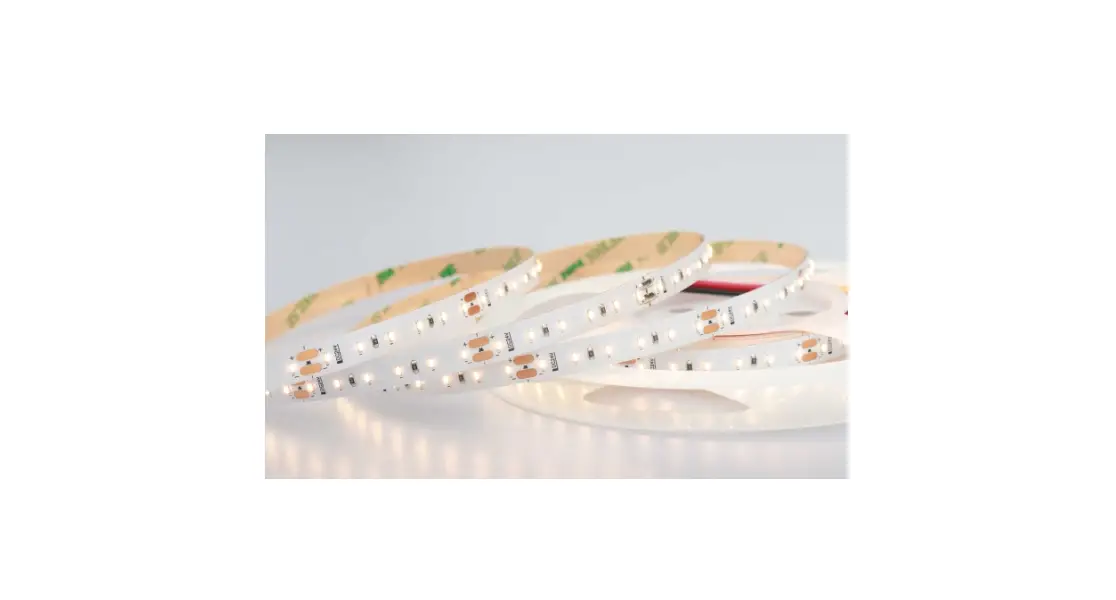
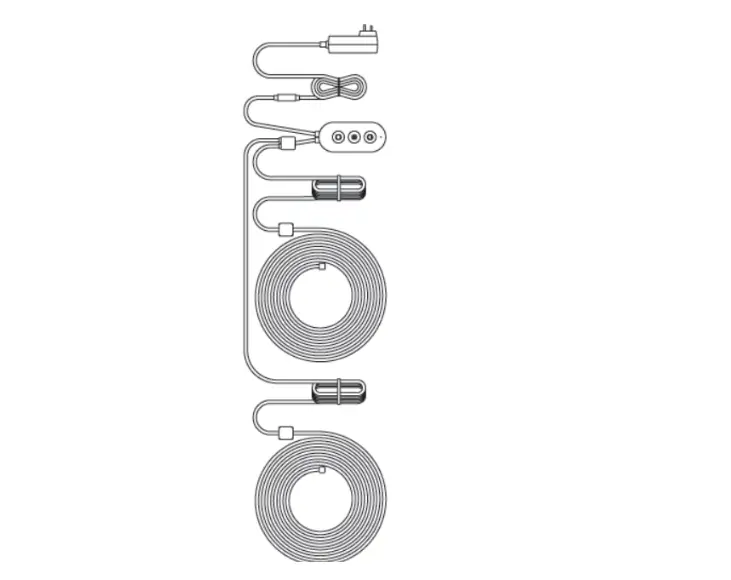
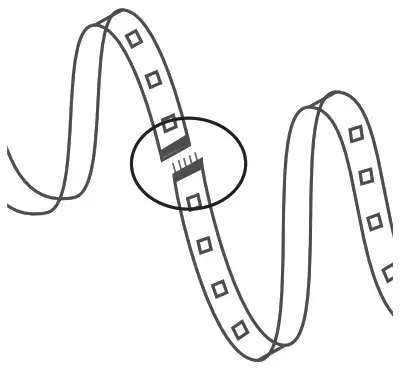
- Extend the strip to the required size by connecting the individual strips with each other using the connectors.

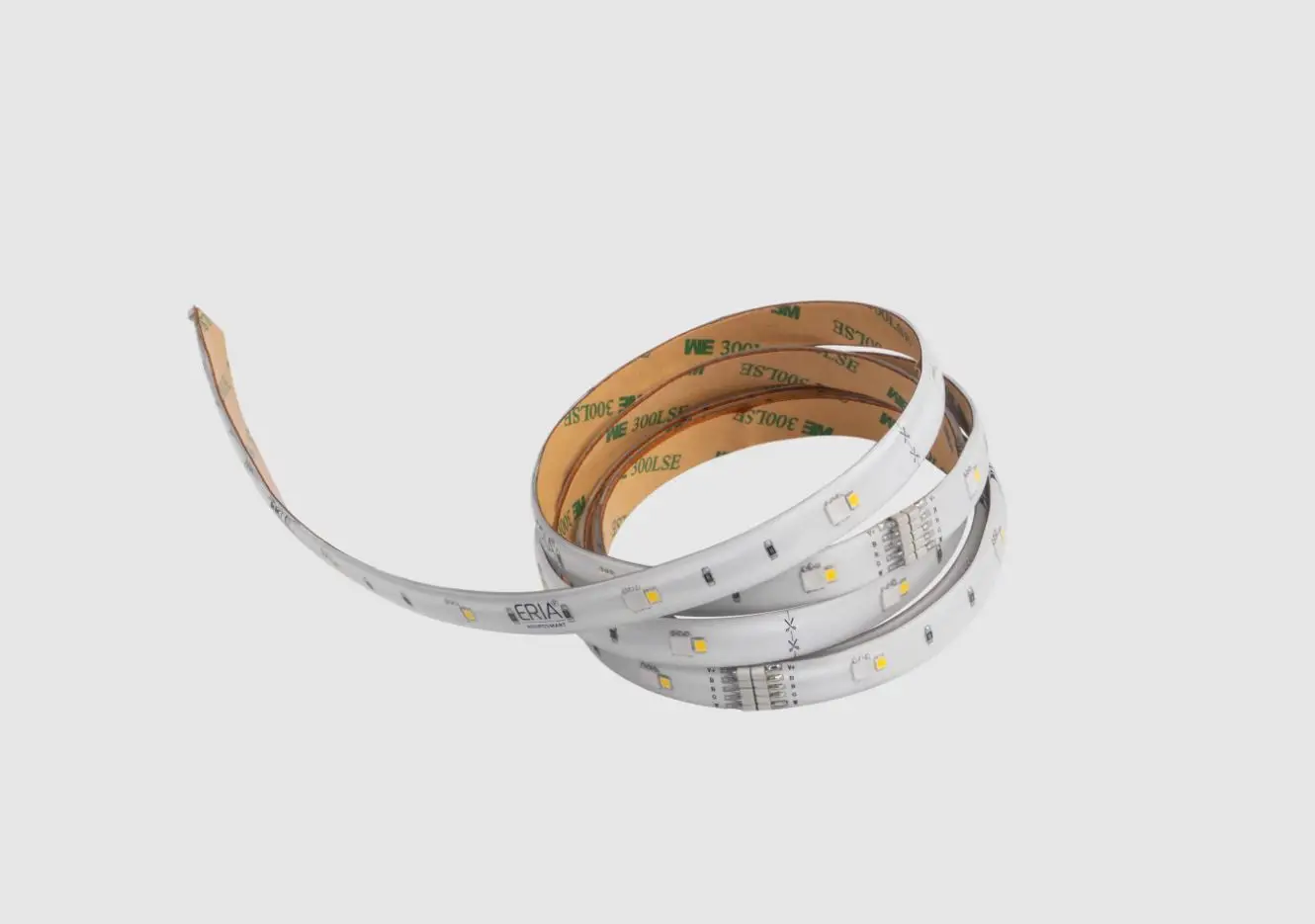
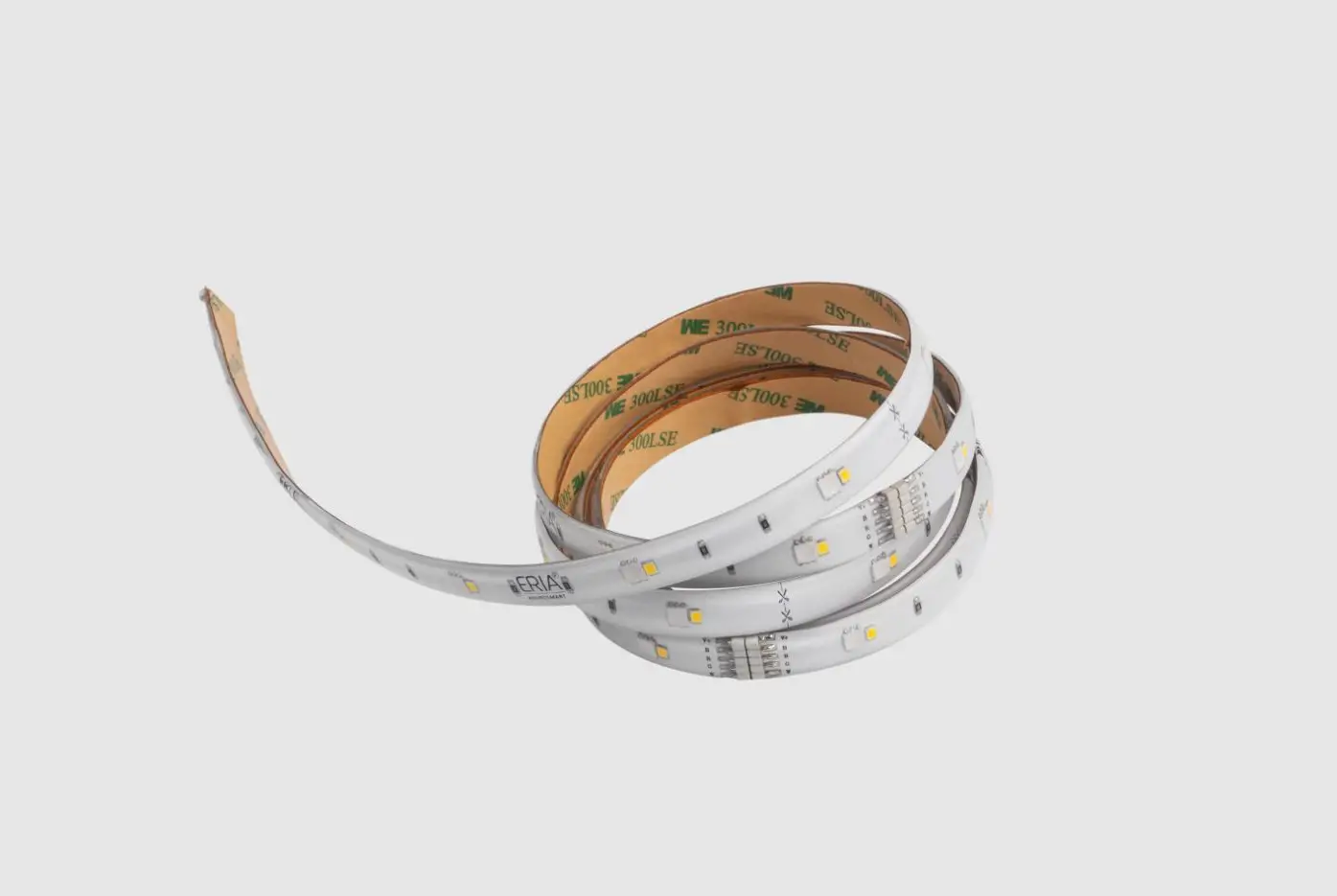
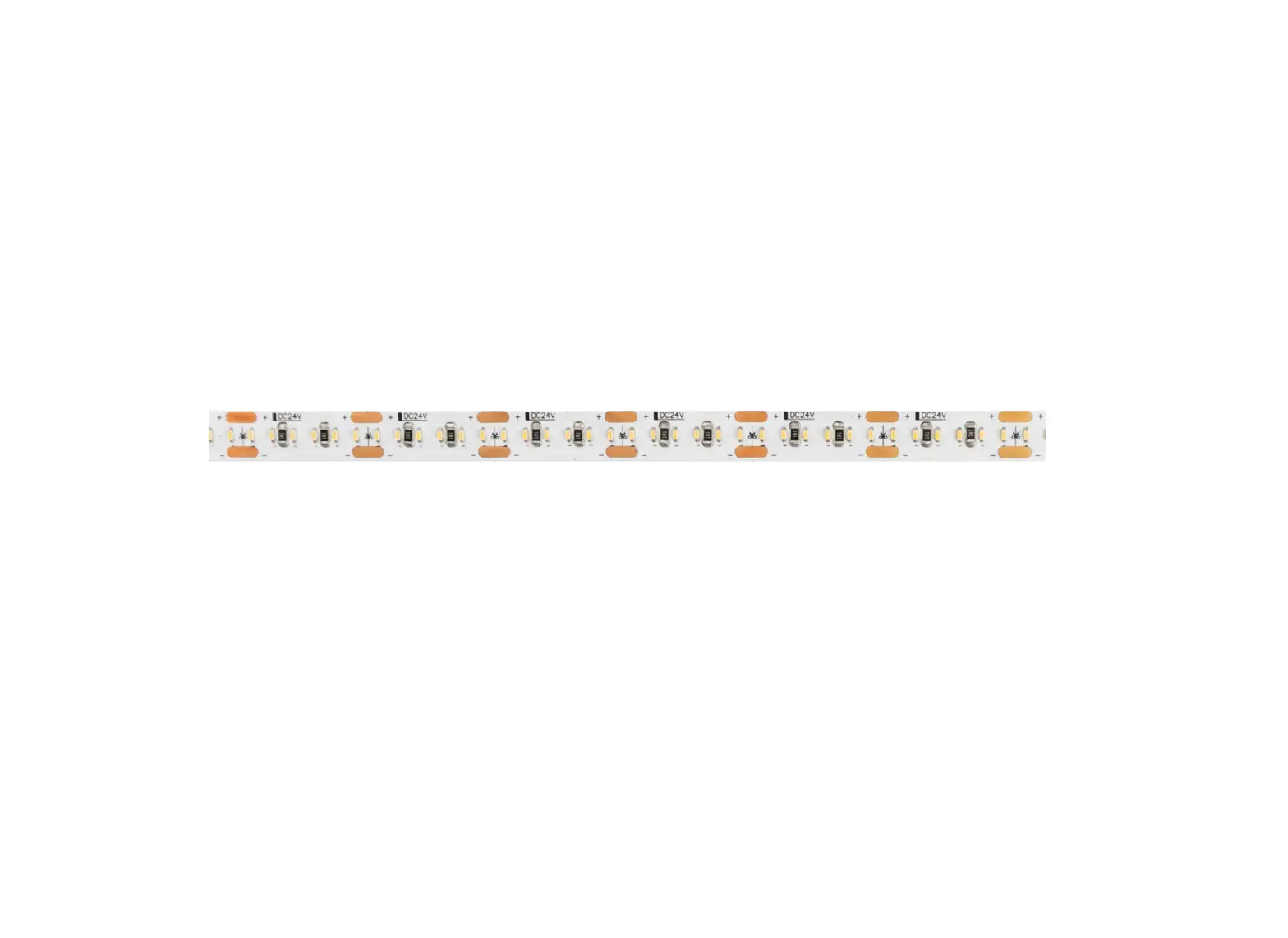
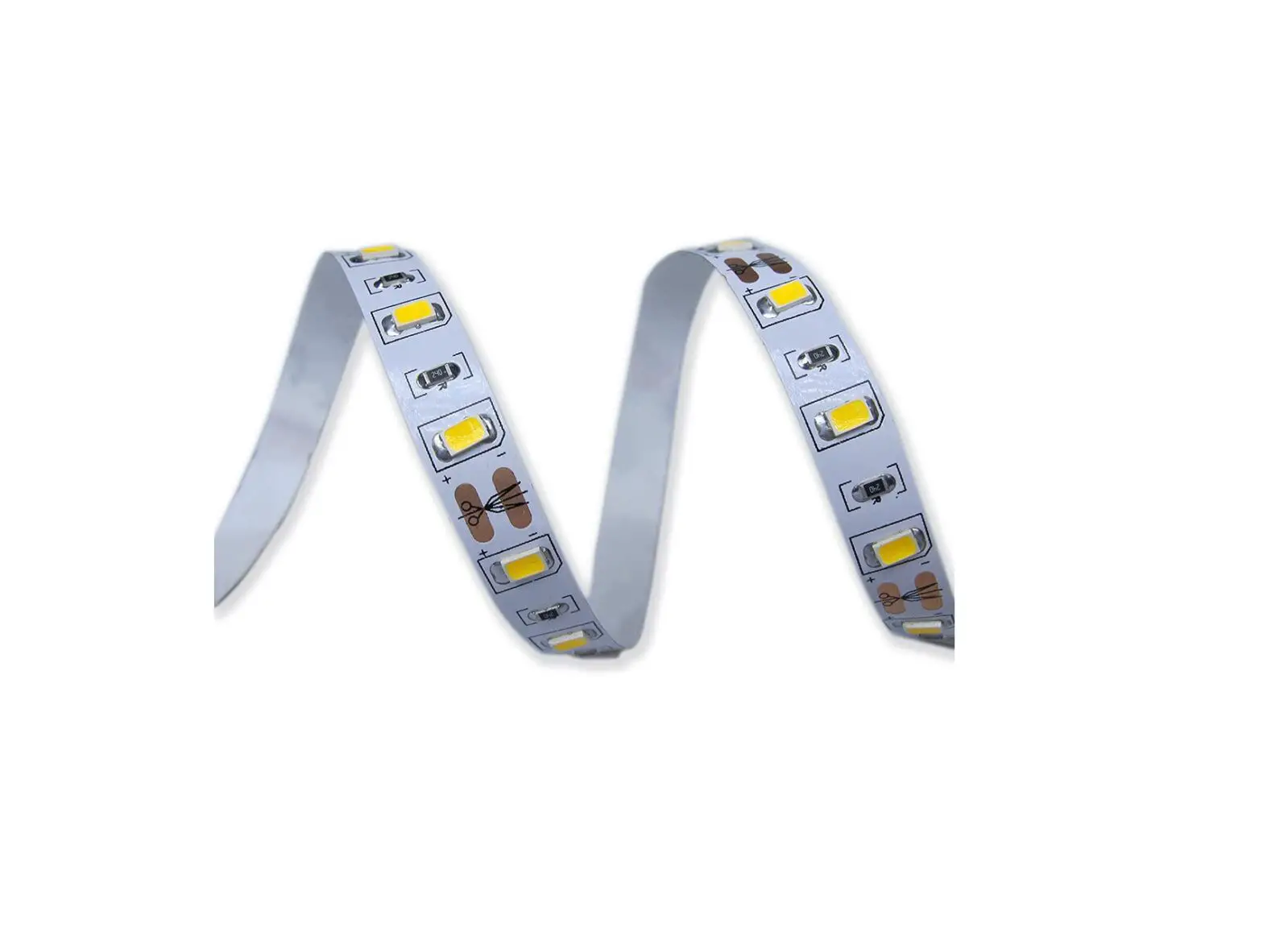
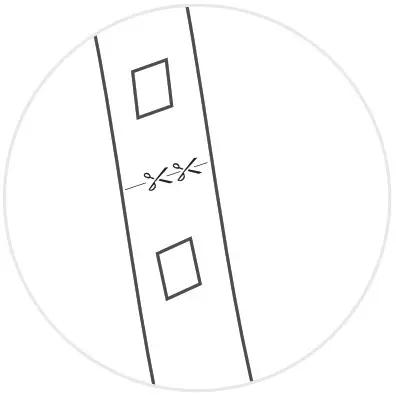
- If you would like to shorten the strip than you are able to cut the strip at the scissor symbol.

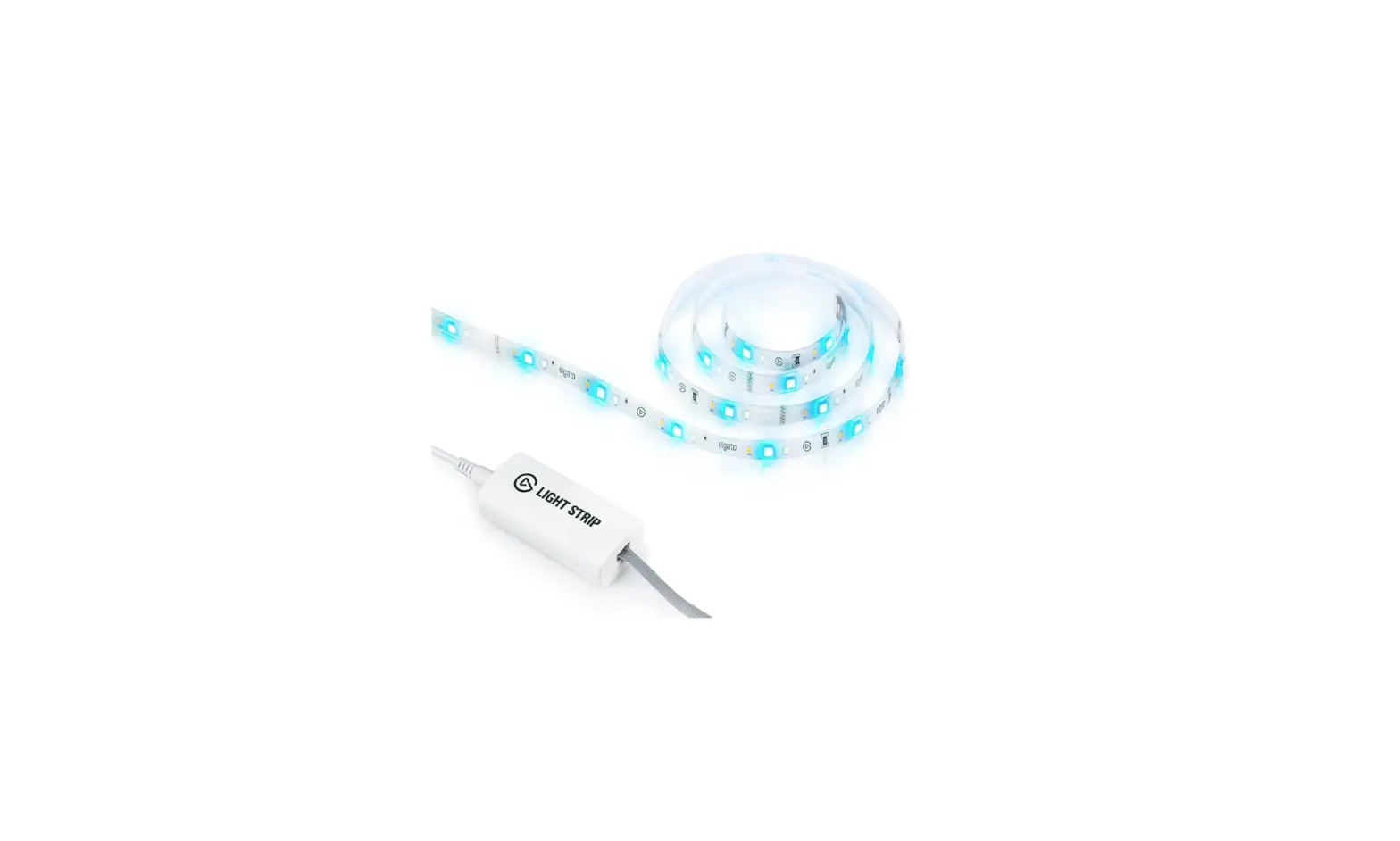
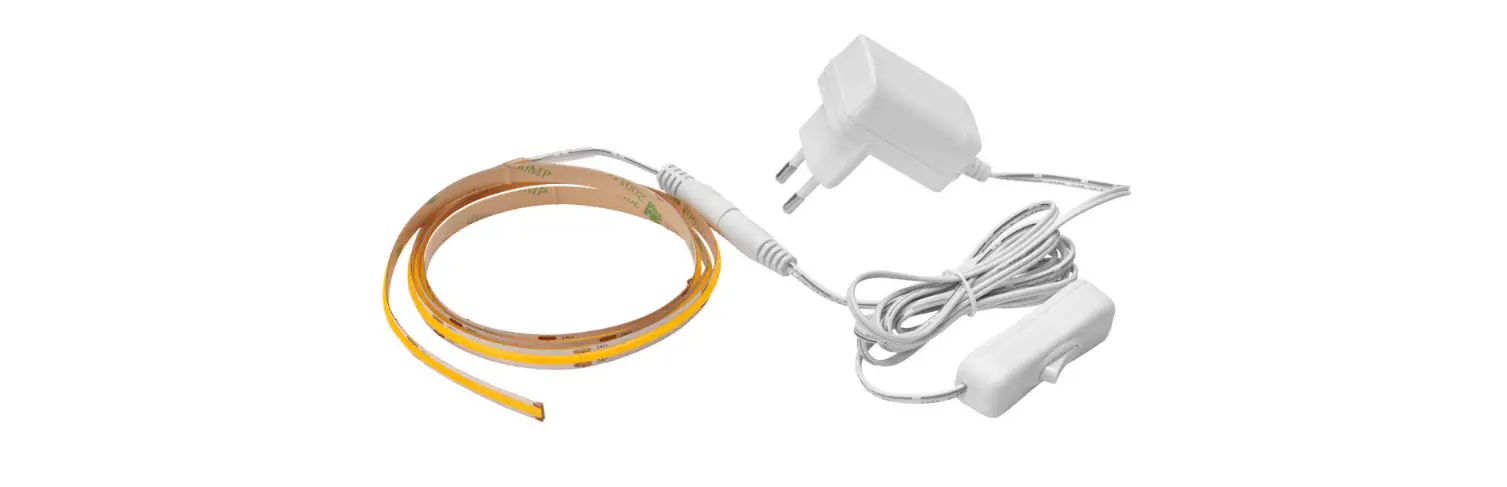
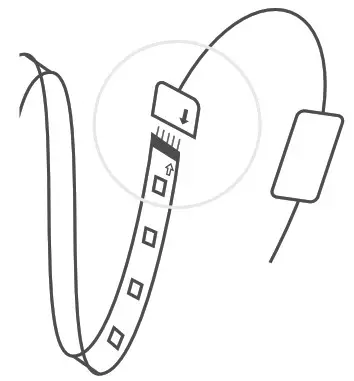
- Connect the control module and connector to the strip as indicated by the arrow.

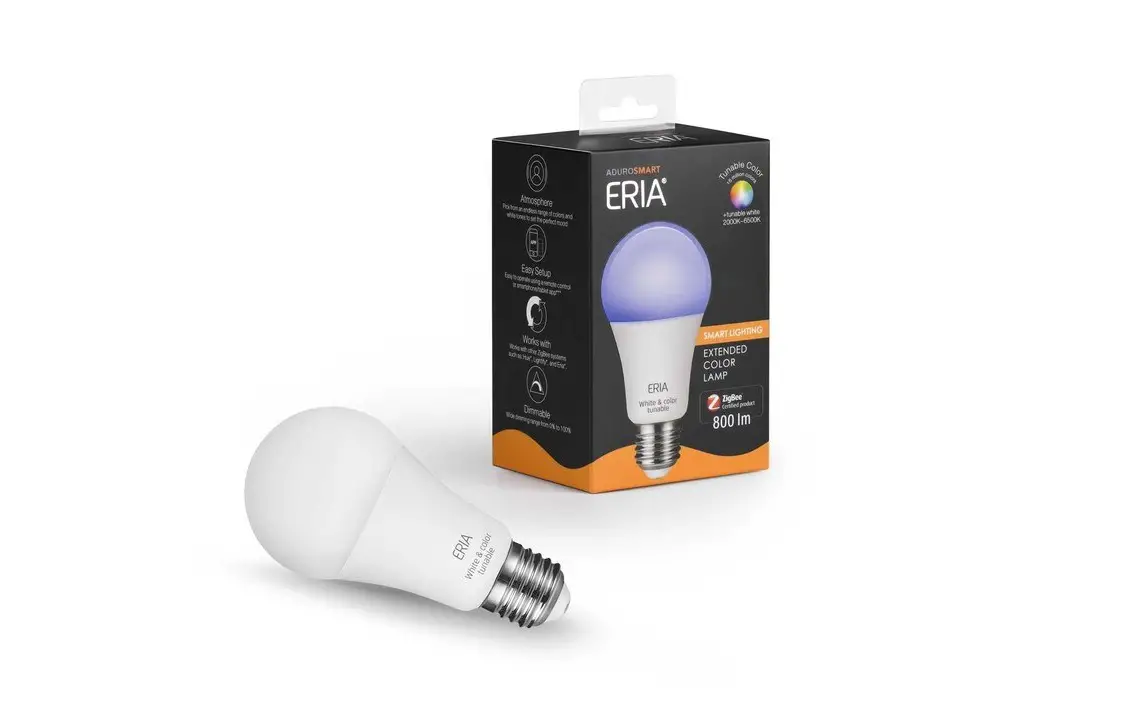
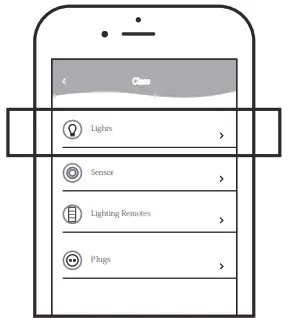
- Open the AduroSmart ERIA app, tap on “settings” tap on “devices” on the right top corner tap on the”+” symbol to add your lights than tapon lights.

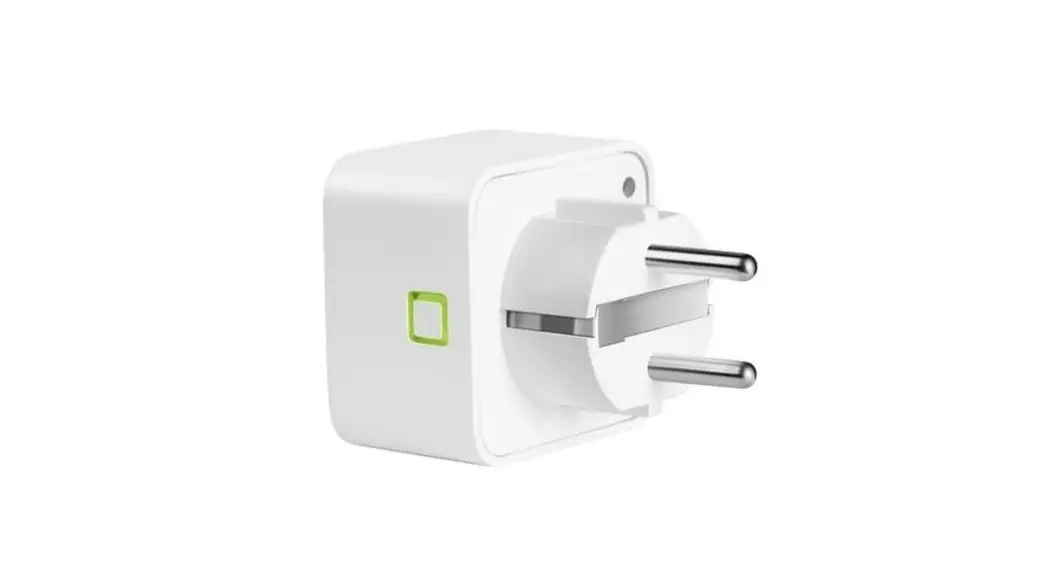
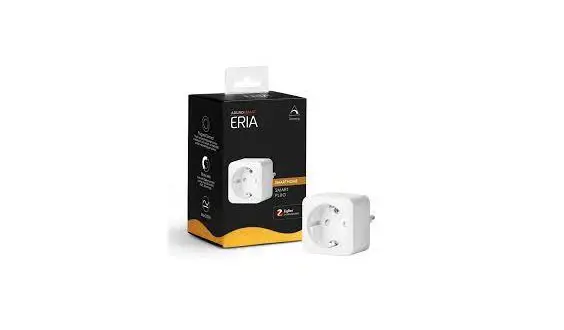
- Power the strip by connecting the DC head of the control module to power plug, than insert the plug inthepower outlet.
 Afher powering the strip will enter pairing mode for 60 seconds.
 - Shortly after step 6, tapon search, A successful pairing is confirmed with a green flash and the LED strip will show up in the ERIA app as “Extended color strip”.

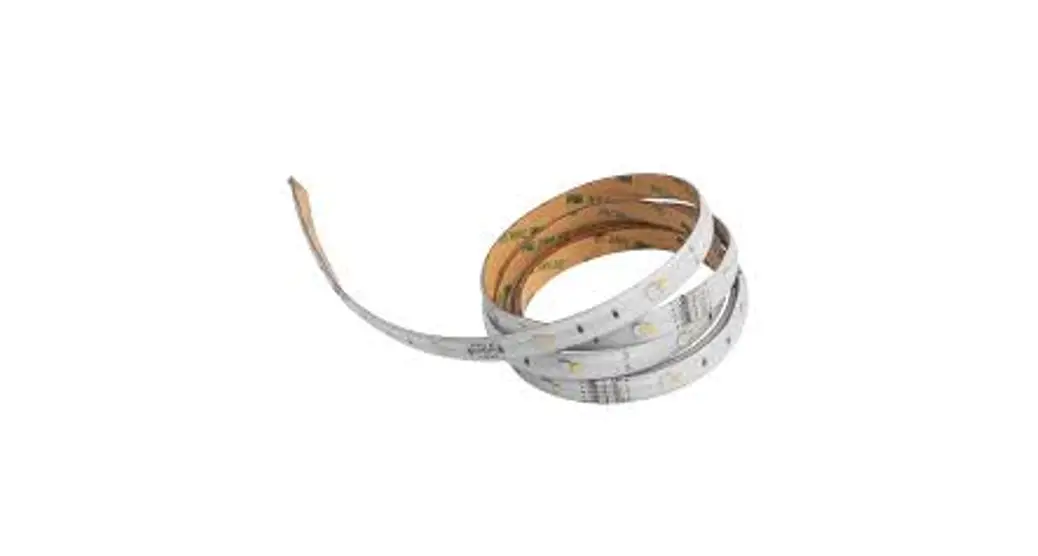
- Clean the surface to which you want to attach the strip on and remove the protective seal from the back of the strip than use the adhesive back to fix the strip onto the surface.

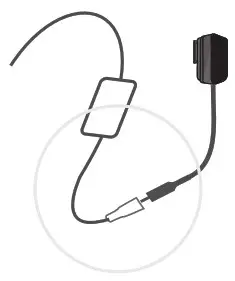 Afher powering the strip will enter pairing mode for 60 seconds.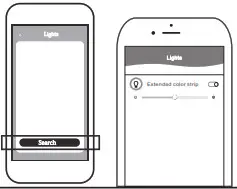

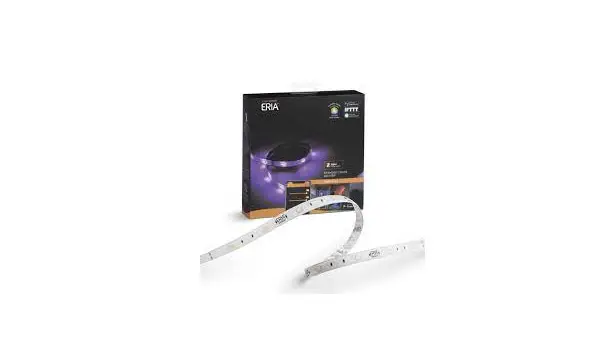
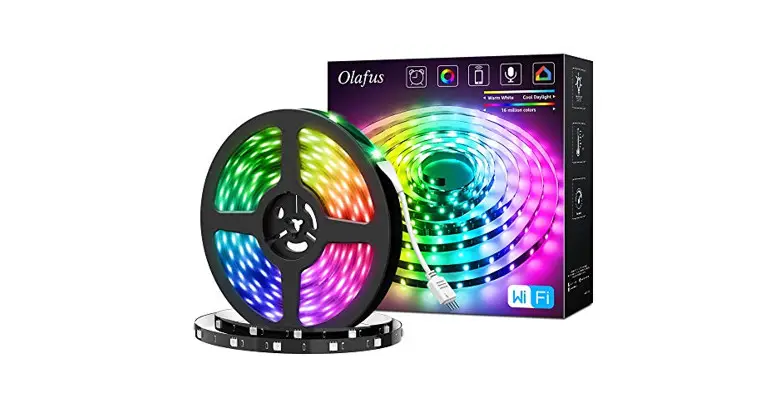
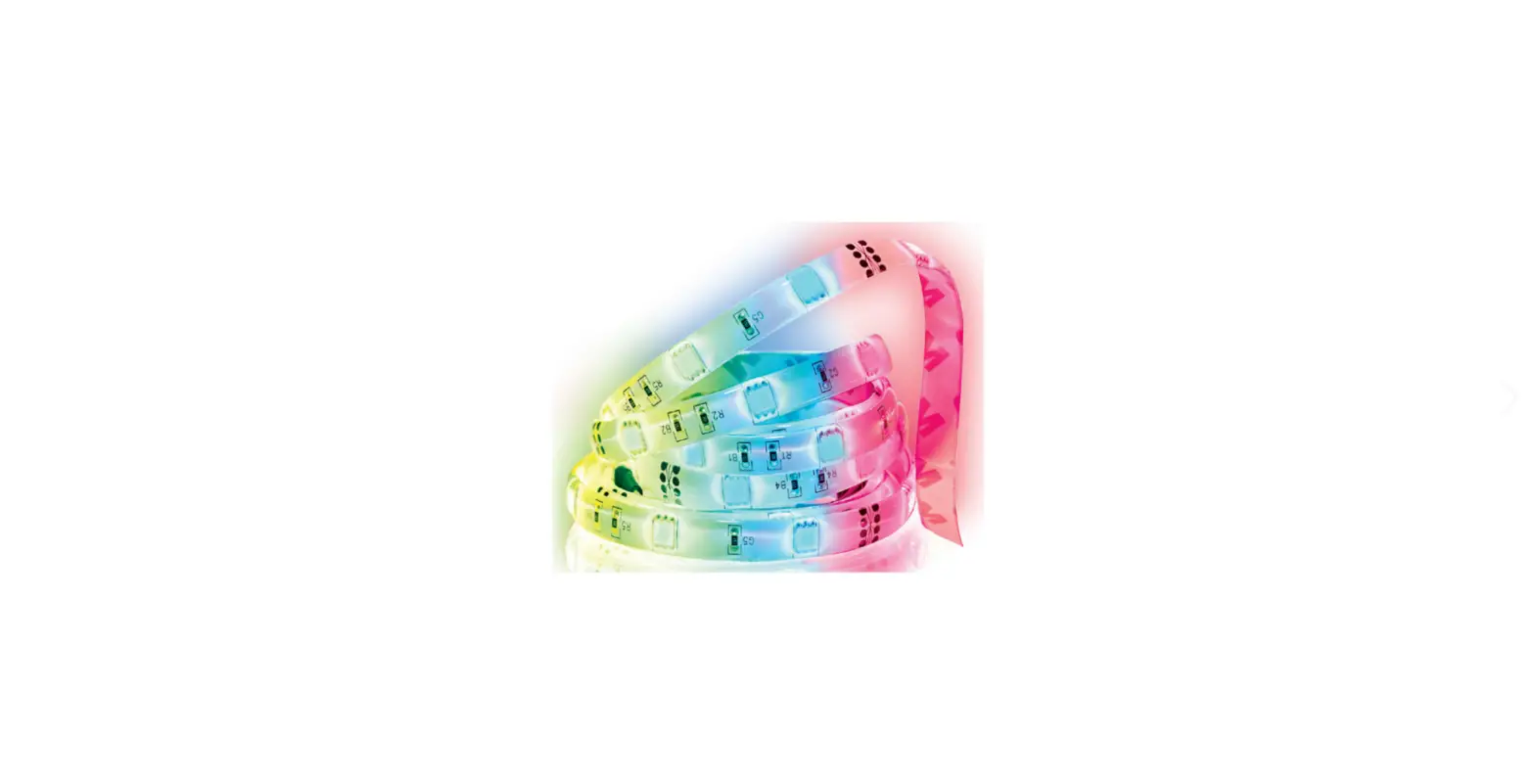
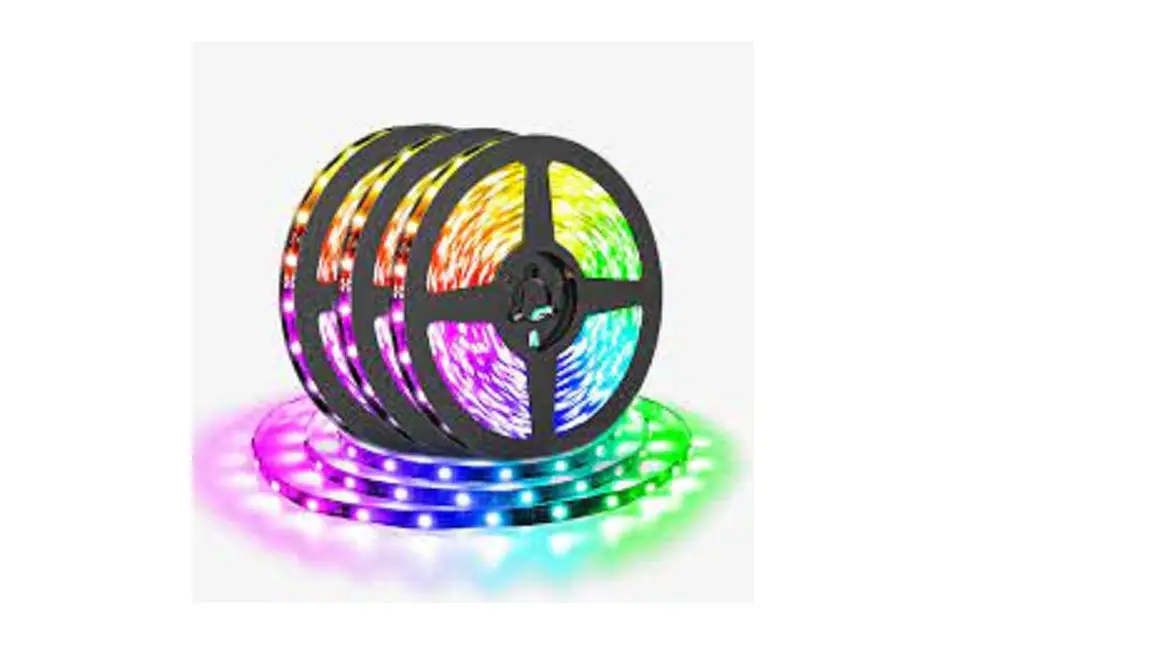
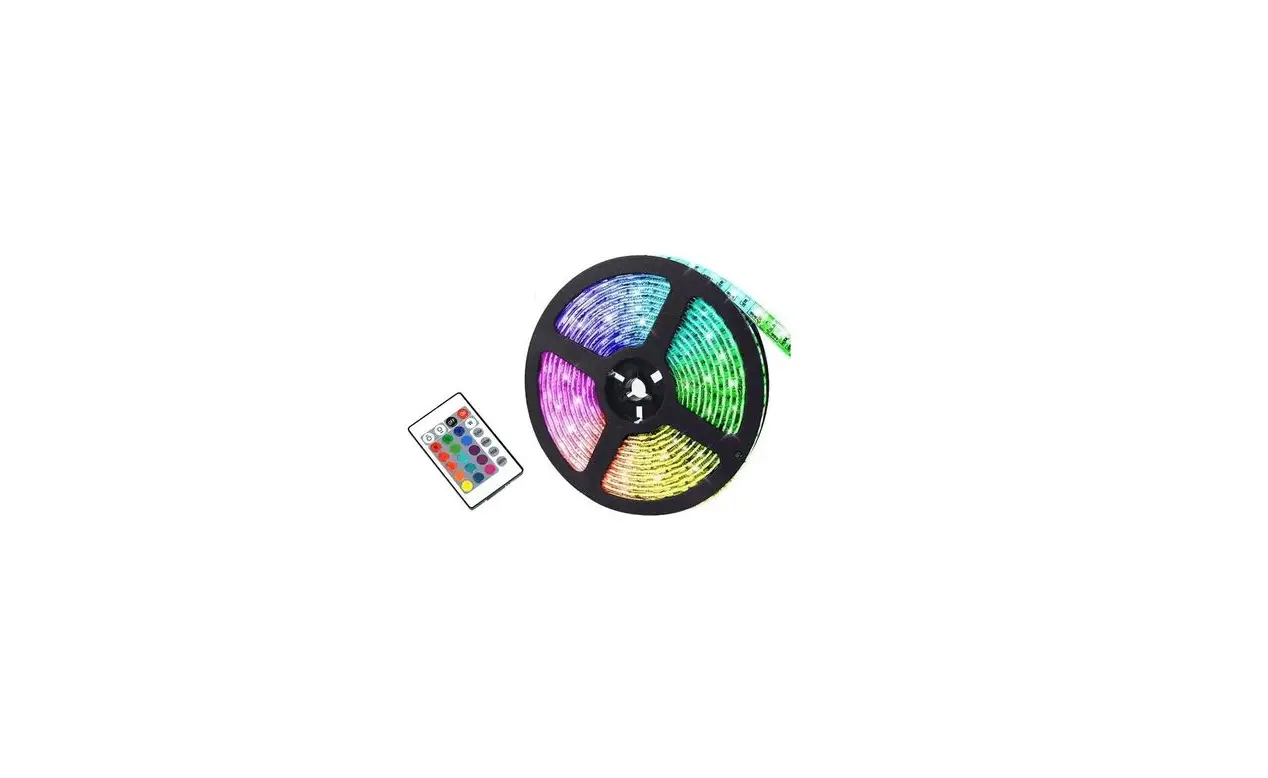
The ERIA extended color strip is a smart LED strip that you can control with your smart-phone or tablet by using the AduroSmart ERIA app and ERIA hub you canchange colors and color temperatures, control individual lights or a room full of lights, set timers and more.