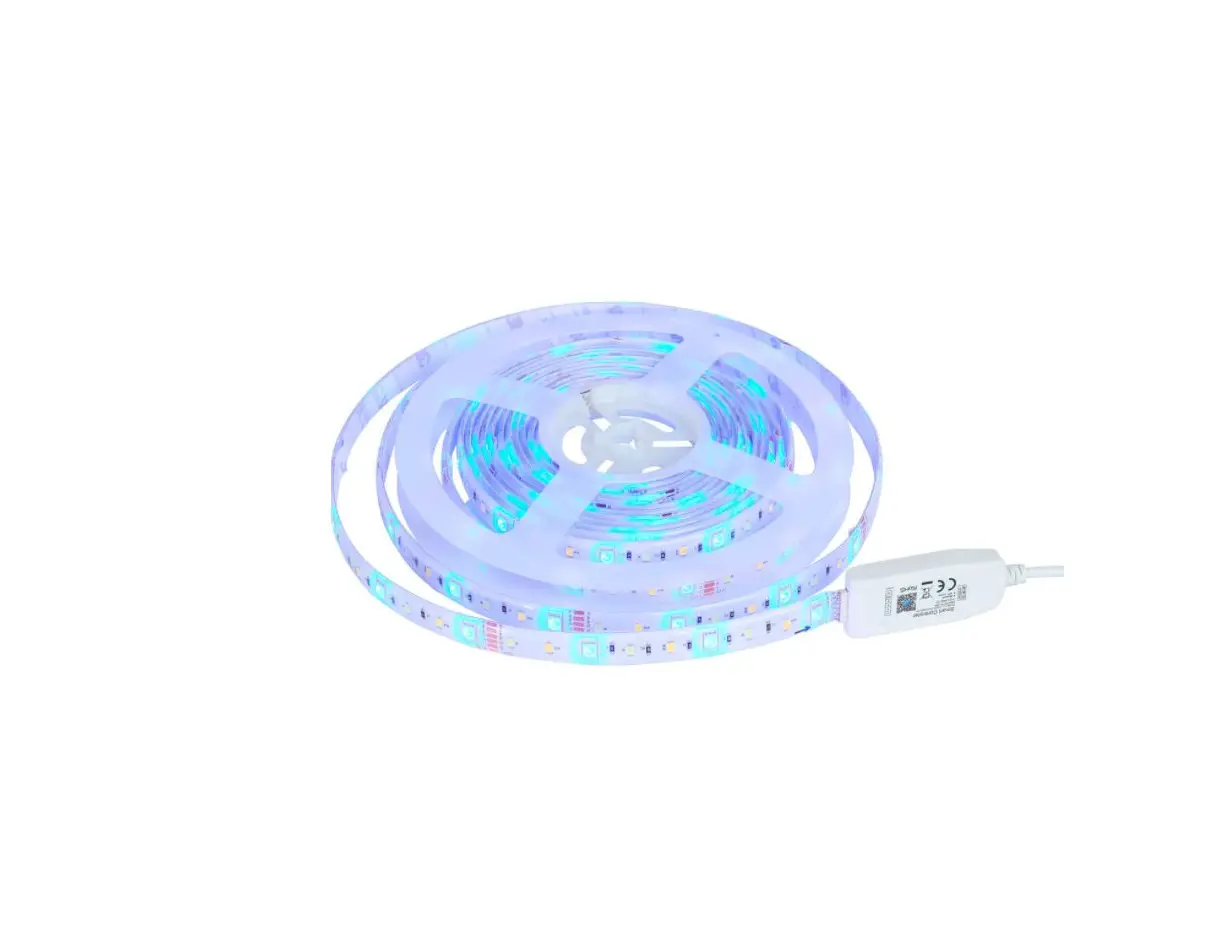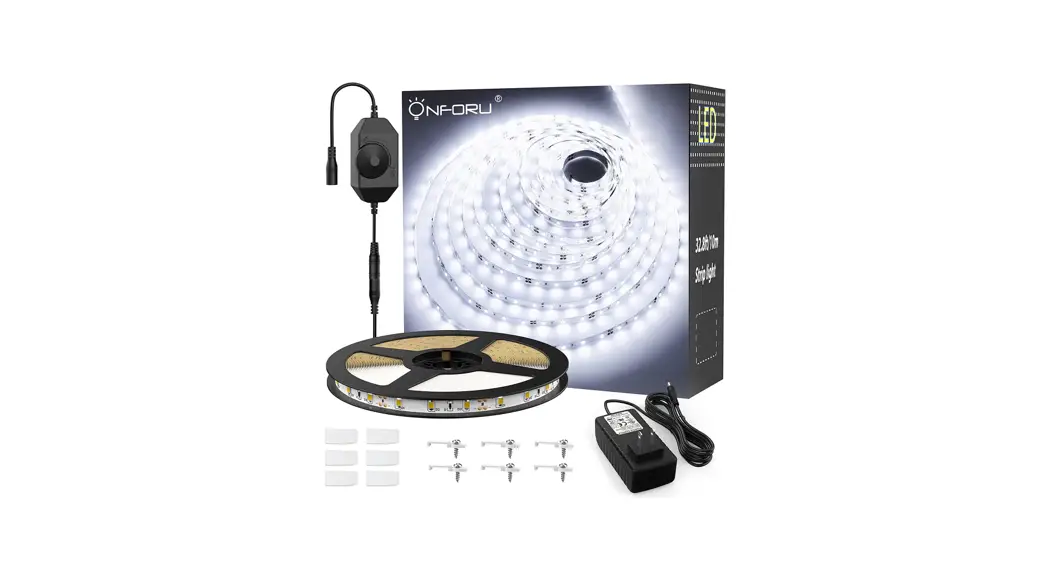
ONFORU LED Smart Strip Lights User Manual
US 100-240V AC
EU 100-240V AC
UK 100-240V AC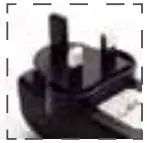
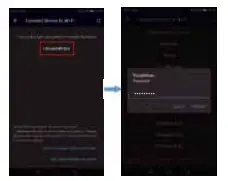
 Connect network named “LEDnetxxxx” in then back to “Magic Home Pro” App
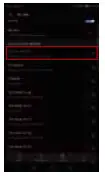 Tap “+” to add a device. Select device named “LEDnetxxxx” then choose your WiFi network, enter network password.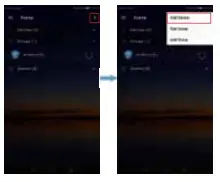
COMPONENTS


Dedicated for 20m
LED strip light. Not for 5m,
15m strip light
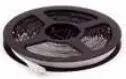
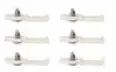

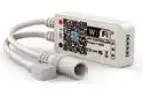
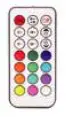
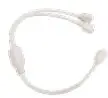
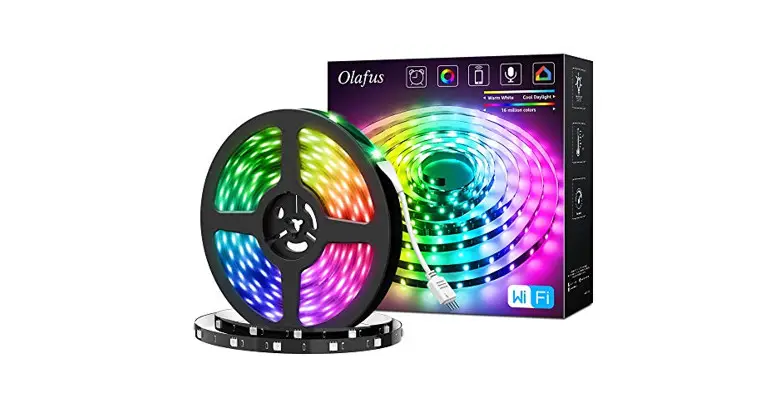
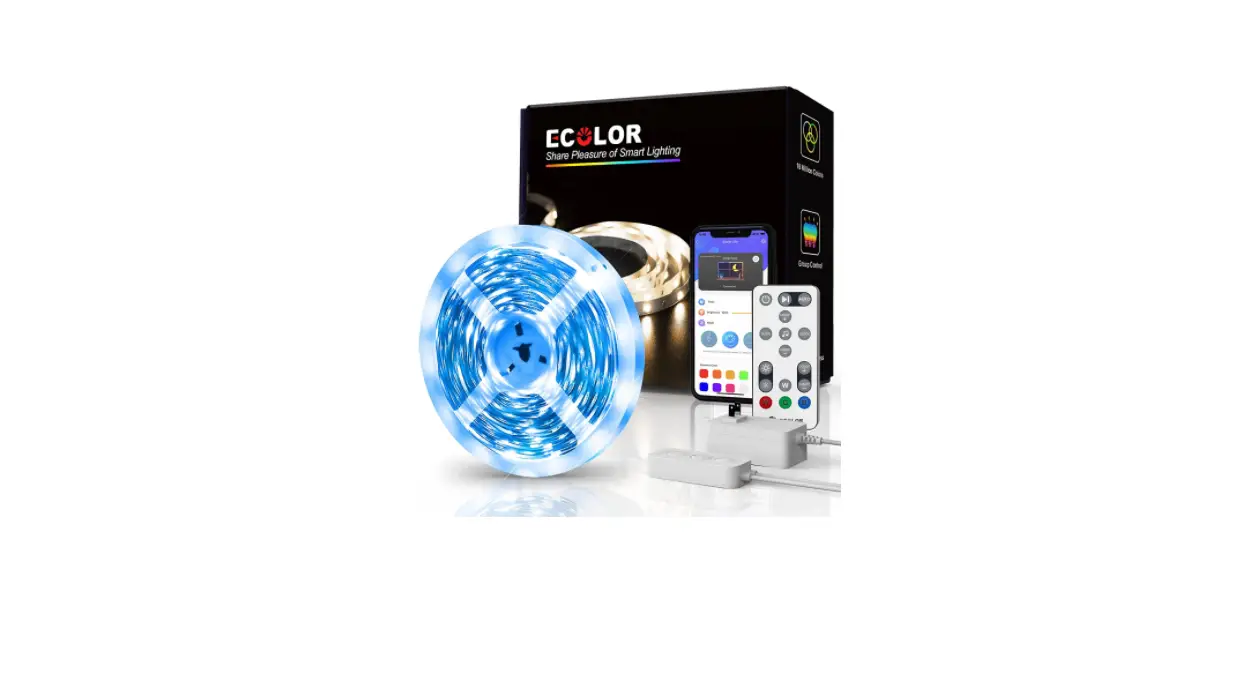
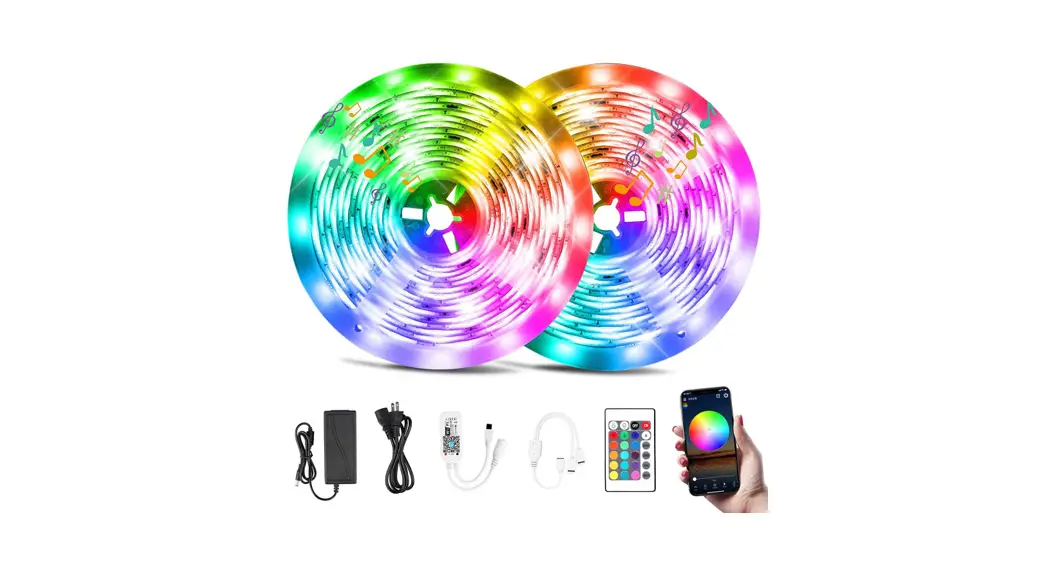
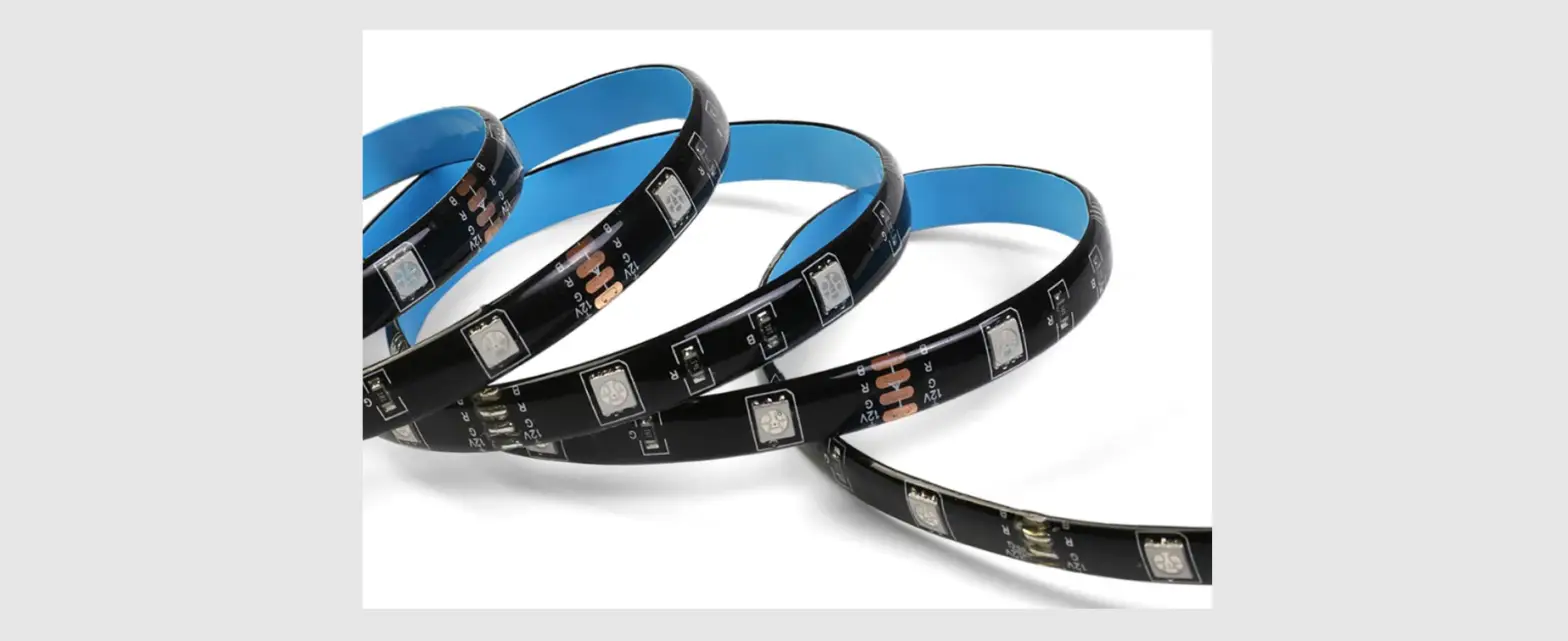
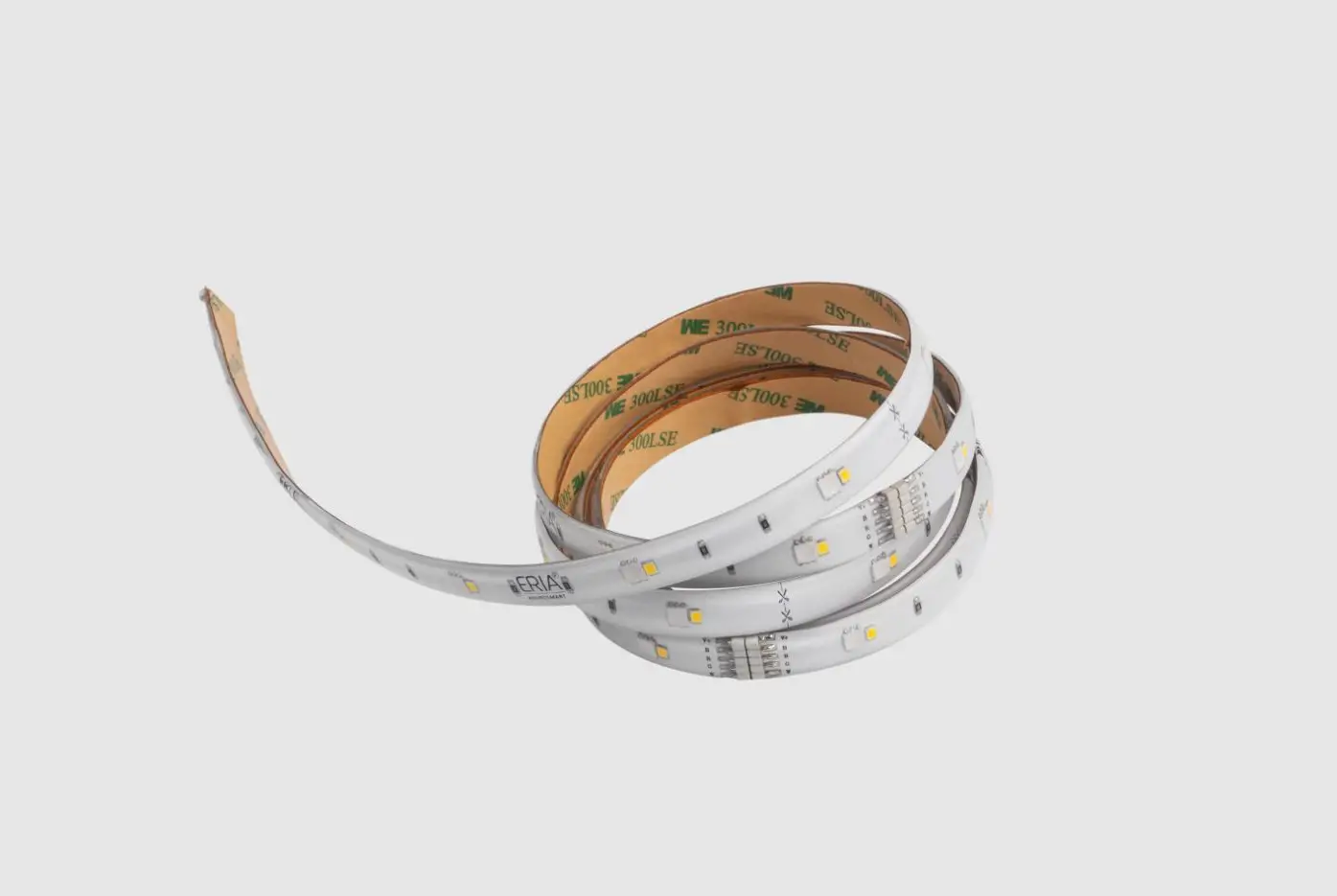
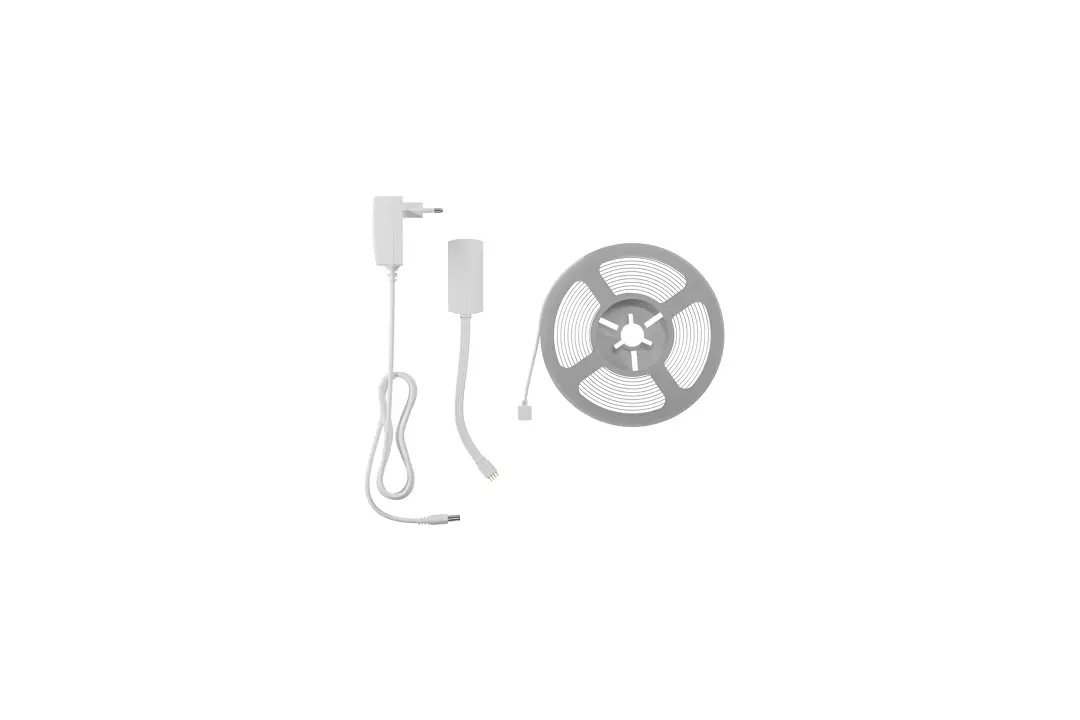
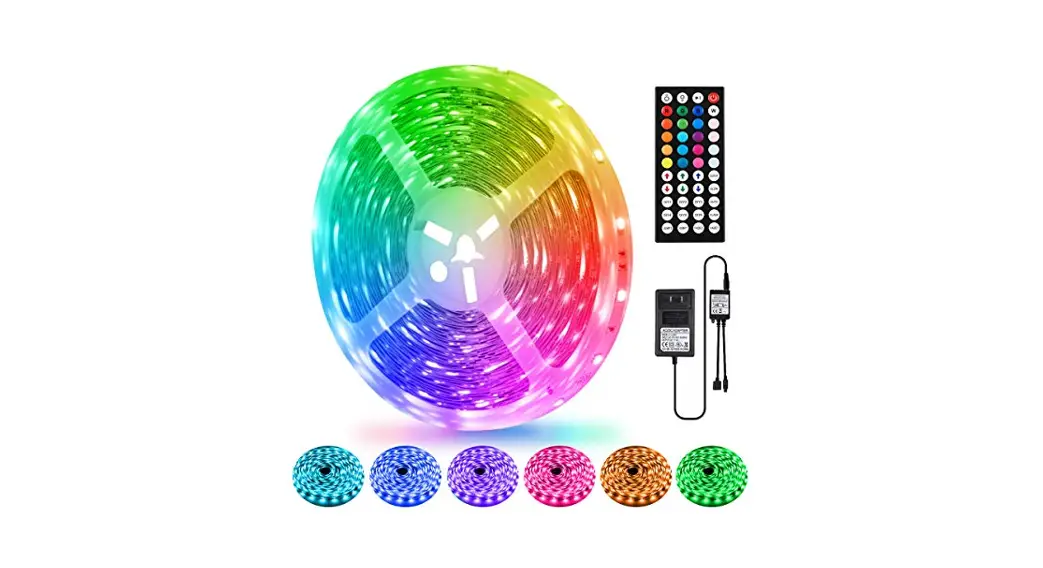
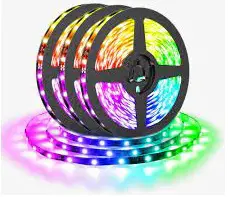
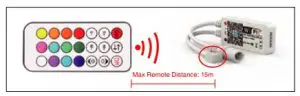
 LED Light Strip 2. Fasteners 3. Power Adapter 4. WiFi Controller 5. Remote Control
Give the light a name, such as “Smart Light”. Amazon Alexa/Google Assistant will use it to control the light by voice, like “Alexa, turn on Smart Light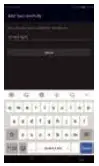
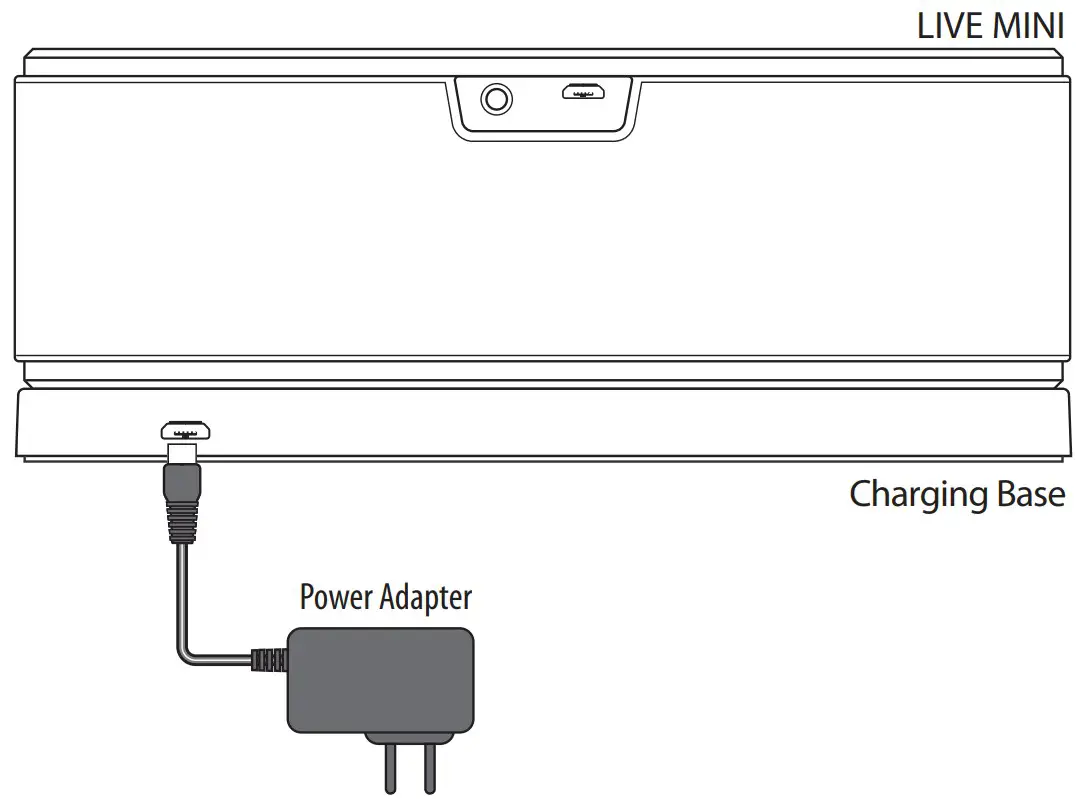
CONNECTION DIAGRAM
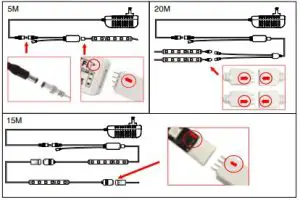
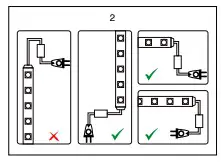
Note: Please keep the triangle and arrow connect in the same direction or the light won’t work
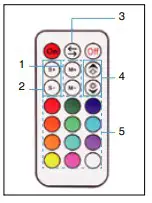
REMOTE CONTROL OPERATION
- Change Modes
- Change Speed of Certain Modes
- Change Colors
- Adjust Brightness
- Select Individual Color
AMAZON ALEXA
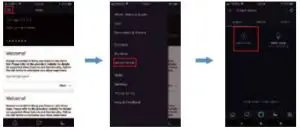
Note: Please make sure your Alexa app is connected to Amazon Echo and both are working
together with your Wi-Fi Home network
“MAGIC HOME PRO”
Install app: Scan QRcode or
Search “Magic Home Pro” in Apple
Store/Google Play
INSTALLATION: The ONFORU LED
Strip Light must be connected to a 2.4Gh
WiFi compatible router with a VISIBLE
Network SSID Name, i.e., “My Network”.
If the Name is hidden, the light will be
unable to connect.
ios
Android
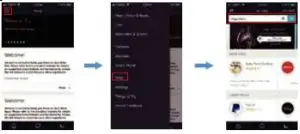
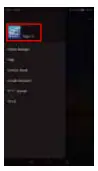
Log in your Alexa App, tap the top left corner and select “Skills”. Type “Magic Home
Power on strip light .
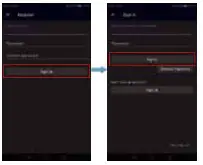
Enter “Magic Home Pro” App,
create an account then login.
Note: Your “Magic Home Pro” App’s
username and password are needed to
pair with Amazon Alexa and/or Google
Assistant.
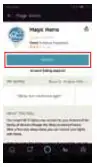
Find “Magic Home” from the search results and tap it to enable the skill.
Open the authorization page with your browser and enter your “Magic Home Pro”
account ID and password and tap “Authorize” to connect to Alexa. Tap “X” on top left to return
to the App page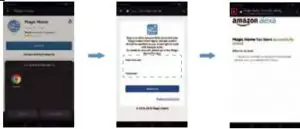
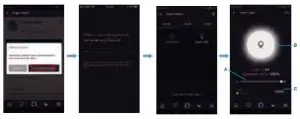
Tap “Discover device”. You will see the device named “Smart Light” after Alexa’s
detection.
You can now control the ONFORU Smart LED strip light with the Alexa app from the
settings page. A: Slide to change brightness B: Tap to turn light on/off
C: Enter to change colors
Try these commands and see what happens by asking Alexa:
- Alexa, turn on “device name”.
- Alexa, turn off “device name”.
- Alexa, set the “device name” to “color”.
- Alexa, set the “device name” to “number”.
Note: The device name is the one you give to the strip light in the “Magic Home Pro” app.
In thisuser guide, we named the strip light “Smart Light”. Example: “Alexa, turn on smart light”, “Alexa, dim smart light 50%” etc.
INSTALLATION STEPS
- Stick the LED strip on suitable surface.
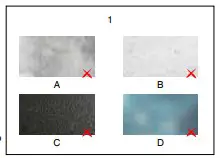
- Knitted / Wool fabrics
- Dusty wall
- Rough plastic surface
- Frosted glass

- Fix the adapter in the right way

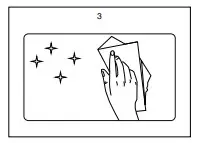
- Please clean the mounting surface before
installation
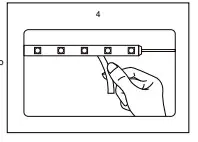
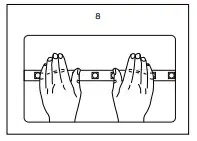
- Tear the plastic sheet bit by bit

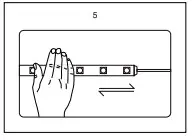
- stick the LED strip and press with force

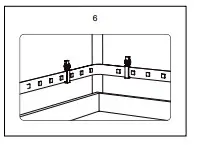
- Reinforce the strip by clips

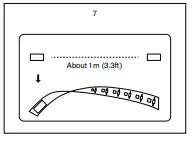
- Please use the foam tape included in our
package to fasten the strip if it doesn’t
stick wel
- Press the whole LED strip repeatedly

GOOGLE ASSISTANT APP
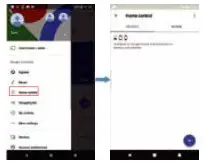
Open your Google Assistant app.
and tap “Home Control” from the menu.
Tap the “+” button on the bottom right to
enter the next page.
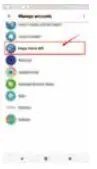
Find “Magic Home” from the side bar list
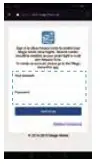
Enter your “Magic Home Pro” account ID and
password to connect to Google Assistant.
You should now see the “smart light” device. You
have successfully connected the ONFORU Smart LED Strip Light to Google Assistant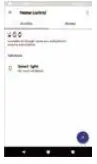
Manufacturing Address: Qian wan yi lu 1 hao A dong 201 shi qian hai shen gang he zuo qu Shen Zhen Guang Dong Tel: + 86 13532553168
Contact Address: Dobranska 665, 332 09 Stenovice, Czech Republic Tel : +420 773 266 098 Email: [email protected] www.onforuleds.com
 Onforu LED Light - Colorful LED Lights Make Your Life More Colorful