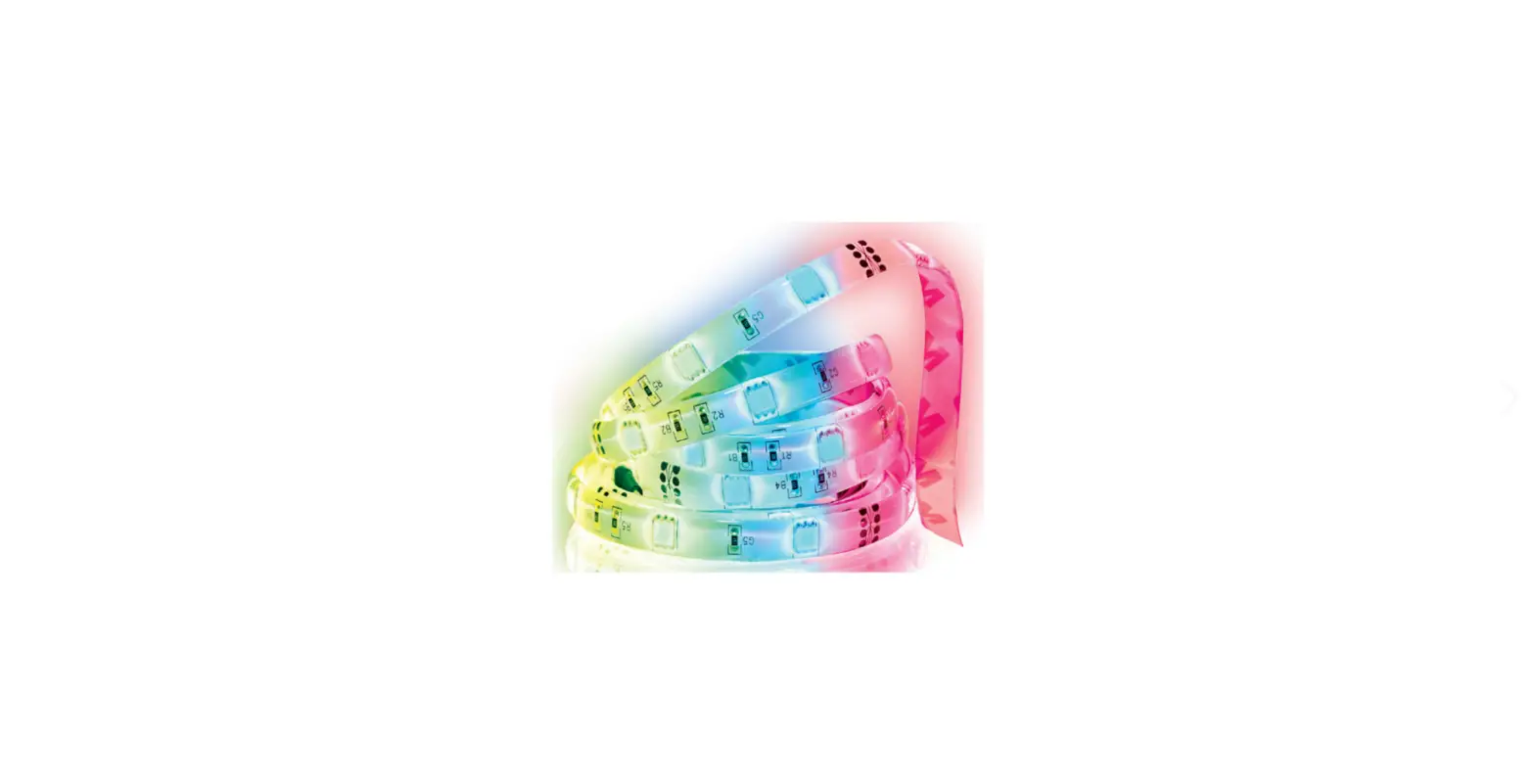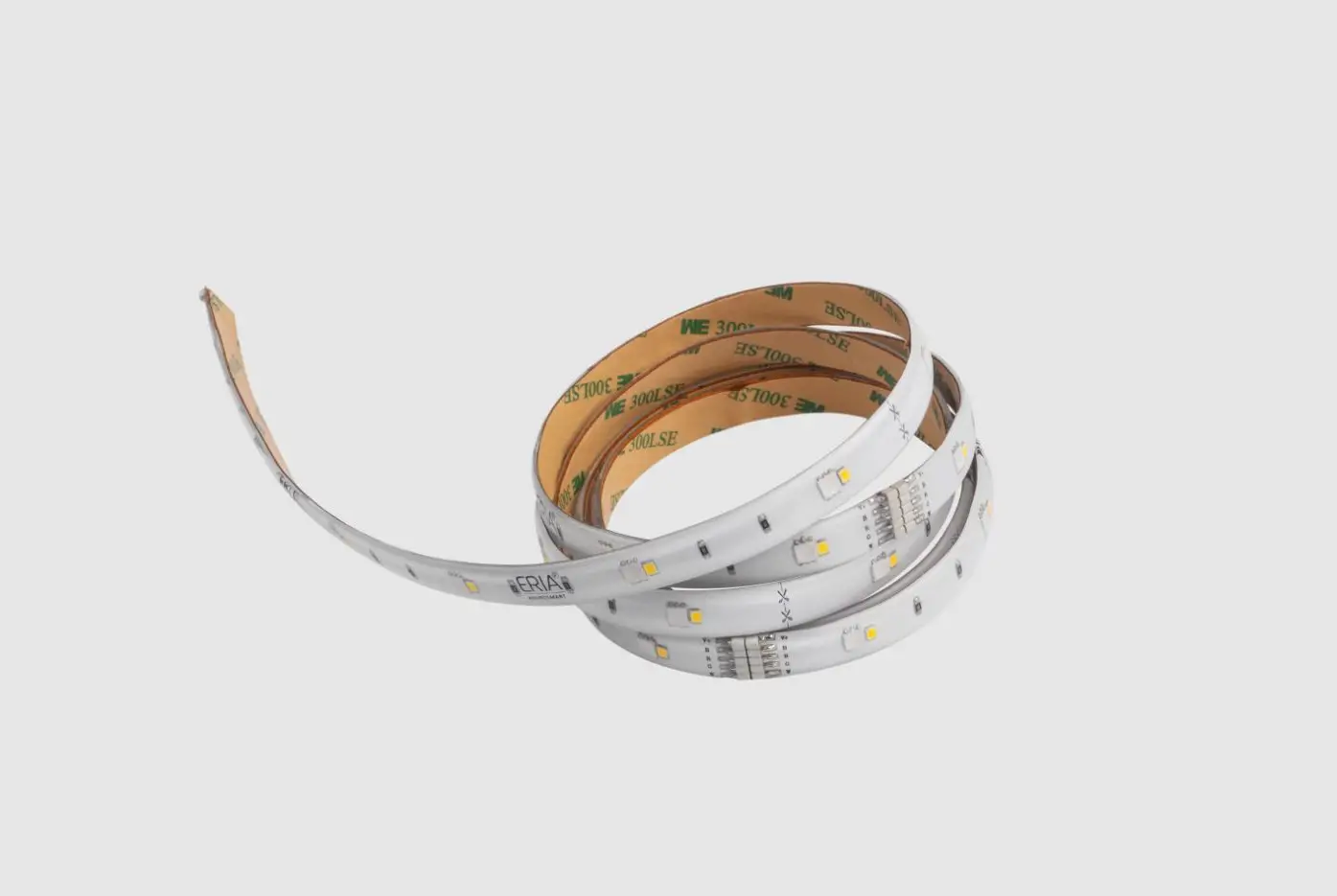
Adurosmart 81863 Smart Led Strip User Manual

Adurosmart 81863 Smart Led Strip User Manual

ADUROSMART 81863 Smart LED Strip User Manual

ADUROSMART 81863 Smart LED Strip User Manual
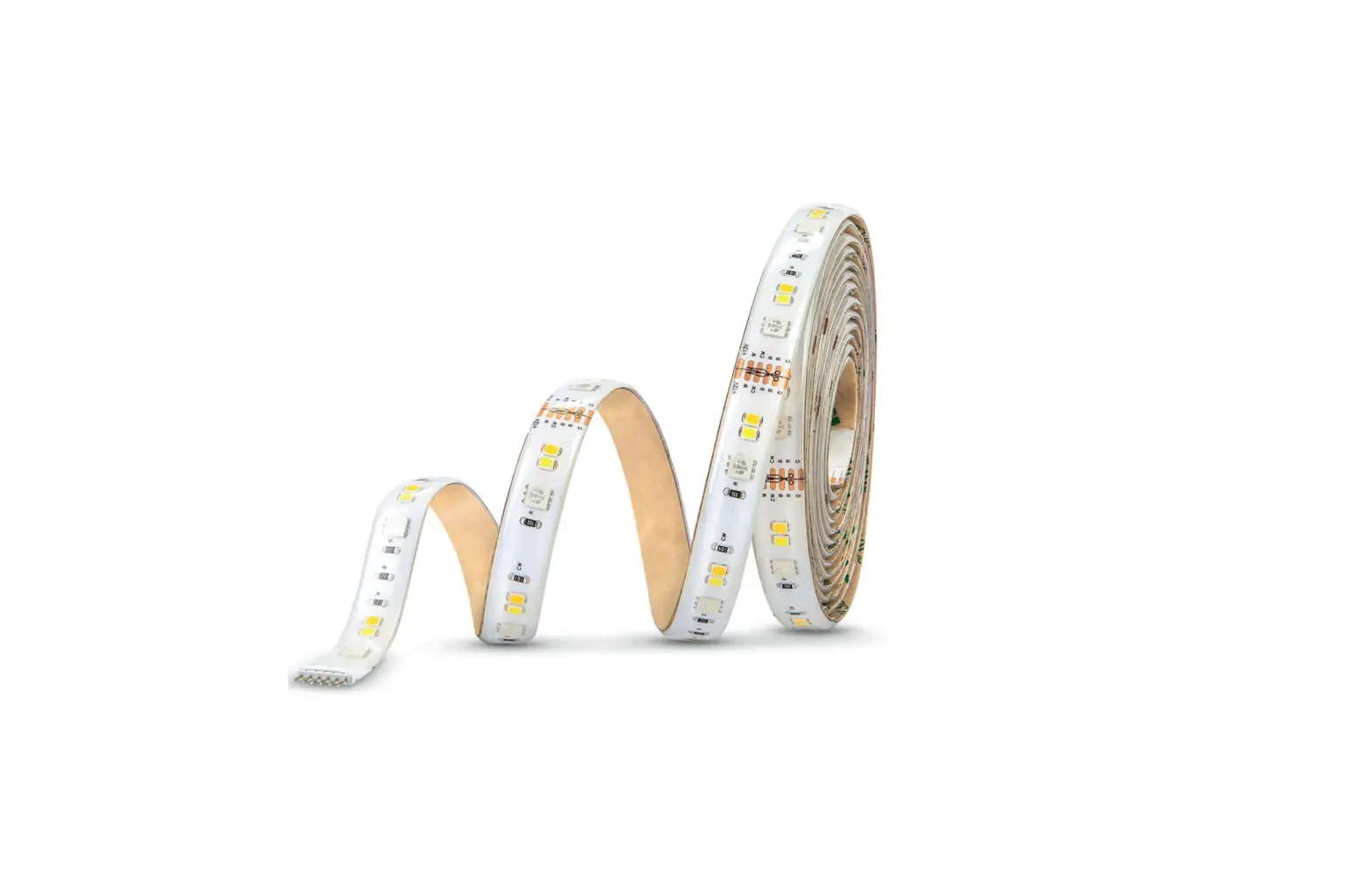
ADUROSMART 81863 Smart LED Strip User Manual - Introduction
ADUROSMART 81863 Smart LED Strip User Manual - QR Code
http://www.adurosmart.com/manuals/strip/u

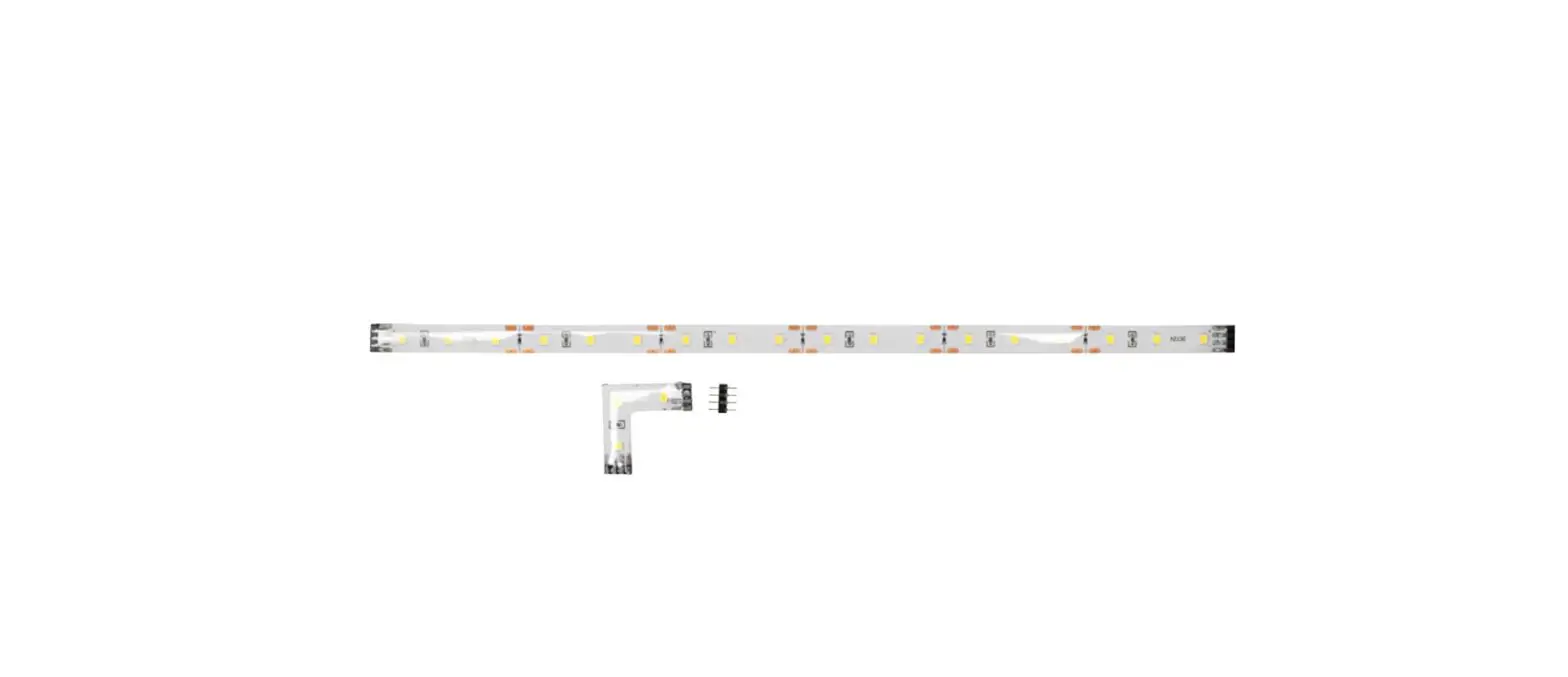
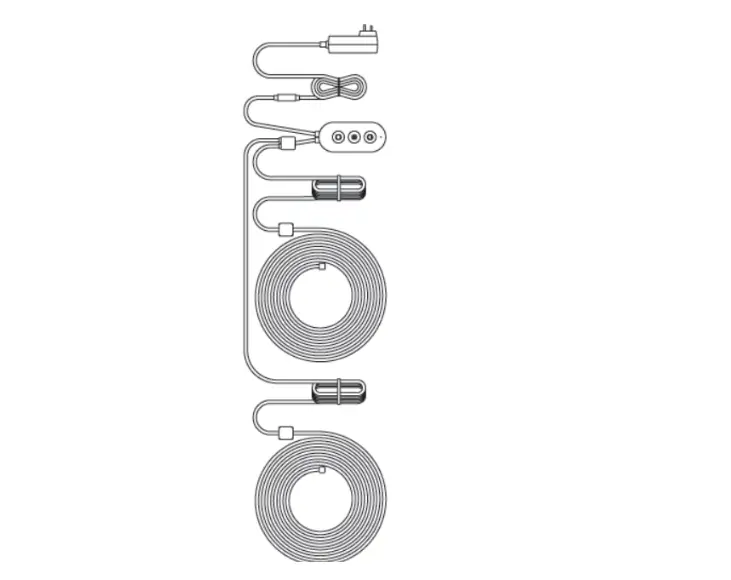
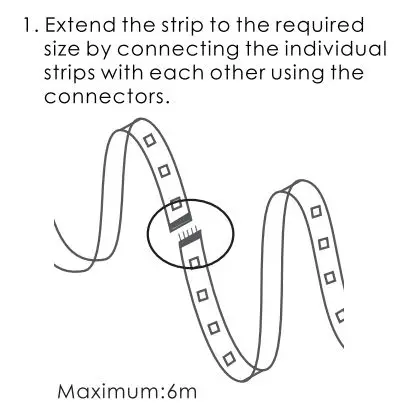
ADUROSMART 81863 Smart LED Strip User Manual - Extend the strip to the rwquired size by connecting the individual strips
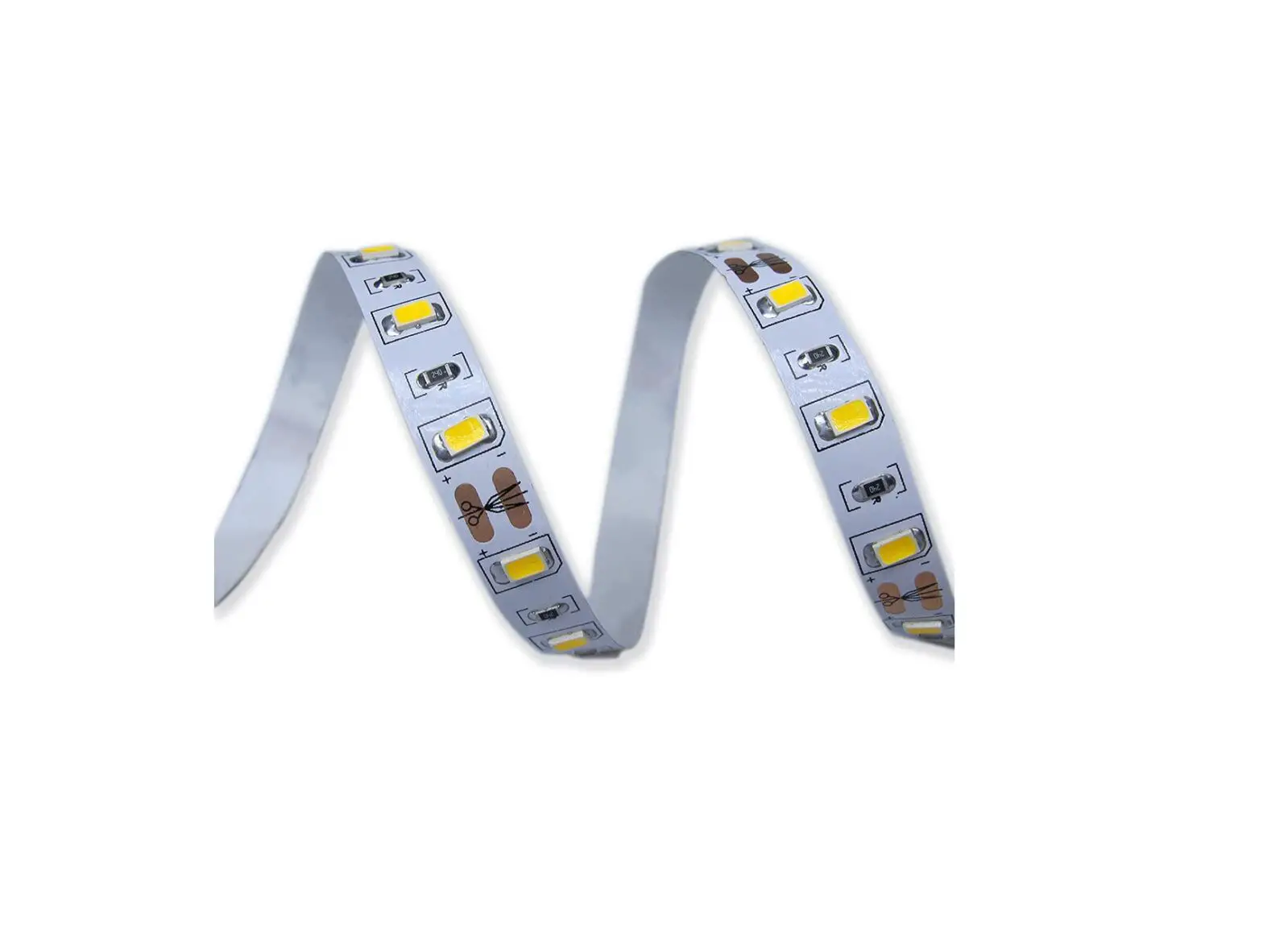
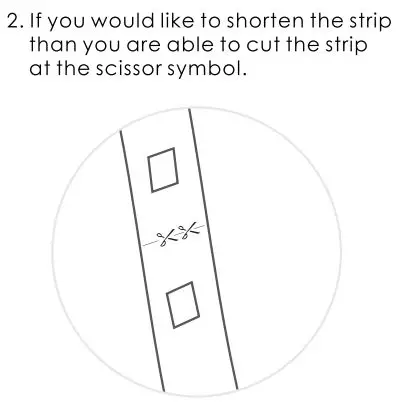
ADUROSMART 81863 Smart LED Strip User Manual - If you would like to shorten the strip than you are able to cut the strip at the scissor symbol

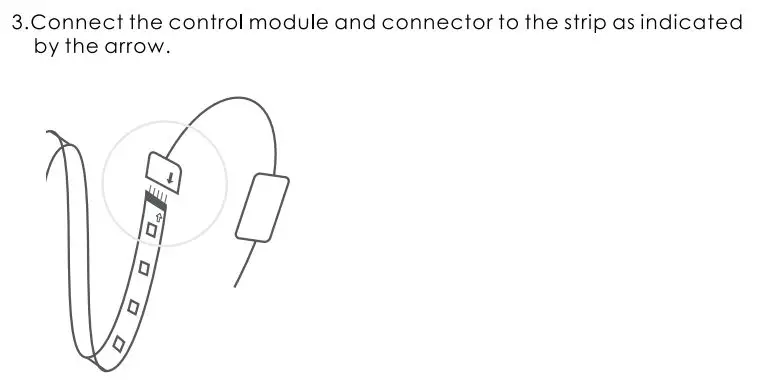
ADUROSMART 81863 Smart LED Strip User Manual - Connect the control module and connector to the strip as indicated by the arrow

ADUROSMART 81863 Smart LED Strip User Manual - Connect with the ERIA hub

http://adurosmart.com/adurosmart-app/
ADUROSMART 81863 Smart LED Strip User Manual - QR Code For Android
https://play.google.com/store/apps/details?id=com.adurolight.us
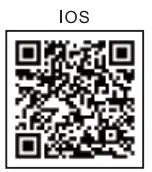
ADUROSMART 81863 Smart LED Strip User Manual - QR Code For iOS
https://itunes.apple.com/us/app/adurosmart-smart-home/id1356891990?

ADUROSMART 81863 Smart LED Strip User Manual - If you have a third party ZigBee

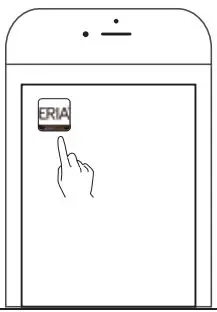
5. Open the Adurosmart Eria App

ADUROSMART 81863 Smart LED Strip User Manual - Open the Adurosmart Eria App

6. On the bottom right corner press on “Settings”.
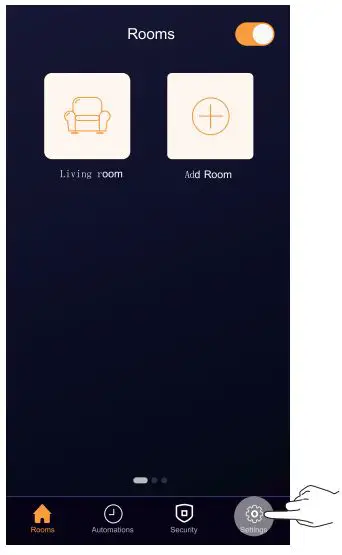
ADUROSMART 81863 Smart LED Strip User Manual - On the bottom right corner press on settings

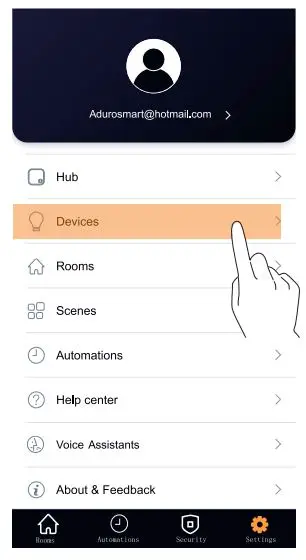
7. Select “Devices”.

ADUROSMART 81863 Smart LED Strip User Manual - Select devices

8. On the top right corner press on the “+” symbol then press on “Add device”.
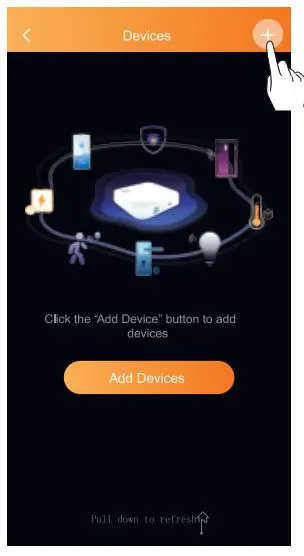
ADUROSMART 81863 Smart LED Strip User Manual - On the top right corner press on the +

9. Press on “Brands” and then select “AduroSmart ERIA”.
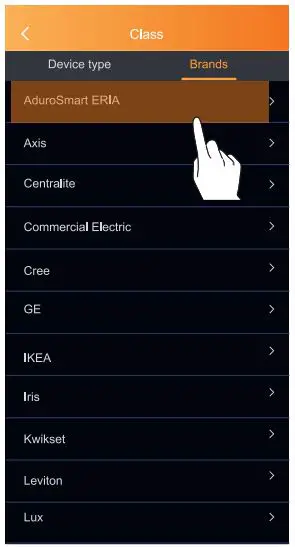
ADUROSMART 81863 Smart LED Strip User Manual - Press on brands and then select adurosmart ERIA

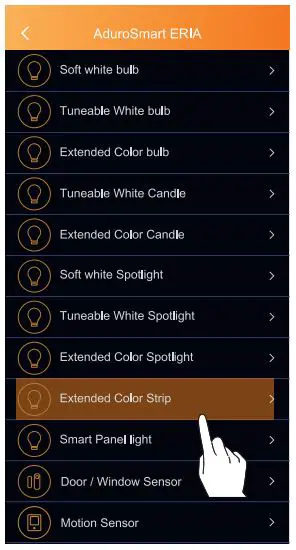
10. Press on “Extended Color Strip”

ADUROSMART 81863 Smart LED Strip User Manual - Press on Extended Color strip

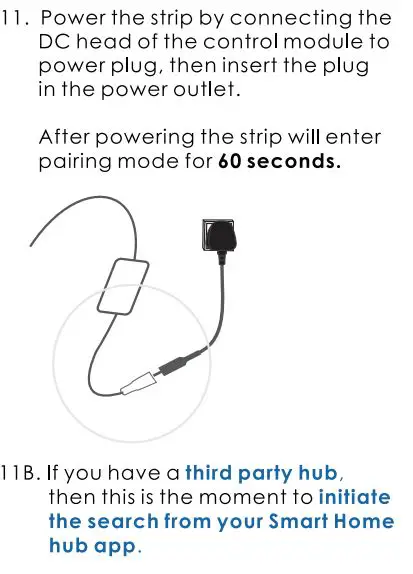
ADUROSMART 81863 Smart LED Strip User Manual - Power the strip by connecting the DC head of the control12. Proceed by pressing on Search to allow the ERIA hub to find the strip, the LED indicator an the hub will flash green this indicates that the hub is searching for devices.
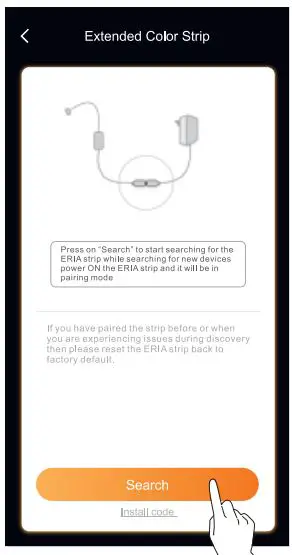
ADUROSMART 81863 Smart LED Strip User Manual - Proceed by pressing on search

13. When the strip has been found and paired successfully it will turn green and it will show up in your search results. press on “Done” to complete the process.
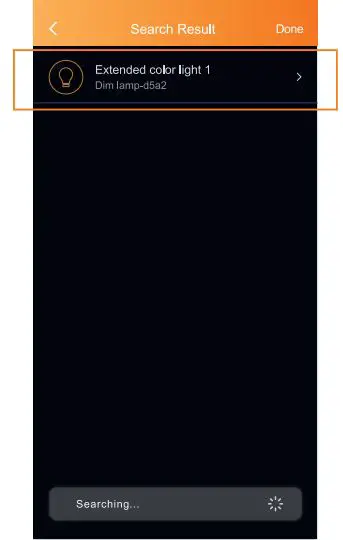
ADUROSMART 81863 Smart LED Strip User Manual - When the strip has been found and paired successfully it will turn green

14. Clean the surface to which you want to attach the strip on and remove the protective seal from the back of the strip then use the adhesive back to fix the strip onto the surface.
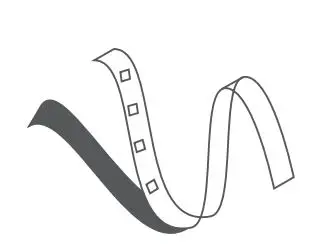
ADUROSMART 81863 Smart LED Strip User Manual - Clean the surface to which you want to attach

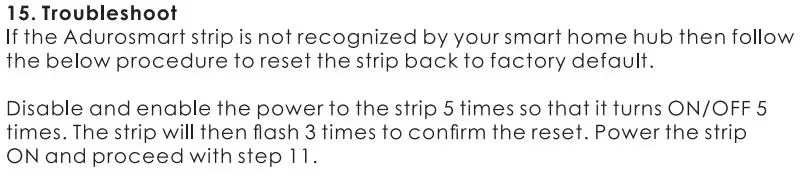
ADUROSMART 81863 Smart LED Strip User Manual - Troubleshoot

ADUROSMART 81863 Smart LED Strip User Manual - Need Help Call Us

www.adurosmart.com/faq
www.adurosmart.com
[email protected]

Documents / Resouces

Download manual
Here you can download full pdf version of manual, it may contain additional safety instructions, warranty information, FCC rules, etc.


Related Manuals