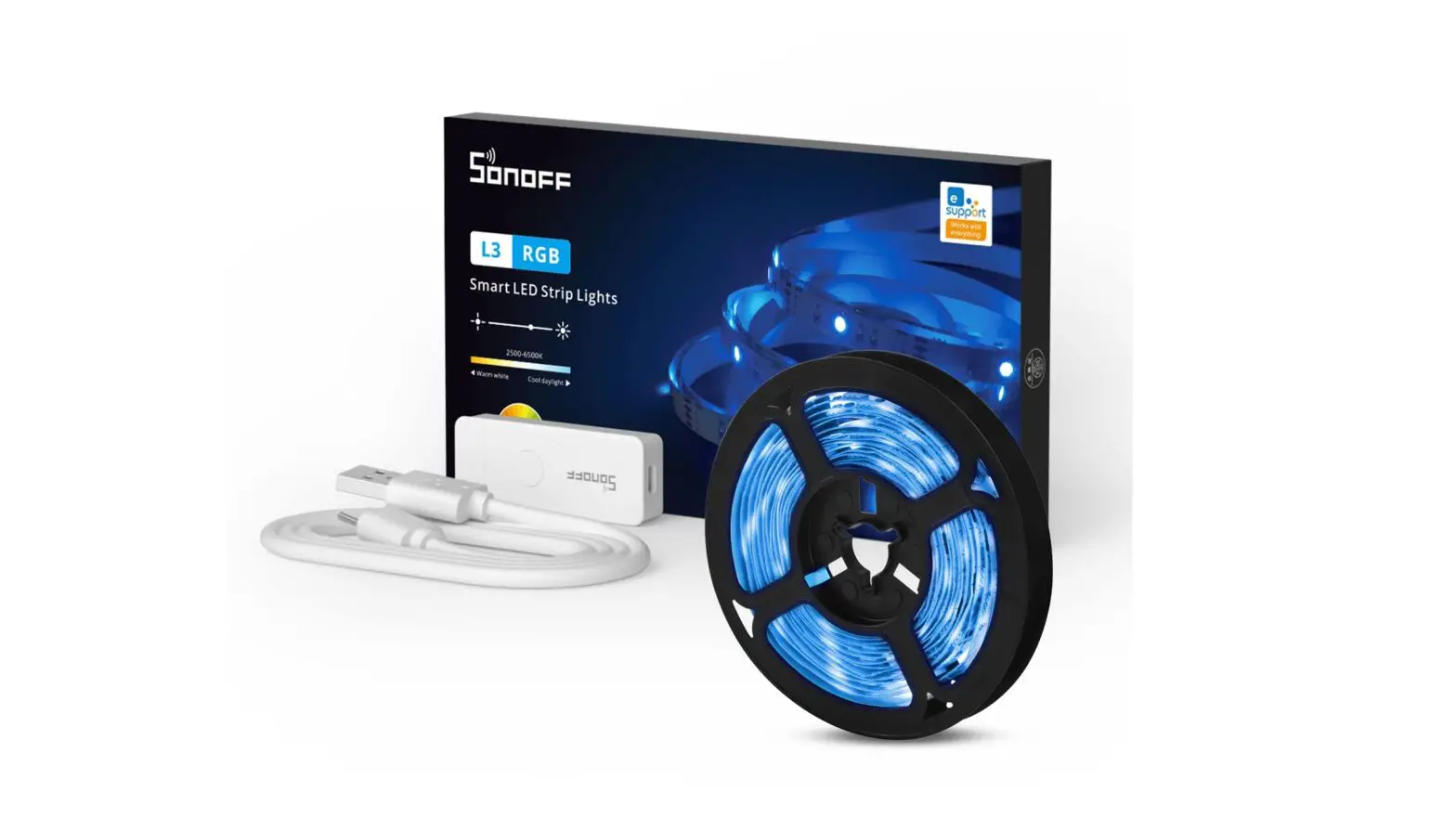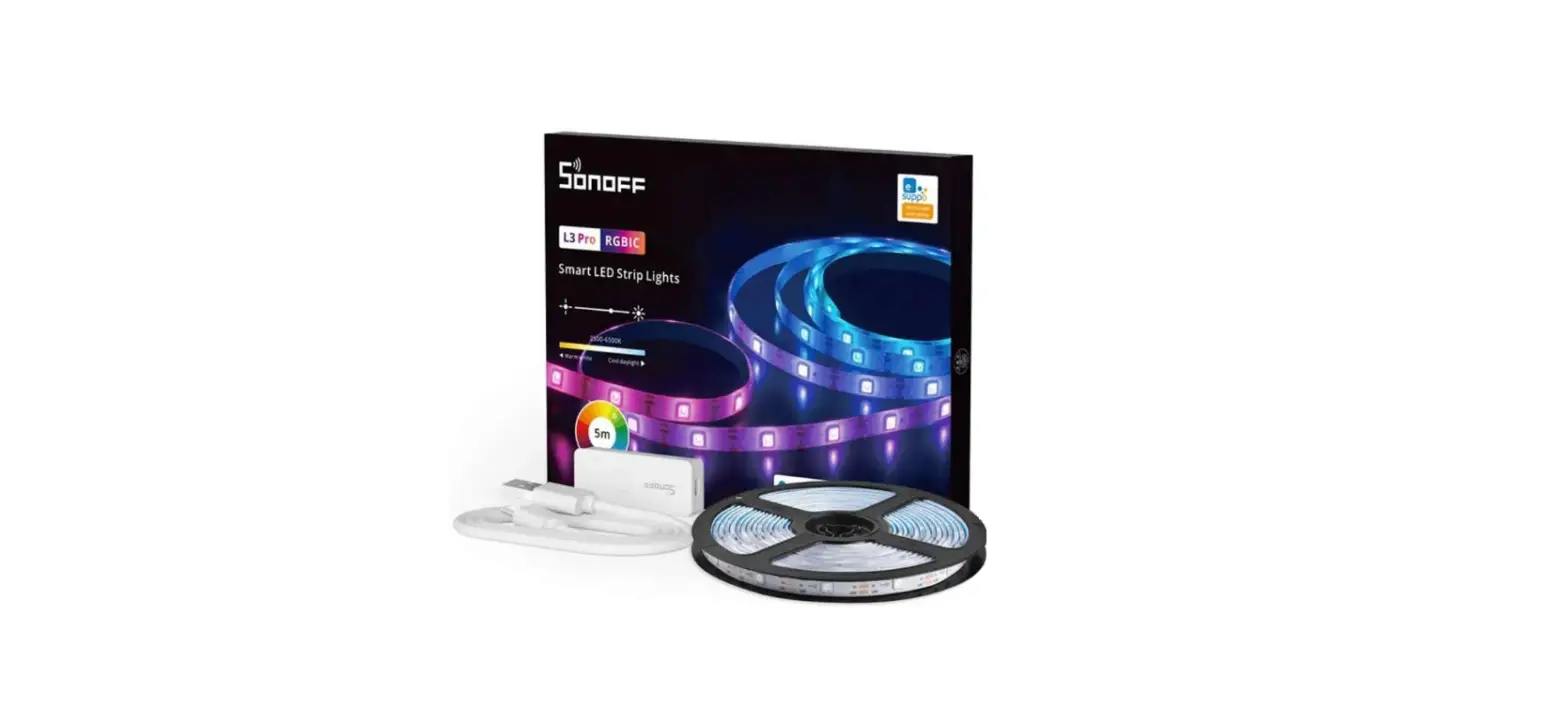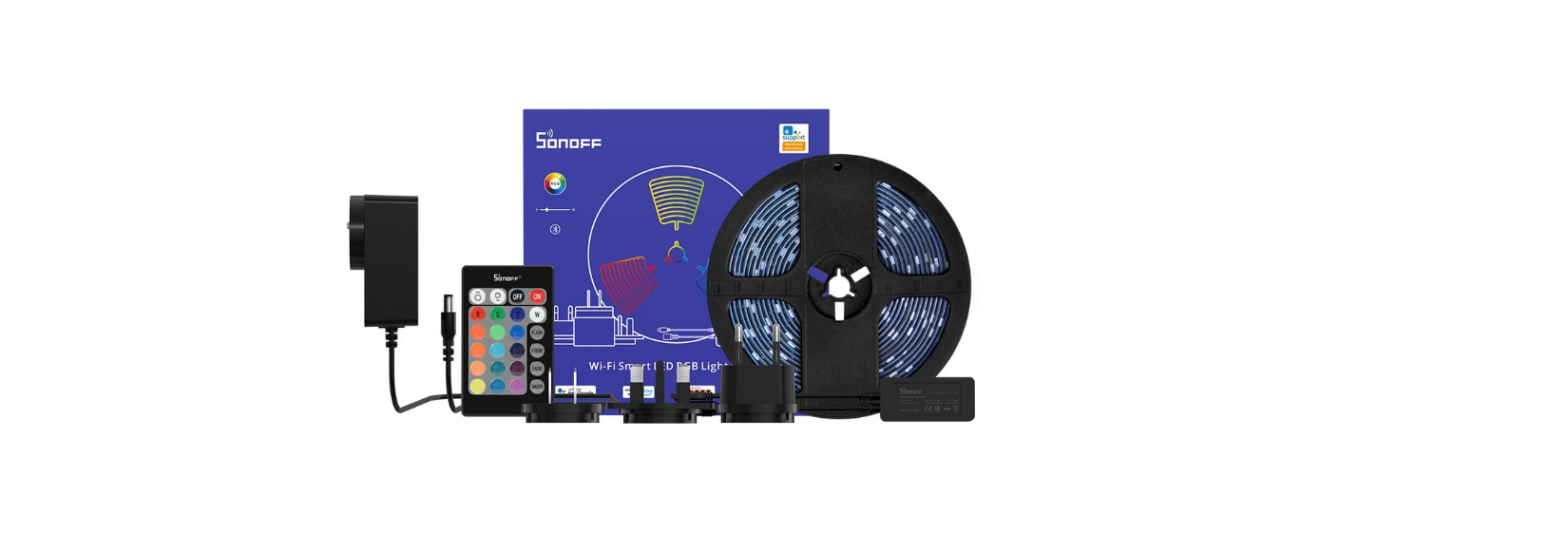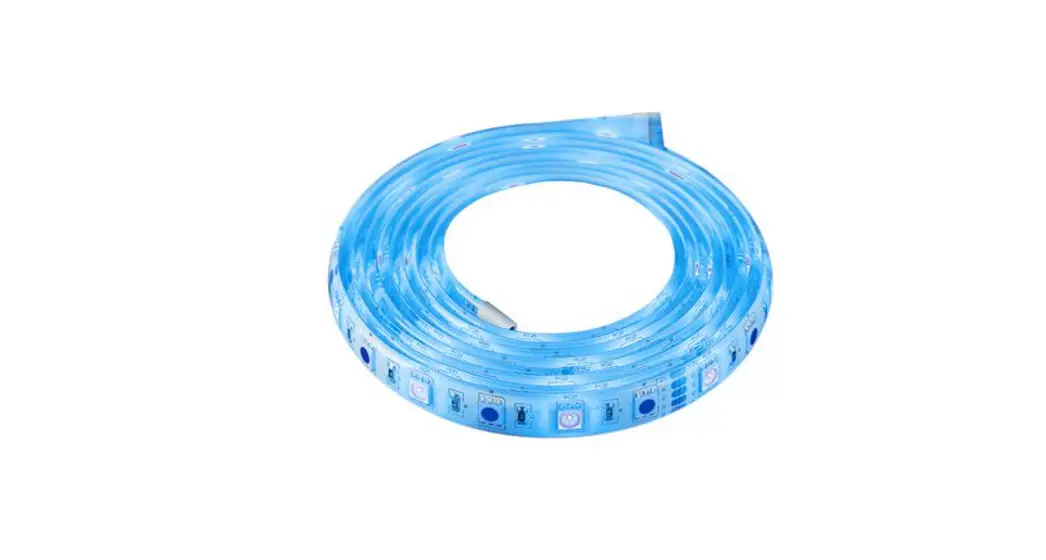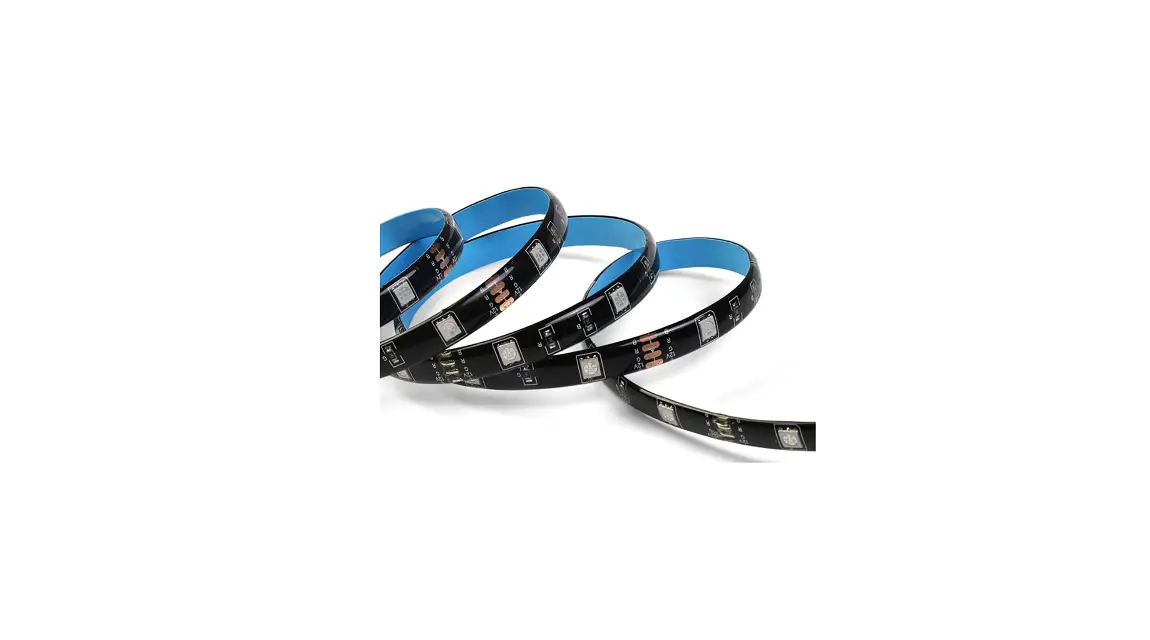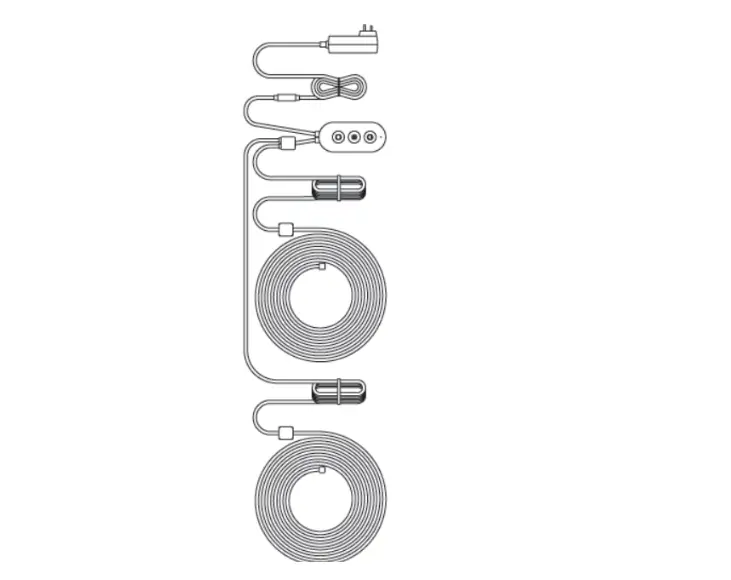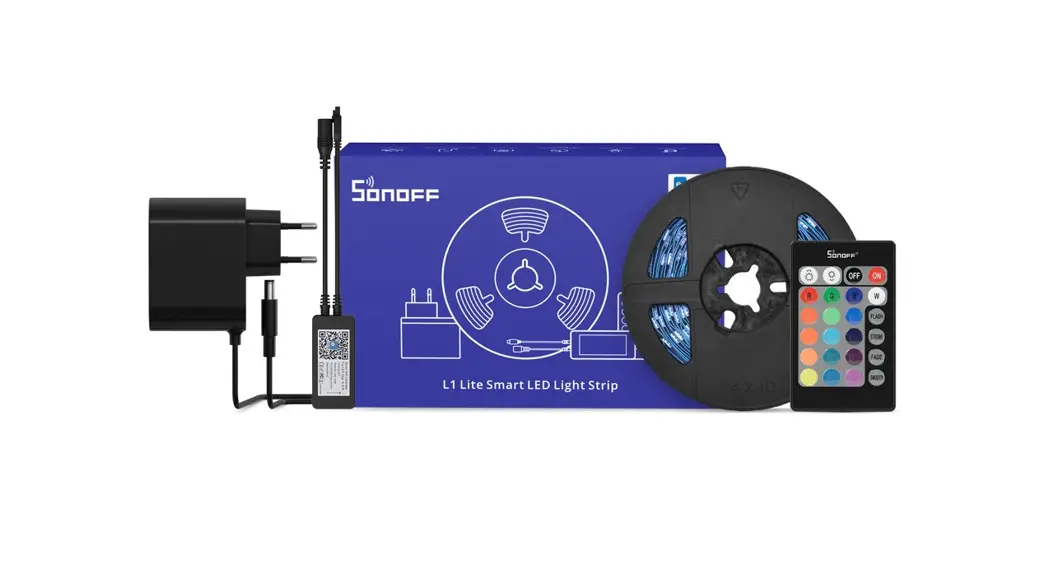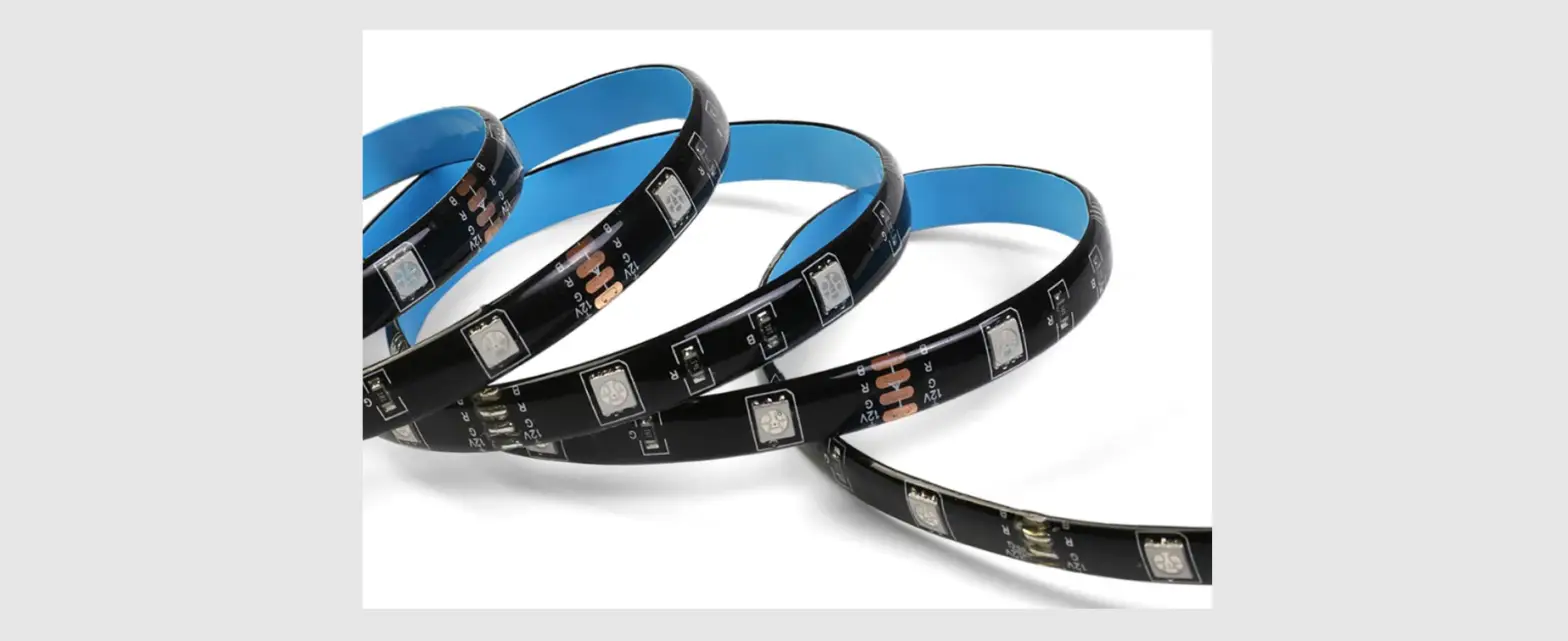

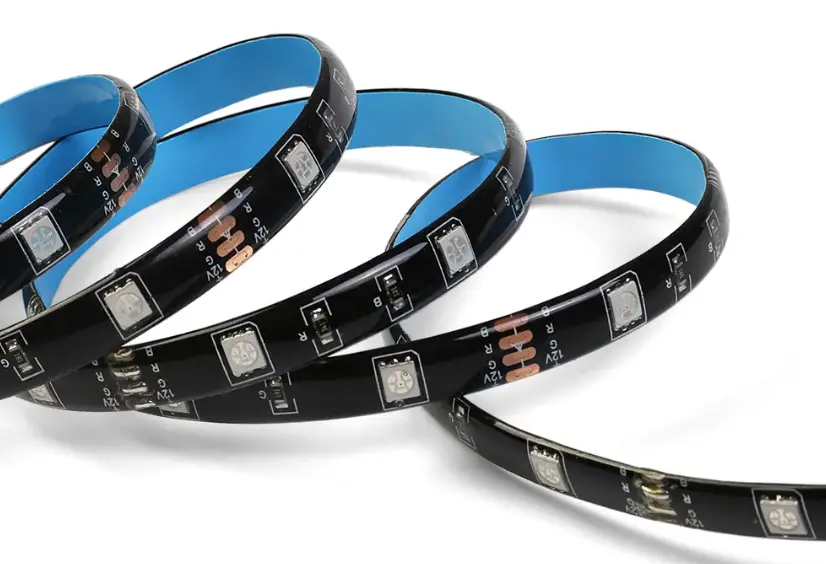
SONOFF L3 Pro Smart LED Strip Lights
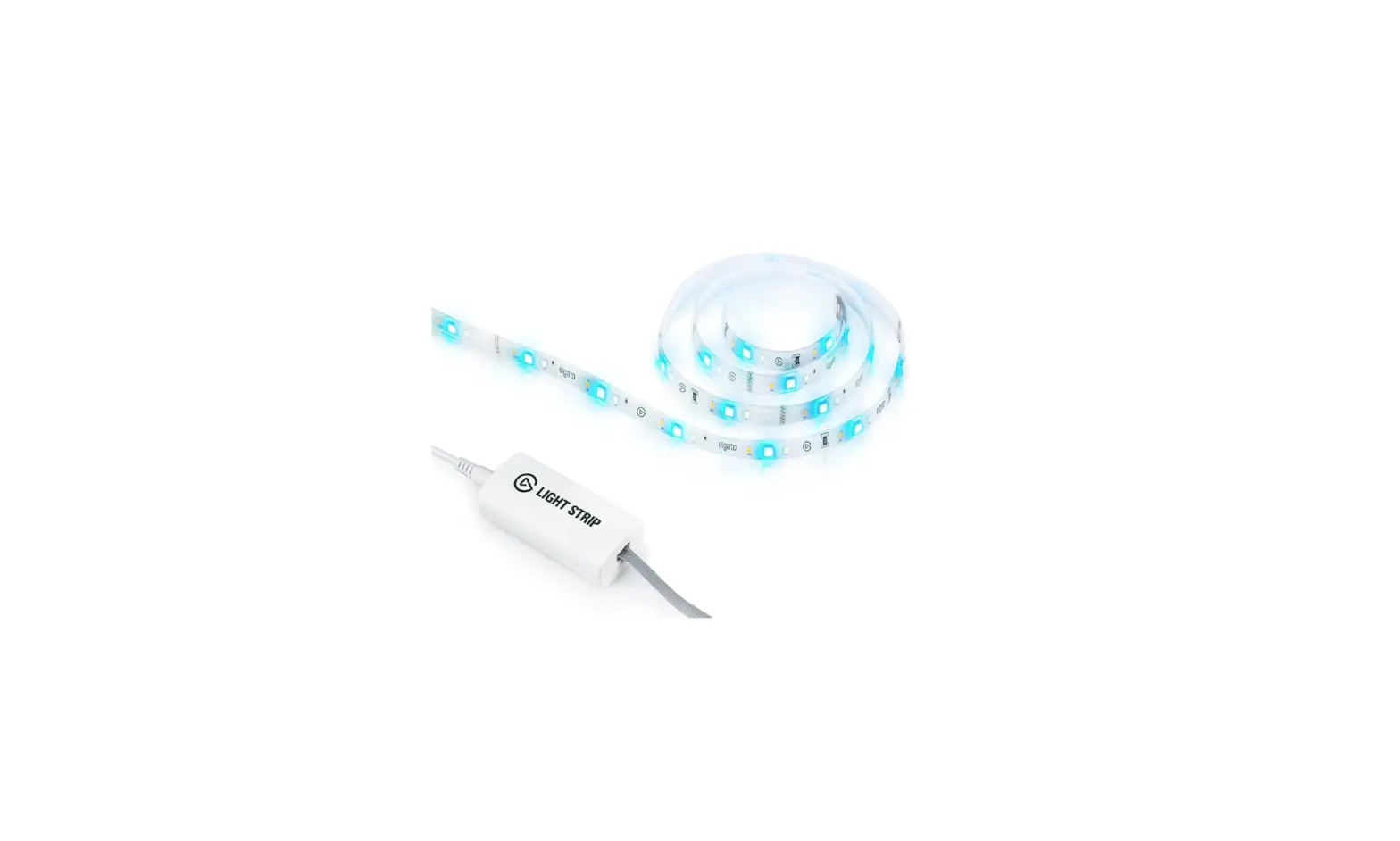
Controller introduction
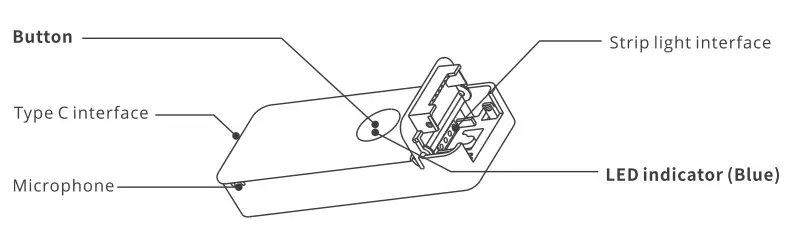
- Short press: Control light on and off.
- Long press for 5 seconds: The light strip enters the distribution network mode (the indicator light is flashing).
- Short press the Button in the distribution mode to exit the distribution mode.
Features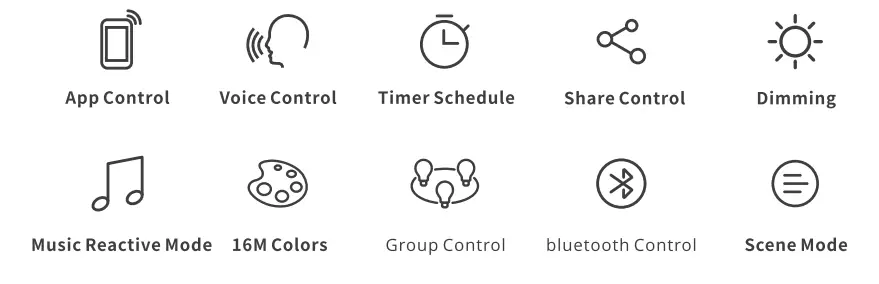
Operation instruction
- Clean the surface

- Tear off the protective tape

- Adhere it to the surface

- Download the eWeLink App

- Power on
 Power on the LED light strip with a Type-C USB cable and a 5V 2A charging head. After power, it will enter the Bluetooth pairing mode by default and blue lights “flash” during the first use.
  The light strip will exit the Bluetooth pairing mode if it not be paired within 3 mins. If you want to enter this mode again, please long press the controller for 5s until the light strip blue lights “flashes” then release.
- Add light strip

- Tap “+” and select “Bluetooth Pairing”, then operate following the prompt on the App
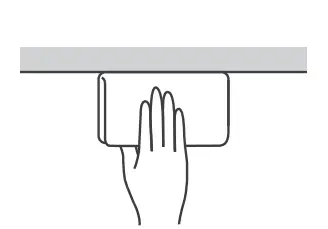
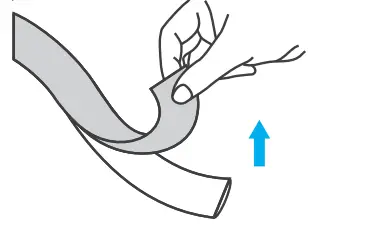
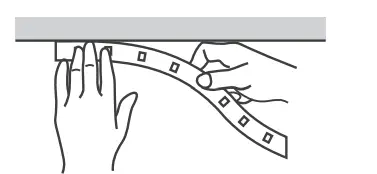
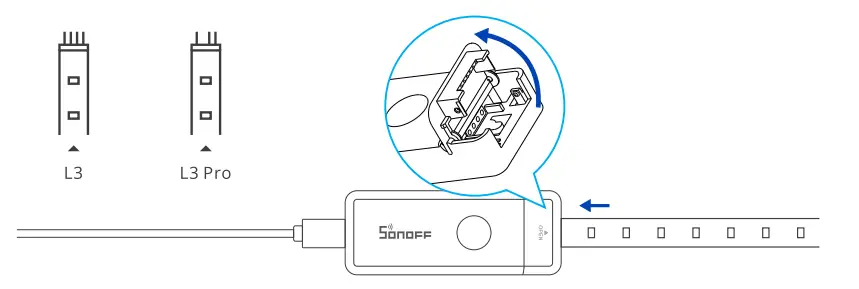 Power on the LED light strip with a Type-C USB cable and a 5V 2A charging head. After power, it will enter the Bluetooth pairing mode by default and blue lights “flash” during the first use.
  The light strip will exit the Bluetooth pairing mode if it not be paired within 3 mins. If you want to enter this mode again, please long press the controller for 5s until the light strip blue lights “flashes” then release.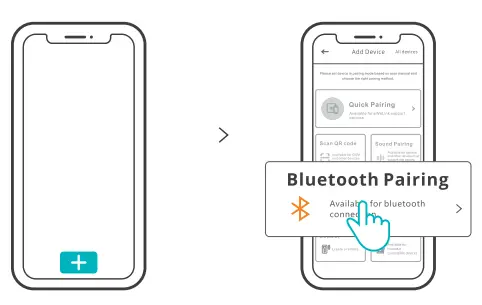
Wi-Fi Settings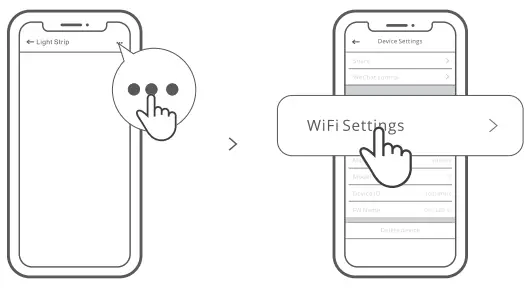
Select the “Wi-Fi Settings” on the “Device Settings” interface in the eWeLink App to add or change the network. When Wi-Fi is not available, the device will automatically switch into Bluetooth control (Ensure Bluetooth is enable on your mobile phone).
Specifications Crop
Crop
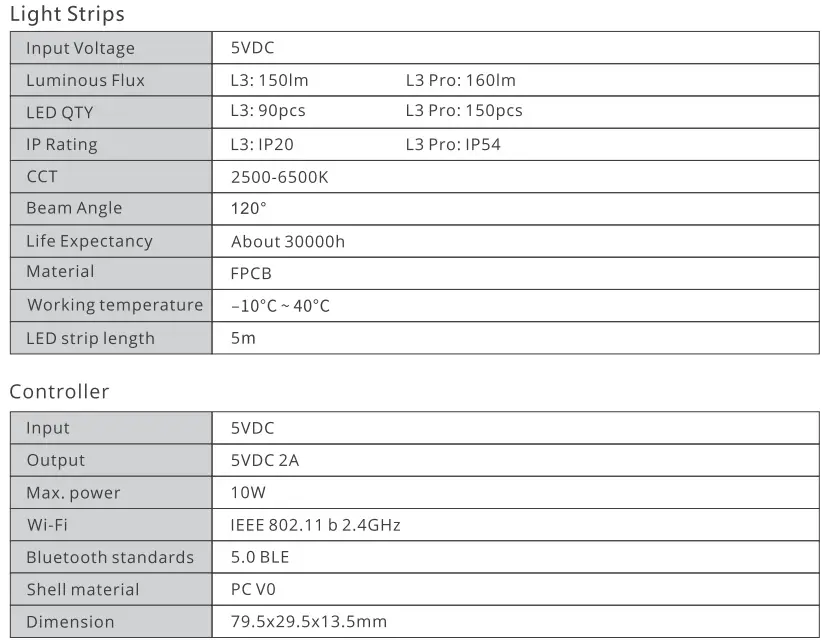 Crop
Crop- L3:Cutable every 55.55mm

- L3 Pro : Cutable every 33.33mm



Factory Reset
Deleting the device on the eWeLink App indicates you restore it to factory setting.A
Safety Warning
- Before using this product, please make sure that your voltage is appropriate for this product’s working voltage. Using this product with a voltage other than the one specified may damage the product and cause safety hazards.
- LED Light Sources are unchangeable, please don’t dismantle them.
- While the Light Strip is working, it will generate heat so please keep it in a cross- ventilation environment for heat dissipation.
FCC Warning
Changes or modifications not expressly approved by the party responsible for compliance could avoid the user’s authority to operate the equipment. This device complies with part 15 of the FCC Rules. Operation is subject to the following two conditions:
- This device may not cause harmful interference, and
- this device must accept any interference received, including interference that may cause undesired operation.
FCC Radiation Exposure Statement:
This equipment complies with FCC radiation exposure limits set forth for an uncontrolled environment. This equipment should be installed and operated with minimum distance 20cm between the radiator & your body. This transmitter must not be co-located or operating in conjunction with any other antenna or transmitter. Note: This equipment has been tested and found to comply with the limits for a Class B digital device, pursuant to part 15 of the FCC Rules. These limits are designed to provide reasonable protection against harmful interference in a residential installation. This equipment generates, uses and can radiate radio frequency energy and, if not installed and used in accordance with the instructions, may cause harmful interference to radio communications. However, there is no guarantee that interference will not occur ina particular installation. If this equipment does cause harmful interference to radio or television reception, which can be determined by turning the equipment off and on, the user is encouraged to try to correct the interference by one or more of the following measures
- Reorient or relocate the receiving antenna.
- Increase the separation between the equipment and receiver.
- Connect the equipment into an outlet on a circuit different from that to which the receiver is connected.
- Consult the dealer or an experienced radio/TV technician for help.
Sonoff Technologies
Hereby, Shenzhen Sonoff Technologies Co., Ltd. declares that the radio equipment type L3-5M/L3-5M-P are in compliance with Directive 2014/53/EU.The full text of the EU declaration of conformity is available at the following internet address: https://sonoff.tech/usermanuals