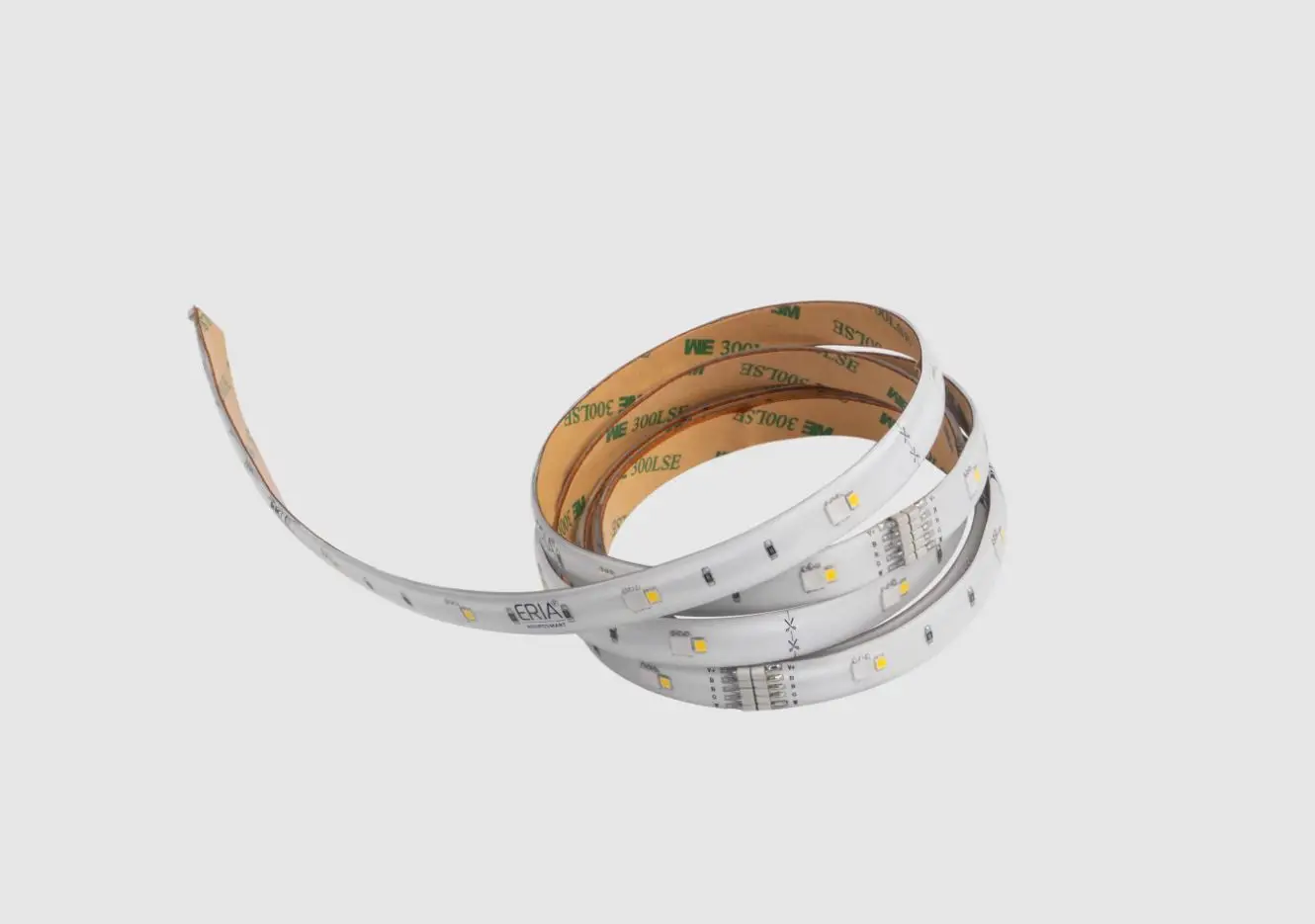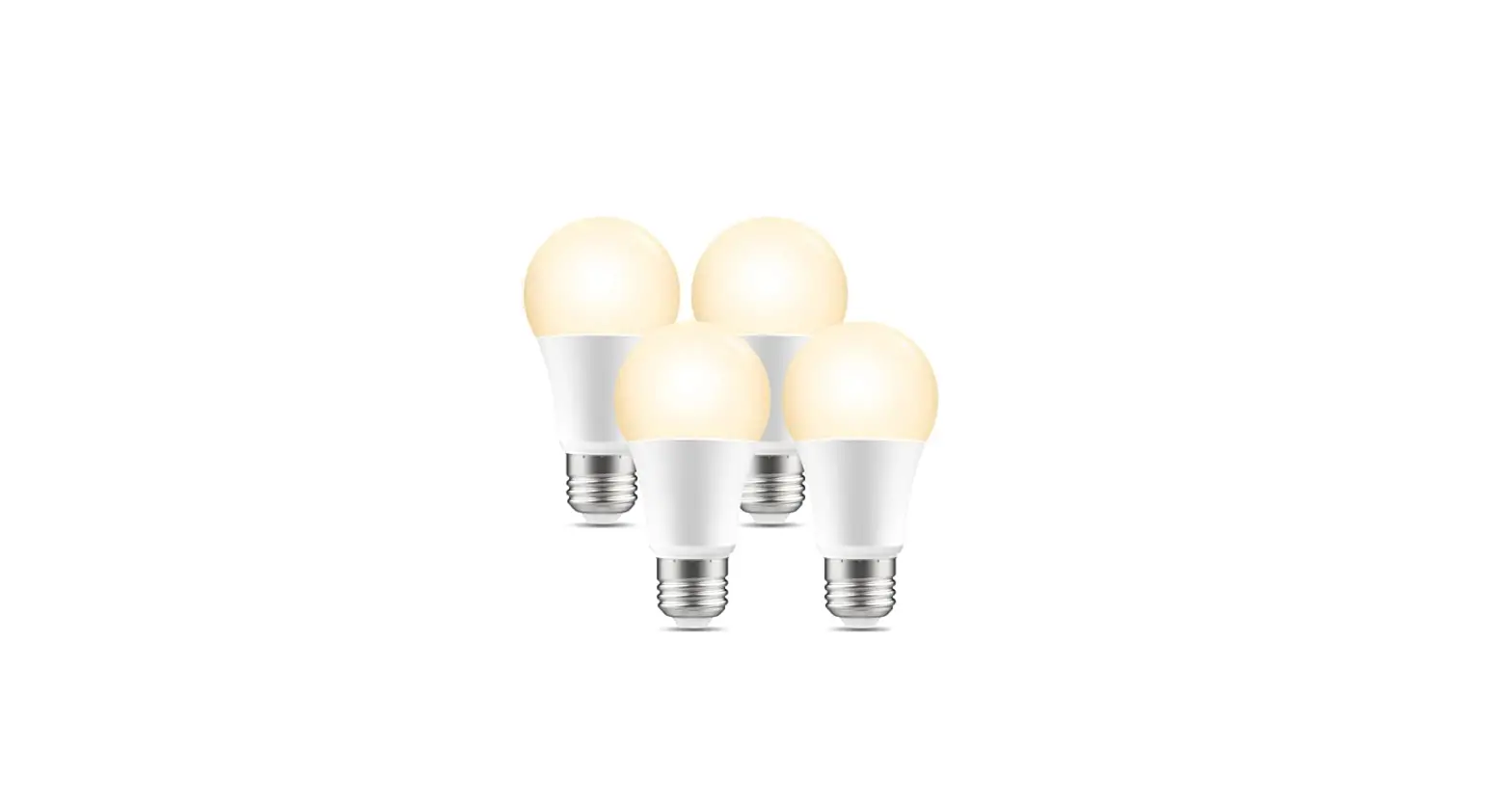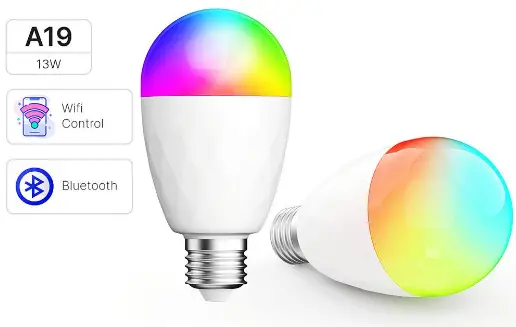
 SMART LED LIGHTS
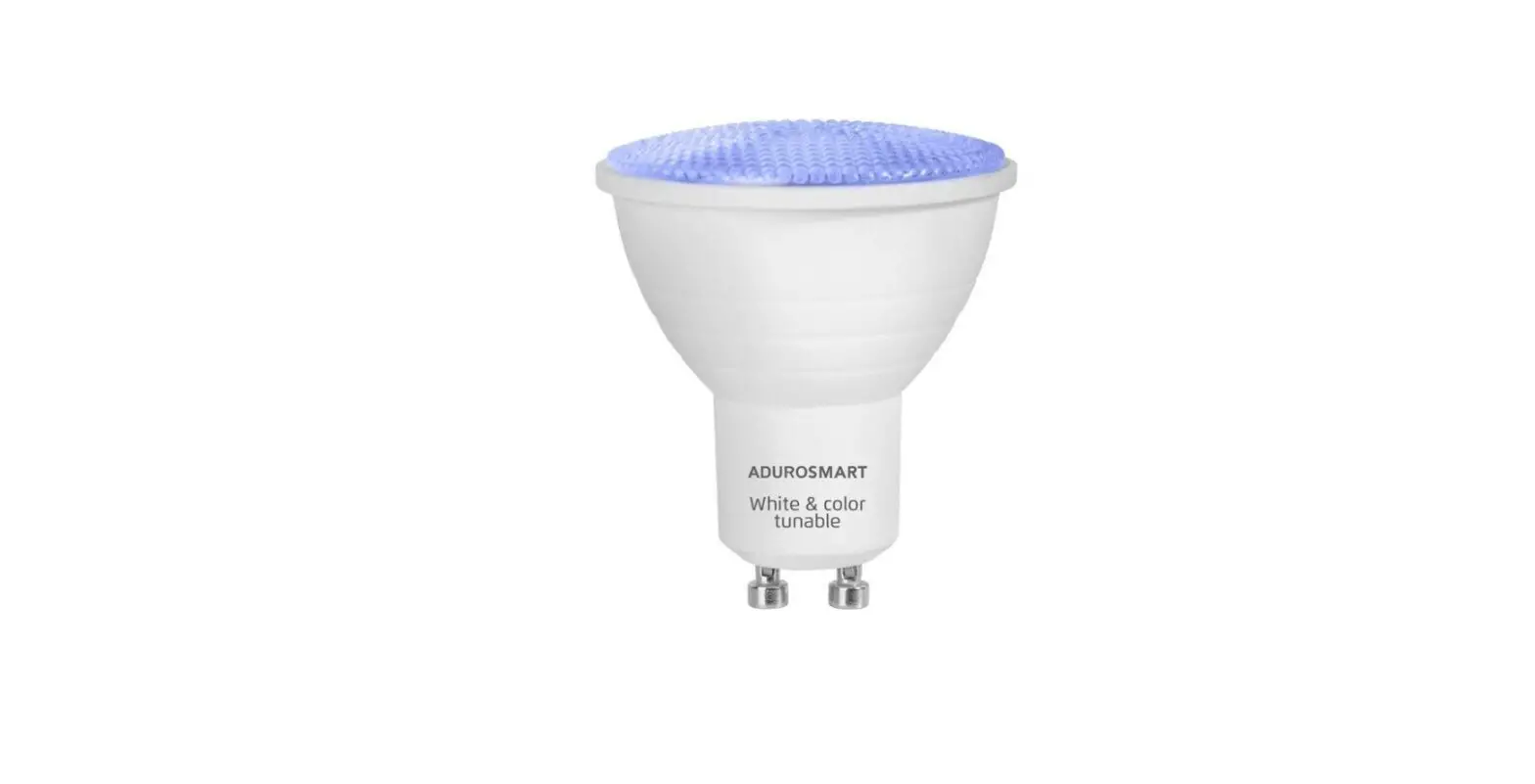
WHITE TUNABLE BULB
 USER MANUAL
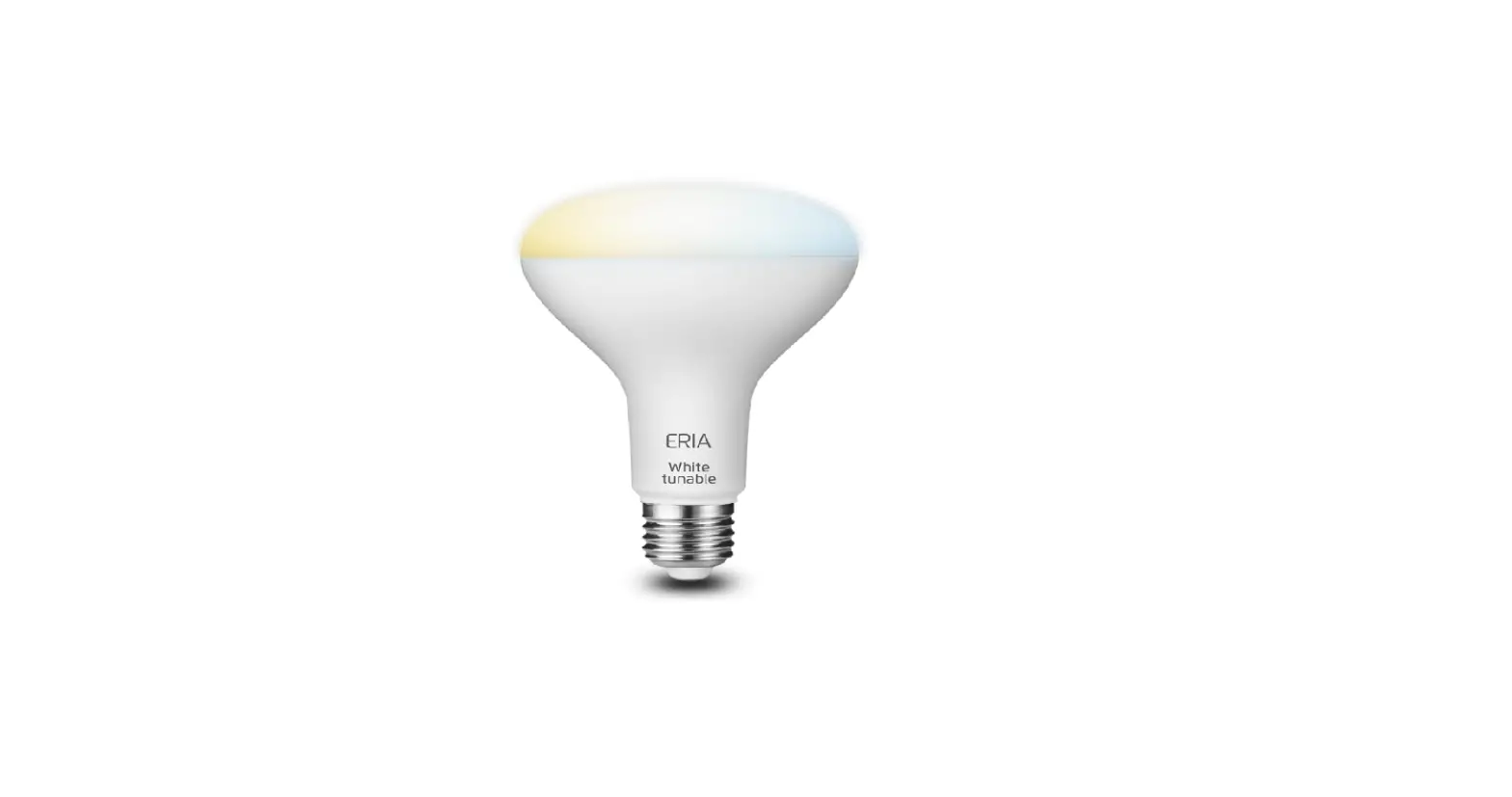
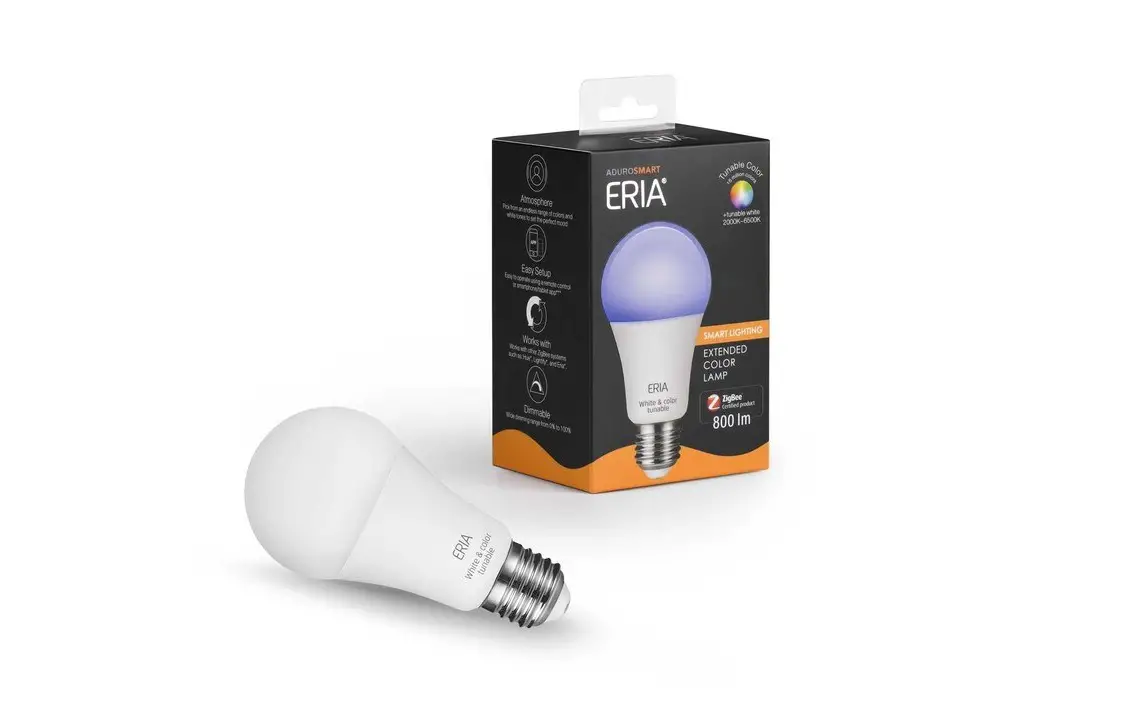
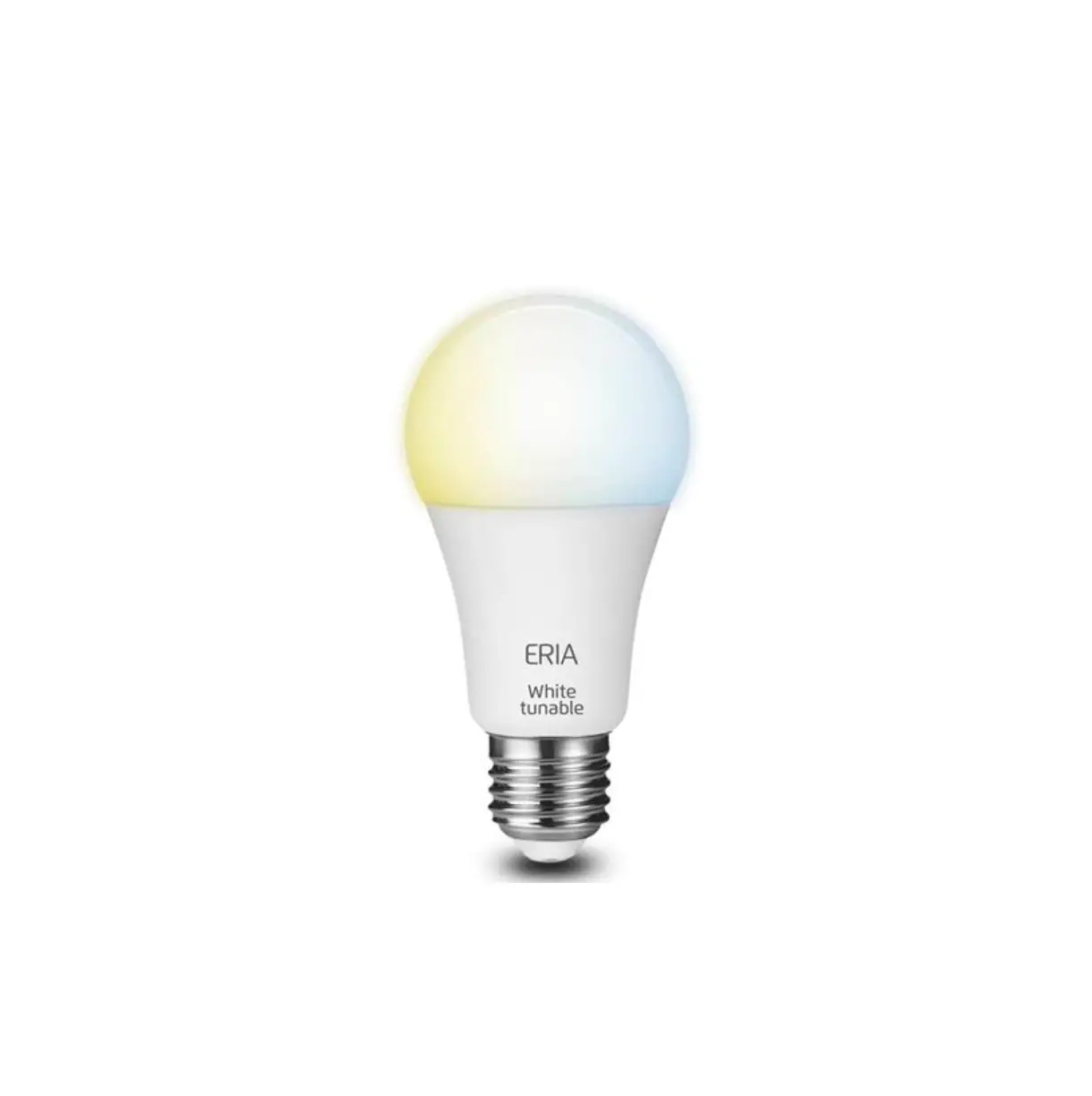
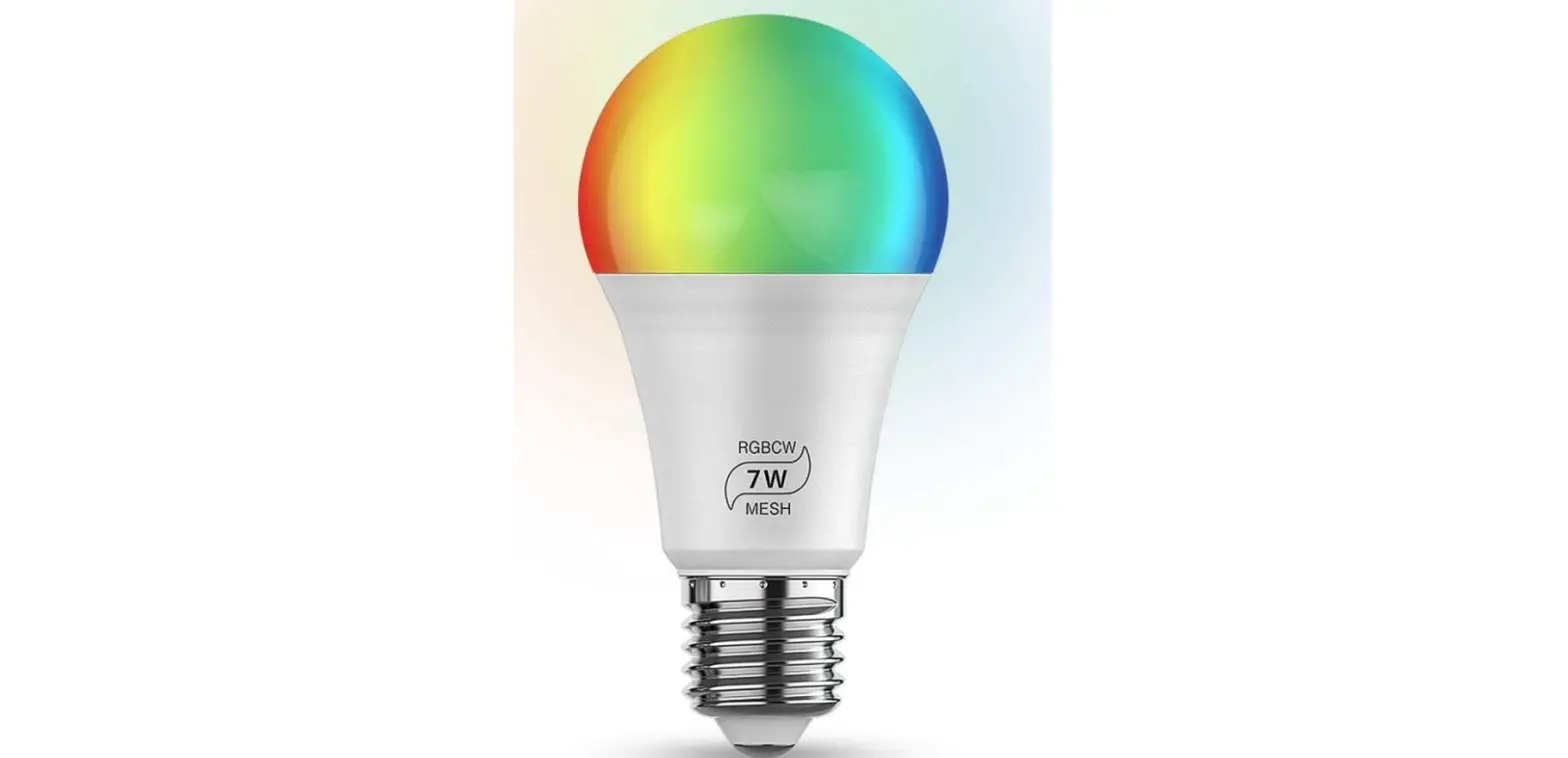
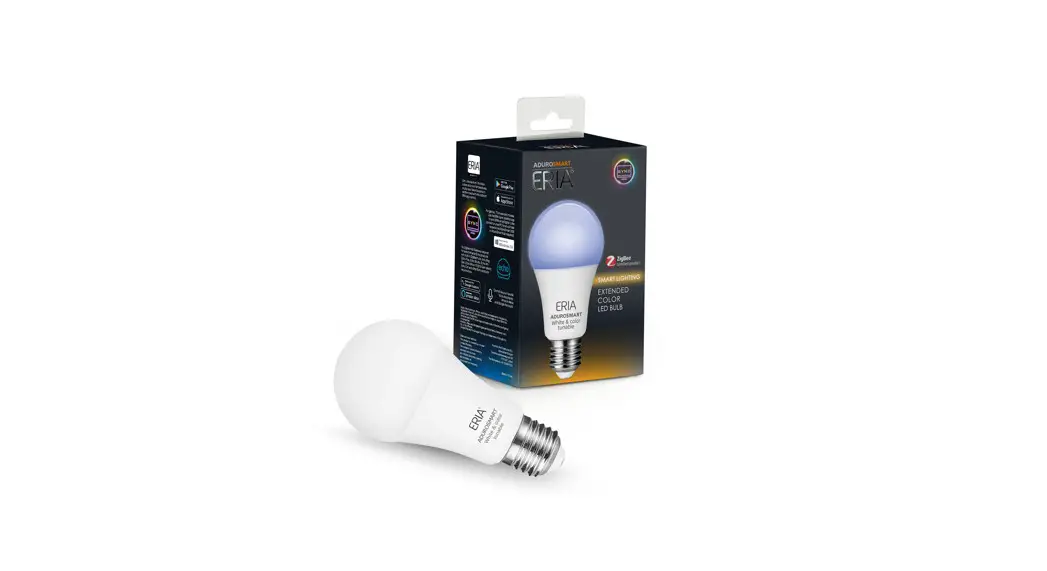
ERIA Smart LED Lights White Tunable Bulb
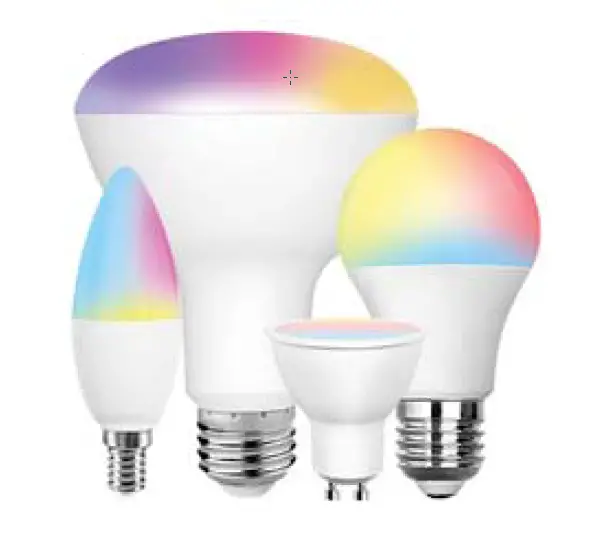
The ERIA White Tunable Smart Bulb offers multiple white tone of color temperature, to let you choose whatever mood you want.
Easily controlled via your smartphone/tablet, or a ERIA Wireless Remote, even by Voice Assistant as Amazon Alexa and Google Assistant. Simply use with a AduroSmart ERIA hub or a ZigBee compatible gateway.
www.adurosmart.com/manuals/softwhitebulb
- Unpack your bulb and screw it into your light fitting and turn on the light.
 Connect with the ERIA hub
 - A. Download the Adurosmart App from the Apple App Store or from Google Play or go to http://adurosmart.com/adurosmart-app/
Android 
IOS 
https://play.google.com/store/apps/details?id=com.adurolight.us https://itunes.apple.com/us/app/adurosmart-smart-home/id1356891990? B. If you have a third party ZigBee compatible hub then proceed to step 9.
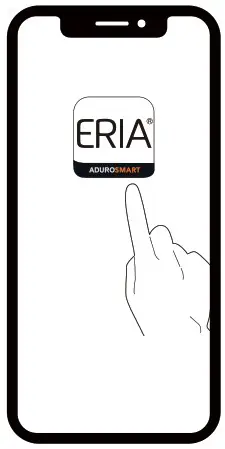
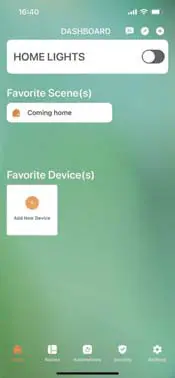
- Open the AduroSmart ERIA App.

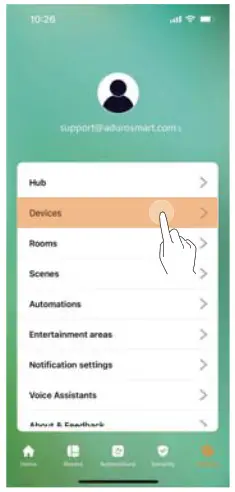
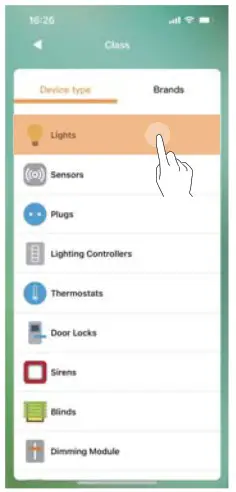
- On the bottom right corner press on “Settings”.

- Select “Devices”.

- On the top right corner press on the “+” symbol then press on “Add device’.

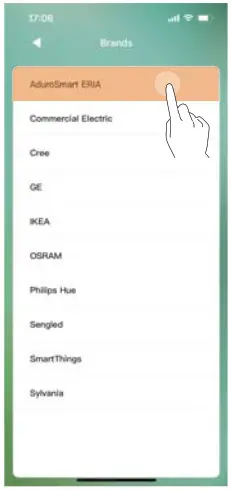
- Press on “Brands” and then select “Adaro Smart ERIA”.

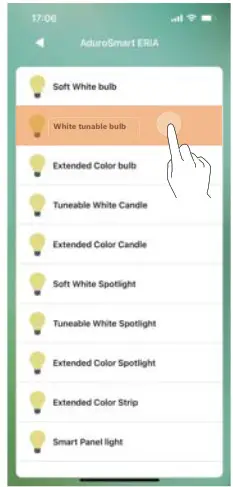
- Presson ‘White Tunable Bulb”

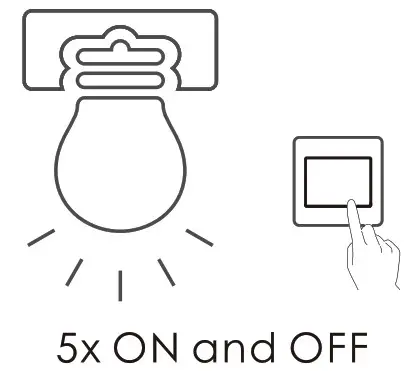
- Switch the power to the light ON/OFF 5 times to initiate the pairing mode, the bulb will flash once indicating that it has entered pairing mode.The pairing mode will last 60 seconds.
 B.If you have a third party hub, then this is the moment to initiate the search from your Smart Home hub app.
 - Proceed by pressing on “Search” to allow the ERIA hub to find the bulb, the LED indicator on the hub will flash green this indicates that the hub is searching for devices.

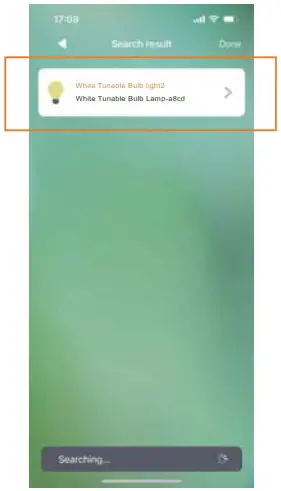
- When the bulb has been found and paired successfully it will turn green and it will snow up in your search results, press on “Done” to complete the process.

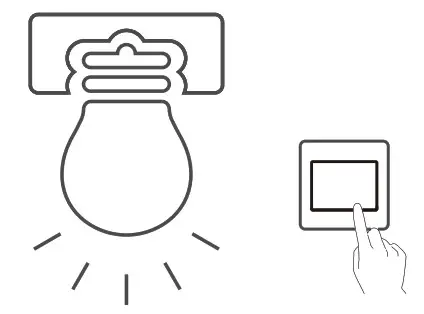 Connect with the ERIA hub

 B.If you have a third party hub, then this is the moment to initiate the search from your Smart Home hub app.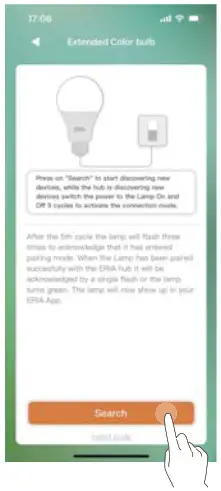
This device complies with part 15 of the FCC Rules. Operation is subject to the following two conditions: (1) This device may not cause harmful interference, and (2) this device must accept any interference received, including interference that may cause undesired operation.
NOTE: This equipment has been tested and found to comply with the limits for a Class B digital device, pursuant to part 15 of the FCC Rules. These limits are designed to provide reasonable protection against harmful interference in a residential installation. This equipment generates, uses and can radiate radio frequency energy and, if not installed and used in accordance with the instructions, may cause harmful interference to radio communications. However, there is no guarantee that interference will not occur in a particular installation. If this equipment does cause harmful interference to radio or television reception, which can be determined by turning the equipment off and on, the user is encouraged to try to correct the interference by one or more of the following measures:
- Reorient or relocate the receiving antenna.
- Increase the separation between the equipment and receiver.
- Connect the equipment into an outlet on a circuit different from that to which the receiver is connected.
- Consult the dealer or an experienced radio/TV technician for help.
Warning: Changes or modifications not expressly approved by the party responsible for compliance could void the user’s authority to operate the equipment.
The distance between user and products should be no less than 20cm.
NEED HELP? CALL US
For troubleshoots, instruction video’s or more information
please visit us at www.adurosmart.com/faq
Chat with one of our support agents at
www.adurosmart.com
(844)602-3069 Ext1
Para Usurious Mexicans: 018008777777
[email protected]