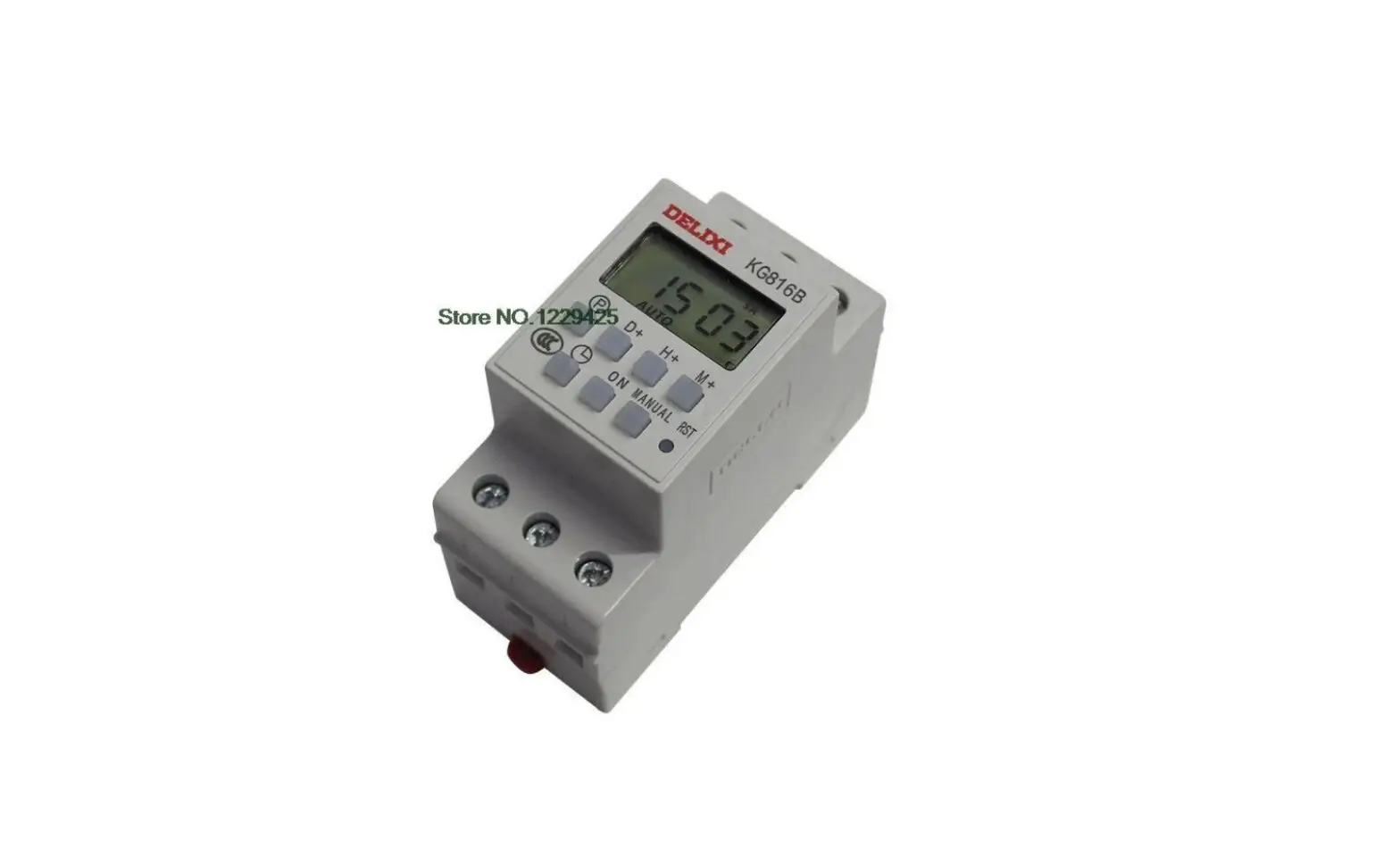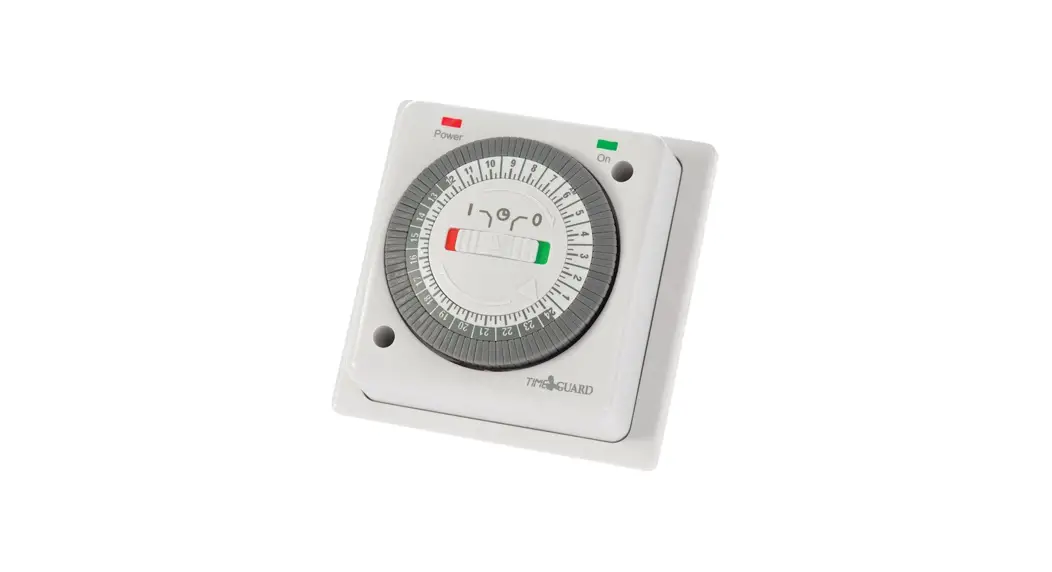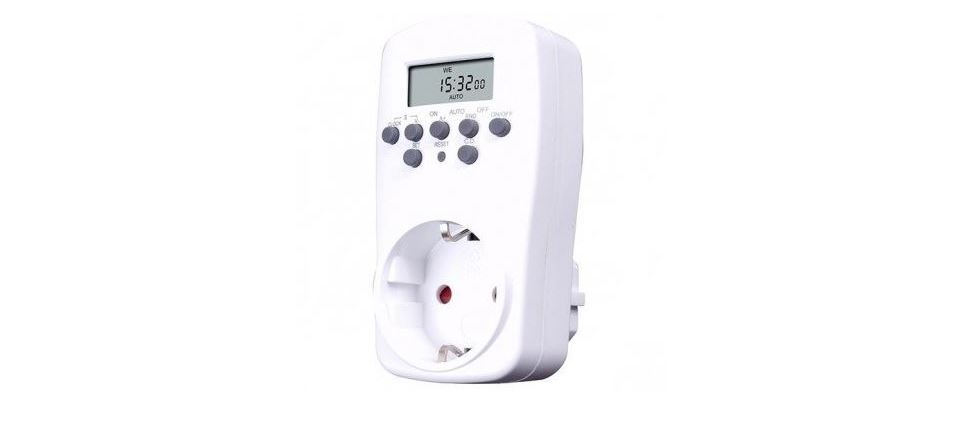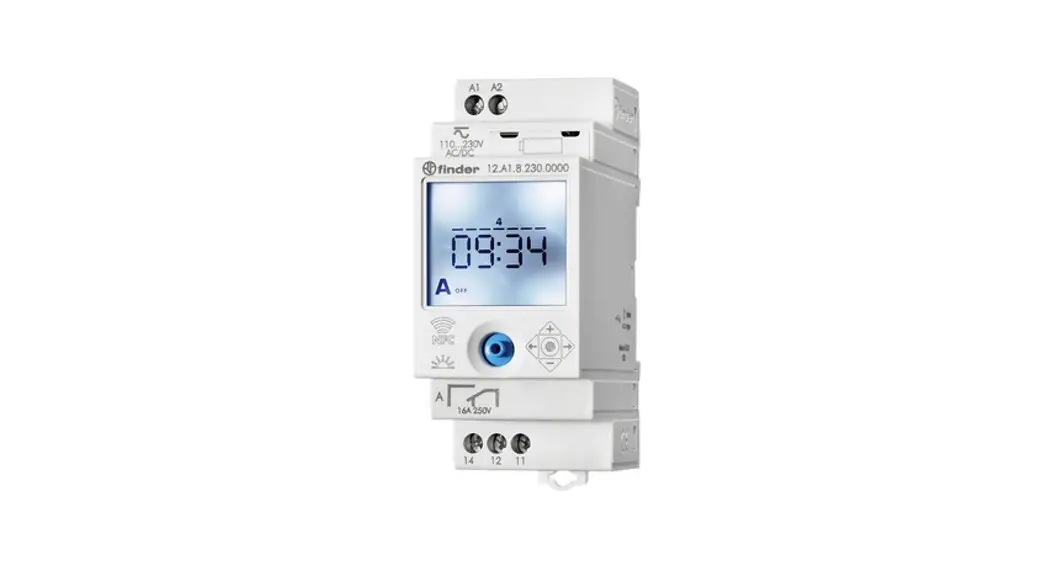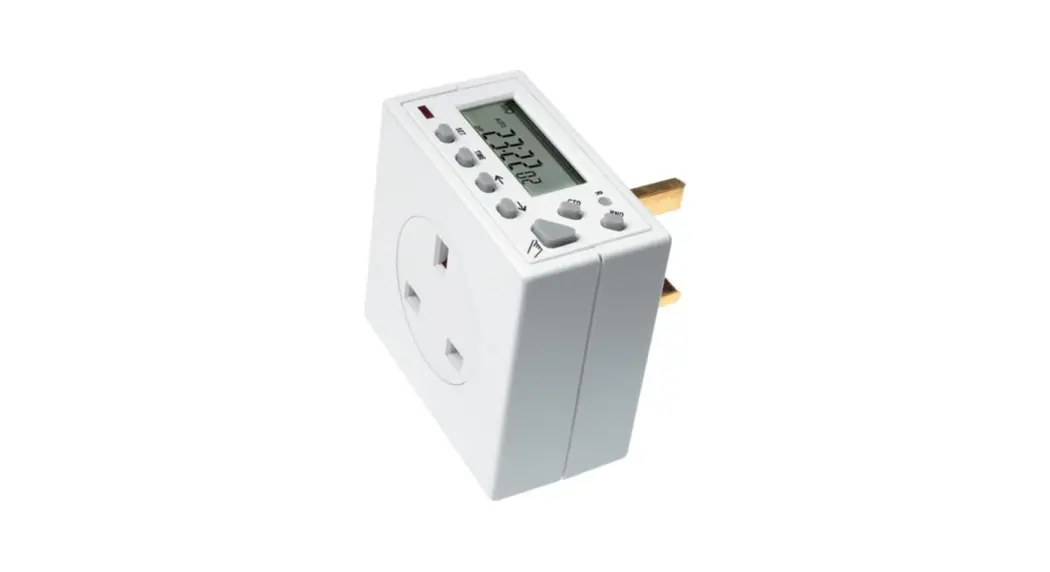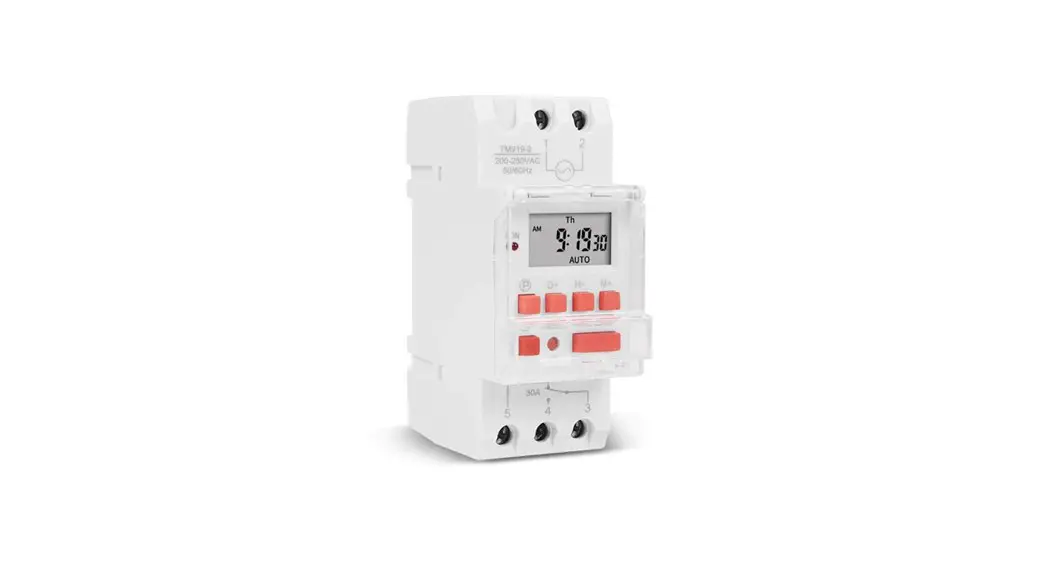
 TM-919
7 DAY TIME
240v SWITCH
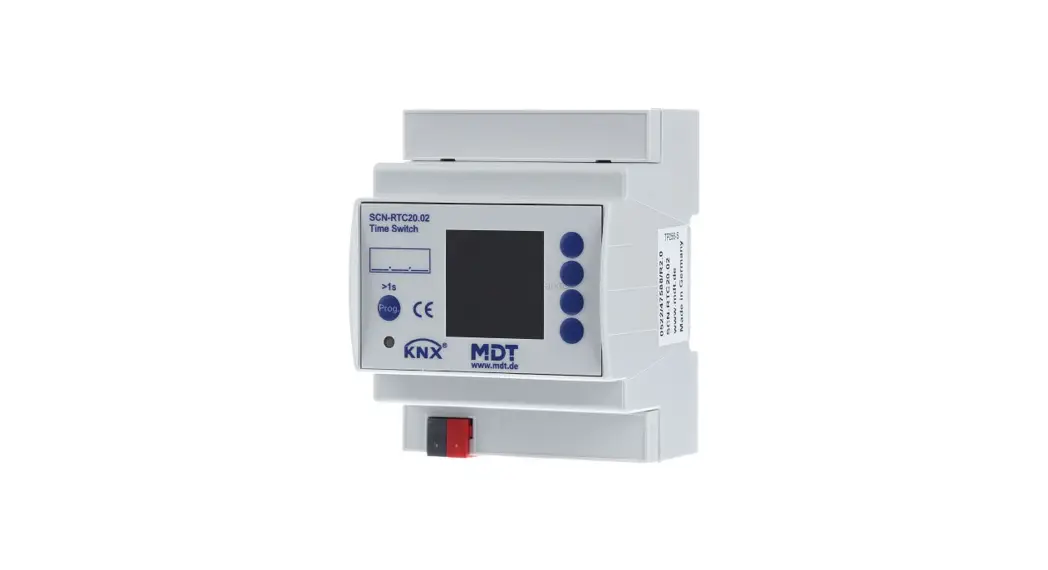
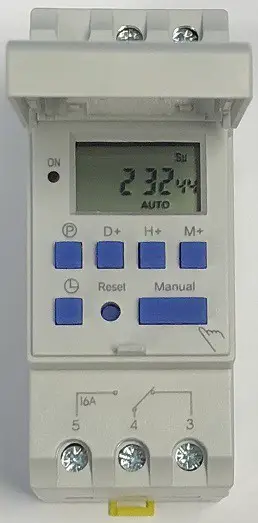 TM-919 240v Time Switch
Instruction Manual
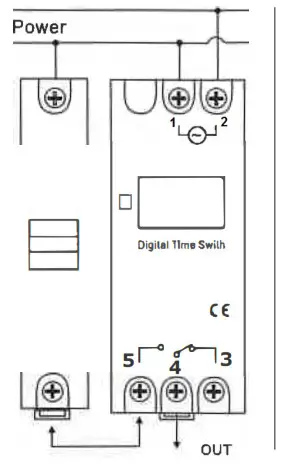
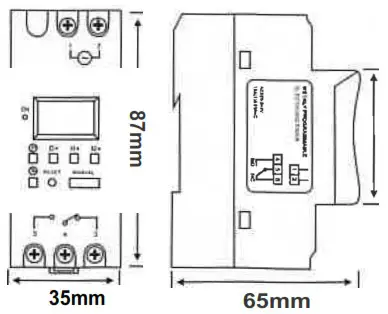
Connection Diagram:
Dimensions:
■ DIN Rail Installation:
Advanced pre-setting one week before
Digital electronic time switch with daily programs
Repeat programs with 16 on/off setting: and manual over-ride
Lithium battery power reserve
Auto time error correction ±60sec,weekly
Technical Data:
Voltage rating: AC240V 50/60Hz
Voltage limit: AC 180V-:250V.
Hysteresis: .s 1 sip/day (25°C)
ON/OFF operation:16 ON & 16OFF
Power consumption:2VA(max)
Display: LCD
Service life: Mechanical 1 o’ Electrically 1 rt
Minimum interval:1 minute
Weight: approx. 120g
Count down:1 sec-99min 56sec
Pulse:1 sec-59min 59sec
Load capacity: resistive load:16A/250V AC
Lagging load:10A/250Vac
lamp load:2000W
Switching contact:1 changeover switch
Power reserve:3 years (Lithium battery)
Ambient temperature: -1 o-+40°C
Ambient humidity: 35-85%RH
DISPLAY:
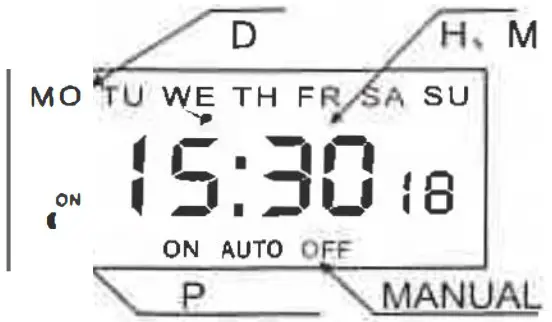
| 1 |  | TIMER |
| 2 | D+ | DAT |
| 3 | H+ | HOUR |
| 4 | M+ | MIN |
| 5 |  | CLOCK |
| 6 | C | RESET |
| 7 | MANUAL | MANUAL C/R |
Operating Instruction:
- To start switch: press reset Key, At the first time, if you wan I lo the present time, please press ”
 “On Board, then press D+, H+, M+ to adjust the number to the present time.
 - Enter into program among as bellows:
| Step | Key | Programming |
| 1 | Press | Setting1 ON lime (display1 on) |
| 2 | Press H+/M+ | Setting hours and minutes |
| 3 | Press D+ | To select same every day, or different lime each day |
| 4 | Press | Setting 1 off time (display 1 off) |
| 5 | Press H+/M+ | Setting hours and minutes turn off time |
| 6 | Press D+ | If you want the same every day, you need not press this key |
| 7 | Repeat step2-6 | Set 2-16 on/off time |
| 8 | Press , | End |
If you do not require16 selling’s, press”, “to the end.
■ Note:
- Time setting should according to the time sequence, couldn’t be set crossly
- System with quit automatically if there’s no operating within 1 0 seconds and no data is saved.
- Function 3,4,5 can not be used simultaneously.