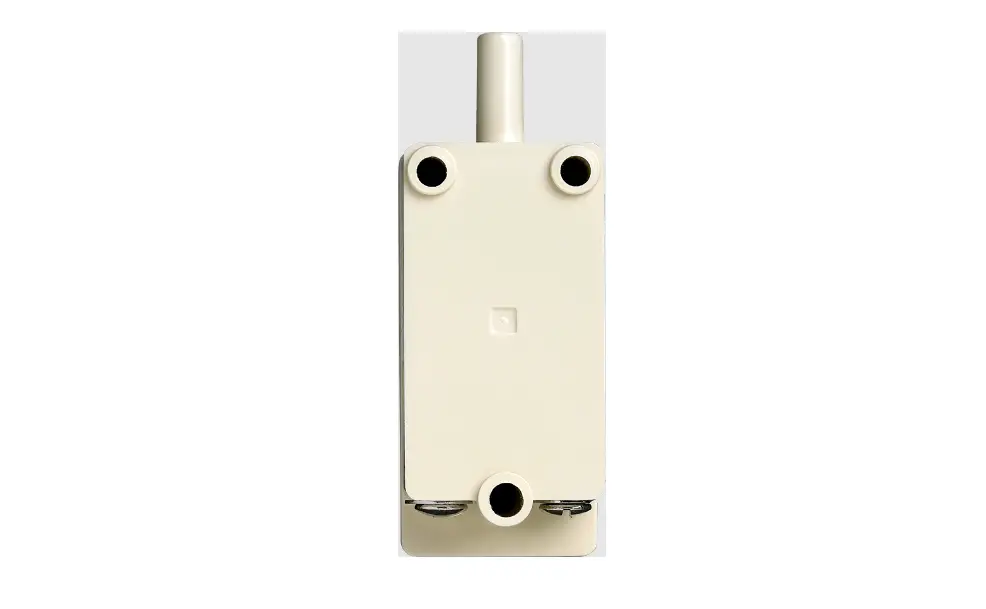

SIEMENS TSW-2 Tamper Switch
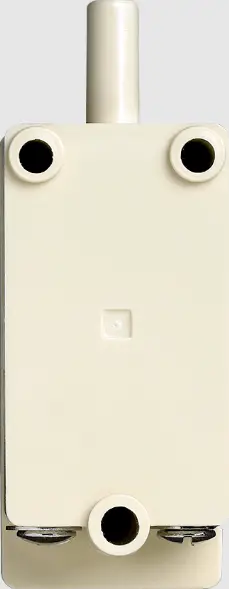
Installation Instructions
Model TSW-2
Tamper Switch
INTRODUCTION
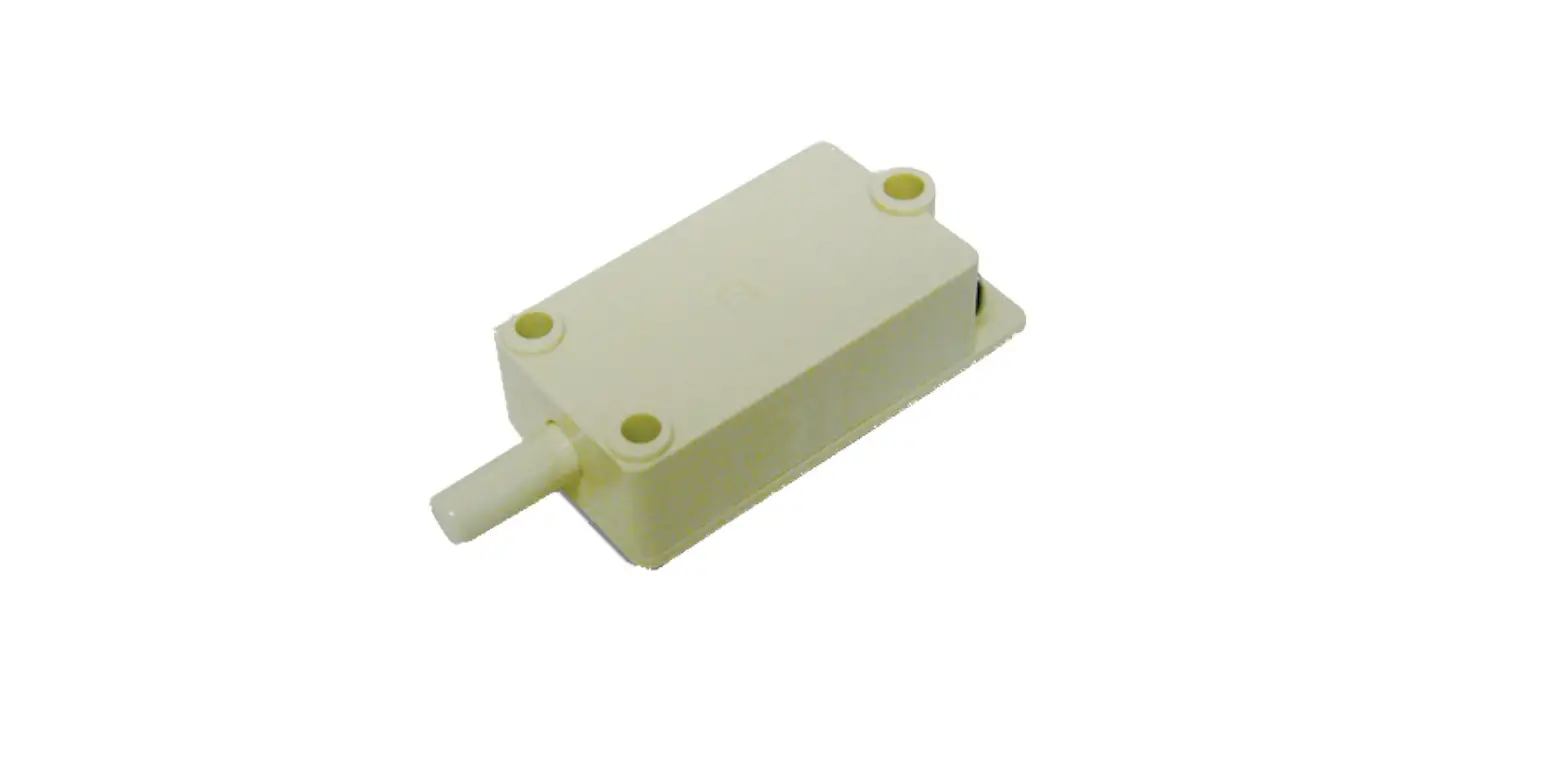
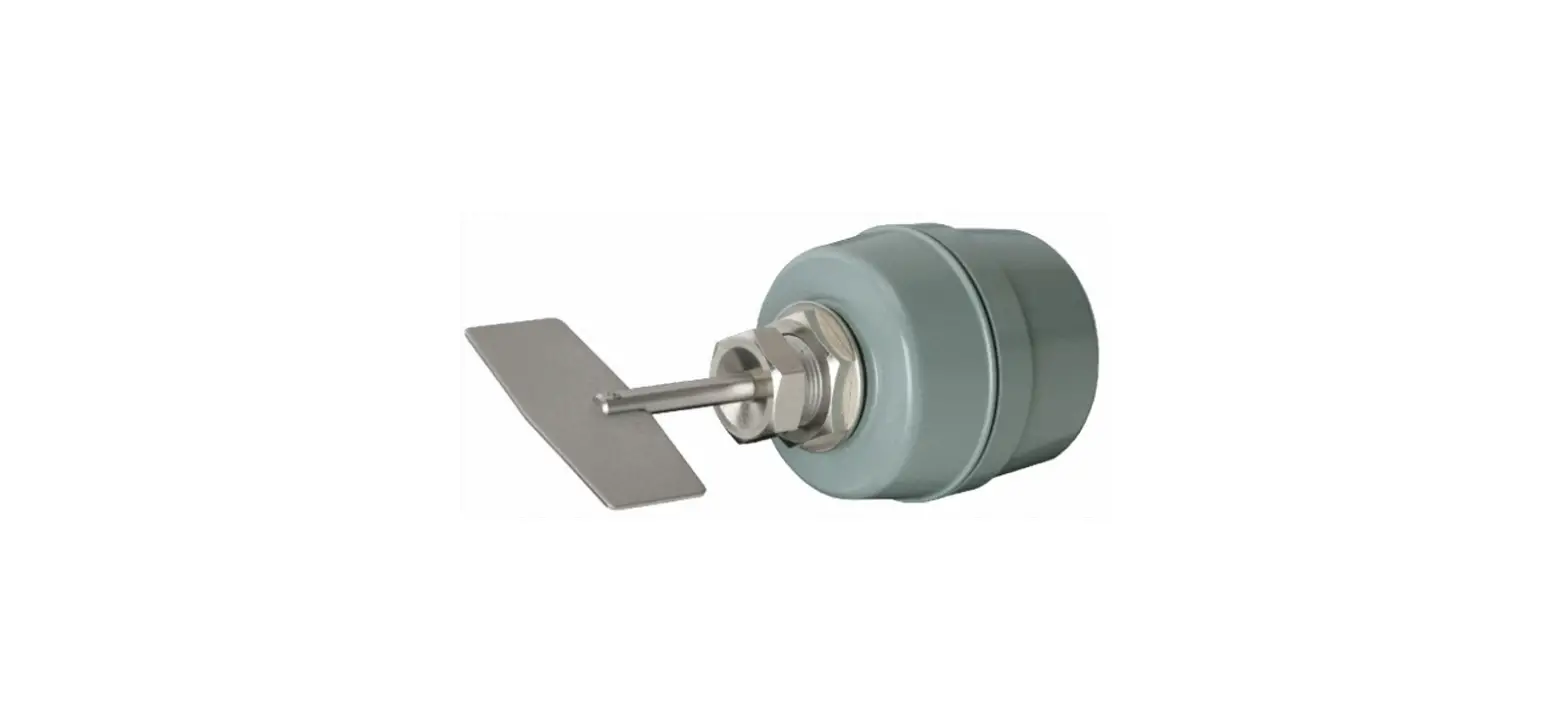
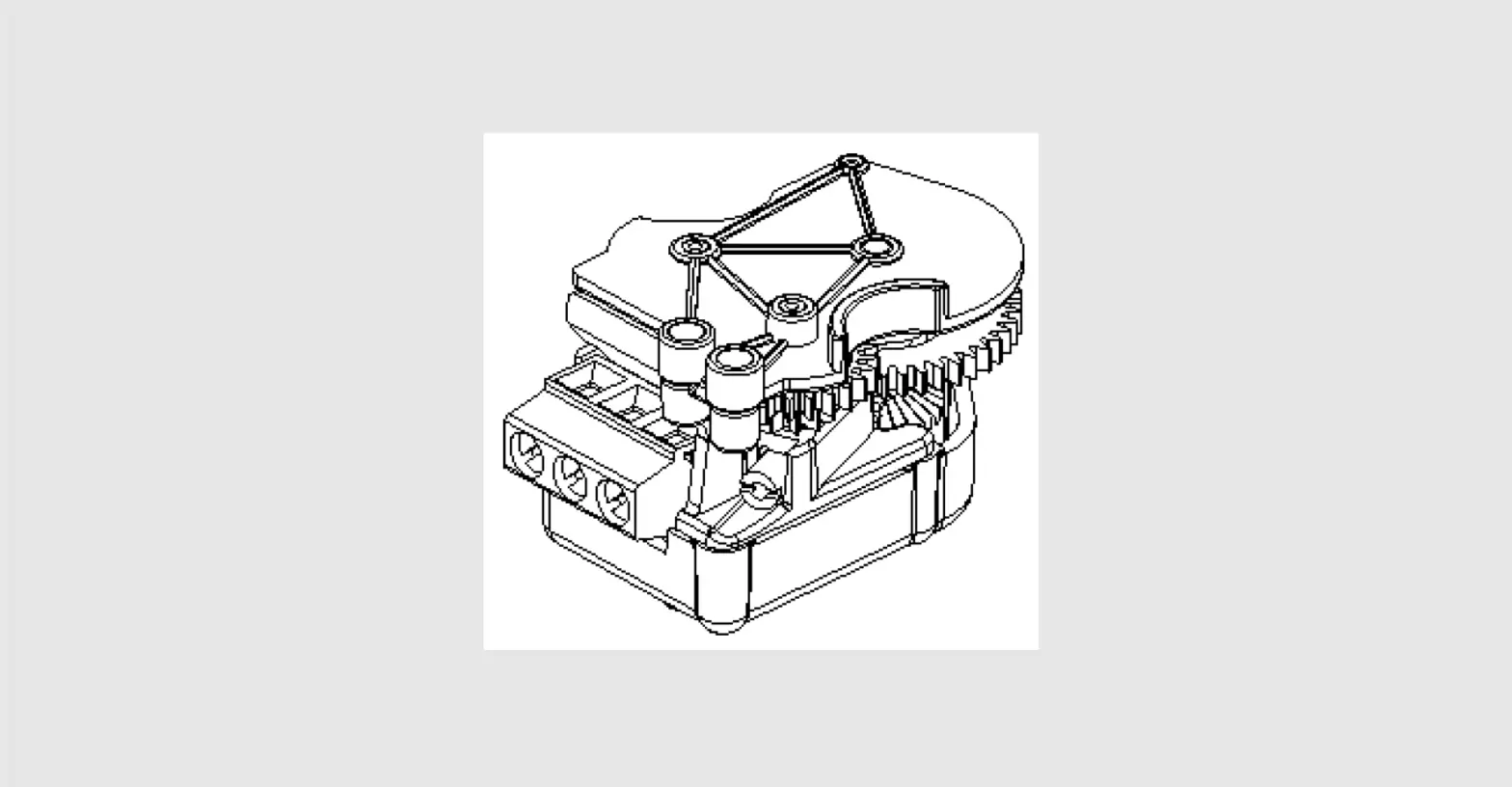
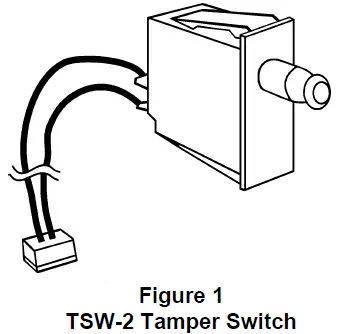
The Model TSW-2 Tamper Switch from Siemens Industry, Inc. (Figure 1) is a 3-posi-tion switch that monitors the opening of the MXL/MXL-IQ enclosure and reports a security alarm. Closing the door automatically returns the switch to its normal operating position. The switch can be pulled out to indicate a closed position for maintenance purposes.
INSTALLATION
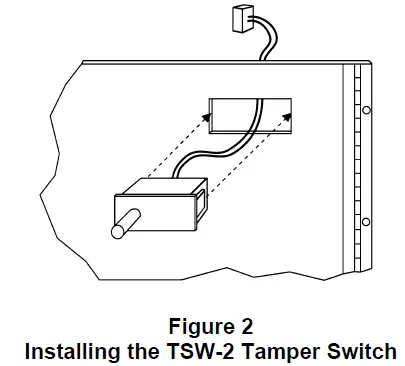
Refer to Figure 2.
If your configuration is UL 1076, it requires the TSW-2 Tamper Switch.
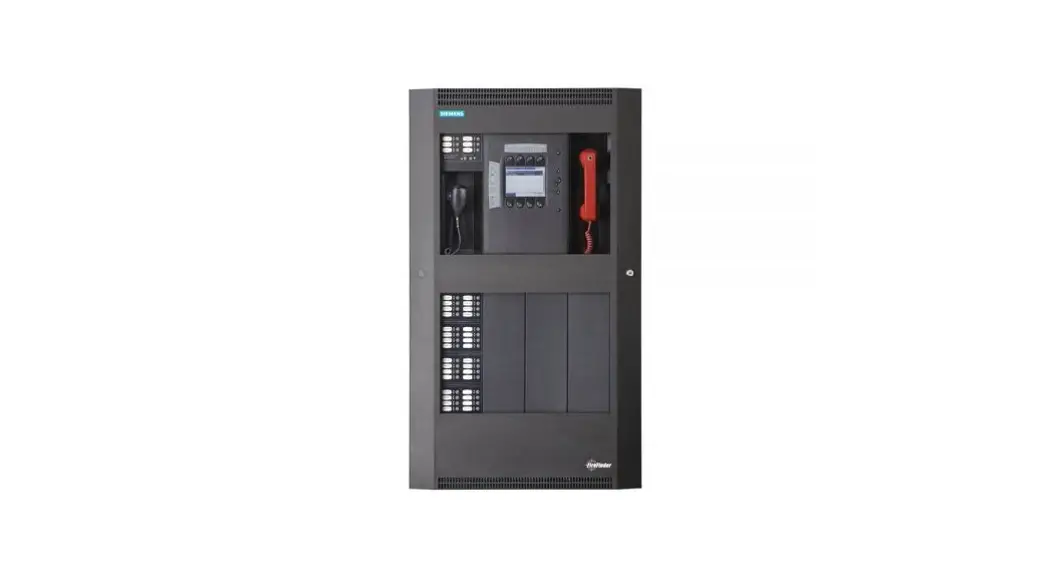
The TSW-2 mounts into the rectangular slot located in the upper right side of the MHD-2 panel in an MXL system or into the rectangular slot located in the lower right side of the MKB-4 panel in an MXL-IQ system.
- Place the cable/connector and the switch terminals through the opening and press firmly into place.
- Plug the cable on the TSW-2 into P9 on the MMB (MXL system) or SMB-1/-2 (MXL-IQ system) after installing the MMB or SMB-1/-2.
For additional information on the MXL/MXLV System, refer to the MXL/MXLV Manual, P/N 315-092036.
Siemens Industry, Inc.
Building Technologies Division
Florham Park, NJ
P/N 315-092433-6
Siemens Building Technologies, Ltd.
Fire Safety & Security Products
2 Kenview Boulevard
Brampton, Ontario
L6T 5E4 Canada
 Home - Fire Alarm Resources - Free fire alarm PDF manuals, documents, installation instructions, and technical specifications