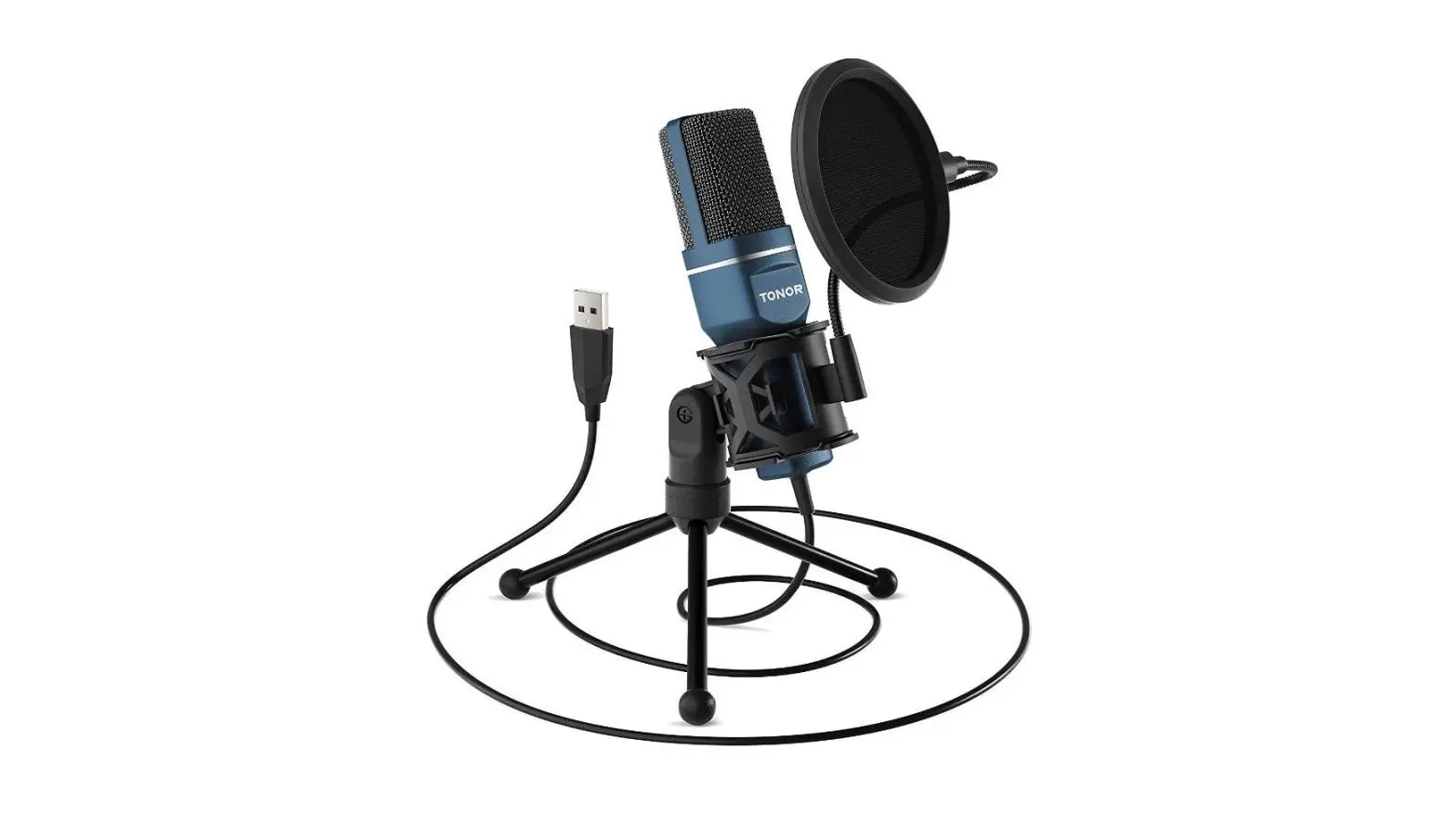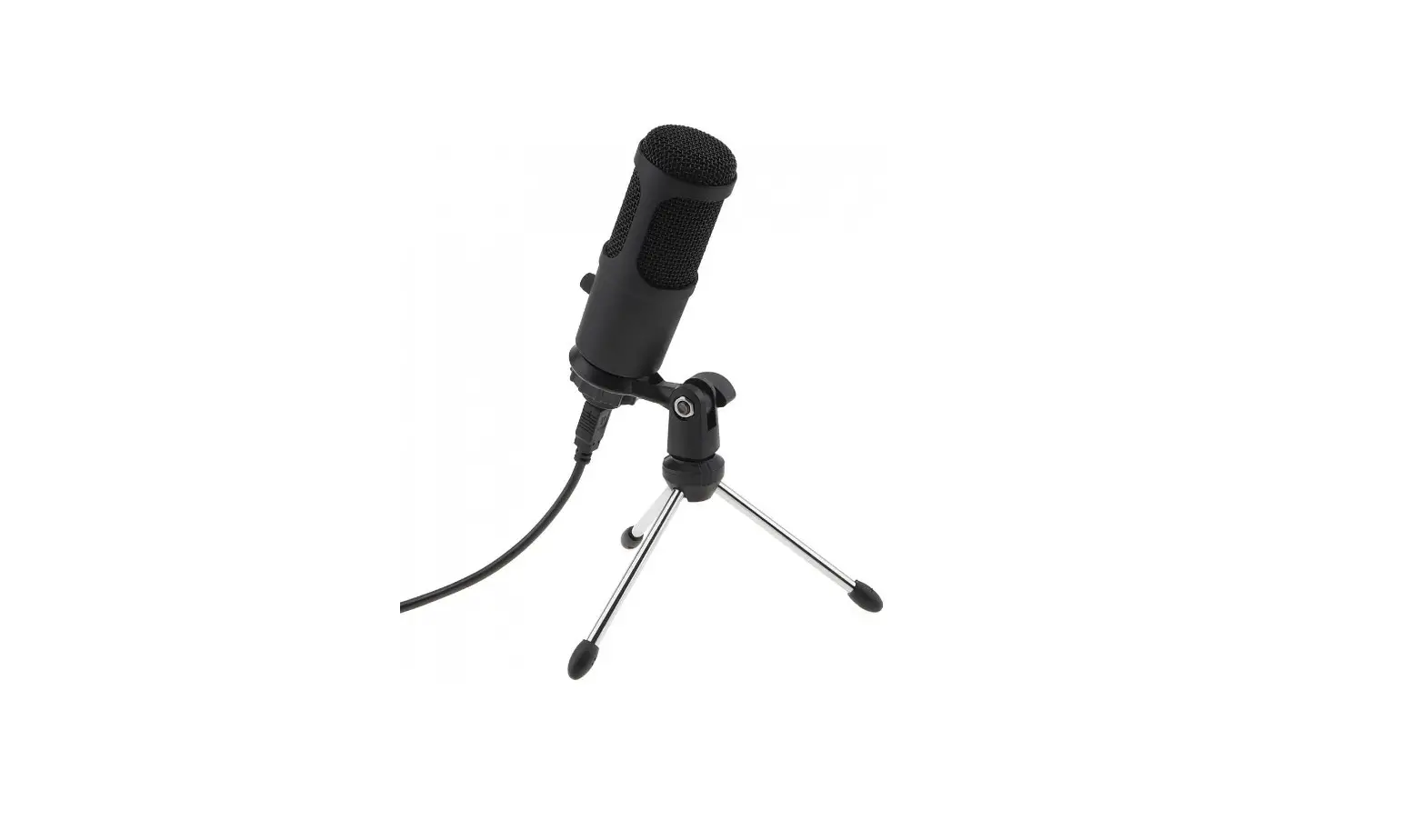

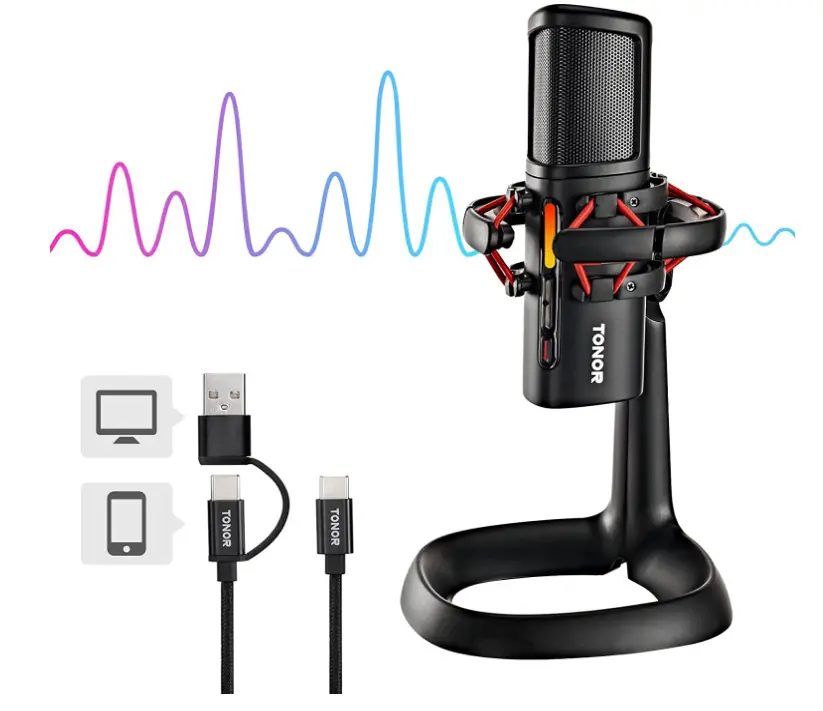
TONOR ORCA001 Microphone Computer Gaming Condenser Mic
Specifications
- RECOMMENDED USES FOR PRODUCT: Streaming, Gaming
- BRAND: TONOR
- MODEL NAME: ORCA
- CONNECTIVITY TECHNOLOGY: USB
- CONNECTOR TYPE: USB Type-C, USB Type-A
- SPECIAL FEATURE: Mute Function, Voice Activated Recording
- COMPATIBLE DEVICES: Laptop, PC, Mac
- COLOR: Black
- INCLUDED COMPONENTS: USB Condenser Microphone
- POLAR PATTERN: Unidirectional
- HEADPHONE JACK:5mm
- PLUG TYPE: USB A & Type-C
- SAMPLING RATE: 48kHz
- POLAR PATTERN: Cardioid
- FREQUENCY RESPONSE: 50Hz-16kHz
- SENSITIVITY: -38±3dB
- OUTPUT IMPEDANCE:2kΩ
- S/N RATIO: 95dB
Introduction
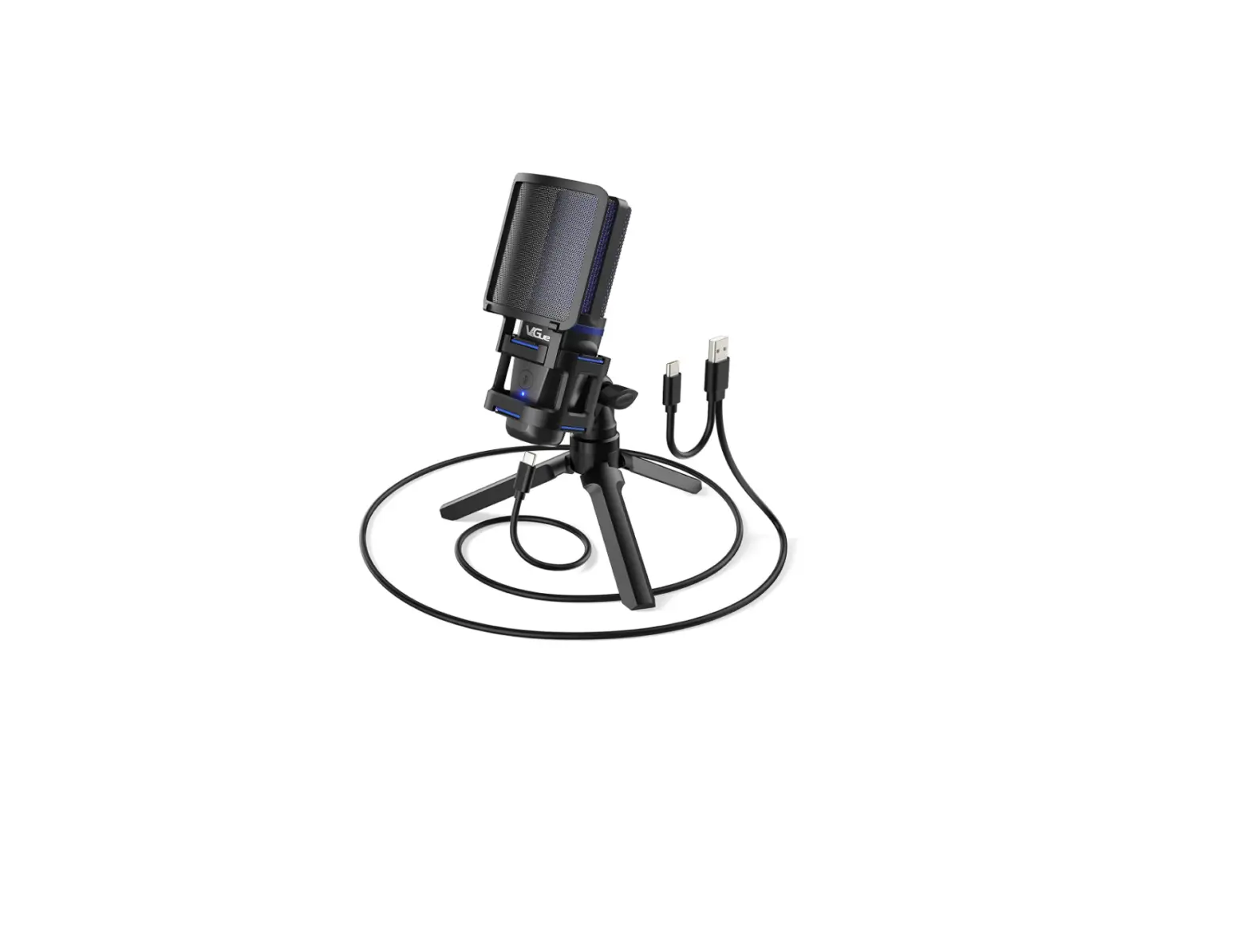
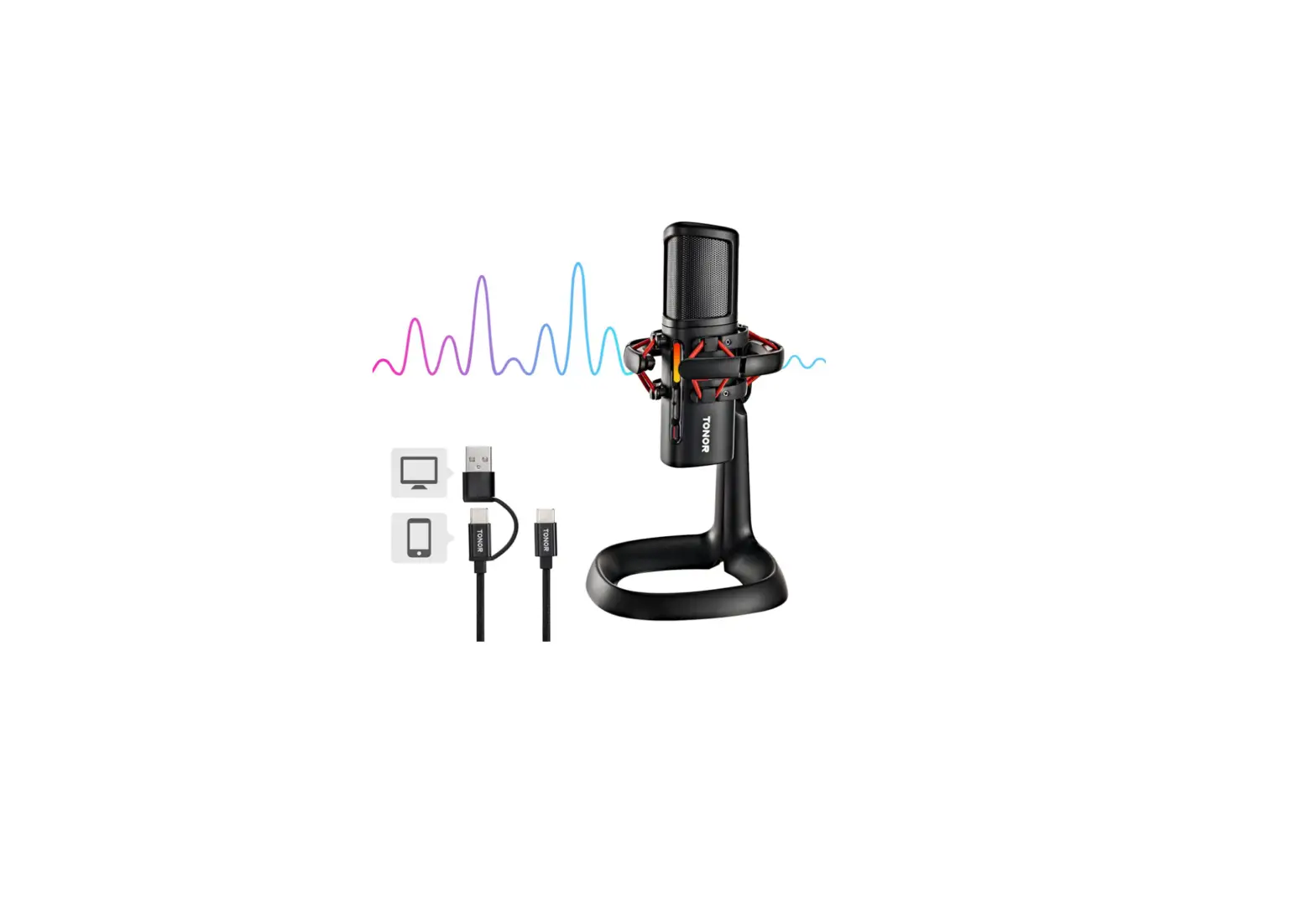
Reduce background noise and consistently capture good sound with one-button active noise suppression. It is Suitable for team communication and streaming on Twitch, Discord, Skype, and Teamspeak. When necessary, tap the top of this streaming microphone to instantly mute it. To turn off the silence, tap one more. This USB microphone is perfect for gaming, livestreaming, vocal recording, and meetings and includes an RGB volume indication. The microphone cable has a two-in-one connector (USB & Type-C) and is braided for strength. Simple Plug N Play allows for easy compatibility with PC, Mac, and Android.
There is no need for you to add any more drivers. (Note: not XBOX compatible.) You can listen to the content of recordings in real time without echo using a 3.5mm headphone jack, giving you effective control over your recording. This recording microphone is the ideal option for creating YouTube videos and TikTok. This condenser gaming microphone records audio with crystal-clear clarity using a cardioid pick-up pattern. It is appropriate for podcasting, streaming, teleconferencing, zoom lessons, and other activities thanks to its superb active noise reduction.
TWO IN ONE CONNECTOR
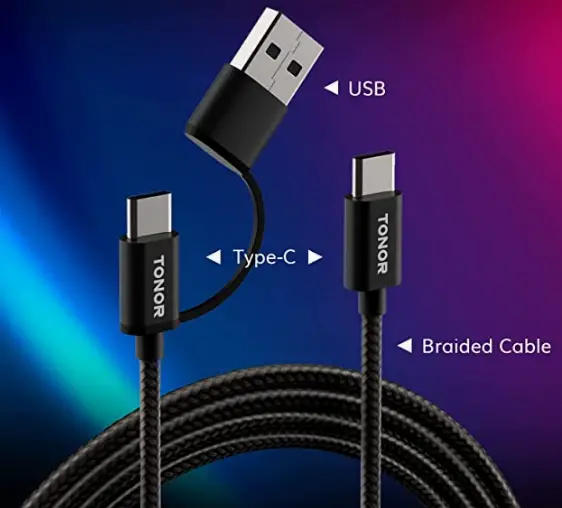
This USB microphone is perfect for gaming, livestreaming, vocal recording, and meetings and includes an RGB volume indication.
ZERO LATENCY MONITORING:
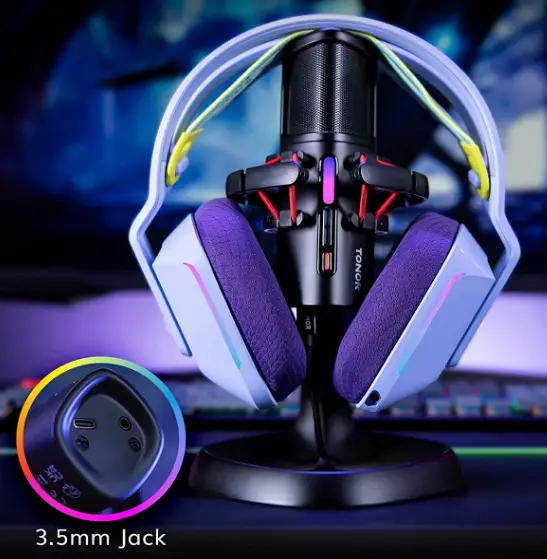
You can listen to the content of recordings in real time without echo using a 3.5mm headphone jack, giving you effective control over your recording. This recording microphone is the ideal option for creating YouTube videos and TikTok.
HOW TO MUTE
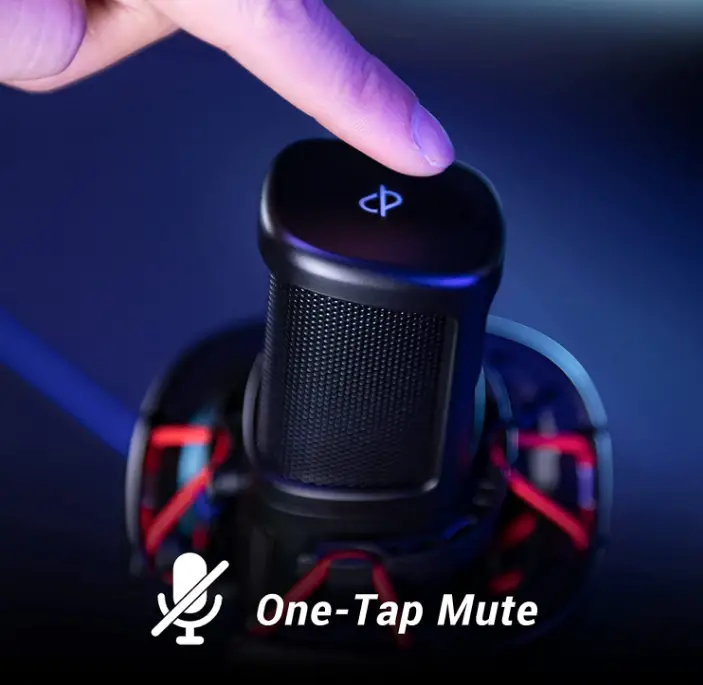
When necessary, tap the top of this streaming microphone to instantly mute it. To turn off the silence, tap one more.
HOW TO CONFIGURE USB CONDENSER MICROPHONE
- Join Your Computer’s Audio Interface.
- Use an XLR to attach the microphone to the audio interface.
- Press the Phantom Power Button to activate.
- Use a shock mount when using condenser microphones because they are sensitive.
- To configure the input, go to your system preferences.
HOW TO CHANGE SETTINGS
Click Open Sound Settings by doing a right-click on the desktop’s sound icon. Your input device should be listed in the dropdown menu under “Input” there. From the selection, choose your USB microphone.
FAQs
I had the same issue when I did the set up on the mic, but make sure the USB cable is connected very well with both the device and the mic. Otherwise, you’ll hear no sound from the headset. I also tried using another cable besides the one that came with the mic and that cable worked better.
greeting from Tonor. Thank you for your interest in our product. This microphone is compatible with Chromebook. If you have any more question please reach to us directly.
greeting from Tonor. Thank you for your purchasing. There is no off or on button for this microphone but there has one button on the top for mute. If you have any more question please reach to us directly.
greeting from Tonor. Thank you for your interest in our product. This microphone is compatible with T20 arm stand. If you have any more question please reach to us directly.
greeting from Tonor. Thank you for your interest in our product. Yes, this microphone is compatible with Windows 11. If you have any more question please reach to us directly.
Yes there is a small screw coming with the mic where it allow u to fix the mic in a boom stand. but u need to buy a boom stand separately.
The first thing you must do is to determine whether the battery is low enough to prevent wireless dropouts. If the battery is the issue, then your setup’s use of other wireless microphones is probably to blame.
After updating Windows 10, you might need to grant your apps permission to use your microphone if it isn’t automatically identified.
The port is typically located near the back of a desktop computer. Simply connect in your headset, then review the outcomes.
Connect the cable’s small end to the microphone. The opposite end of the cable should be inserted into a computer’s USB port. Launch the digital audio workstation on your PC to manage the audio (DAW). Lower the volume of the computer’s primary output while switching the input and outputs to your microphone.
Just connect the microphone to the computer and select it as your audio input device.
A condenser microphone cannot be used without phantom power, but it can be connected directly to your computer without the necessity of an audio interface or mixing board.
The analog-to-digital converter is already present in a USB microphone, so all you have to do is connect the microphone to your computer and launch your recording or communication programme. The second thing you should be aware of is that your computer’s device driver is necessary for your USB microphone to function.
USB microphones are not affected by soundcards, but utilizing the most widely used technique is still preferred.
Phantom power is not required for a USB microphone. The USB port on your computer provides the necessary electricity for a USB microphone. The audio is received by a USB microphone, which internally changes it before sending it to the computer utilizing the same cable.