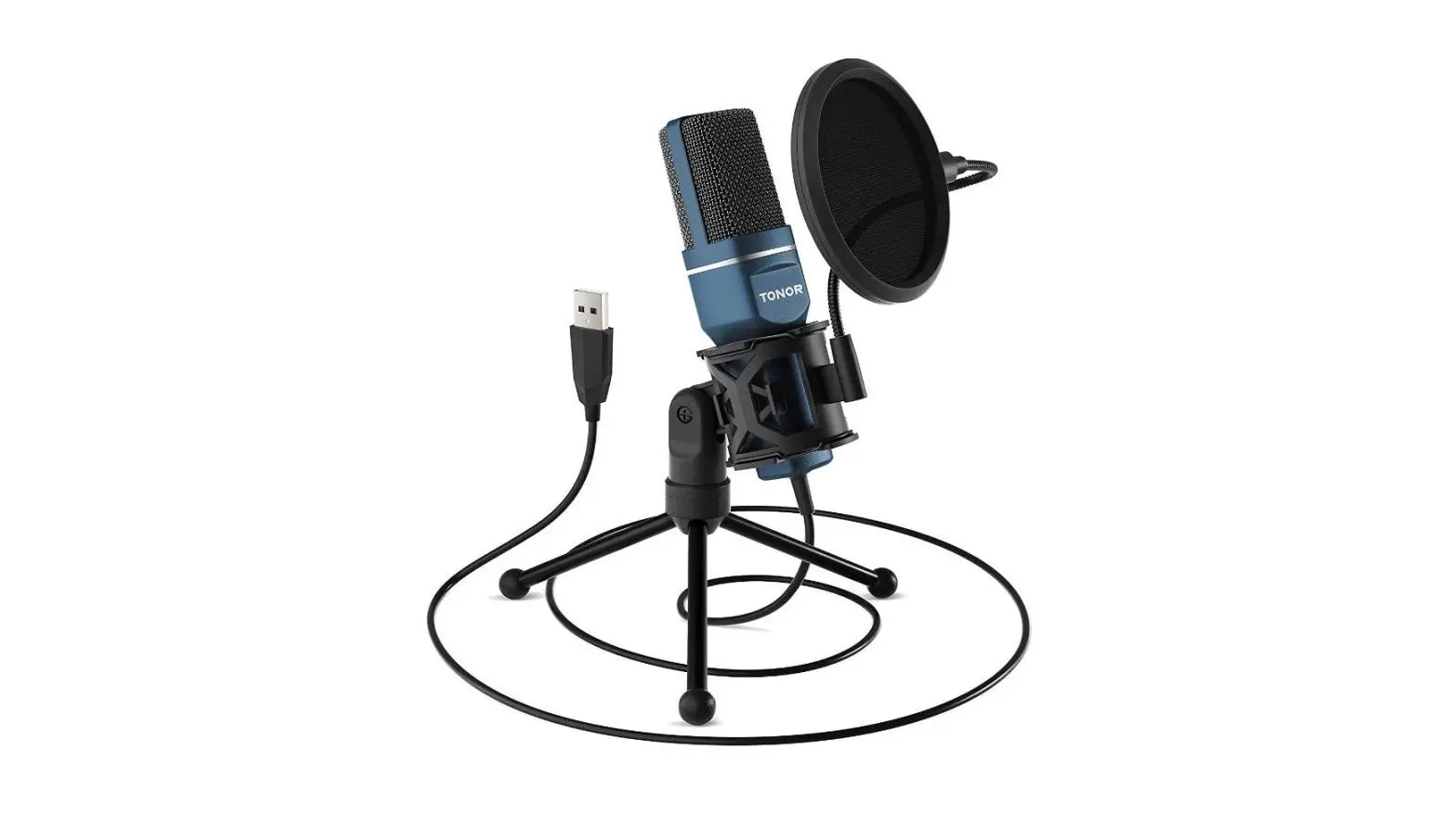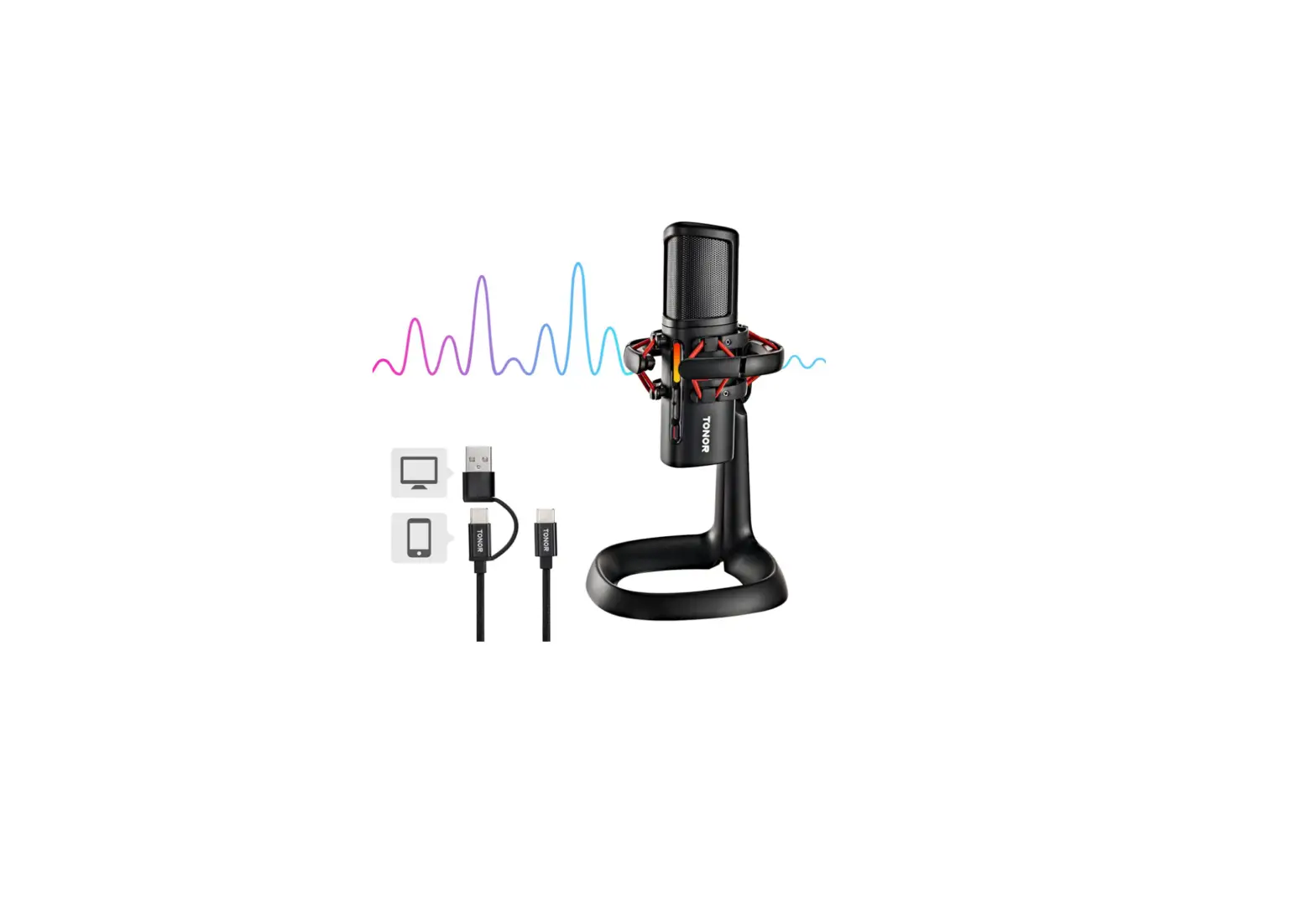

TONOR USB Microphone Kit, Streaming Podcast PC Cardioid Condenser Computer Mic for Gaming
Specifications
- DIMENSIONS: 16.5 x 7.87 x 3.43 inches,
- WEIGHT: 2.99 pounds,
- DIAPHRAGM: 16mm,
- POLAR PATTERN: Cardioid,
- FREQUENCY RESPONSE: 20Hz-20kHz,
- CABLE LENGTH: 1.8m,
- OUTPUT IMPEDANCE: 2.2k Ohm,
- PLUG TYPE: USB,
- MANUFACTURER: Tonor
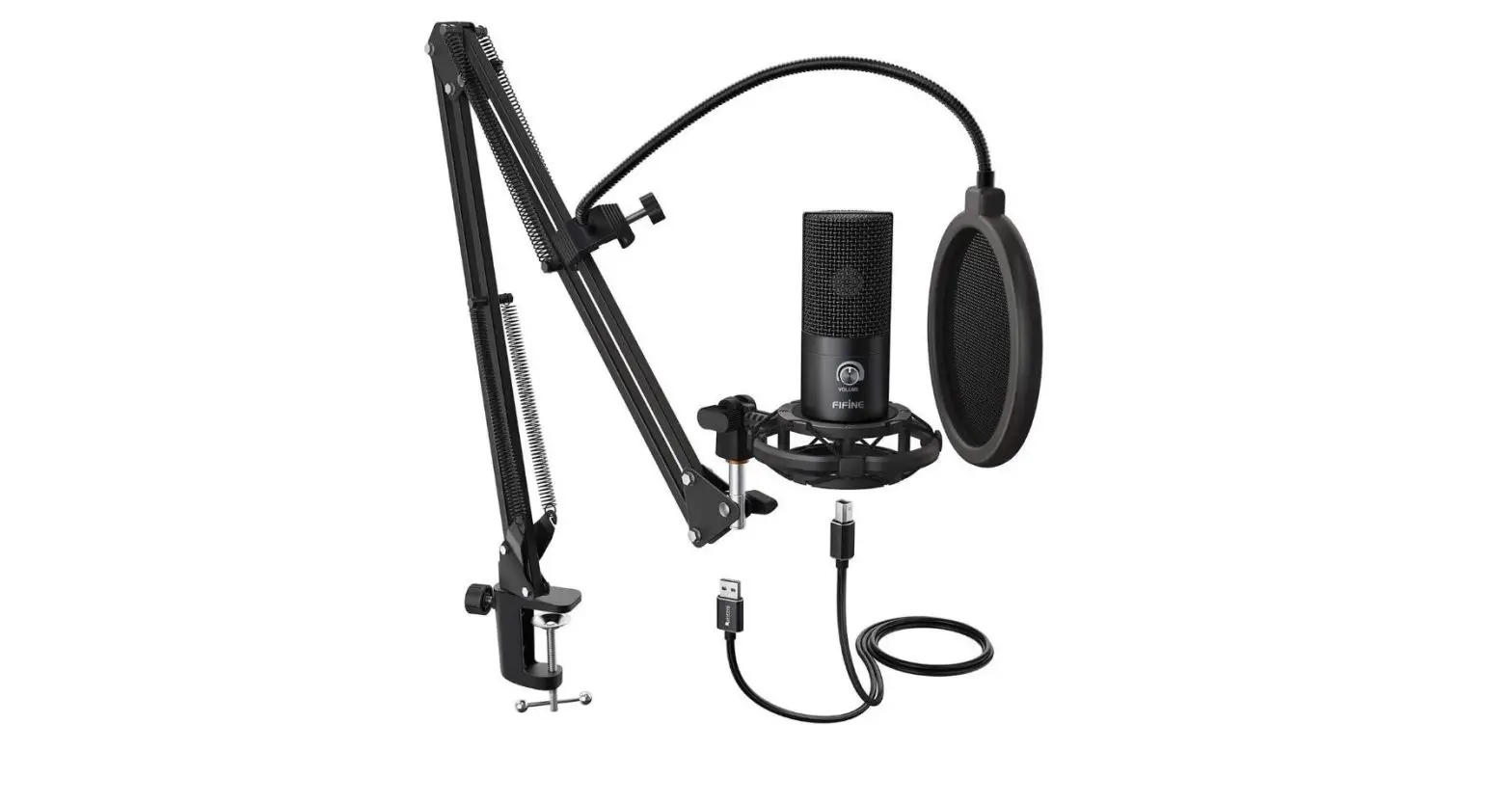
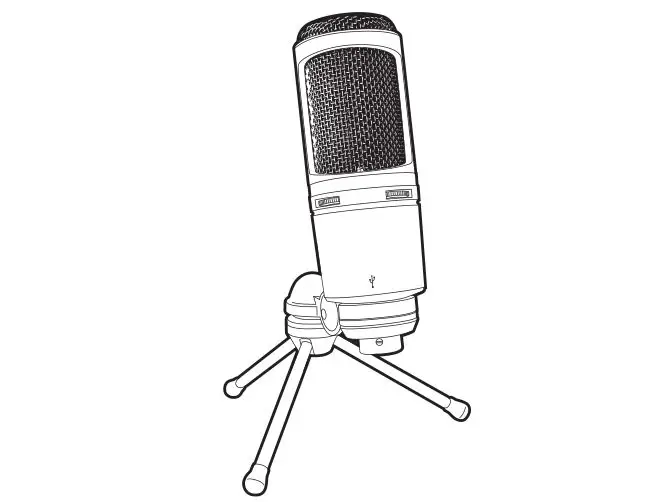
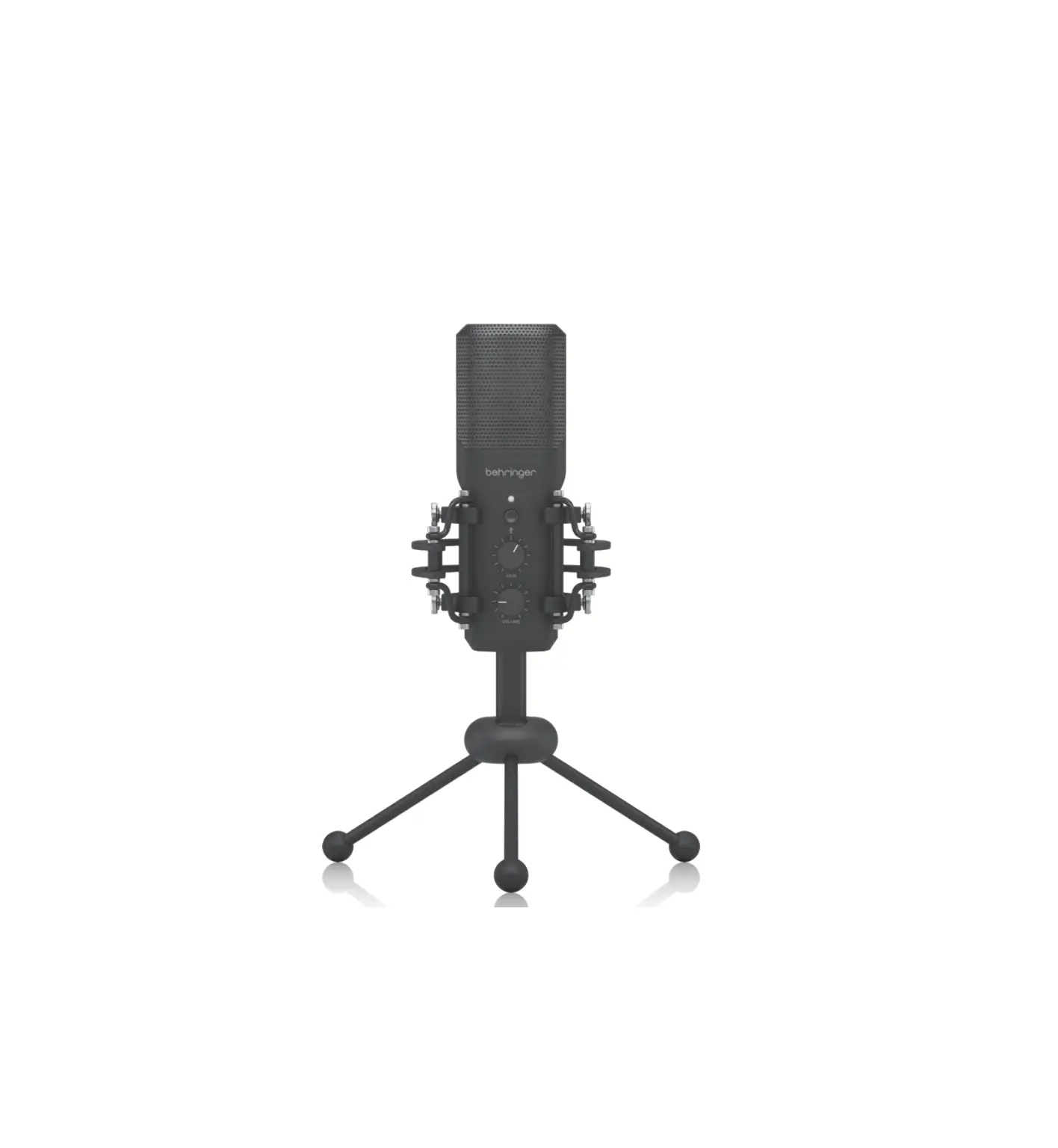
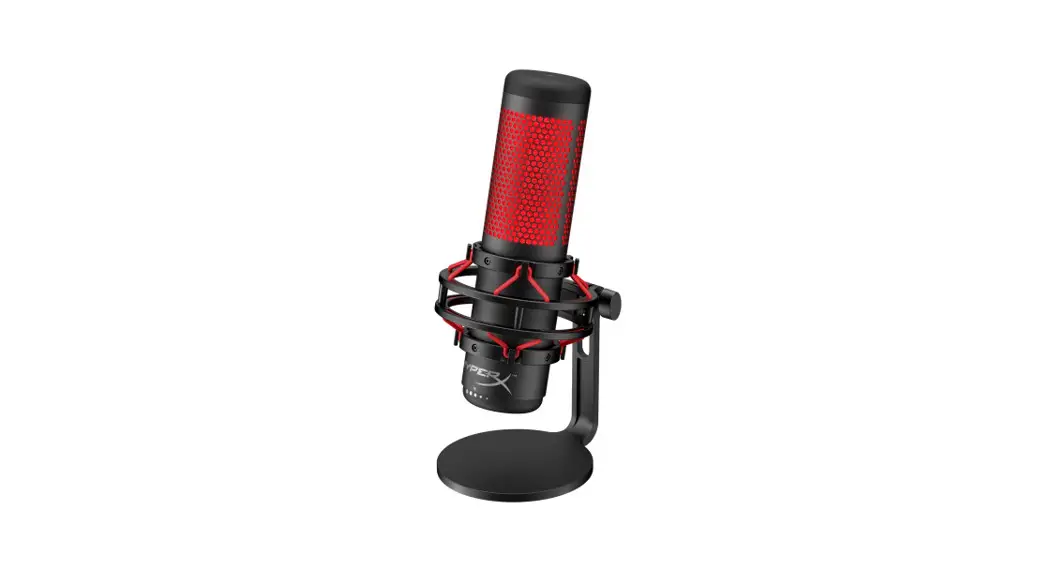
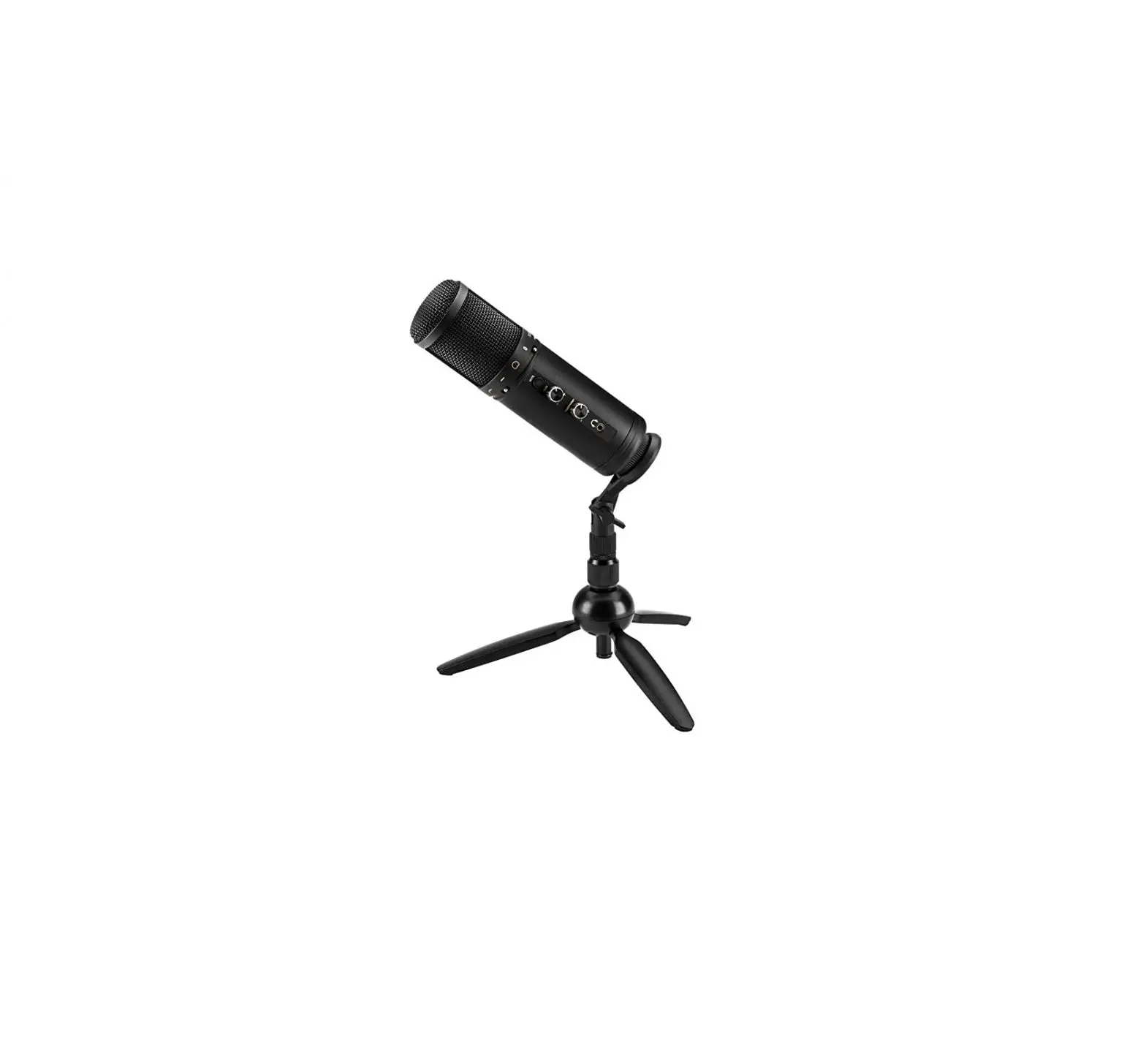
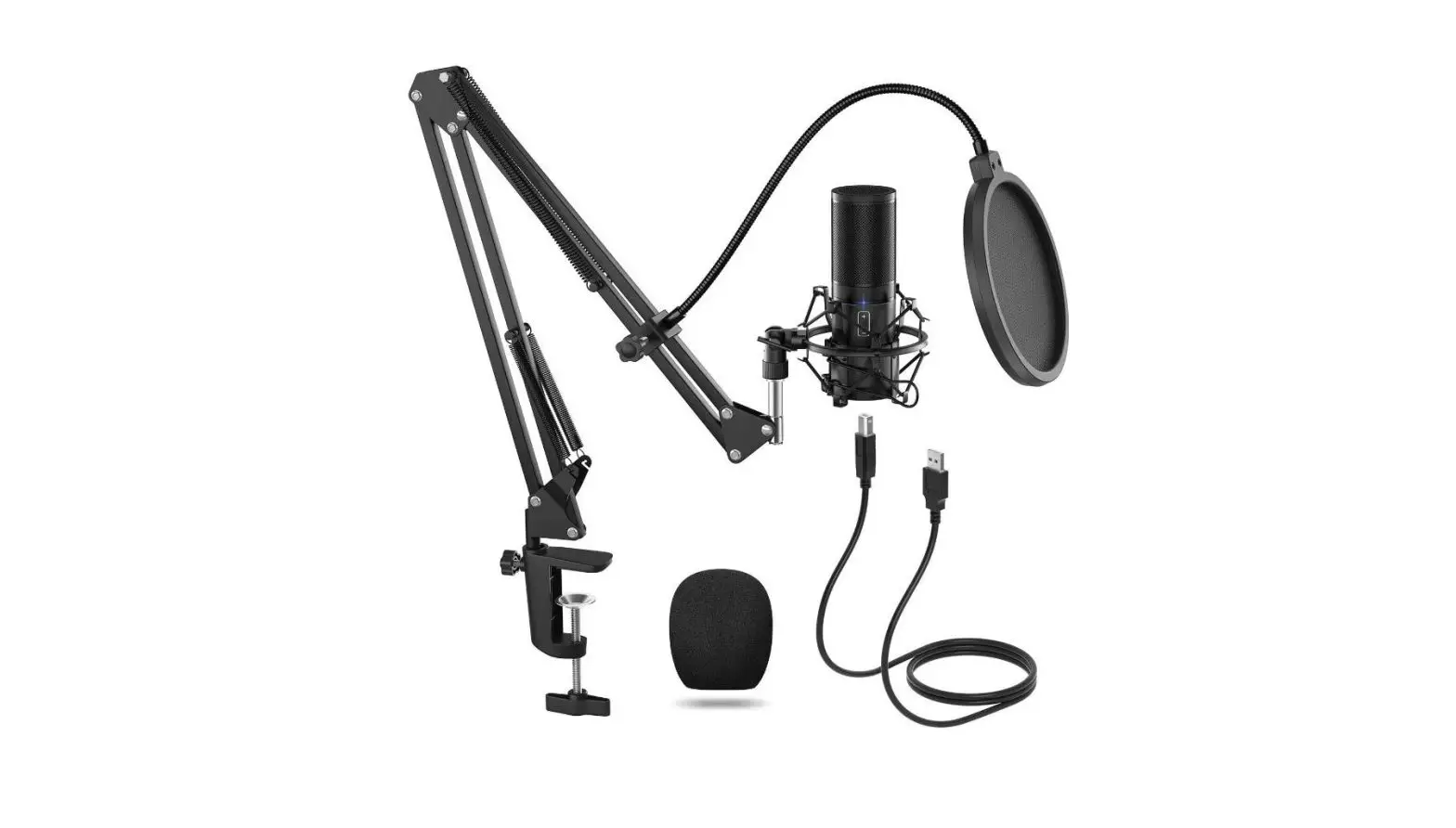
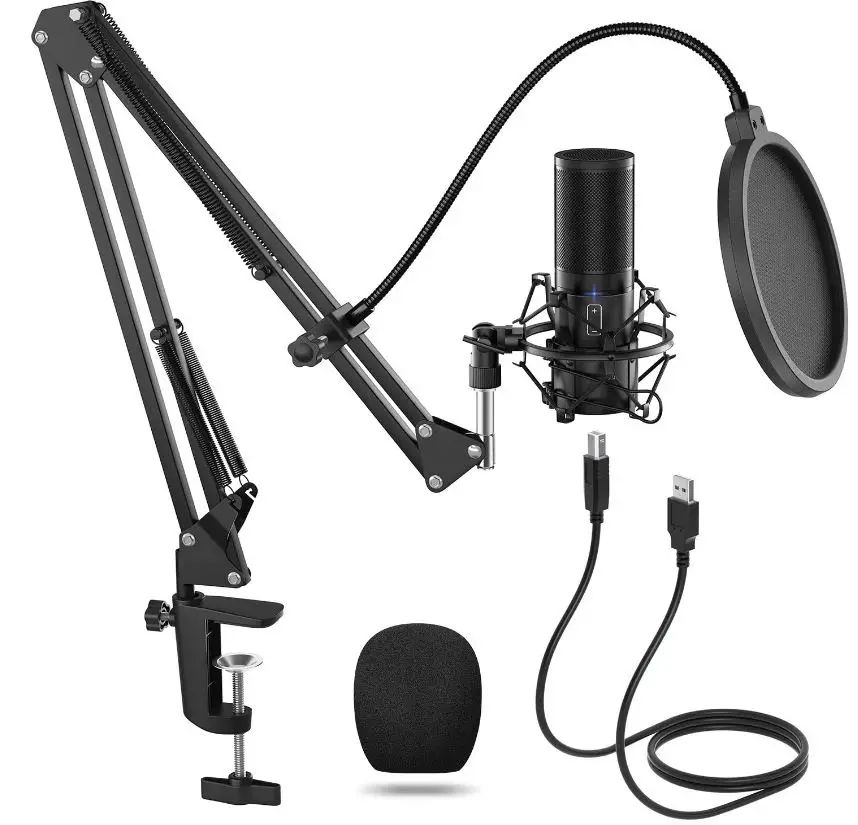
The Tonor Q9 microphone kit features and easy to connect microphone which is compatible with both Mac and Windows Computers as well as PS4. It is equipped with large diaphragm of 16mm and a frequency response of 20 to 20k Hz. The microphone comes with a control button which can be used to adjust the volume. it comes with a Q9 microphone stand that can extend vertically to about 27.5”/700mm. its clamp can hold to a desk of a maximum thickness of 1.7”/45mm.
It features a simple USB A to USB B cable which makes it a simple plug and play microphone. The Q9 microphone is perfect for accurate sound recording while cancelling out the noise from the surroundings.
What’s in the Box?
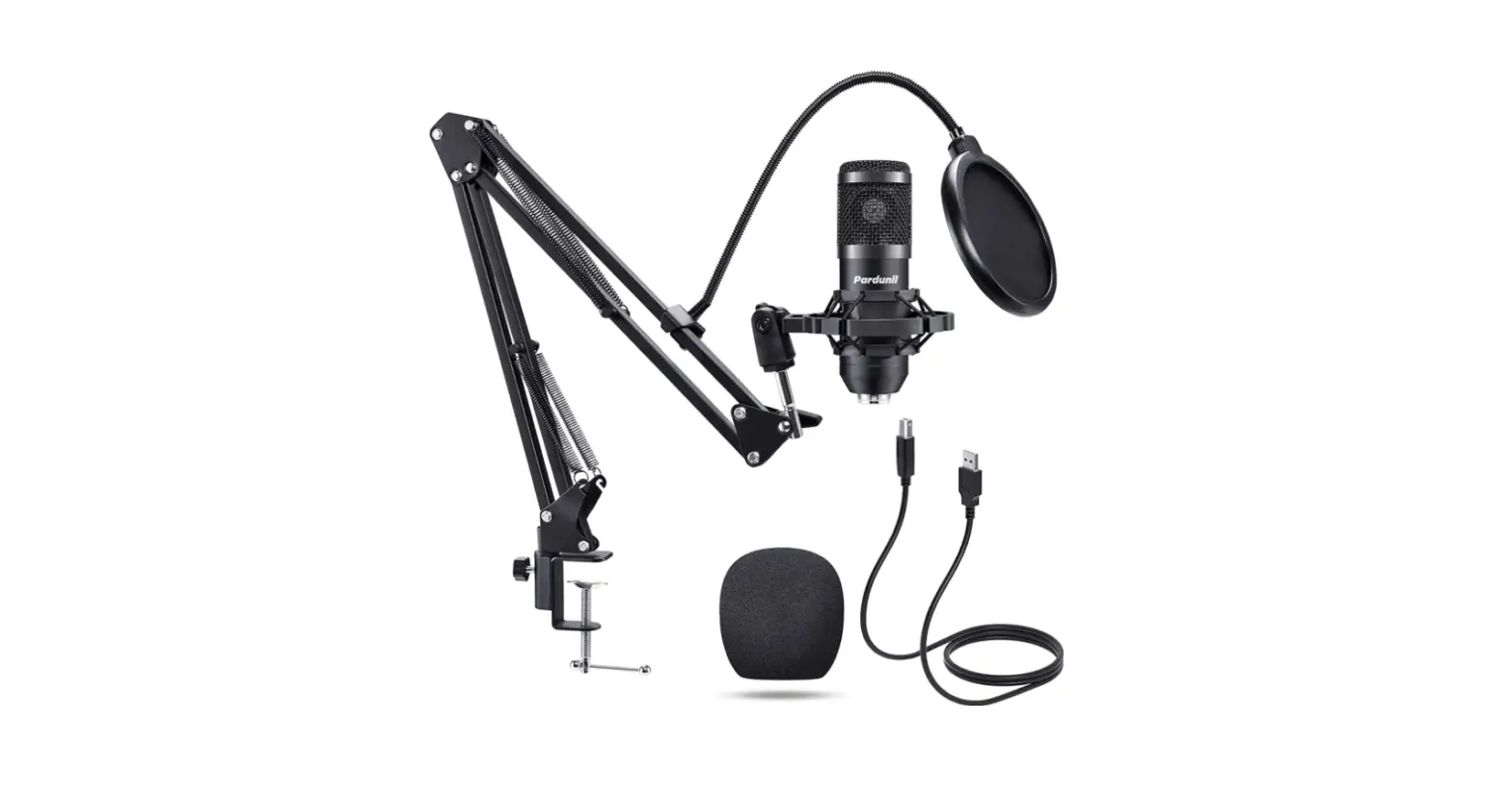
- Condenser microphone x 1
- Extended boom arm x 1
- Metal shock mount x 1
- Desk clamp x 1
- Pop filter x 1
- Mic cover x 1
- 8m USB cable x 1
- Manual x 1
Product Features
- 0 High-Speed running.
- Built-in professional noise reduction audio decoding chip.
- Recording sampling rate 16bit/48kHz.
- High sensitivity, clear sound and low noise.
- With LED indicator.
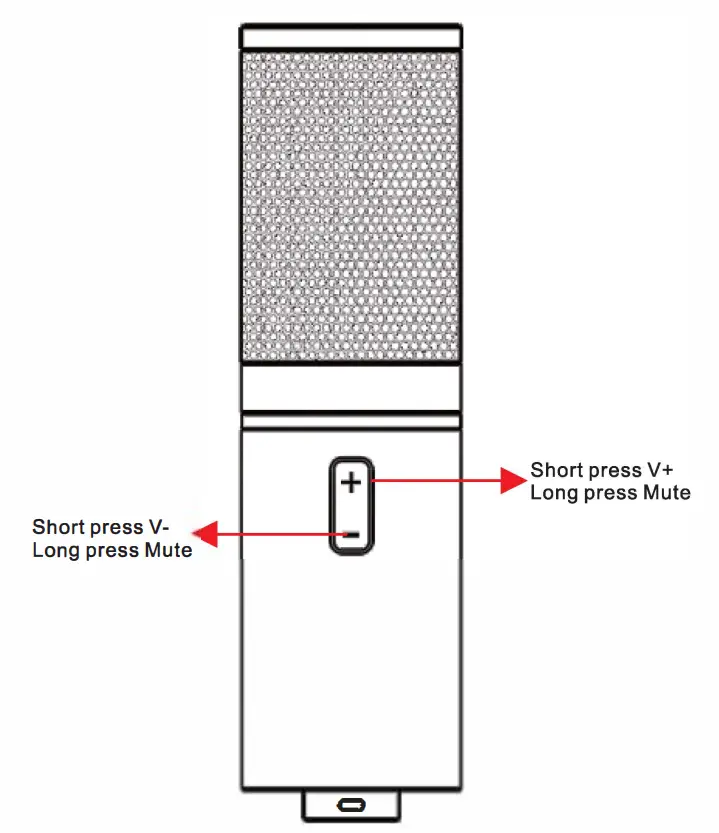
- With volume controller /Mute button switch.
- Microphone built-in USB sound card driver, need not install extra driver, plug and play.
- Compatible with Win2000, Win XP, Win 7/8/10 and Mac OS etc.
WINDOWS 7/8/10 INSTALLATION FOR USB MIC
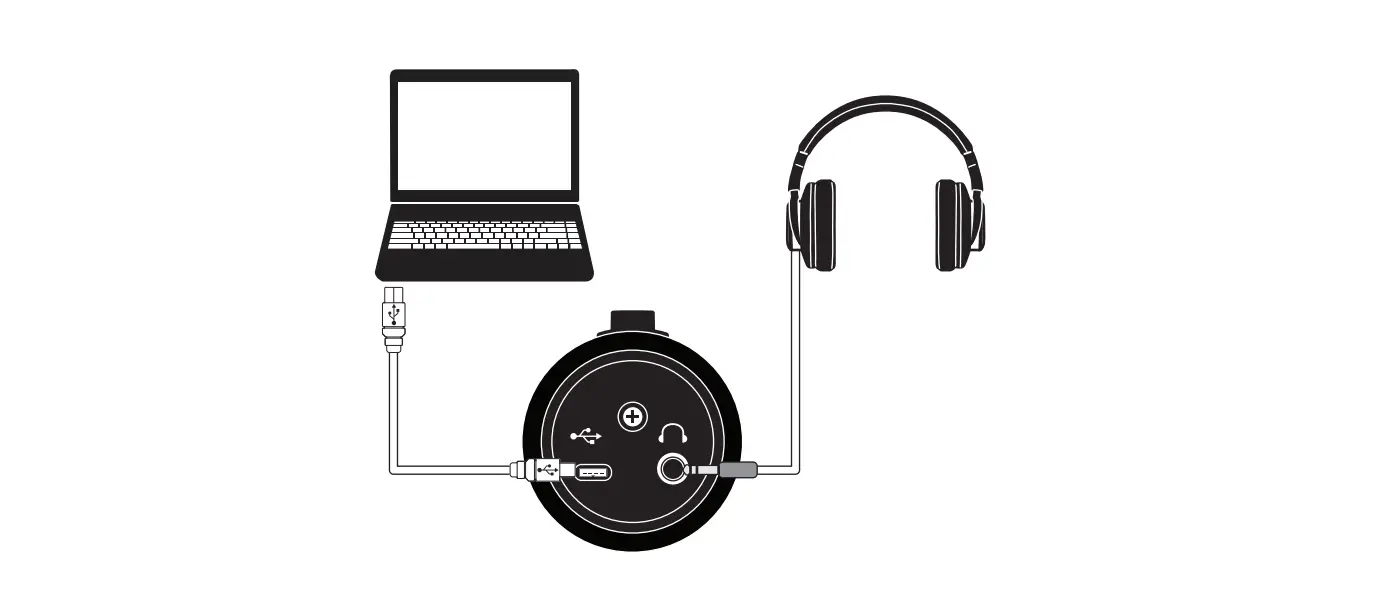
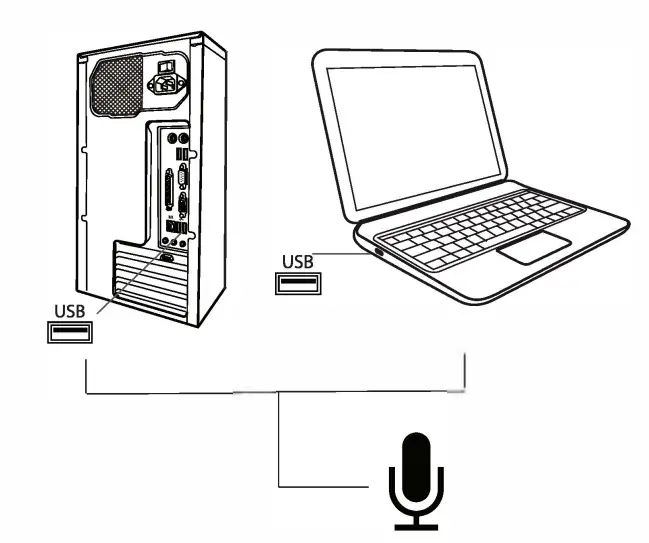
- Step 1: Plug the USB port of the microphone directly into your laptop or desktop computer.
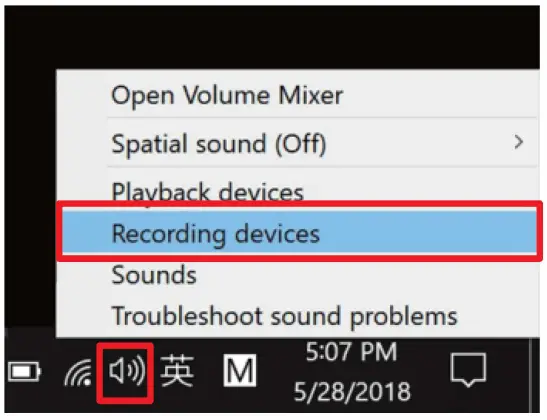
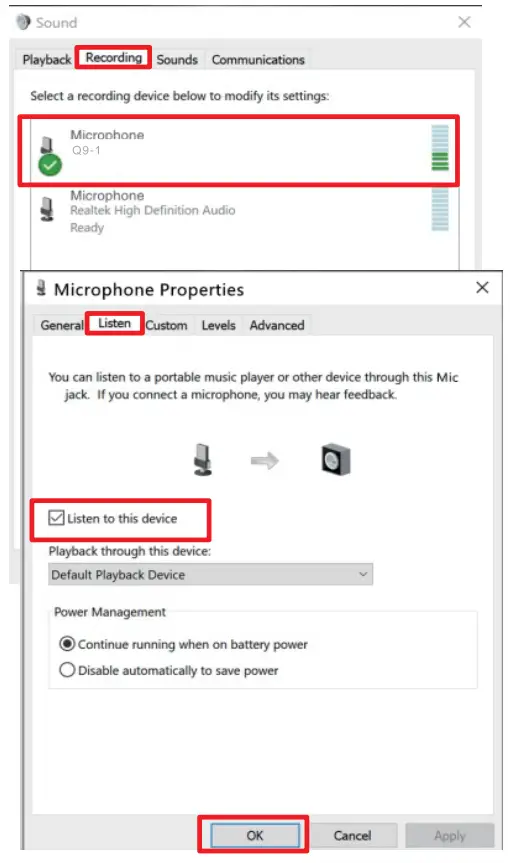
- Step 2: Right-click the Audio Manager icon on the lower right of the desktop, then click the recording devices.
- Step 3: You can see the microphone is set up and is on default, double click on the microphone, then you can find Microphone properties.
- Step 4: Come to Listen. Check to listen to this device, then click the OK button (If you need to monitor when recording, click OK to save the settings).
- Step 5: Now click on OK to save the settings.
Mac OS FOR USB MICROPHONE
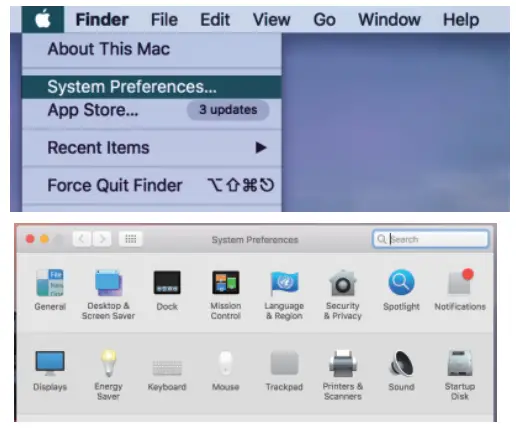
- Step 1: Click the desktop menu, then click system preferences …
- Step 2: Find the sound button and click it.
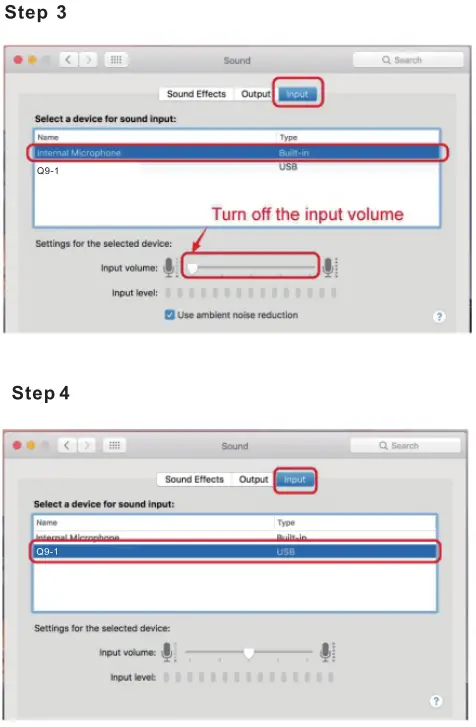
- Step 3: Choose input you will find an internal Microphone, turn off the input volume.
- Step 4: Choose USB MIC Q9-1 Sound Device, and adjust input volume.
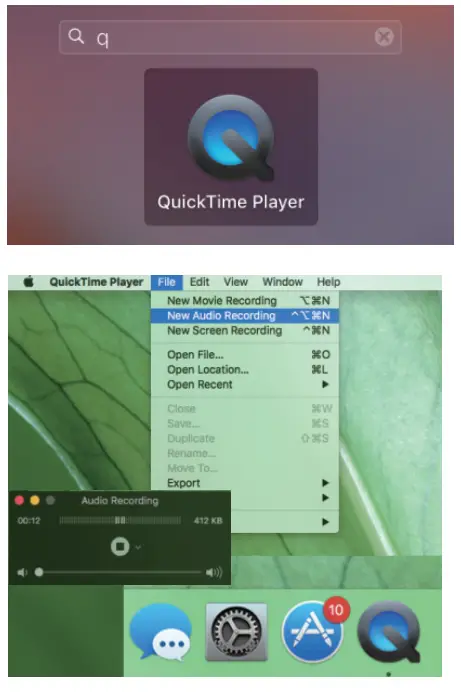
(General adjustment in the middle). - Step 5: Test the microphone sound: search the built-in software: Quick Time Player.
- Step 6: Right-click and select ‘ NEW Audio Recording ‘
- Step 7: After selecting the external USB microphone, click the recording button and you can record it.
FREQUENTLY ASKED QUESTIONS
- Does it have a mute mic button?
It doesn’t have a dedicated mute button. Long press the volume + or – button to mute the mic. Press any of the button again to unmute yourself - Is this compatible with Chromebooks?
Yes, the Q90 microphone and kit is compatible with Chromebooks. - If I use a USB adapter to the lighting cable, will it work on an iPad?
No, it is not suggested to use it with an iPad. - Does it come with any software that can cancel background noise?
No, it doesn’t come with any software for noise cancellation, however you can download some free noise reduction software like Audacity. - If I buy this mic, do I need to buy anything extra? do this microphone include cable and stand?
No, you won’t need anything extra. It features a simple plug and play mic, Condenser Mic, Adjustable Scissor Arm Stand, Metal Shock Mount, Pop Filter, Foam Mic Windscreen, Table Mounting Clamp and USB-B to USB-A Cable] - Can I use this microphone on HP laptop?
Yes, if the laptop has a USB Type A port, then it is compatible with the HP Laptop. - Is it compatible with android phones?
No, it is not compatible with any type of smartphone. - Can I use this on my Xbox?
Yes. - Does this work with the PS5?
Yes, the mic is compatible with PS5. - Can I use this with my Mac High Sierra?
Yes, it is compatible with Mac High Sierra. - How long is the cable?
The length of the cable is about 1.8 meters or 5 ft 10 inches - Does this work with Audacity?
Yes, it works with Audacity.