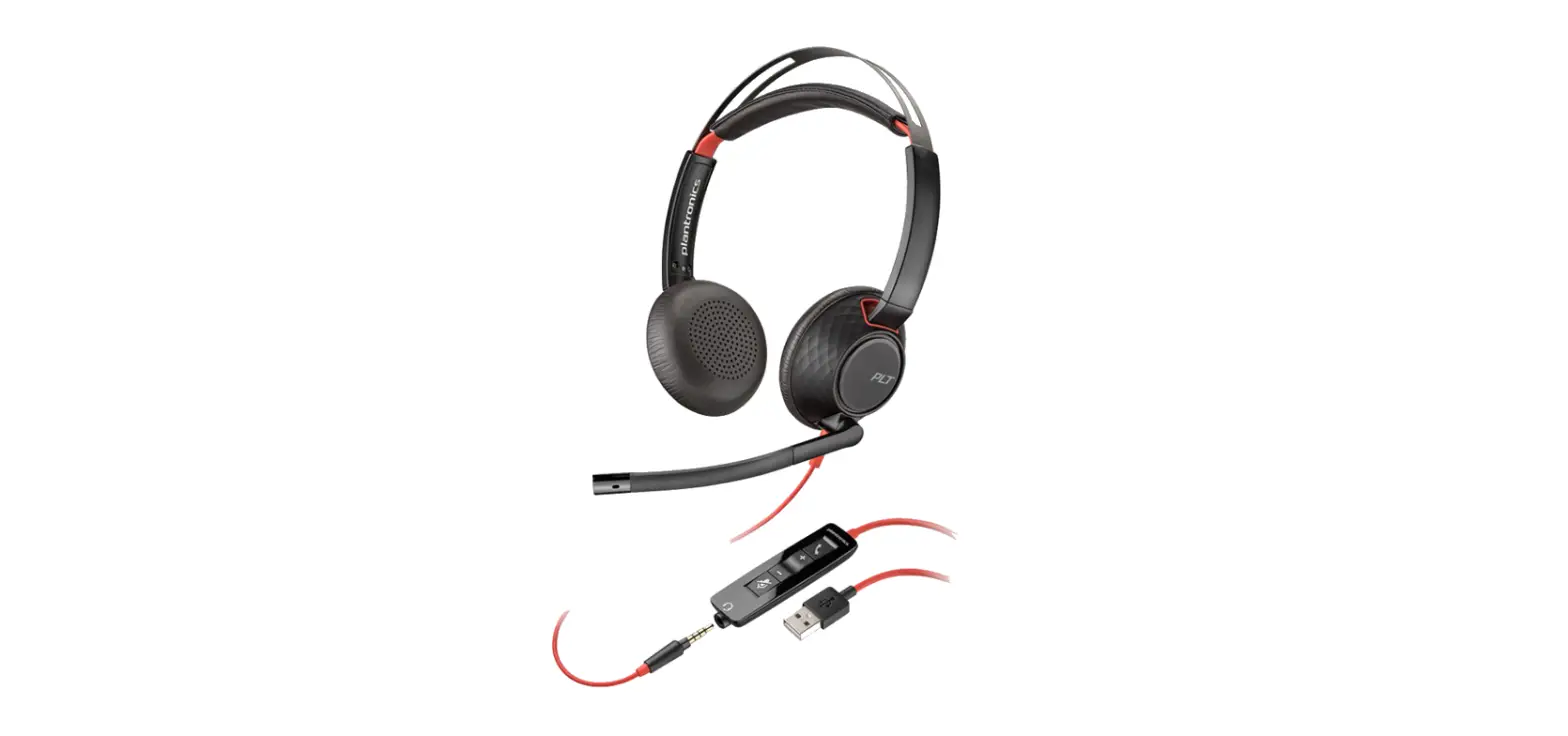
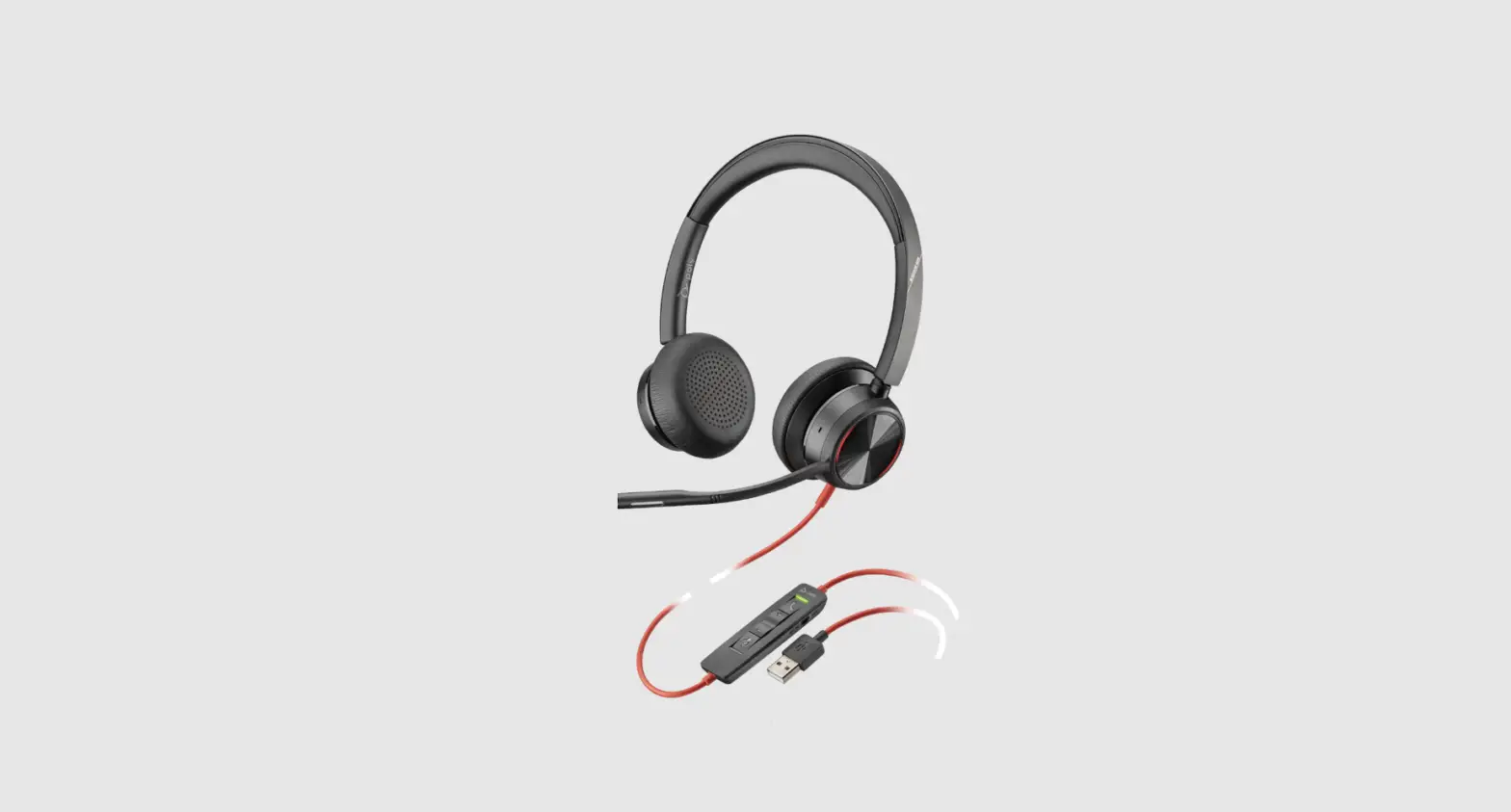
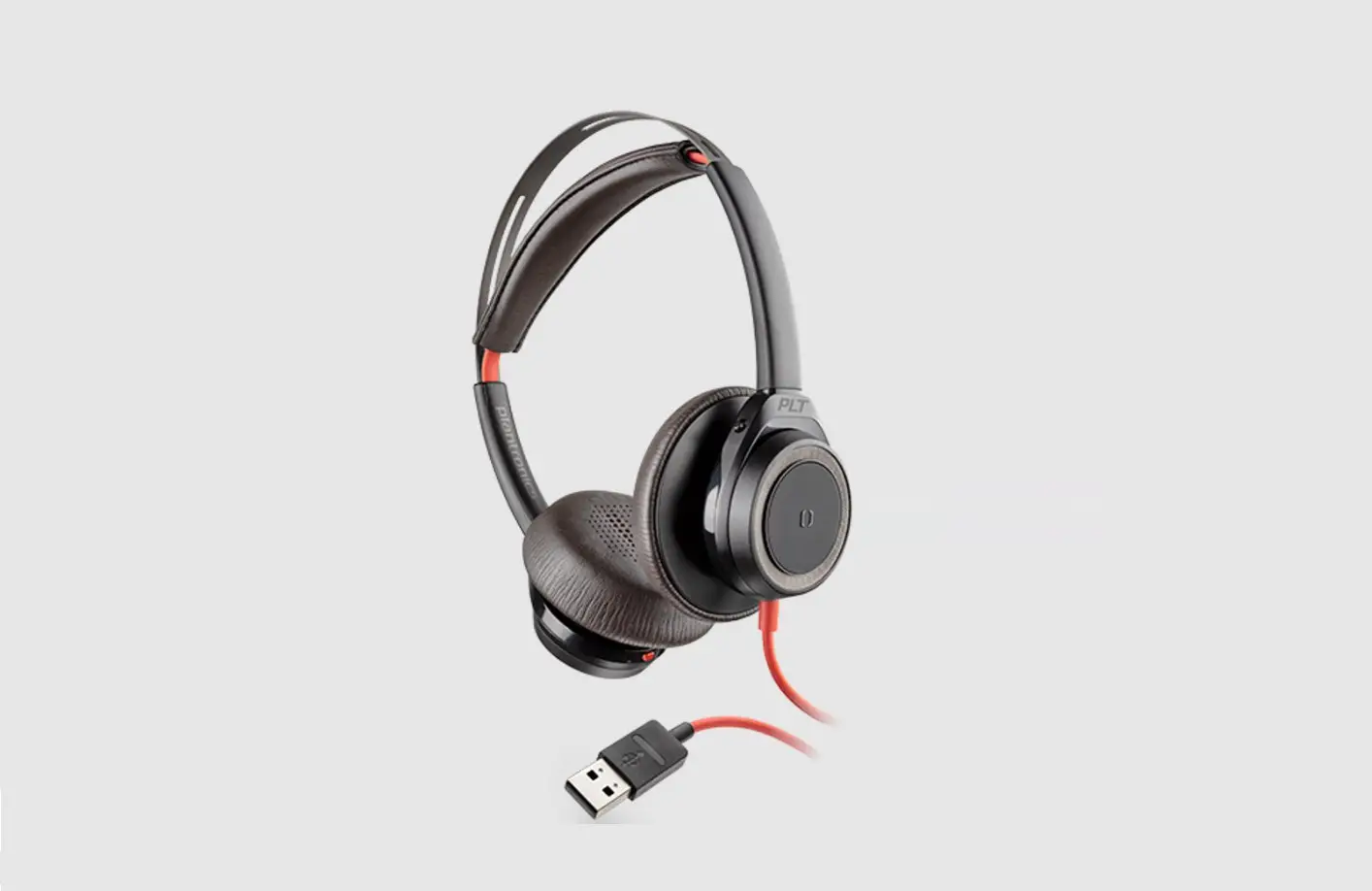
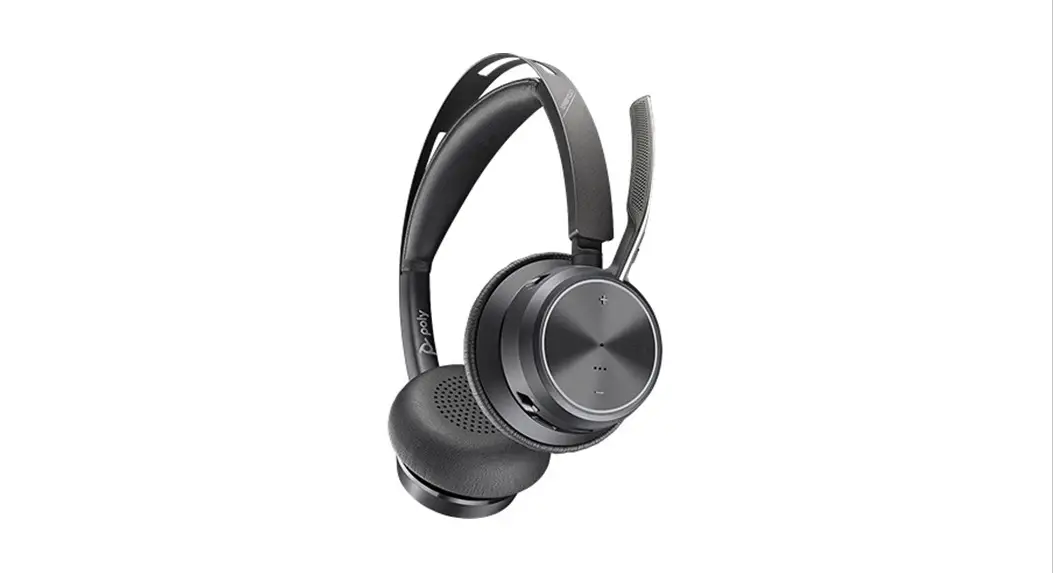
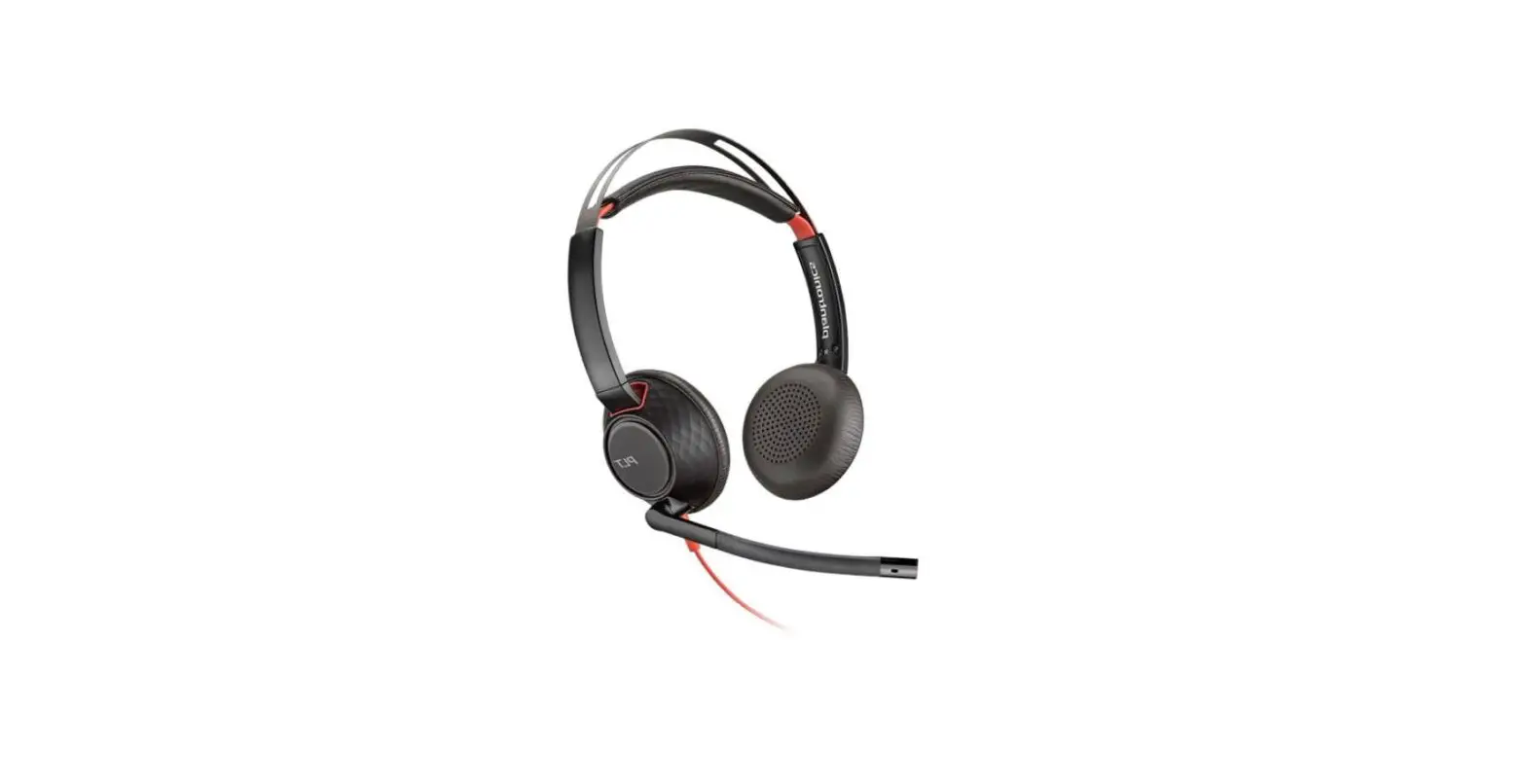
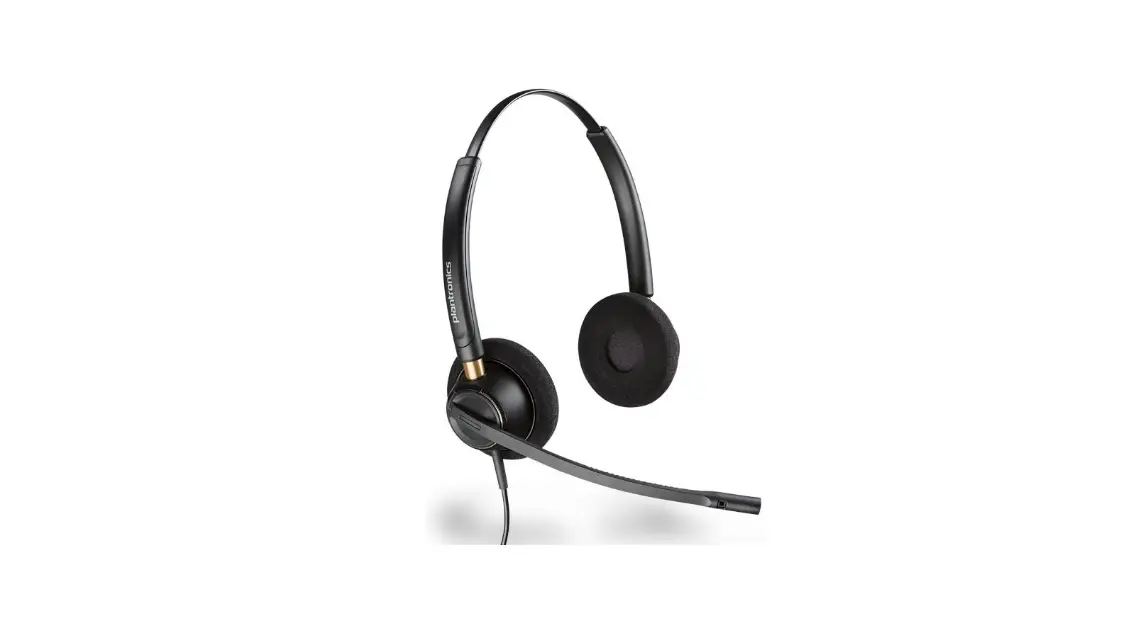
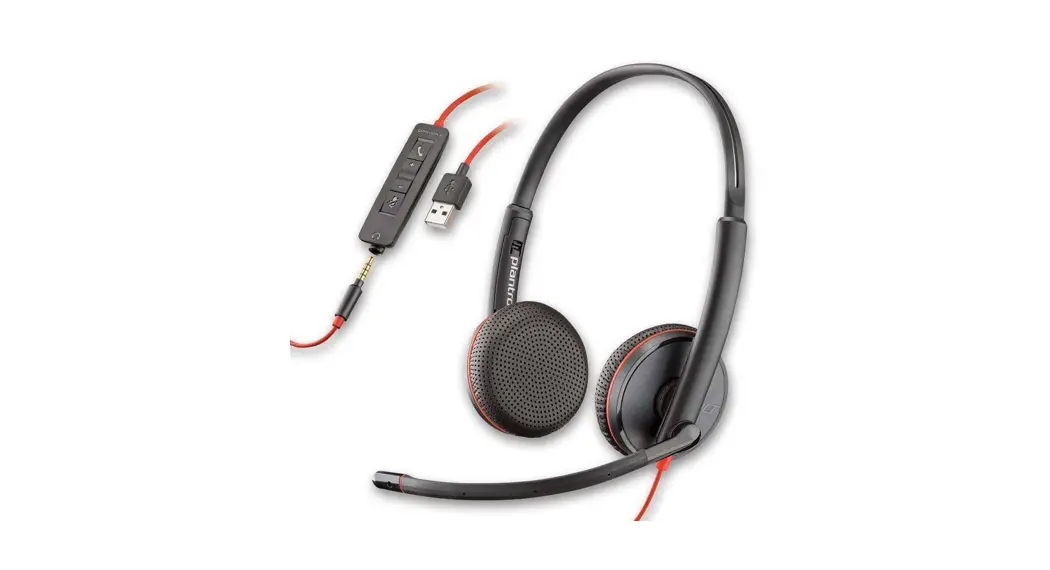
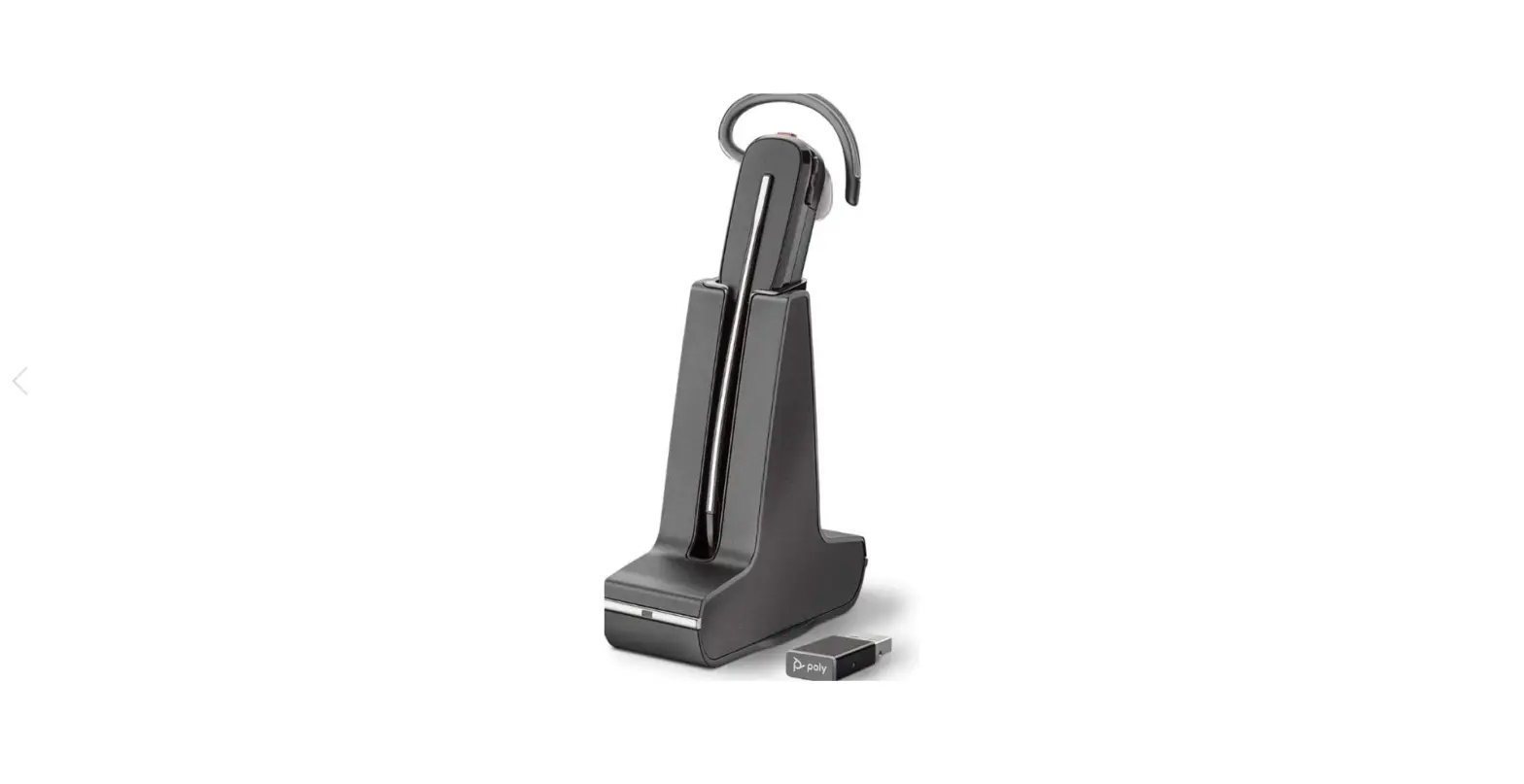
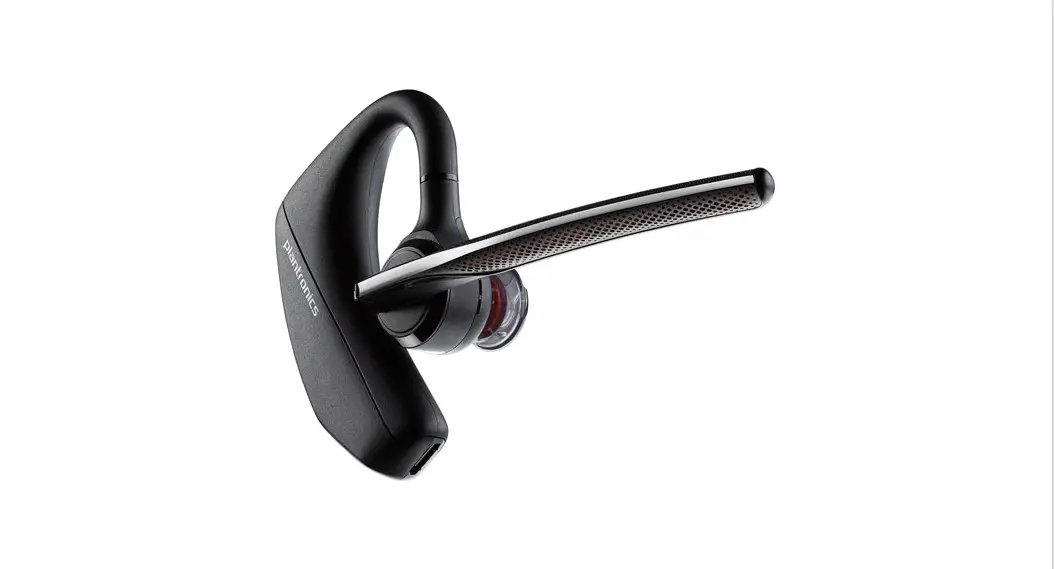
Blackwire 5200 Series Corded USB Headset
Product Information:
The product is called Blackwire 5200, a headset manufactured by
Plantronics. It is designed to provide high-quality audio and
comfortable communication for users.
Product Usage Instructions:
- Connect to Device: Visit plantronics.com/software and
download the Plantronics Hub software. Install the software on your
device to enable advanced features and customization options. - Connect to Headset: Once the Plantronics Hub software is
installed, connect the Blackwire 5200 headset to your device using
the provided USB cable or the appropriate connection method
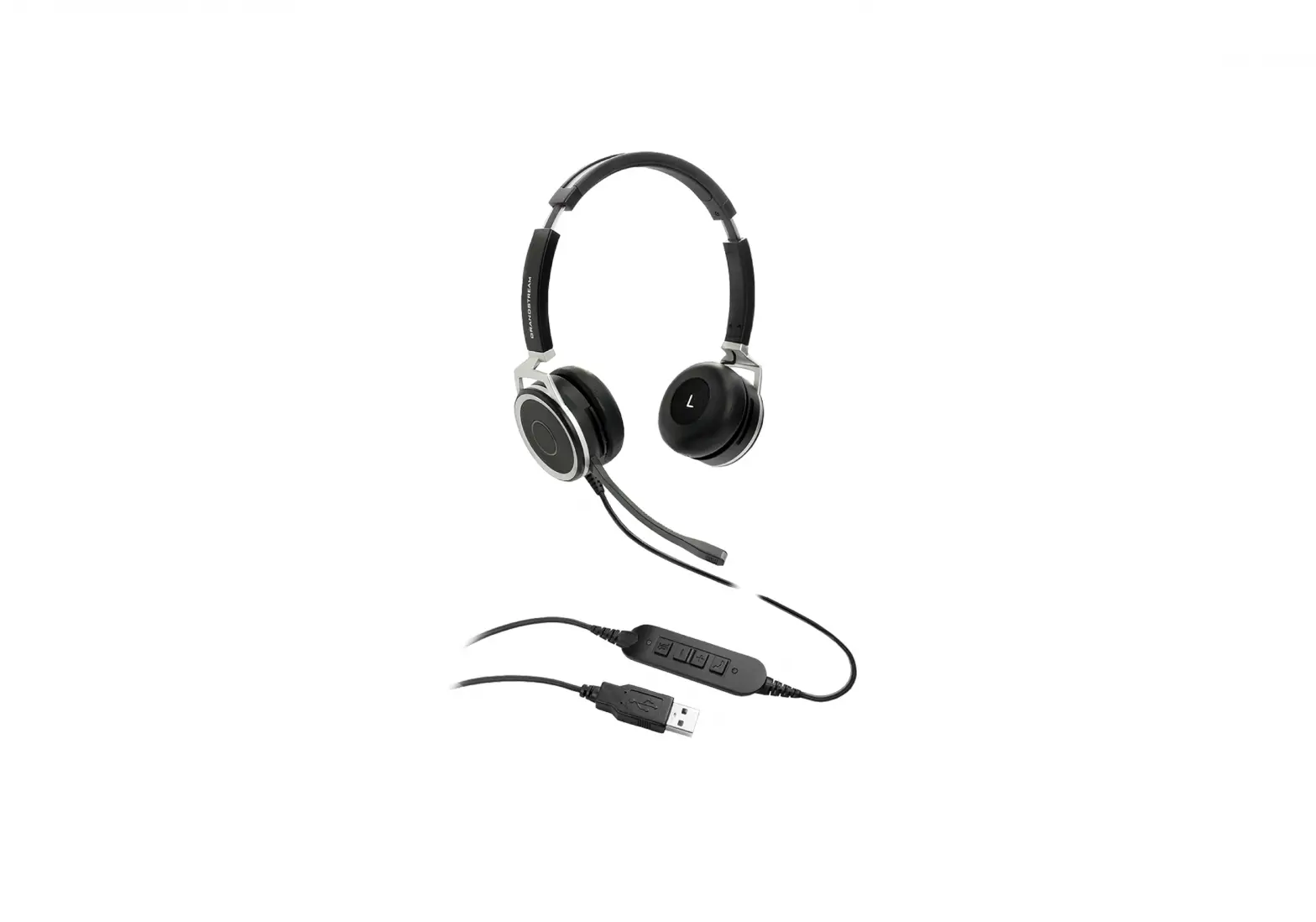
supported by your device. - Fit: Adjust the headset to ensure a comfortable fit. The
Blackwire 5200 headset features an adjustable headband and rotating
ear cushions for a personalized fit. Position the microphone boom
in front of your mouth for optimal voice pickup. - Quick Start: Refer to the user manual or quick start guide
provided with the product for additional setup instructions and
troubleshooting tips. If you need further assistance, visit
plantronics.com/support for
support resources and contact information.
CONNECT TO DEVICE
plantronics.com/software Plantronics Hub
CONNECT TO HEADSET
FIT
plantronics.com/support
© 2019 Plantronics, Inc. All rights reserved. Poly, the propeller design, and the Poly logo are trademarks of Plantronics, Inc. All other trademarks are the property of their respective owners. Manufactured by Plantronics 215633-01 10.19
QUICK START
BLACKWIRE 5200