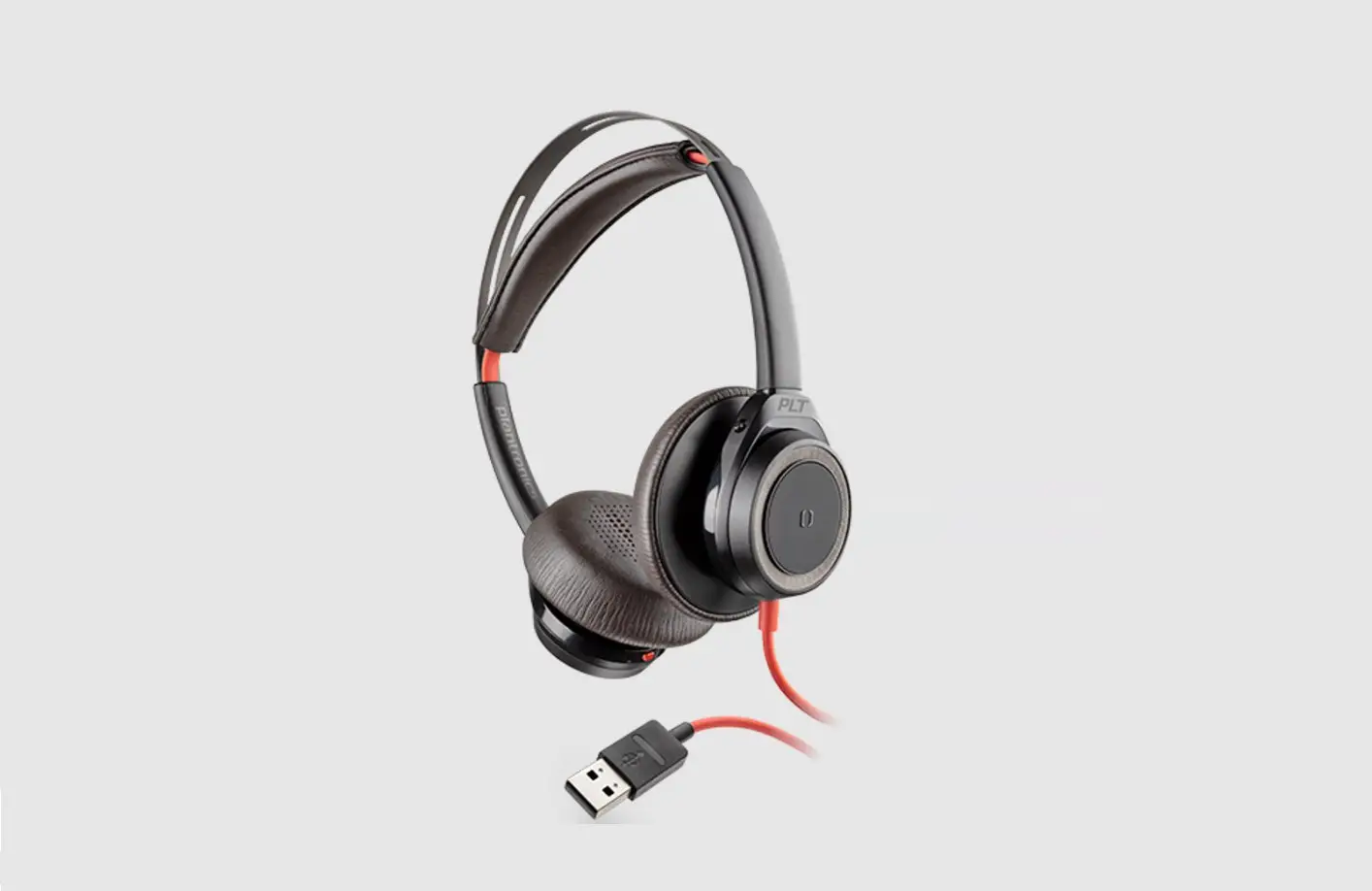

Blackwire 5200 Series Usb Headset Instructions

Blackwire 5200 Series Usb Headset Instructions

BLACKWIRE - Logo

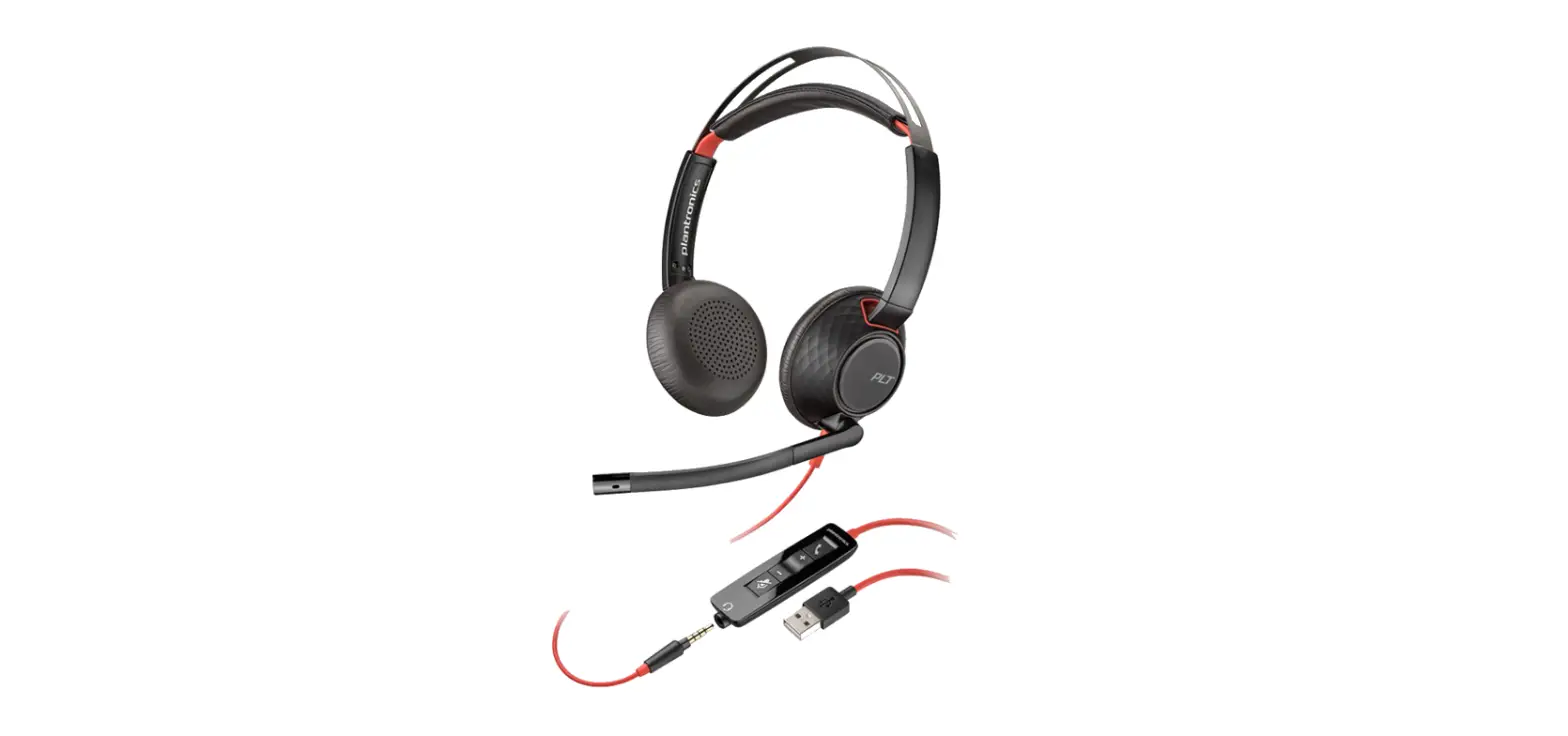
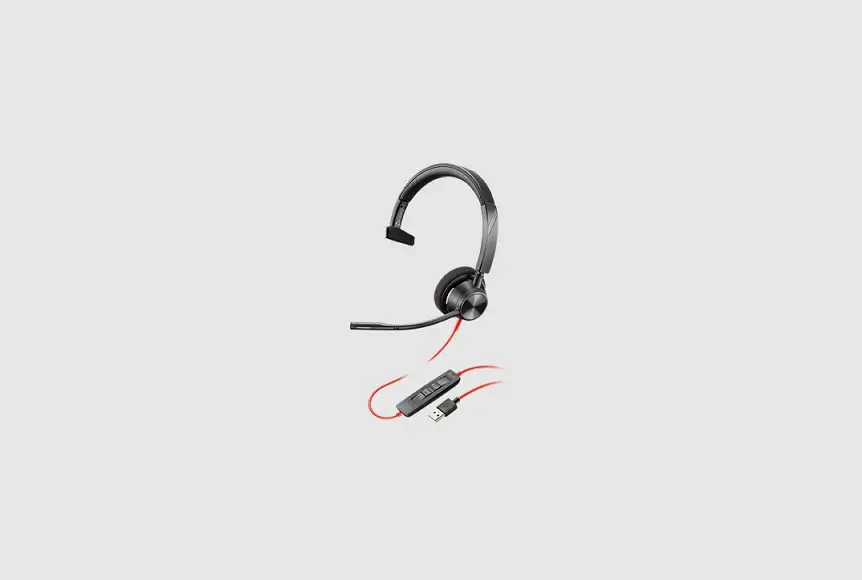
BLACKWIRE 5200 Series USB Headset - Cover

CONNECT

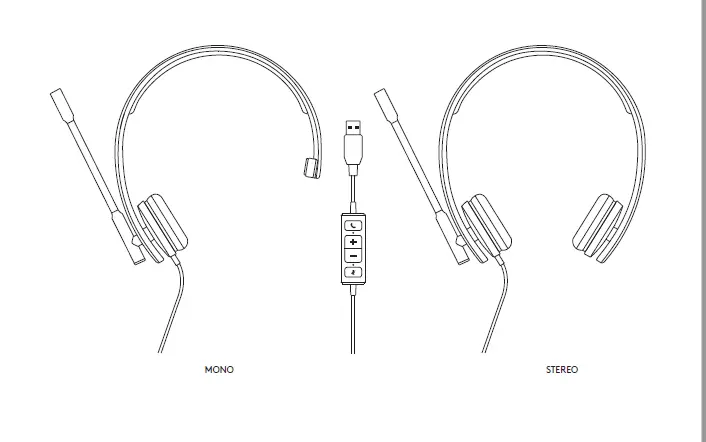
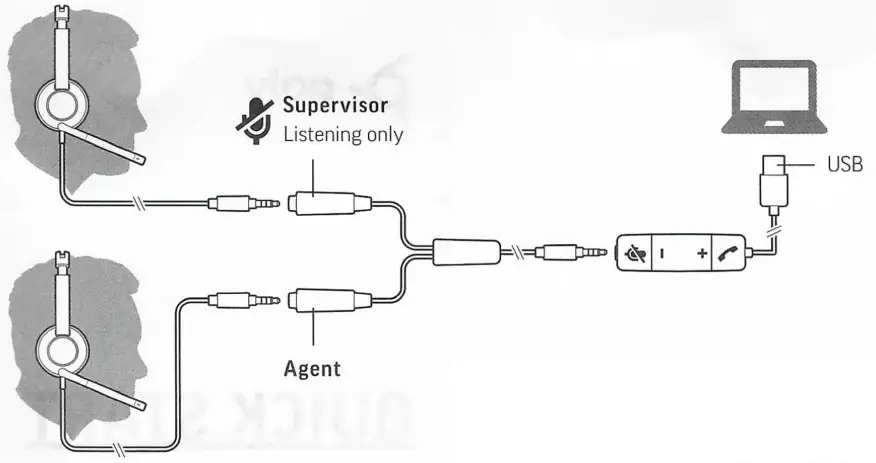
Using diagram, connect your headset system. For best results, use identical headsets in both ports.

RECONNECT

When swapping headsets, first disconnect USB cabie from computer and connect new headsets to training cable. Then plug USB back into computer.

Documents / Resouces

Download manual
Here you can download full pdf version of manual, it may contain additional safety instructions, warranty information, FCC rules, etc.


Related Manuals