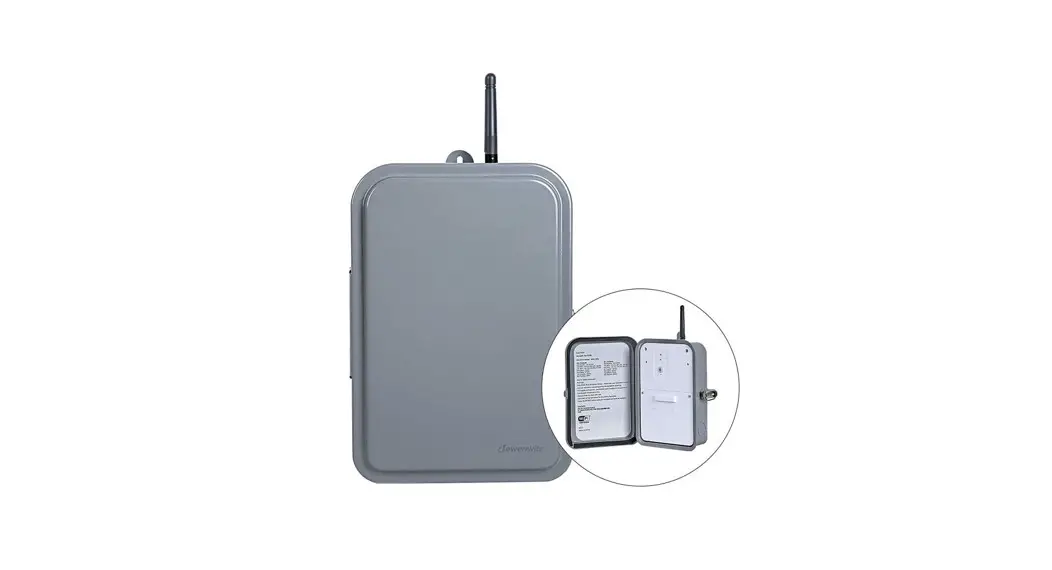
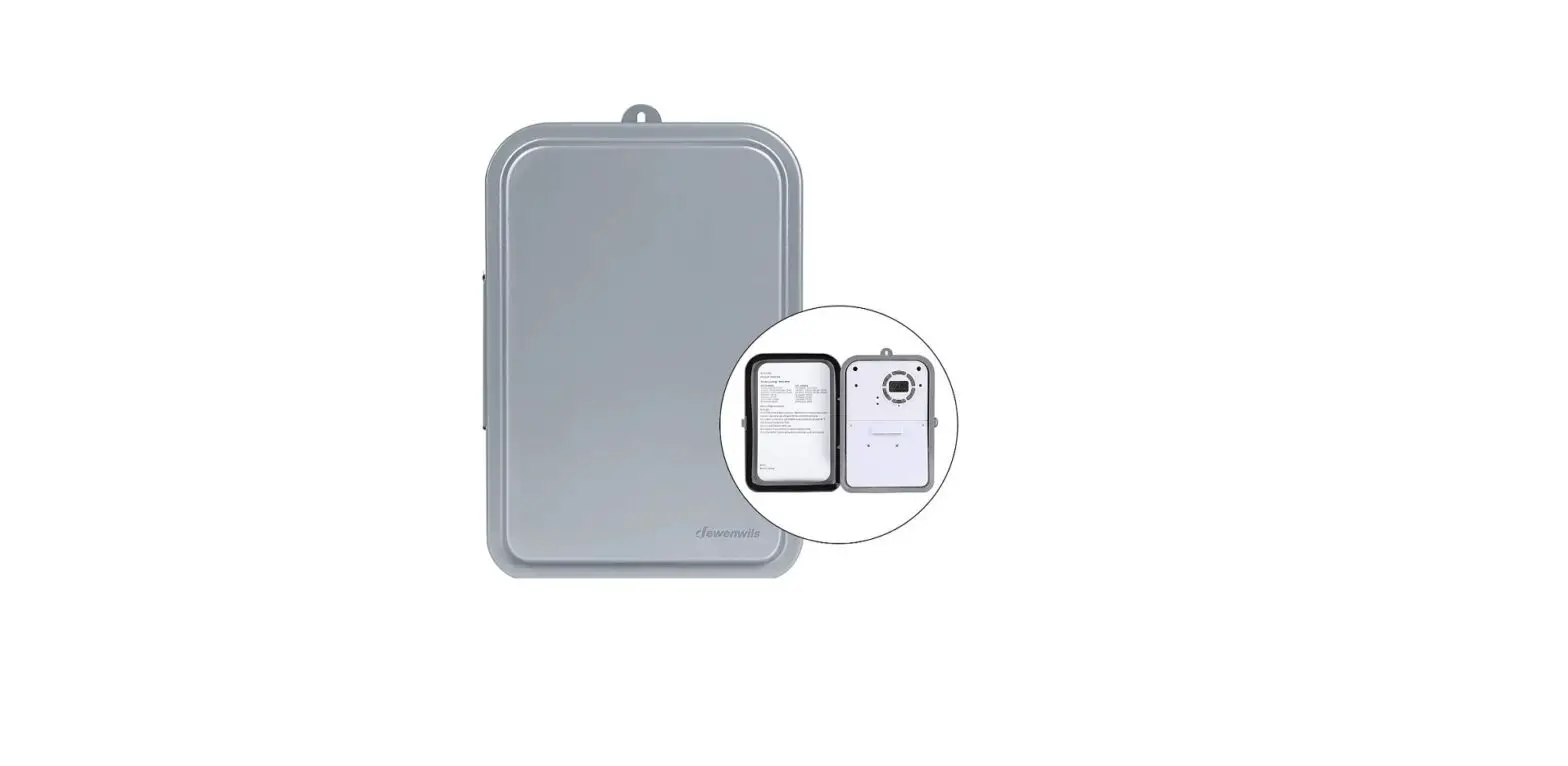
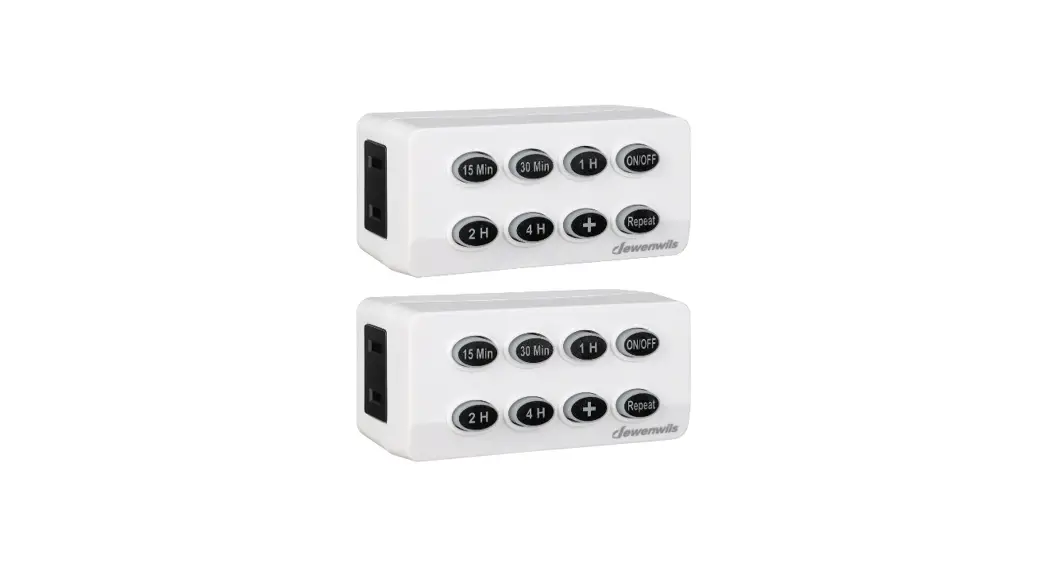
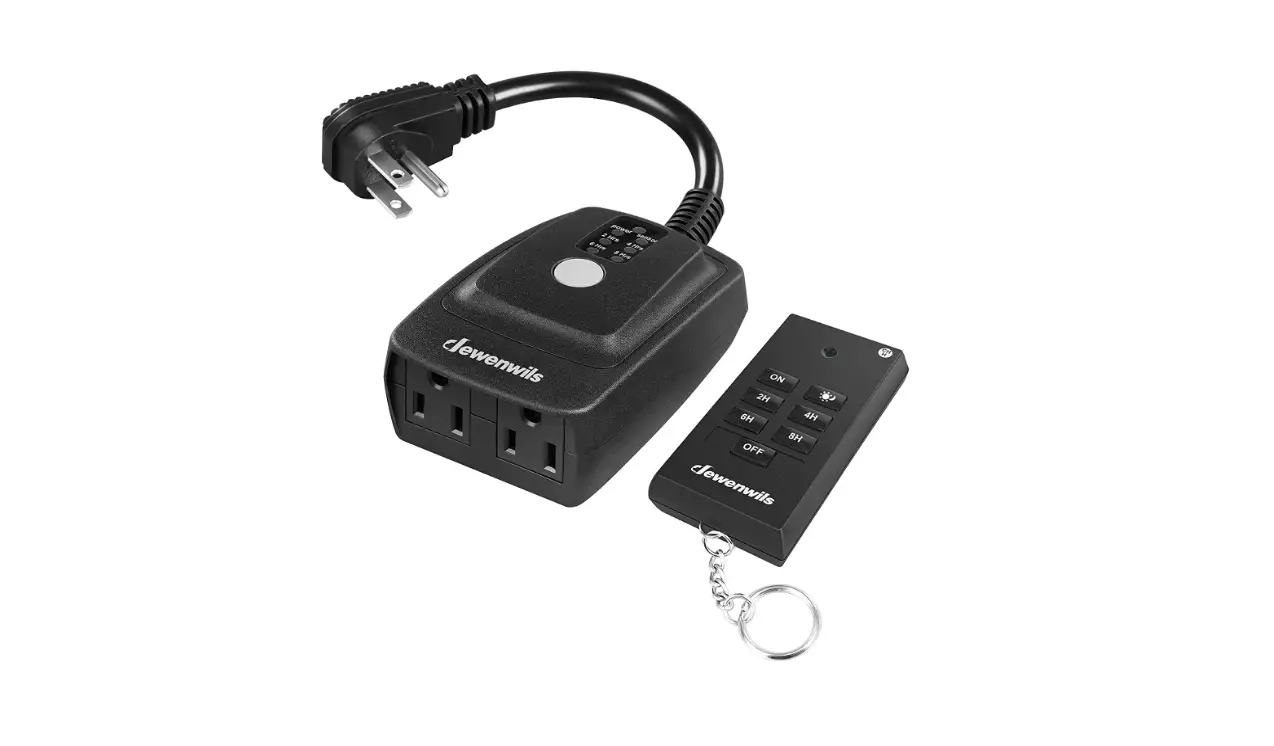
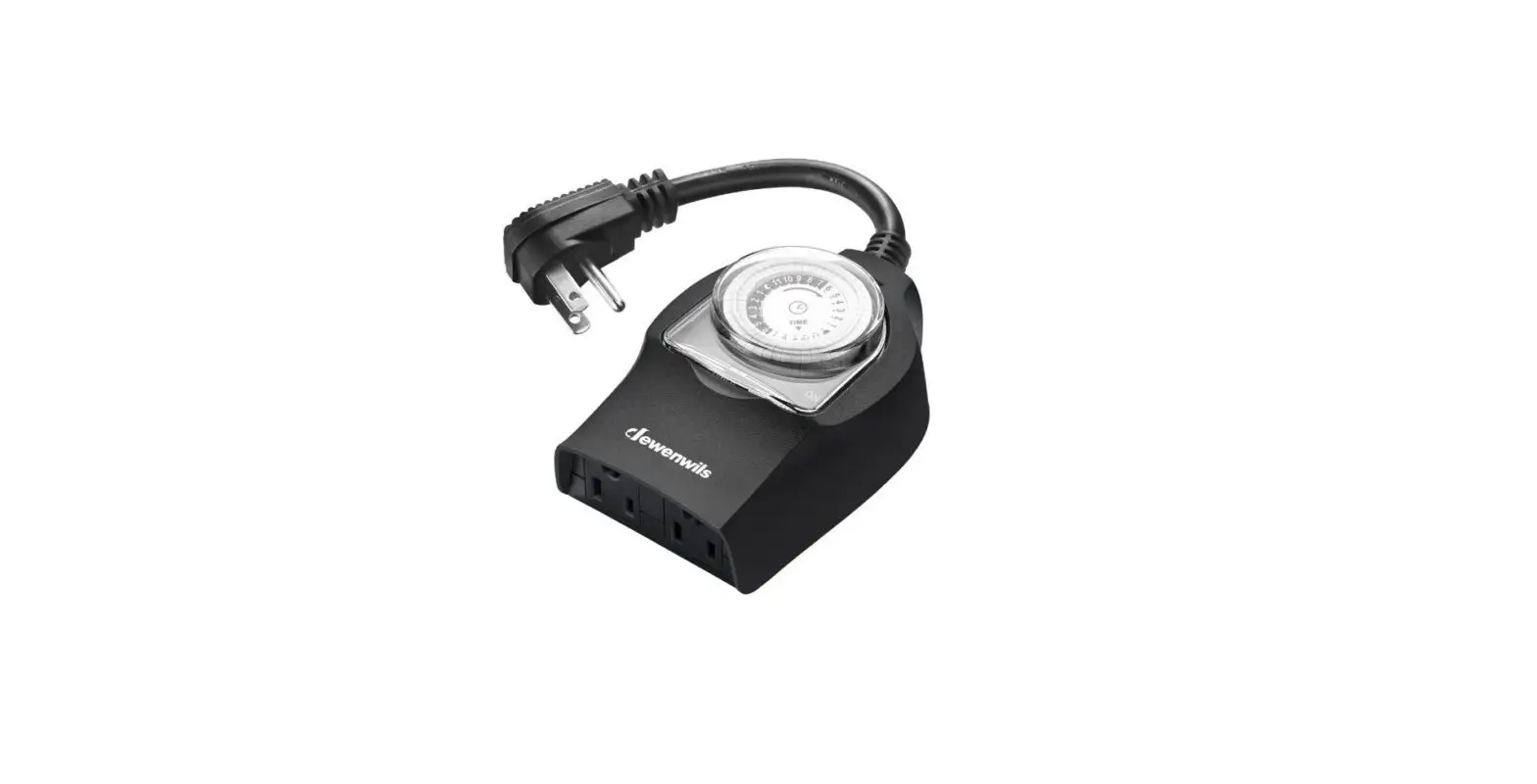
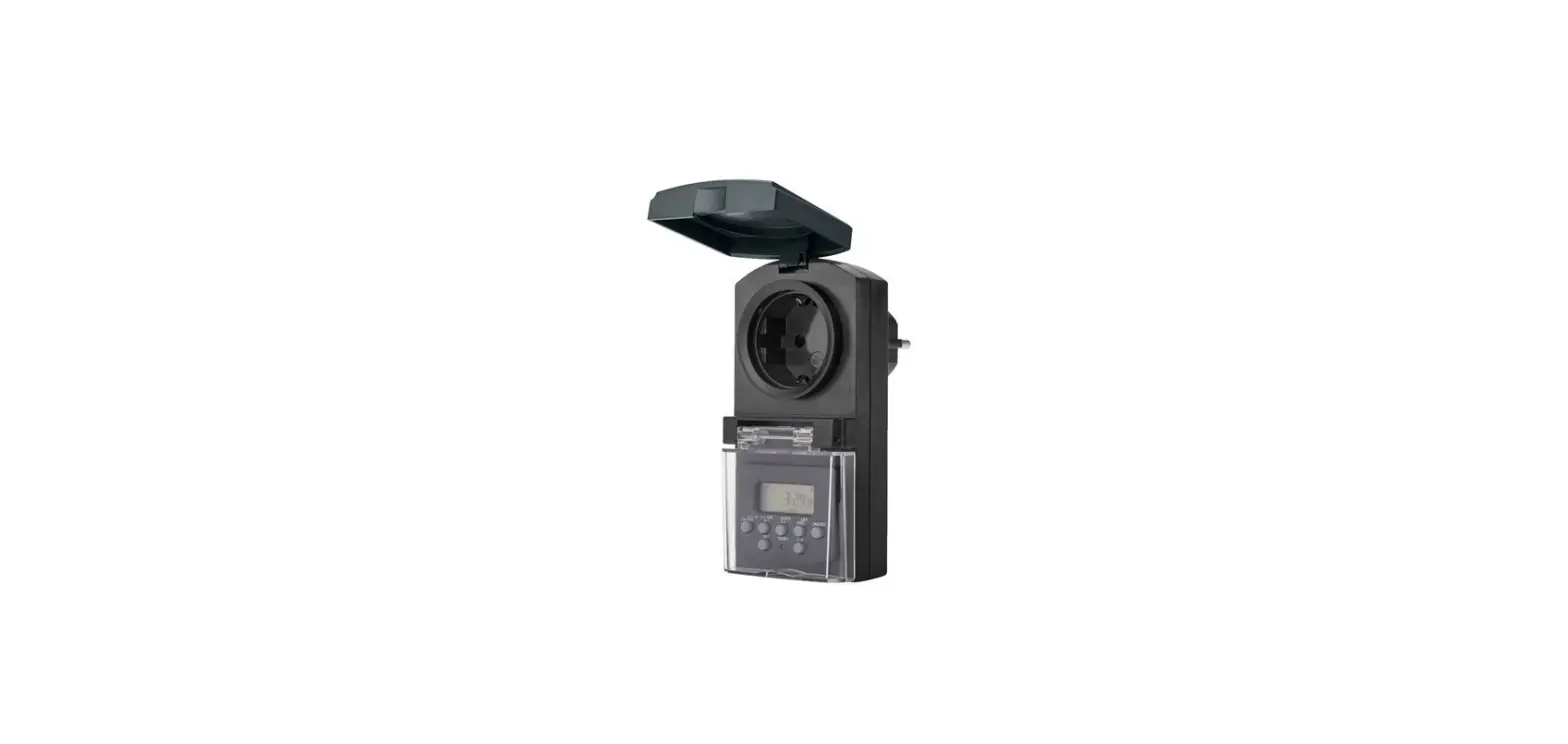
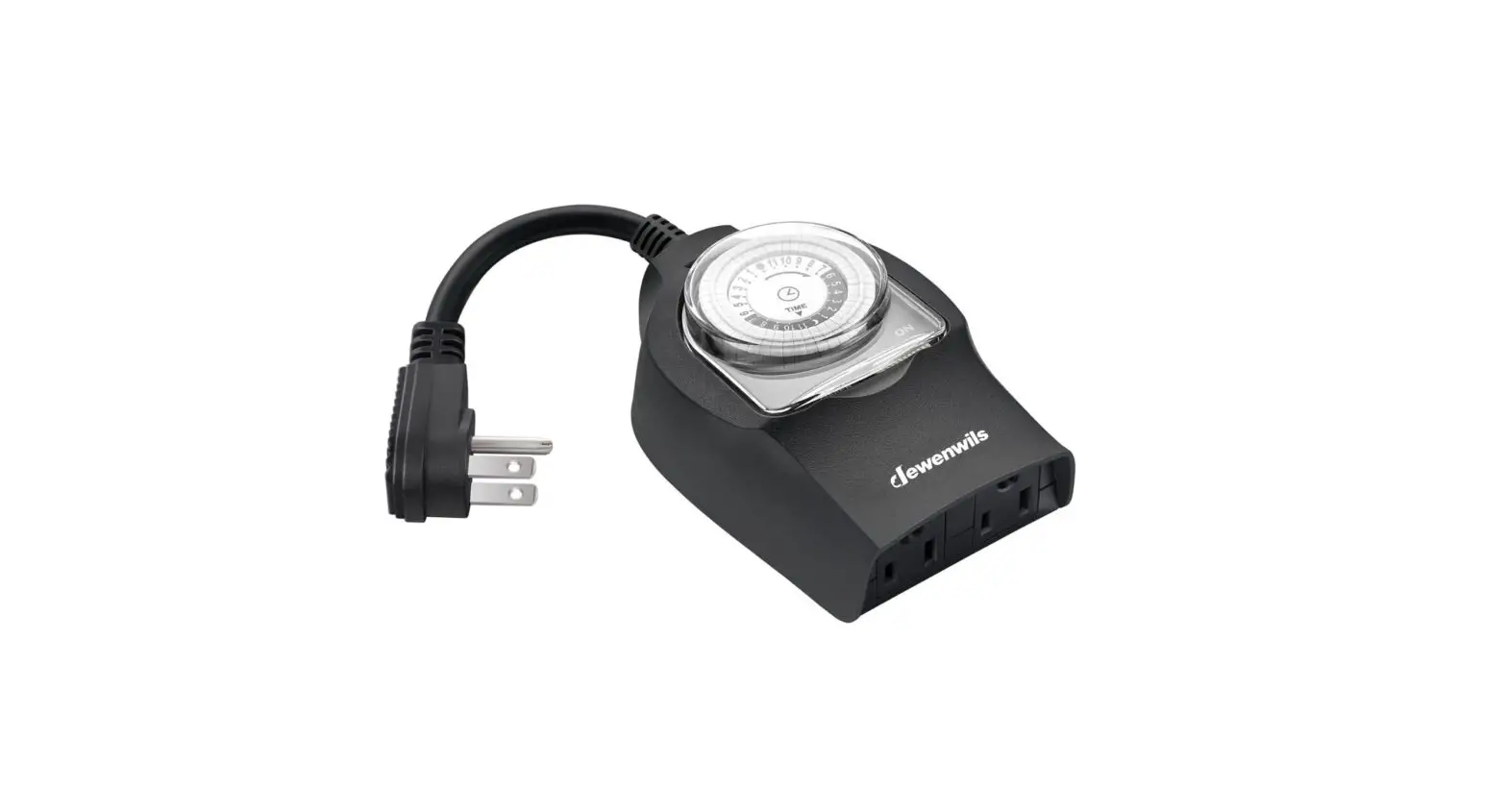
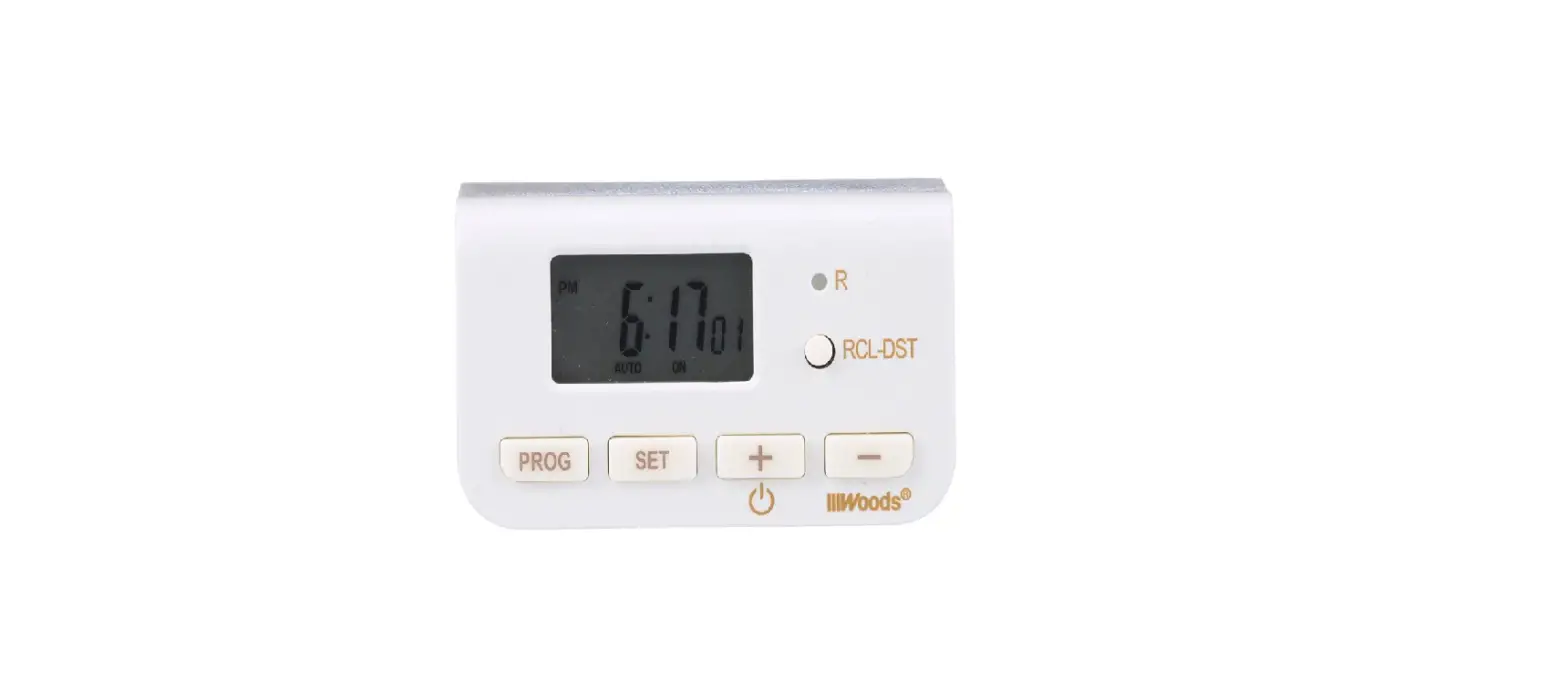
HDTI22W Indoor Digital Timer
Product Information
The Indoor Digital Timer is a versatile device that allows you
to control the power supply to your lights or devices. It is
designed for indoor use only and comes with a one-year limited
warranty. The timer has various functions and features,
including:
- TIME: Set the clock
- ON: Set the ON time of an event
- OFF: Set the OFF time of an event
- HOUR: Set the hour for the timer
- MIN: Set the minute for the timer
- RESET: Reset all functions
- SIDE SWITCH: Set the timer function to always ON or timer
control - OUTLET: Plug lights or devices to be controlled by the
timer
The timer has a maximum power rating of 15A and supports various
types of appliances, including general purpose, resistive,
tungsten, electronic ballast, and standard ballast.
Product Usage Instructions
- Before initial use: Plug the timer in for at
least 30 minutes to charge the internal battery. After the screen
displays, the unit is ready for programming. Note that during the
AM time frame, no icon will be displayed on the screen. - Set the Clock:
- Press and hold the TIME button.
- Press the HOUR button to set the current hour.
- Press and hold the TIME button again.
- Press the MIN button to set the current minute.
- Release the TIME button, and the timer will display the current
time.
- Set the ON Time:
- Press and hold the ON button.
- Press the HOUR button to set the hour.
- Press and hold the ON button again.
- Press the MIN button to set the minute.
- Release the ON button, and the timer will display the current
time with the ON time programmed.
- Set the OFF Time:
- Press and hold the OFF button.
- Press the HOUR button to set the hour.
- Press and hold the OFF button again.
- Press the MIN button to set the minute.
- Release the OFF button, and the timer will display the current
time with the OFF time programmed.
- Side Switch:
- Always ON: The power will stay on regardless of the
previous timer setting. - Timer Control: The timer will control the plugged-in
devices according to the previously programmed times-event.
- Always ON: The power will stay on regardless of the
Please ensure that you read and follow all warning signs and
instructions provided in the user manual for safe and proper usage
of the Indoor Digital Timer. If you encounter any issues or have
questions, please contact our dedicated customer service team with
your Order ID and Name for assistance.
Note: The warranty does not cover damage caused by personal
misuse or improper installation.
Indoor Digital Timer
SKU: HDTI22W [Instruction Manual]
Please pay attention to the warning signs Read the instructions with caution before operating
and keep it properly
V20718
1.Do not connect any devices which may exceed the maximum ratings of this timer.
2.Children are not allowed to use the timer without supervision. 3.Do not disassemble or repair the product, but only by authorized service
personnel. 4.Unplug the timer before cleaning. 5.Do not control appliance that contain heating elements such as cooking
appliances, heaters, and irons.
1. TIME: Set the clock. 2. ON: Set the ON time of event. 3. OFF: Set the OFF time of event. 4. HOUR: Set the hour for the timer. 5. MIN: Set the minute for the timer. 6. RESET: Reset all functions. 7. SIDE SWITCH: Set the timer
function, always ON or timer control. 8.OUTLET: To plug the lights or
devices to be controlled by the timer.
7 6 1 2 34 5
8
Before initial use, plug the timer in for at least 30 minutes to charge the internal battery. After the screen displays, the unit is ready for programming. NOTE: Only the “PM” icon will display on the bottom right portion of the screen; during the “AM” time frame, no icon will be displayed.
01
1.Set the Clock – Press and hold the TIME button, and then press the HOUR button to set
the current hour; – Press and hold the TIME button, and then press the MIN button to set the
current minute; – Release the TIME button and the timer will display the current time. 2.Set the ON Time – Press and hold the ON button, and then press the HOUR button to set the
hour ; – Press and hold the ON button, and then press the MIN button to set the
minute; – Release the ON button, the timer will display the current time and and ON
time has been programmed. 3.Set the OFF Time – Press and hold the OFF button, and then press the HOUR button to set
the hour; – Press and hold the OFF button, and then press the MIN button to set the
minute; – Release the OFF button, the timer will display the current time and OFF
time has been programmed.
4.Side Switch
Always ON: The power will stay on regardless of
the previous timer setting.
Timer Control:The timer will control the
Always ON
plugged-in devices according to the times-event
previously programme.
Timer Control
– Input Voltage: 125VAC60Hz – Max Power Rating:15 A General Purpose
15A Resistive 1000W Tungsten 500VA Electronic Ballast 120 VAC 60Hz, 8.3A Standard Ballast 1/2 HP
02
This equipment has been tested and found to comply with the limits for a Class B digital device, pursuant to Part 15 of the FCC Rules. These limits are designed to provide reasonable protection against harmful interference in a residential installation. This equipment generates, uses and can radiate radio frequency energy and, if not installed and used in accordance with the instructions, may cause harmful interference to radio communications. However, there is no guarantee that interference will not occur in a particular installation. If this equipment does cause harmful interference to radio or television reception, which can be determined by turning the equipment off and on, the user is encouraged to try to correct the interference by one or more of the following measures:
One Year Limited Warranty Supported by our professional R&D team and QC team, we provide One Year Warranty for materials and workmanship from the purchase date. Please note that the warranty does not cover damage caused by personal misuse or improper installation. Please attatch your Order ID and Name so that our dedicated customer service team can help you better.
03