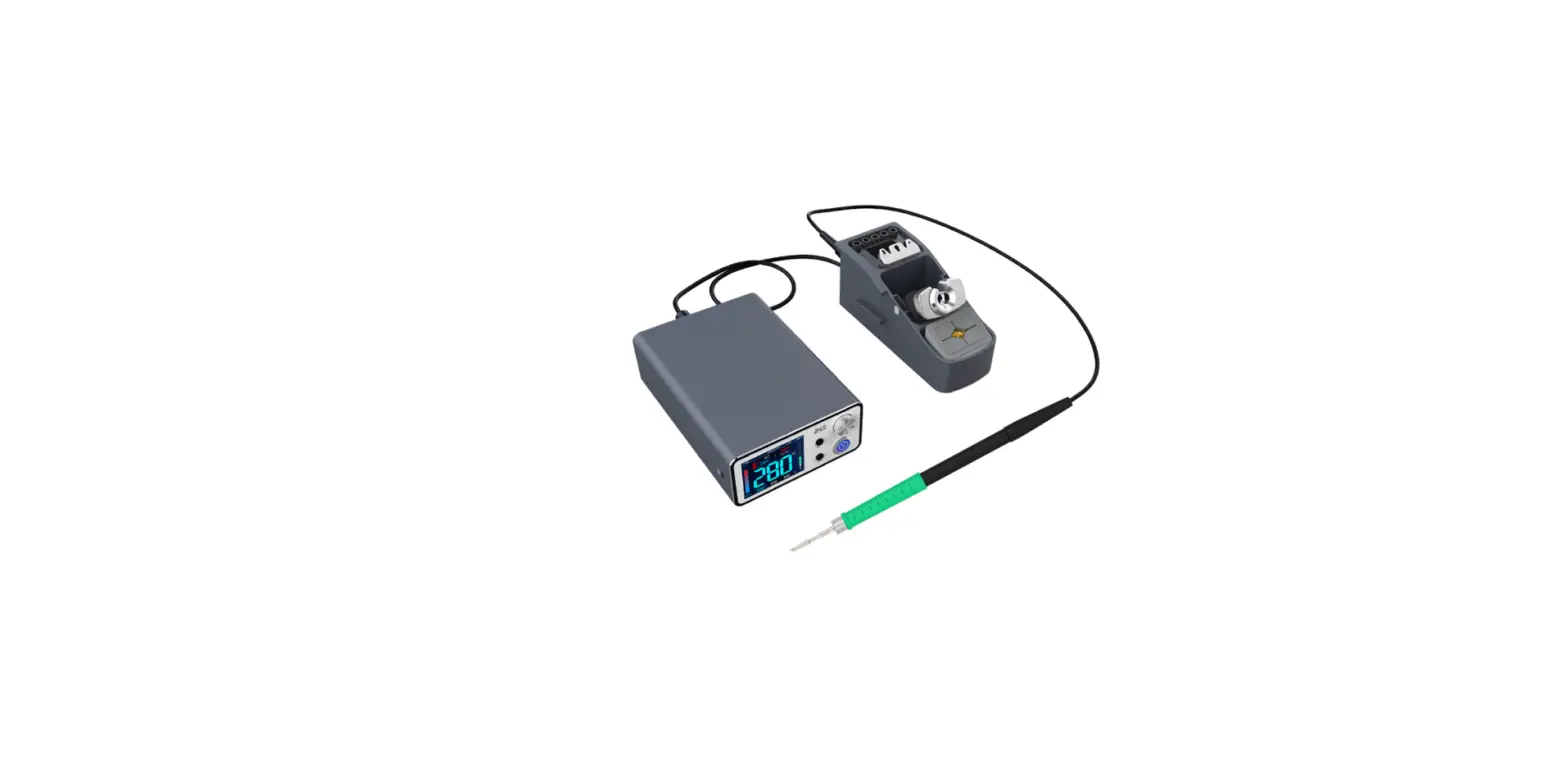
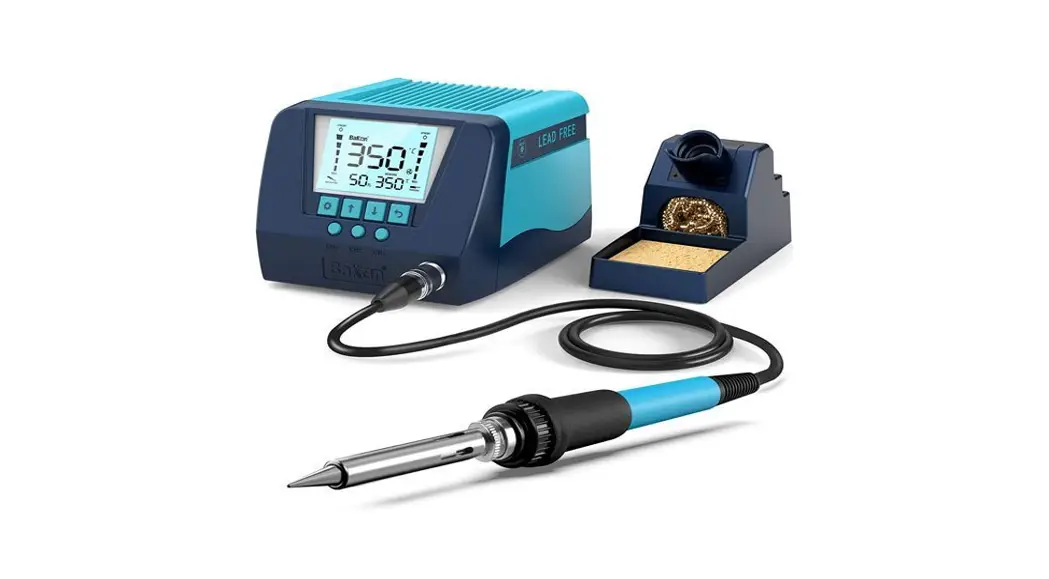
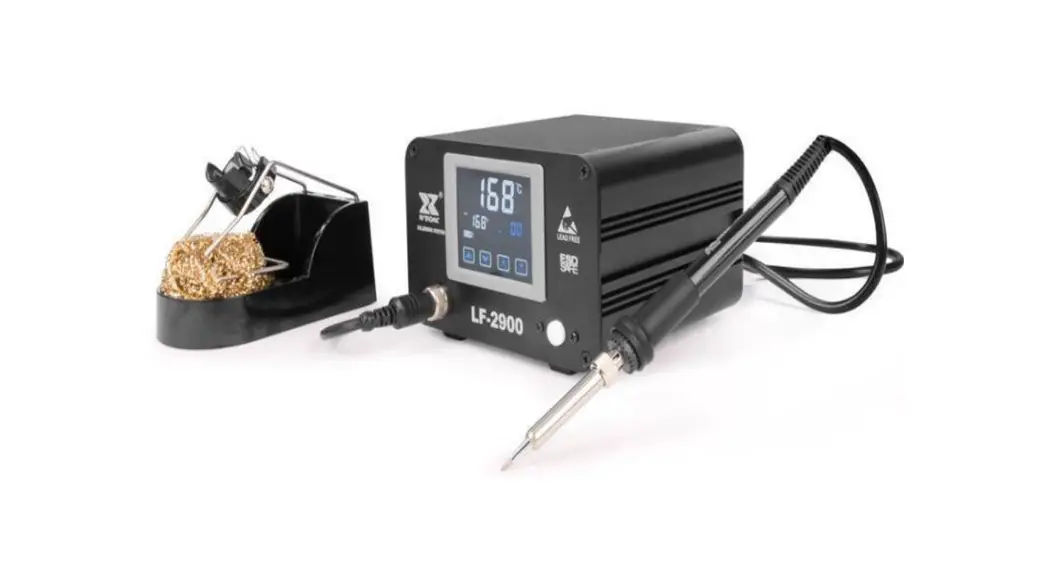
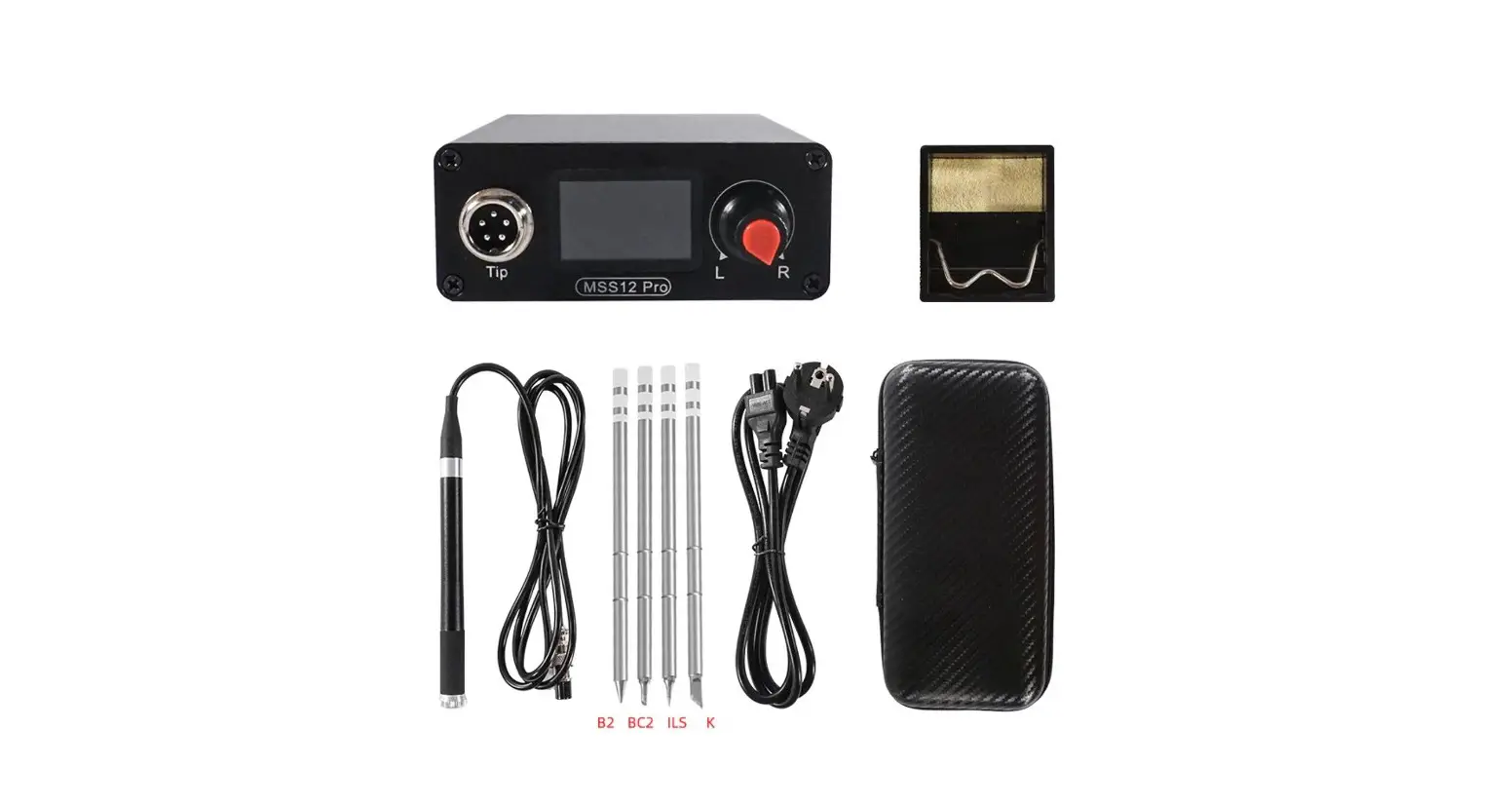
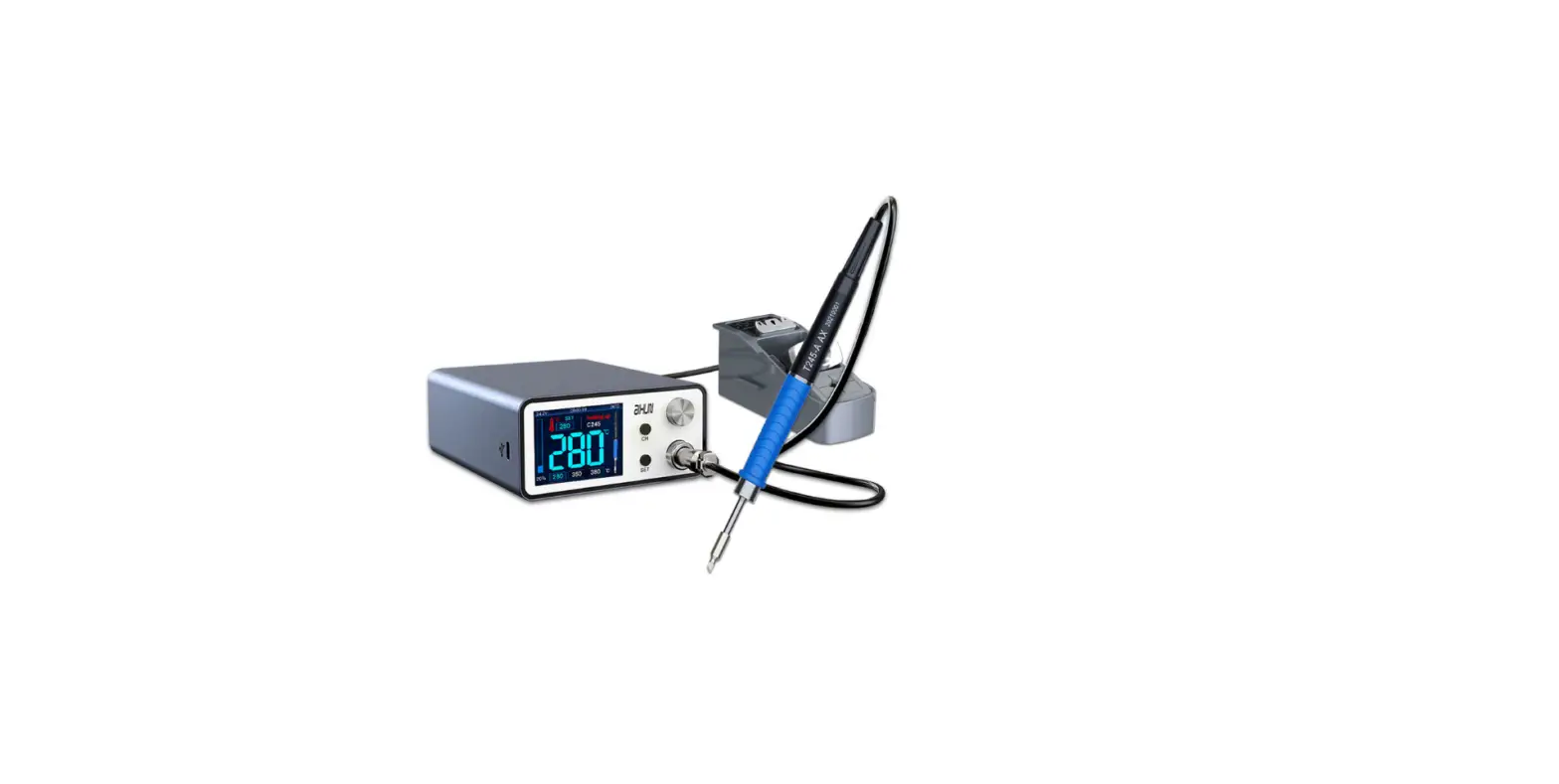
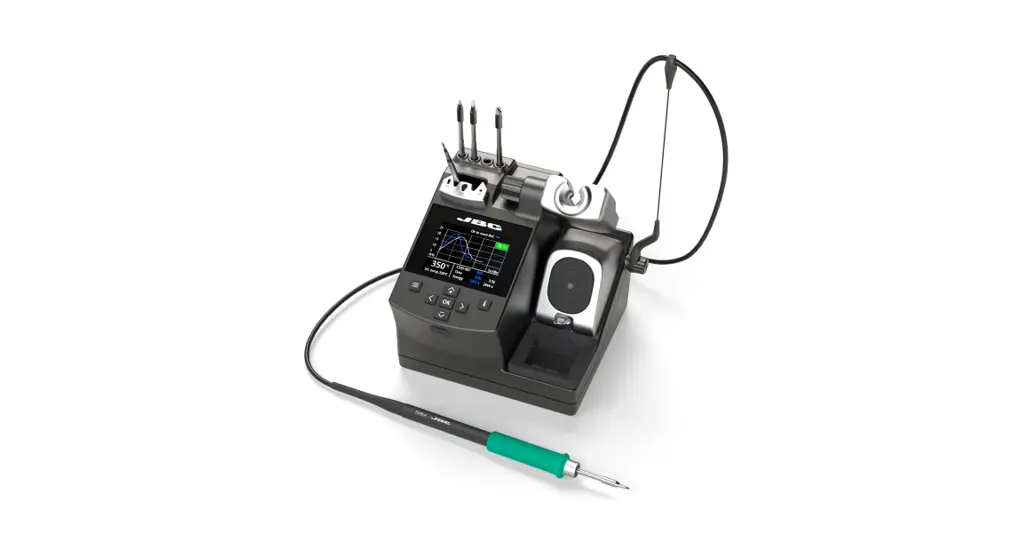
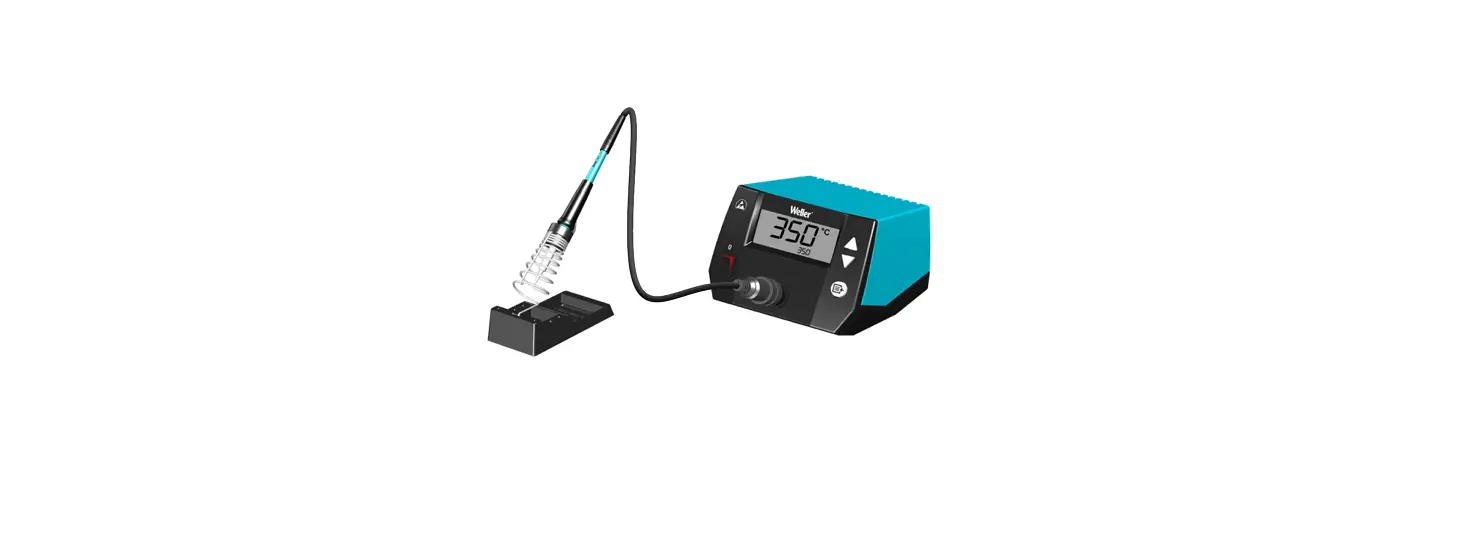
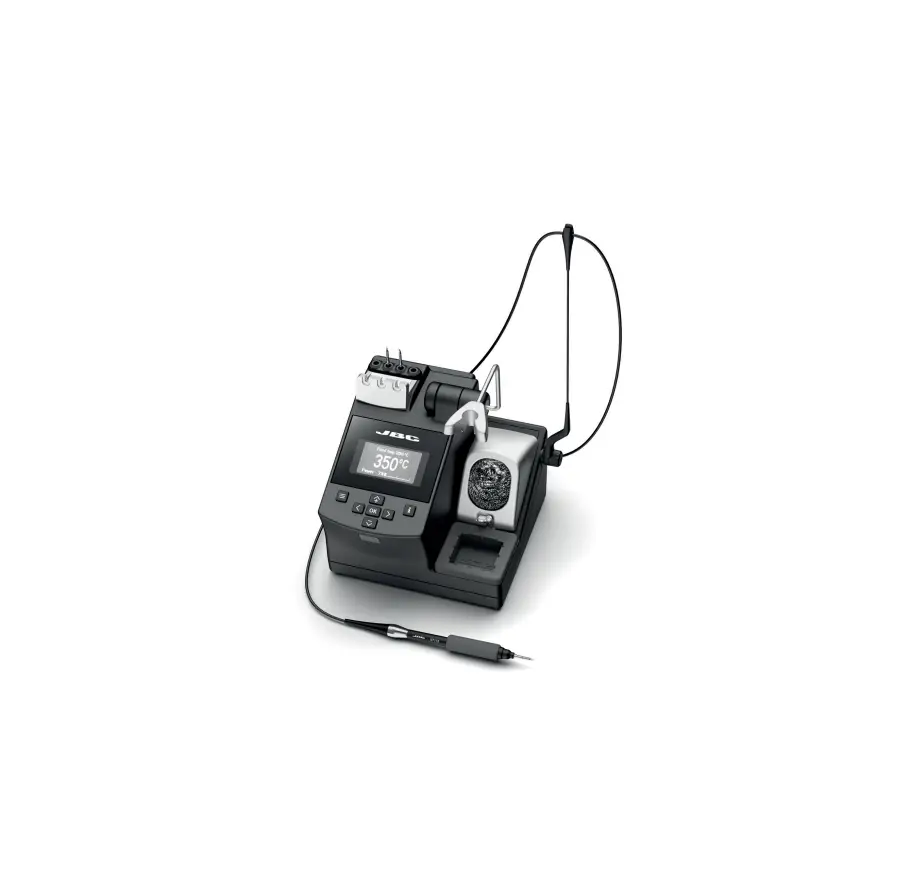
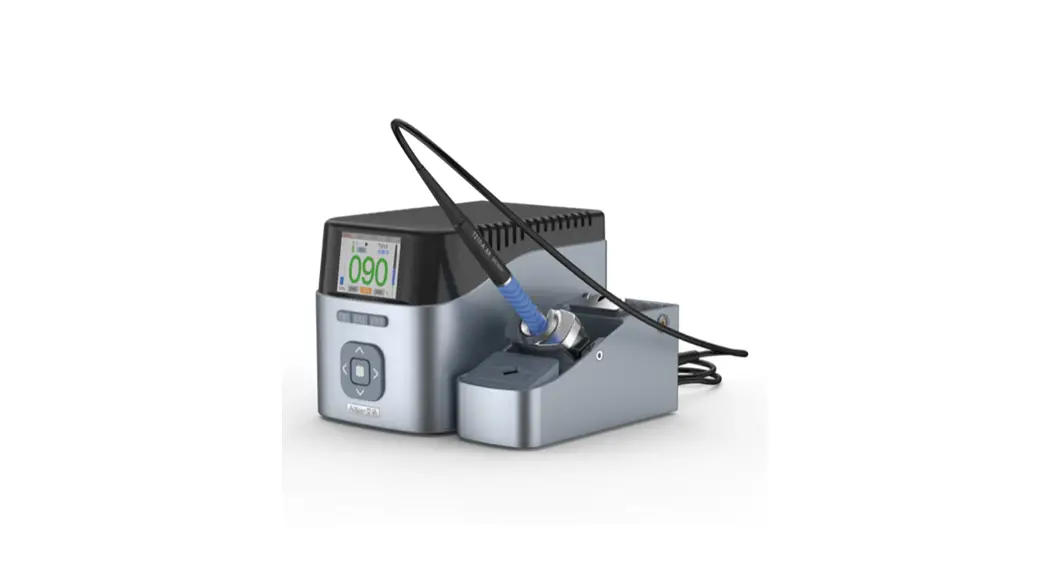
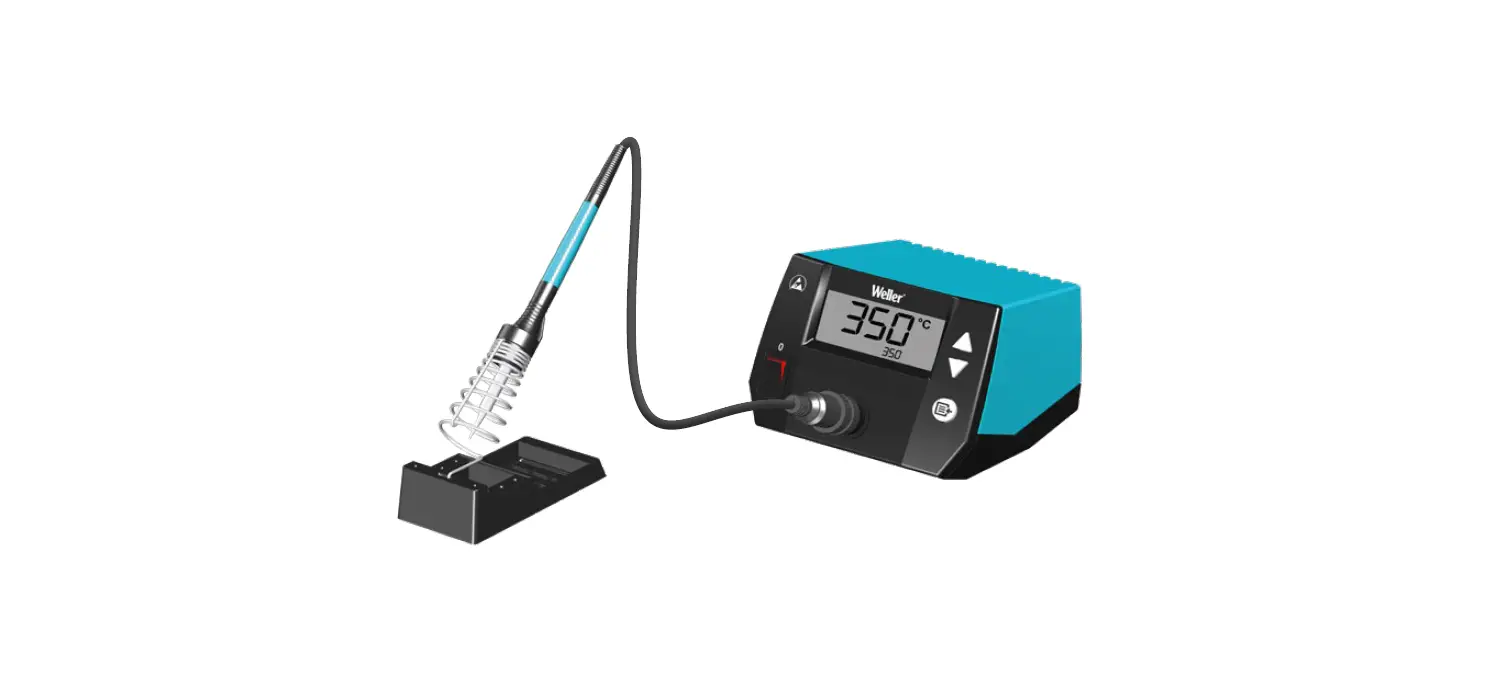
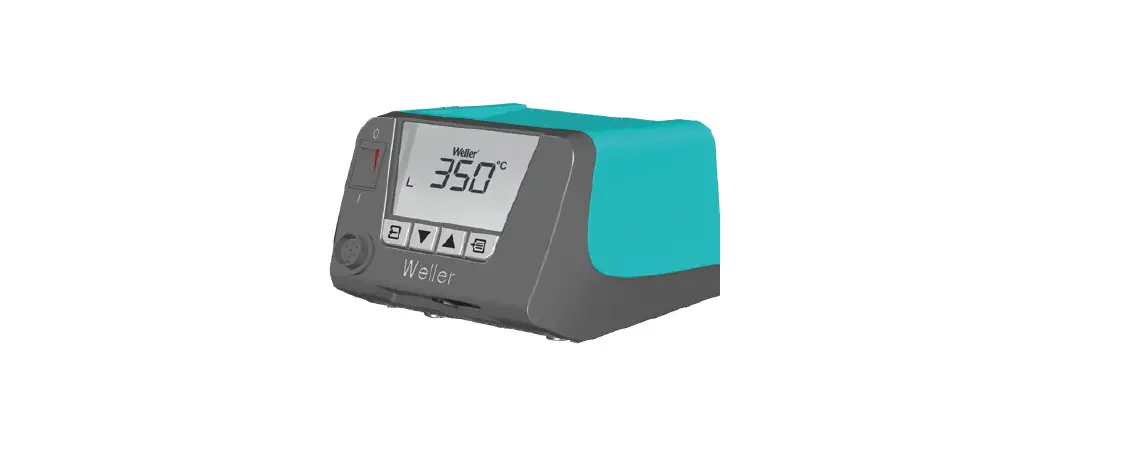
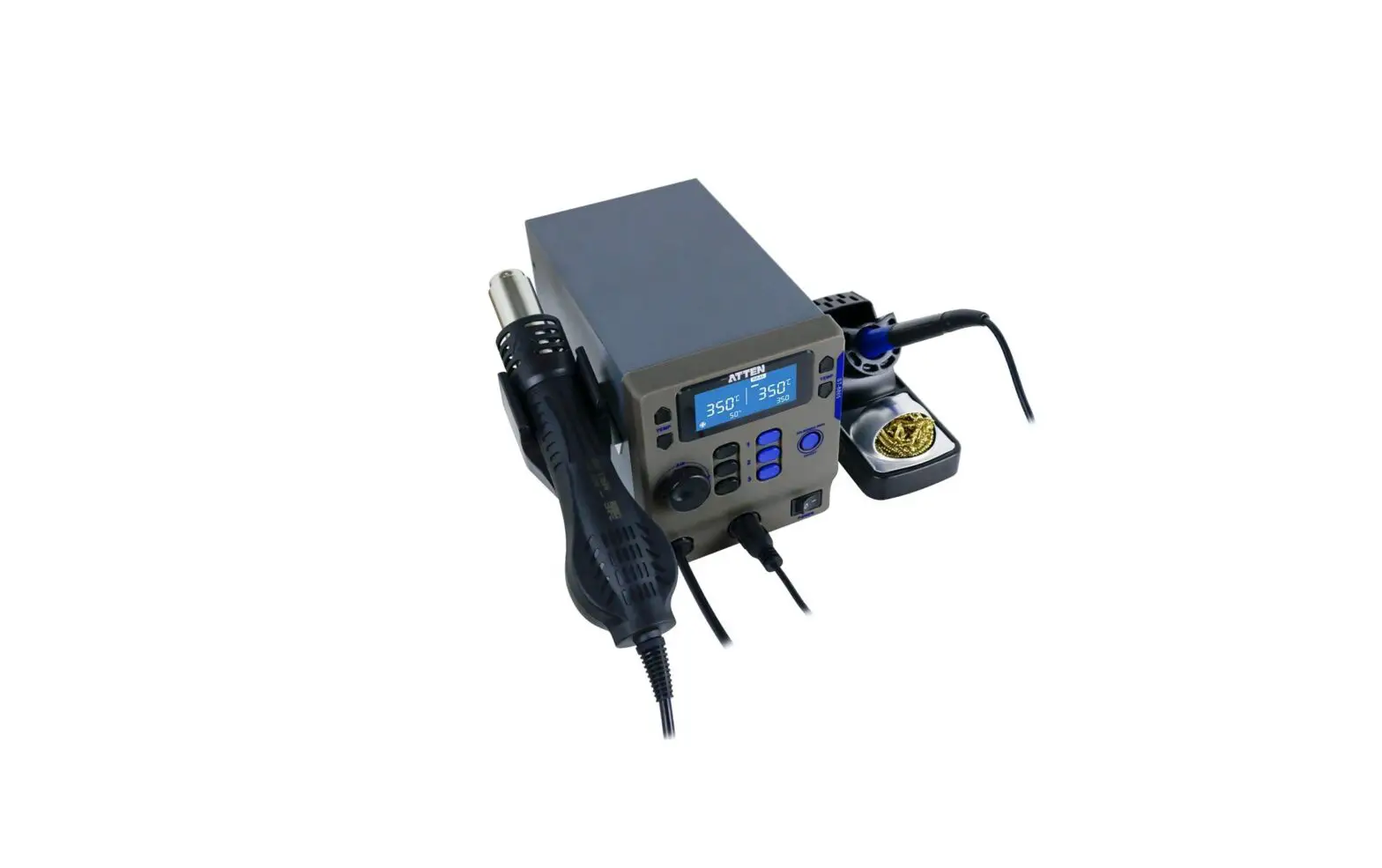
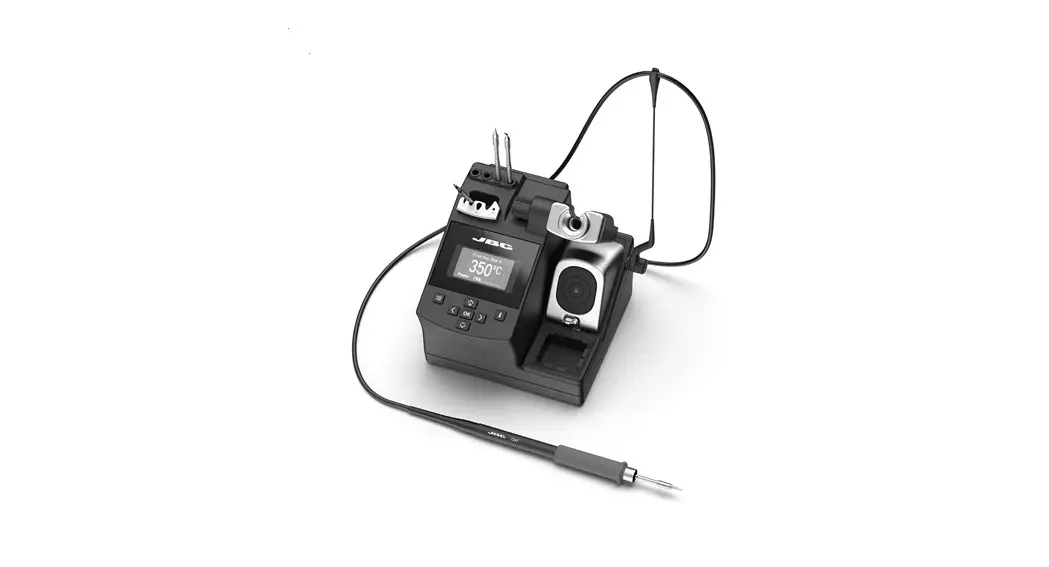
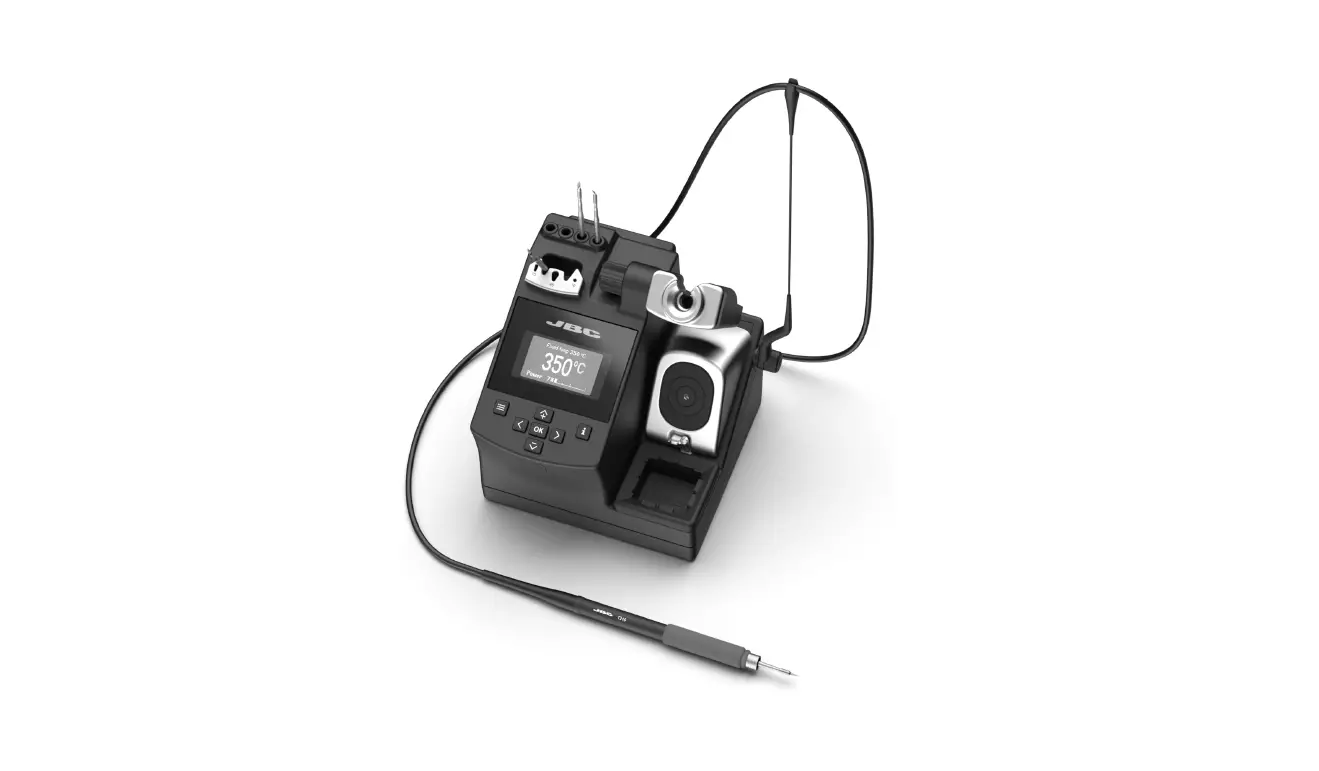
BAKER INSTRUMENT B9000 3-Channel Soldering Station
Product Information
- Model: B9000
- Type: 3-Channel Soldering Station with soldering iron and safety rest
- Power Supply: 120V
- Manufacturer: BAKER
- Product Quality: Manufactured in an ISO9001 facility and calibrated to meet the stated product specifications
- Safety: Pre-operational and operational safety checklists provided
- Features: Brushed Aluminum Panel, 3 Preset Channels, Iron Receptacle, Power Switch, Temperature Control Knob & Menu Button, LCD Display Temperature Control, Intelligent Temperature Control, Interchangeable Soldering Iron Tip, Bakelite Heat-Resistant Body, Anti-Slip Grip, Heat-Resistant Silicone Cord
- Specifications:
- Power Supply: 120V
- Rate Power: Not specified
- Max. Power: Not specified
- Temperature Range: Not specified
- Accuracy: Not specified
- Stability: Not specified
- Temperature Correction: Not specified
- Type: Not specified
- Display: LCD
- Channels: 3
- ESD Safe: Yes
- Product Certifications: Not specified
- Operating Temperature: Not specified
- Storage Temperature: Not specified
- Operating Humidity Range: 35% to 45%
- Storage Humidity Range: 35% to 45%
- Dimensions: 5.43 x 4.4 x 3.54” (138 x 112 x 90mm)
- Weight: 4.6lbs (2.1kg)
- Manufacturer Contact Information:
- Phone: 1.888.610.7664
- Website: www.calcert.com
- Email: [email protected]
Product Usage Instructions
- Connect the soldering tip cord to the station.
Note: Be sure to turn off the power before connecting or disconnecting the soldering tip cord to the station to avoid damaging the circuit board. - Place the soldering tip into the safety rest.
- Plug the power cord into an appropriate power source.
Note: Do not operate this unit without a properly grounded, properly polarized power cord. - Turn the power switch to the ON position and the soldering tip will begin to heat up.
- Use the temperature control knob to set the desired temperature. At this time, the soldering station’s LED heater lamp indicator lights up. (Refer to Figure 1)

Note: While the soldering station is heating up to the desired temperature, the LED indicator will continuously blink. When the temperature stabilizes, the LED indicator will remain solid. While cooling down, the LED indicator will remain off.
 Calcert