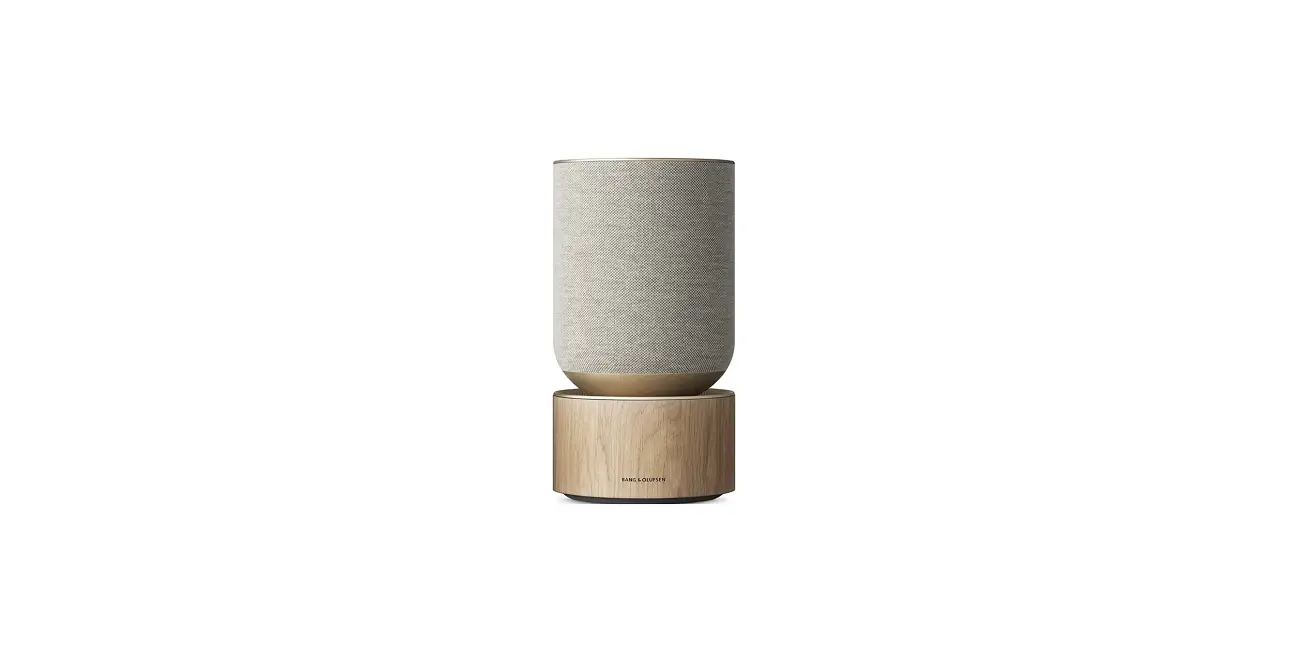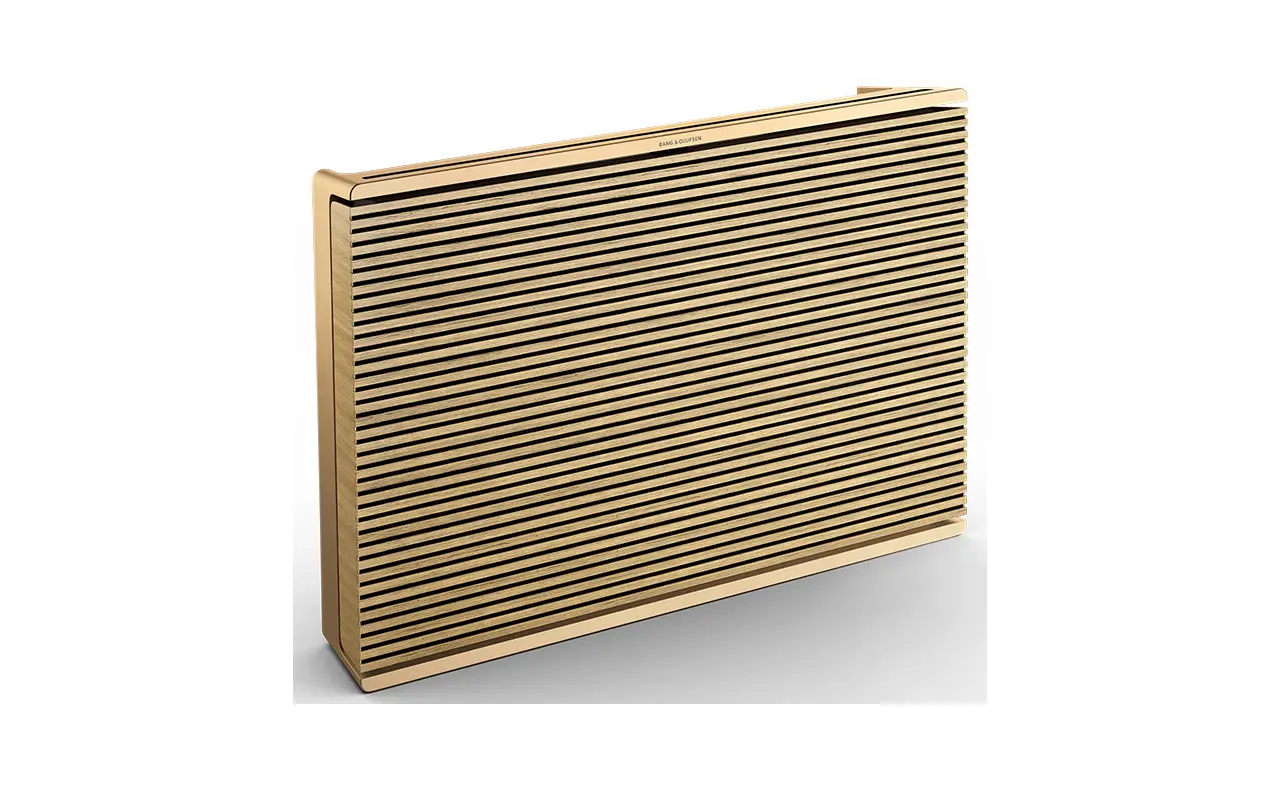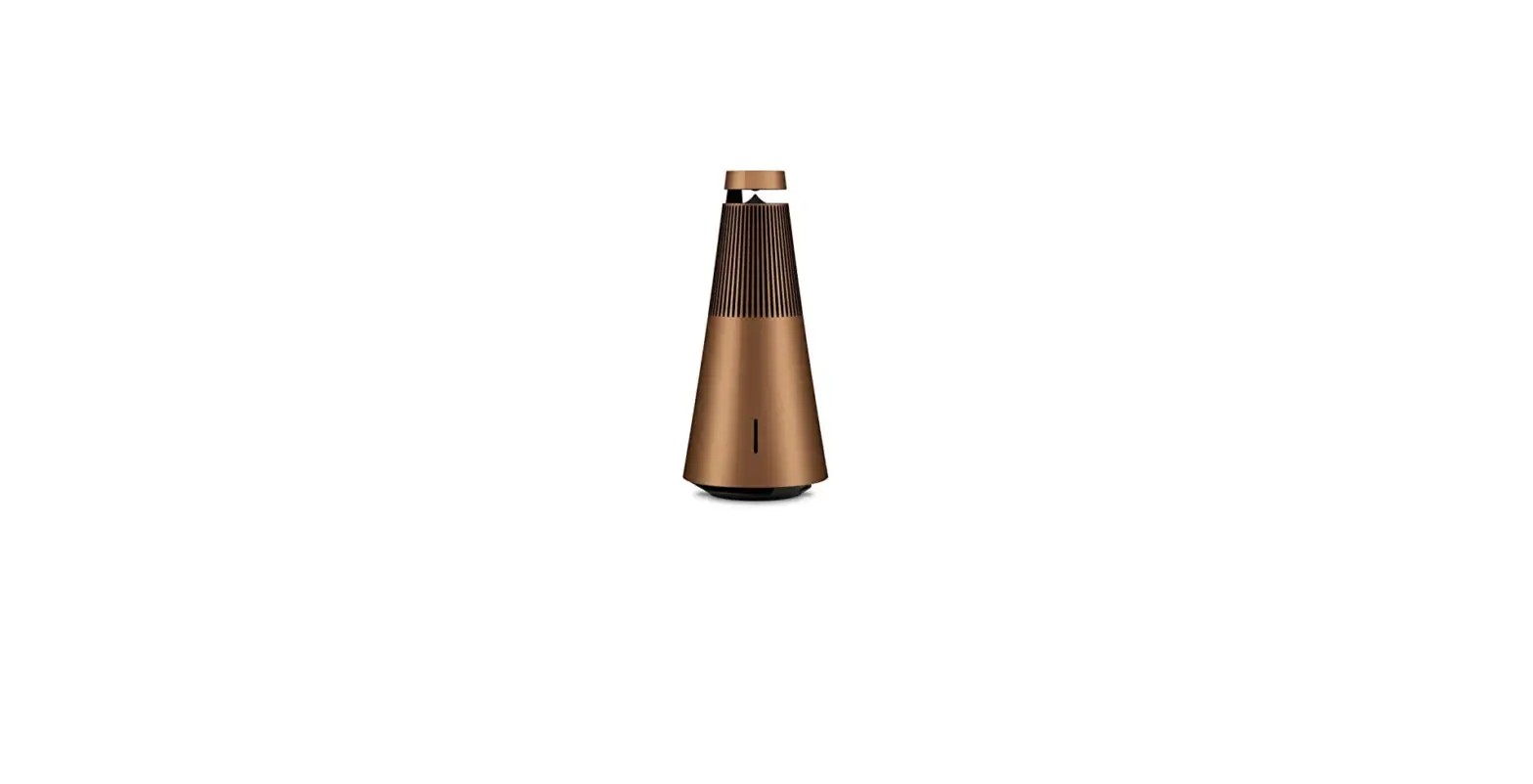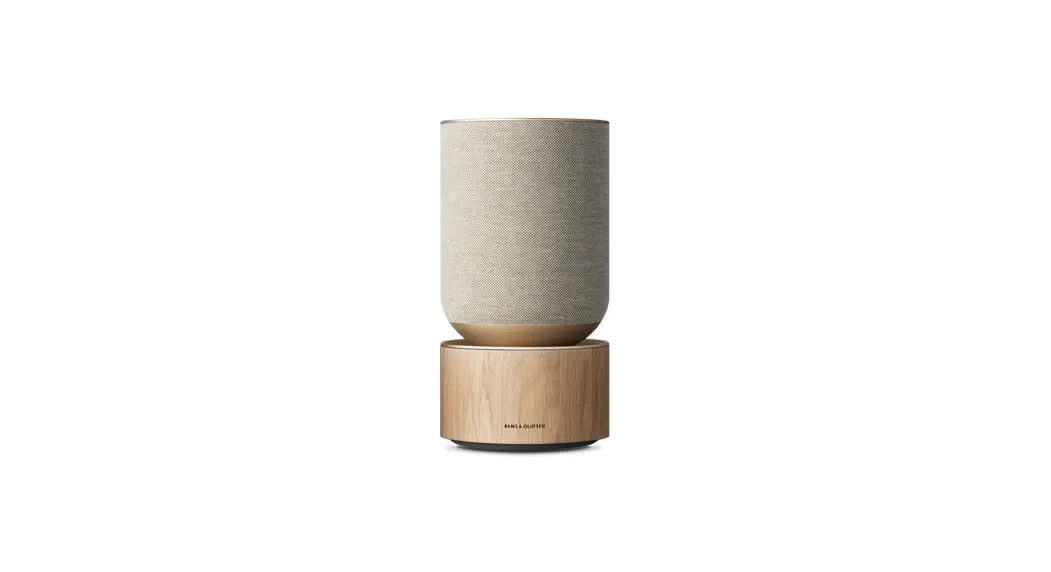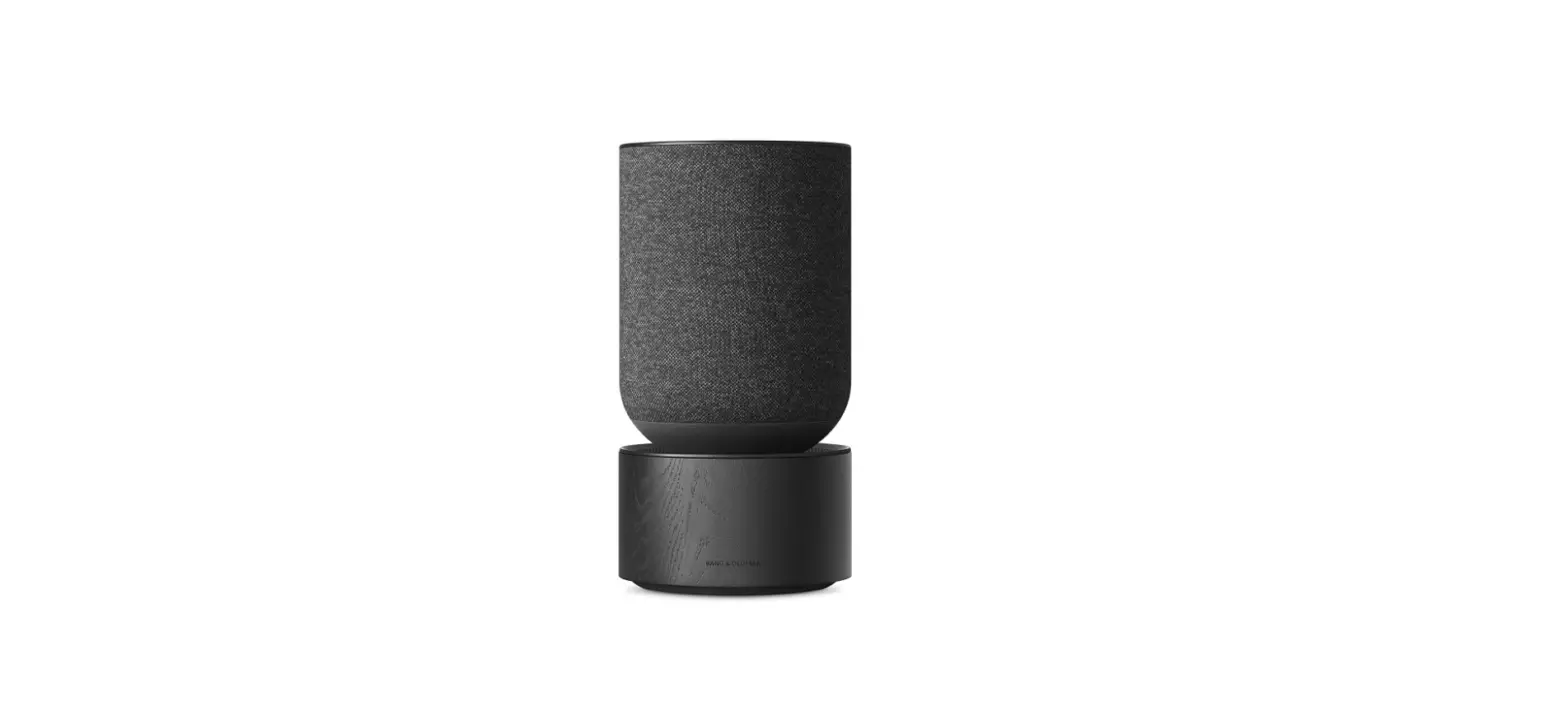

Bang & Olufsen B084LJ5GGL Beosound Balance Wireless Speaker
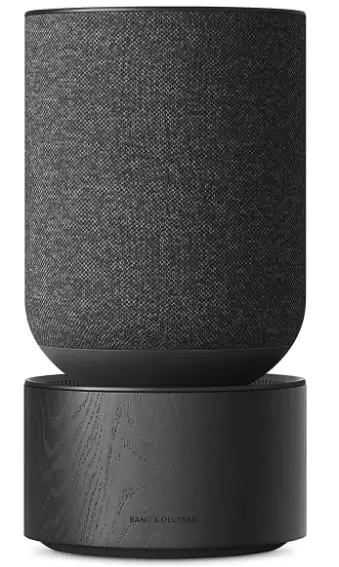
How to set up your Beosound Balance
How to connect with Airplay over WiFi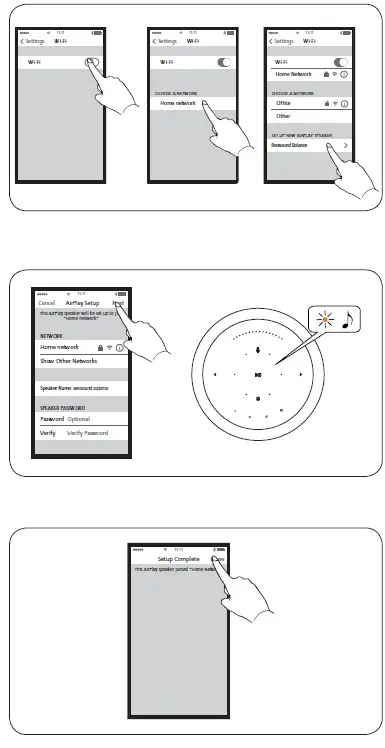
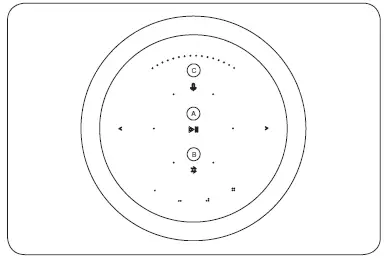
Basic operations
Play/Pause. B. Bluetooth pairing. C. Microphone mute / unmute. D. Previous and Next. E. Volume control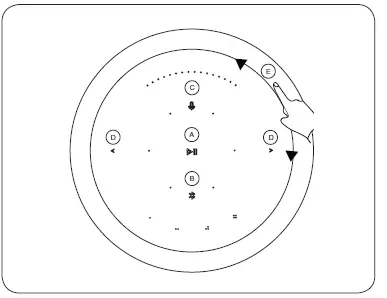
Indicators
- Product Indicator
- White (flashing): Product is booting up.
- White (dim): Product is standby mode
- Network mode
- Orange (flashing): Ready to setup network connection / Reconnecting to network
- Red (solid) : Not connected to network
- Bluetooth Indicator
- Blue (solid): Indicator turns solid blue shortly after Bluetooth pairing is successful or during music playback through Bluetooth
- Blue (flashing): Open for pairing
- Microphone
- Red (solid, shortly): Microphone Mute
- White (solid, shortly): Microphone Unmute
- Light off : Microphone switch off
Switch and Connections
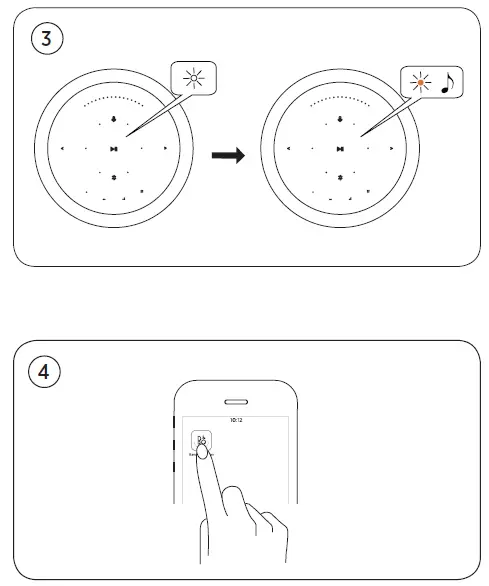
Mic Mute Switch Switch to activate. G. USB-C For maintenance only. H. Line in Optical/ Analog mini jack for connecting external audio sources. I. Ethernet Ethernet socket for a wired network connection. J. Power Connect Beosound Balance to mains supply using only the enclosed mains cable.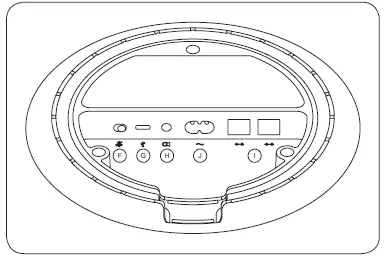
Bluetooth pairing
Touch and hold the Bluetooth icon for 2 seconds. The indicator starts flashing blue. Turn on Bluetooth on your device and select Beosound Balance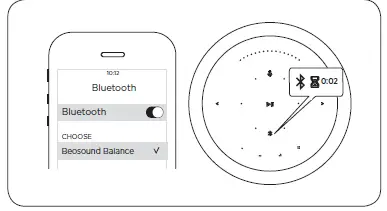
Software Update
LED flashes green when software is updating. LED turns white when software updating completed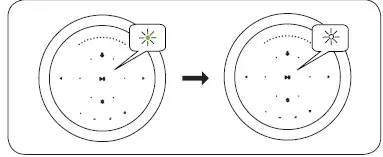
Automatic system software update
In order to ensure that your products have the latest features and improvements, automatic system software updates are enabled by default, and this is the recommended setting. You may change this at any time in the UPDATE PRODUCT SOFTWARE menu using the Bang & Olufsen App.
Log information
To help us improve our range of available products and information from your product about its performance and usage patterns. The information will at all times be provided on an anonymous basis only. You can at any time easily disable this function in the STATUS menu using the Bang & Olufsen App
How To Register
Register online at www.bang-olufsen.com/register-product to receive important information about product and software updates – and to get exciting news and offers from the BANG & OLUFSEN Group. If you have purchased your product at a BANG & OLUFSEN store or at www.bang-olufsen.com, you have automatically been registered
FAQS
Does the beosound balance that’s sold on Amazon have google assistant or not?
Mine did not. I did buy a Balance on the B & O store and returned. A true nightmare for me to operate and returns to the B& O store are very delayed And complex. I will only buy B & O on Amazon.
Is this manufactured / made in China?
Yes manufactured / made in China
Can i use 220volt??international?
It’s better you called the company on that just to be on the safe side and causing more damage to the unit
How many watts
2 x 200 watt class D for bass 2ohm
Where is this made?
They said it’s made in China! This is not a authentic B&O product cannot be all B&O is made in Denmark!
Does this item support Chrome Cast?
Yes this item support Chrome Cast
Does the speaker have aux in?
Yes the speaker have aux in
Does this work with European voltage (~220 volt)?
With an adapter sure.
Can you pair these speakers in a room?
Yes you can…they are meant to work together. You do it using the B&O app. I will note that app and set up seemed a little buggy, and I eventually just did a factory reset on the speakers and then for some reason it finally worked.
Can you connect multple balance speakers?
Yes designed to work with other balance speakers to provide stereo and or multi toon use. Also second units and thirds are sold by B O at a discounted price.
Can Beosound balance connect to TV?
No, the Line in connection is intended for use with audio sources only.
How do I connect my Beosound to my TV?
Connect the LAN cable between Beosound Stage (marked as Ethernet TV input) and the TV (marked with LAN)
How do I play Spotify on Beosound?
Open the Spotify app on your phone, tablet or computer connected to the same Wi-Fi network as your Beosound Core
Does Beosound Level have Bluetooth?
The Beosound Level is a 3.3kg wireless speaker with Bluetooth, Wi-Fi, multi-room capabilities, Spotify Connect, Apple AirPlay2, Chromecast, Google Assistant, 16hr (max) battery life and IP54 dust and splash resistant rating. So far, so Sonos Move.
How do I play Apple music on Beosound?
Connect your favourite music app to your Beosound 2 using Apple AirPlay, Chromecast or Bluetooth* and play wirelessly.