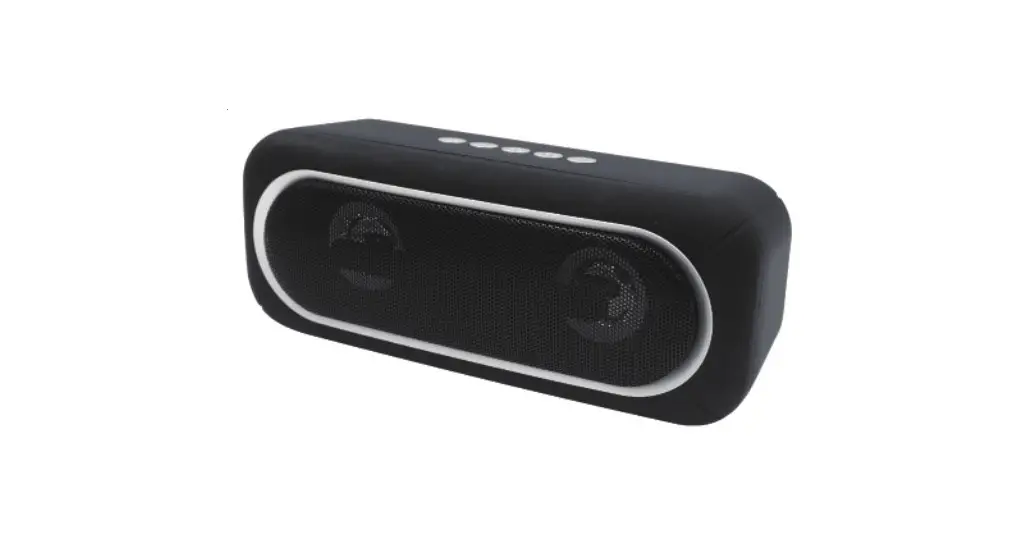
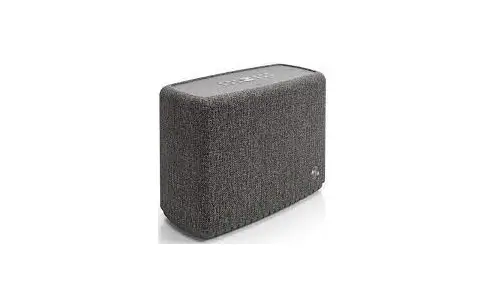
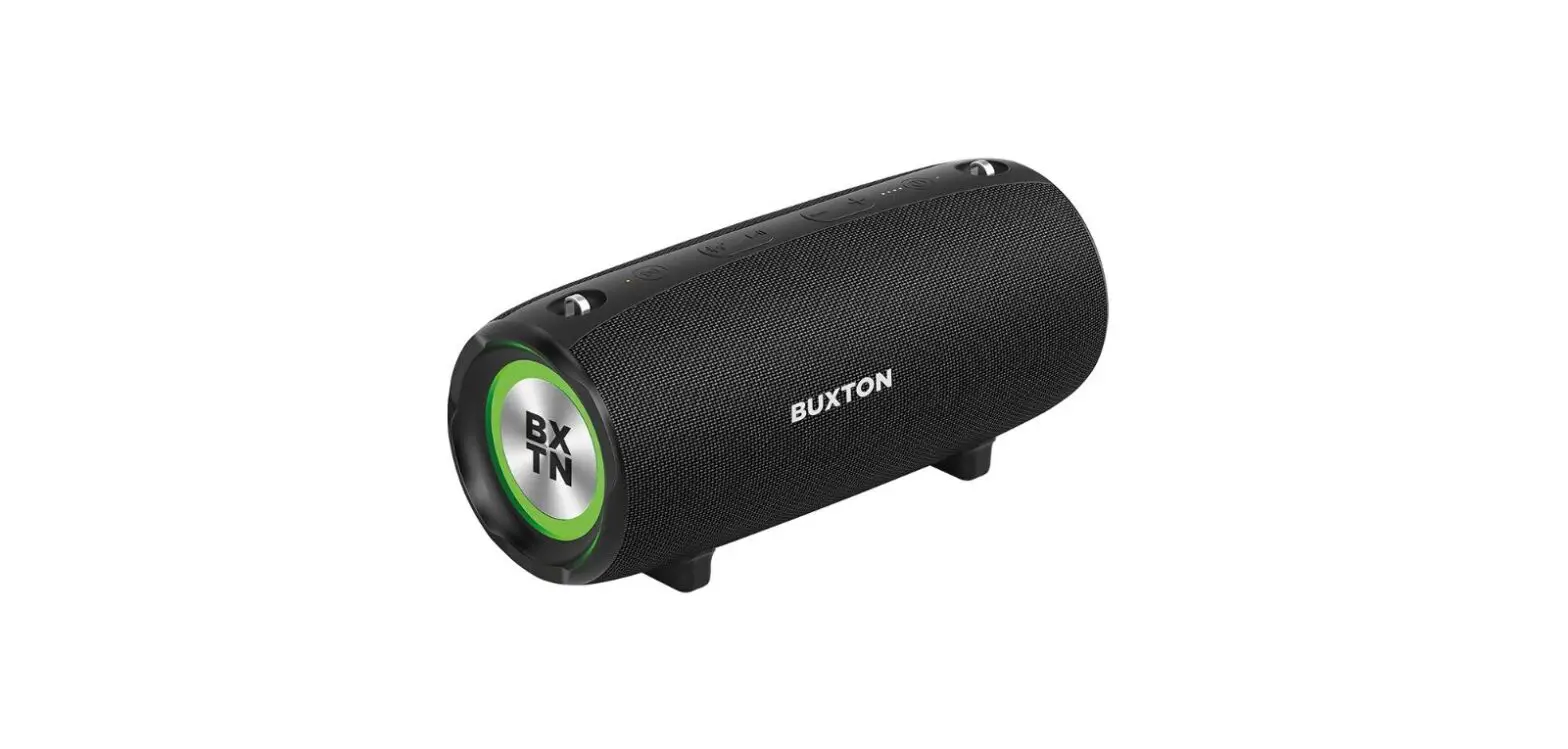
2A8MI-ASP57 The Show BT5.3 Wireless Speaker
Product Information
The Show BT5.3 Wireless Speaker is a Bluetooth-enabled wireless
speaker that allows you to enjoy high-quality audio wirelessly. It
comes with a built-in battery that needs to be fully charged before
the first use. The speaker also features a Type-C charging port for
easy charging.
The product package includes the following items:
- The Show BT5.3 Wireless Speaker
- User Manual
- Type-C Charging Cable
The speaker has the following components:
- Bass knob
- Audio source button
- Audio source indicator
- Volume knob
- Treble knob
- Battery indicator
- Power button
- AUX 3.5mm audio input
- Type-C charging port
Product Usage Instructions
Charging
Please fully charge the built-in battery before the first time
use. Connect the Type-C charging cable to the Type-C charging port
on the speaker and the other end to a power source.
Power On
To power on the speaker, press and hold the power button for 2
seconds. The LED indicator will turn on.
Reset
If you need to reset the speaker, press and hold the power
button for 8 seconds.
Connect and Play Modes
The speaker has three modes of connect and play:
- Classic Bluetooth
- Auracast
- AUX wired connection
Classic Bluetooth Mode
To switch to Bluetooth mode:
- Press the audio source button for 2 seconds to switch to
Bluetooth mode. - To enter Bluetooth pairing mode, press the audio source button
twice. The LED indicator will start flashing. - On your mobile phone, search for the Bluetooth device named
“The Show” and tap it to pair and connect.
Auracast Mode
To switch to Auracast mode:
- While the speaker is powered on, press the audio source button
for 2 seconds to enter Auracast mode. - If your device supports Auracast, activate the Auracast
broadcast mode on your device (e.g., mobile phone, computer, or
player) and it will automatically pair with The Show. - If your device does not support Auracast, connect your mobile
phone or computer to a MoerLink or MoerDuo (Auracast Audio Dongle,
sold separately) and press the function key three times. Once both
ends have activated the broadcast mode, the connection will be
established automatically.
AUX Wired Connection Mode
To connect your phone and speaker with a 3.5 mm audio cable:
- Plug one end of the 3.5 mm audio cable into the AUX 3.5mm audio
input on the speaker. - Plug the other end of the audio cable into the audio output of
your phone or other device.
Function Operation Instructions
| Function | Operation | LED Indicator |
|---|---|---|
| Power On | Press the power button for 2 seconds | 4 LEDs stay on for 10 seconds |
| Power Off | Press the power button for 2 seconds, then press it again twice | All LEDs turn off |
| Battery Level | N/A | White LEDs stay on for 10 seconds |
| Play/Pause | Tap the power button | N/A |
| Bluetooth Pairing | Press the audio source button twice to enter Bluetooth pairing mode | Flashing LEDs |
| Bluetooth Connection | Search for the Bluetooth device named “The Show” on your phone and tap it to connect | White LEDs stay on |
| Device Auto Power Off | The speaker will automatically power off after 5 minutes without a Bluetooth connection | All LEDs turn off |
| Switch to Bluetooth Mode | Press the audio source button for 2 seconds | White LEDs stay on |
| Switch to Auracast Mode | Press the audio source button for 2 seconds | White LEDs stay on |
| AUX Mode Volume Up | Rotate the Volume knob to the right | White LEDs flash |
| Auracast Mode LED Indicator | White LEDs flash in searching state, stay on when successfully receiving broadcast in Auracast mode | N/A |
The Show
BT5.3 Wireless Speaker
User Manual
Package Contents
The Show BT5.3 Wireless Speaker/User Manual/Type-C Charging Cable
User Manual
The Show 5.3 //Type-C
The Show 5.3//Type-C
1 2 3
8
1 2 3
8
1 2 3
8
Product Overview
4 5 6 7
1. Charging
Operation
2. Power on
1. Bass knob 2. Audio source button 3. Audio source indicator 4. Volume knob 5. Treble knob 6. Battery indicator 7. Power button 8. AUX 3.5mm audio input 9. Type-C charging port
9
Charge the built-in battery Please fully charge before the first time use
Press and hold the power button for 2 seconds to power on,for 8 seconds to reset
3. Three modes of connect and play
Mode1: Classic Bluetooth
Mode2: Auracast
Mode3: AUX wired connection
1 . Press the audio source button for 2 seconds to 1. To enter Auracast mode while powered on, press the
switch to Bluetooth mode
audio source button for 2s
2. Press the audio source button twice to advance 2. Connecting to other devices with Auracast:
to Bluetooth pairing mode 3. Turn on the mobile phone’s Bluetooth, then find
“The Show”in the list of the mobile phone’s pairable Bluetooth devices and tap it to pair and connect to play
2.1 If the device supports Auracast: Activate the Auracast broadcast mode on a nearby device that supports Auracast, such as a mobile phone, computer or player, and it will automatically pair with The Show
2.2 If the device does not support Auracast: To activate Auracast broadcast mode, connect your mobile
phone or computer to a MoerLink or a MoerDuo (the
Auracast Audio Dongle, sold separately), and press
the function key three times. Once both ends have
activated the broadcast mode, the connection will be
established automatically
Connect your phone and speaker with a 3.5 mm audio cable
AUX
1 to 1
1 to N
1.
2.
4
5 6 7
1. 2. 3. 4. 5. 6. 7. 8. AUX 3.5mm 9. Type-C
9
2,8
: Bluetooth
: Auracast
1. 2Bluetooth 2. 2 3.
“The Show”
1. 2Auracast 2. Auracast
2.1 Aurcast: Auracast Auracast, The Show
2.2 Aurcast: Auracast, MoerLink MoerDuo(Auracast, ) 3(),
: AUX
3.5mm
11
AUX
Function Operation Instructions
Function
Power On Power Off Battery Level Play/Pause Bluetooth Pairing
Bluetooth Connection
Operation
Press the power button for 2S
LED Indicator
4 LEDs stay on for 10s
Press the power button for 2S Press the power button twice
All LEDs turn off White LEDs stay on for 10s
Tap the power button
N/A
Press the audio source button twice to enter Flashing Bluetooth pairing mode
When the speaker is in Bluetooth mode, search for the Bluetooth device named “The Show” on your phone and tap it
White LEDs stay on
Device Auto Power Off
The speaker will automatically power off after 5 All LEDs turn off minutes without a Bluetooth connection
Switch to Bluetooth Press the audio source button for 2
Mode
seconds to switch to Bluetooth mode
Switch to Auracast Press the audio source button for 2
Mode
seconds to switch to Auracast Mode
AUX Mode Volume Up
When the speaker is in power-on state, connecting to Line-in will be automatically recognize as AUX output
Rotate the Volume knob to the right
White LEDs flashes
White LEDs flashing in searching state LEDs stay on when successfully receiving broadcast in Auracast mode
White LEDs light stay on
Volume Down
Rotate the Volume knob to the left
Bass Adjustment Rotate the Bass knob to the right
Treble Adjustment Rotate the Treble knob to the right
Battery level is 10%~25%
Battery level is 25%~50% Battery Level Display
Battery level is 50%~75%
Battery level is 75%~100%
1 LED light stays on
2 LEDs lights stay on
3 LEDs lights stay on
4 LEDs lights stay on
Upgrade
You can download the “Moerlab” app from the Android App Store and Apple Store,
follow the instructions to upgrade speaker firmware and unlock more skills
Important Safety Information Statement
1. Water should be prevented from dripping or splashing into the speaker. 2. Do not place any dangerous objects on the speake. 3. Please use the speaker safely in an environment between 0°C and 45°C. 4. Use attachments or accessories specified by the manufacturer.
Battery Safety Precautions 1. If the battery is incorrectly replaced, there may be a danger of explosion. Do not disassemble and replace it by yourself. 2. Batteries (batteries or installed cells) should not be exposed to excessive heat such as sunlight, fire, etc. Battery exposure
to extremely high or low temperatures during use, storage, or transportation, as well as low air pressure at high altitudes, can cause safety hazards 3. Disposing of the battery in a fire or high temperature oven, mechanical crushing or cutting the battery may cause an explosion. Exposing the battery to extremely high temperature or extremely low air pressure may result in explosion or leakage of flammable liquids or gases.
LED
LED
2
4LED10
/
2 /
LED10
“The Show” LED
2
LED
Auracast
2Auracast
AuracastLED, LED
AUX
Line in AUX
LED
10%~25%
1
25%~50% 50%~75% 75%~100%
2 3 4
1N
AndroidApple Store”Moerlab” App,
1.
2.
4
5 6 7
1. 2. 3. 4. 5. 6. 7. 8. AUX 3.5mm 9. Type-C
9
28
: Bluetooth
: Auracast
1. 2Bluetooth 2. 2 3.
“The Show”
1. 2Auracast 2. Auracast
2.1 Aurcast: Auracast Auracast, The Show
2.2 Aurcast: Auracast, MoerLink MoerDuo(Auracast, ) 3(),
: AUX
3.5mm
11
AUX
LED
LED
2
4LED10
/
2 /
LED10
“The Show” LED
2
Auracast
2Auracast
AUX
Line in AUX
LED
AuracastLED, LED LED
10%~25%
1
25%~50% 50%~75%
2 3
75%~100%
4
1N
AndroidApple Store”Moerlab” App,
FCC
Thi s equi pment has been t est ed and f ound t o compl y wi t h t he l i mi t s f or a Cl ass B di gi t al devi ce, pur suant t o Par t 15 of t he FCC Rul es. These l i mi t s ar e desi gned t o pr ovi de r easonabl e pr ot ect i on agai nst har mf ul i nt er f er ence i n a r esi dent i al i nst al l at i on. Thi s equi pment gener at es uses and can r adi at e r adi o f r equency ener gy and, i f not i nst al l ed and used i n accor dance wi t h t he i nst r uct i ons, may cause har mf ul i nt er f er ence t o r adi o communi cat i ons. However , t her e i s no guar ant ee t hat i nt er f er ence wi l l not occur i n a par t i cul ar i nst al l at i on. I f t hi s equi pment does cause har mf ul i nt er f er ence t o r adi o or t el evi si on r ecept i on, whi ch can be det er mi ned by t ur ni ng t he equi pment of f and on, t he user i s encour aged t o t r y t o cor r ect t he i nt er f er ence by one or mor e of t he f ol l owi ng measur es: – – Reor i ent or r el ocat e t he r ecei vi ng ant enna. – – I ncr ease t he separ at i on bet ween t he equi pment and r ecei ver . – – Connect t he equi pment i nt o an out l et on a ci r cui t di f f er ent f r om t hat t o whi ch t he r ecei ver i s connect ed. – – Consul t t he deal er or an exper i enced r adi o/ TV t echni ci an f or hel p.
Thi s devi ce compl i es wi t h par t 15 of t he FCC Rul es. Oper at i on i s subj ect t o t he f ol l owi ng t wo condi t i ons: ( 1) Thi s devi ce may not cause har mf ul i nt er f er ence, and ( 2) t hi s devi ce must accept any i nt er f er ence r ecei ved, i ncl udi ng i nt er f er ence t hat may cause undesi r ed oper at i on.
Changes or modi f i cat i ons not expr essl y appr oved by t he par t y r esponsi bl e f or compl i ance coul d voi d t he user ‘ s aut hor i t y t o oper at e t he equi pment
* RF war ni ng f or Mobi l e devi ce: Thi s equi pment compl i es wi t h FCC r adi at i on exposur e l i mi t s set f or t h f or an uncont r ol l ed envi r onment . Thi s equi pment shoul d be
i nst al l ed and oper at ed wi t h mi ni mum di st ance 20cm bet ween t he r adi at or & your body.
l
l
l
0 45
l
l
l
l
l
Type designation (Type) Equipment name The Show5.3 / The Show BT 5.3 Wireless Speaker ASP57
Restricted substances and its chemical symbols
nit
Lead
Mercury
Cadmium
Hexavalent
Polybrominated
Polybrominated
(Pb)
(Hg)
(Cd)
chromium
(Cr+6 )
biphenyls
(PBB)
diphenyl ethers
(PBDE)
Type-C
1.0.1 wt %0.01 wt %
Note 1″ Exceeding 0.1 wt %” and ” exceeding 0.01 wt %” indicate that the percentage content of the restricted substance exceeds the
reference percentage value of presence condition.
2.
Note 2″ ” indicates that the percentage content of the restricted substance does not exceed the percentage of reference value of
presence.
3.
Note 3The “?” indicates that the restricted substance corresponds to the exemption.
:
l
l
l
0 45
l
l
l
l
l
Type designation(Type) Equipment name The Show5.3/The Show BT 5.3 Wireless Speaker ASP57
Restricted substances and its chemical symbols
nit
Lead
Mercury
Cadmium
Hexavalent
Polybrominated
Polybrominated
(Pb)
(Hg)
(Cd)
chromium
(Cr+6 )
biphenyls
(PBB)
diphenyl ethers
(PBDE)
Type-C
1.0.1 wt %0.01 wt %
Note 1″ Exceeding 0.1 wt %” and ” exceeding 0.01 wt %” indicate that the percentage content of the restricted substance exceeds the
reference percentage value of presence condition.
2.
Note 2″ ” indicates that the percentage content of the restricted substance does not exceed the percentage of reference value of
presence.
3.
Note 3The “?” indicates that the restricted substance corresponds to the exemption.
:
www.moerlab.com
 Moerlab – MoerLab website