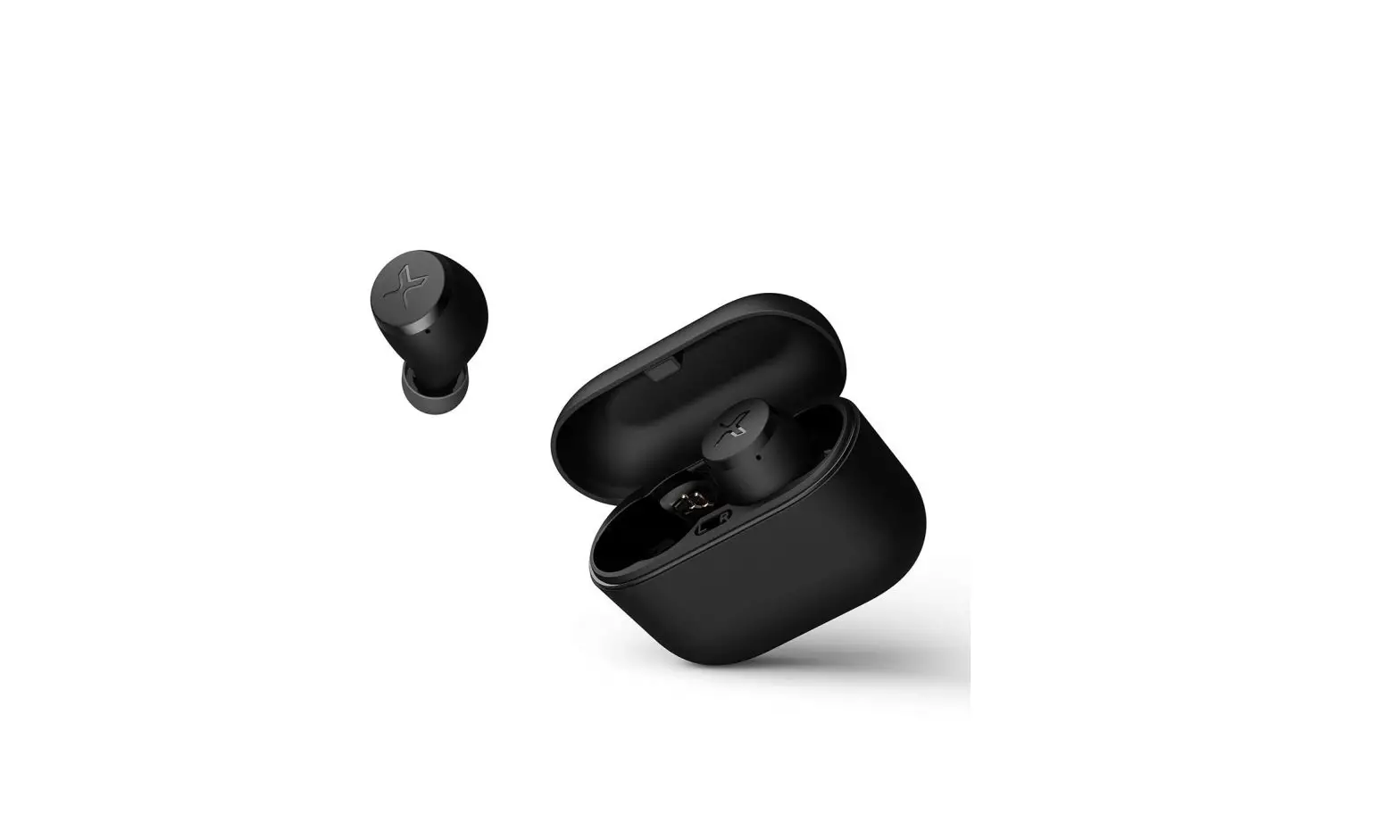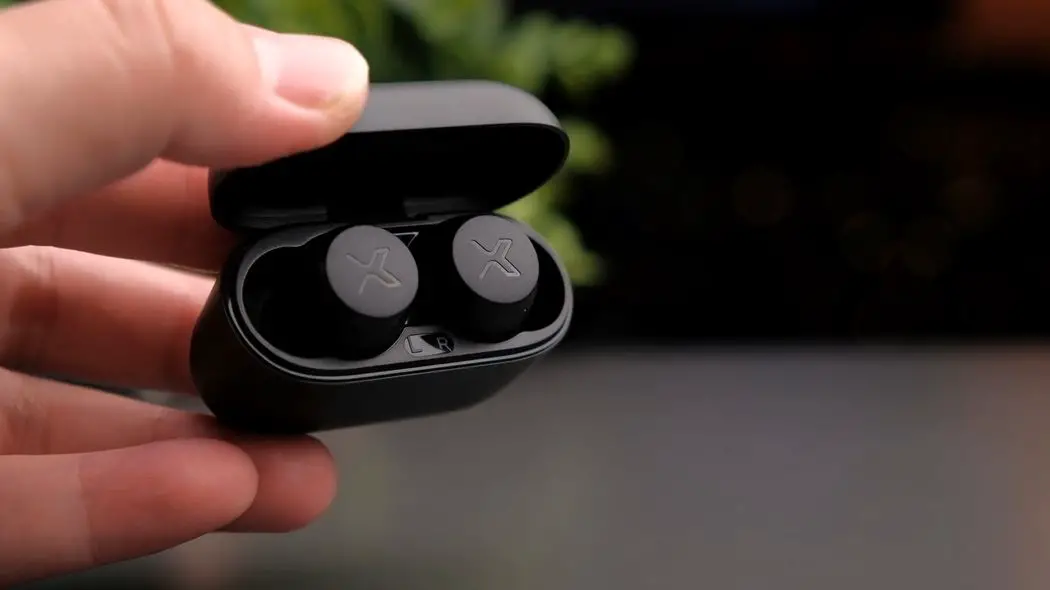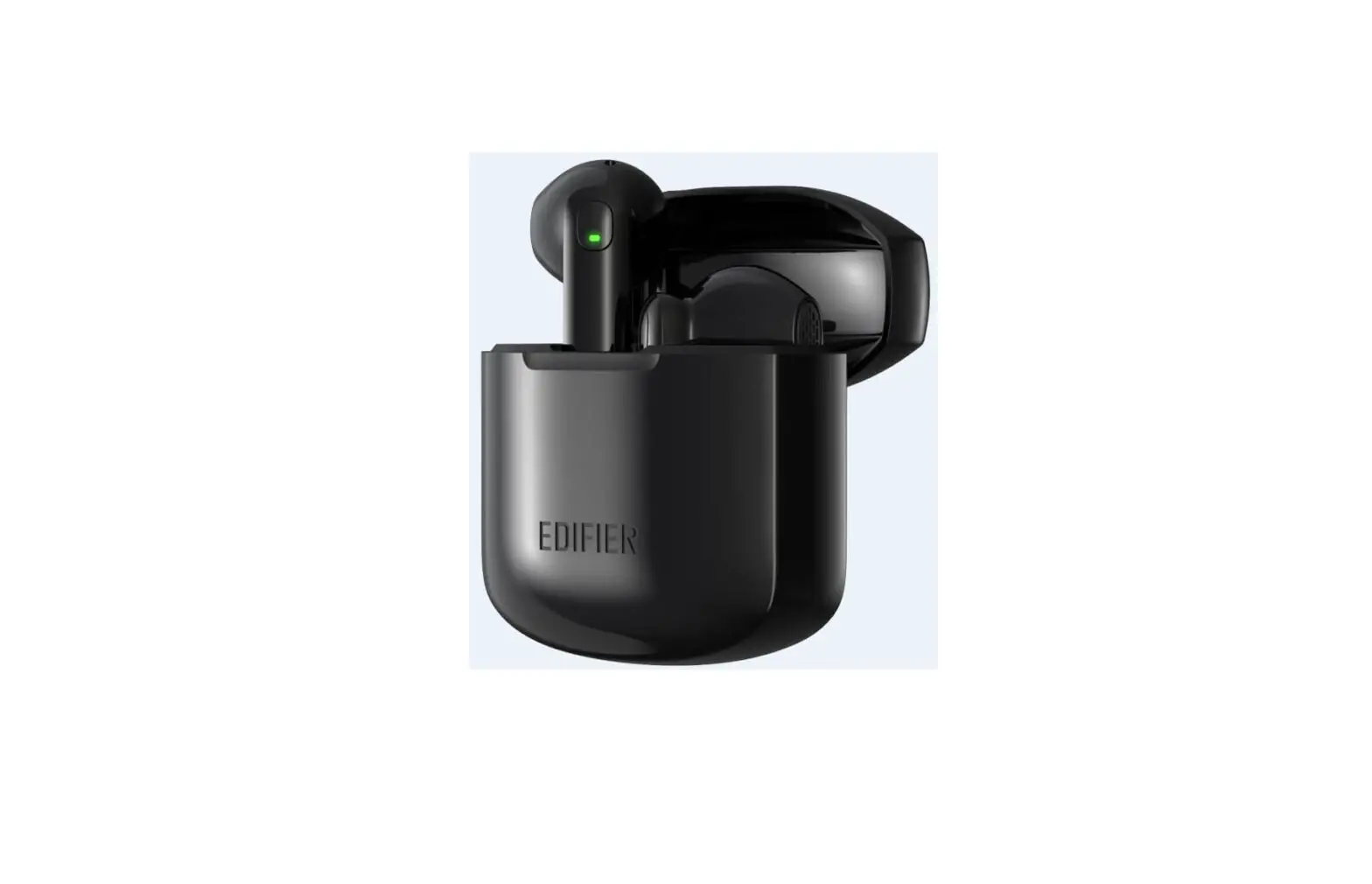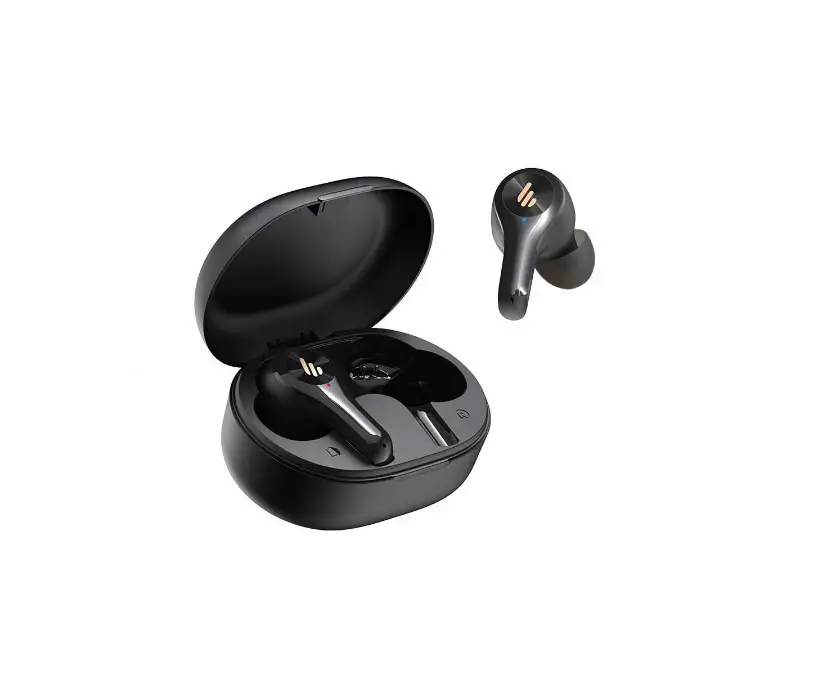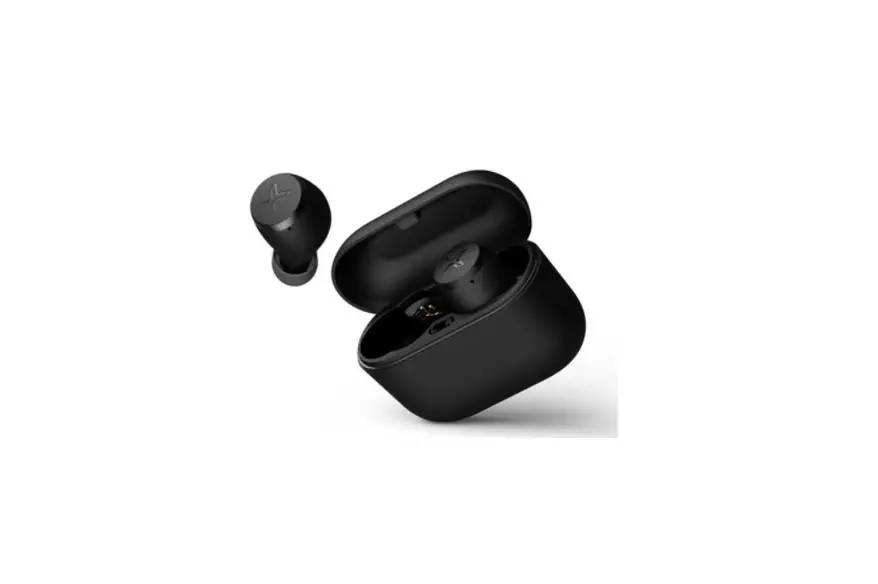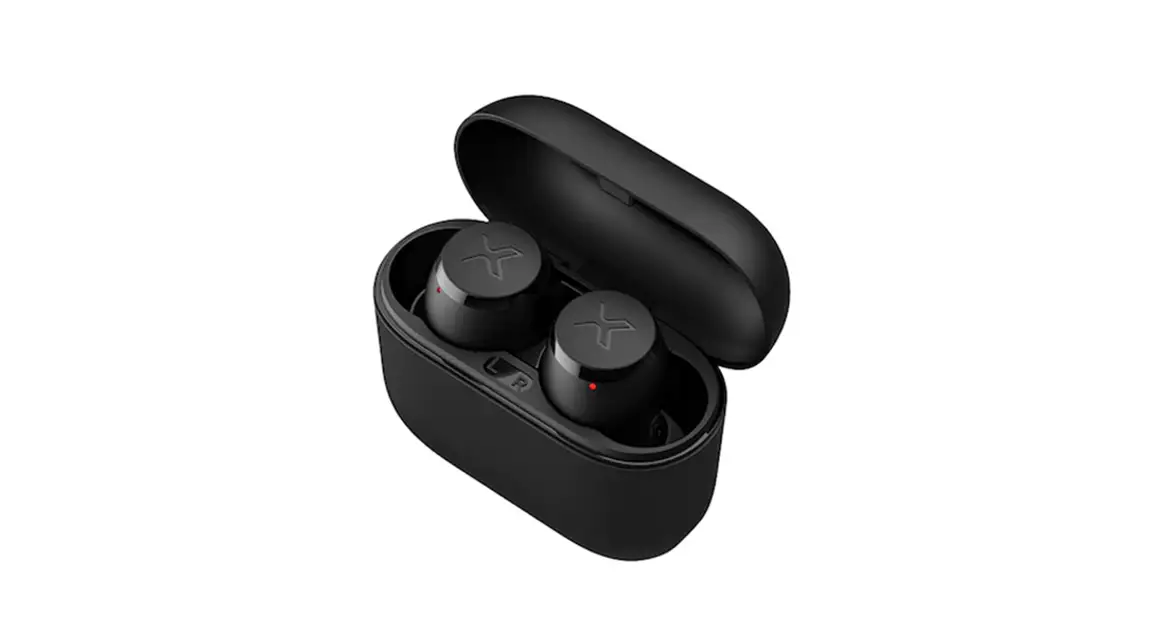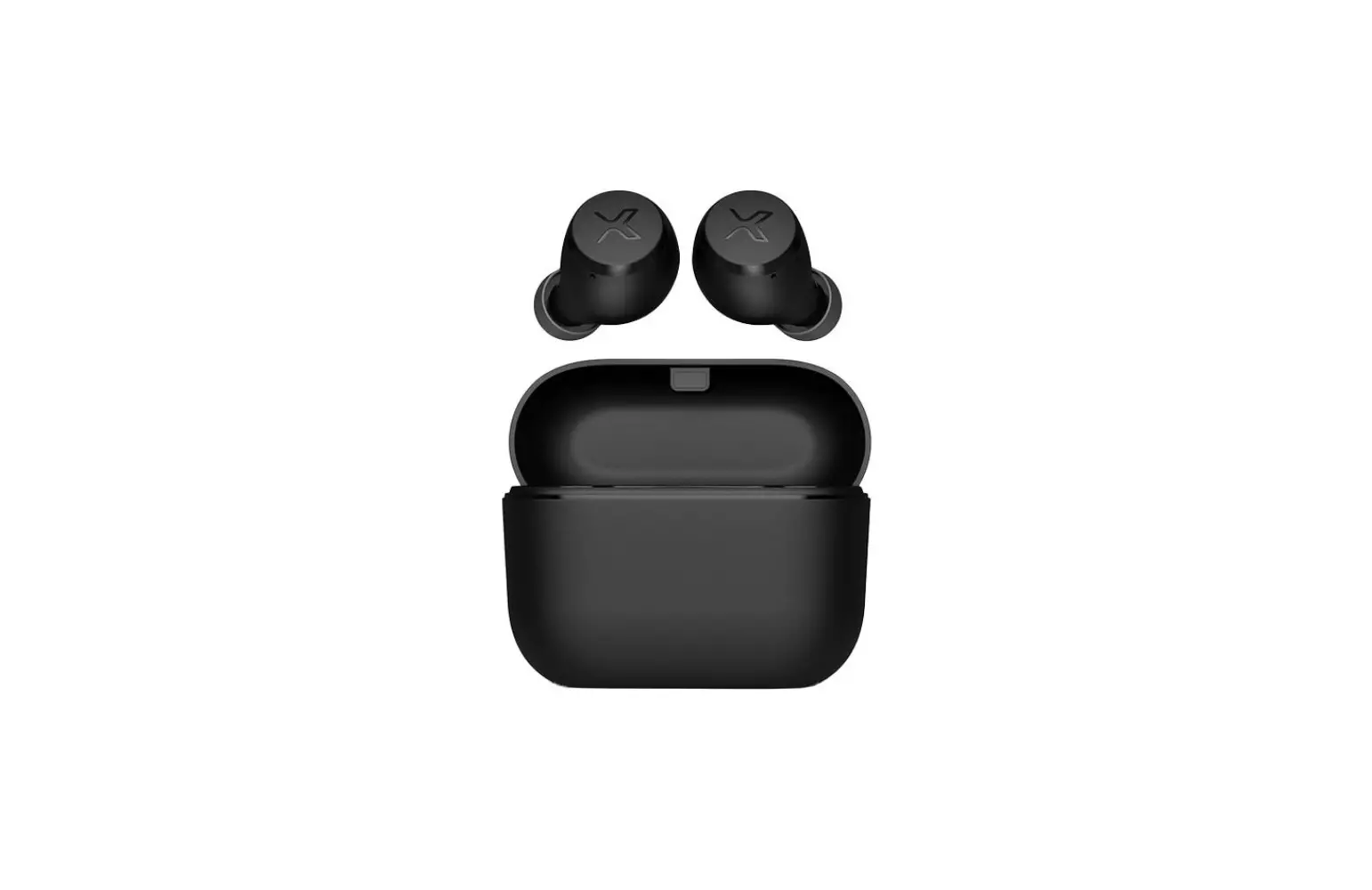
EDIFIER X3 Lite True Wireless In-Ear Headphones User Manual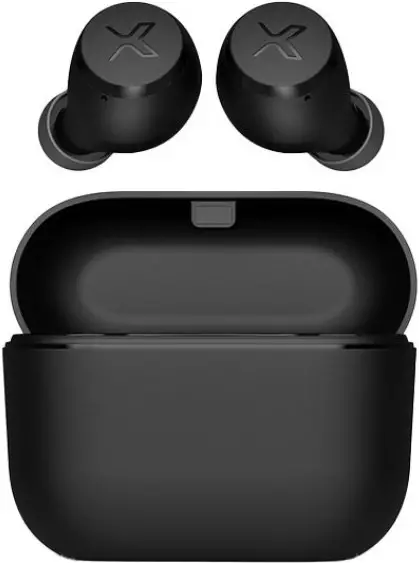
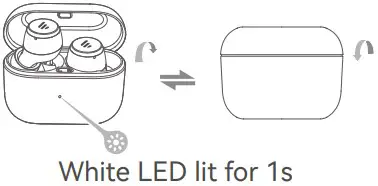
Power ON/OFF
- Power ON when taken out of the case.
- Power OFF when placed in the case.

Note:
If there is no Bluetooth connection for 10 minutes after power on, the earbuds will turn off automatically
Pairing
1st Pairing
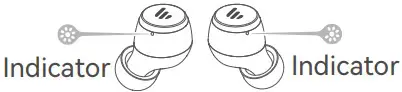
- Taken out of the case. White and red LEDs will blink alternately.
- Select “EDIFIER X3 Lite” in your Bluetooth device setting to connect. White LED will blink twice in 5 seconds when successfully.

Note:
For subsequent use, the earbuds will automatically connect to the device used last time.
Reset
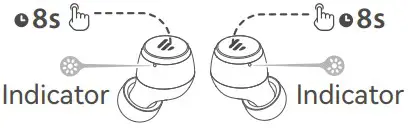
- Taken out of the case.
- Disconnected to any Bluetooth device. Press and hold the touch panel on either earbud for around 8s until red LED blinks 6 times to clear the Bluetooth pairing records and turn off. If the left and right earbuds are connected, the other side will clear the Bluetooth pairing record and turn off either.
- Placed back in the case and taken out of the case again.
- Select “EDIFIER X3 Lite” in your Bluetooth device setting to connect. White LED will blink twice in 5 seconds when successfully.
Left & Right connection
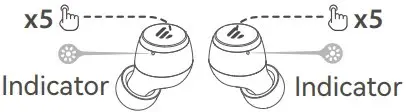
- When earbuds are turned on and there is no Bluetooth connection and TWS connection, respectively tap the touch panel 5 times on both earbuds until white LED blinks slowly to enter TWS pairing mode. Once the left and right earbuds are connected successfully, white and red LEDs will blink alternately to enter Bluetooth pairing mode.
- Select “EDIFIER X3 Lite” in your Bluetooth device setting to connect. White LED will blink twice in 5 seconds when successfully.
Charging
Earbuds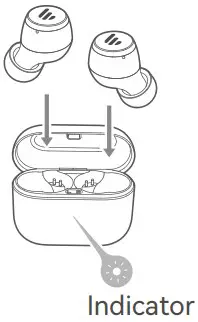
- When hearing a low battery prompt tone, please place the earbuds in the case for charging.
- Red LED on earbud is steady lit when charging and off when fully charged.
Charging Case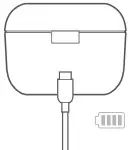
- Please connect the case to power source with the included Type-C charging cable for charging.
- Red LED is steady lit when charging and off when fully charged.
Note:
Please do not charge the earbuds when there is sweat or other liquids inside the charging port, which may damage the earbuds.
Input: 5V 200mA(Earbuds)
5V 1A(Charging case)
Controls
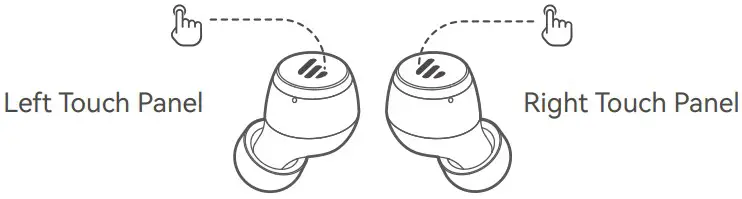
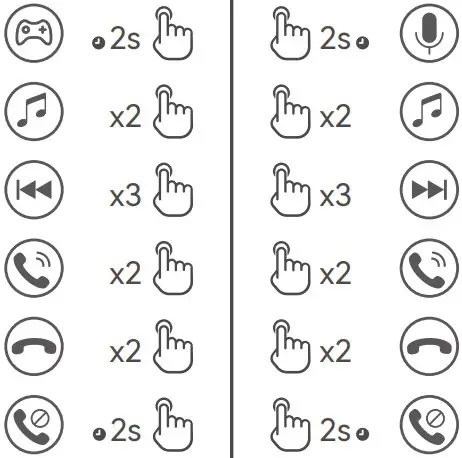
Note:
- Images are for illustrative purposes only and may differ from the actual product.
- Download Edifier Connect App for more customizable control settings.

FCC statement:
This device complies with Part 15 of the FCC Rules. Operation is subject to the following two conditions:
- this device may not cause harmful interference, and
- this device must accept any interference received, including interference that may cause undesired operation.
IC statement: CAN ICES-003(B) / NMB-003(B).
FCC ID: Z9G-EDF207
IC: 10004A-EDF207
Input: 5V 200mA(Earbuds)
5V 1A(Charging case)
Hereby, Edifier International Limited declares that the radio equipment type EDF200131 is in compliance with Directive 2014/53/EU. The full text of the EU declaration of conformity is available at the following internet address: https://www.edifier.com/int/eu-doc.html
Declaration for EU
Frequency Band: 2400MHz – 2483.5MHz
RF Power Output: ≤13 dBm (EIRP)
There is no restriction of use.
 [email protected]
 [email protected]
 [email protected]
Model: EDF200131
Edifier International Limited
P.O. Box 6264
General Post Office
Hong Kong
www.edifier.com
2023 Edifier International Limited. All rights reserved. Printed in China
NOTICE:
For the need of technical improvement and system upgrade, information contained herein may be subject to change from time to time without prior notice.
Products of EDIFIER will be customized for different applications. Pictures and illustrations shown on this manual may be slightly different from actual product. If any difference is found, the actual product prevails.
 Headphones, Speakers | A Passion for Sound -【Edifier】