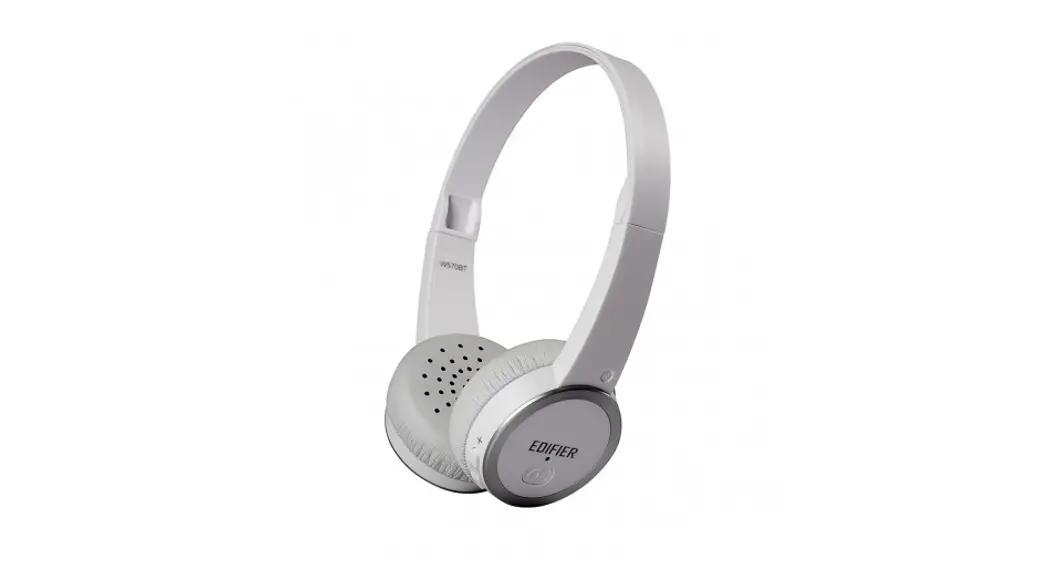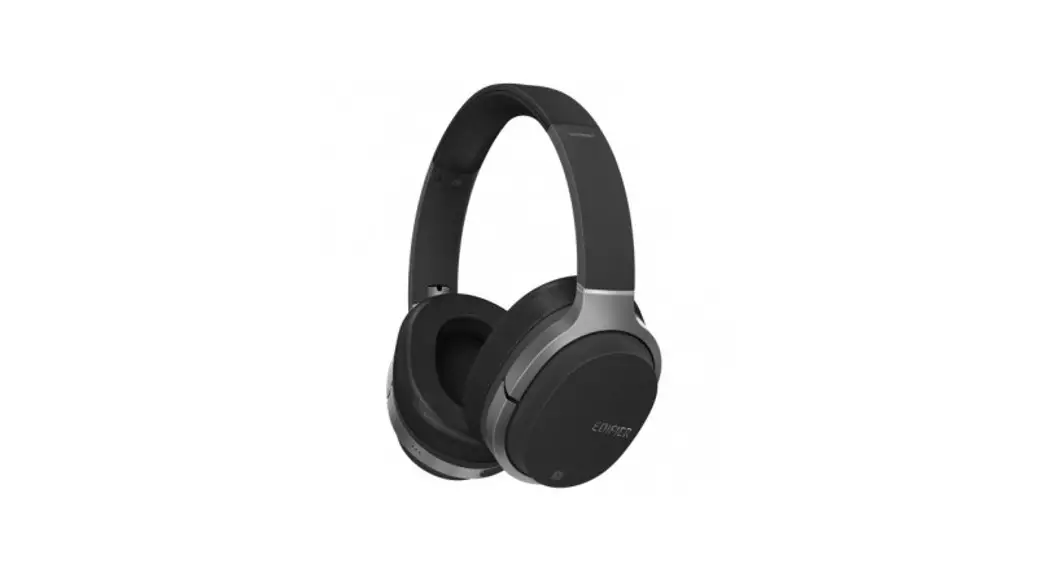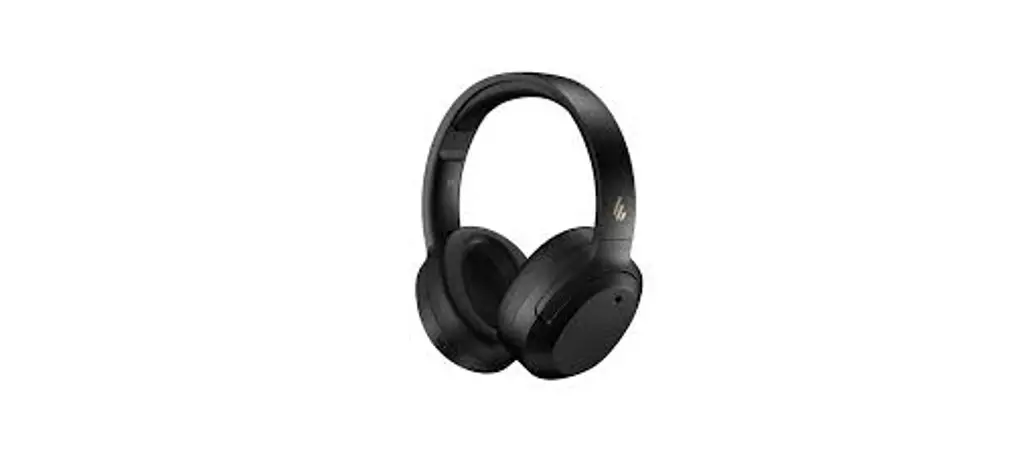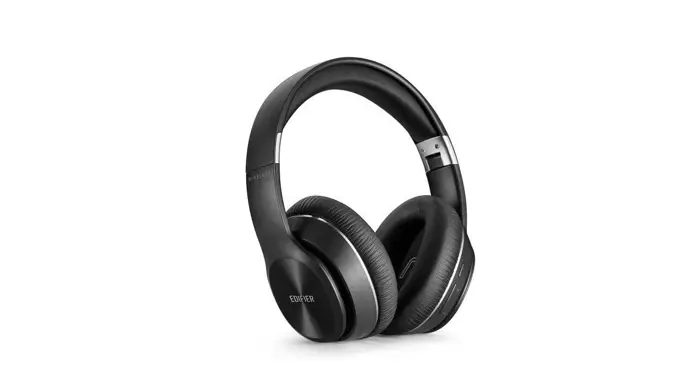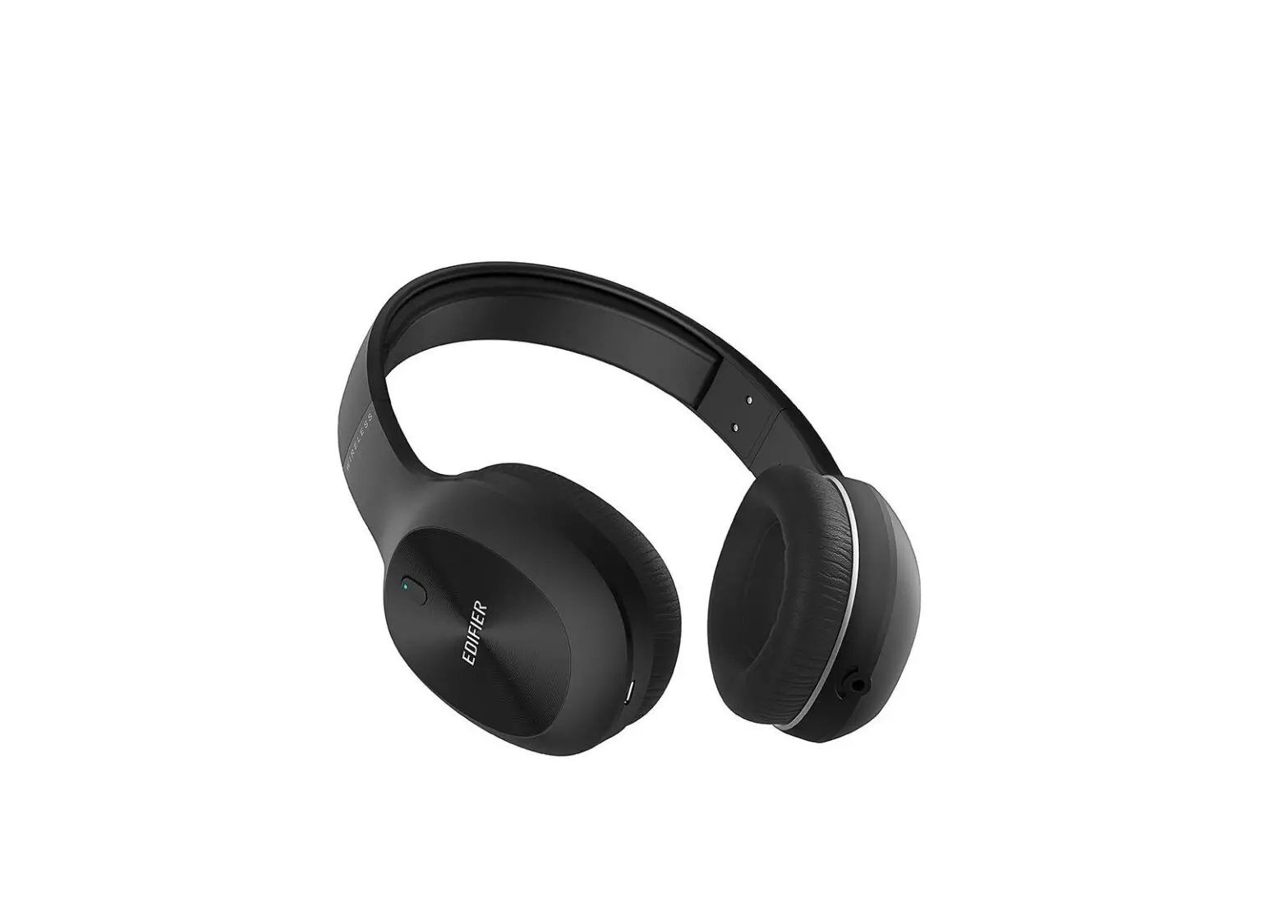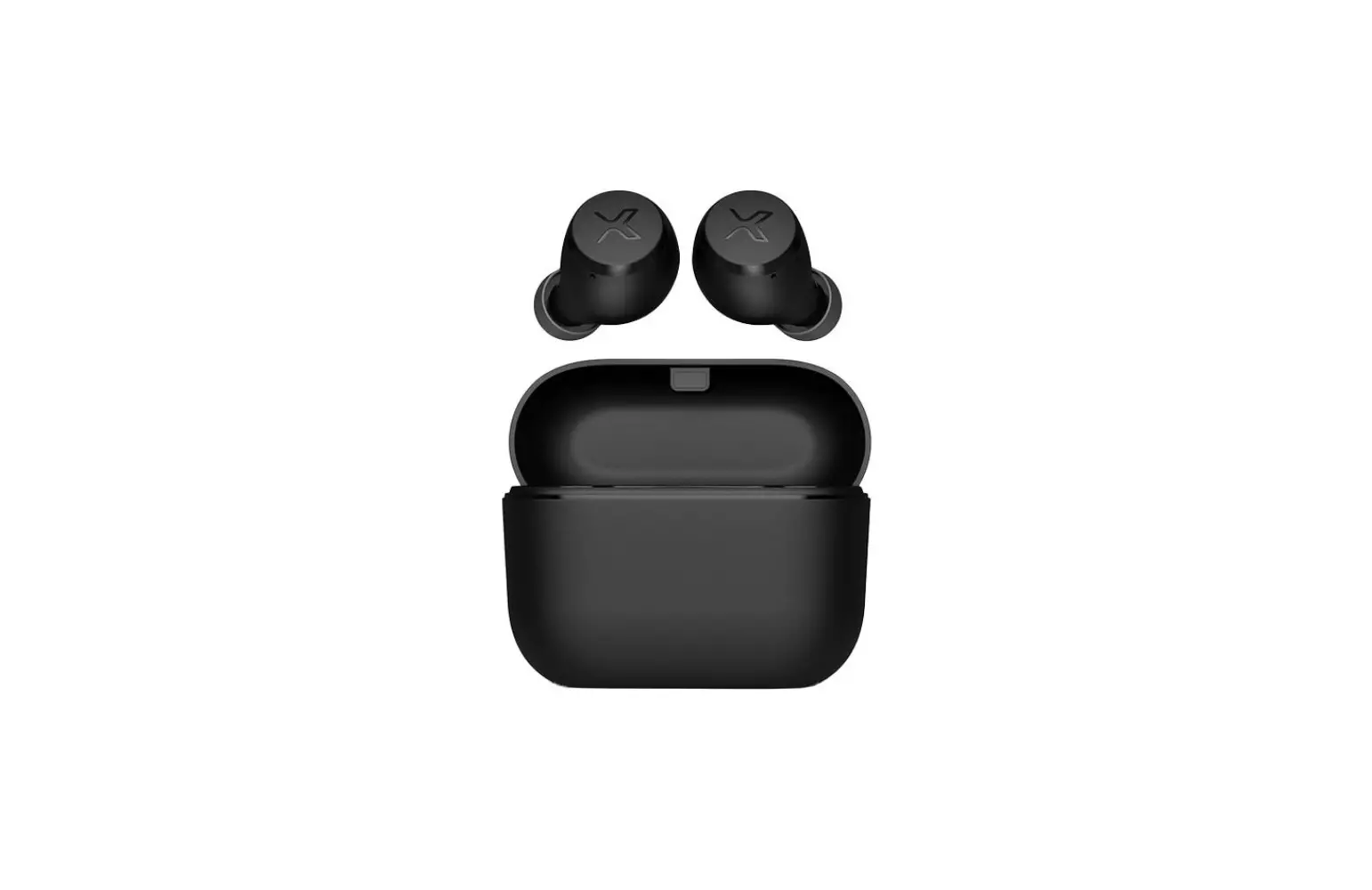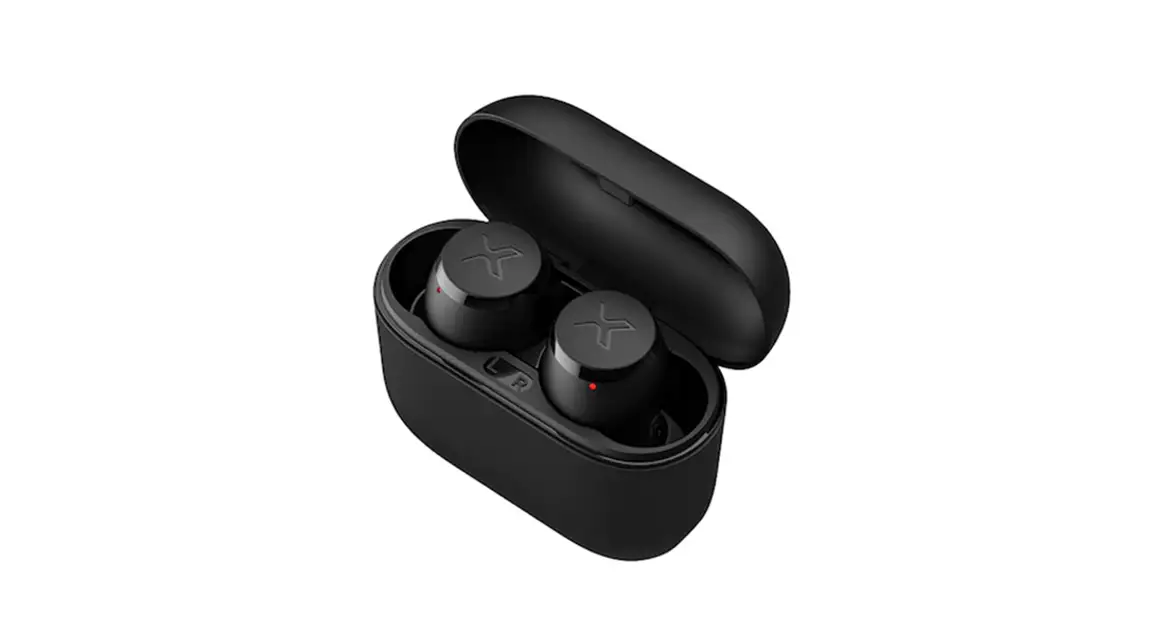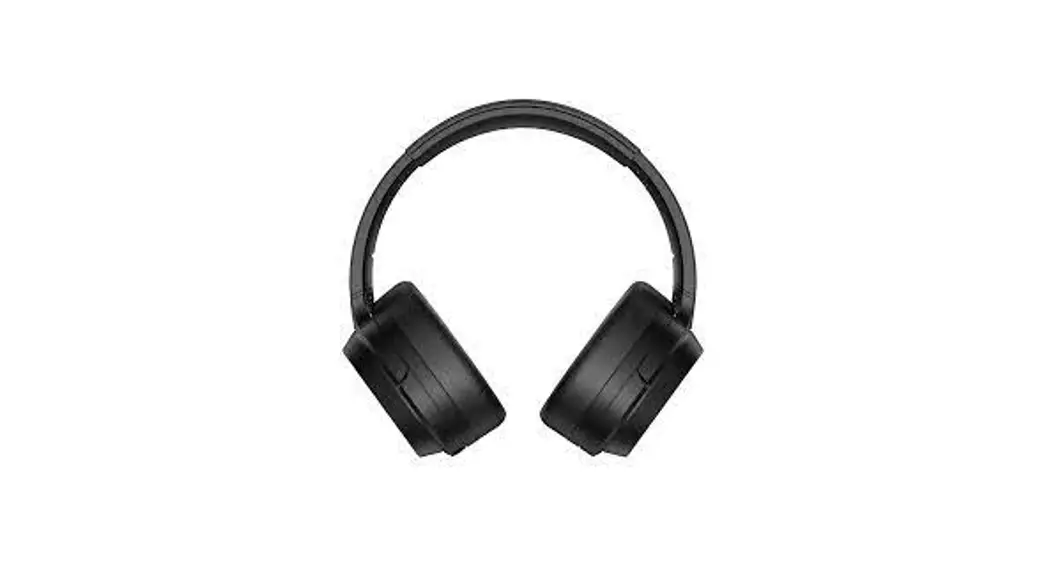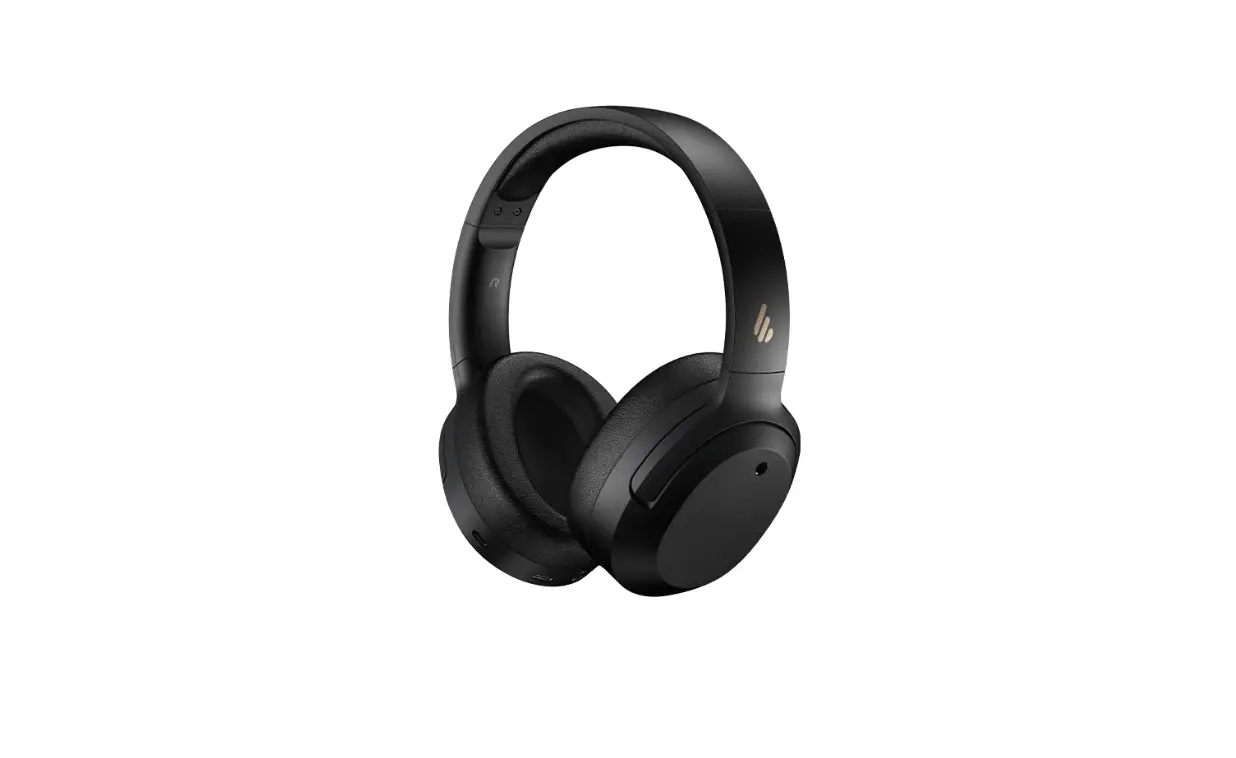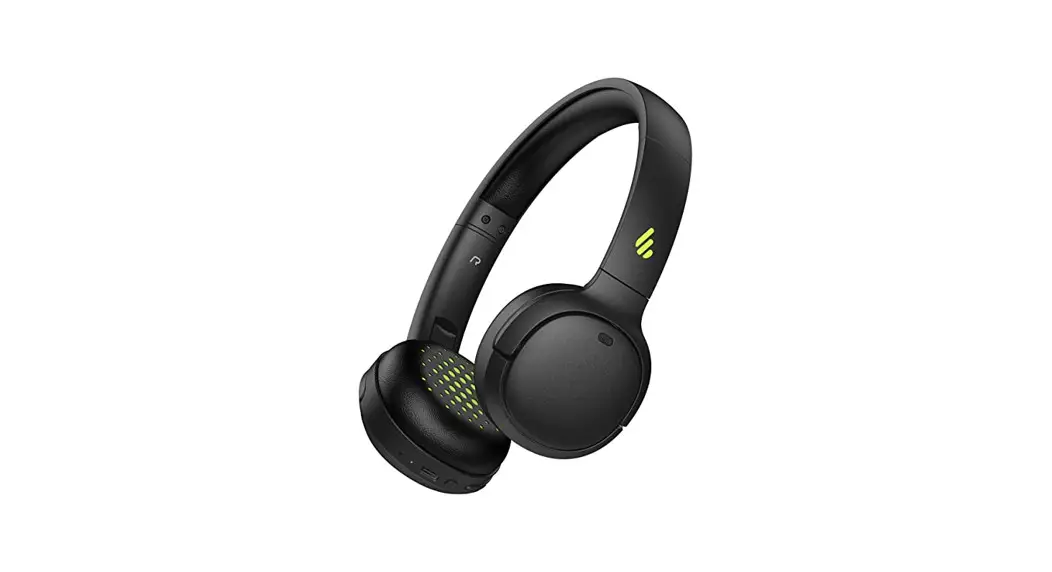
 WH500
WH500
Wireless On-Ear Headphones
Manual
Power ON/OFF
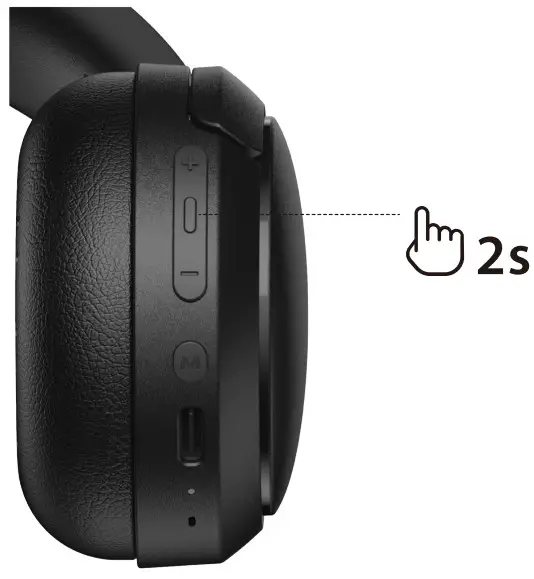 Press and hold the power button for 2s.
Pairing
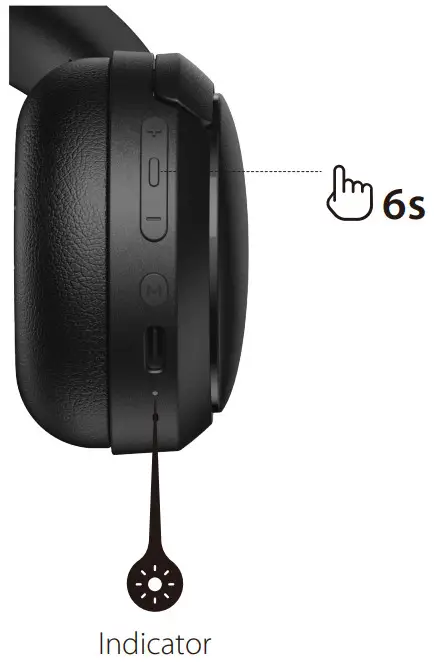
- When they’re power off, press and hold the power button for 6s. The status light blinks blue.
- Select “EDIFIER WH500” in your device setting to connect.
1st Pairing
- Once the headphones are power on, they will enter Bluetooth pairing automatically. The status light blinks blue.
- Select “EDIFIER WH500” in your device setting to connect.
Note:
- For subsequent use, the headphones will auto-connect to device used last time.
- Dual-Device Connection :After connected to a device, restart and enter Bluetooth pairing to connect the second device. Then manually re-pair the headphones again from the first device to complete Dual-Device connection.
Reset
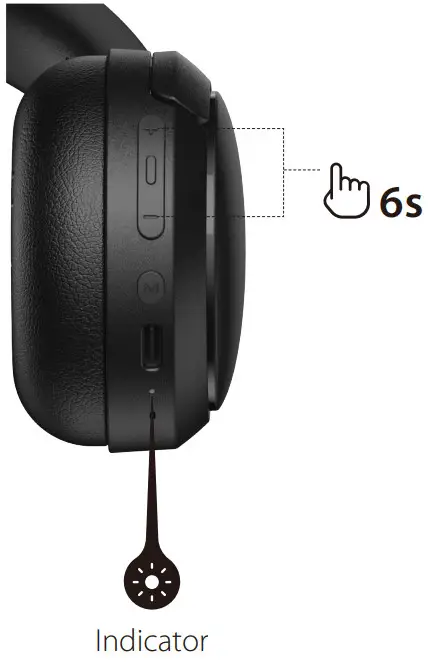
- When the headphones are power on, press and hold the ” + ” and ” – ” at the same time for 6s.
- The status light blinks white until reset is completed.
- Once the headphones are reset, they enter pairing mode automatically.
Status Light
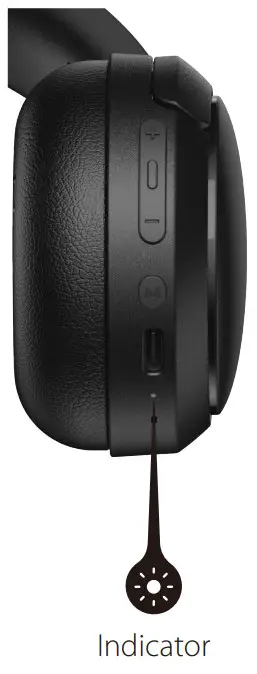 Bluetooth Status
 Blue LED blinks
 Blue LED on for 3s
 Blue LED blinks twice for every 5s for 10mins
Battery Status Red LED blinks twice every 5mins
 Red LED on
 LED off
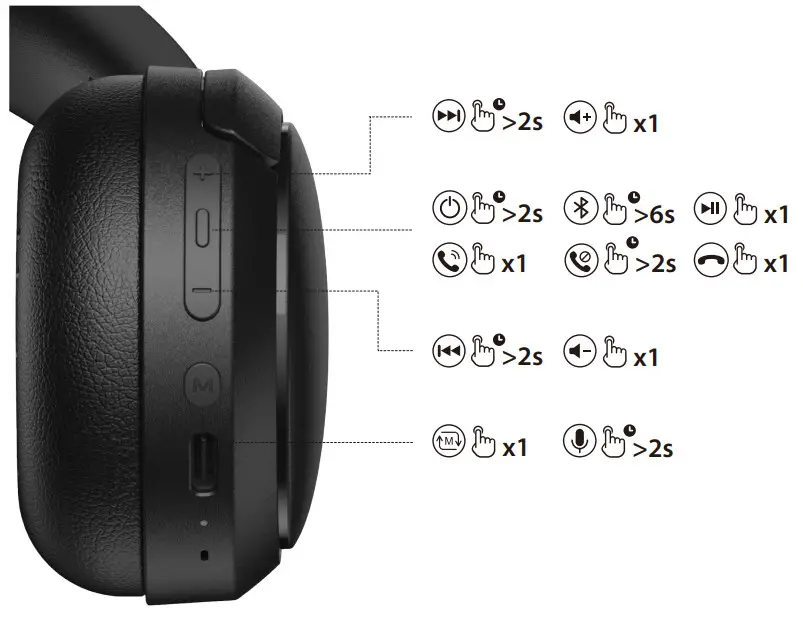
Controls
 Note:
Note:
- Sound Mode switch between “Music Mode” & “Game Mode”.
- Images are for illustrative purposes only and may differ from the actual product.
For more information, please visit our website: www.edifier.com
 @Edifierglobal
 @Edifier_Global
 @Edifier_Global
NOTICE:
For the need of technical improvement and system upgrade,information contained herein may be subject to change from time to time without prior notice.
Products of EDIFIER will be customized for different applications.
Pictures and illustrations shown on this manual may be slightly different from actual product.
If any difference is found, the actual product prevails.
Model: EDF200095
Edifier International Limited
P.O. Box 6264
General Post Office
Hong Kong
www.edifier.com
2022 Edifier International Limited. All rights reserved.
Printed in China
 Edifier | A Passion for Sound | Headphones, Earphones, Speakers