 User Manual
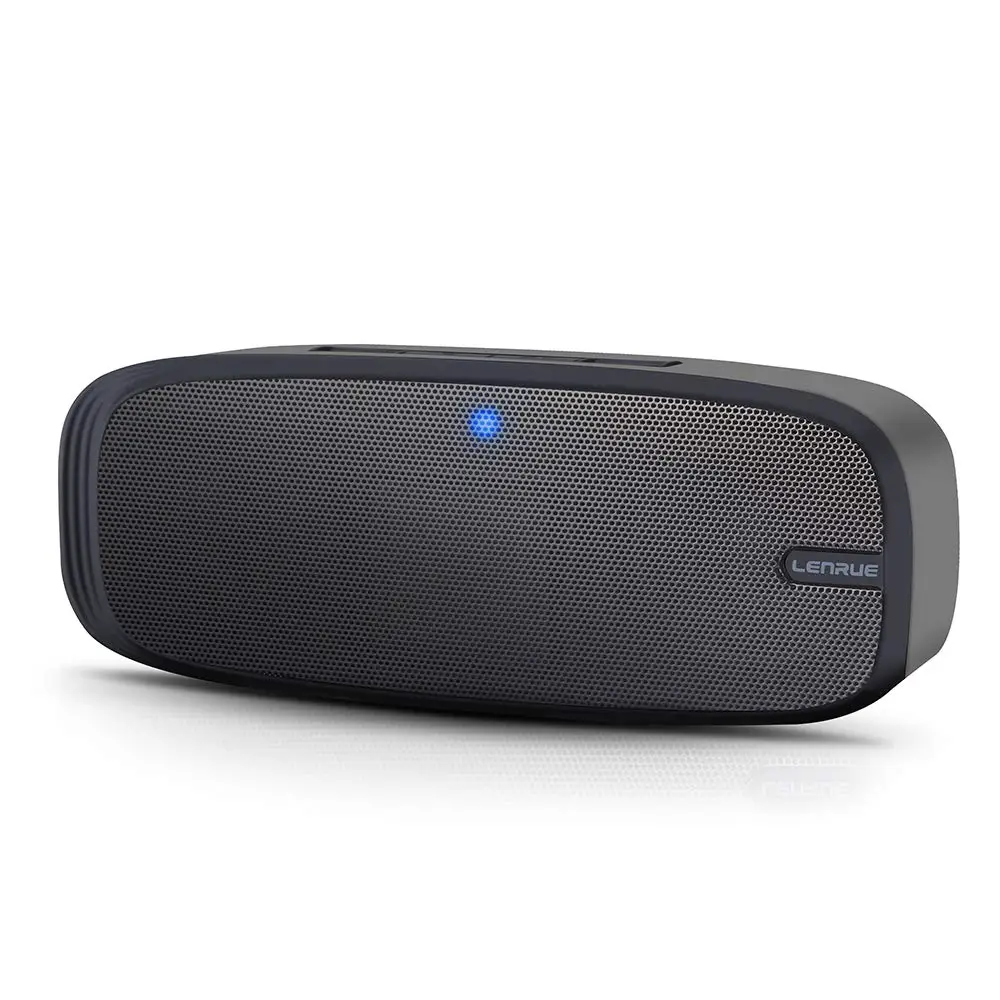
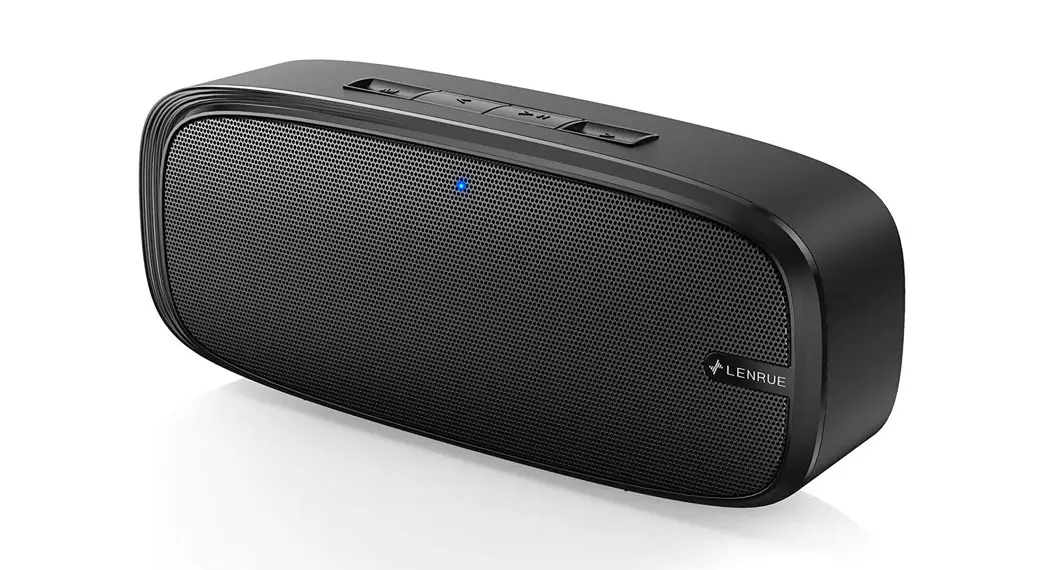
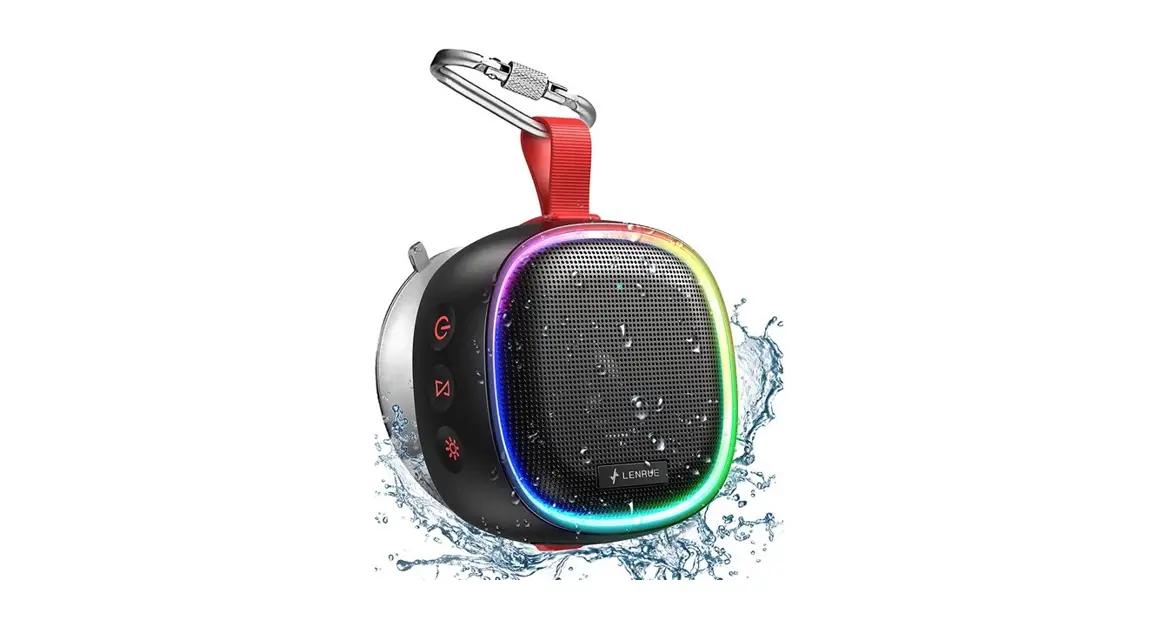
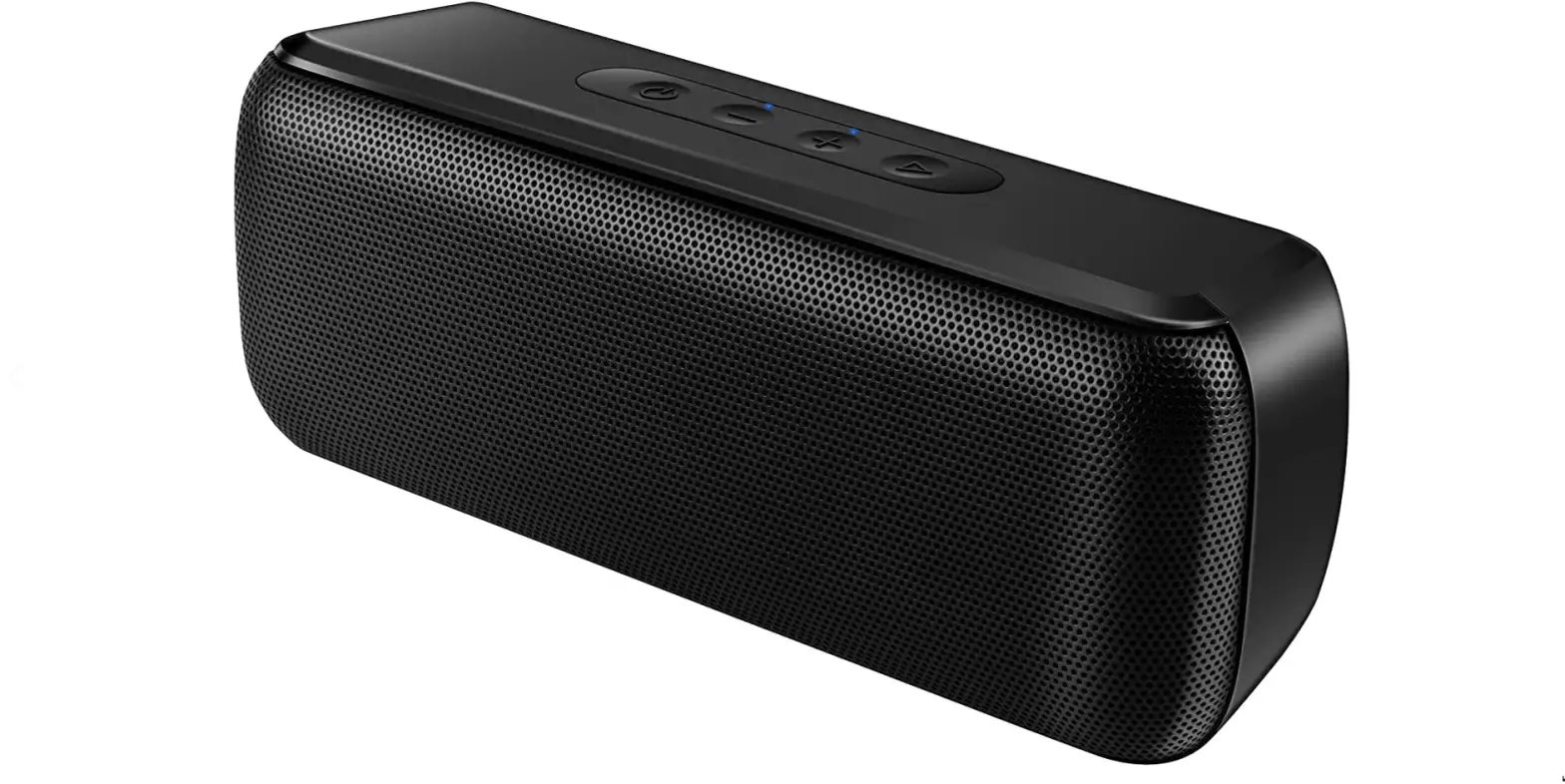
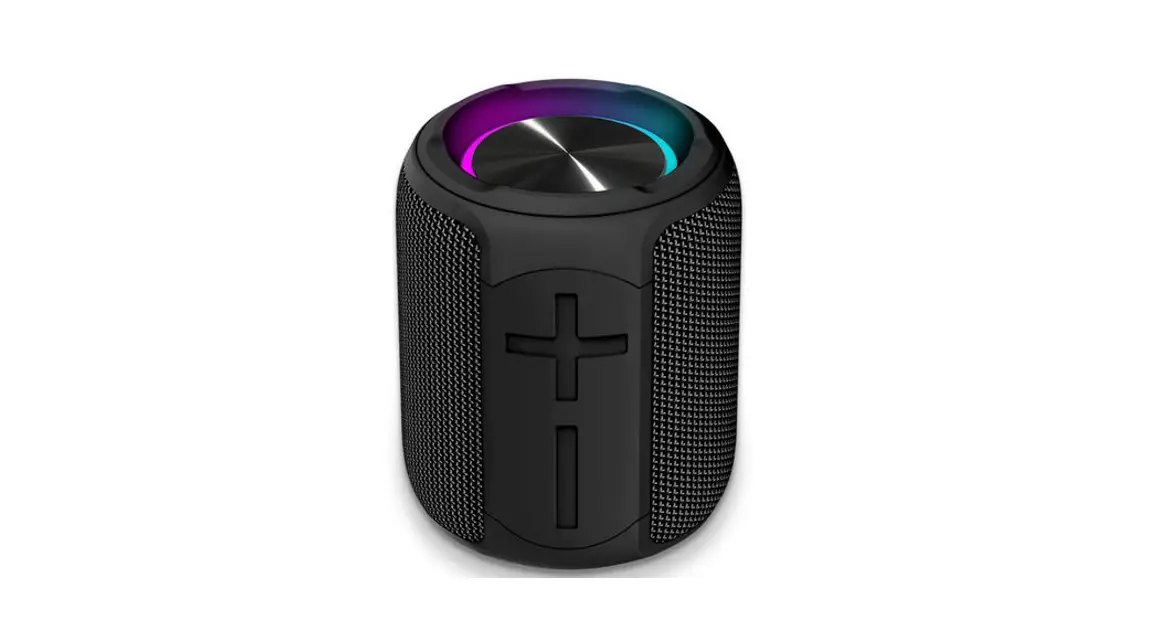
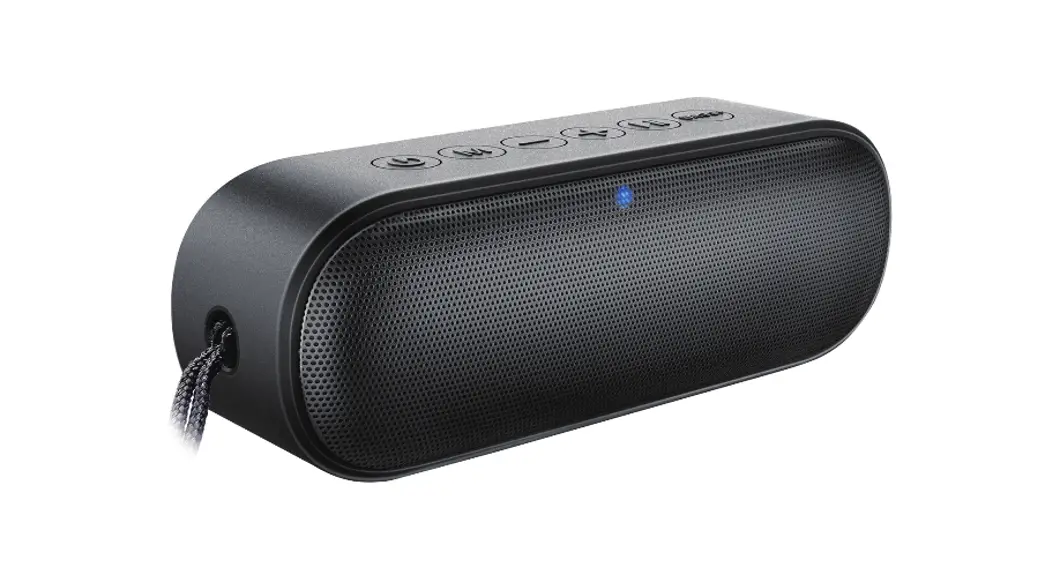
A15PRO WIRELESS SPEAKER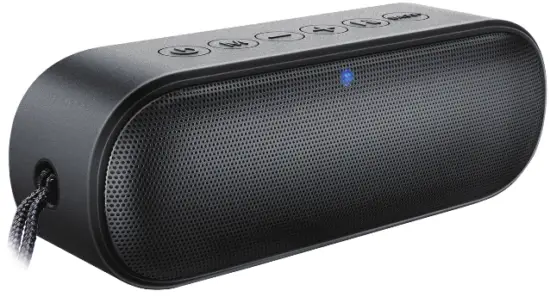
LENRUE by Meguo Customer Support: [email protected] 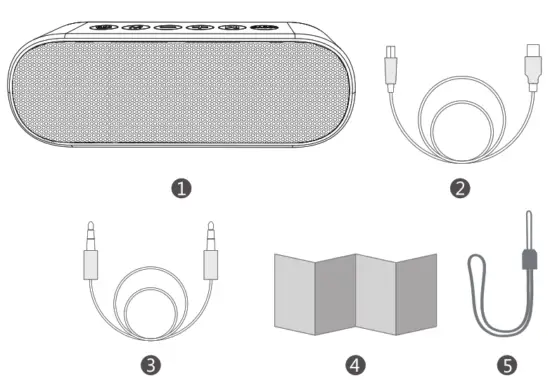
Packing List
- Speaker
- Charging Cable
- AUX-in Cable
- User Manual
- Strap
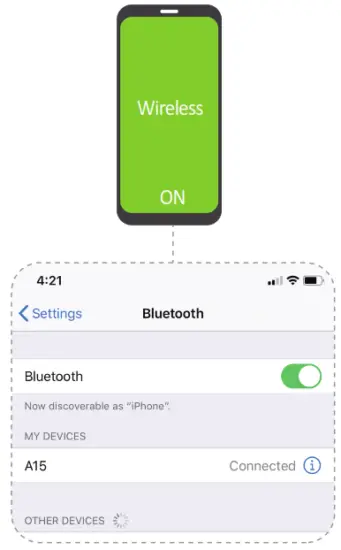
Wireless Connection
- Turn on/off
- Pair with you device
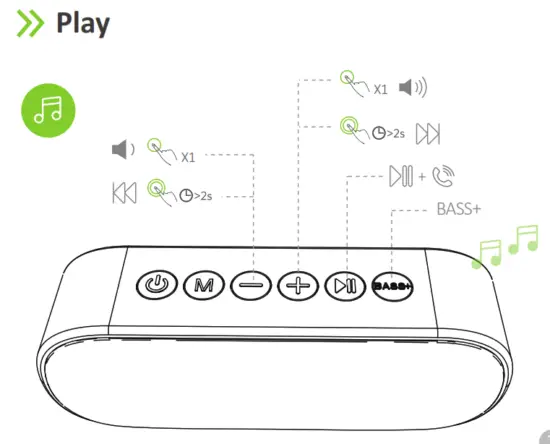
Play
Specifications
| Device Name | A15PRO |
| Wireless Version | 5.0 |
| Wireless Range | 100 |
| TF-Card Max Capacity | 32GB |
| True Wireless Pairing | Yes |
| Waterproof Level | Enhanced IPX7 |
| Charging Voltage | DC-5V/2A |
| Compatible Protocol | A2DP/AVRCP/HFP/HSP |
True Wireless Pairing
Turn on two A15PRO speakers→Disconnect all devices with A15→ Double click the Power button ” ” on the one of speakers into TWS Pairing Mode→ TWS Pairng will auto finish aer “beep”→ Click the Device name “A15PRO” to pairon.
Alexa Connection
- Disconnect wireless speaker with all device
- Put your wireless device in pairing mode.
- Open the Alexa app.
- Select Devices.
- Select Echo & Alexa.
- Select your device.
- Select wireless Devices, and then Pair A15PRO.
Get More Help
Warm Note :
Thank you for choosing us!
Every order will enjoy the following aer-sale policy:
30 Days refund,
180 Days worry-free warranty,
Lifetime technical support.
Use Tips:
- Full charge for first use
- Disconnect all devices for Alexa Pairing
Share advice for product and design, you will get 365 Days Extended Warranty, contact us to collect it
We hope you are sasfied with our products, more questions and problems, feel free to contact us for help
 EU: [email protected]
Global: [email protected]
[email protected]