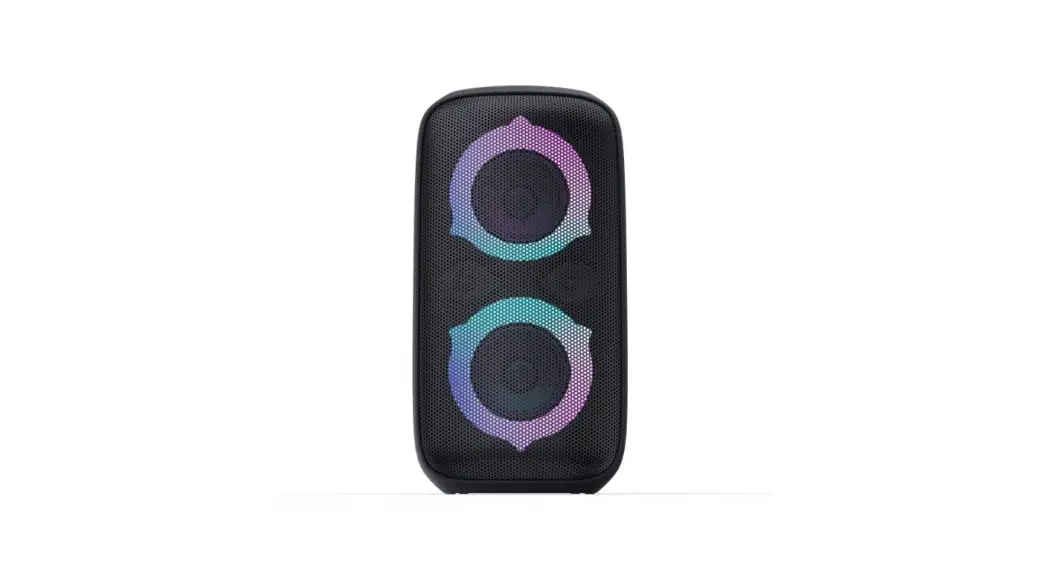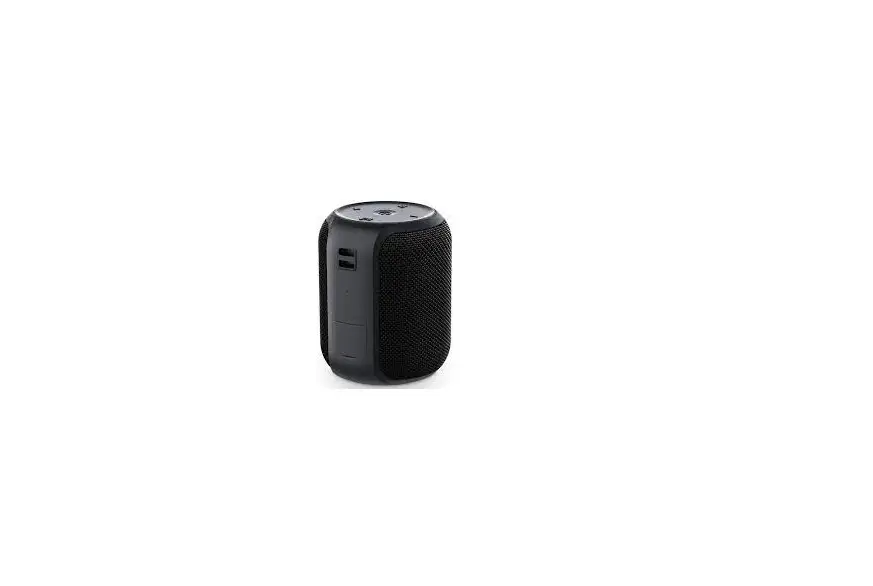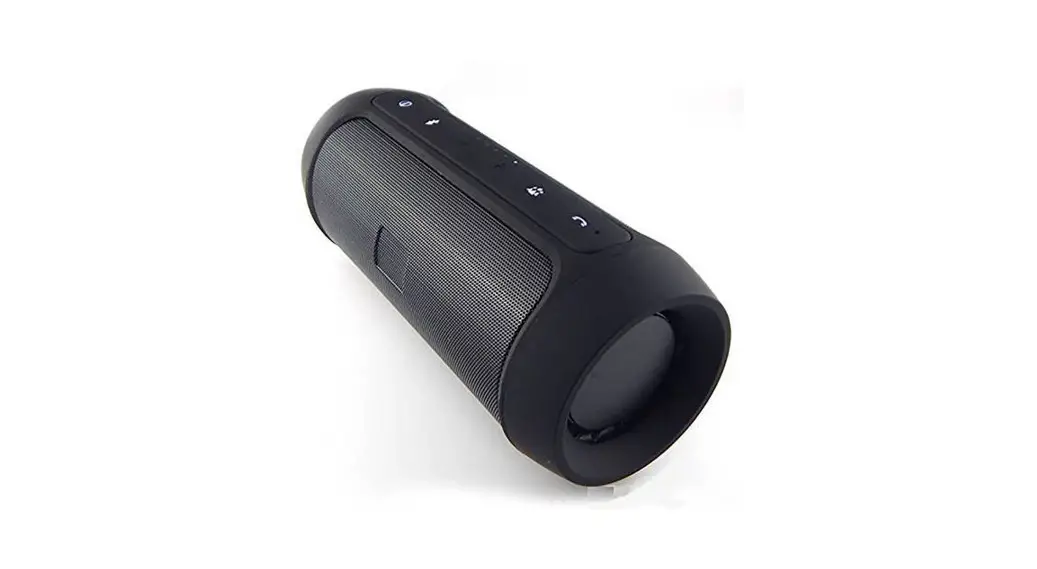

Anyone A3 Wireless Speaker
USER MANUAL
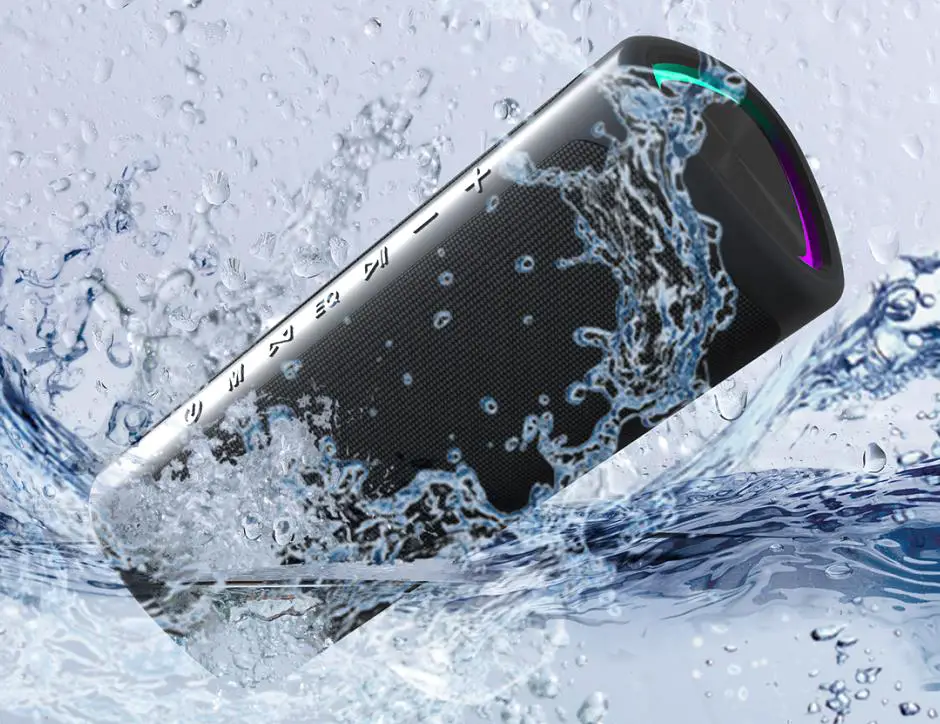
Thank you for choosing the Asyoren A3 Wireless speaker, Please kindly read the user manual before use and keep it handy for future reference.
Quick Start Guide
What’s in the box?
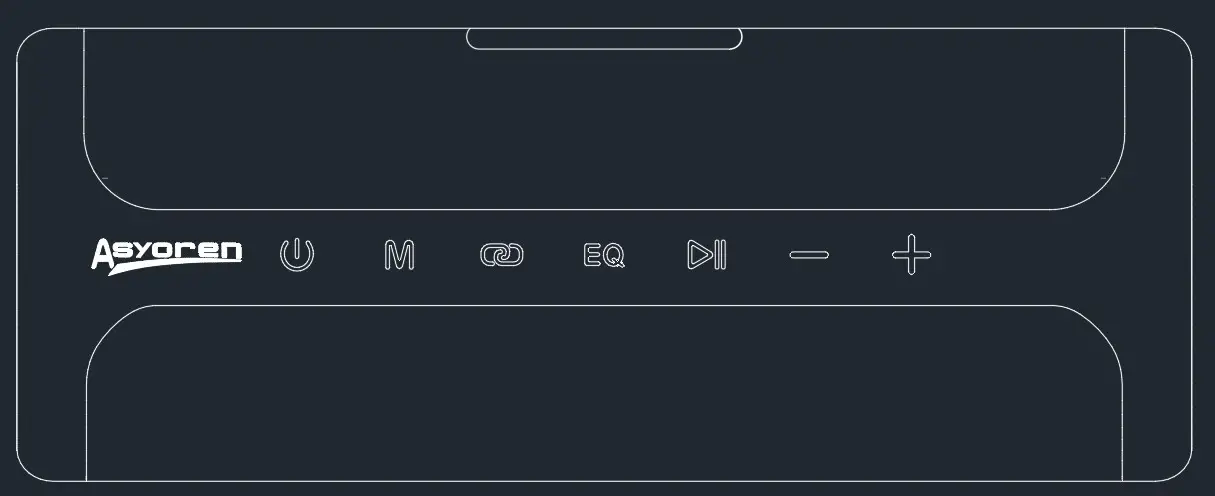
Asyoren A3 Wireless speaker x 1pcs
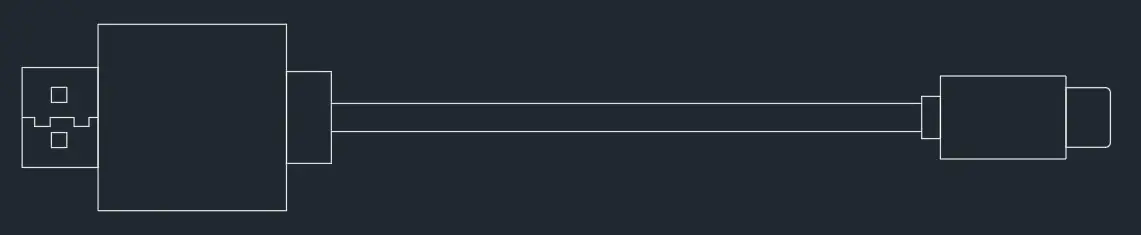
Type-C cable x 1pcs
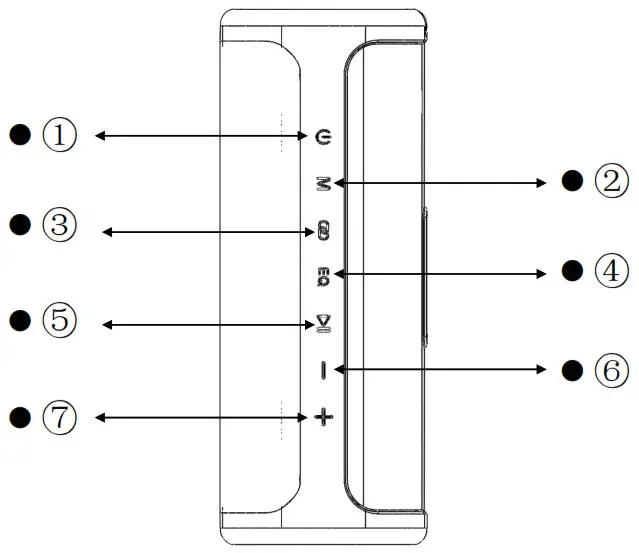
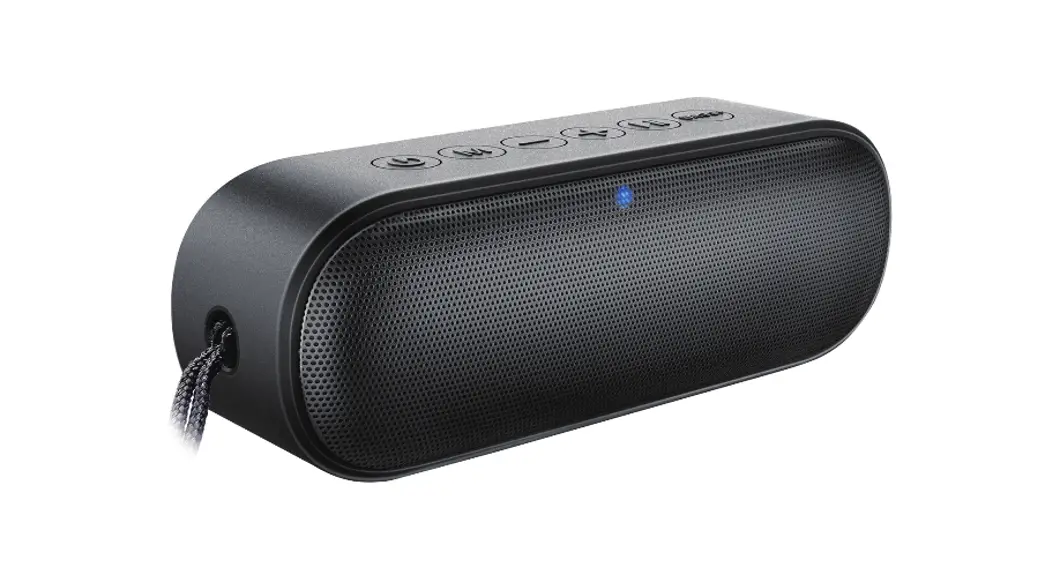
- 1: Power On/Off; Flashlights; Reset
- 2: Bluetooth/TF / AUX Mode change.
- 3: TWS Pairing
- 4: EQ for 3 Sound Modes
- 5: Play/Pause
- 6: Volume- / Previous
- 7: Volume+ / Next
- Use your mobile devices (Any with Bluetooth feature) to search the code “Asyoren A3 ” to pair when the speaker is power on, then start to enjoy it.
- For more details information, please refer to the Detail function buttons specification as below:
| No. | Sign | Function | Operation working | Beep | Light |
| 1 |  | Power on | Hold on to the”button for 2 seconds, Power on and Bluetooth searching open | Yes | Blue light flashes |
| Power off | Hold on to the” ” button for 3 seconds, Power off | Yes | Blue light off | ||
| RGB color | Click the” ” button once to off or on the RGB color lights in two ends | / | RGB lights on/off | ||
| 2 |  | Play Modes | Click the ” ” button to switch BT/TF/AUX play modes (only workable when TF card/AUX cable inserted ) | Yes | Blue light flashes |
| Reset | Hold on the” “button for 8 seconds under Bluetooth mode, it will be reset. | Yes | Blue light flashes | ||
| 3 |  | TWS Pairing | a Turn on the two speakers and confirm that both are disconnected from any Bluetooth devices. b.Click one of the speakers’ “buttons to enter TWS pairing mode with a beep And yellow light flashing. After pairing successfully, the yellow lights of the two Speakers will be on and there will be a beep. Then, the blue lights on the first Host speaker start flashing, which is waiting for the mobile phone to connect, And the blue light of another speaker is off.c.Click the’ ” button on any of the speakers, the TWS pairing mode will be Cancelled successfully with a beep, then the yellow lights will be off on both of the Speakers and they will retum to normal state. | Yes | Blue light and yellow Light flashes |
| 4 |  | Sound Frequency Equalizer | It is full balance mode when the speaker open by default, then click the ” ” Button to change to Mega Bass mode, another click to high pitched mode. | / | Green light high pitch/ White light Mega Bass |
| 5 |  | PLAY/PAUSE | One-click the” ” button for PLAY/PAUSE under Bluetooth / TF card status | / | Blue light flashes |
| One-click the ” ” button for Mute under AUX mode | / | Blue light flashes | |||
| Hold on to the ” ” button for 3 seconds, Bluetooth disconnected. | Yes | Blue light flashes | |||
| Answer Call | Click the ” button for answering the call under Bluetooth mode. | / | Blue light flashes | ||
| Reject Call | Hold on the” ” button for 2 seconds for rejecting the call under Bluetooth mode. | / | Blue light flashes | ||
| End Call | Click the ” ” button for ending the call during calls. | Yes | Blue light flashes | ||
| Redial Call | Double Click the” “button to redial the last calling. | / | Blue light flashes | ||
| Voice assistant | Long press the” “button for waking up the voice assistant function | Yes | Blue light flashes |
| 6 |  | Volume – | Short press the ” button to lower the Volume. | / | Blue light flashes |
| Previous Song | Long press the ” ” button to return to the previous song. | / | Blue light flashes | ||
| 7 |  | Volume + | Short press the ” ” button to increase the Volume. | Yes when Max | Blue light flashes |
| Next Song | Long press the – – button for the change to the next song. | / | Blue light flashes | ||
| 8 | Charging | 5V/2.1A | / | Red light during charge, light off when full. | |
| 9 | Battery alert | It will be beeped when the battery is lower than 7.1V. It will be powered off when the battery is lower than 6.8V. | Yes | / | |
| 10 | AUX Mode | It will play Audio content automatically when inserting the 3.5mm AUX cable. | Yes | Blue light flashes | |
| 11 | TF mode | Insert TF card for playing Music | Yes | Blue light flashes | |
| 12 | Bluetooth Distance | 30M+-5 without obstacle | / | ||
| 13 | TWS Distance | 15+-2 without obstacle | / |
Product Basic Parameter
Model: Asyoren A3 wireless speaker
Bluetooth Version: 5.0 Enhanced
Output Power: 4Ω 30W RMS
Frequency response: 2000Hz – 20000Hz
Battery Type: 7.4V /2500mAh
Battery Charge time: 3.5 ± 1 hours
Charge input: DC 5V/2.1A
Music playing time: 24 Hours (Varies by volume level and audio content)
Dimension : L194.5±1mm*H68±1mm*W68±1mm
Weight: 498g/1.1lbs
Warnings:
- Risk of explosion if the battery is replaced by an incorrect type. Dispose of used batteries according to the instructions.
- The adapter shall be installed near the equipment and shall be easily accessible.
- The Operating temperature range: -10° C to 40° C .
- To prevent possible hearing damage. Do not listen at high volume levels for long periods.
FCC Warning
This device complies with part 15 of the FCC Rules. Operation is subject to the following two conditions: (1) This device may not cause harmful interference, and (2) this device must accept any interference received, including interference that may cause undesired operation.
Any changes or modifications not expressly approved by the party responsible for compliance could void the user’s authority to operate the equipment.
Note: This equipment has been tested and found to comply with the limits for a Class B digital device, pursuant to part 15 of the FCC Rules. These limits are designed to provide reasonable protection against harmful interference in a residential installation. This equipment generates uses and can radiate radio frequency energy and, if not installed and used in accordance with the instructions, may cause harmful interference to radio communications. However, there is no guarantee that interference will not occur in a particular installation. If this equipment does cause harmful interference to radio or television reception, which can be determined by turning the equipment off and on, the user is encouraged to try to correct the interference by one or more of the following measures:
- Reorient or relocate the receiving antenna.
- Increase the separation between the equipment and receiver.
- Connect the equipment into an outlet on a circuit different from that to which the receiver is connected.
- Consult the dealer or an experienced radio/TV technician for help.
The device has been evaluated to meet general RF exposure requirements. The device can be used in portable exposure conditions without restriction.