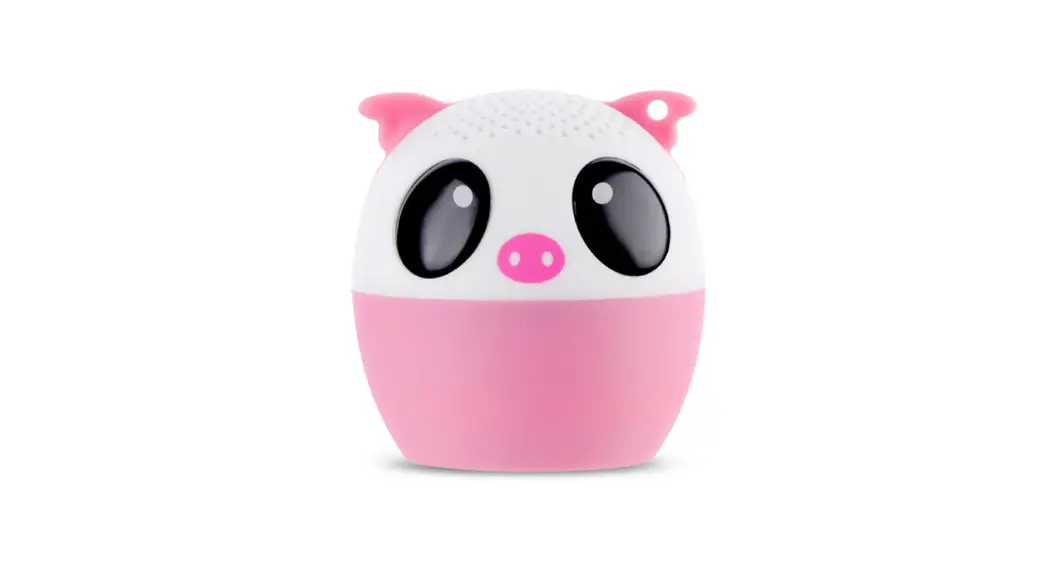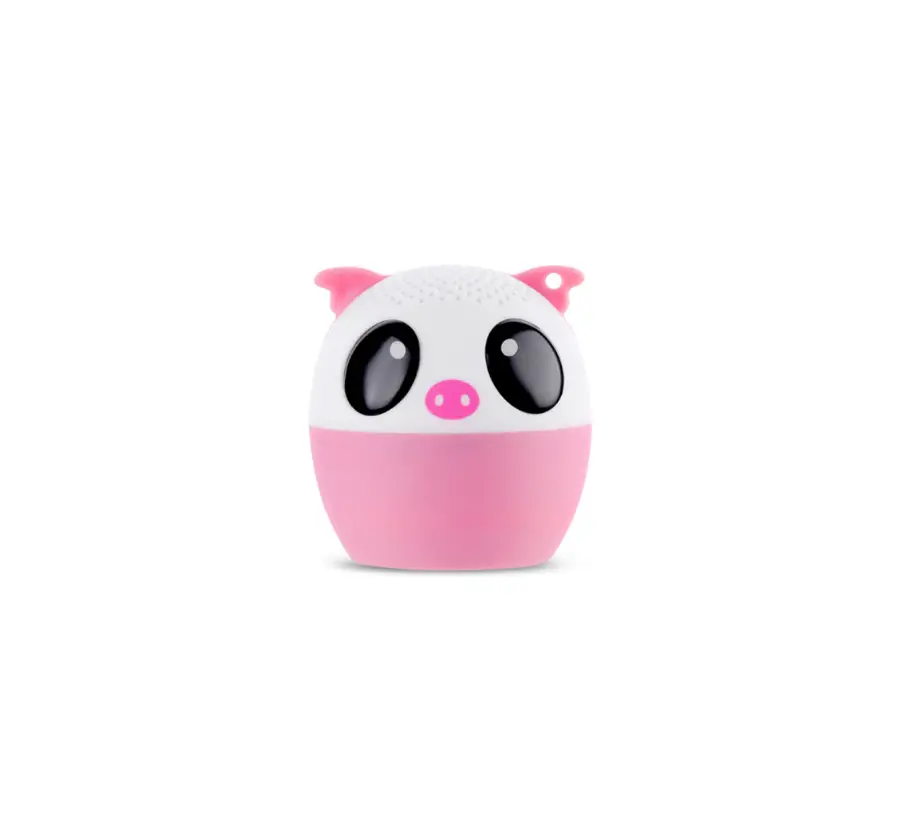
iDance FRIENDY AS100 Wireless Bluetooth Speaker
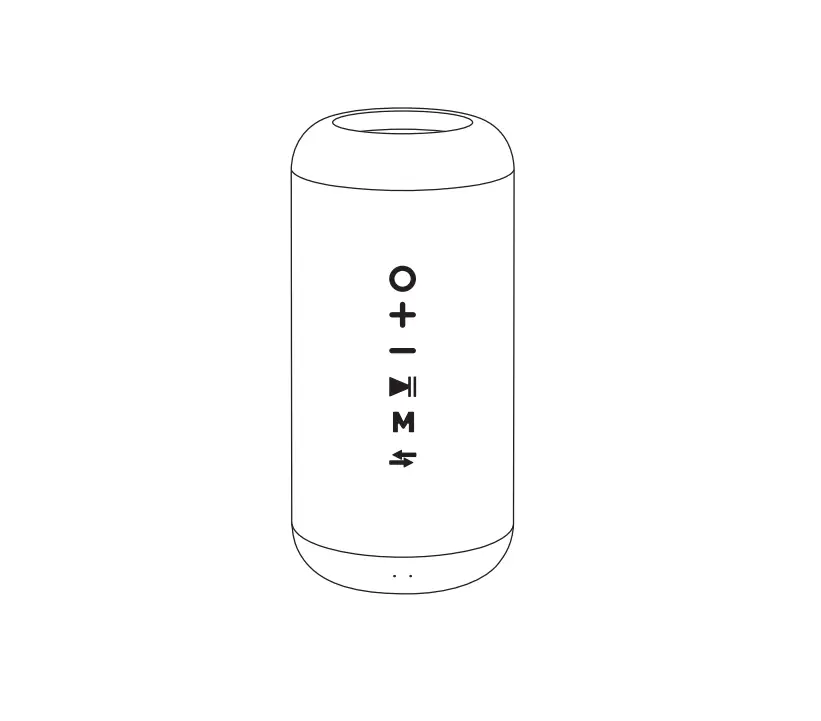
 Overview
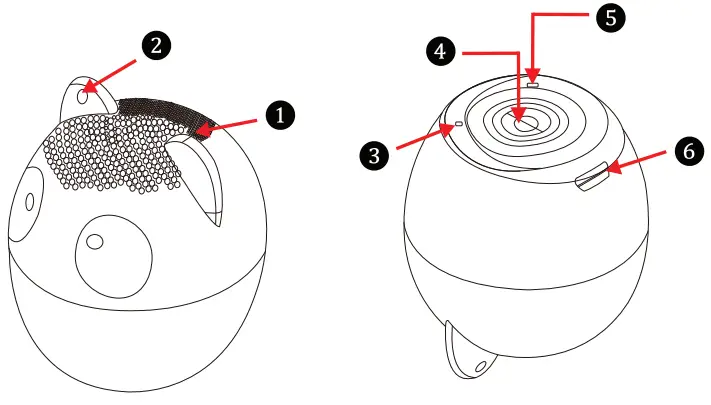
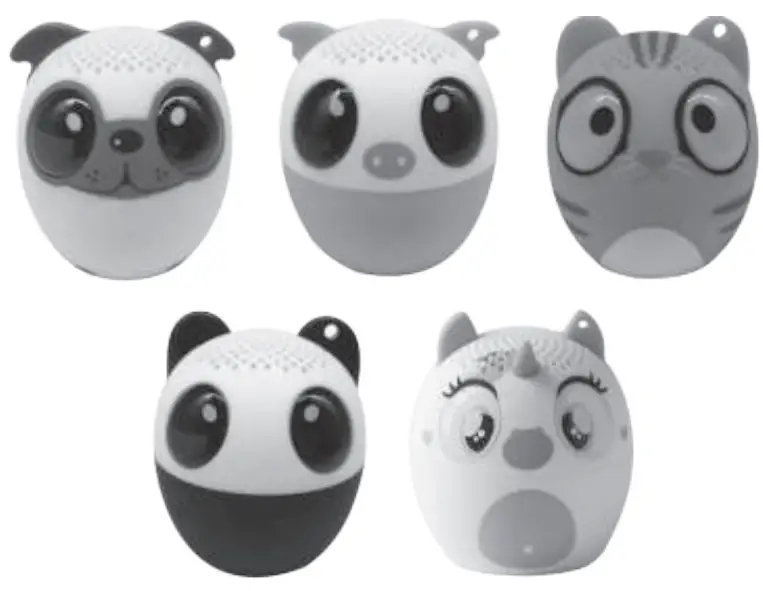 Overview
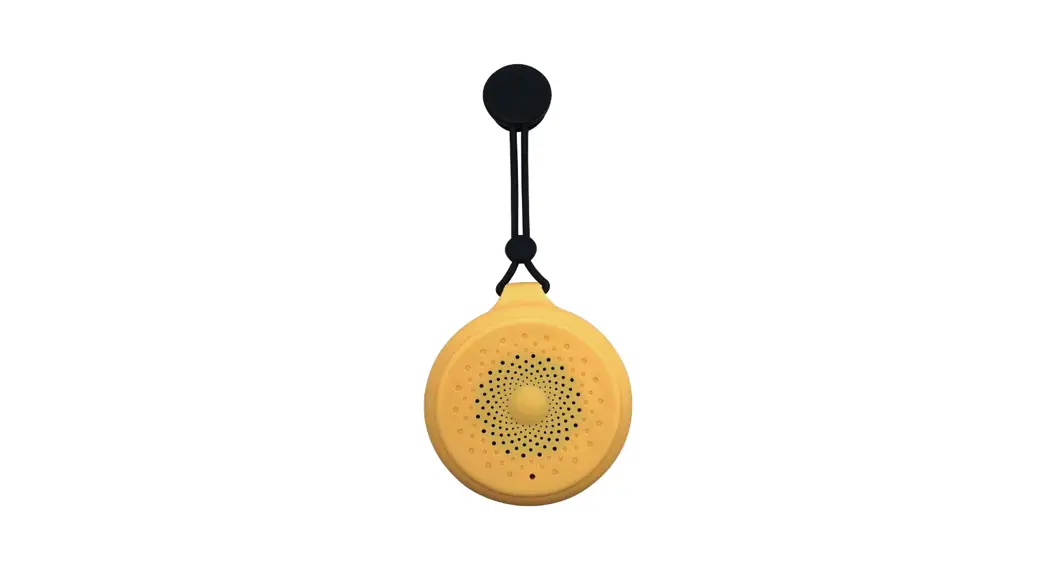
- Speaker
- Hole for cord
- LED indicator
- Button
- Microphone
- Micro USB socket

Charging the battery
- lnsert the charging cable into the Micro USB input port, connect the USB plug into 5V/800mA USB power terminal.
The LED indicator will turn red - After charging completed,the red LED indicator will turn off.
Note:When music sound become smaller and you hear the warning tone”DI Dl”,please charge this speaker in time.
Bluetooth pairing for music/phone call/camera remote shutter
- Tum on the speaker by pressing”
 “button for 3 seconds,
The speaker will have a voice prompt and blue indicator will flash. - Tum on you device and activate the Bluetooth function.
- Search for Bluetooth pairing name “iDance FRIENDY” and click to pair,the speaker will pair automatically and the speaker will have a voice prompt.the blue indicator will light on.
Then,just need to press”“button to answer the call when the call is coming or take a photo when open the camera of your devices. - Tum off the speaker by pressing ““button for 4 seconds and the speaker will sound”DI DO” .When disconnected, this speaker will tum off after 5 miniutes.
 “button for 3 seconds,
Specification
| Power Rating | PO=3W |
| Transmitting Frequency | 20HZ-20KHZ |
| THO | <1% |
| SIN | 2:80OB |
| Speaker Parameter | 4 Q 3W diameter 33mm |
| Battery | 3.7V/200mAh |
| Bluetooth Version | Bluetooth V4.1 |
| Product Size | <P42 . 5 X45mm |
| Product Weight | 40g |