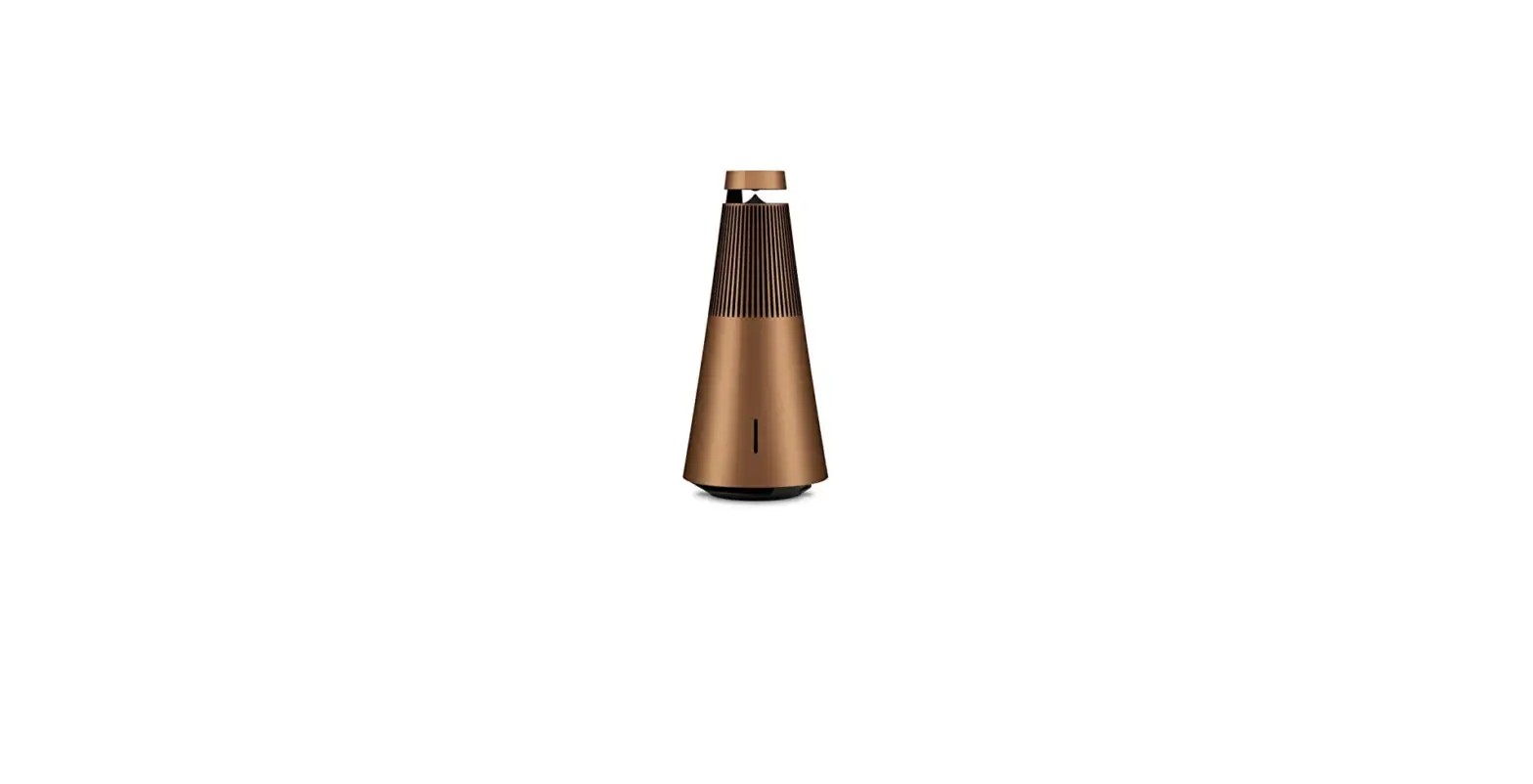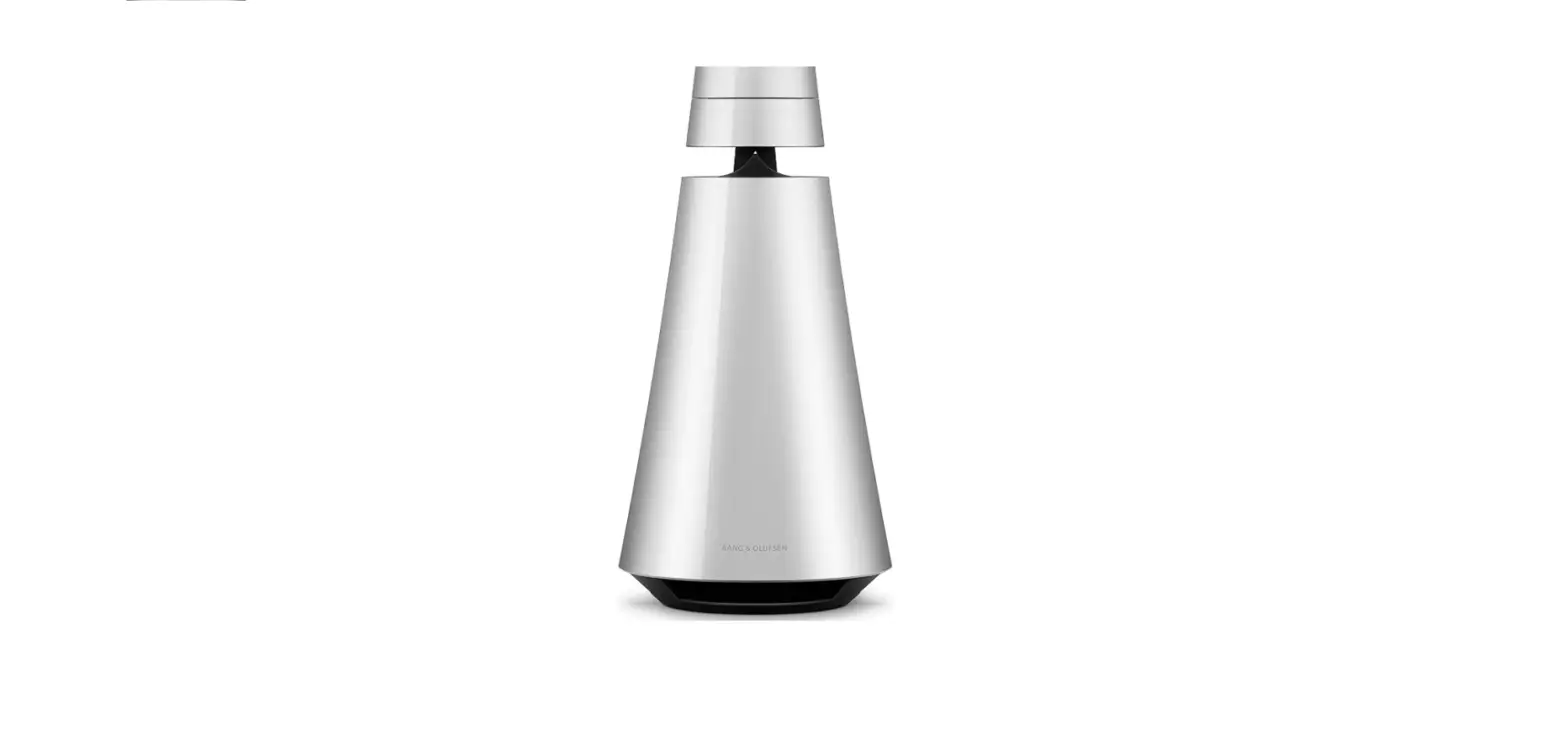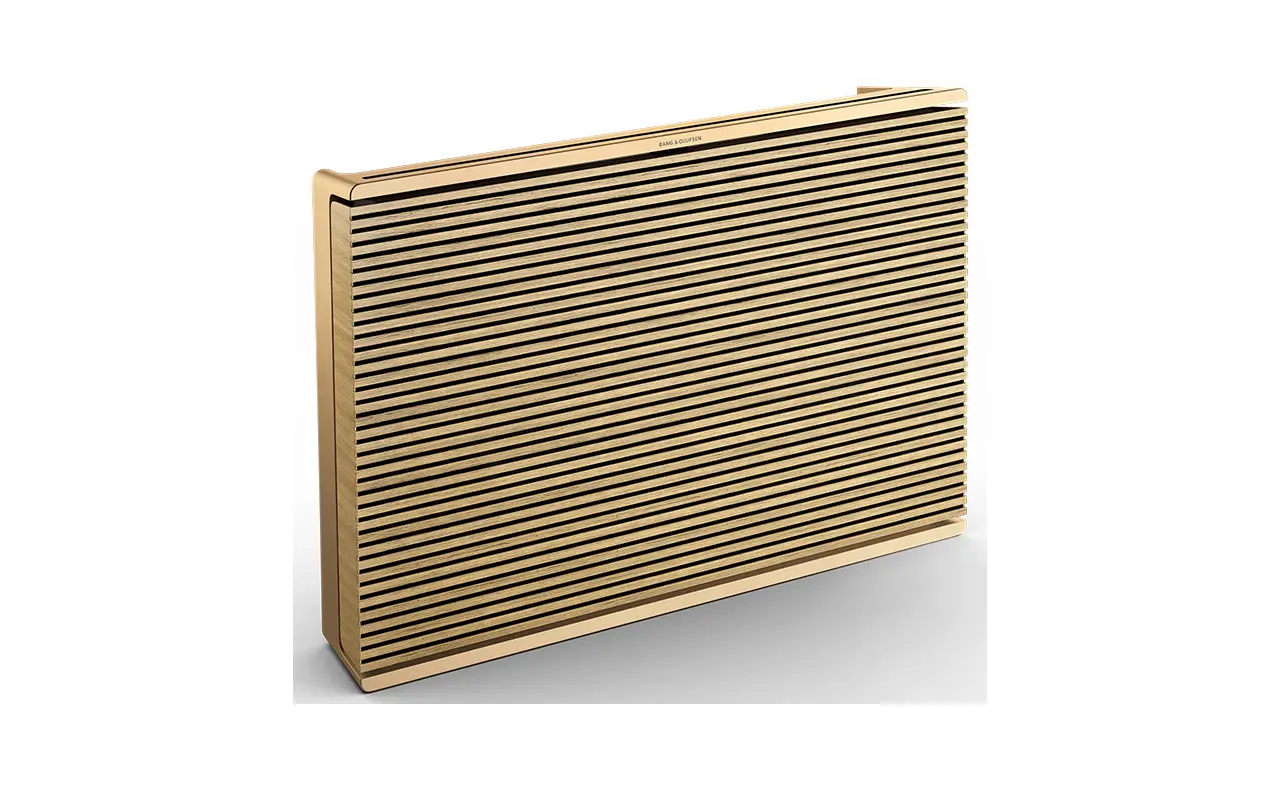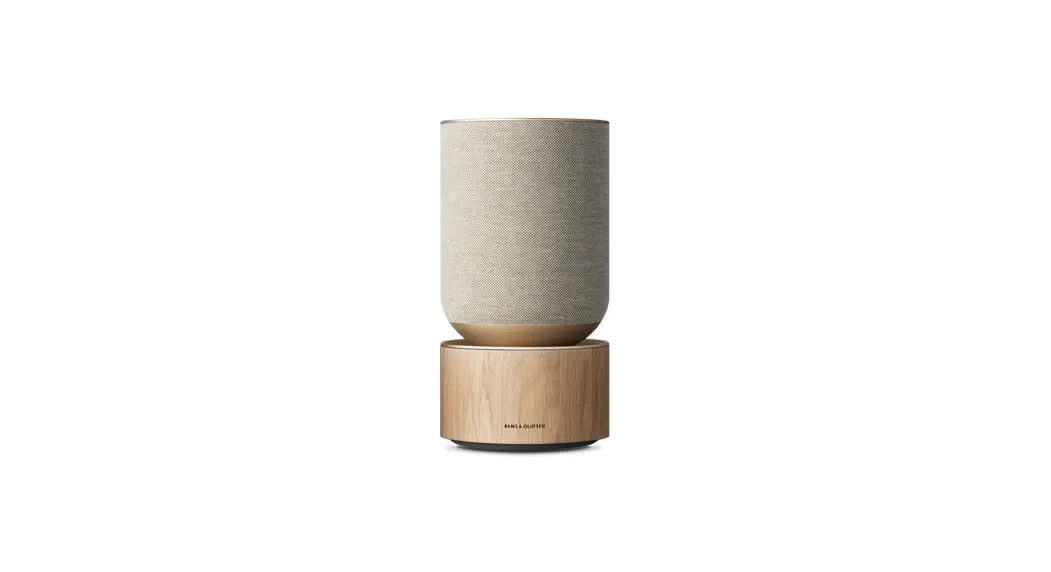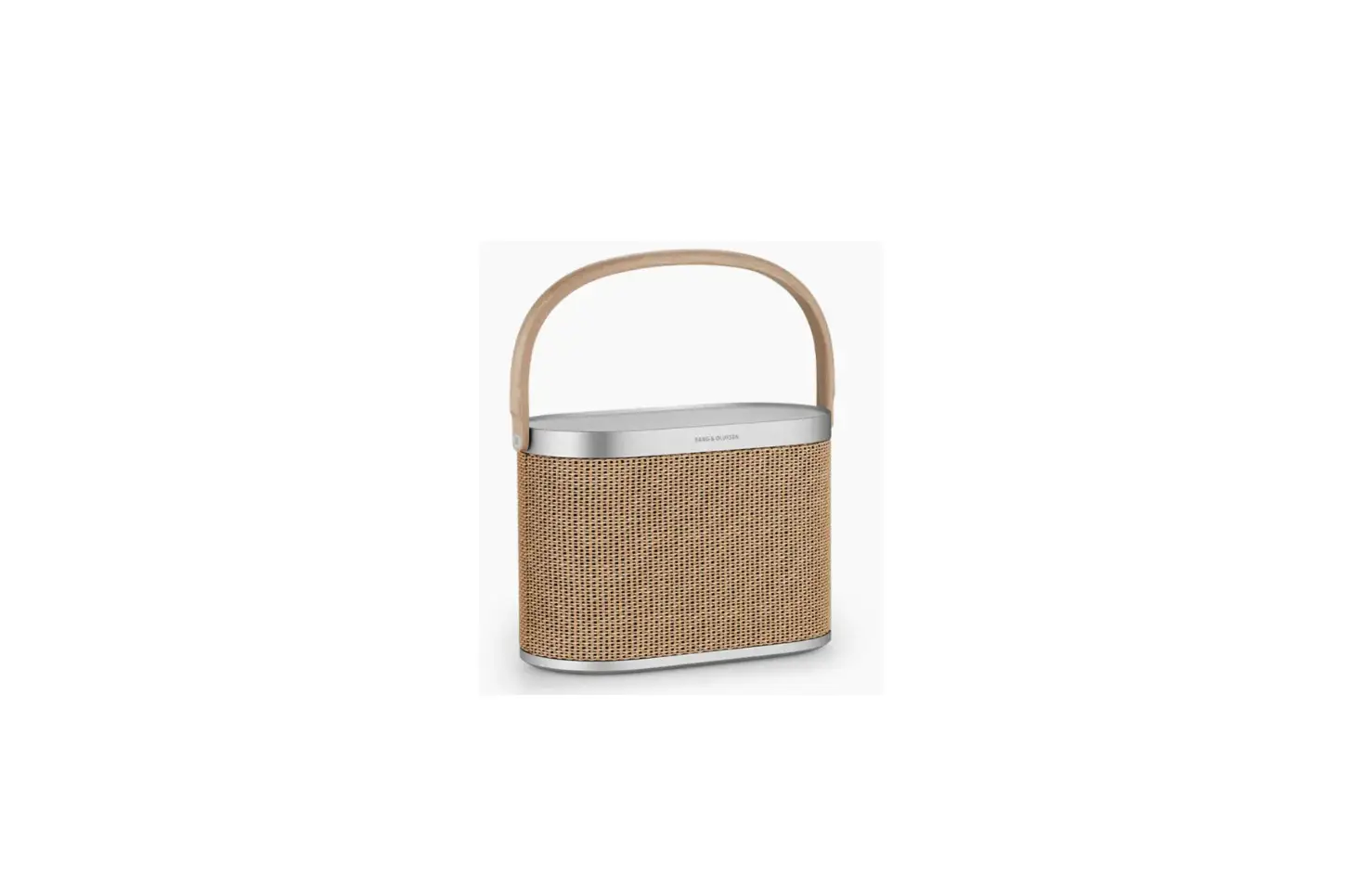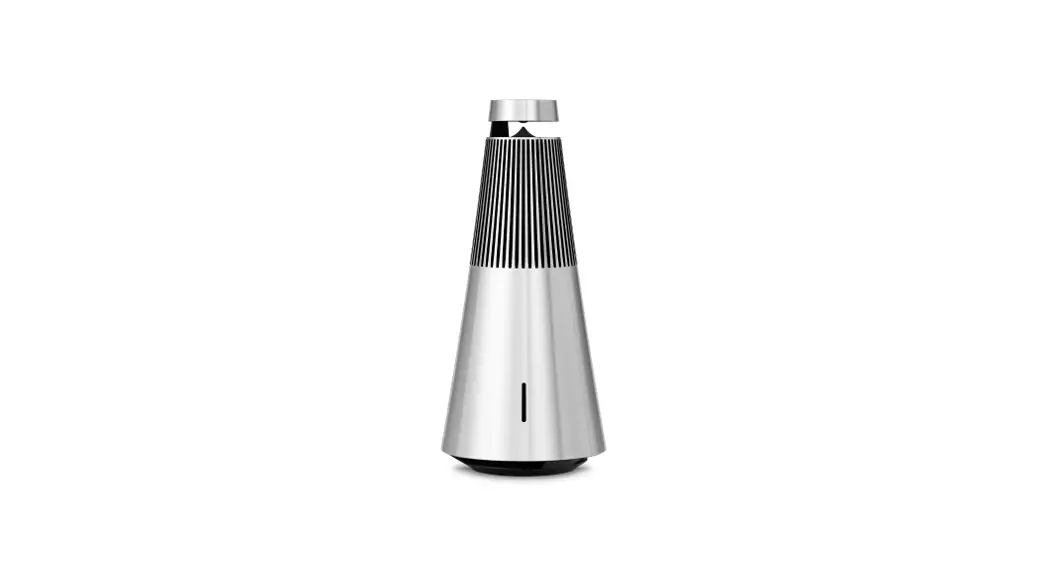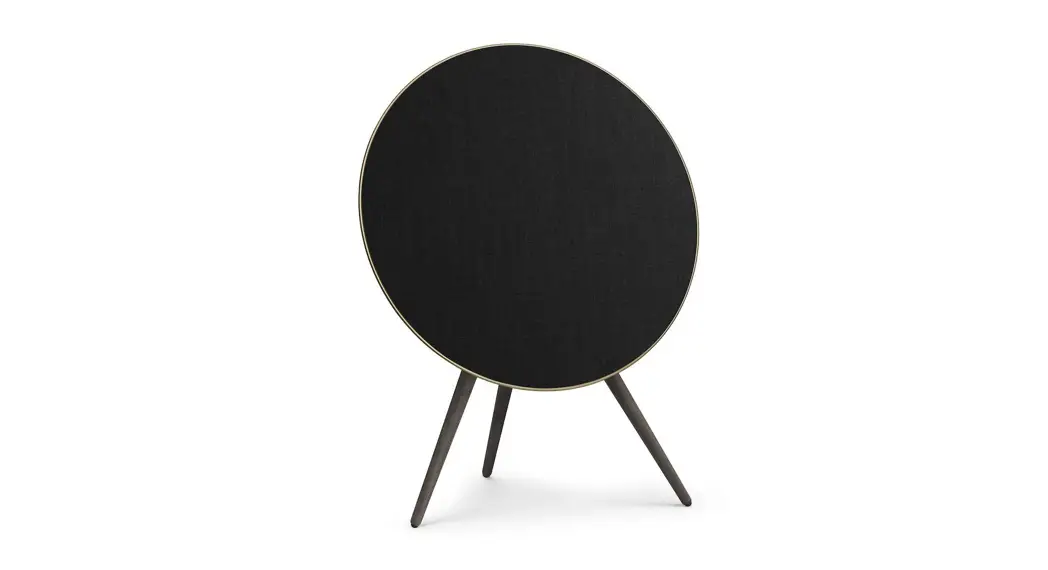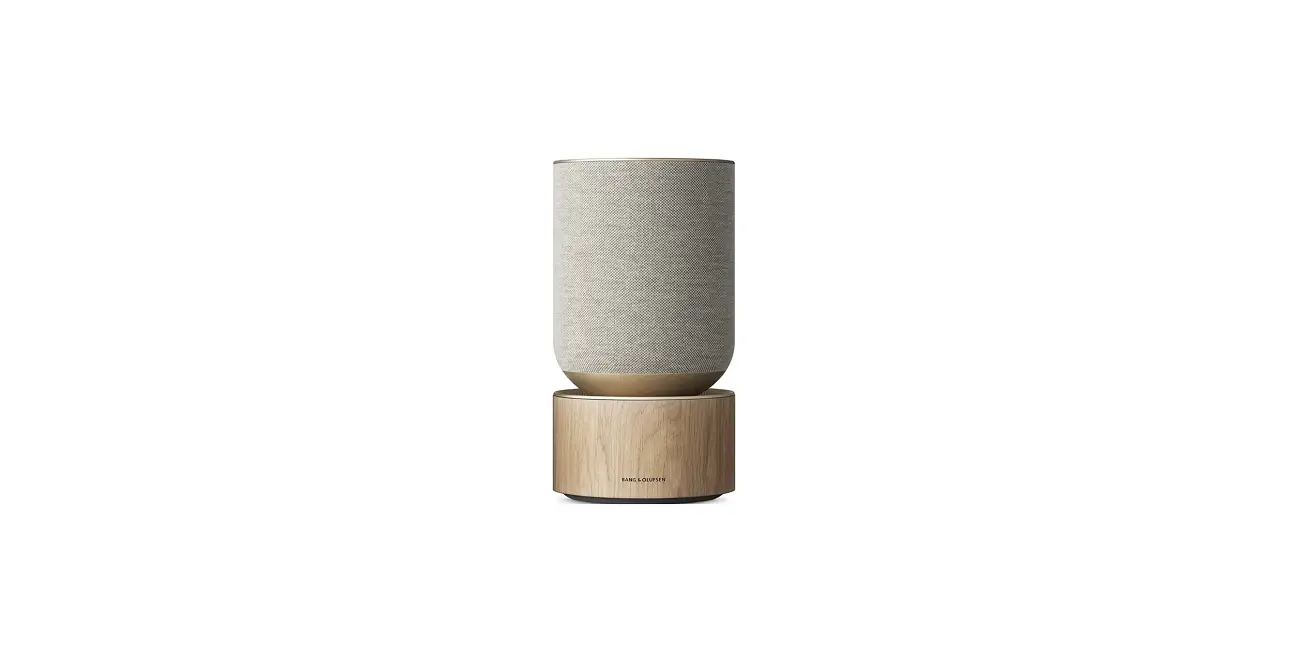

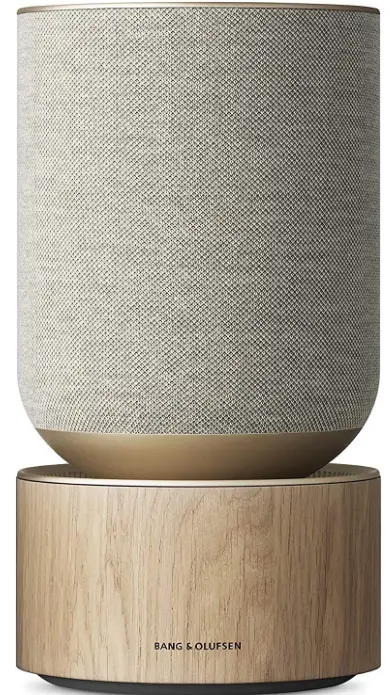
Bang & Olufsen Beosound Balance Wireless Multiroom Speaker
HOW TO SET UP YOUR BEOSOUND BALANCE
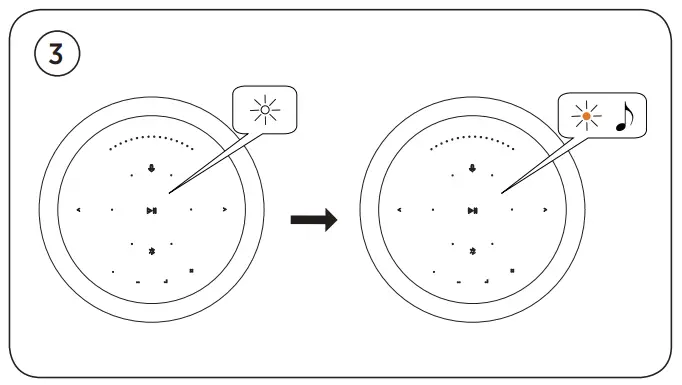
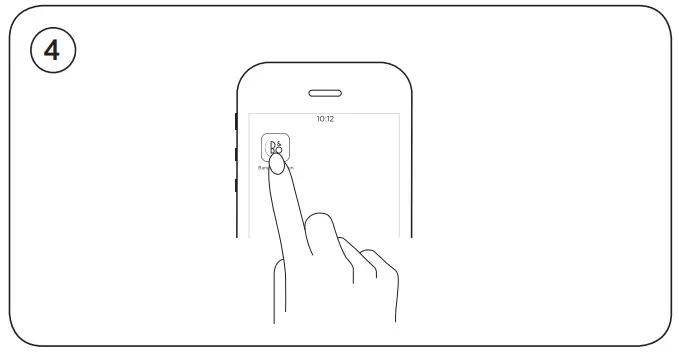
HOW TO CONNECT WITH AIRPLAY OVER WIFI
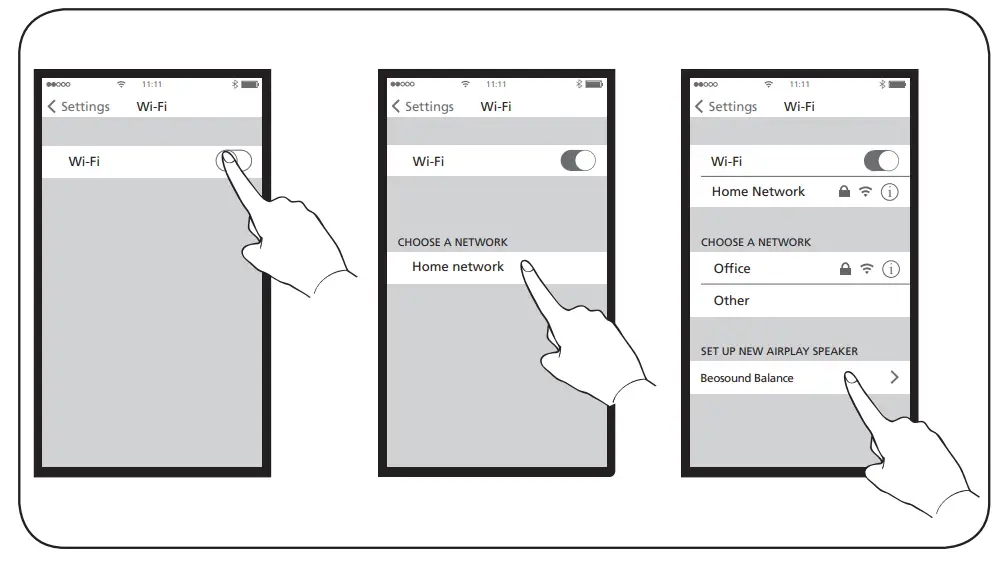
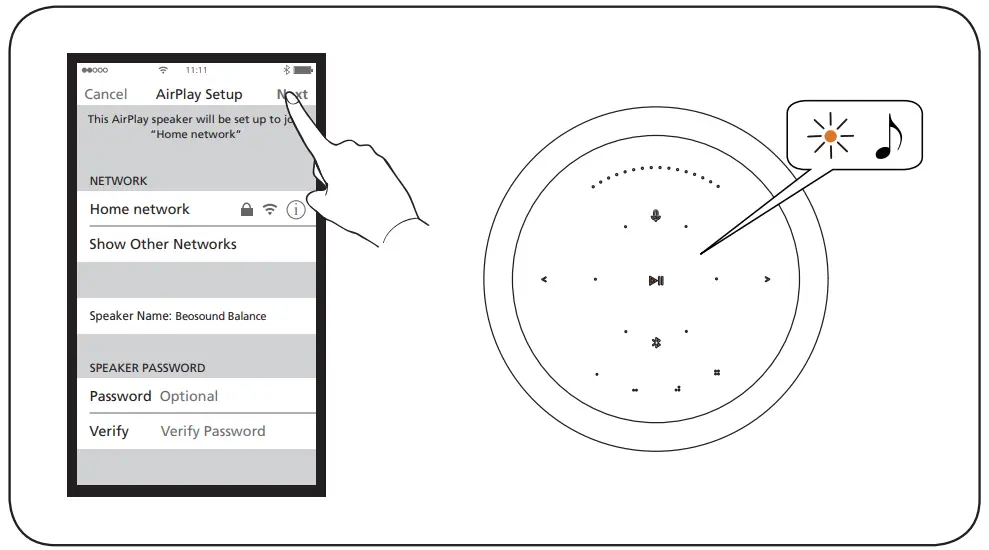
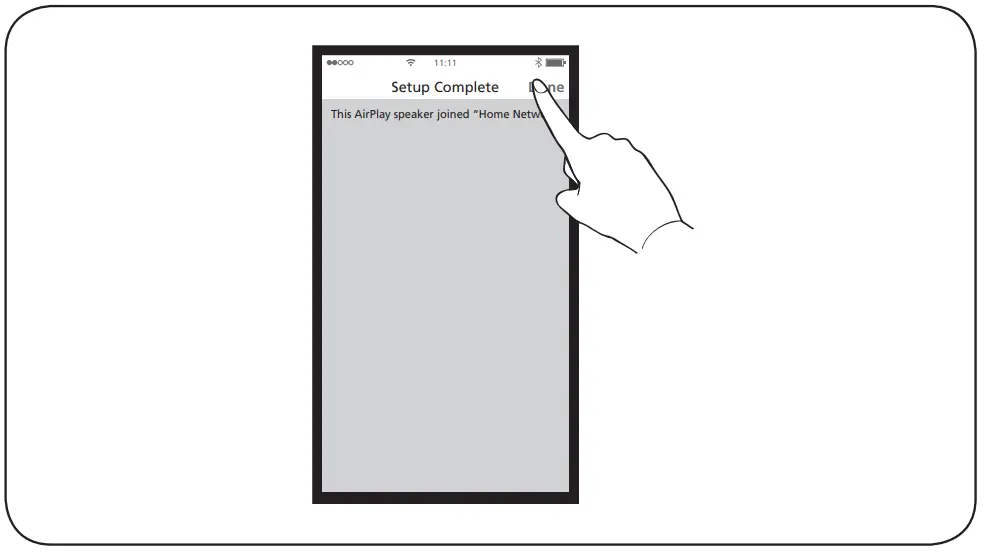
For AirPlay 2 only users, the speaker can be set up using the Apple Home App.
BASIC OPERATIONS
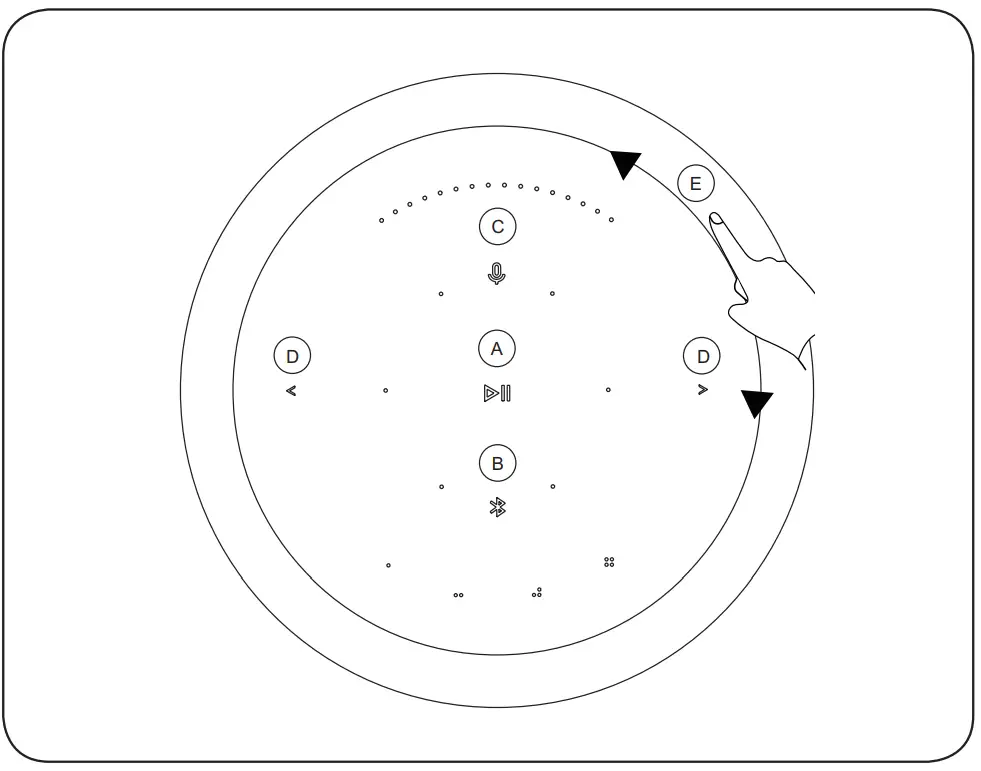
- Play/Pause
- Bluetooth pairing
- Microphone mute / unmute
- Previous and Next
- Volume control
INDICATORS
- Product Indicator
- White (flashing): Product is booting up.
- White (dim): Product is standby mode
Network mode - Orange (flashing): Ready to setup network connection / Reconnecting to network
- Red (solid): Not connected to network
- Bluetooth Indicator
- Blue (solid): Indicator turns solid blue shortly after Bluetooth pairing is successful or during music playback through Bluetooth
- Blue (flashing): Open for pairing
- Microphone
- Red (solid, shortly): Microphone Mute
- White (solid, shortly): Microphone Unmute
- Light off: Microphone switch off
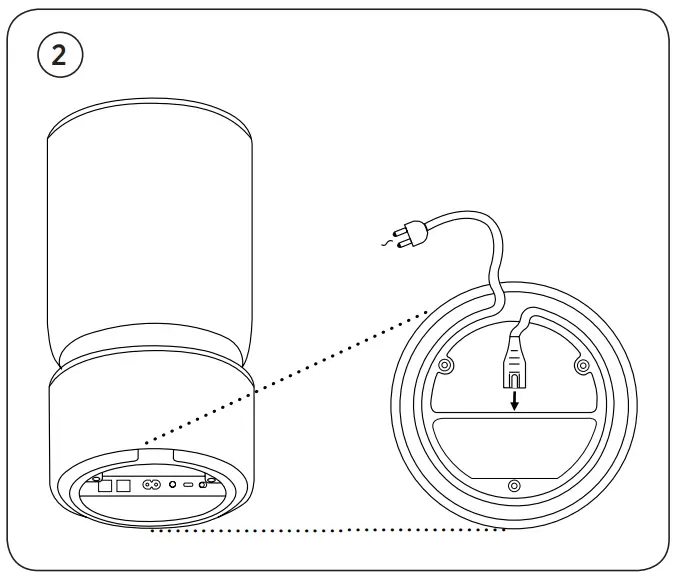
SWITCH AND CONNECTIONS
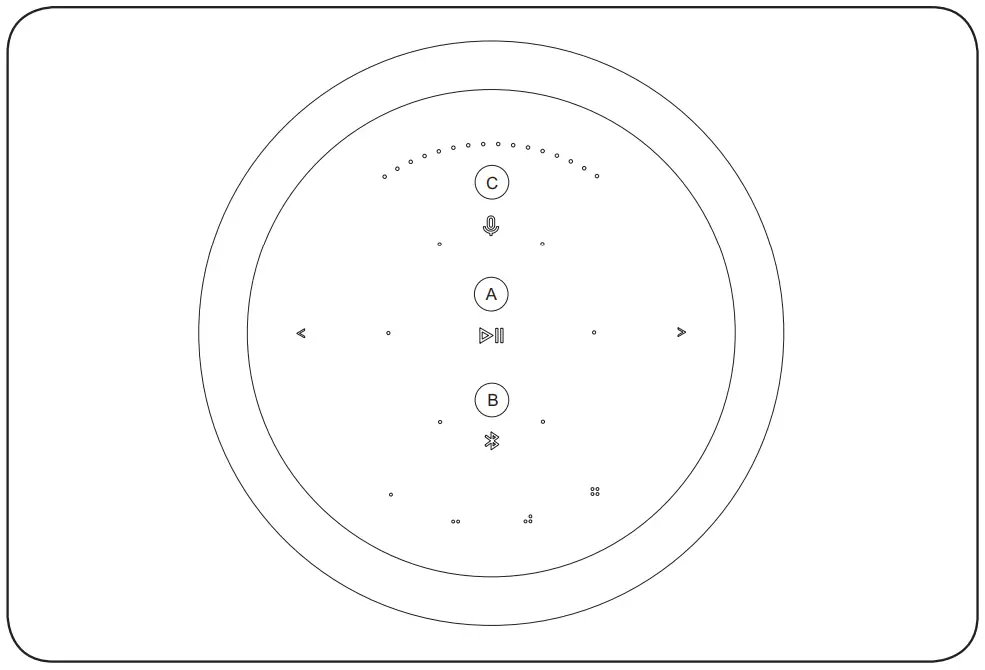
- Mic Mute Switch to activate.
- USB-C For maintenance only.
- Line in Optical/ Analog mini jack for connecting external audio sources.
- Ethernet socket for a wired network connection.
- Power Connect Beosound Balance to mains supply using only the enclosed mains cable.
BLUETOOTH PAIRING
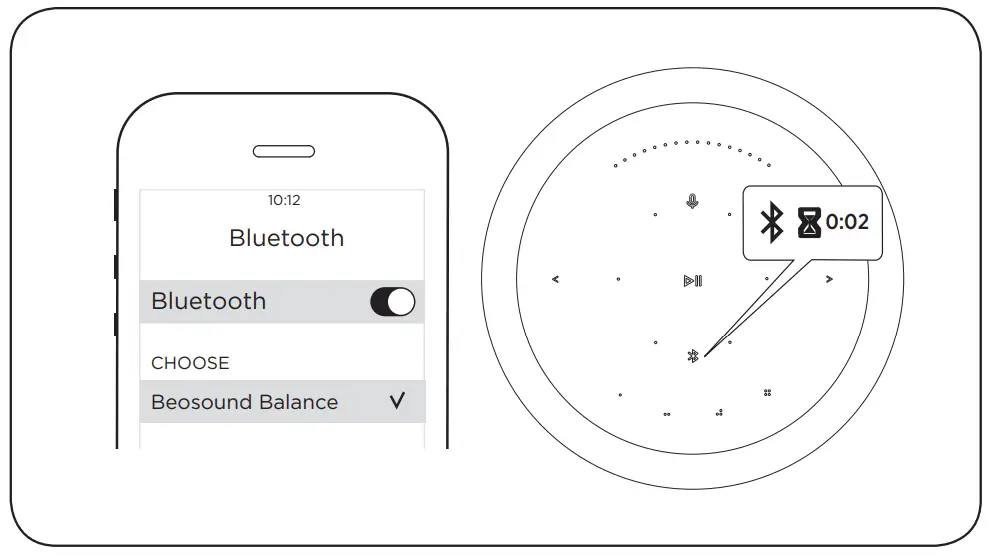
Touch and hold the Bluetooth icon for 2 seconds. The indicator starts flashing blue. Turn on Bluetooth on your device and select Beosound Balance
SOFTWARE UPDATE
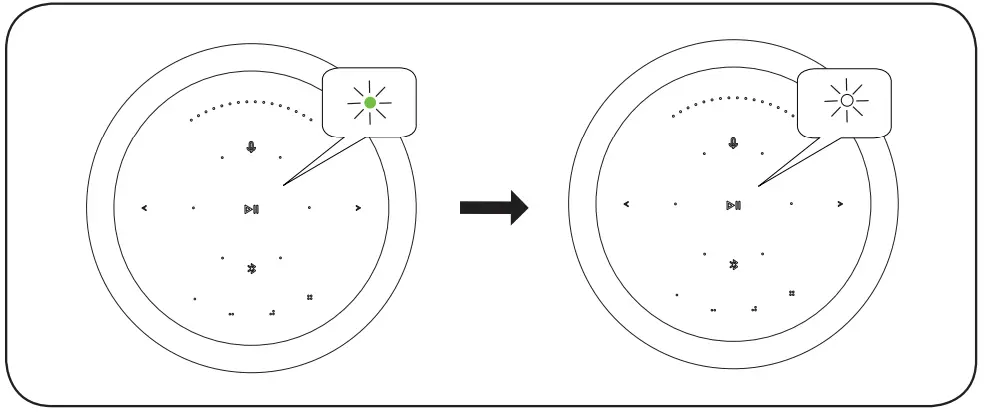
LED flashes green when software is updating. LED turns white when software updating completed.
AUTOMATIC SYSTEM SOFTWARE UPDATE
In order to ensure that your products have the latest features and improvements, automatic system software updates are enabled by default, and this is the recommended setting. You may change this at any time in the UPDATE PRODUCT SOFTWARE menu using the Bang & Olufsen App.
LOG INFORMATION
To help us improve our range of available products and services offered to you, we may request certain information from your product about its performance and usage patterns. The information will at all times be provided on an anonymous basis only. You can at any time easily disable this function in the STATUS menu using the Bang& Olufsen App.
SUPPORT
Register online at www.bang-olufsen.com/register-product to receive important information about product and software updates – and to get exciting news and offers from the BANG & OLUFSEN Group. If you have purchased your product at a BANG & OLUFSEN store or at www.bang-olufsen.com you have automatically been registered
FAQs
No, only audio sources should be used with the Line in connection.
Connect the TV to the Beosound Stage’s Ethernet TV input with the LAN wire (marked with LAN). Install and launch the Bang & Olufsen app by going to the TV LG content store. obey the directions displayed on the screen. The TV will need to be turned on again using the LG remote.
As was already mentioned, if you leave your Bluetooth speaker charging for an extended period of time, there is a chance that the battery will overheat and catch fire. It is therefore best to hold off on using your speaker again until the battery is completely charged.
A group of speakers called a multi-room speaker system connect to your home wifi network and communicate with one another via an app. The majority of manufacturers offer a variety of speaker sizes in their multi-room systems, allowing you to pick the ideal size for the rooms you intend to use them in.
You might be able to connect to two Bluetooth speakers at once, depending on the hardware you have. Newer technology has Bluetooth 5, which enables simultaneous pairing with two devices. Similar solutions have been developed by other device manufacturers.
The ranges at which Bluetooth speakers connect vary. Depending on the size and type you select, the majority may reach distances of approximately 30 feet (9 metres) all the way up to 100 feet (30 metres).
Since Bluetooth is a non-ionizing EMR, it is generally harmless for people and won’t harm them. In fact, Bluetooth has low specific absorption rates (SAR), further demonstrating that it is safe for people to use.
Music can be streamed to any room in your house. One app may be used to manage all of your music and speakers. Create a wireless home theatre system quickly by WiFi-connecting the soundbar, subwoofer, and both speakers. Additionally, you are able to combine multi-room speakers with your older speakers.
The use of wireless speakers to instantly play music throughout a home is very common. These speakers are capable of receiving audio signals via Wi-Fi or Bluetooth.
A minor audio delay that can vary depending on the source is frequently one of the main problems that you’ll experience with wireless speakers. Similar to how your router sends a wireless Internet signal, audio data must be delivered wirelessly in order to reach the speakers.
Instead of using data to connect devices, Bluetooth instead makes use of short-range radio waves. Even if you don’t have cellular service or an internet connection, Bluetooth devices can still be used.
With the help of a wireless Bluetooth speaker, you may more easily enjoy listening to your favourite podcasts or music. The majority are transportable, so you can bring them practically anyplace. Since there are no wires to attach, you can do this.