Contents hide
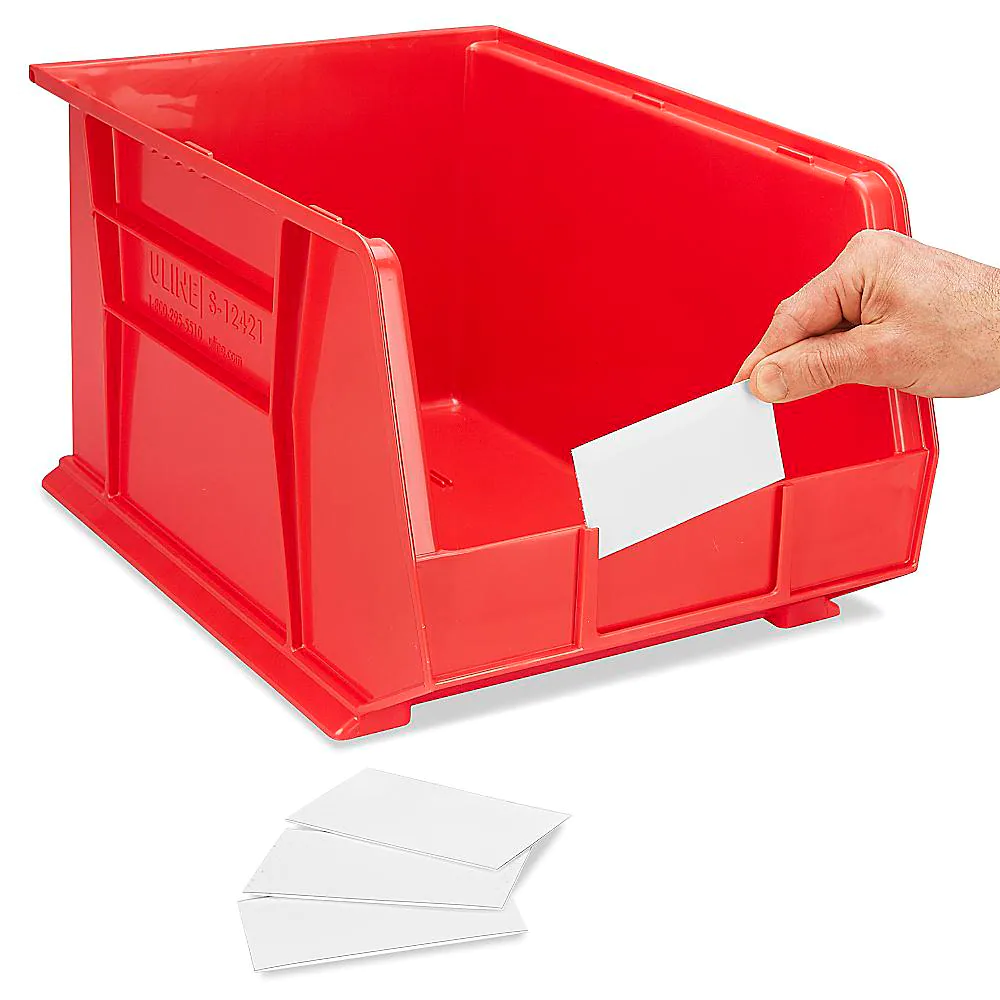
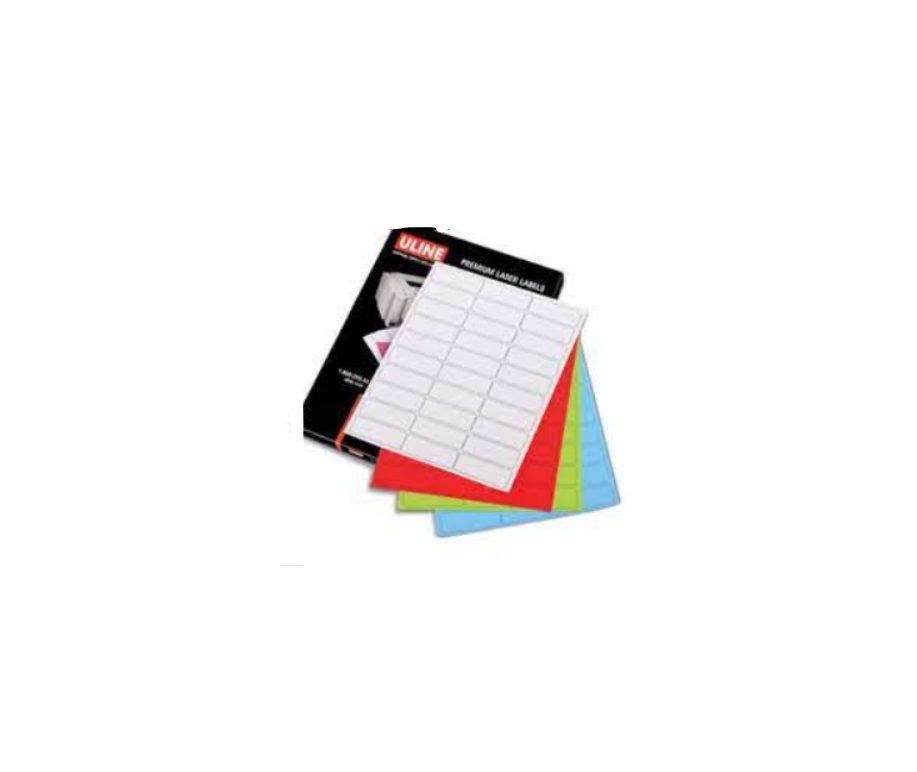
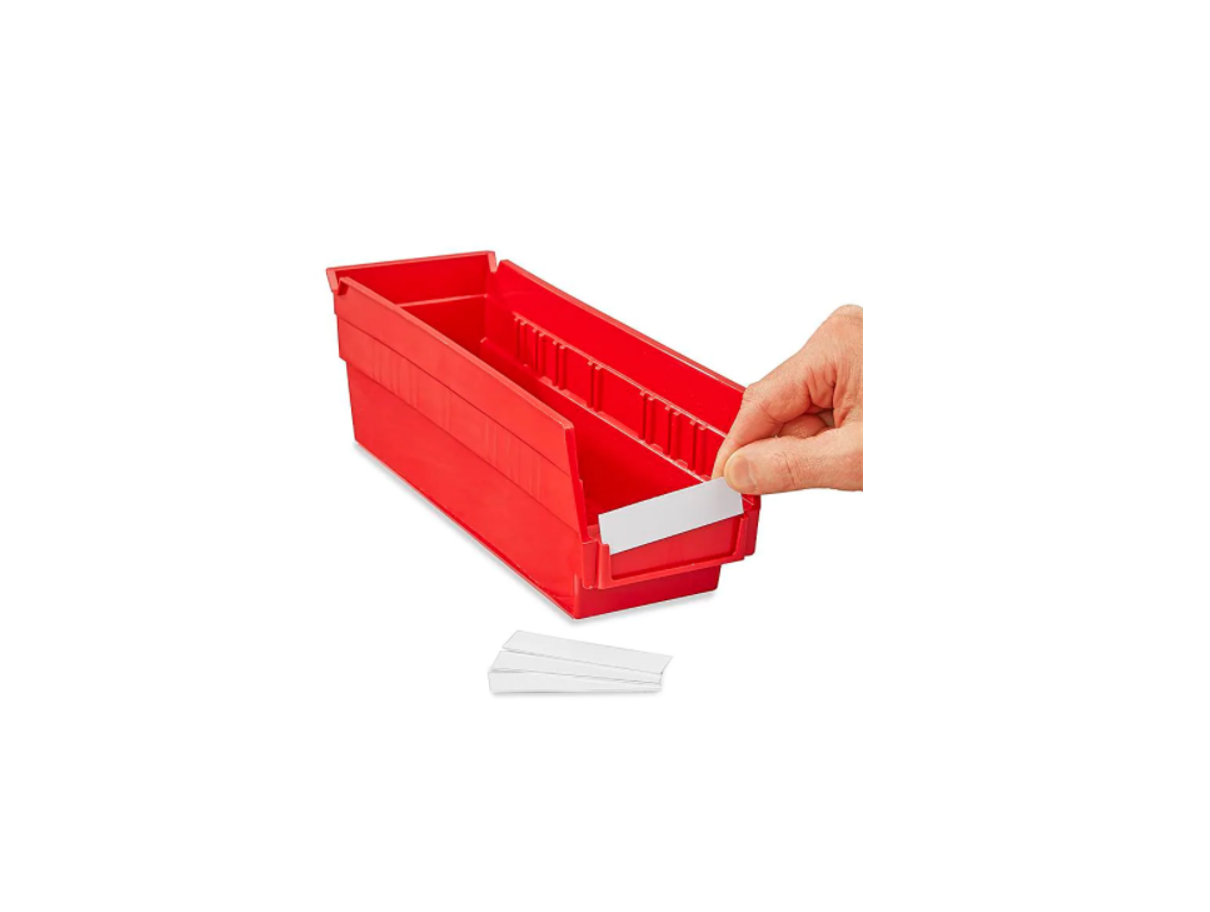
ULINE S-21114 3 x 3/4″ Inserts for Bin Label Holder Instructions

INSTRUCTIONS
MICROSOFT WORD 2010 SETUP (PC USERS)
CREATING LABELS
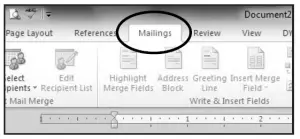
- On the toolbar ribbon, click the MAILINGS tab. (See Figure 1)
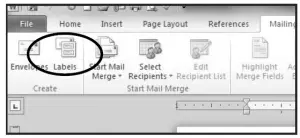
- Click the LABELS button. (See Figure 2)

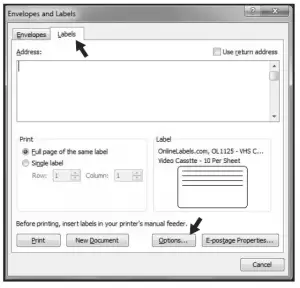
Figure 1 - On the LABELS tab, click the OPTIONS button.

Figure 2
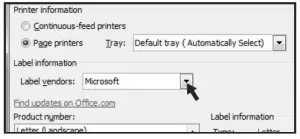
,Figure 3 - Under LABEL INFORMATION, use the drop down menu to select MICROSOFT. (See Figure 4)
Figure 4INSTRUCTIONS CONTINUED
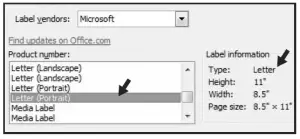
CREATING LABELS CONTINUED - Under PRODUCT NUMBER, select LETTER (PORTRAIT). (See Figure 5)
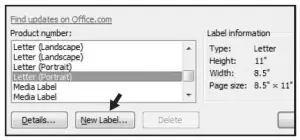
,Figure 5 - Click the NEW LABEL button. (See Figure 6)

Figure 5
SETTING MARGINS
- Enter the following settings:
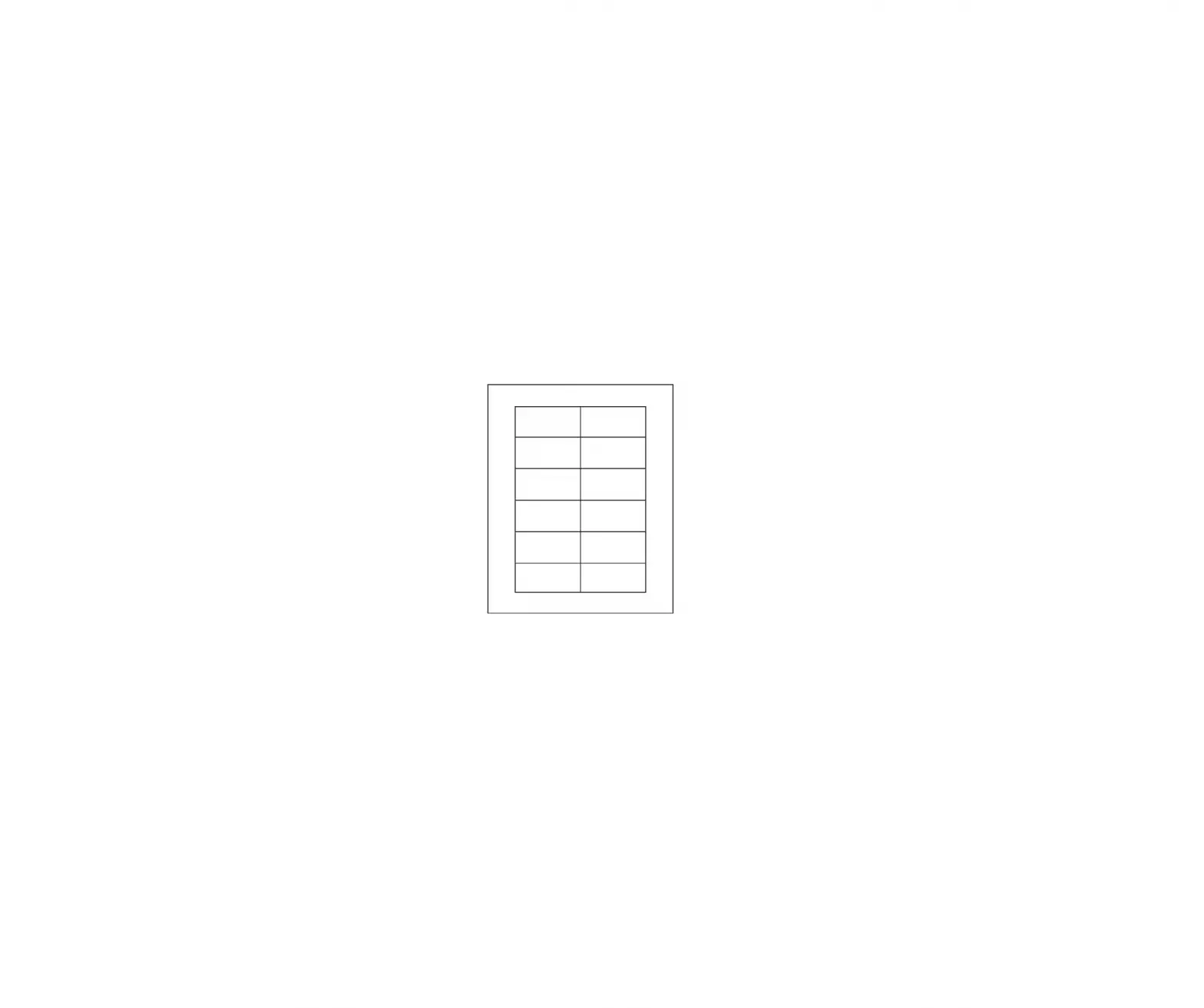
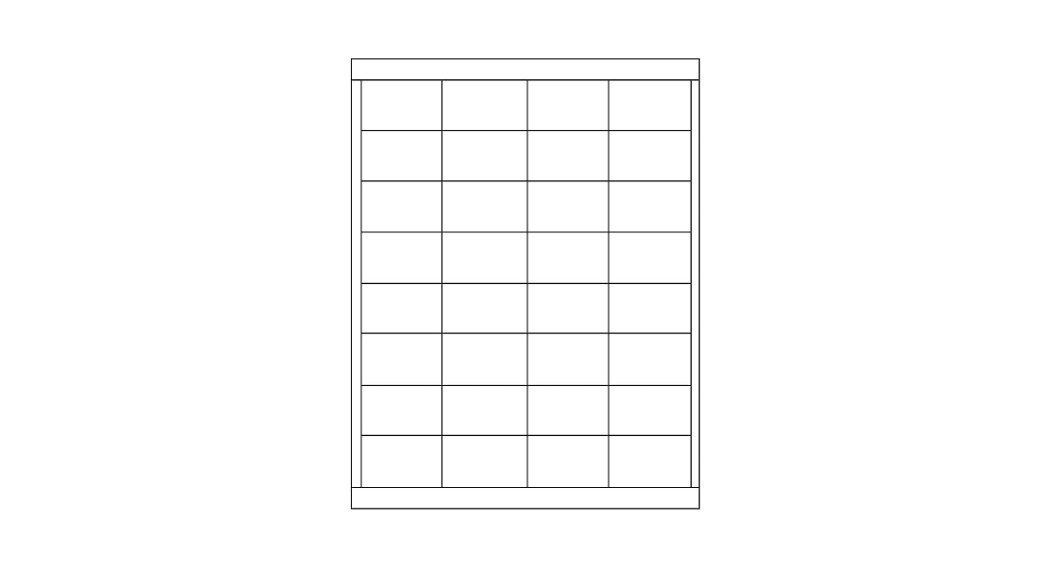
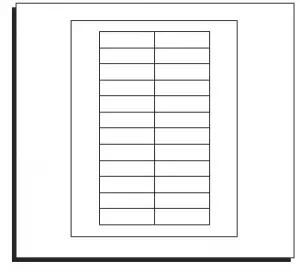
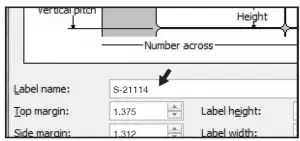
Top Margin 1.375″ Side Margin 1.312″ Vertical Pitch .687″ Horizontal Pitch 2.937″ Label Height .687″ Label Width 2.937″ Number Across 2 Number Down 12 - In the LABEL NAME box, enter a name for your template (i.e. Uline item # S-21114). (See Figure 7)

, Figure 7 - Click the OK button.
- Click OK in the LABEL OPTIONS menu.
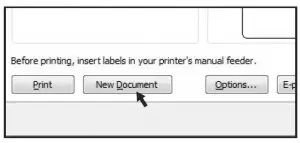
- Click NEW DOCUMENT in the ENVELOPES & LABELS menu. (See Figure 8)

Figure 8TYPE
Format and add text as you desire. PRINT
- Place Insert Cards in the printer paper tray and select PRINT.
TO USE THIS TEMPLATE AT ANOTHER TIME
- On the toolbar ribbon, click the MAILINGS tab.
- Click the LABELS button.
- On the LABELS tab, click the OPTIONS button.
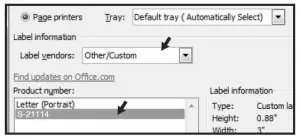
- Under LABEL INFORMATION, use the drop down menu to select OTHER/CUSTOM. (See Figure 9)
,Figure 9 - In the PRODUCT NUMBER listing, select your saved template. (See Figure 9)
- Click the OK button.
- Click NEW DOCUMENT in the ENVELOPES & LABELS menu.
 Uline.ca - Shipping Boxes, Shipping Supplies, Packaging Materials, Packing Supplies
 ULINE - Shipping Boxes, Shipping Supplies, Packaging Materials, Packing Supplies
 Uline.mx - Cajas para Envíos, Materiales de Empaque, Materiales de Empaque, Suministros para Empaque