 DTWS002
Shop Desk
Installation Instructions
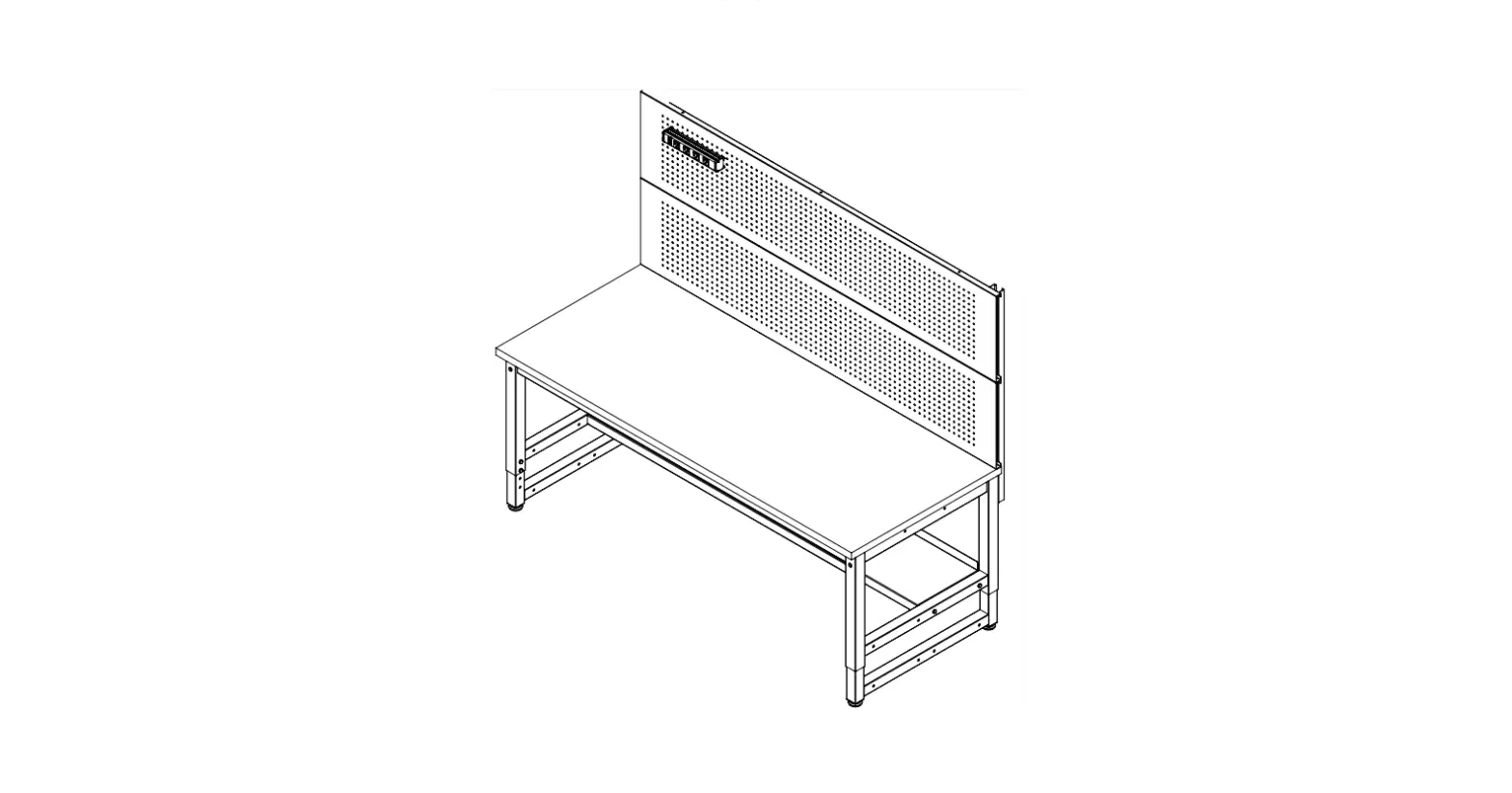
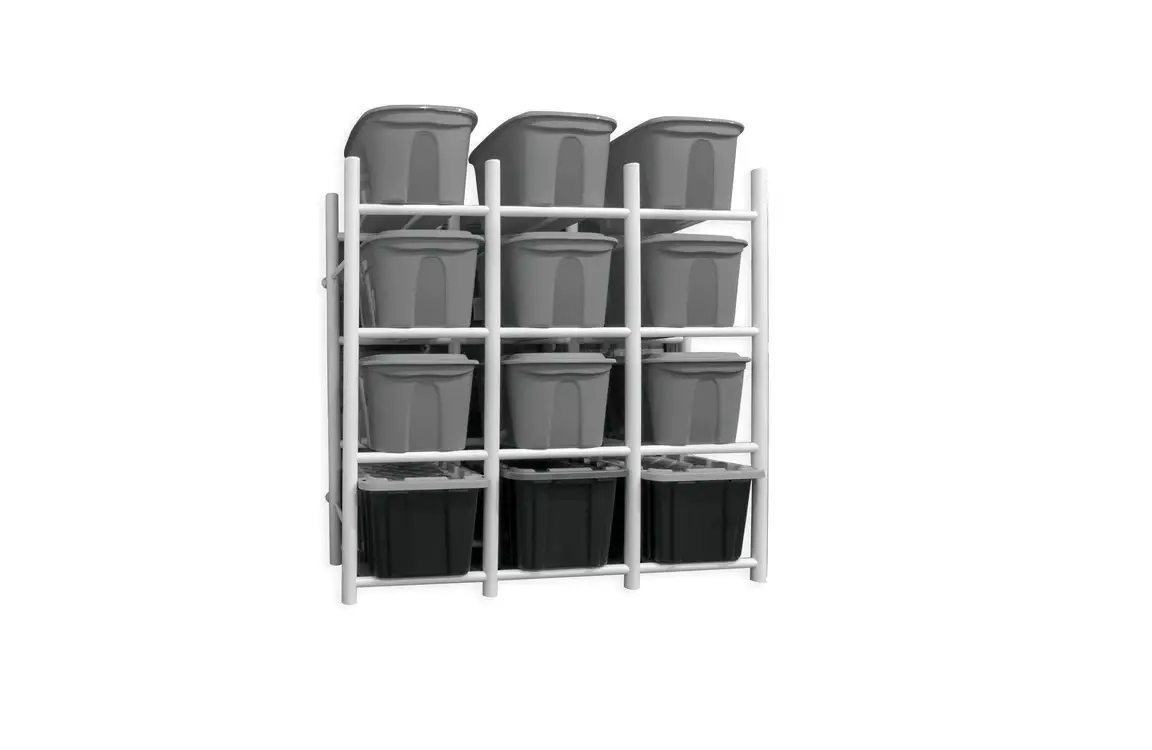
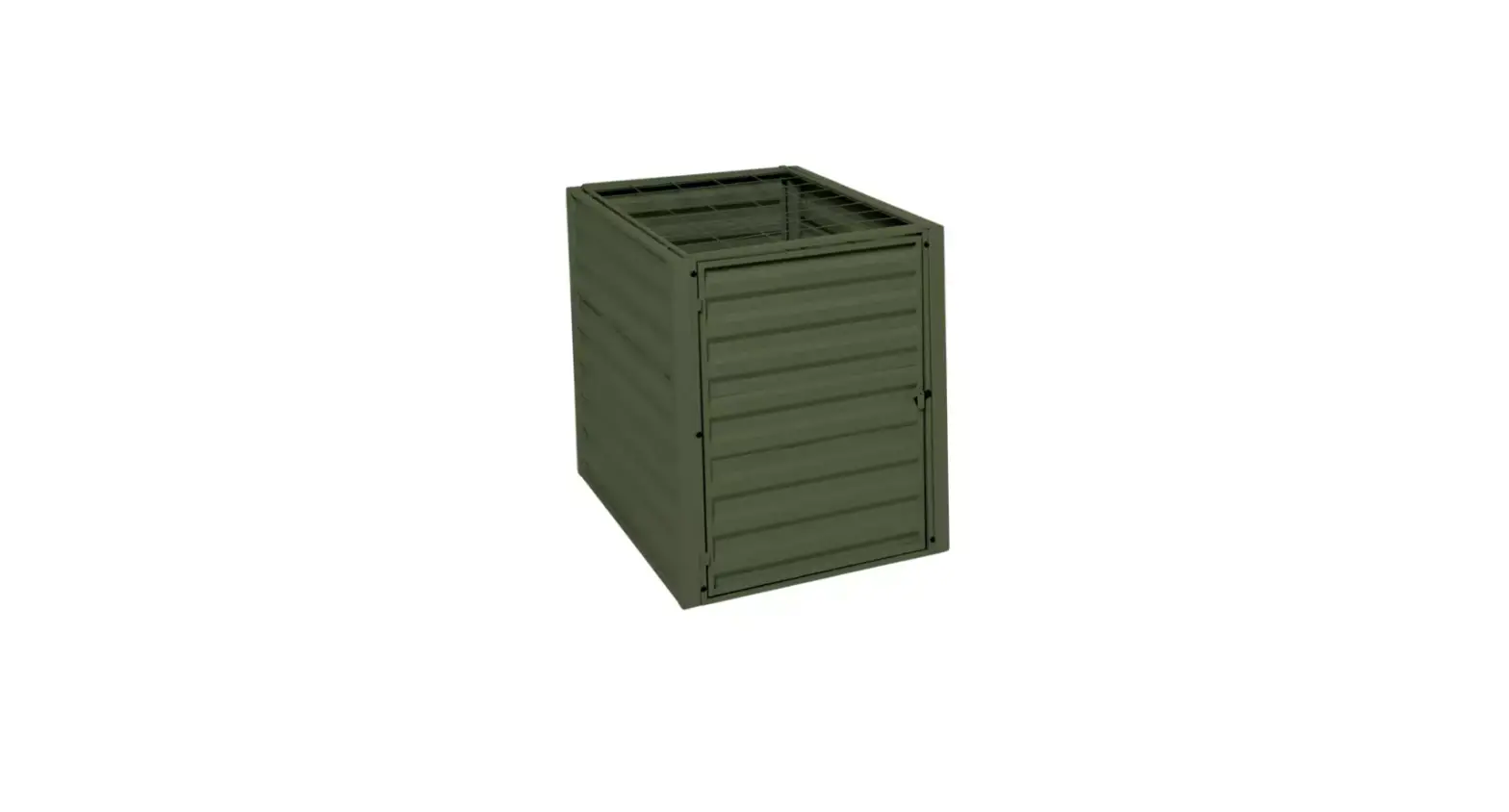
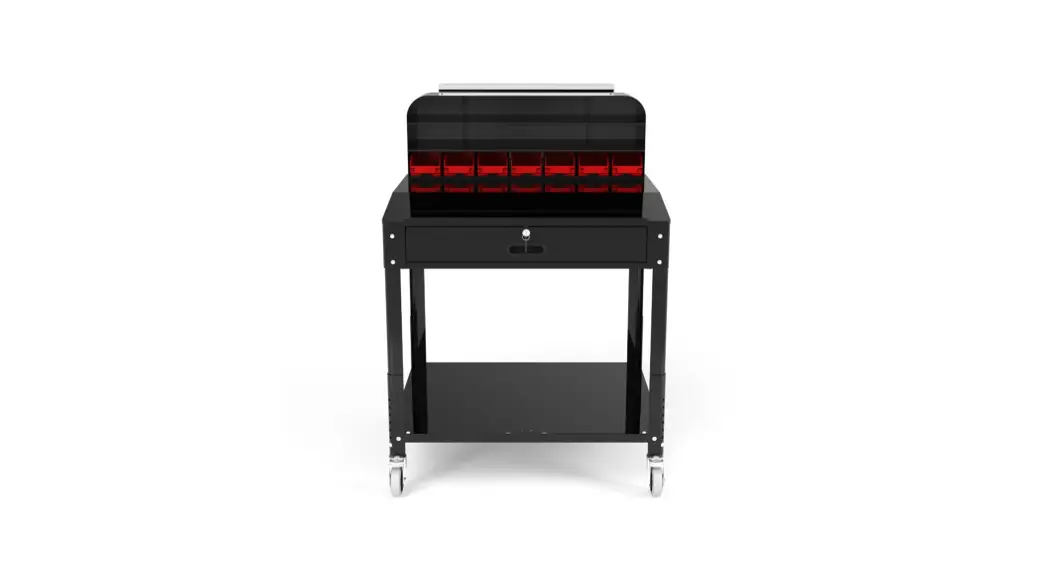
DTWS002 Shop Desk w/Pigeonhole Bin Unit
Tools Required:
Philips Head Screwdriver, Hex Wrench, Allen Wrench (included)
Parts Key
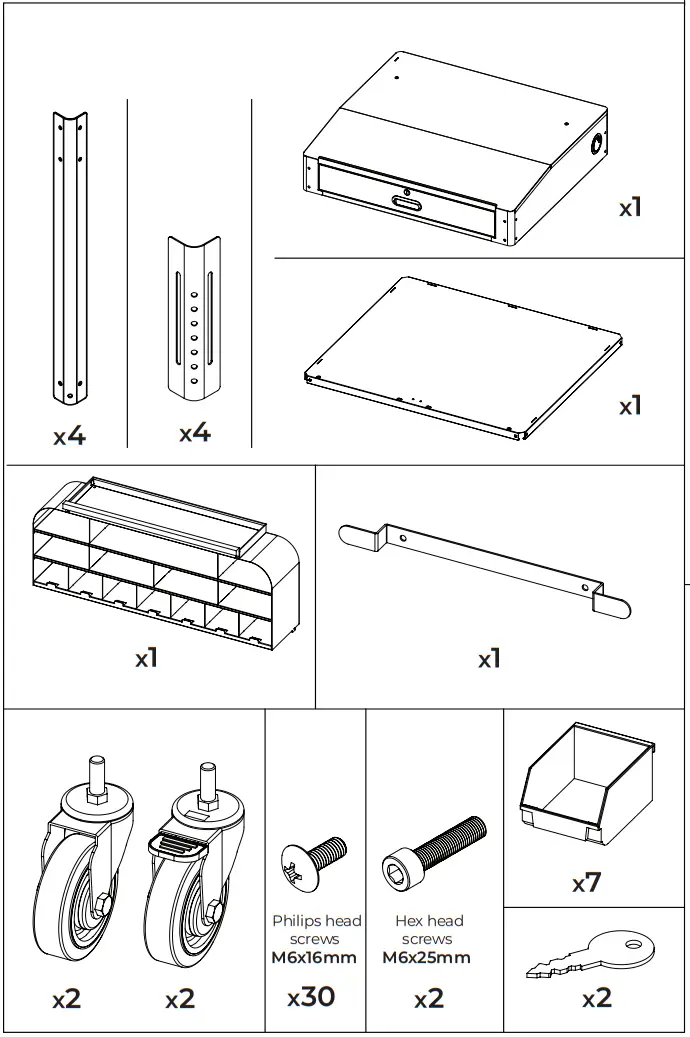
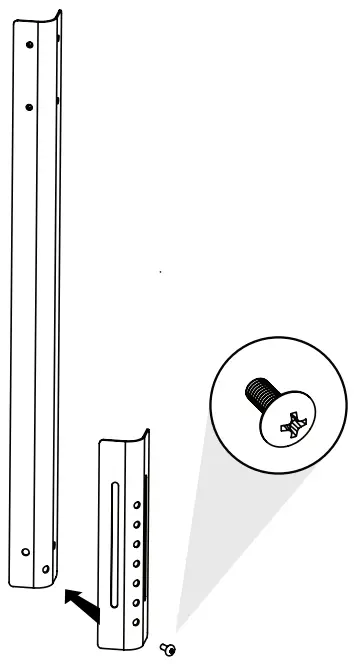
- Attach inner legs to outer legs at your desired height using Philips head screws (M6x16mm). Do this with all 4 legs.

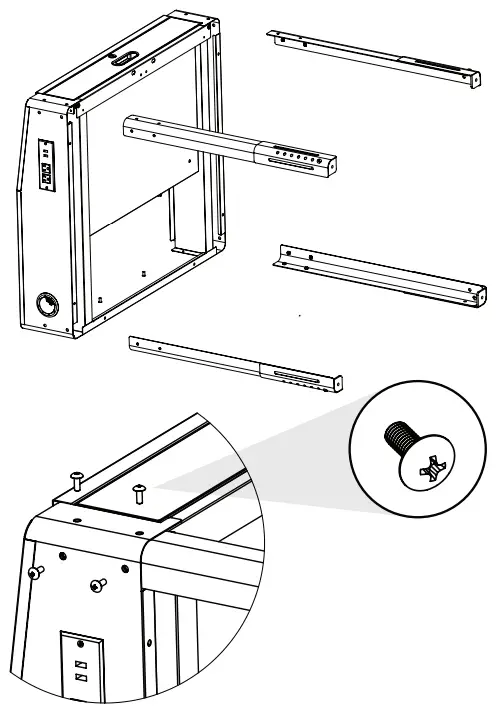
- Insert all 4 legs into the upper cabinet.
Secure using 4 Philips head screws (M6x16mm) per leg.
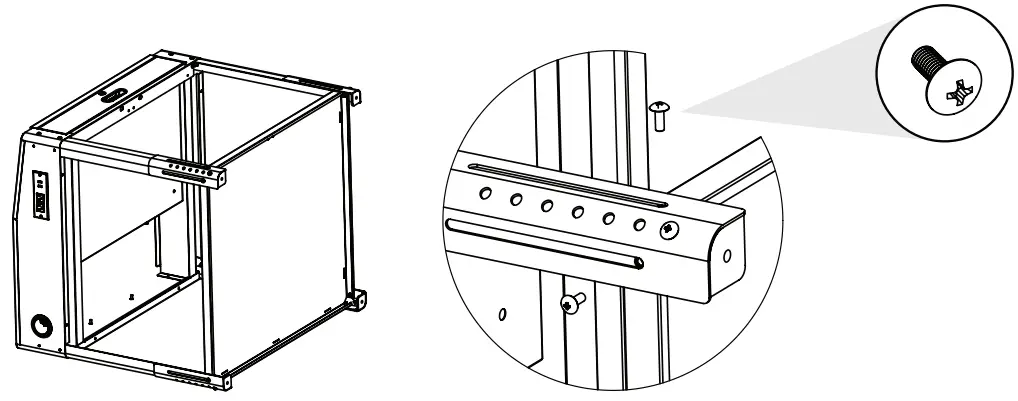
- Insert the shelf between the legs. Secure the shelf to each leg using 2 Philips head screws (M6x16mm screws) per leg.

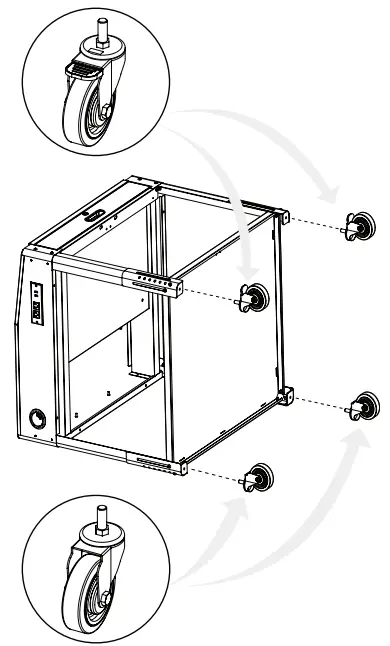
- Insert 1 caster into each leg.

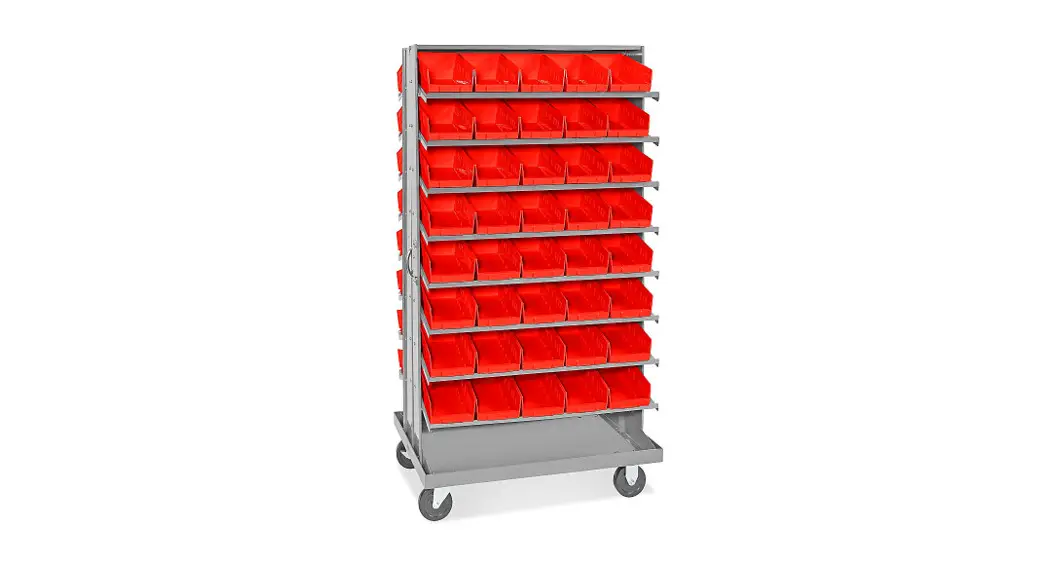
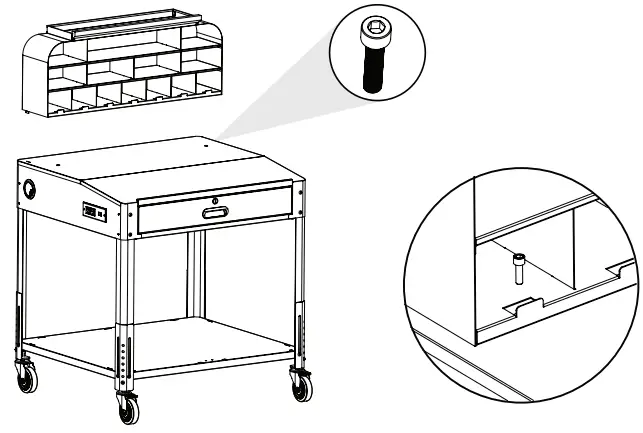
- Place the storage rack on top of the work surface.
Secure in place using 2 hex head screws (M6x25mm).
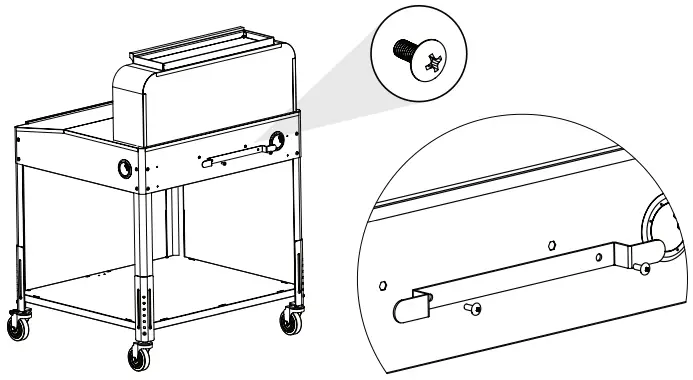
- Attach the cord wrap to the rear side of the work surface using 2 hex head screws (M6x16mm).

www.luxorworkspaces.com
800-323-4656
 Luxor - An industry leader in developing furniture solutions