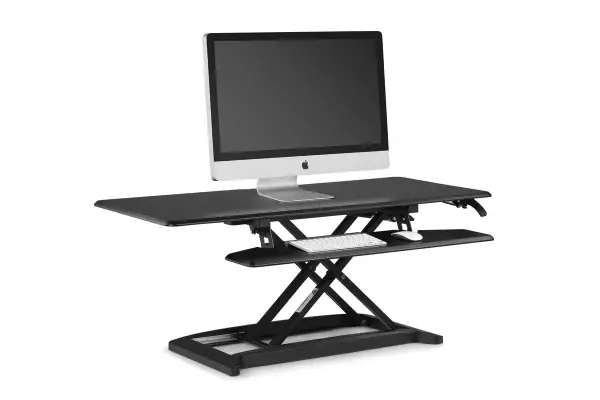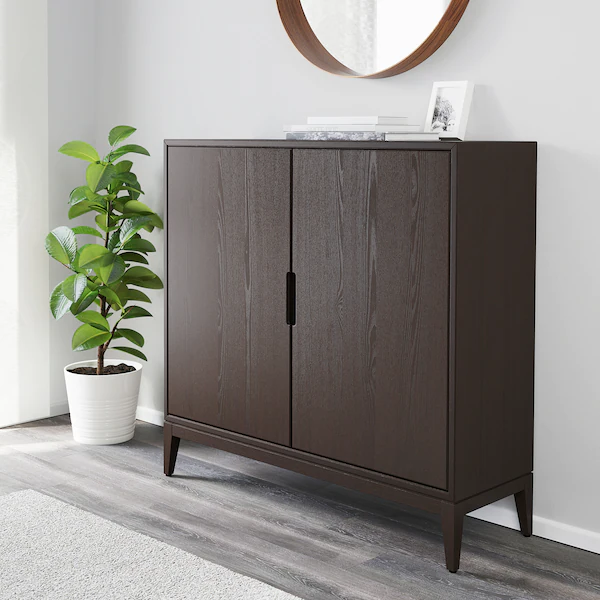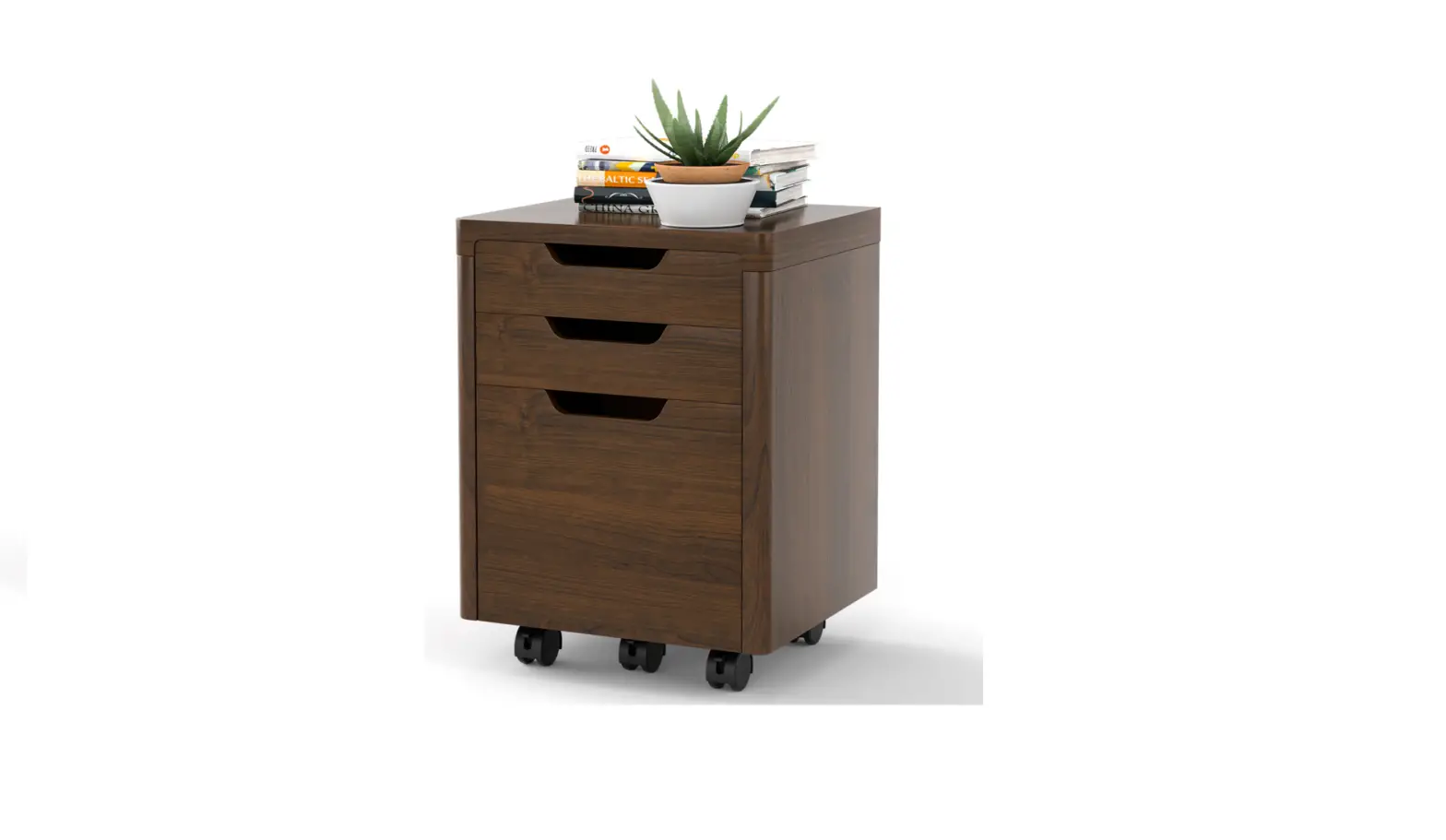

LUXOR DTWS003 Shop Desk with Cabinet
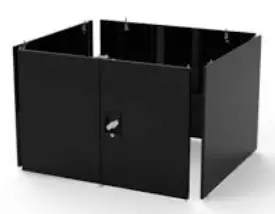
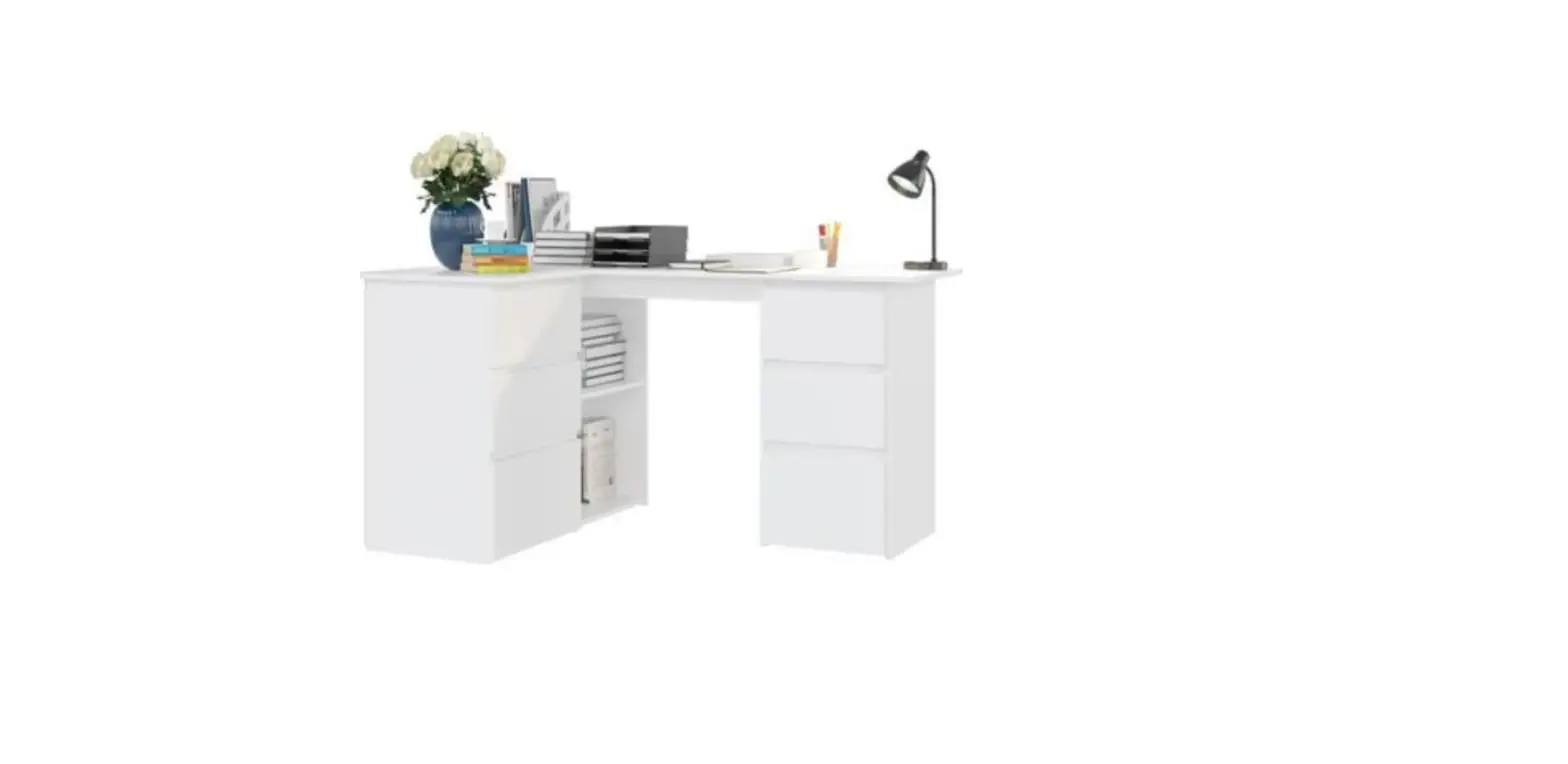
DTWS003 Shop Desk with Cabinet
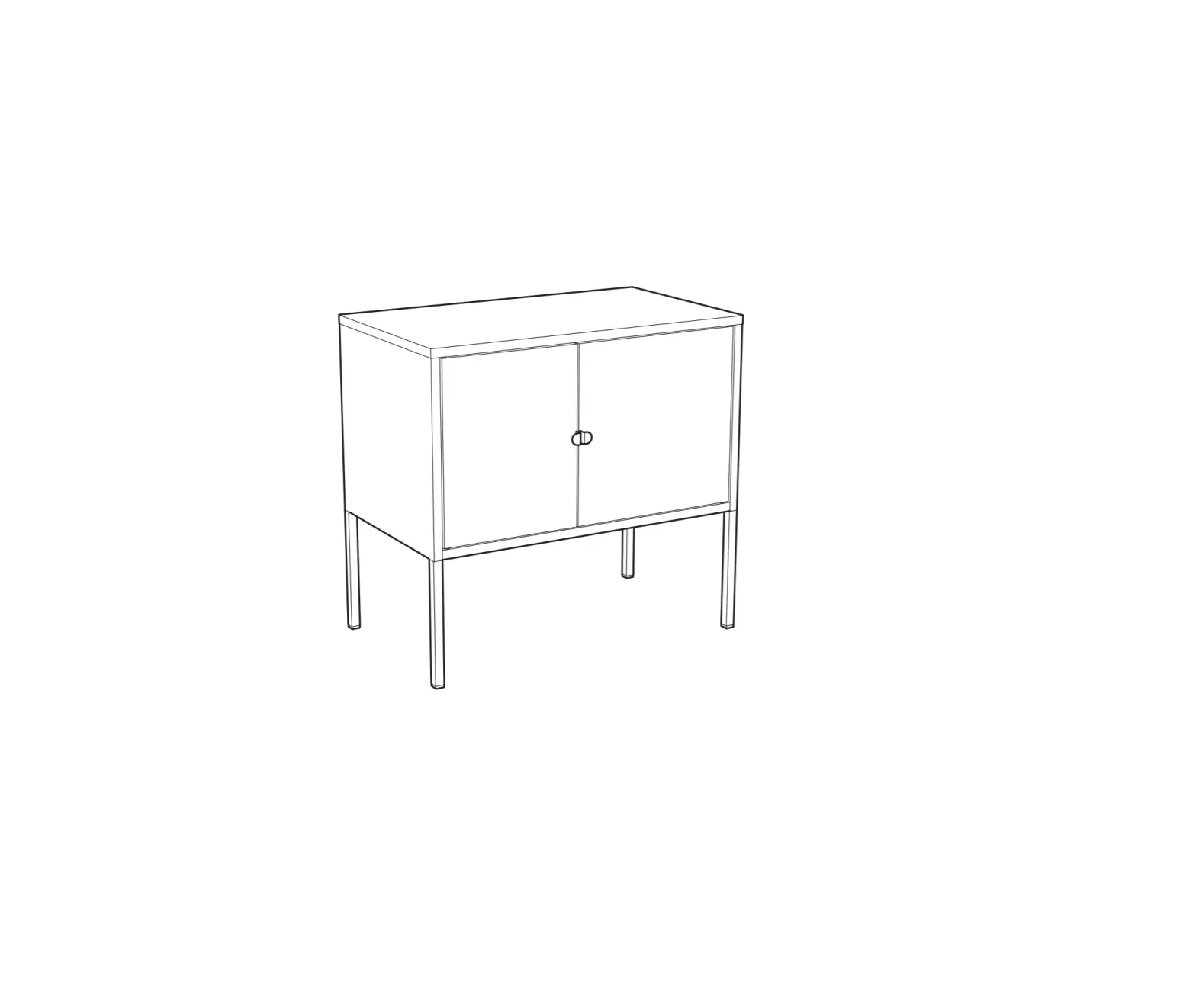
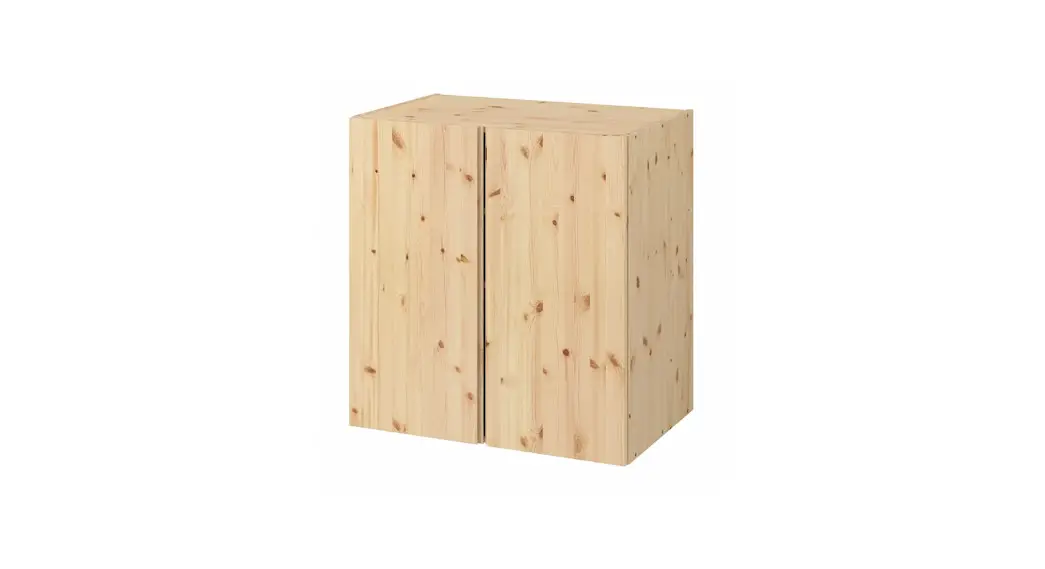
Cabinet Parts Key Installation Instructions
 Installation Instructions
Tools Required:
Philips Head Screwdriver, Hex Wrench (included)
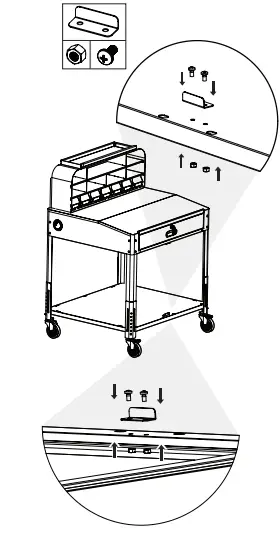
- Attach the lower and upper door stops to the cart assembly using 4 Philips head screws (M5x10) and nuts (M5). Use 2 sets per door stop.

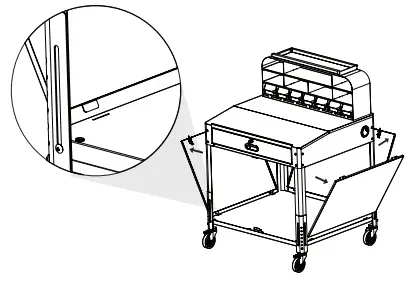
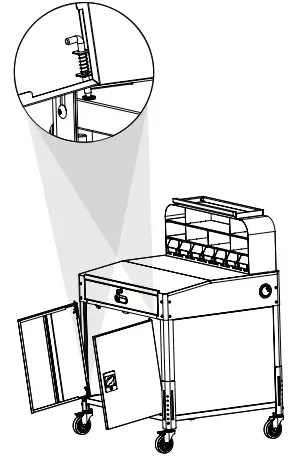
- Angle the cabinet panels and insert the tabs into the slots on the lower shelf.

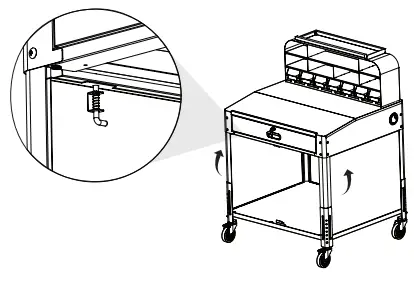
- Tilt the panels to vertical and secure them in place using the locking pins.

- Align the lower hinge pins with the holes in the shelf. Use the upper hinge pins to secure each door in place.

www.luxorworkspaces.com
800-323-4656
 Luxor - An industry leader in developing furniture solutions