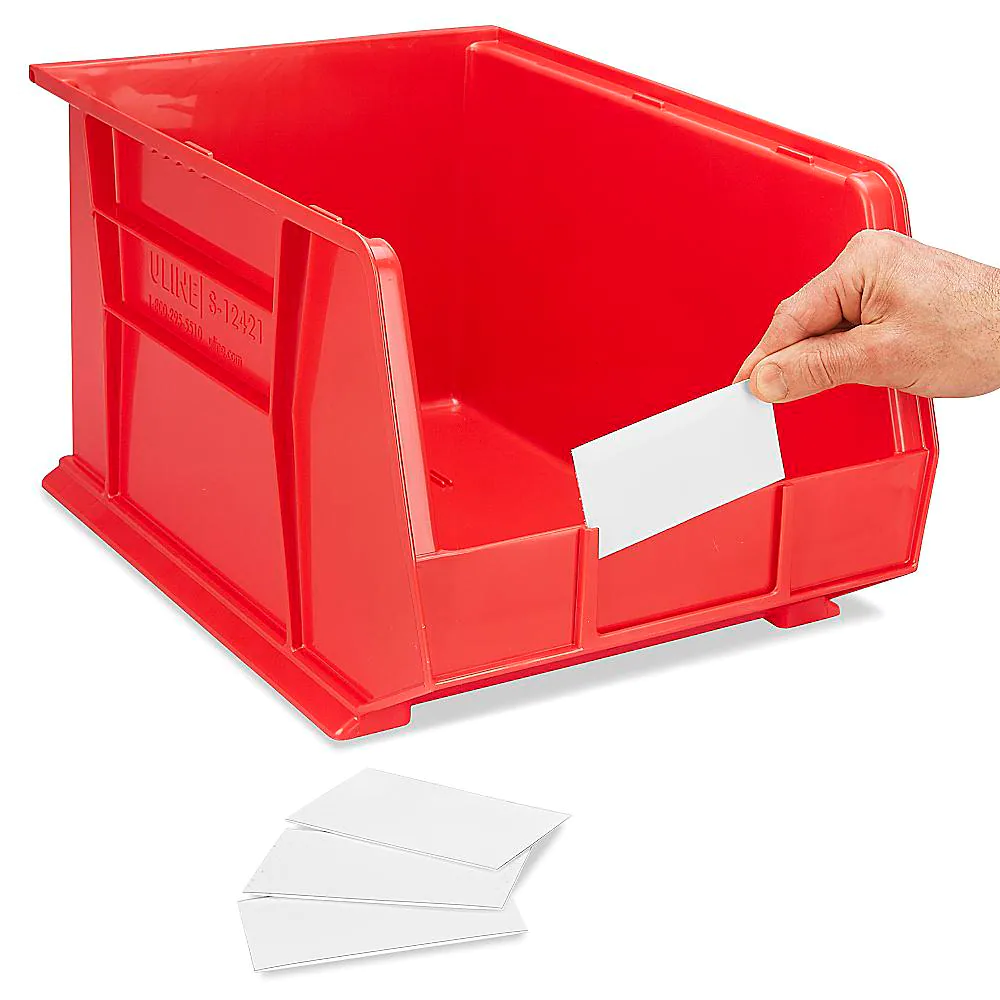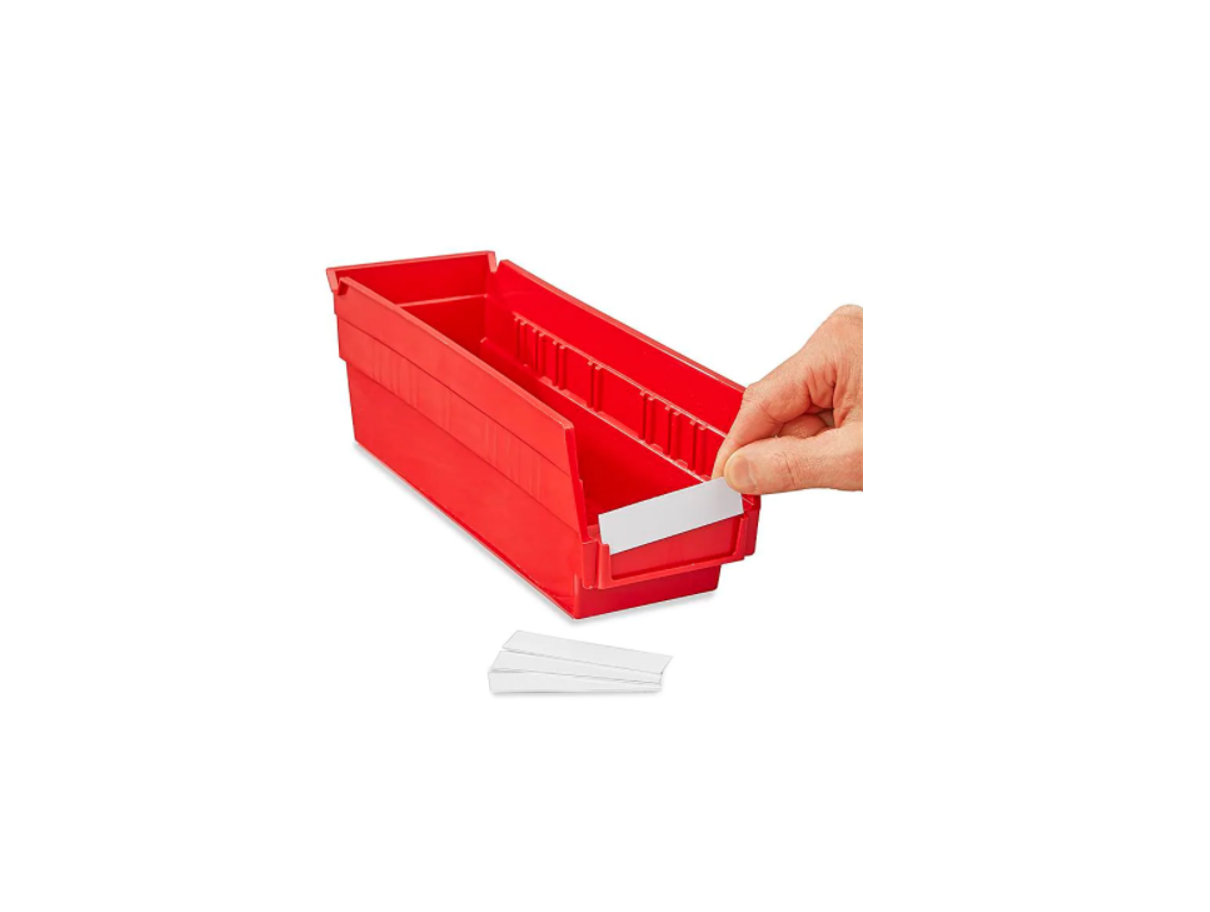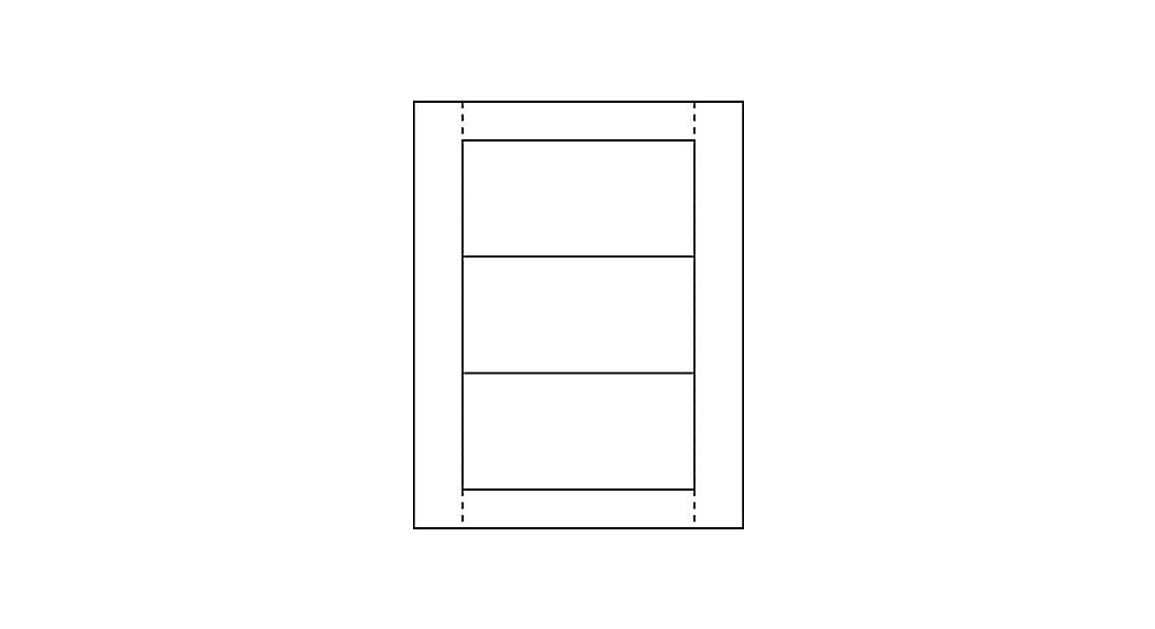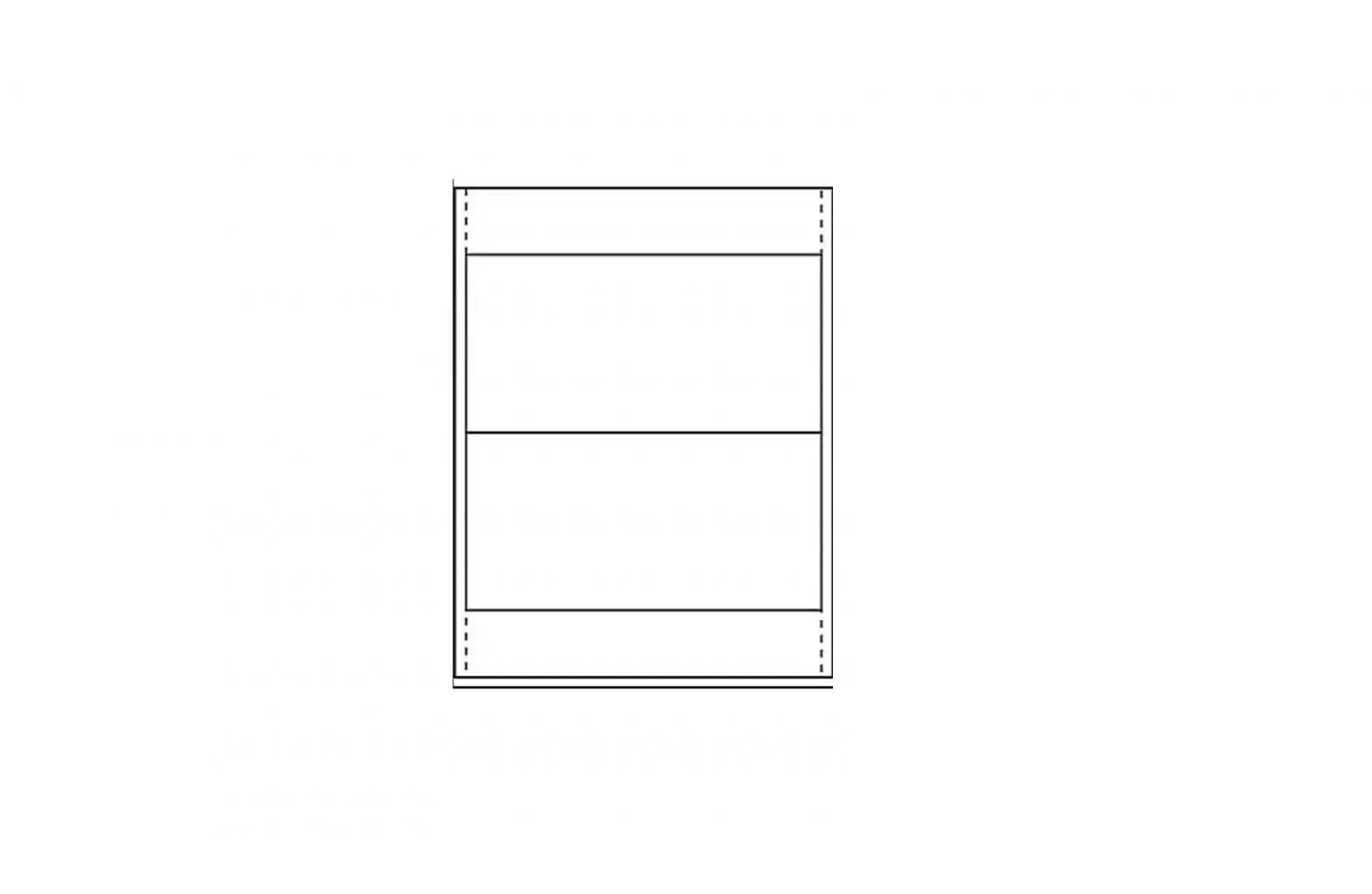
ULINE S-15578 Inserts For Bin Label Holder
INSTRUCTIONS
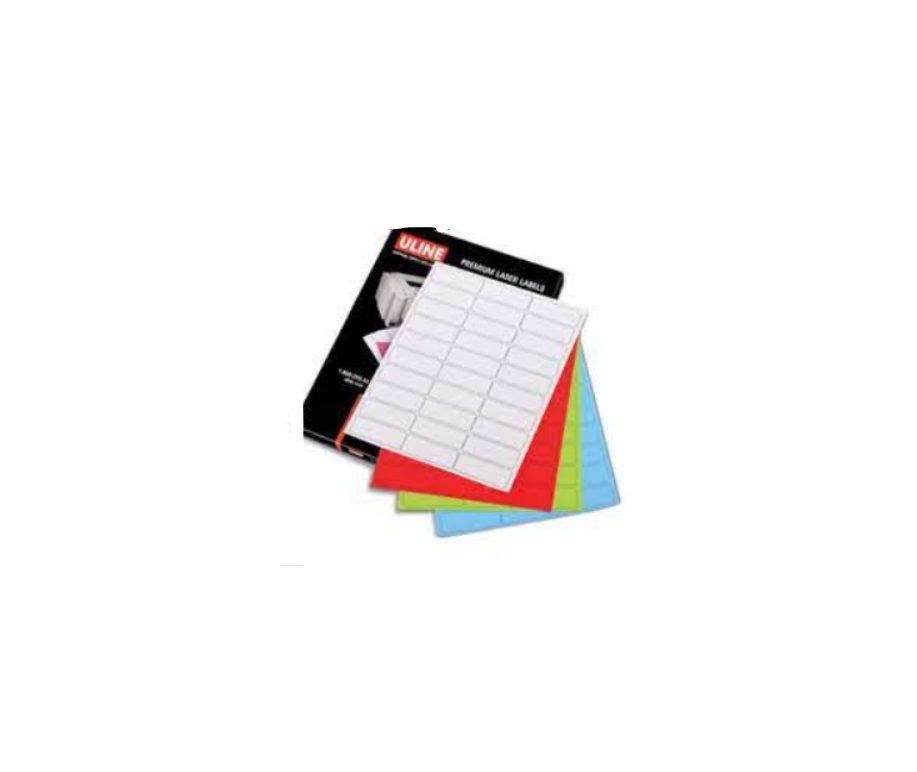
If you have an internet connection, you may download the label template from uline.com. Otherwise please follow the instructions below to create your own template using word processing software:
CREATING A CUSTOM LABEL TEMPLATE
- Select Tools from your toolbar.
- From the drop down window select Envelopes & Labels.
- On the Labels tab: Click the Options button.
- In the box Label Products: Choose Other/Custom.
- Click on the New Label button.
SETTINGS
- In the box Label Name: Enter a name for your New Labels (i.e. our product #, S-15578).
- Set Page Size: Letter, 8½ x 11″
- Enter the following settings in this order:
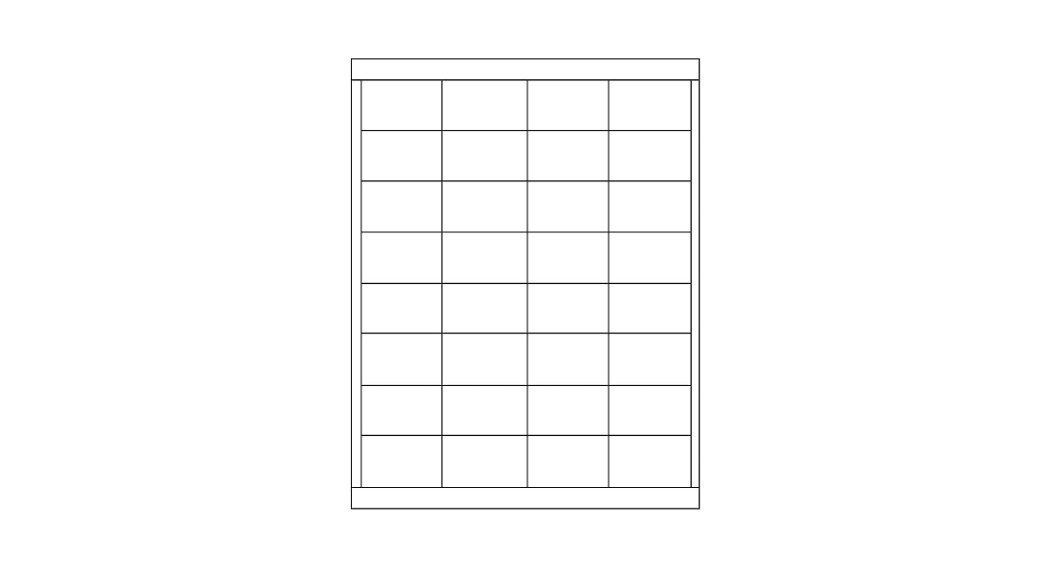
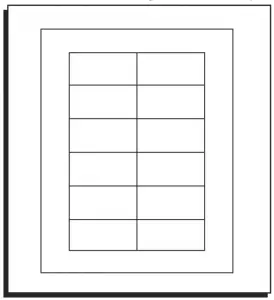
Top Margin 0.38″ Side Margin 0.25″ Vertical Pitch 1.7″ Horizontal Pitch 4″ Label Height 1.7″ Label Width 4″ Number Across 2 Number Down 6 - Click OK.
- Click OK again in Label Options window.
- Click New Document to start using template on a blank page.
You now have a custom template saved for your label inserts for Uline bins. You can now create a full page of the same label, single labels, or mail merges.
TO USE THIS TEMPLATE AT ANOTHER TIME
- Click on Tools > Envelopes & Labels > Options > Label Products
- Make sure Other/Custom is selected. Then click on the name of your saved template.
- Click OK.
- Click New Document to start using template on a blank page.

800-295-5510
www.uline.mx
 Uline.ca - Boîtes d'expédition, Matériel d'expédition, Matériel d'emballage, Fournitures d'emballage
 ULINE - Shipping Boxes, Shipping Supplies, Packaging Materials, Packing Supplies
 Uline.mx - Cajas para Envíos, Materiales de Empaque, Materiales de Empaque, Suministros para Empaque