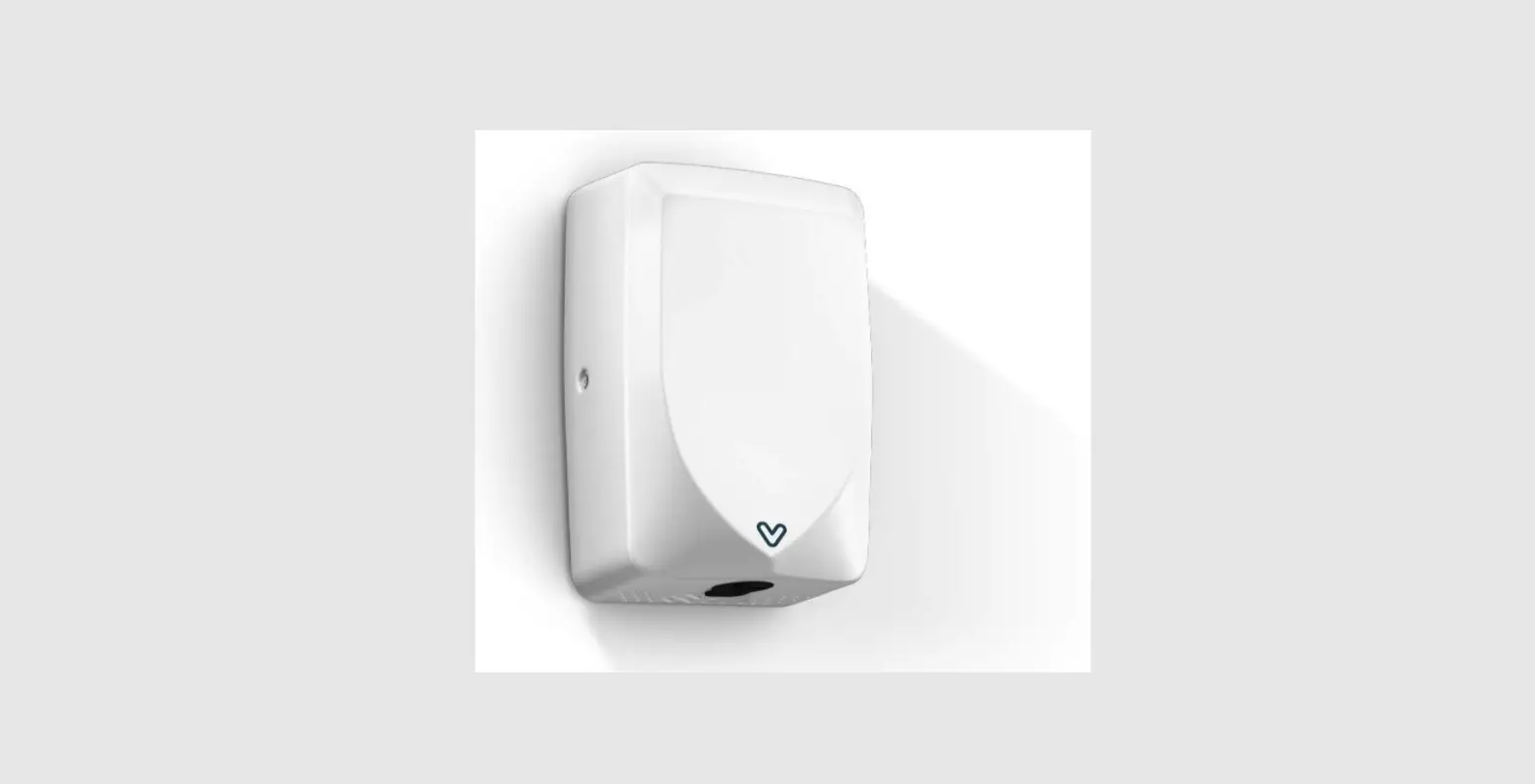
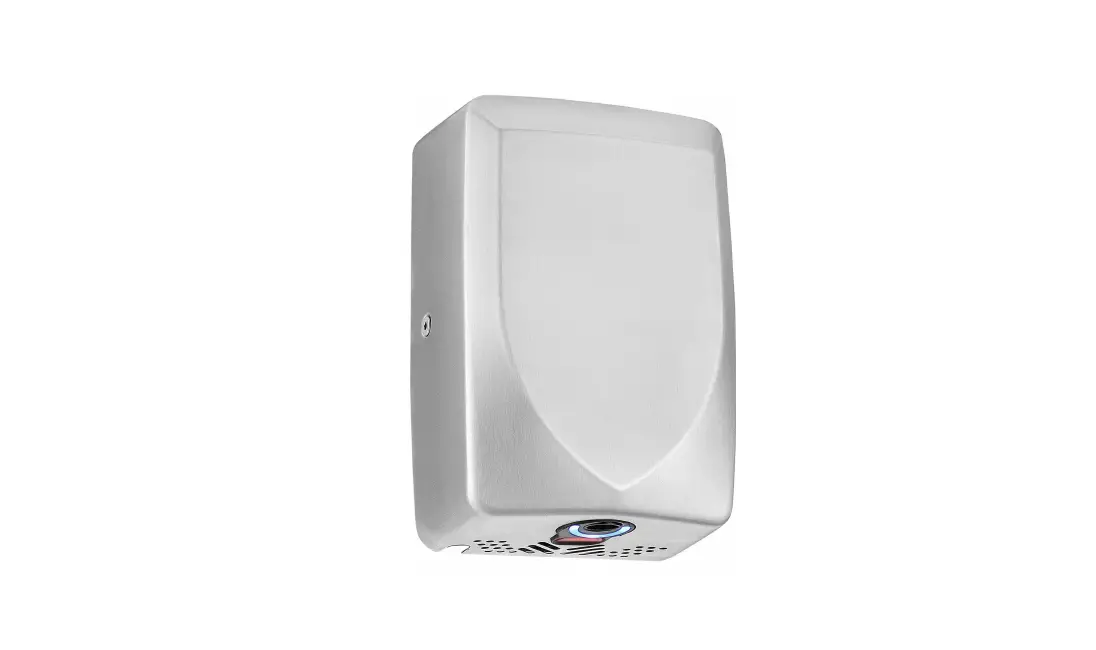
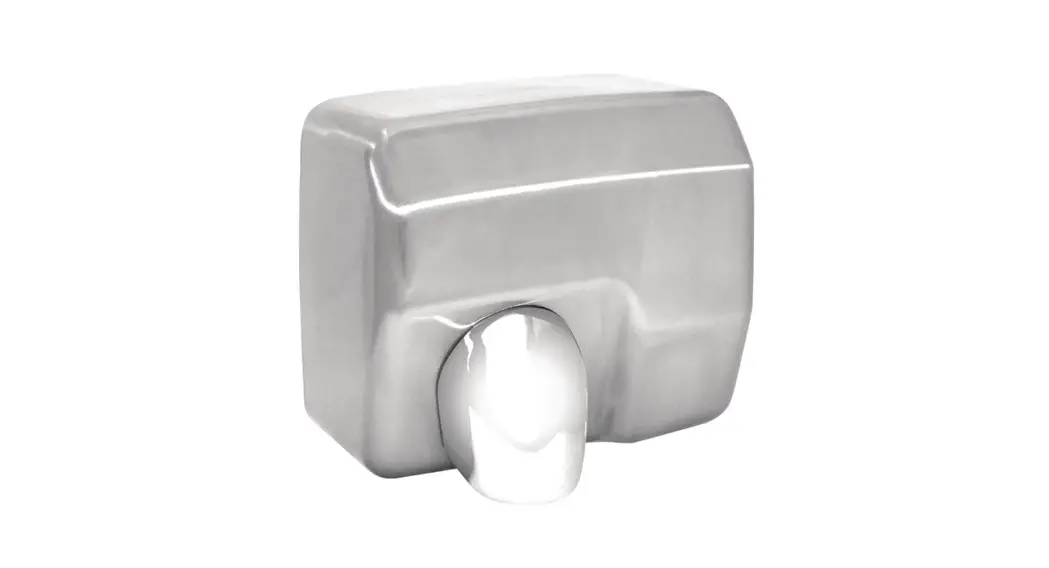
EHDV4S002 Vega 4 Hand Dryer
Vega
User Manual
IMPORTANT SAFETY INSTRUCTIONS
WARNING TO REDUCE THE RISK OF FIRE, ELECTRIC SHOCK, OR INJURY TO PERSONS OBSERVE THE FOLLOWING:
· Use this unit only in the manner intended by the manufacturer. The manufacturer is not responsible for
any damages caused by misuse or defective installation.
· The instructions contained within the installation Template must be followed carefully when installing
this unit. Failure to accurately follow the instructions may result in the incorrect operation of this unit,
·
damage to property and/or personal injury. Installation work and electrical wiring must be done by qualified person(s) in accordance with all
applicable codes and standards, including fire-rated construction.
·
When cutting or drilling into wall or ceiling, do not damage electrical wiring and other hidden utilities. This unit must be powered by a dedicated circuit branch protected by a circuit breaker with the
·
appropriate rating. Circuit cable must be fit current consumption for this unit. This unit has been designed for indoor use only, protect from water, sun and extreme temperatures, do
·
not install it outdoors or close to moisture and heat generators. This unit can only be revised, maintained, repaired and removed by qualified person(s).
·
If the unit stops and works strangely, contact your regional dealer or contractor. This appliance is not intended for use by persons (including children) with reduced physical, sensory or
mental capabilities, or lack of experience and knowledge, unless they have been given supervision or
instruction concerning use of the appliance by a person responsible for their safety.
Children should be supervised to ensure that they do not play with the appliance.
TECHNICAL SPECIFICATIONS
Operating Voltage Power Standby Power Air Speed (sensing max) Motor Type Sensor Type Sensor Range Timing Protection Drying Time Drip Proof Isolation Unit Size
AC 220~240 V, 50 Hz- 60Hz 440 W (Heater off)/ 840 W (Heater on) 1W 100 m/s Brushed Motor, 30,000 RPM Auto Infrared touch free operation 45° 15~25cm 50 seconds auto shut off 10 ~ 12 sec IPX3 CLASS I H 321.6mm x W 286.6mm x D 110.2mm
UNPACKING
1. Remove all packing material. Recycling is recommended. 2. Carefully remove the hand dryer from the shipping carton, using care not to drop the appliance. 3.Inspect carefully for any damage that may have occurred during transit. Check for any loose, missing or damaged parts. If the hand dryer is damaged, promptly inform the shipper or dealer where you purchased it. Standard items with the hand dryer are shown in Fig.1 together with tools need by the installer.
1
Filter enablement pack Spare Filter Media
(optional extra, sold separately)
User Manual
Installation Service Tool
Wall mounting
Unit
User Manual template
& Spare Screw anchors with screws
INSTALLATION
1. Wall bracket removal 1.1 Place the main unit on a cloth to avoid marking its surface. 1.2 Remove 3 side & bottom security screws , using the service tool (fig.2) . 1.3 Lift the front cover off the main body. (fig.3).
2
3
2. Positioning
2.1 Mark the location on the wall with a pencil. Use the Installation Template to mark the locations for the four fixing points (fig. 4). 2.2 Pre-drill the wall in the marked locations using 5/16″ (8mm) drill, insert the plastic anchors and tap flush to the wall. If the cable entry is to be done from the wall provide a proper cable exit (fig. 5)
4
Drill 4 ~ 6MM [15/64″]
250MM [9 27/32″]
5
8
Installation Template
140MM [5 33/64″]
140MM [5 33/64″] 130MM [5 1/8″]
78MM [3 5/64″] Cable Entrance 16MM [5/8″] 250MM [9 27/32″]
3. Installing Power cable & Connection terminal block WARNING: ENSURE POWER NOT CONNECTED
3.1 Pull the cable through the hole in the back panel. Ensure the cable is long enough to the terminal block (fig. 6). 3.2 Connect cable to terminal block (fig. 6A). 3.3 The cable must sit in the dedicated channel. If the cable comes through Power cable entry from outside, it is recommended that the cable is routed via the 3 bosses as in fig. 6B. 3.4 Fix 4 wall mounting screws on the back panel (fig. 6).
CAUTION: Connect the ground wire to the terminal block marked ” ”
6
6A
6B
Power Cable Entry
Power Cable Exit
LN
Back View
4.If applicable insert the Filter enablement pack & replacing the filter media
4.1. First installation time, insert the enablement pack, complete with filter media, into the filter bracket, and push until it clicks into the right position in the main unit. 4.2. To replace the filter, just pull up the filter media from the enablement pack (fig 7.B) and replace with new filter media.
7A
7B
Filter media
Filter enablement pack Filter Bracket
Filter Case
Notice- If the dryer has been fitted with a filter, it will need to be replaced after 40,000 operations but will continue working,but without the benefits of the HEPA filter. At approximately 40,000 operations the red laser light will be flashing on the bottom and the flashing until a replacement filter is fitted. The service life of a HEPA filter depends on the environment in which the dryer is installed and frequency of use. High traffic washrooms or high usage will require more frequent replacement of the HEPA filter. In environments with excessive, dust and debris or in washrooms with high traffic, inspection of the HEPA filter is recommended on a monthly basis. When visual inspection of the HEPA filter shows excessive buildup of lint, dust and debris, the filter should be replaced.
Note: After the filter is installed and on power up should the laser light and blue point light at the bottom are on for 2 seconds. If laser not light on this means the filter is not fitted correctly and needs to be refitted.
5. Fix the Front cover to unit and insert and tighten the security screw seated on the side&bottom surface (fig 7). 6. Turn power on and test the unit for correct operation.
8
L speed Heat ON OFF ON OFF
L speed Heat ON OFF ON OFF
HEATER SWITCH & LOW SPEED MODE SWITCH & FILTER REPLACING
WARNING: ENSURE POWER NOT CONNECTED
9
1. Remove the one security screw seated on the bottom surface
from the unit, using the service tool (fig. 2).
2. Lift the front cover off the main body. (fig.3).
3. To turn off or turn on heater, use the left switch shown in fig. 8.
4. To change Low speed mode, use the right switch shown in fig. 8.
5. Pull the filter media up and out of the enablement pack, and
insert the new filter media. 6. Reposition the front cover on the unitcfig.8)
7.Test the unit for correct operation.
Use
1. No touch operation.
10
2. Shake excess water from hands.
3. Place hands under the outlet to start operation (fig. 8).
4. Slowly move hands back and forth under the outlet at the bottom of the dryer.
5. A blue LED light situated at the bottom of the dryer starts with the
dryer operation. This assists the user in keeping the hands in the
dryer’s sensing range.
6. The dryer stops when hands are removed.
7. Hand dryer also auto shuts off after 50 seconds of uninterrupted use.
Maintenance and cleaning
Lift the Unit off the wall mounting bracket before maintenance or repair. Regularly clean the outer casing use a soft, damp cloth to gently wipe away any dirt. CAUTION: Never use abrasives or chemicals to clean the cover. Do not soak.