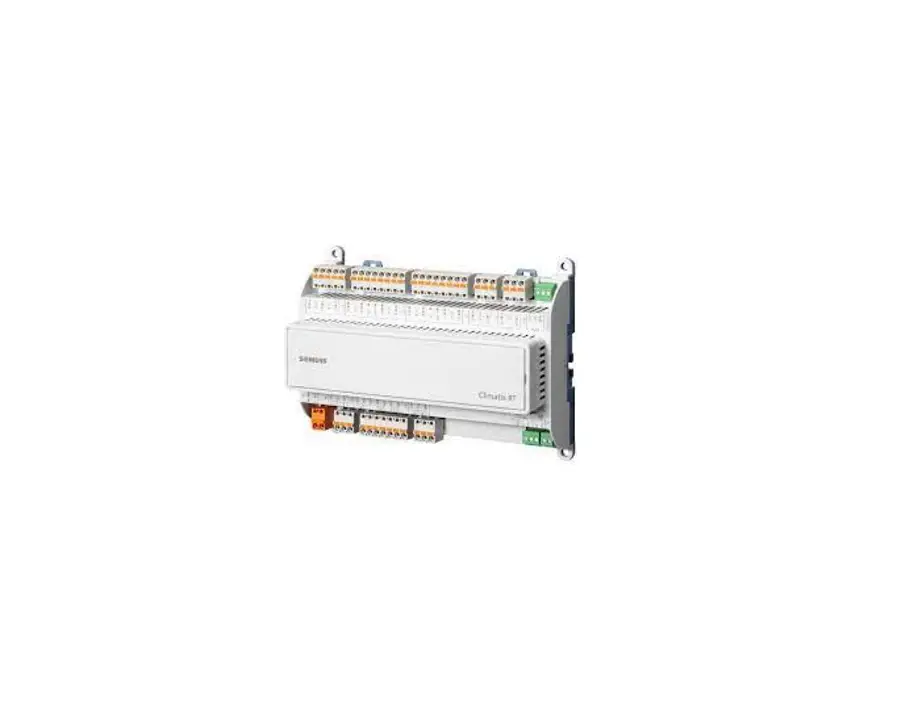
SIEMENS POL648.10-RTU Climatix RT RTU Controller User Guide

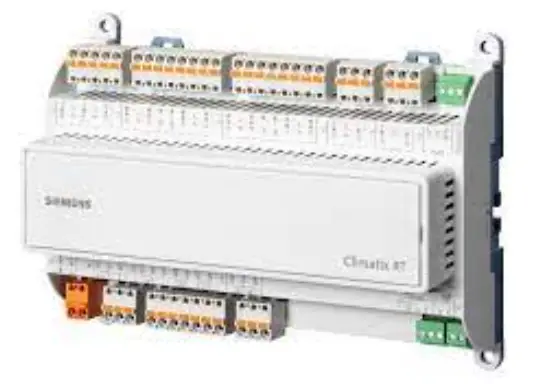
Climatix RT
RTU Controller POL648.10/RTU
Pre-installation steps
- Download the Climatix Mobile App to be used for setup and commissioning.

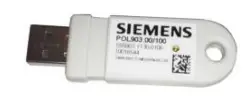
- Ensure you have a Siemens WLAN stick for connectivity from the controller to the Climatix Mobile App

| Document ID | Title | Description | QR Code |
| A6V12001603 | Climatix RT Rooftop Unit Controller Data Sheet | Functions, use, technical data, terminal concept, and dimensions for the POL648.10/RTU controller |
|
| A6V12250551 | Climatix RT RTU Controller POL648.10/RTU Installation Instructions | Mounting and wiring the Climatix controller | |
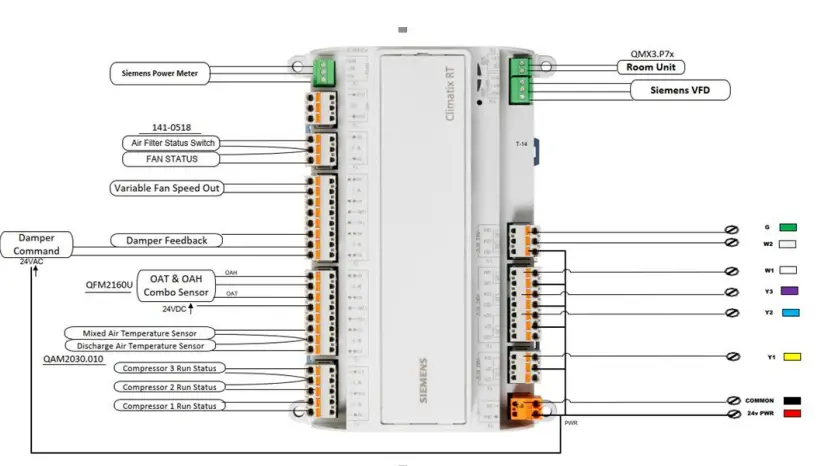
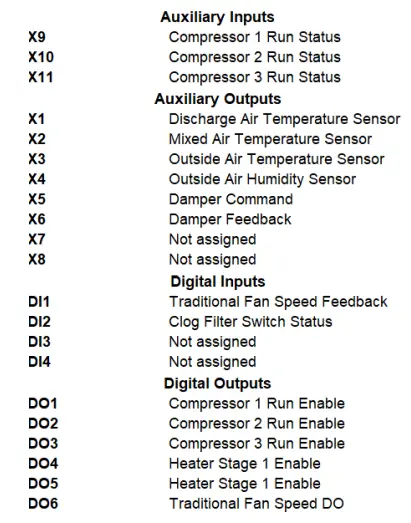
| A5W00153010 | Climatix RT RTU Controller POL648.10/RTU Quick Start Guide | Pre-assigned I/O terminations for Climatix RT | |
| A6V12053407 | Remote Monitoring and Intelligent Diagnostics for Roof Top Unit Controllers Start Up | Startup document for Climatix RTU solution and Climatix IC setup | |
| A6V101099058_en | Climatix: Technical Limits | Technical limits of controller devices and integration |
Power supply
| Terminal | T8 |
| Diagram | 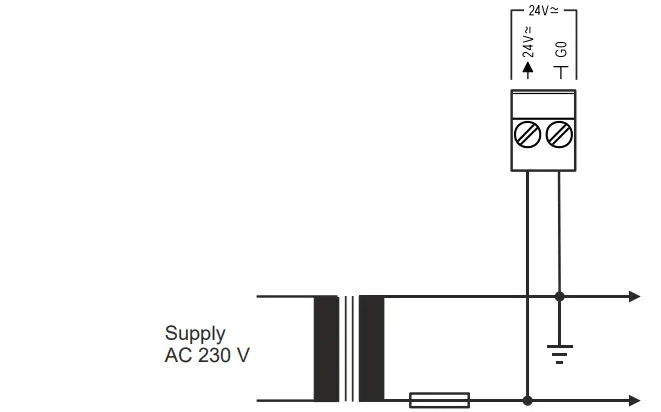 Supply AC 230 V Supply AC 230 V |
Information in this publication is based on current specifications. The company reserves the right to make changes in specifications and models as design improvements are introduced. Product or company names mentioned herein may be the trademarks of their respective owners. © 2020-2021 Siemens Industry, Inc.
Siemens Industry, Inc. Smart Infrastructure 1000 Deerfield Parkway
Buffalo Grove, IL 60089-4513 USA Your feedback is important to us. If you have comments about this document, please send them to [email protected] Document No. A5W00153010
 Editor.us : Photo Editors – Online Design Printing Marketplace