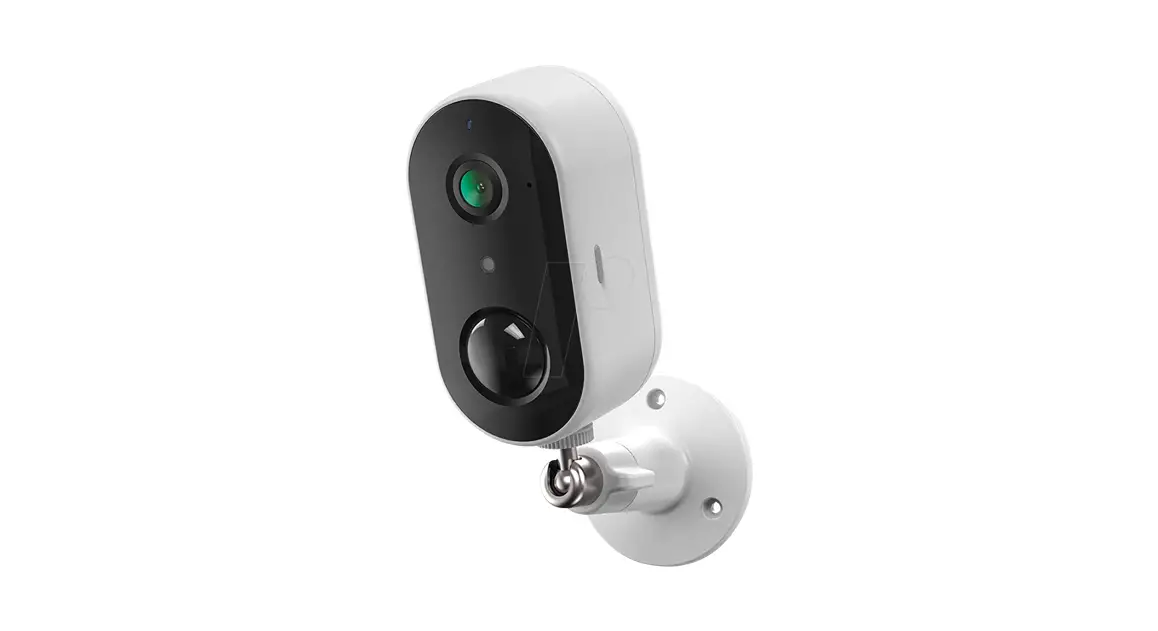
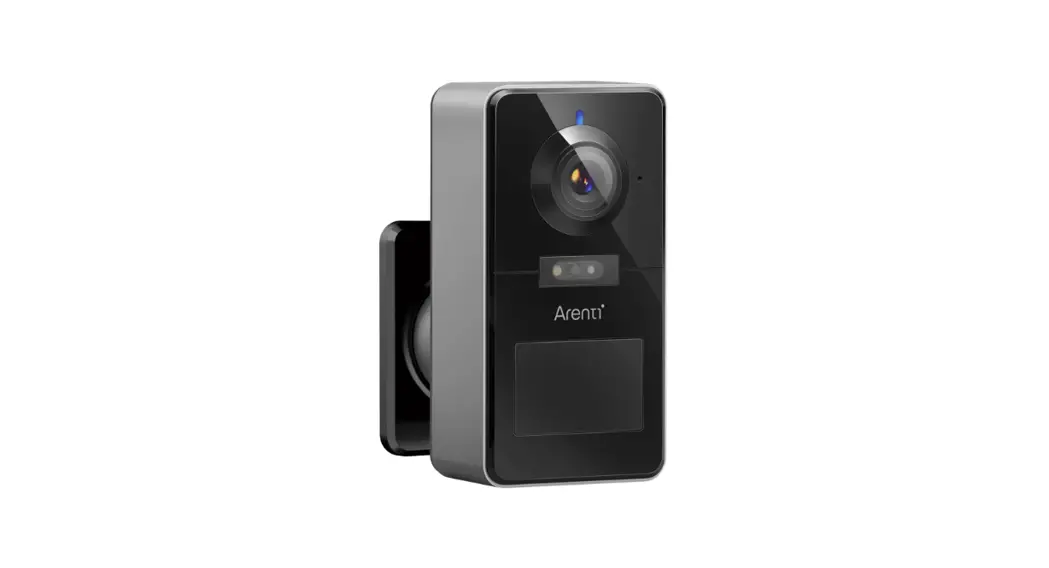
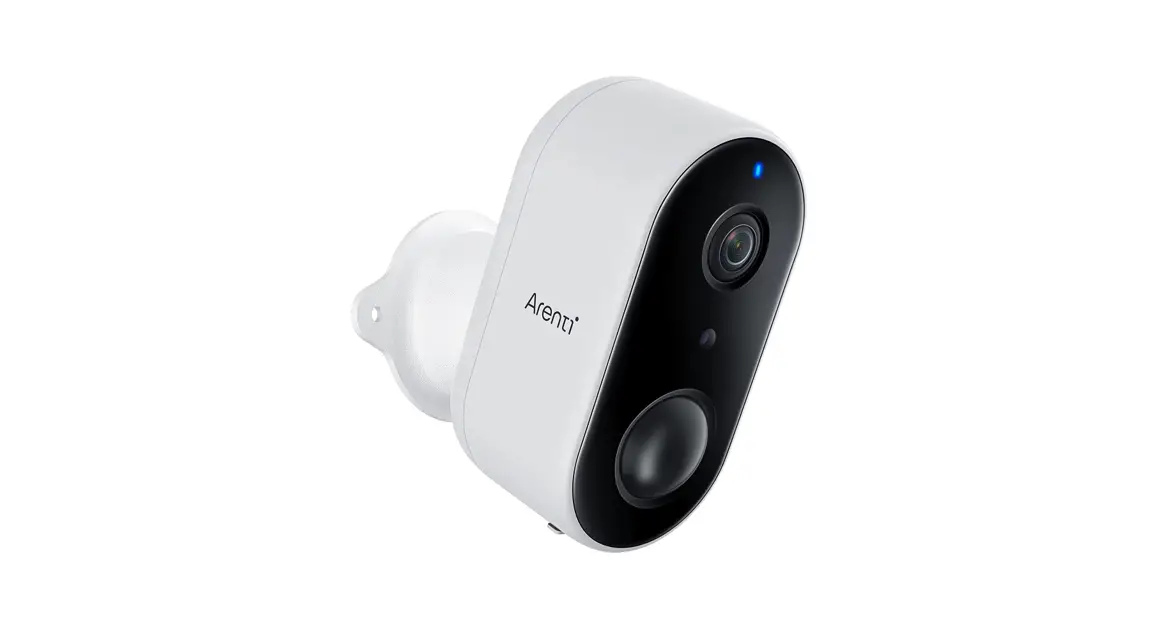
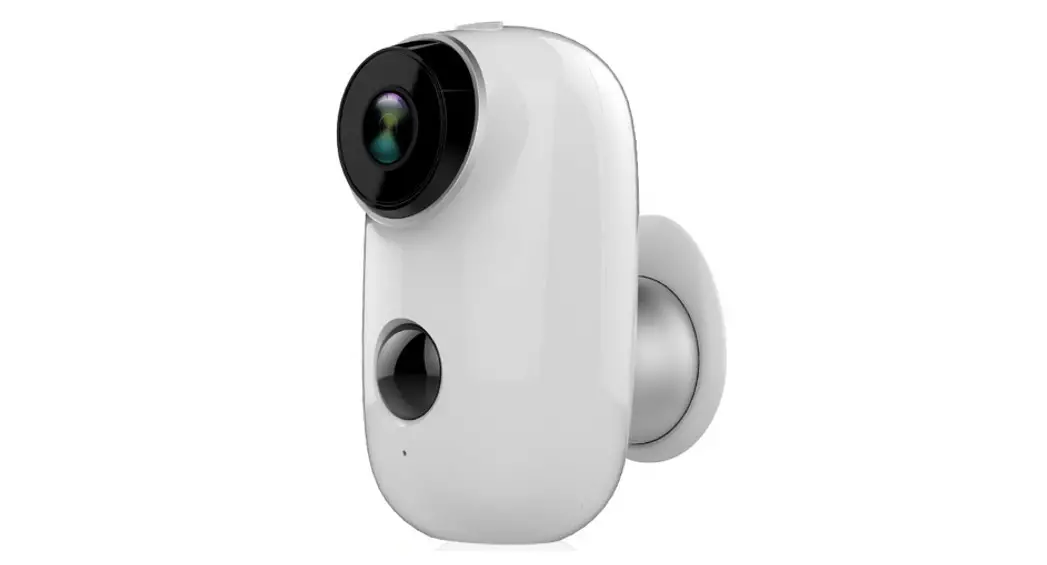
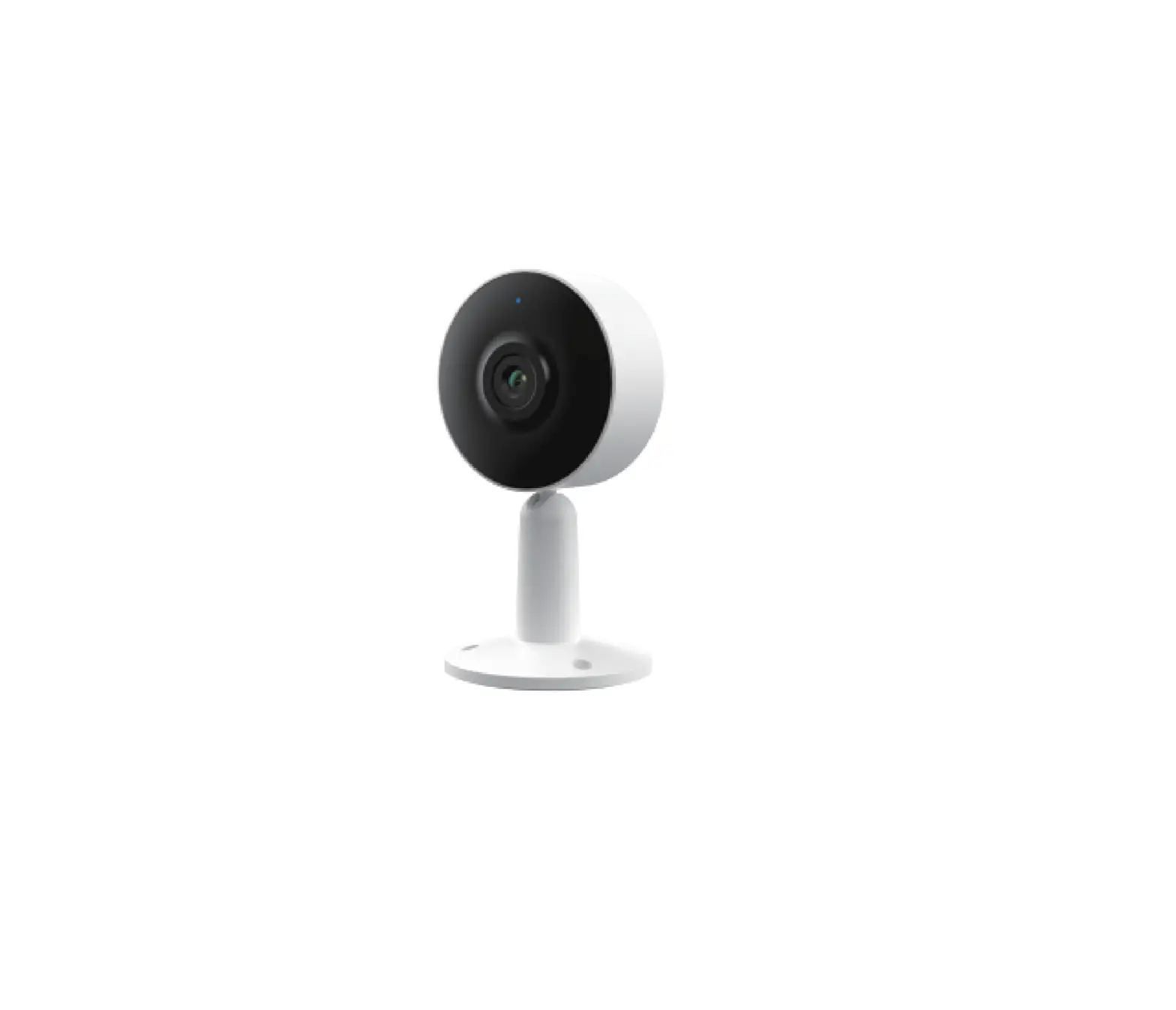
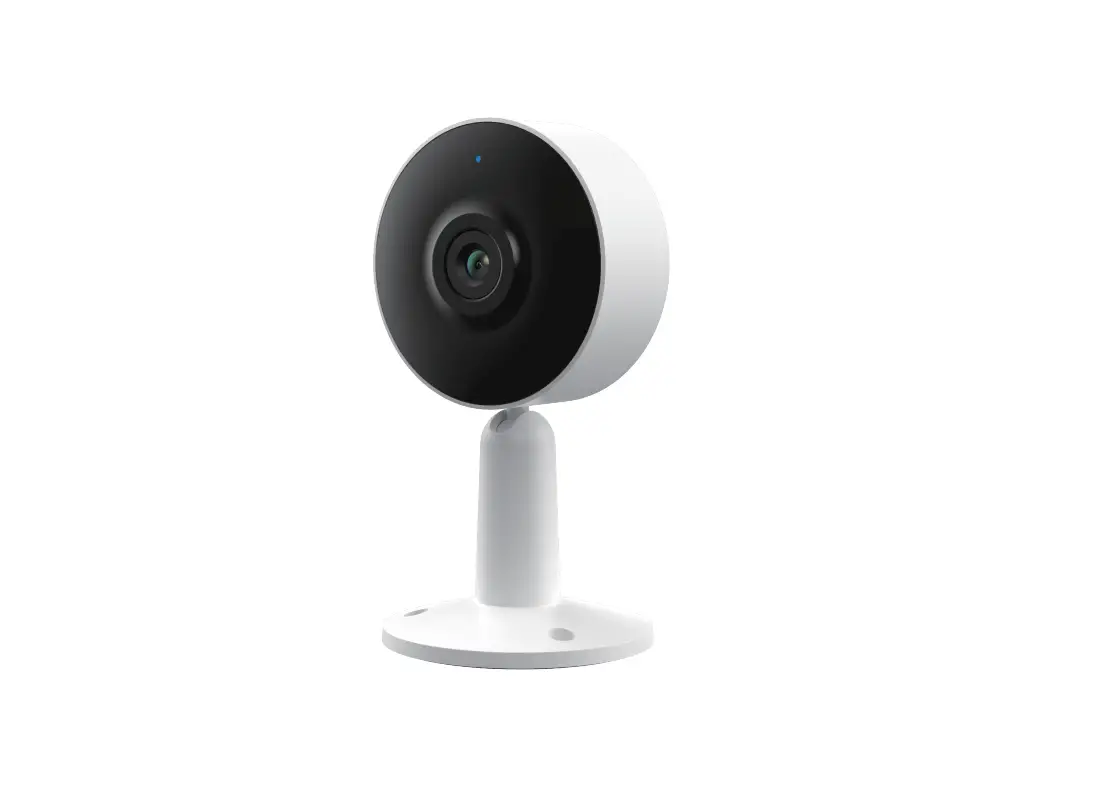
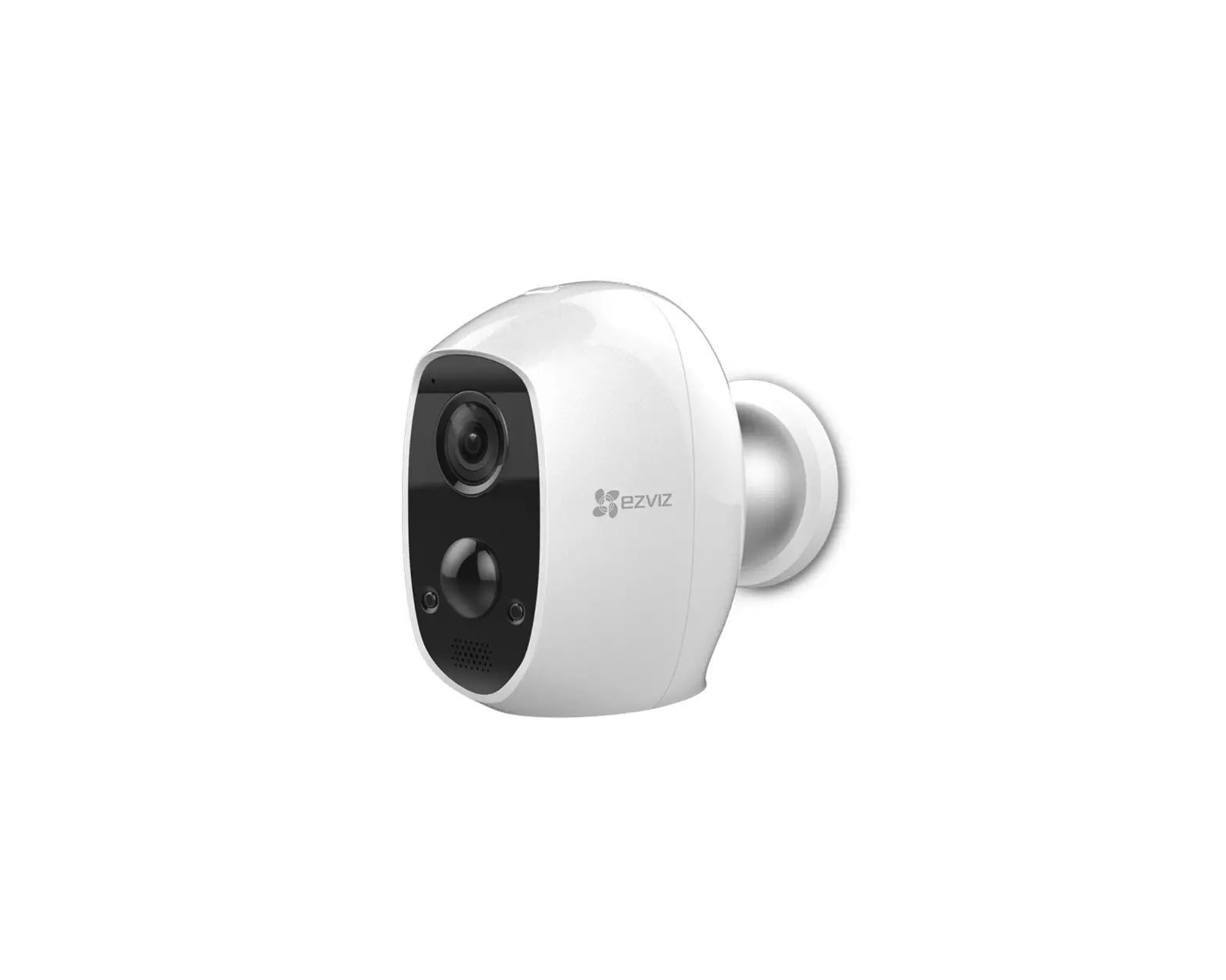
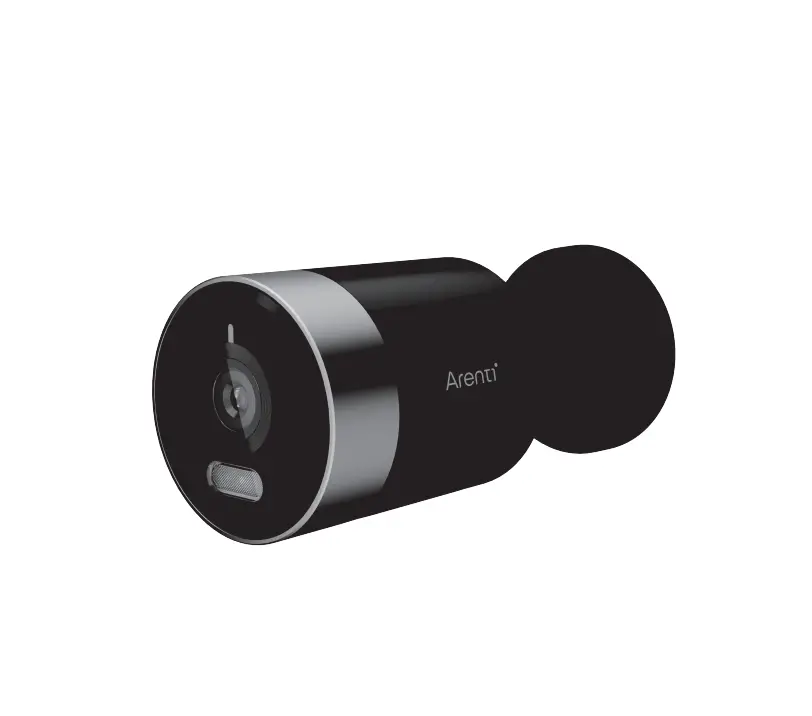
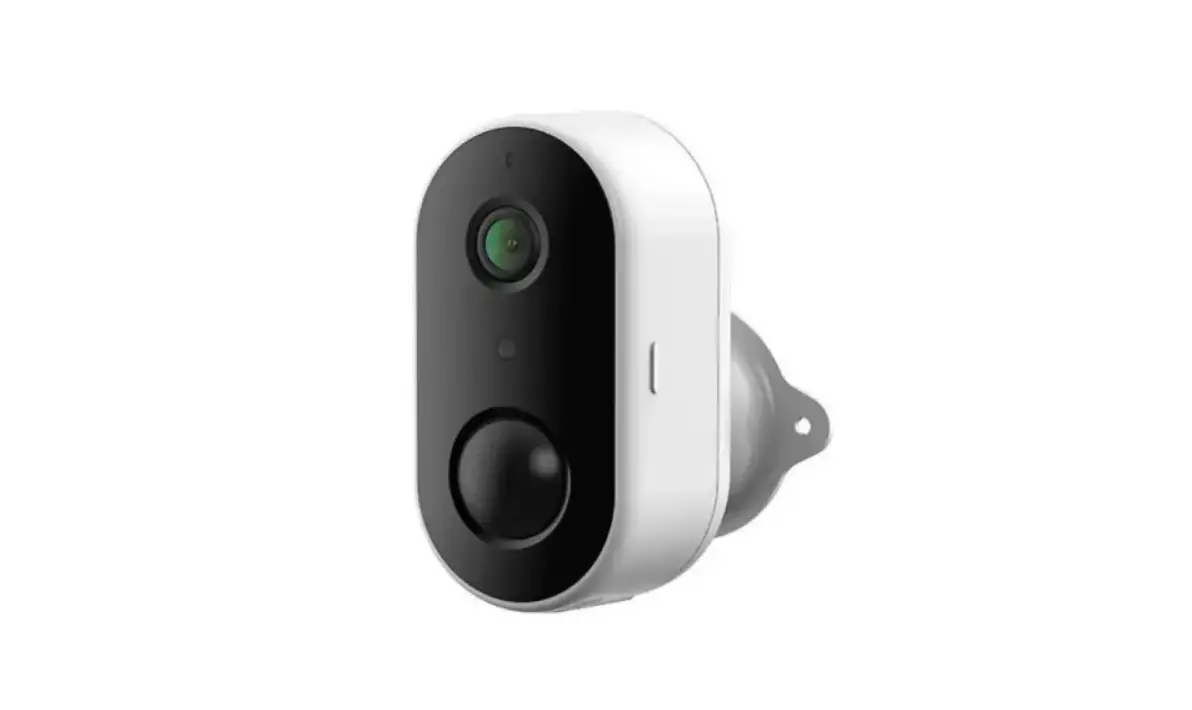
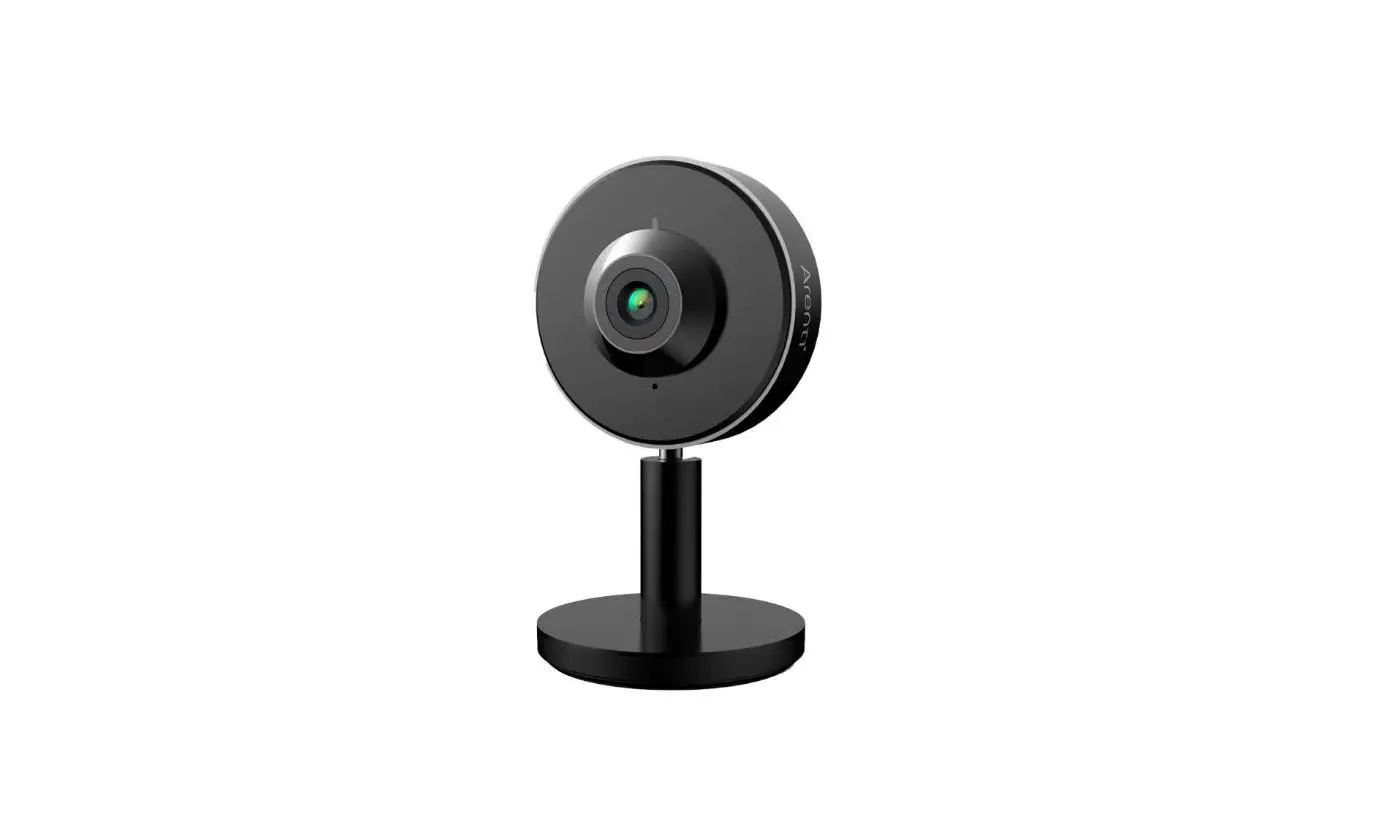
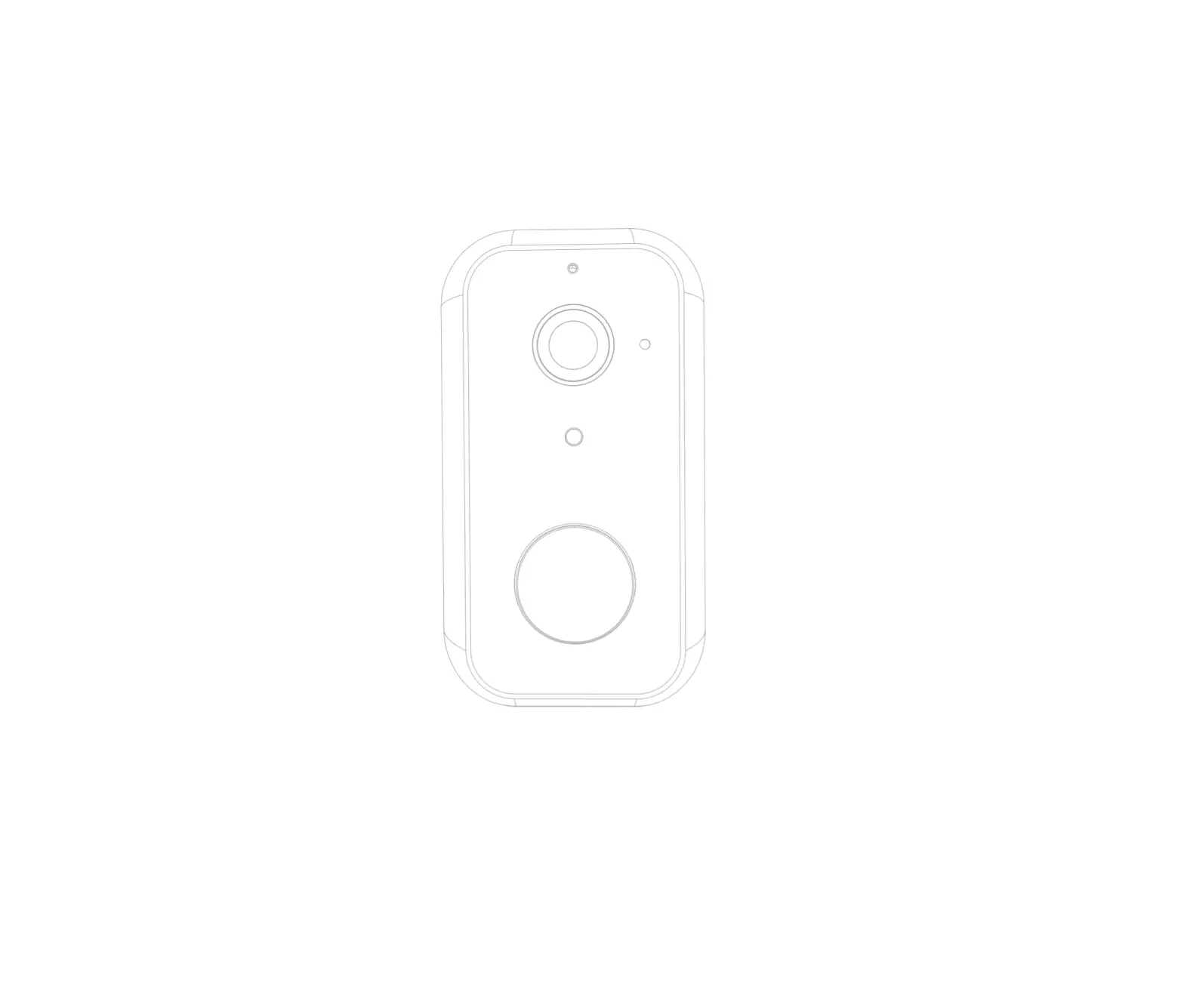
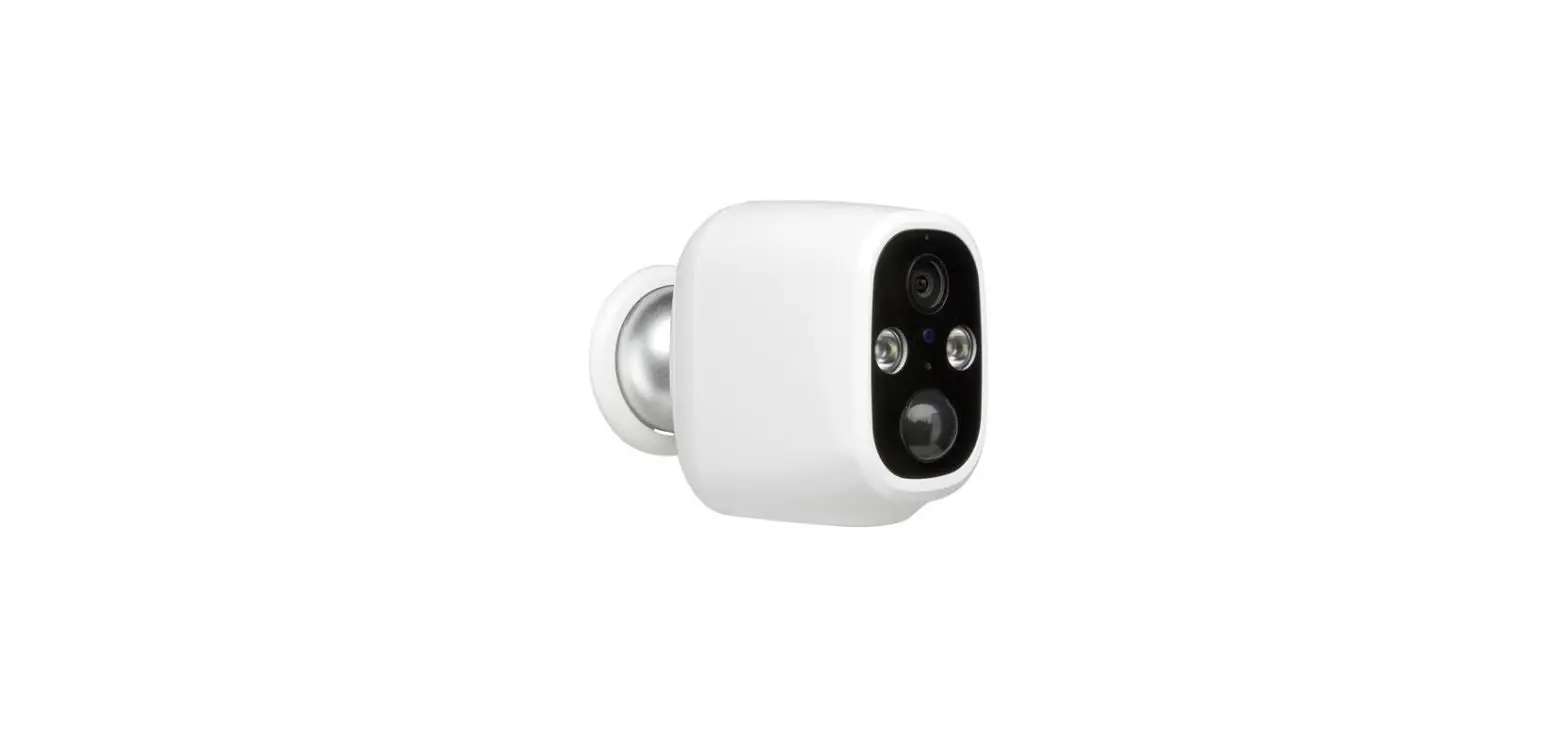
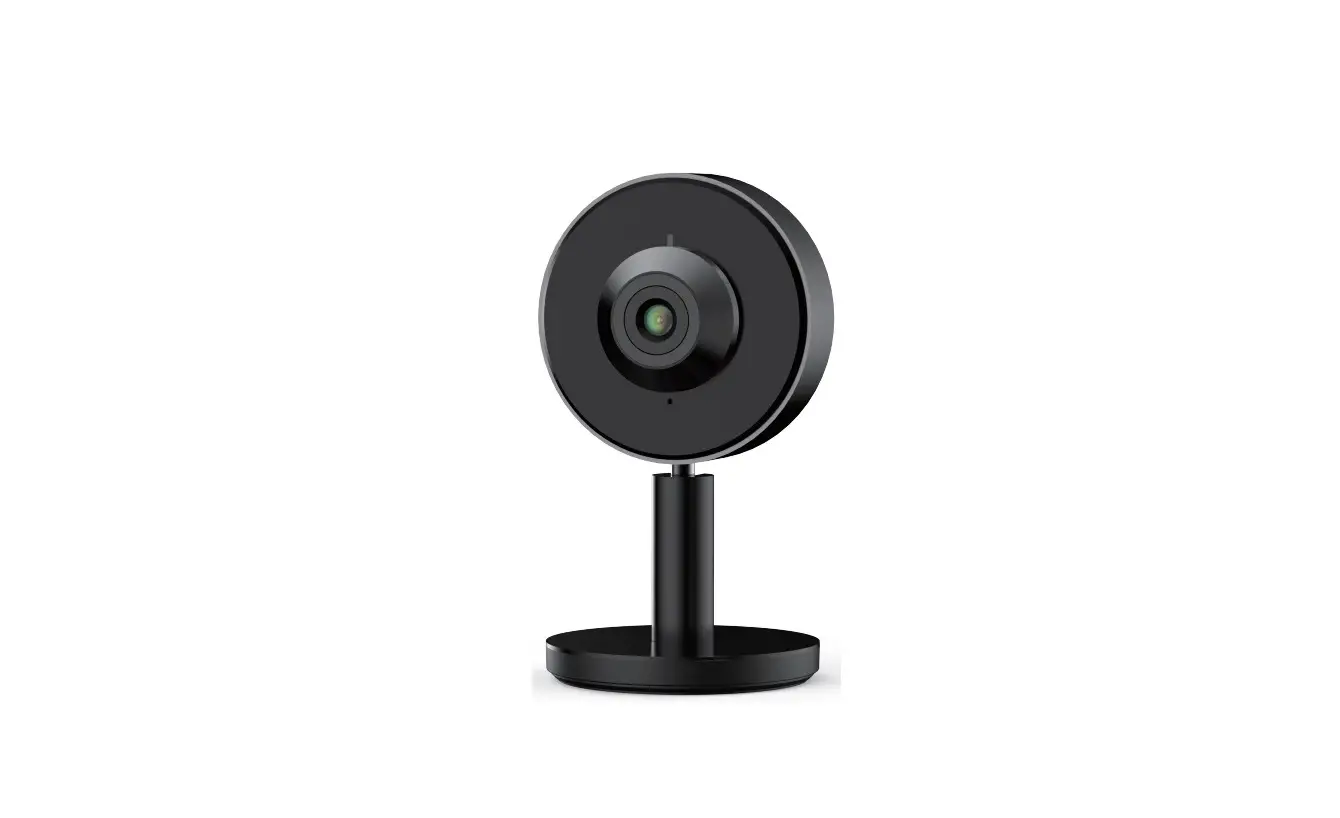
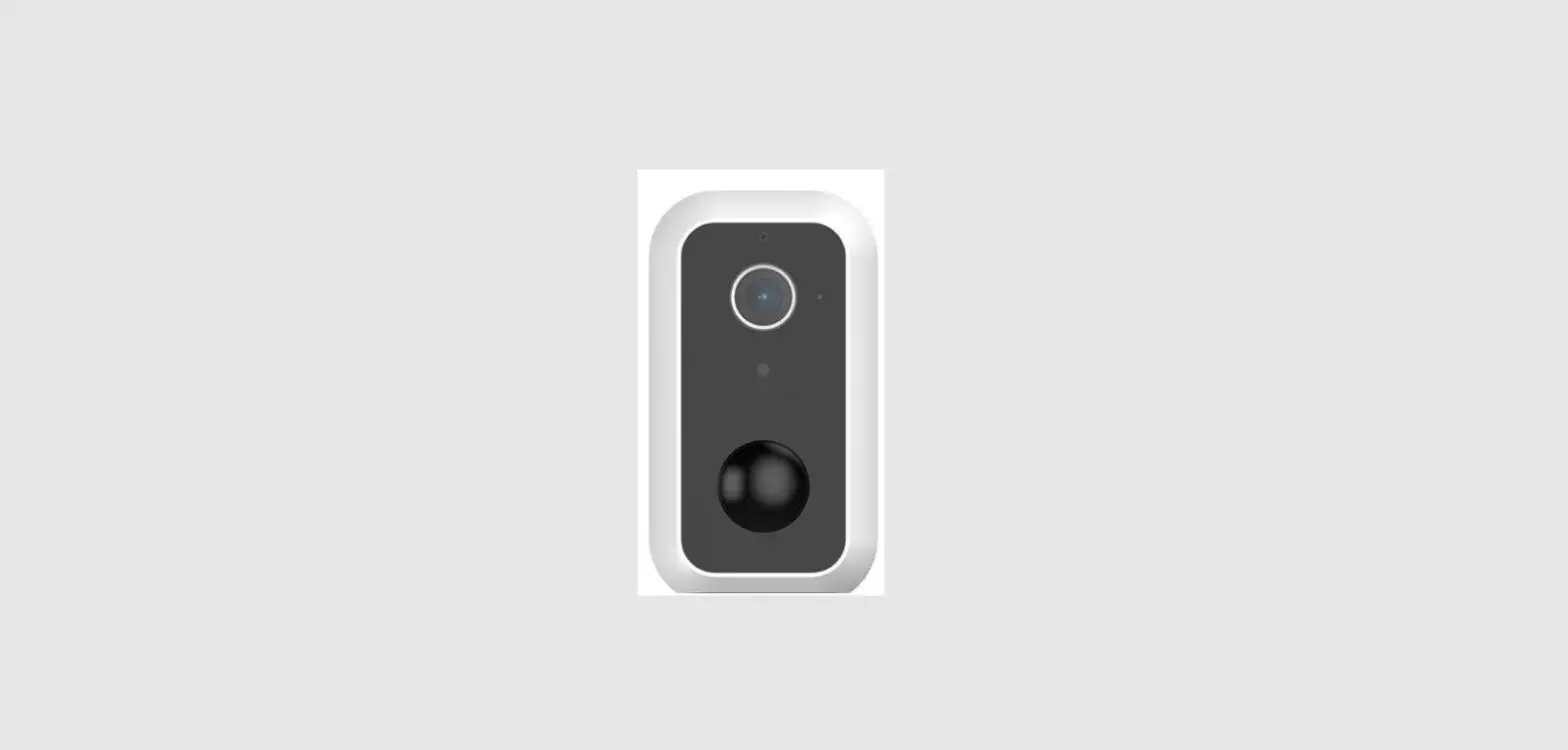
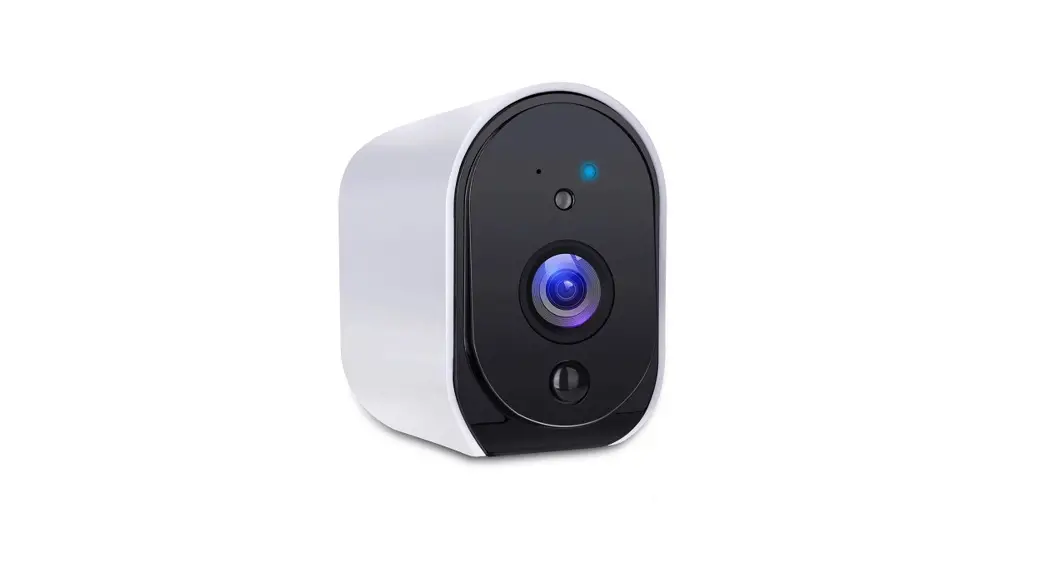
POWER1 Spotlight Wi-Fi Rechargeable Battery Camera
Product Information
- Product Name: Spotlight Wi-Fi Rechargeable Battery Camera
- Compatible with: Amazon Alexa & Google Assistant
- Features: Microphone, LED indicator, Lens, Spotlight & IR
Light, PIR, Speaker, SD card slot, Reset button, Device ON/OFF
button, DC5V USB port - Video Compression: Supports video compression
- Picture Settings: Adjustable picture settings
- Storage: Supports SD card for storage
- Audio: Supports audio recording and playback
- Protocols: Supports various protocols
- WiFi Standard: Supports standard WiFi connectivity
- Frequency: Operates on a specific frequency range
- WiFi Encryption: Provides WiFi encryption for security
- Working Temperature: Suitable for operation within a specific
temperature range - Power Consumption: Provides information on power
consumption - Size (mm): Dimensions of the camera
- Battery Standby Consumption: Indicates the power consumption
during standby mode - Work Consumption: Indicates the power consumption during
operation - Standby Time: Duration the camera can remain in standby mode on
a fully charged battery - Working Time: Duration the camera can operate on a fully
charged battery - PIR Detection: Motion detection capability using PIR (Passive
Infrared) technology
Product Usage Instructions
- Installation:
- Fix the bracket to the wall using the provided screws.
- Attach the camera to the bracket.
- Turn on the camera.
- Connect your smartphone to a Wi-Fi network.
- Download the Arenti app from the App Store or Google Play.
- Launch the app and sign up for the first use.
- Follow the on-screen instructions to add your camera. You can
scan the QR code for more information.
If you have any further questions or need support, please visit
www.arenti.com or contact
[email protected].
Note: Please dispose of batteries and
out-of-order products responsibly. Do not throw them in household
waste. Contact your retailer for disposal options or use the
selective garbage collection services provided by your city.
Legal Notice: Arenti declares that the radio
equipment type ‘POWER1’ is compliant with Directive 2014/53/EU. The
full test of the EU declaration of conformity is available at
www.arenti.com.
POWER1
QUICK GUIDE
EN Spotlight Wi-Fi Rechargeable Battery Camera FI SPOTLIGHT WI-FI-LADATTAVA AKKUKAMERA SV SPOTLIGHT WI-FI UPPLADDNINGSBAR BATTERIKAMERA
COMPATIBLE WITH AMAZON ALEXA & GOOGLE ASSISTANT
EN
Quick start guide
1. Packing list 2. Product description 3. Installation
4. Product configuration 5. Legal notice
1. Packing list
Camera X1
Bracket X1
Screws X3
USB cable X1
Quick guide X1
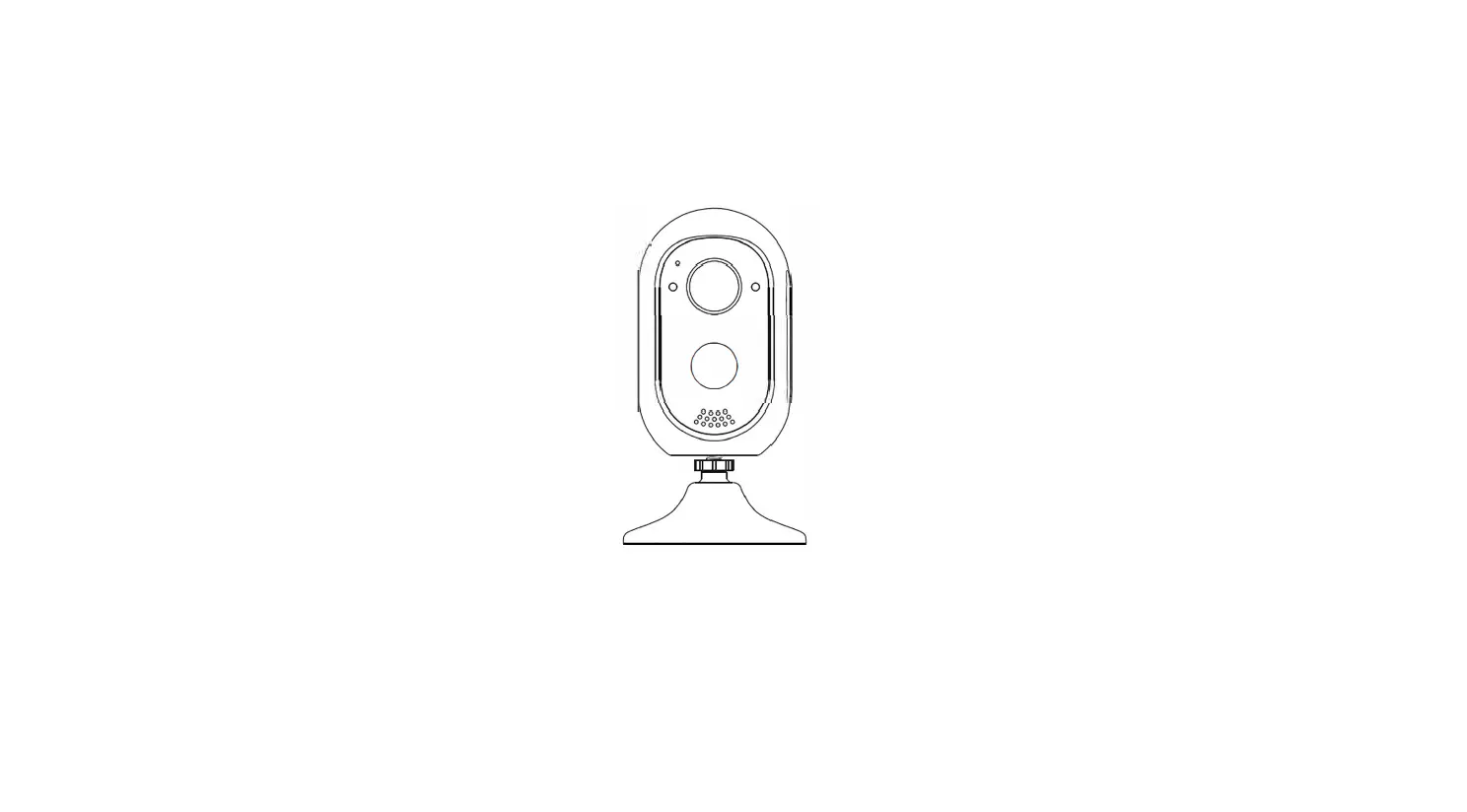
2. Product description
6
1. Microphone
1
2. LED indicator
2
3. Lens
3
7 4. Spotlight & IR Light
8 5. PIR
4
9 10
6. Speaker
7. SD card slot
5
8. Reset
9. Device ON/OFF
10. DC5V USB
Notice
· To reset the device, press and hold the reset button for 5s. · The camera beeps when the operation is completed.
Flashing red light (slow) Flashing red light (fast) Fixed red light Fixed blue light
EN
Wait for network config Connecting the network Camera is malfunctional Camera is working correctly
3. Installation
1. Fix the bracket to the wall with screws. 2. Bring the camera closer to the bracket.
4. Product configuration
Step 1 Turn on your camera. Step 2 Connect your smartphone to the Wi-Fi network. Step 3 Download Arenti app from the App Store or
Google Play depending on your device. Step 4 Launch the App and sign up for the first use. Step 5 Follow the on-screen instructions to add your
camera. For more information, scan the QR code.
EN
Notice
· If you have multiple cameras, please follow step5 again to add devices one by one. · To change Wi-Fi network, please restore the camera to factory settings and follow step 5 to add the camera.
Specification
Min. brightness
Lens FOV Shutter Infrared Infrared distance Spotlight color temperature Spotlight distance Video compression Bit rate Picture settings Storage Audio Protocols WiFi standard Frequency WiFi encryption Security Working temperature Power Consumption Size(mm)
Color [email protected] Black and white [email protected] 3.2 mm F2.0 130° 1/15-1/10,000 per second High power LED with ICR 10 meters 3000K 10 meters H.265 32Kbps – 2Mbps Support HD/SD; support flip SD card (Max 256GB) Two-way audio TCP/IP, HTTP, DHCP, DNS IEEE802.11b/g/n 2.4 GHz WPA-PSK/WPA2-PSK AES128 -20~50 DC5V,1A 4.5W MAX 79 x 56 x 115 (with bracket) 50 x 56 x 115 (without bracket)
Battery Standby consumption Work consumption Standby time Working time PIR Detection
EN
9600mAh 600~800µA 150~200mA (IR off) 12 months 4~6 months (10 times wake up per day) Up to 9 meters, 120°
5. Legal notice
Support
www.arenti.com Please contact [email protected] if any further questions.
Symbols
Direct current (DC)
Don’t throw batteries or out of order products with the household waste (garbage). The dangerous substances that they are likely to include may harm health or the environment. Make your retailer take back these products or use the selective collect of garbage proposed by your city.
Hereby, Arenti, declares that the radio equipment type ‘POWER1’ is in compliance with the Directive 2014/53/EU The full test of the EU declaration of conformity is available at the following Internet address: www.arenti.com
FI
Pika-aloitusopas
1. Pakkausluettelo
4. Tuotteen konfigurointi
2. Tuotekuvaus
5. Oikeudellinen huomautus
3. Asennus
1. Pakkausluettelo
Kamera X1
Kiinnike X1
Ruuvit X3
USB-kaapeli X1
Pikaopas X1
2. Tuotteen kuvaus
6 1 2
3
7
8
4
9 10
5
1. Mikrofoni 2. LED-merkkivalo 3. Linssi 4. Kohdevalo ja
infrapunavalo 5. PIR 6. Kaiutin 7. SD-korttipaikka 8. Nollaa 9. Laite ON/OFF 10. DC5V USB
Ilmoitus
Voit nollata laitteen painamalla nollauspainiketta ja pitämällä sitä painettuna 5s ajan. Kamera piippaa, kun toiminto on suoritettu.
FI
Vilkkuva punainen valo (hidas) Vilkkuva punainen valo (nopeasti) Kiinteä punainen valo Kiinteä sininen valo
Odota verkkoasetusta Yhdistetään verkkoon Kamera on viallinen Kamera toimii oikein
3. Asennus
1. Kiinnitä teline seinään ruuveilla. 2. Tuo kamera lähemmäs telinettä.
4. Tuotteen kokoonpano
Vaihe 1 Kytke kamera päälle. Vaihe 2 Liitä älypuhelin Wi-Fi-verkkoon. Vaihe 3 Lataa Arenti-sovellus App Storesta tai Google
Playsta riippuen laitteestasi. Vaihe 4 Käynnistä sovellus ja rekisteröidy ensimmäistä
käyttöä varten. Vaihe 5 Seuraa näytön ohjeita lisätäksesi kameran.
FI
Ilmoitus
Jos sinulla on useita kameroita, noudata vaihetta 5 uudelleen lisätäksesi laitteet yksi kerrallaan. Jos haluat vaihtaa Wi-Fi-verkkoa, palauta kamera osoitteeseen tehdasasetukset ja seuraa vaihetta 5 lisätäksesi kameran.
Tekniset tiedot
Min. kirkkaus
Linssi FOV Sulkija Infrapuna Infrapunaetäisyys Spotlightin värilämpötila Kohdevaloetäisyys Videon pakkaus Bittinopeus Kuva-asetukset Varastointi Audio Protokollat WiFi-standardi Taajuus WiFi-salaus Turvallisuus Työskentelylämpötila Tehoa Kulutus Koko (mm)
Väri [email protected] Mustavalkoinen [email protected] 3,2 mm F2,0 130° 1/15-1/10 000 sekunnissa Tehokas LED ICR:llä 10 metriä 3000K 10 metriä H.265 32Kbps – 2Mbps Tuki HD/SD; tuki flip SD-kortti (max 256GB) Kaksisuuntainen ääni TCP/IP, HTTP, DHCP, DNS IEEE802.11b/g/n 2,4 GHz WPA-PSK/WPA2-PSK AES128 -20 ~ 50 DC5V,1A 4,5 W MAX 79 x 56 x 115 (kannattimella) 50 x 56 x 115 (ilman kiinnikettä)
FI
Akku Valmiustilan kulutus Työn kulutus Valmiustila-aika Työaika PIR-tunnistus
9600 mAh 600-800 µA 150-200 mA (IR pois päältä) 12 kuukautta 4-6 kuukautta (10 kertaa heräämässä päivässä) Jopa 9 metriä, 120°
5. Oikeudellinen huomautus
Tuki
www.arenti.com
Symbolit
Tasavirta (DC)
Älä heitä paristoja tai epäkunnossa olevia tuotteita kotitalousjätteen (roskien) mukana. Niiden sisältämät vaaralliset aineet voivat vahingoittaa terveyttä tai ympäristöä. Pyydä jälleenmyyjääsi ottamaan nämä tuotteet takaisin tai käytä kaupunkisi ehdottamaa valikoivaa jätteiden keräystä.
Täten Arenti vakuuttaa, että radiolaitetyyppi ‘POWER1’ on direktiivin 2014/53/EU mukainen. EU-vaatimustenmukaisuusvakuutuksen täydellinen testi on saatavilla seuraavasta Internet-osoitteesta: www.arenti.com
SV
Snabbstartguide
1. Förpackningslista
4. Konfigurering av produkten
2. Produktbeskrivning
5. Rättsligt meddelande
3. Installation
1. Förpackningslista
Kamera X1
Fäste X1
Skruvar X3
USB-kabel X1
Snabbguide X1
2. Produktbeskrivning
6
1. Mikrofon
1 2
2. LED-indikator 3. Lins
3
7 4. Spotlight & IR-ljus
8 5. PIR
4
9 10
6. Högtalare
7. SD-kortplats
5
8. Återställ
9. Enhet PÅ/AV
10. DC5V USB
Meddelande
Om du vill återställa enheten trycker du på återställn-
ingsknappen och håller den intryckt i 5s.
Kameran piper när operationen är slutförd.
SV
Blinkande rött ljus (långsamt) Vänta på nätverkskonfiguration
Blinkande rött ljus (snabbt) Ansluta nätverket
Fast rött ljus
Kameran är felaktig
Fast blått ljus
Kameran fungerar korrekt
3. Installation
1. Fäst fästet på väggen med skruvar. 2. För kameran närmare fästet.
4. Produktkonfiguration
Steg 1 Slå på kameran. Steg 2 Anslut din smartphone till det trådlösa nätverket. Steg 3 Ladda ner Arenti-appen från App Store eller Google
Play beroende på din enhet. Steg 4 Starta appen och registrera dig för den första
användningen. Steg 5 Följ instruktionerna på skärmen för att lägga till
din kamera.
SV
Meddelande
Om du har flera kameror ska du följa steg 5 igen för att lägga till enheterna en efter en. Om du vill ändra Wi-Finätverk ska du återställa kameran till fabriksinställningarna och följa steg 5 för att lägga till kameran.
Specifikationer
Min. ljusstyrka
Lins FOV Slutare Infraröd Infrarött avstånd Spotlight färgtemperatur Strålkastaravstånd Videokomprimering Bithastighet Bildinställningar Lagring Audio Protokoll WiFi-standard Frekvens WiFi-kryptering säkerhet Arbetstemperatur Kraft Konsumtion Storlek (mm)
Färg [email protected] Svart och vitt [email protected] 3,2 mm F2,0 130° 1/15-1/10 000 per sekund Hög effekt LED med ICR 10 meter 3000K 10 meter H.265 32Kbps – 2Mbps Stöd HD/SD; stöd flip SD-kort (max 256 GB) Tvåvägsljud TCP/IP, HTTP, DHCP, DNS IEEE802.11b/g/n 2,4 GHz WPA-PSK/WPA2-PSK AES128 -20~50 DC5V,1A 4,5W MAX 79 x 56 x 115 (med fäste) 50 x 56 x 115 (utan fäste)
SV
Batteri Standby-förbrukning Arbetskonsumtion Standbytid Arbetstid PIR-detektion
9600mAh 600~800µA 150~200mA (IR av) 12 månader 4~6 månader (10 gånger uppvaknande per dag) Upp till 9 meter, 120°
5. Rättsligt meddelande
Stöd för
www.arenti.com
Symboler
Likström (DC)
Släng inte batterier eller ur bruk tagna produkter med hushållsavfallet (soporna). De farliga ämnen som de sannolikt innehåller kan skada hälsan eller miljön. Få din återförsäljare att ta tillbaka dessa produkter eller använd den selektiva insamling av sopor som föreslås av din stad.
Arenti förklarar härmed att radioutrustningen av typen POWER1 överensstämmer med direktiv 2014/53/EU. Det fullständiga testet av EU:s försäkran om överensstämmelse är följande på följande Internetadress: www.arenti.com
FCC Statement This equipment has been tested and found to comply with the limits for a Class B digital device, pursuant to part 15 of the FCC Rules. These limits are designed to provide reasonable protection against harmful interference in a residential installation. This equipment generates, uses and can radiate radio frequency energy and, if not installed and used in accordance with the instructions, may cause harmful interference to radio communications. However, there is no guarantee that interference will not occur in a particular installation. If this equipment does cause harmful interference to radio or television reception, which can be determined by turning the equipment off and on, the user is encouraged to try to correct the interference by one or more of the following measures: –Reorient or relocate the receiving antenna. –Increase the separation between the equipment and receiver. –Connect the equipment into an outlet on a circuit different from that to
which the receiver is connected. –Consult the dealer or an experienced radio/TV technician for help.
FCC Radiation Exposure Statement This device complies with FCC radiation exposure limits set forth for an uncontrolled environment and it also complies with Part 15 of the FCC RF Rules. This equipment must be installed and operated in accordance with provided instructions and the antenna(s) used for this transmitter must be installed to provide a separation distance of at least 20 cm from all persons and must not be co-located or operating in conjunction with any other antenna or transmitter. End-users and installers must be provide with antenna installation instructions and consider removing the no-collocation statement.
This device complies with Part 15 of the FCC Rules. Operation is subject to the following two conditions: (1) this device may not cause harmful interference, and (2) this device must accept any interference received, including interference that may cause undesired operation.
Caution! Any changes or modifications not expressly approved by the party responsible for compliance could void the user’s authority to operate the equipment.
© 2023 Arenti. All rights reserved. All trade names are registered
trademarks of respective companies Apple, the Apple logo, iPhone are
trademarks of Apple Inc. registered in the U.S. and other countries.
Google, the Google logo, Android are trademarks of Google Inc. App
Store is a service mark of Apple Inc. Google Play is a service mark of
Google Inc.
V1.0 202305