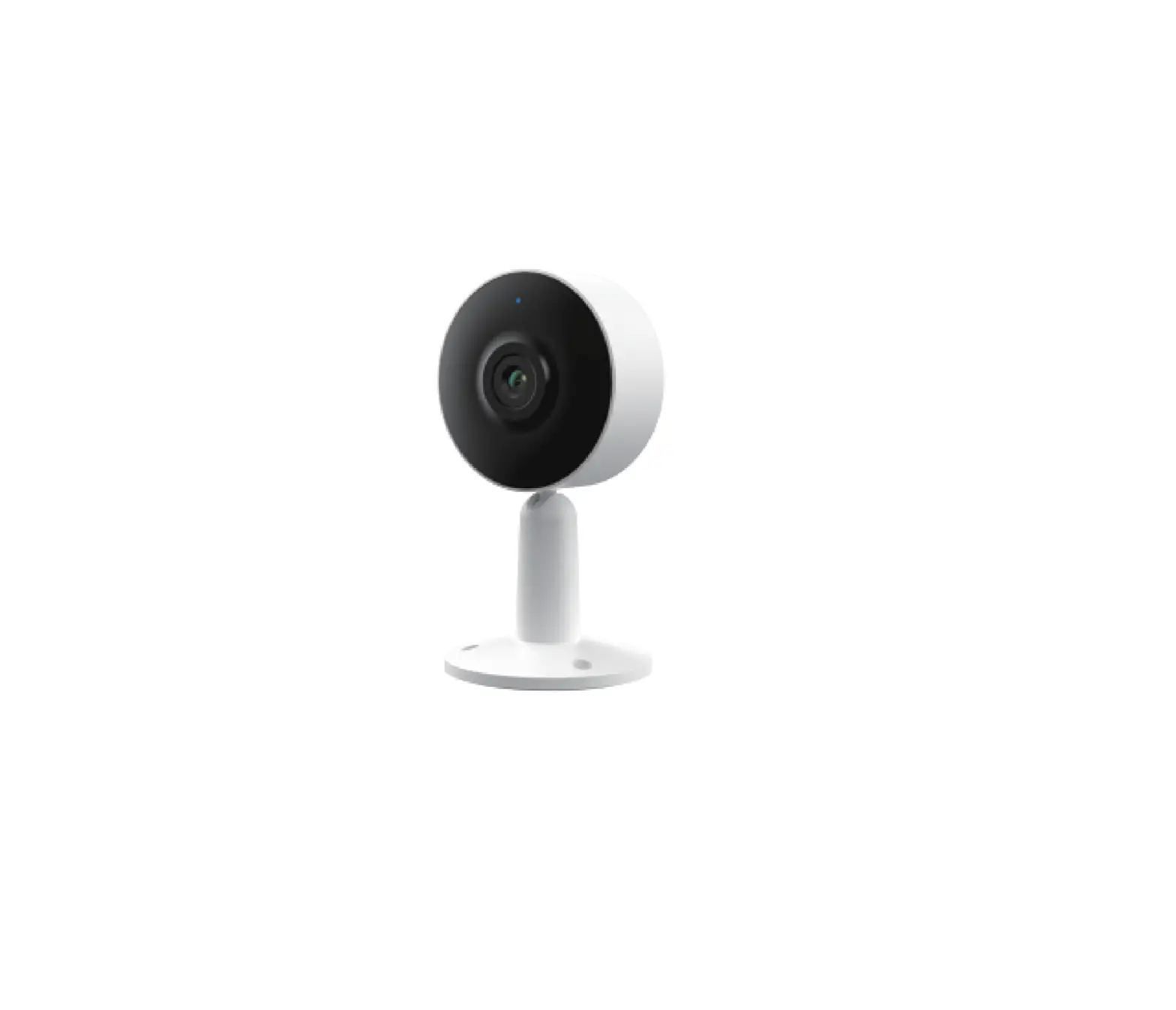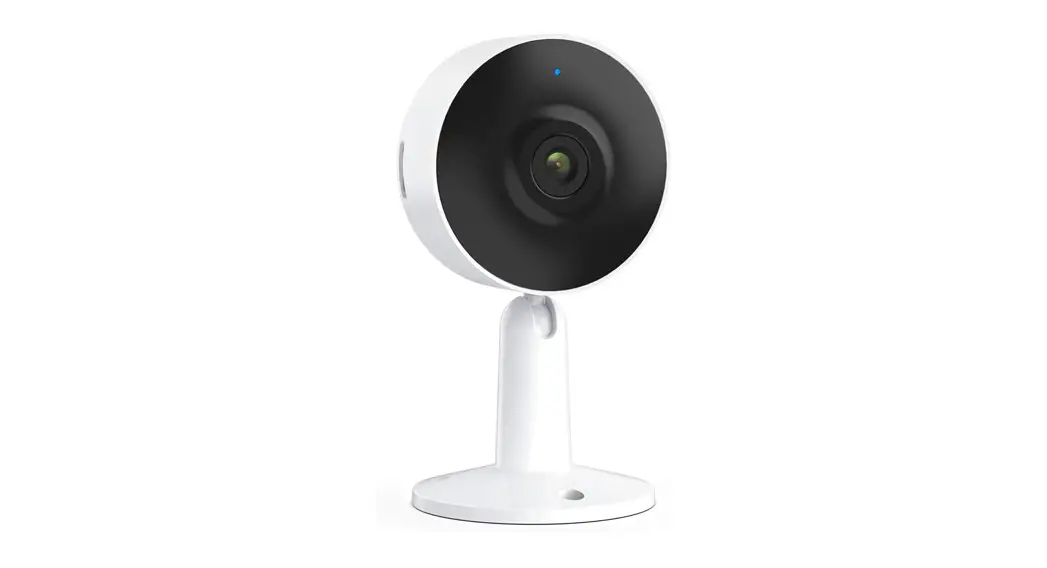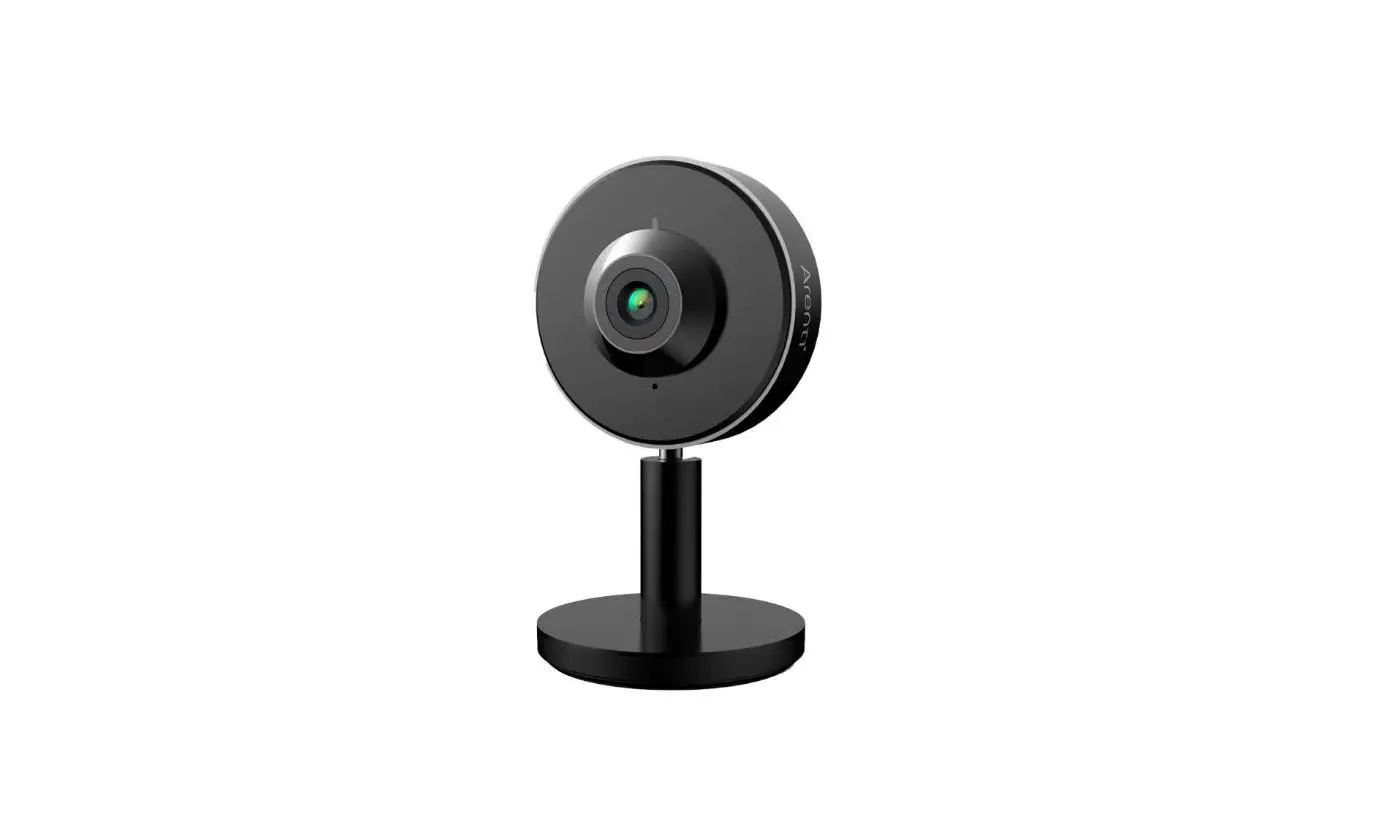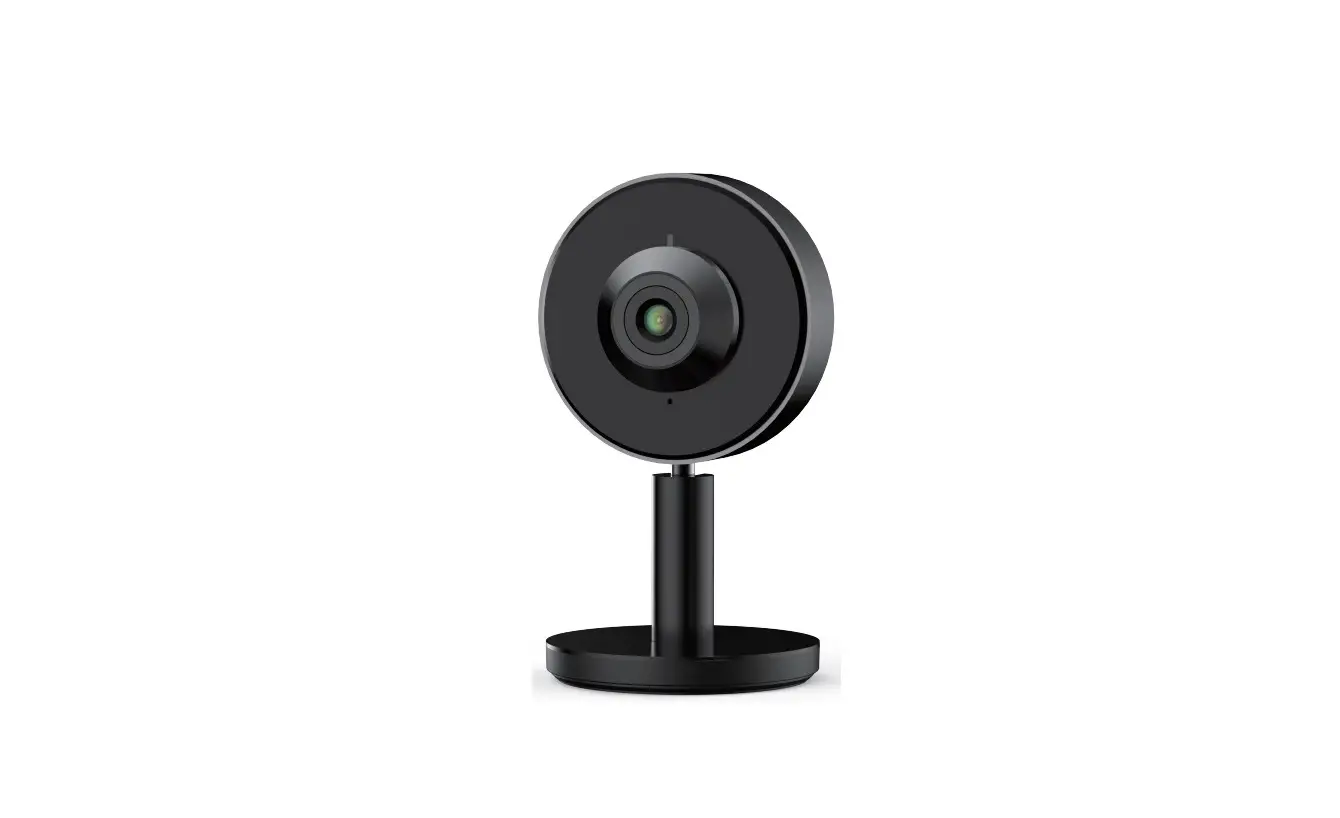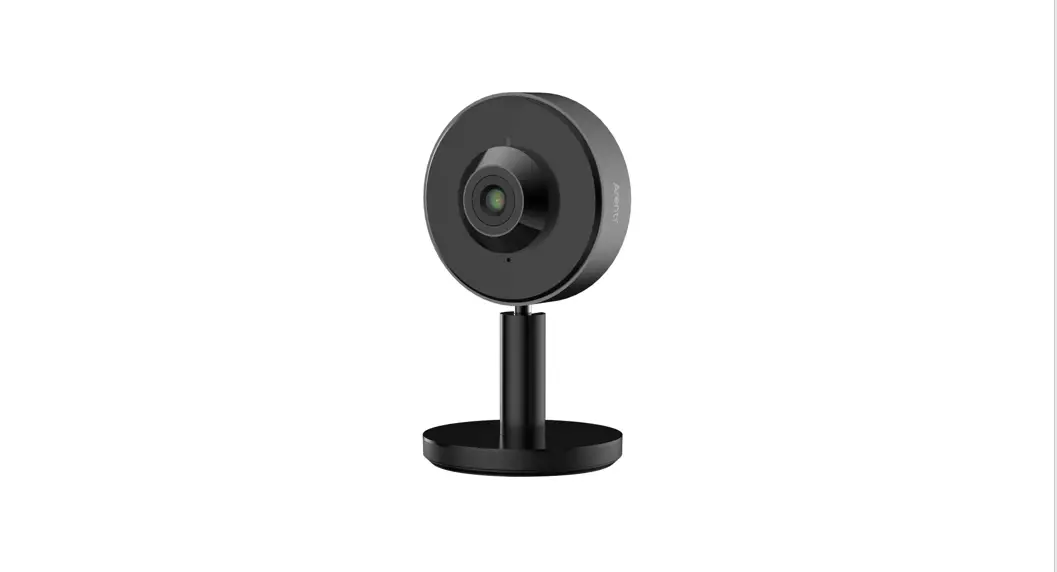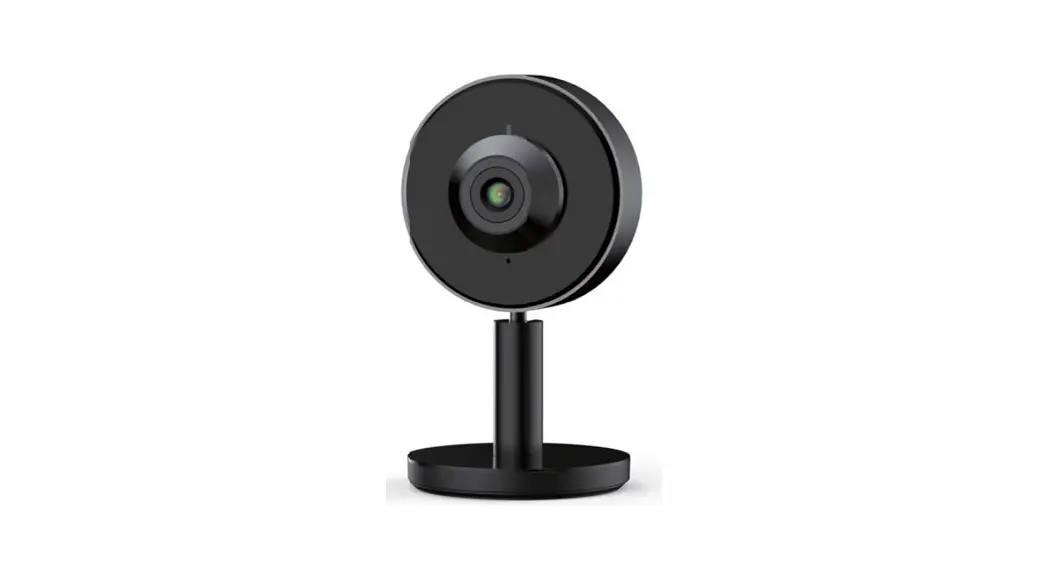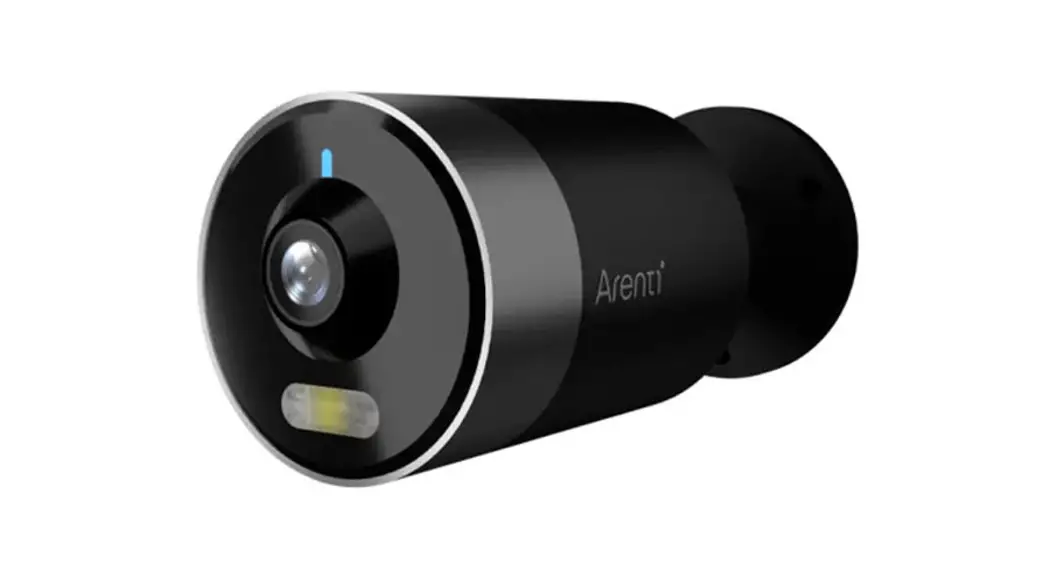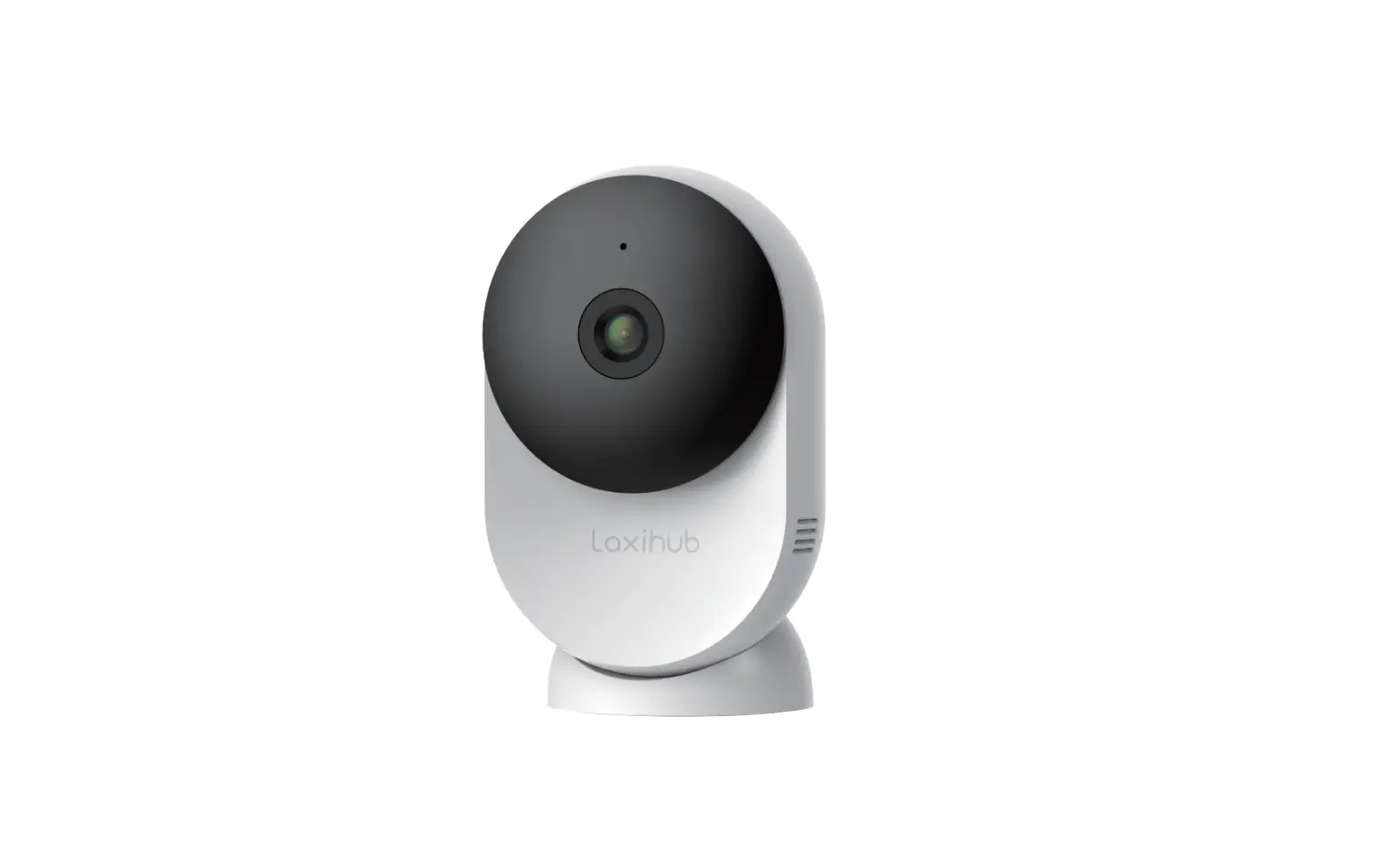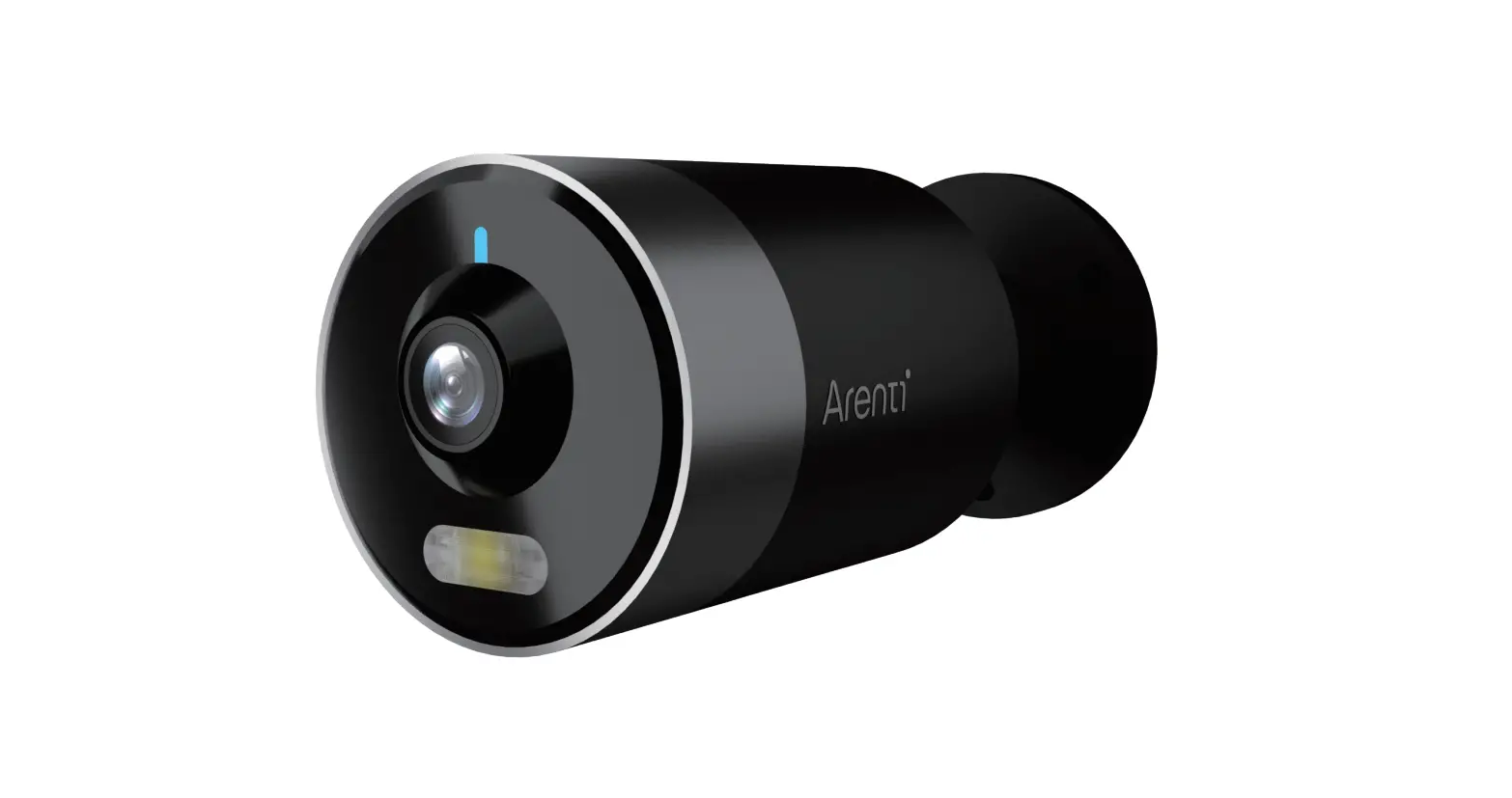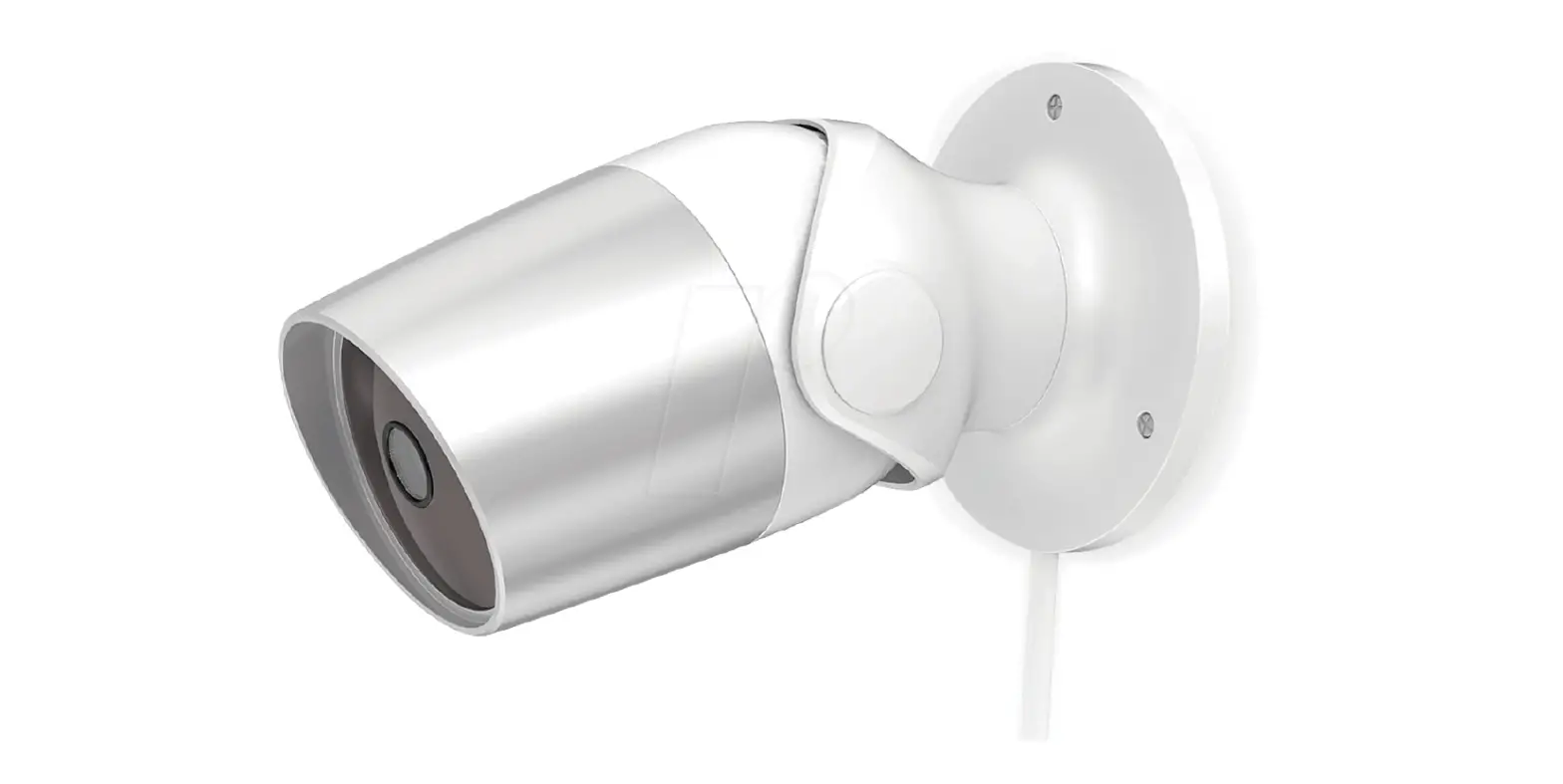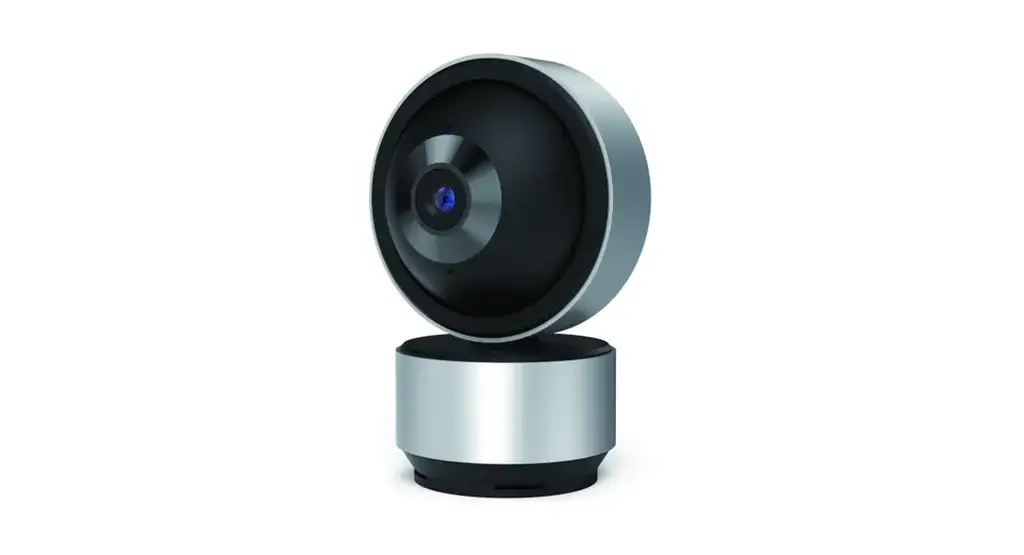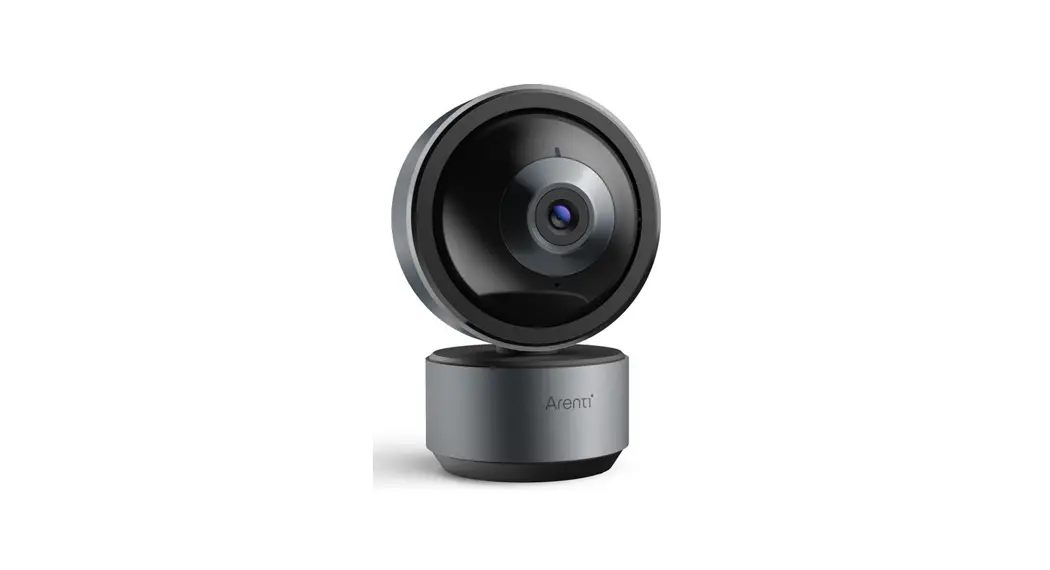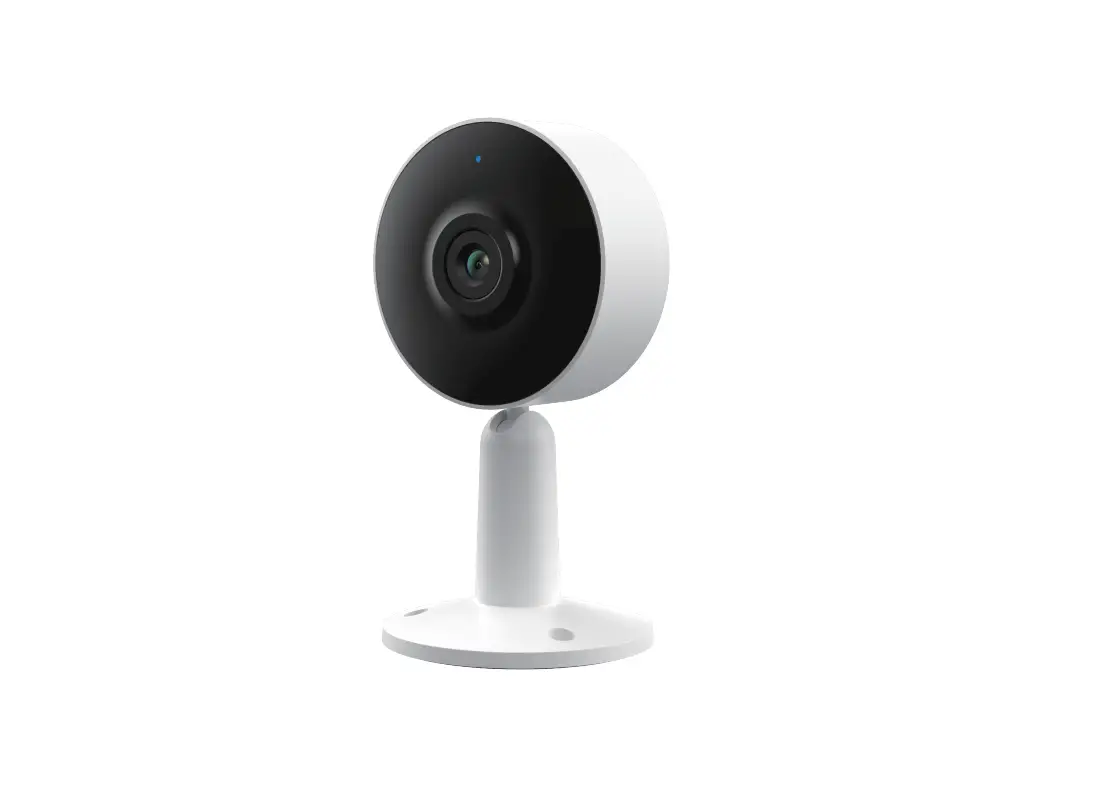
Arenti IN1 Smart Indoor Wi-Fi Camera User Guide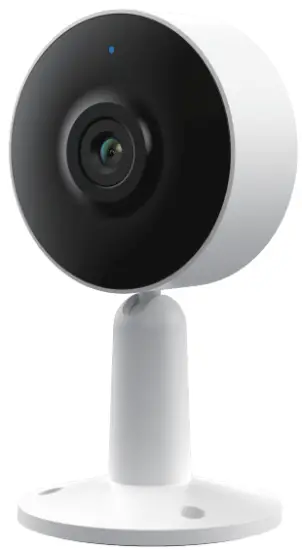
Packing list
Camera IX

Screws 3X

USB cable IX

Quick start guide IX
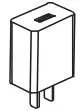
Power adaptor IX
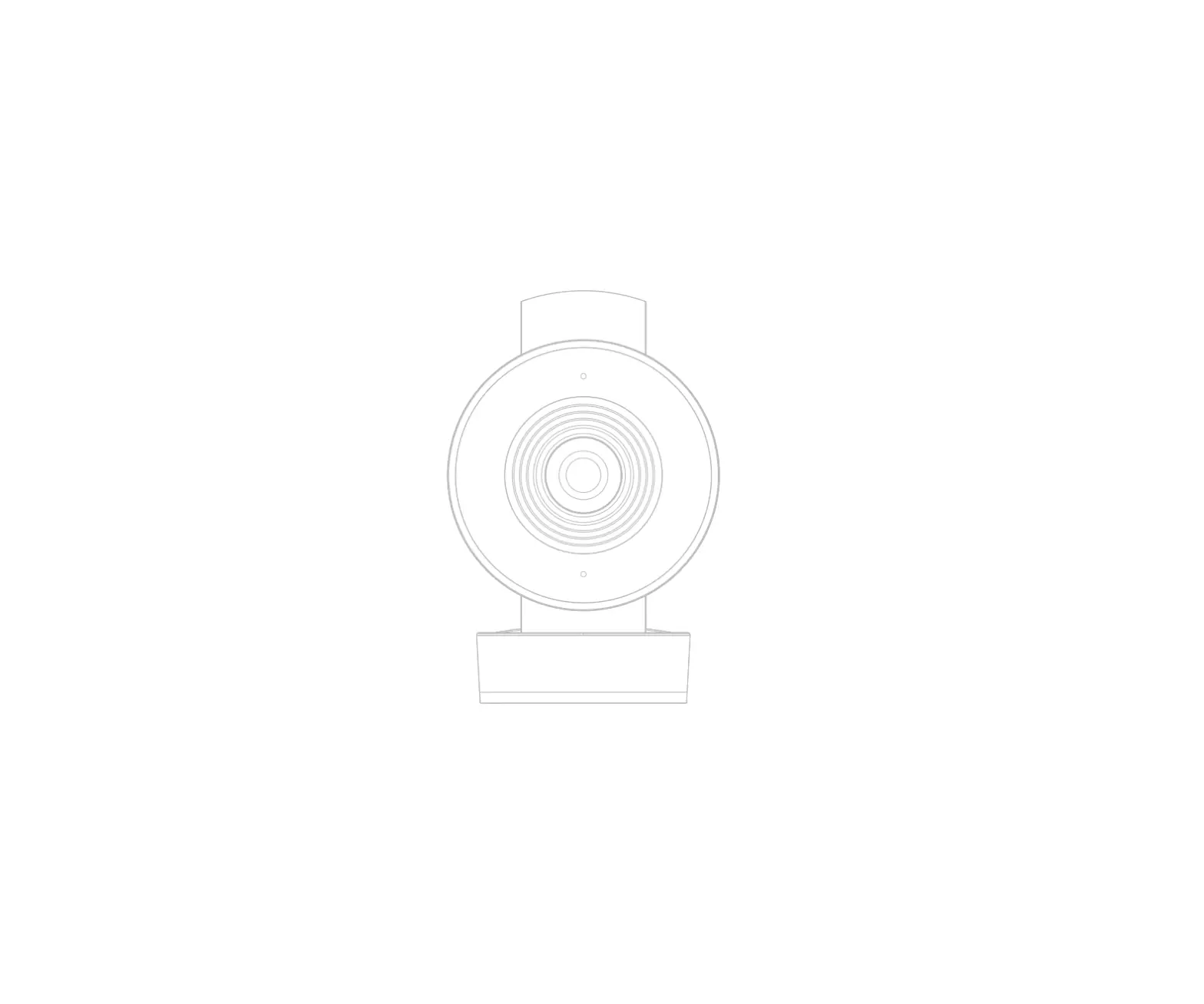
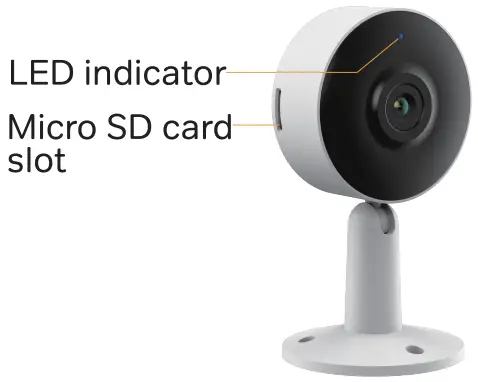
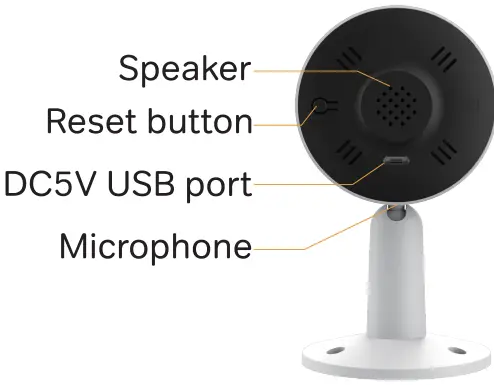
Product description
Notice
To reset the device, press and hold the reset button for 5 seconds.
The camera beeps when the operation is complete.
| Flashing red light (slow) | Waiting configuration |
| Flashing red light (fast} | Searching WiFi network |
| Fixed blue light | Camera connected to WiFi |
| Flashing blue light | Access point mode |
Camera configuration
Step 1 Turn on your camera by plugging in the power adapter.
Step 2 Connect your smartphone to the Wi-Fi network. Step 3 Download Arenti app from the App Store or Google Play depending on your device.
Step 4 Launch Arenti app and sign up for the first use.
Step 5 Follow the steps below to add your camera, then follow the on-screen instructions.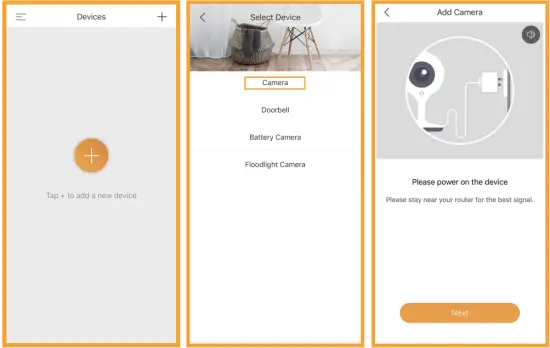
Note
If you have multiple camera, please follow step 5 again to add devices one by one.
To change Wi-Fi network, please restore the camera to factory settings and follow steps5 to add the camera.
For more information, please download the user manual at www.arenti.com
Specifications
| Sensor type | 1/3′ CMOS |
| Min. Brightness | Color 0.1 [email protected] |
| Black and white [email protected] | |
| Resolution | 2MP(IN1); 3MP(IN1T) |
| Lens | 3.6mm F2.0 |
| Shutter | 1/15-1/10,000 per second |
| Infrared | High power LED with ICR |
| Infrared distance | 10 meters |
| Video compression | H.264 |
| Bit rate | 32Kbps-2Mbps |
| Max resolution | 1920 x 1080(IN1); 2304 x 1296(IN1T) |
| Framerate | 1-25 per second |
| Picture settings | Support HD/SD;support flip; |
| Storage | SD card(Max 128G) |
| Audio | Two-way audio |
| Protocols | HTTP,DHCP,DNS,RTSP |
| WiFi standard | IEEE802.11b/g/n |
| Frequency | 2.4 GHz — 2.4835 GHz |
| Bandwidth | 20/40MHz |
| WiFi encryption | WPA-PSK/WPA2-PSK |
| Security | AES128 |
| Working temperature | -20 C —50 C |
| Power | DC5V,1A |
| Consumption | 2.5W MAX |
| Size(mm) | 60x58x110 |
| Model | TPA-67FO50100VU01 |
| Input voltage | 100-240Vac |
| input frequency | 50-60Hz |
| Output voltage | +5Vdc |
| Output current | 1A |
| Output power | 5W |
| Efficiency | 73,62% |
| No-load Consumption | < 0.1W |
Support
Symbols
 Direct Current (DC)
 Don’t throw batteries or out of order products with the household waste (garbage). The dangerous substances that they are likely to include may harm health or the environment. Make your retailer take back these products or use the selective collect of garbage proposed by your city.
 Hereby, Arenti, declares that the radio equipment type ‘IN1(IN1T)’ is in compliance with the Directive 2014/53/EU.
The full test of the EU declaration of conformity is available at the following Internet address: http://www.arenti.com
 For indoor use only
 Smart Cameras, Wireless Cameras manufacturers, Floodlight Cameras - Arenti&Laxihub