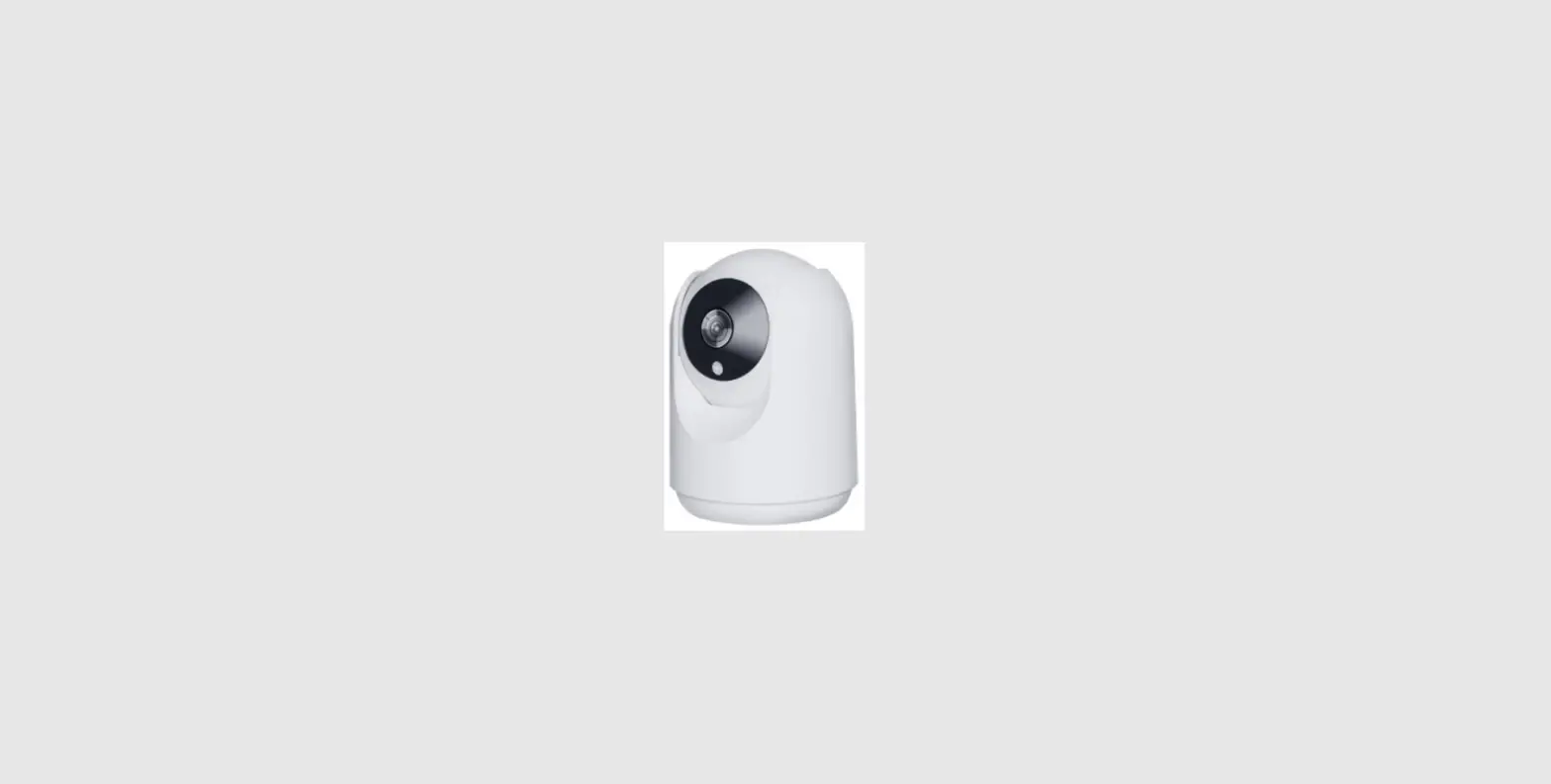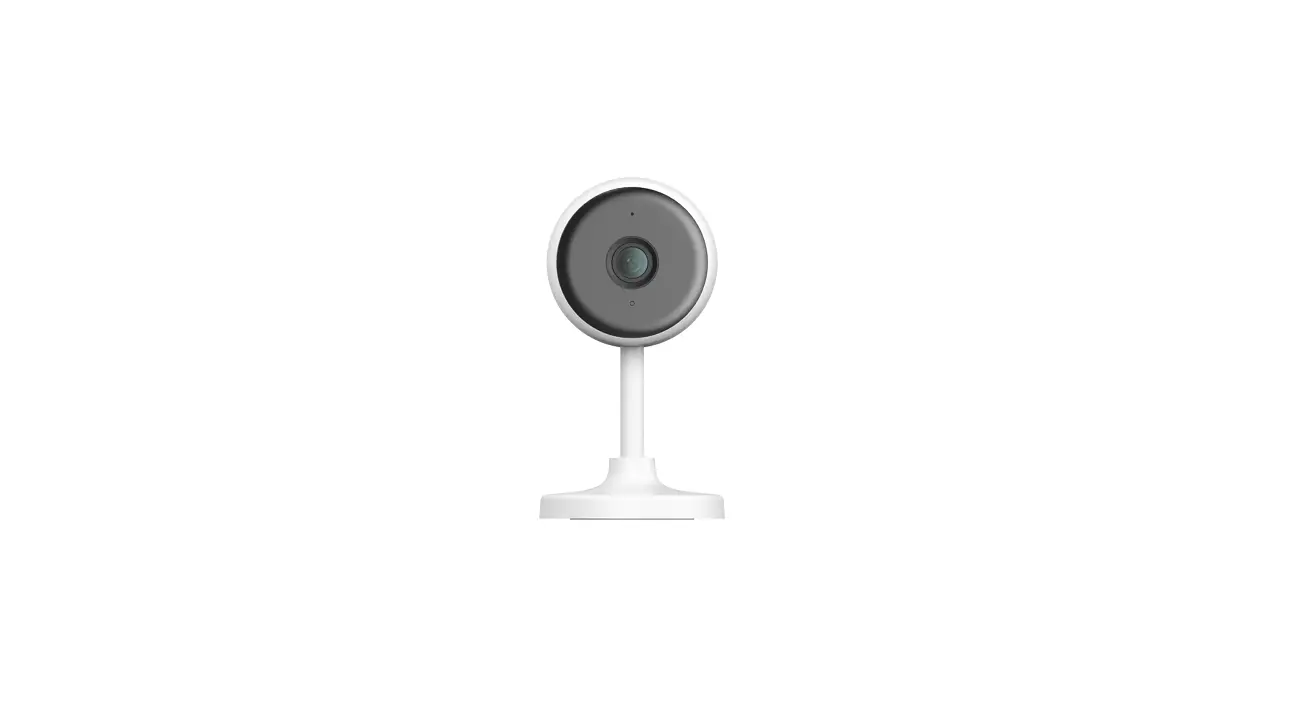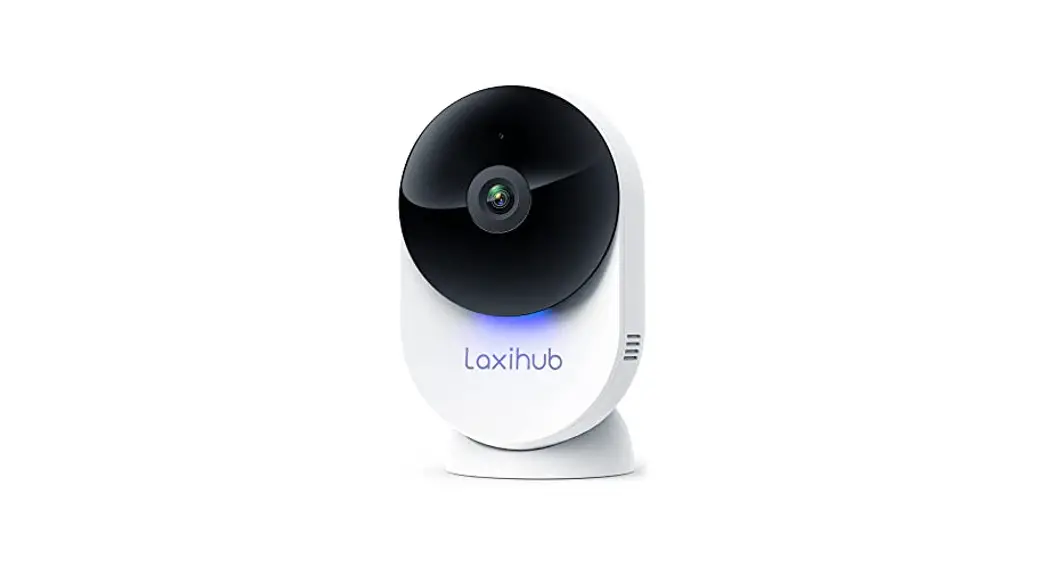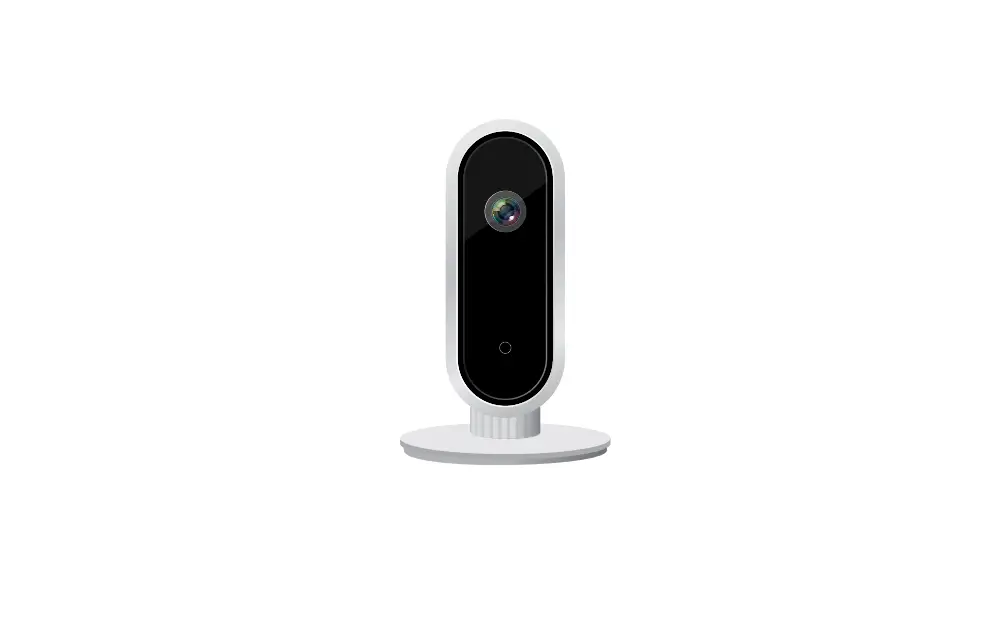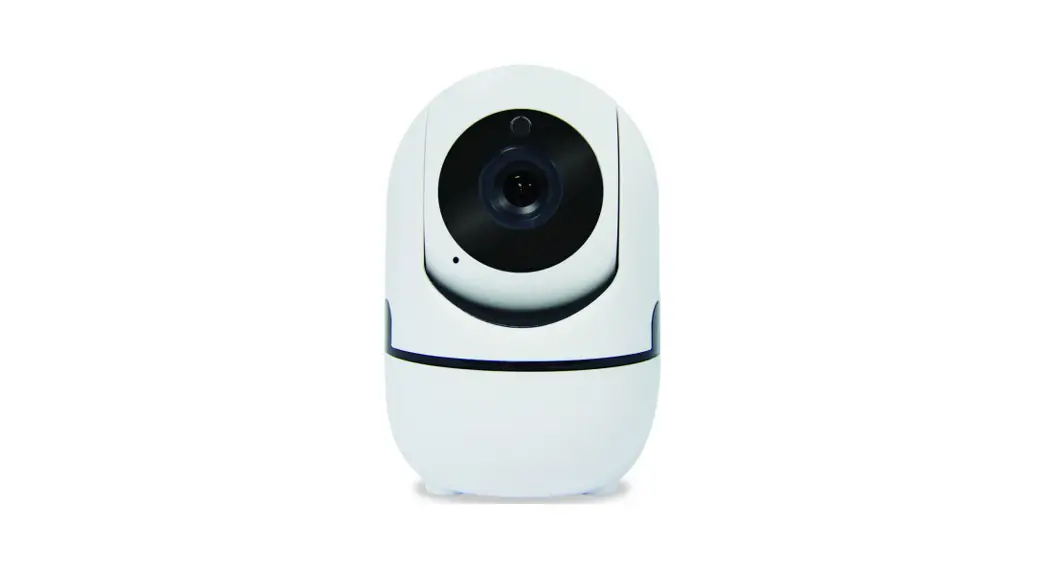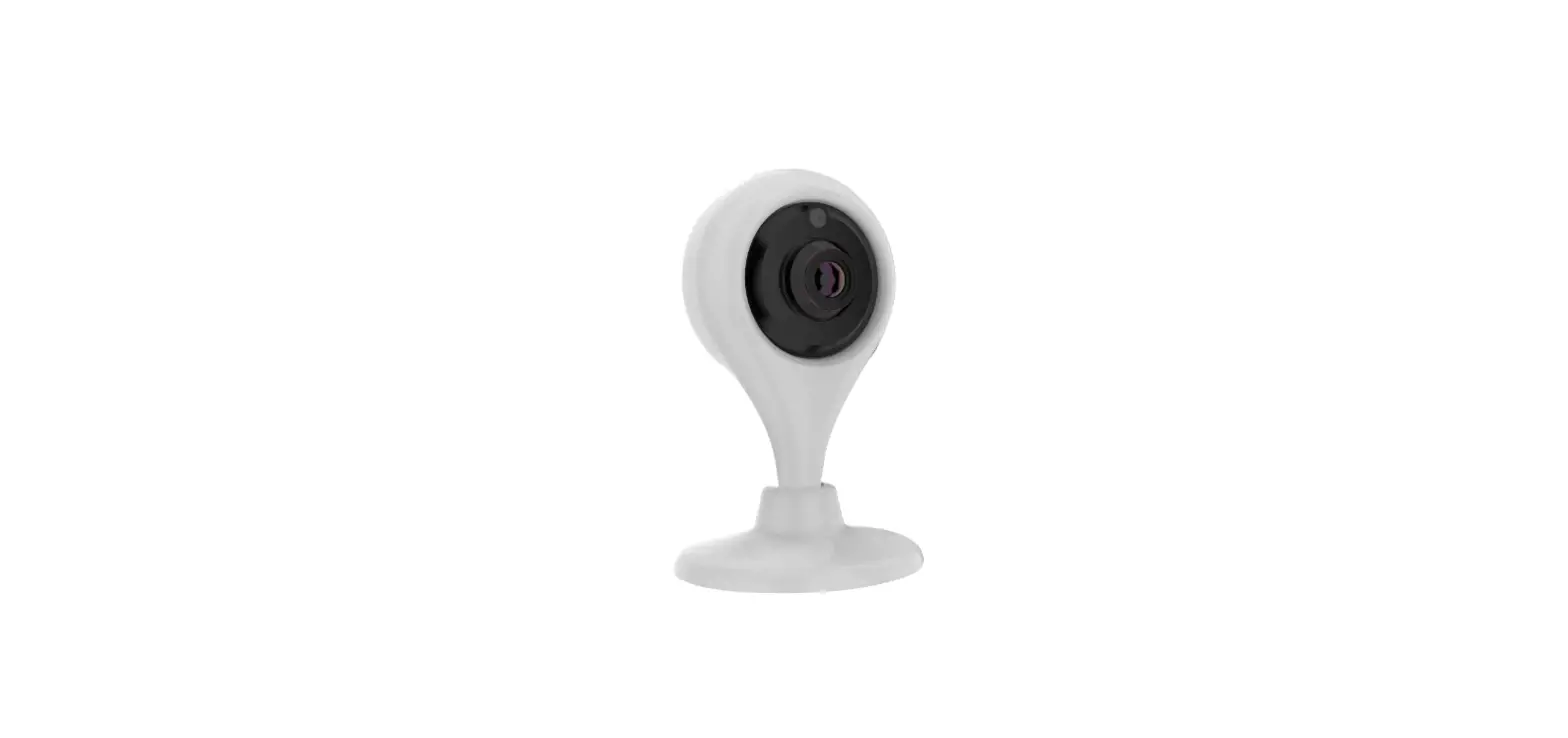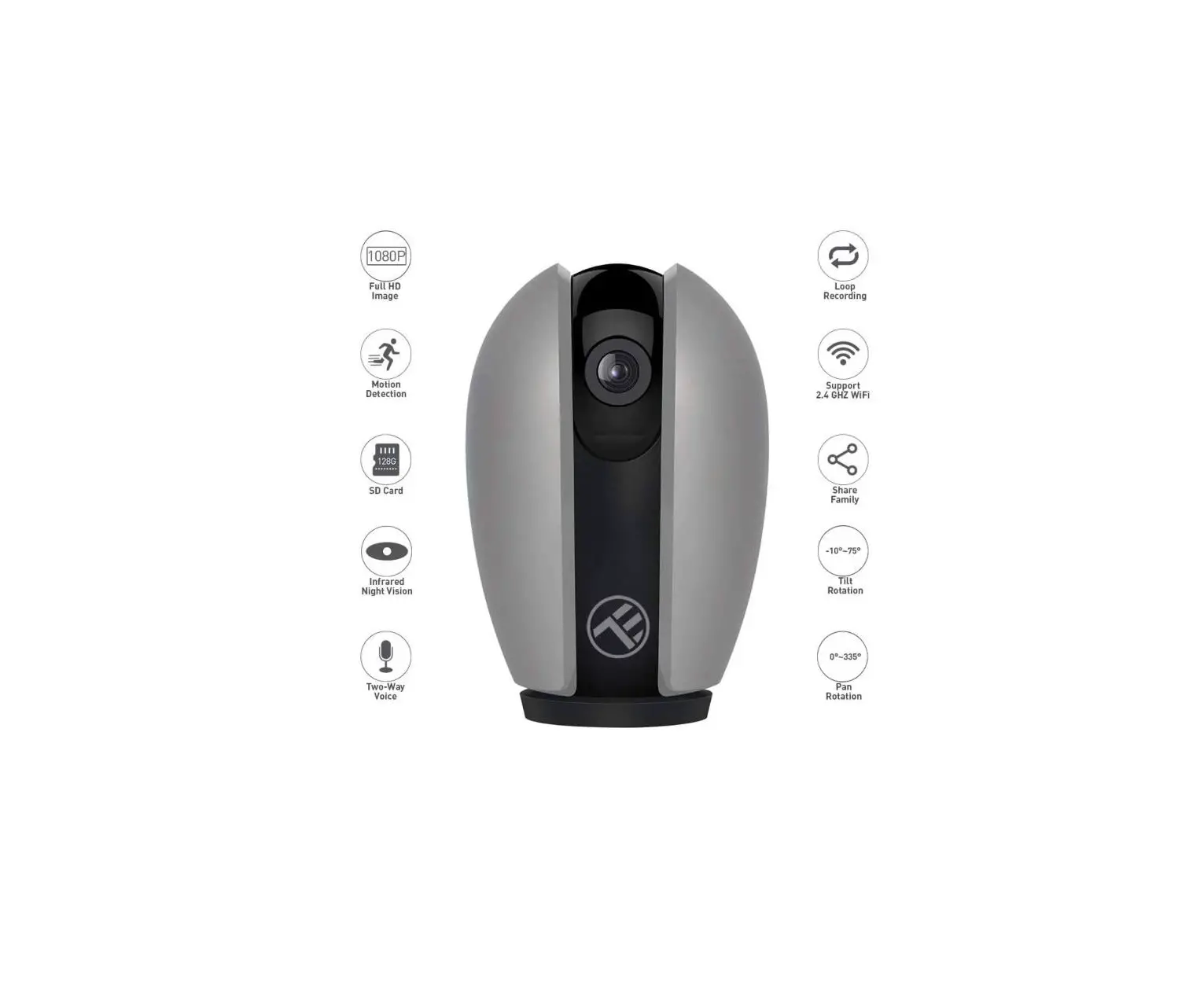
TELLUR WiFi Smart Indoor Camera User Manual
What’s in the box
Consult the checklist below for all components
- Smart indoor Camera

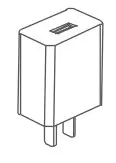
- Power adapter

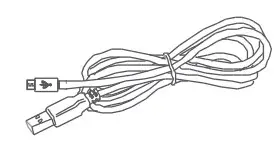
- USB Cable

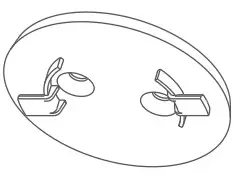
- Bracket

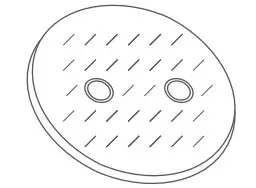
- Adhesive tape

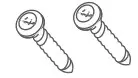
- Screws

- User manual

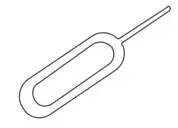
- Pin

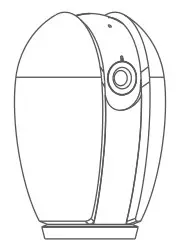
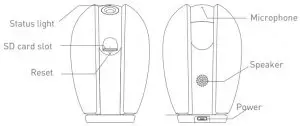
Description | |
| Power | DC5V±10% |
| Status light |
|
| Microphone | Captures sounds for your video |
| SD card slot | Supports local SD Card storage (Max.128G) |
| Reset | Press and hold for 5 seconds with pin to reset the device(if you have modified settings, they will return to factory defaults) |
Install
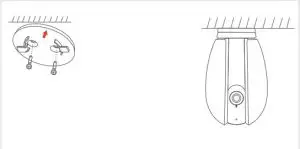
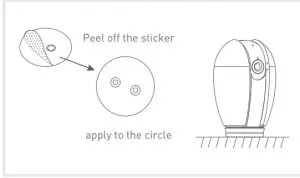
- Use the included mounting bracket to fix the camera to a clean surface.

- Or, stick the camera to an inclined surface with the adhesive tape we provided.

Connect
Download the Tellur Smart App for both iOS and Android OS. Scan the QR code to download Tellur Smart App

IOS
Android
Download App (IOS & android)
Set up router
This device only supports 2.4GHz frequency band router, does not support 5GHz frequency band router, please set the relevant parameters of the router before WiFi configuration, WiFi passwords do not include special characters such as ~!@#$%^&*[ ]. When the device is configured in WiFi, the mobile phone and device are as close as to the router, which can speed up the configuration of the device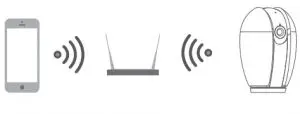
Adding a New Device
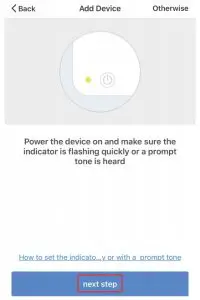
- Turn on power of device being paired and make sure light is flashing quickly.
- Open App and Click “+” to add appropriate device.
- Select WiFi network and input password of WiFi then.
- Once connected the App will prompt the connection, then you can rename the device or just click “done”.
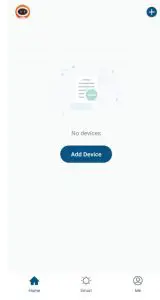
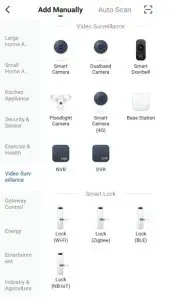
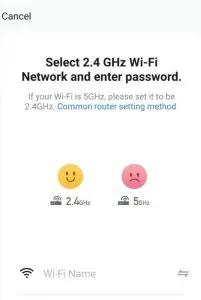
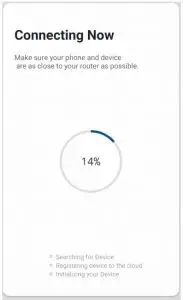
- Once App is installed on your device and you have added your smart device to your app you will be able to control it.
QR Code Configuration
Getting started
- Please follow the instructions and make sure the passwords are inputed correctly.
- One device can only be added with one App account, if the device has been added with another account already, then it can’t be added to any another account again.
- The device will be unbind from previous account after been deleted from App. Further ,the device will be resetted automatically once from blue light to red light
Process
Step 1.
Open the Tellur Smart App, click “+” or “Add Device”.
Step 2.
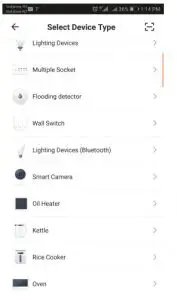
Select “Smart Camera”. Power the device on and make sure the indicator is flashing quickly or a prompt tone is heard.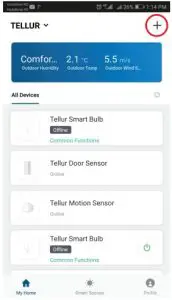
Step 3.
Input WiFi passwords and click “Confirm”, scan the QR Code with a device. (You can change the network connection)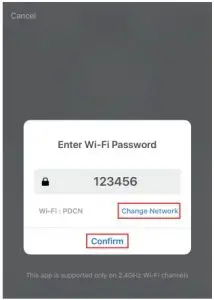
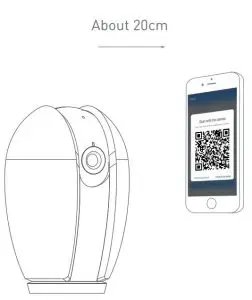
Step 4.
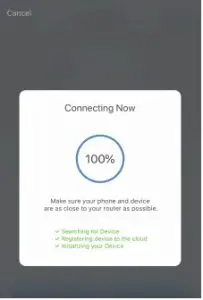
Click “I heard the beep” when the device comes out “dong dong dong”. And you can complete the configuration about 30s.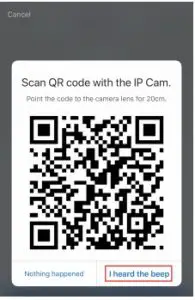
Step 5.
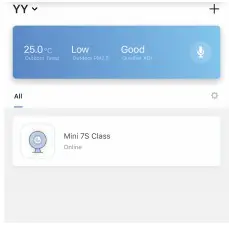
The device is added, and the device nickname can also be changed in this interface.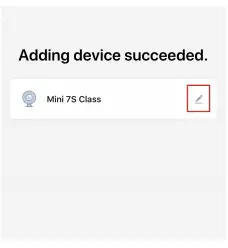
FAQ
- Q: The device cannot be previewed properly?
Ans: Check whether the network is normal, you can place the camera close to the router, and if not, it is recommended to reset the device and add it again. - Q: Why is it still in the list of devices after reseting?
Ans: The reset device only resets the network configuration of the camera, but cannot change the configuration on the App, remove the camera, and must be deleted by the App. - Q: How to cut the camera network to another router?
Ans: First remove and reset the device on the App and then configure the device again by the App. - Q: Why doesn’t the device identify the SD card?
Ans: It is recommended to plug in SD card after power cut. Confirm whether the SD card is normally available and the format is FAT32. And the TF card can’t be identified when the internet environment is not good. - Q: Why I can’t get the notifications with my cell phone App?
Ans: Please confirm that the App has been running on the phone, and the relevant reminder function has been opened; Message notification and authority confirmation in the mobile phone system have been opened.
Functions
Pan/Tilt
Rotate your camera by sliding on your smartphone, providing you with 360 degrees of vision.
Video flip
Flip your video stream up or down for maximum flexibility.
Motion detection
Built-in motion sensors detect movement, and the camera will send you push notifications and app alerts.
Record
Support 24H continuous recording with high capacity SD storage.
Day & Night
Never miss a moment, even in complete darkness, with powerful night-vision technology
Daytime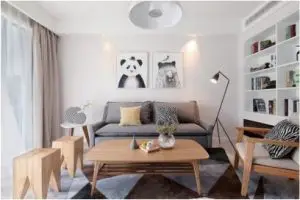
Night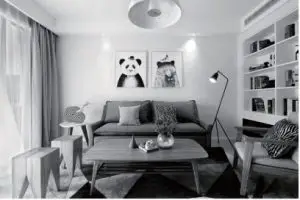
Declaration of conformity
We, ABN SYSTEMS INTERNATIONAL S.R.L., Bucharest, Sector 1,
Marinarilor street, nr. 31, we declare on own responsibility that the product below:
| Product description | Brand | Product code |
| WiFi Smart Indoor Camera | Tellur | TLL331071 |
It does not endanger life, health, work safety, does not have a negative impact on the environment and corresponds to the standards stated in the manufacturer’s declaration of conformity.The product is in compliance with the following standards and / or other normative documents:
RED – 2014/53/EU
Applied standards:
EMC: ETSI EN 301 489-1 V2.2.0 (2017-03)
ETSI EN 301 489-17 V3.2.0 (2017-03)
Radio: ETSI EN 300 328 V2.1.1 (2016-11)
Health: EN 62311:2008
Safety: EN 60950-1:2006+A11:2009+A1:2010+A12:2011+A2:2013
EMC – 2014/30/EU
Applied standards:
EN 50130-4:2011/A1:2014
EN 55032:2015
EN 55024:2010/A1:2015
EN 61000-3-2: 2014
EN 61000-3-3:2013
RoHS – 2011/65/EU
The product bears CE mark, applied in 2019
Name: George Barbu Function: General manager
Place and date: Bucharest, 19-03-2019
Signed:
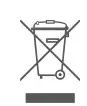 Disposal and recycling information
The crossed-out wheeled-bin symbol on your product, battery, literature or packaging reminds you that all electronic products and batteries must be taken to separate waste collection points at the end of their working lives; they must not be disposed of in the normal waste stream with household garbage. It is the responsibility of the user to dispose of the equipment using a designated collection point or service for separate recycling of waste electrical and electronic equipment (WEEE) and batteries according to local laws. Proper collection and recycling of your equipment helps ensure EEE waste is recycled in a manner that conserves valuable materials and protects human health and the environment, improper handling, accidental breakage, damage, and/or improper recycling at the end of its life may be harmful for health and environment.