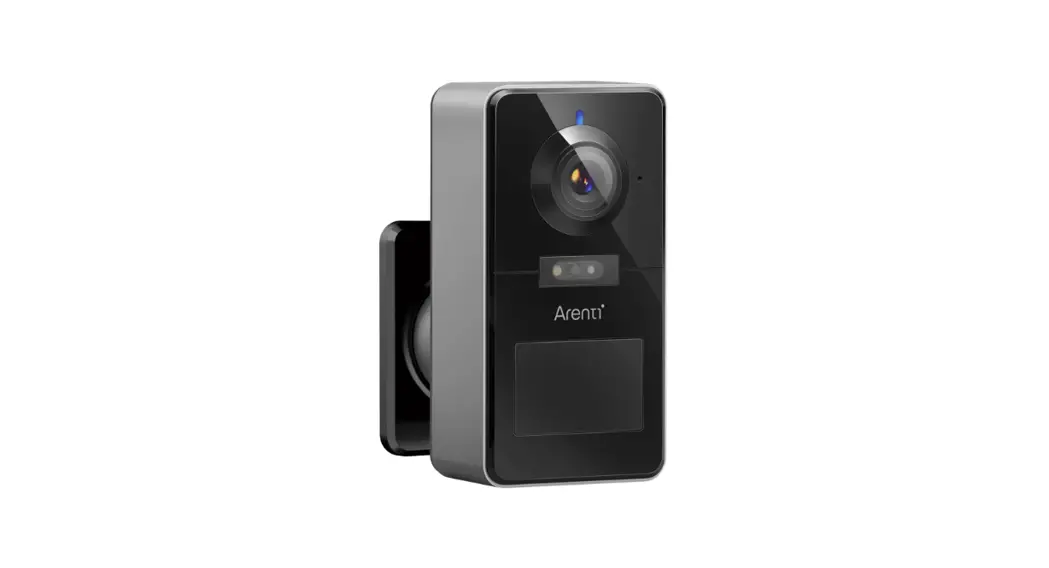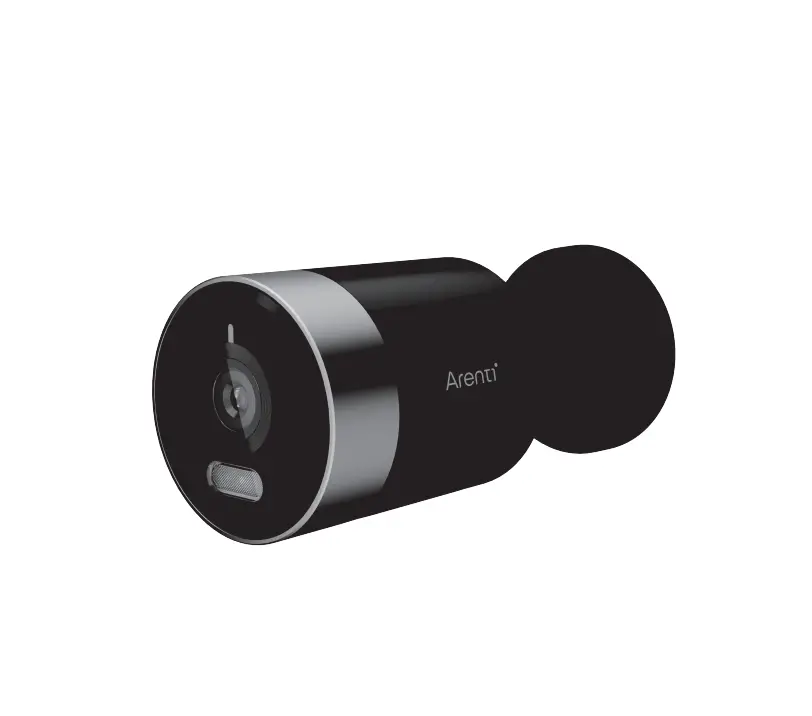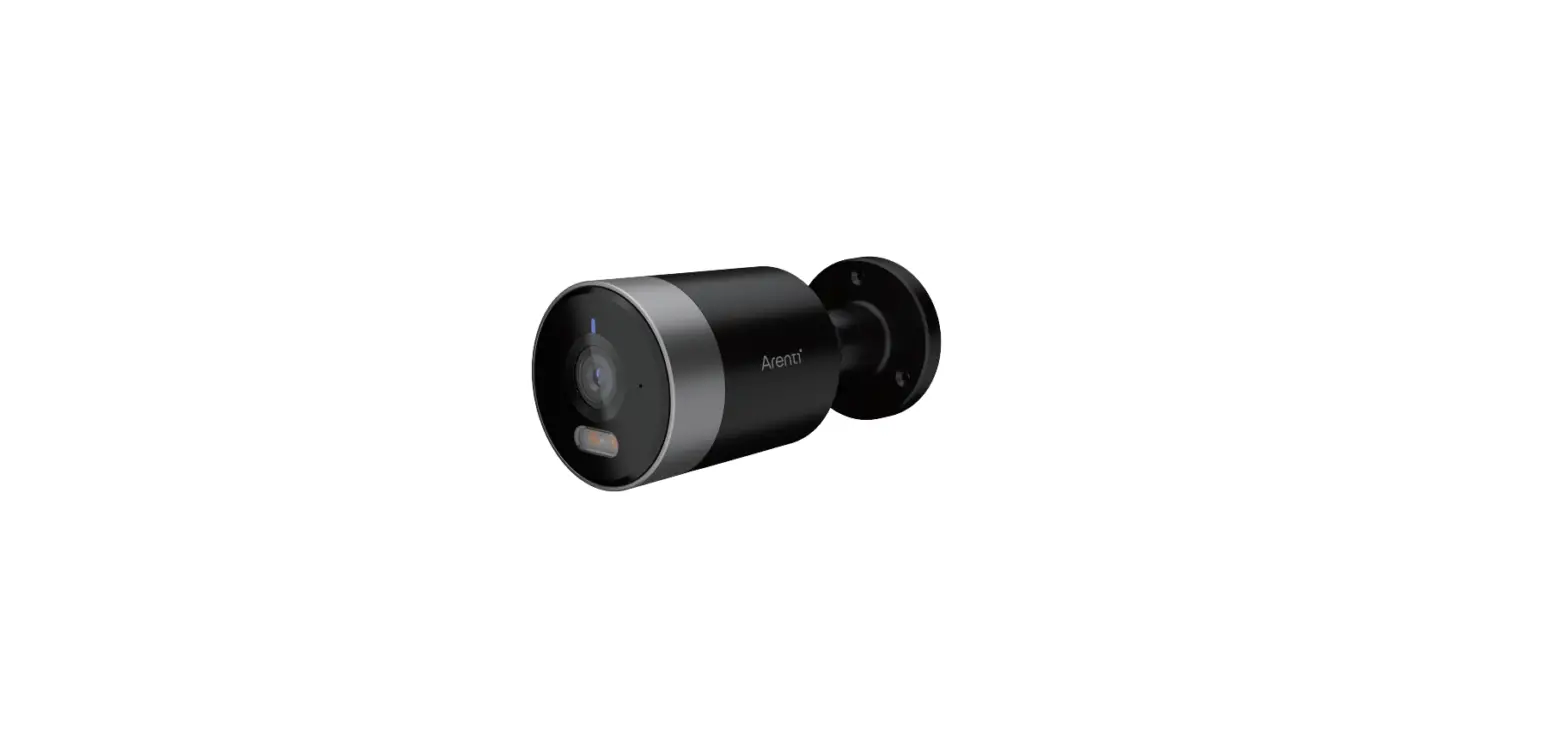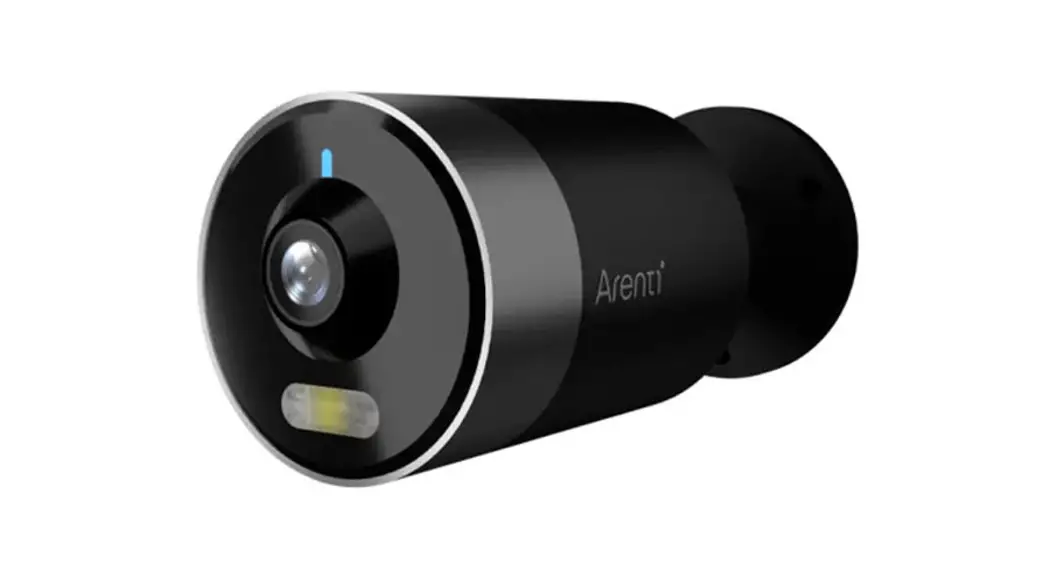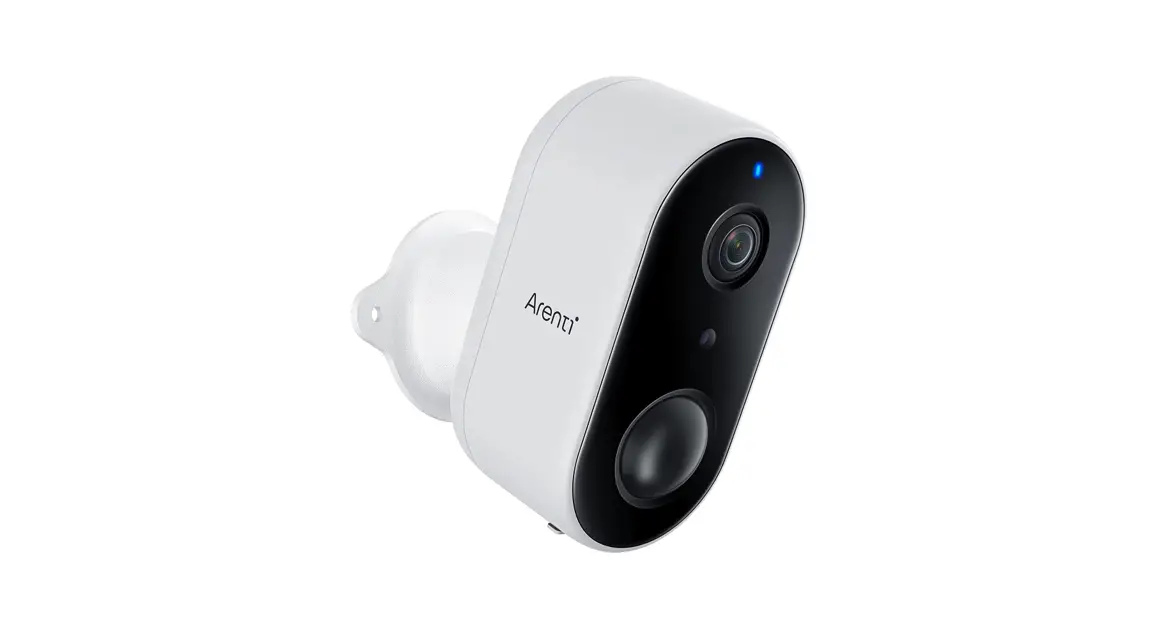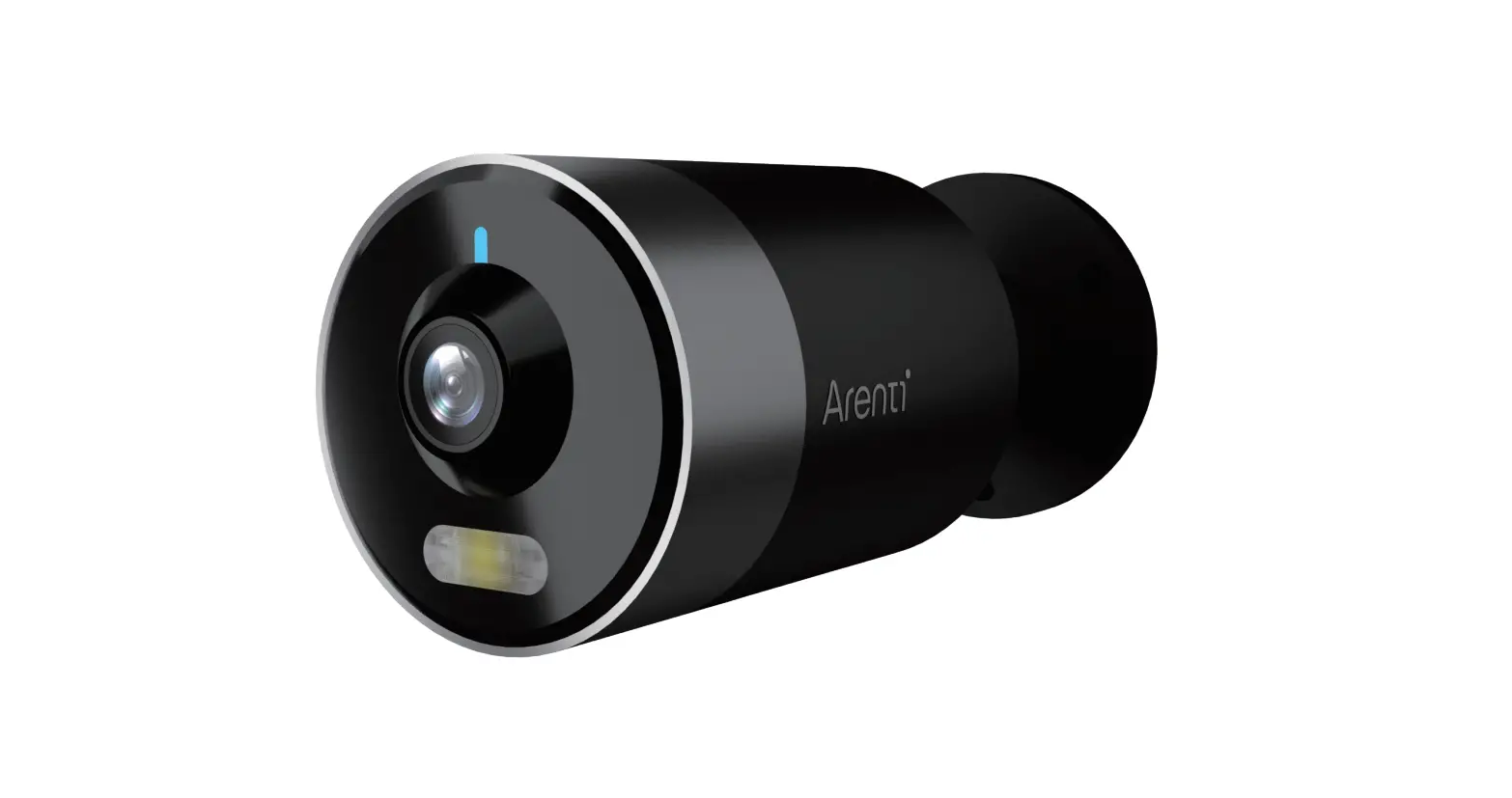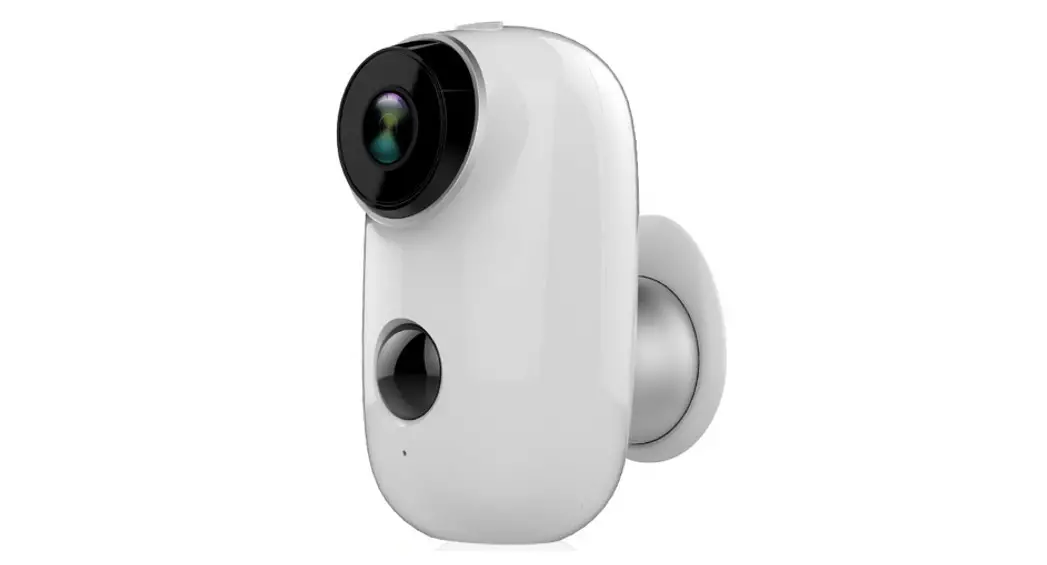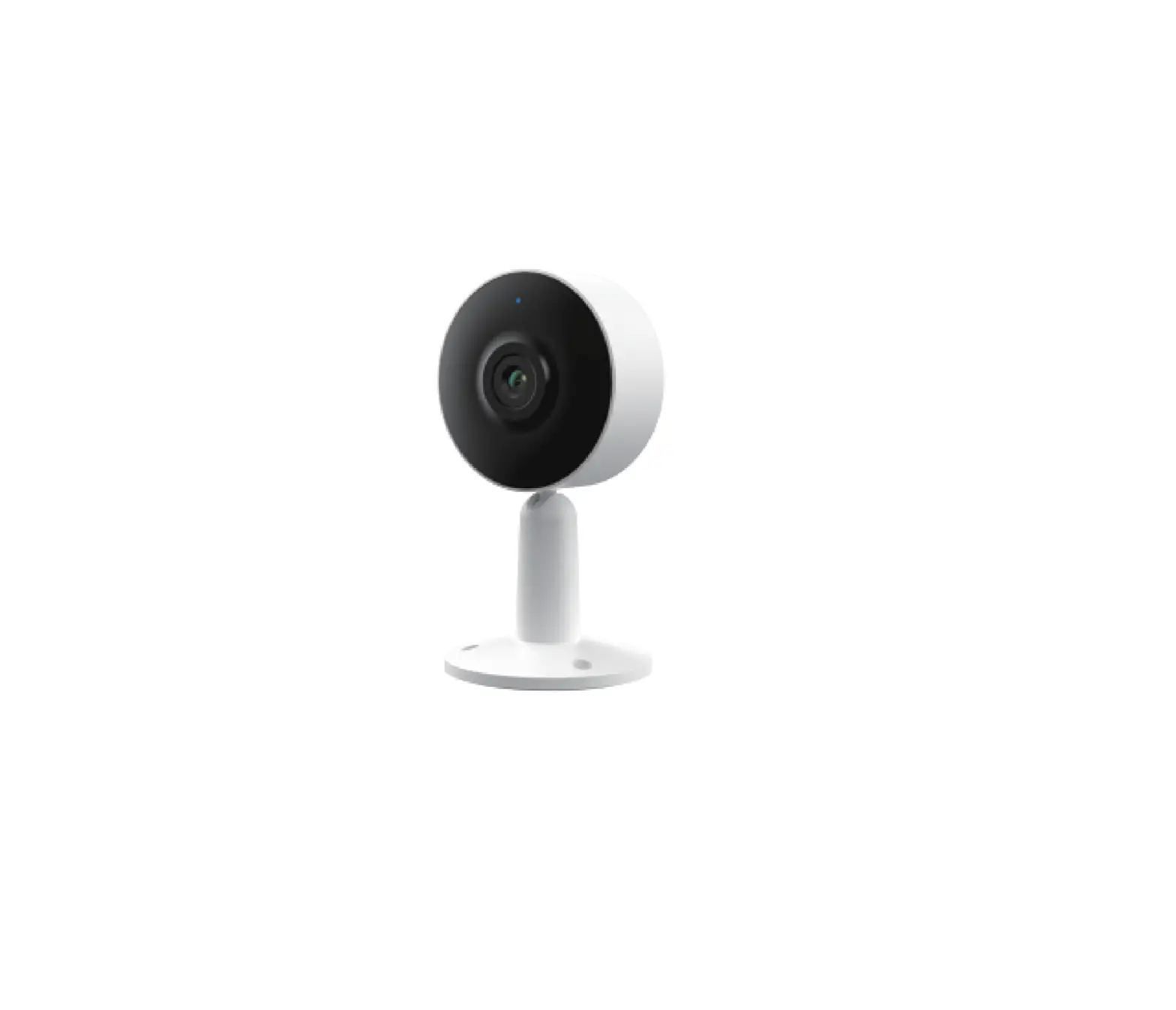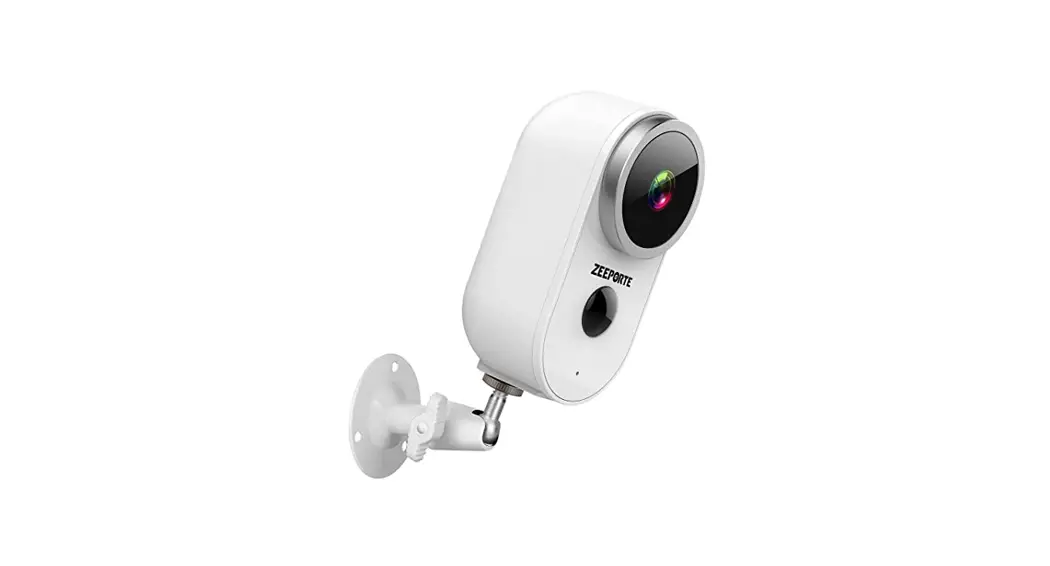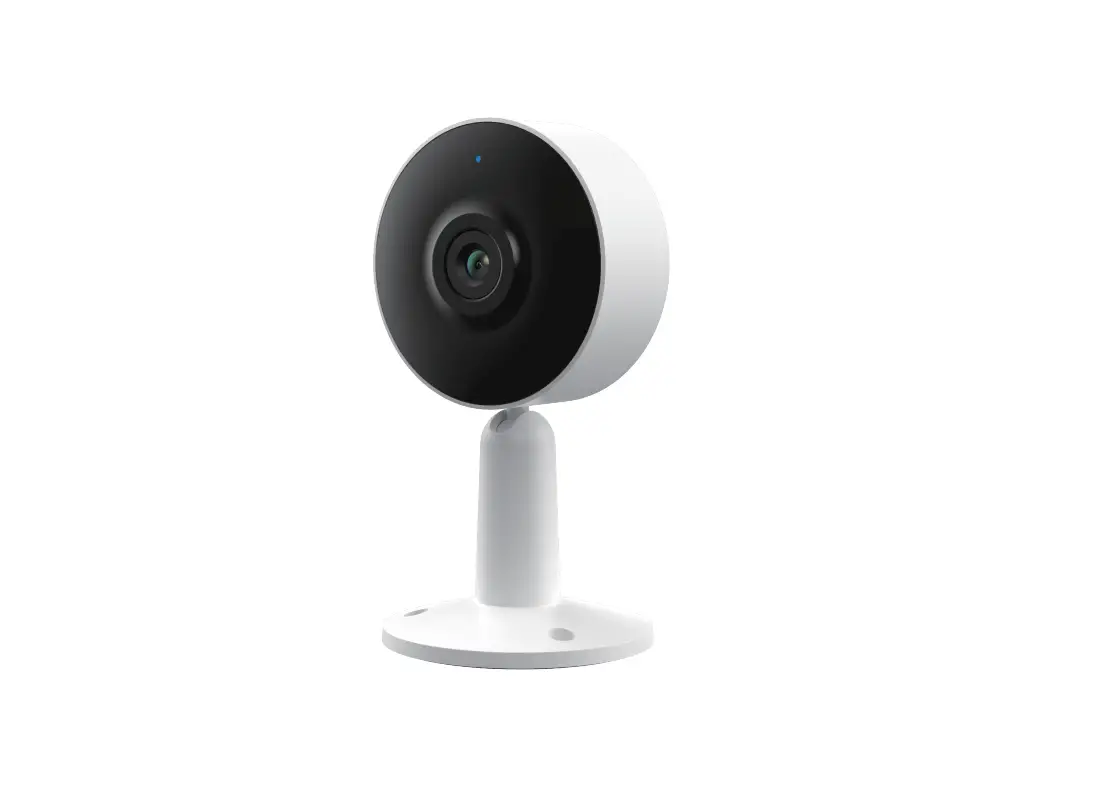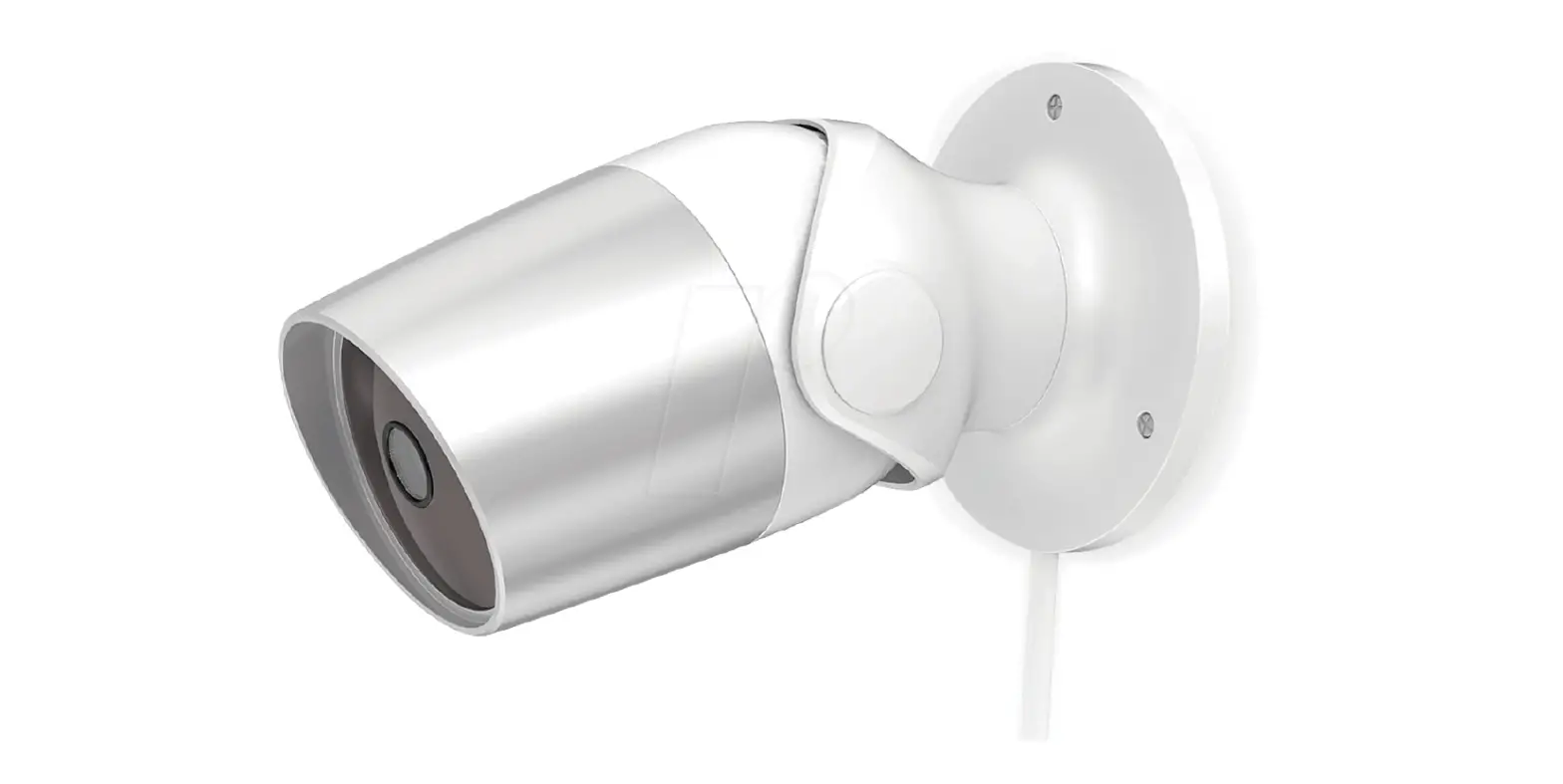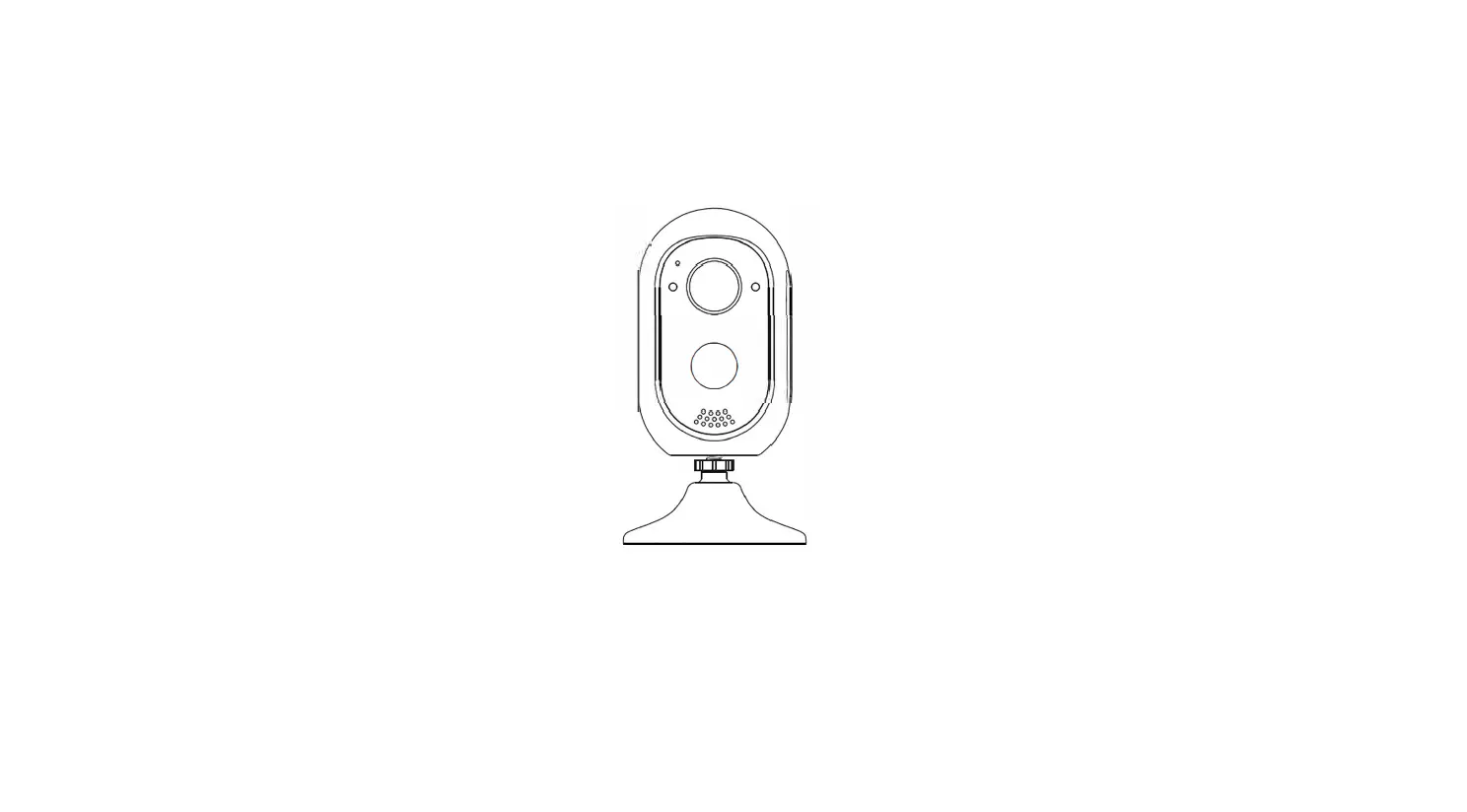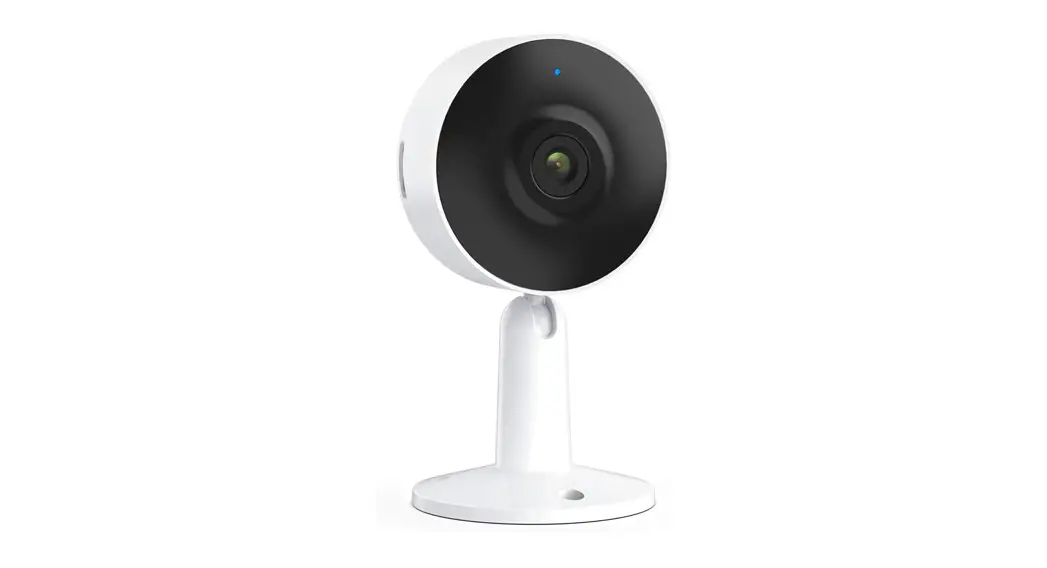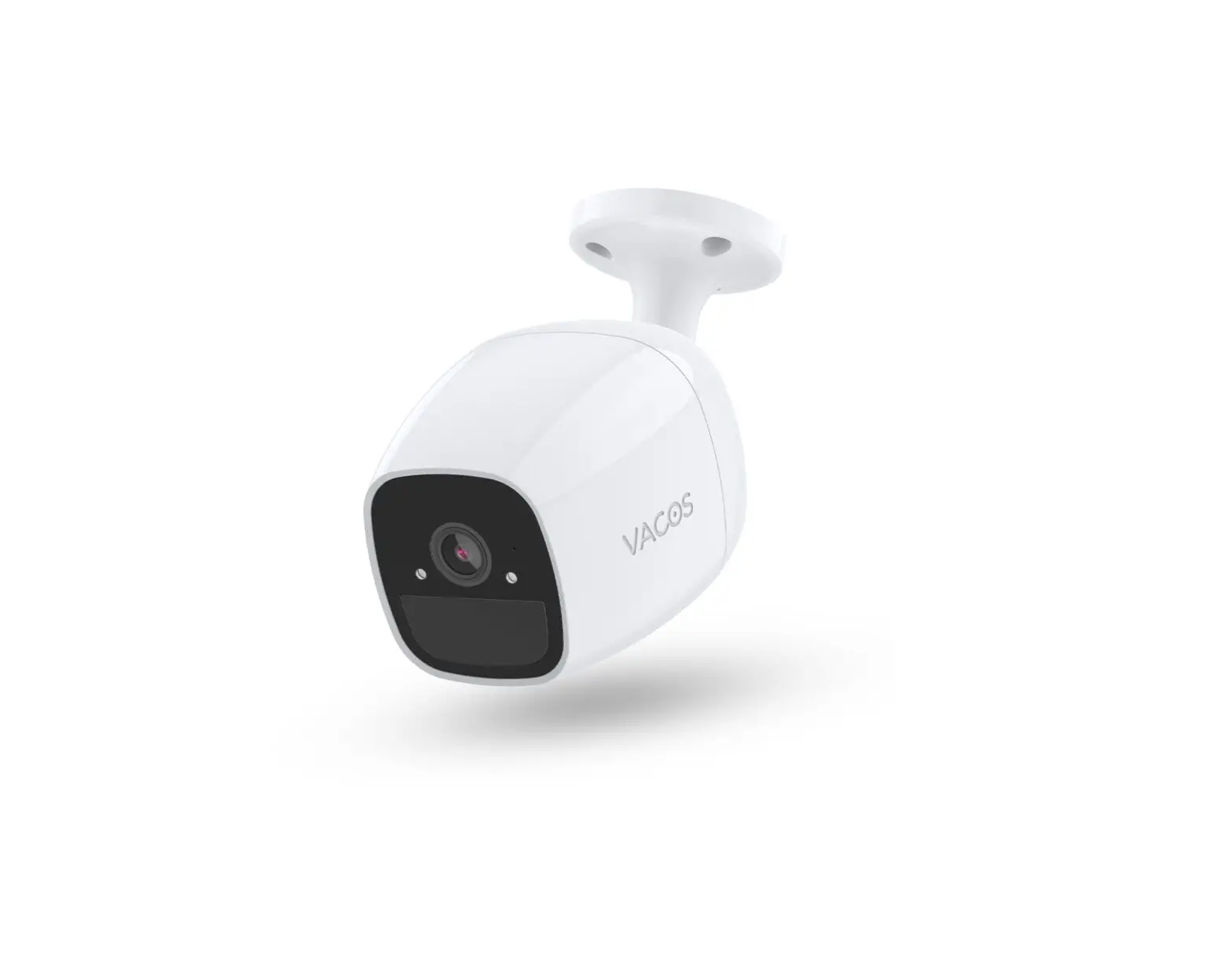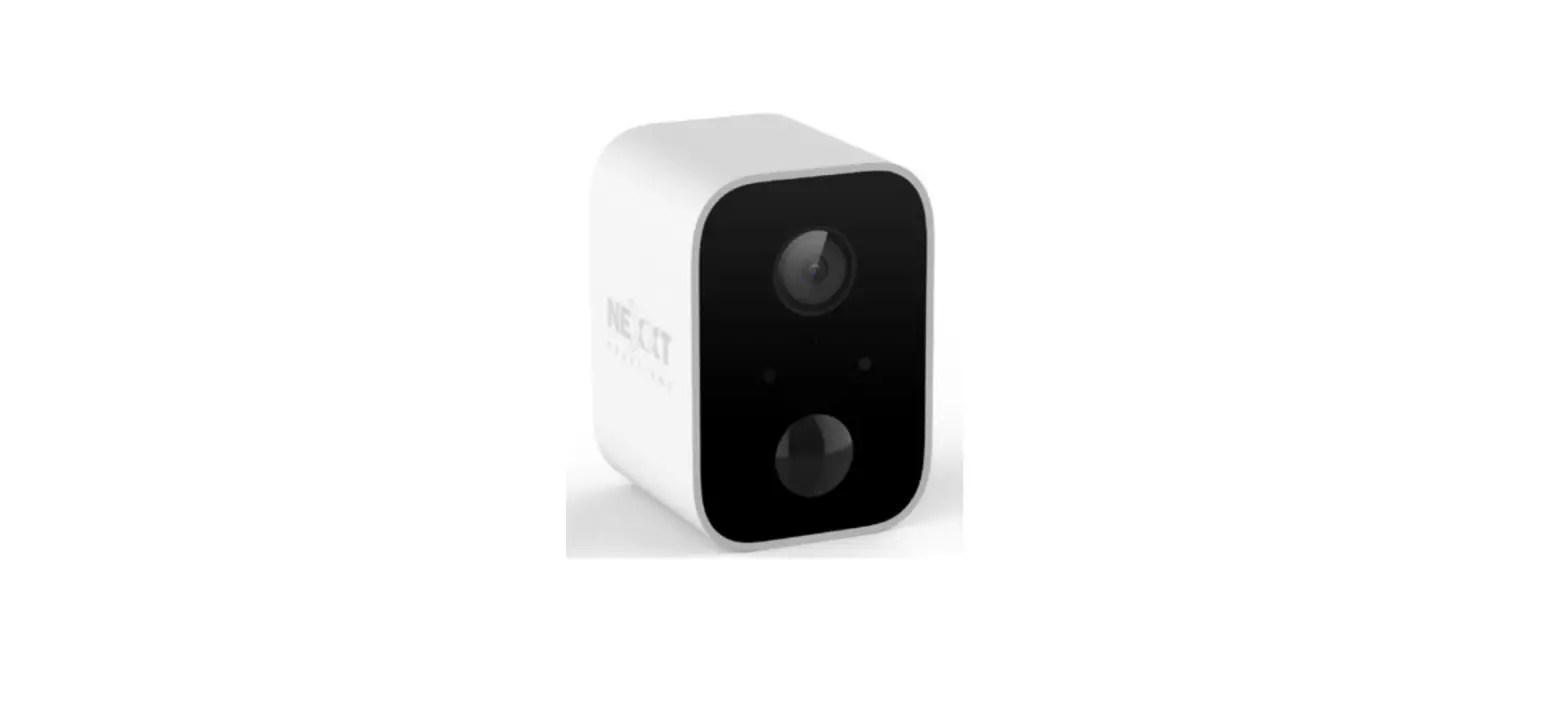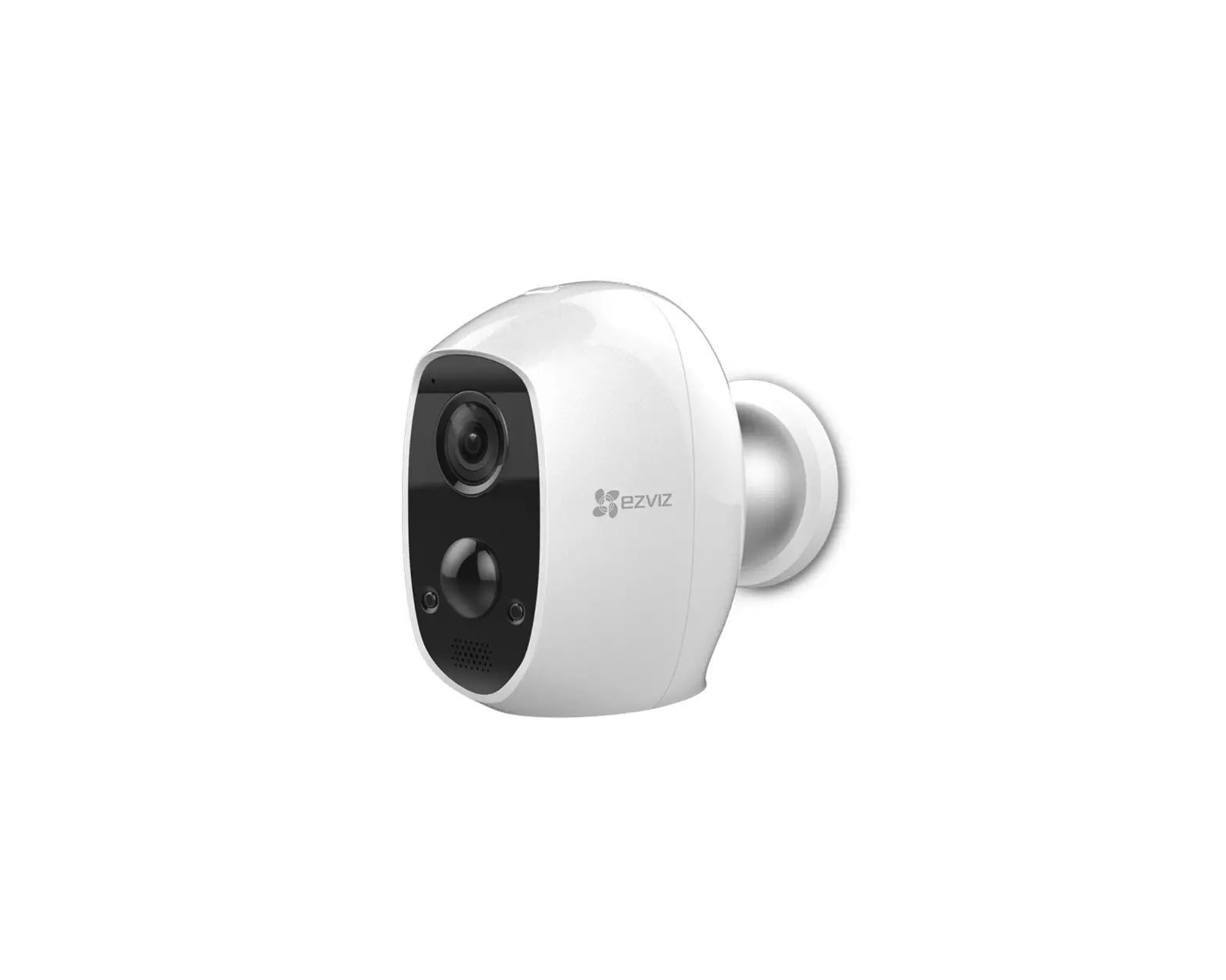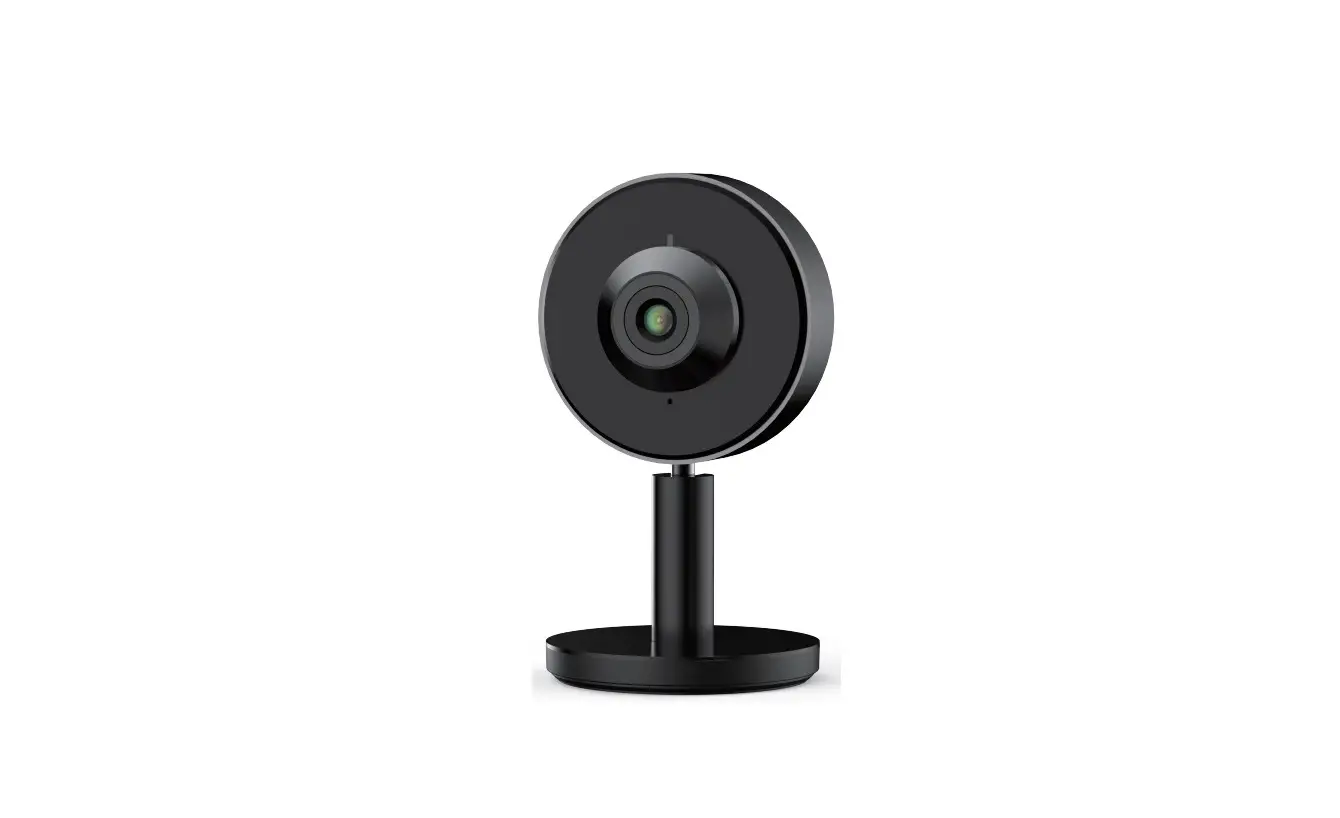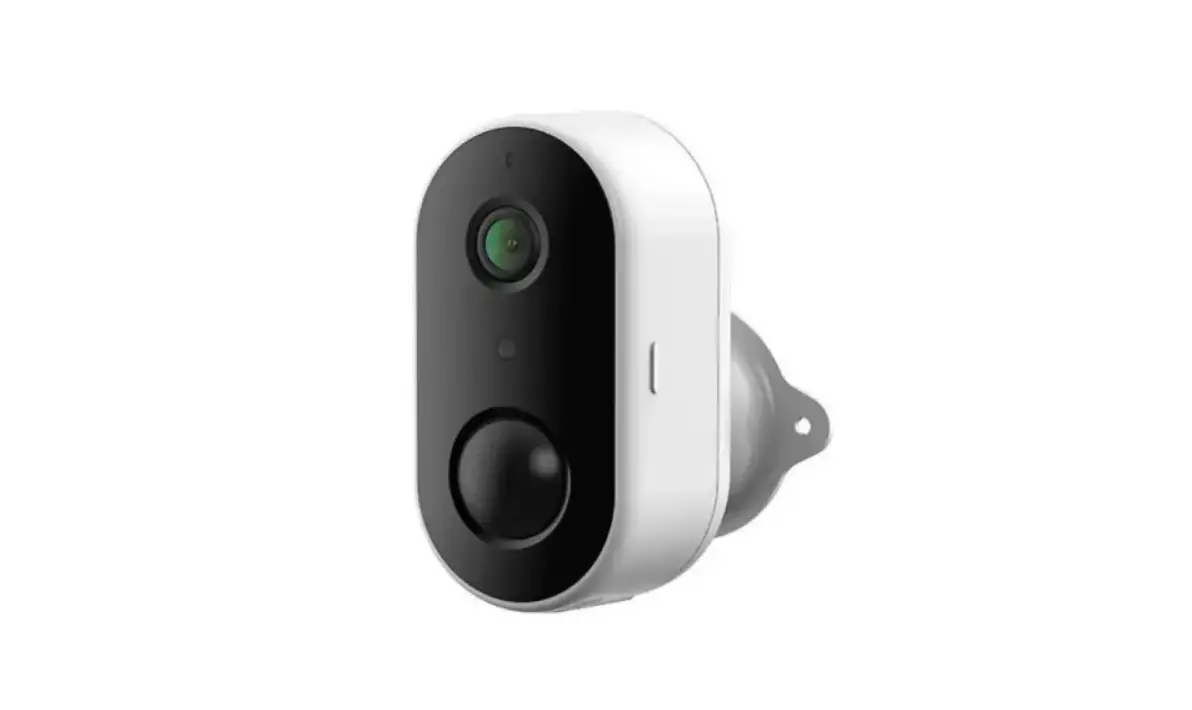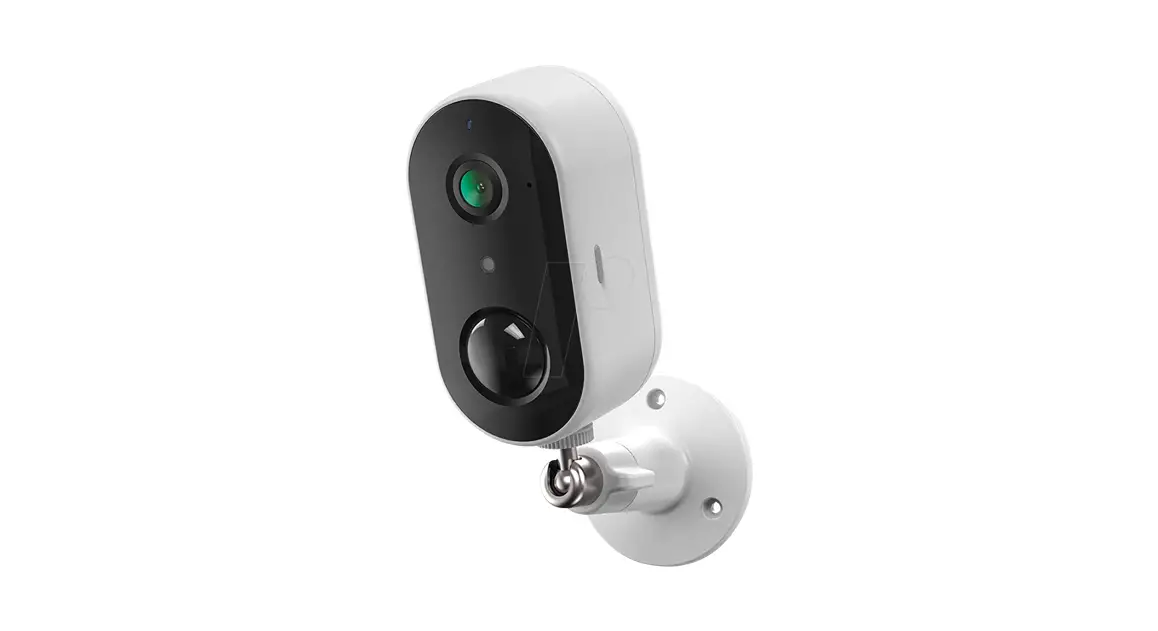

BATTERY CAMERA
ORIGINALITY DESIGN SMART AND BEAUTIFUL
BATTERY CAM

QUICK GUIDE
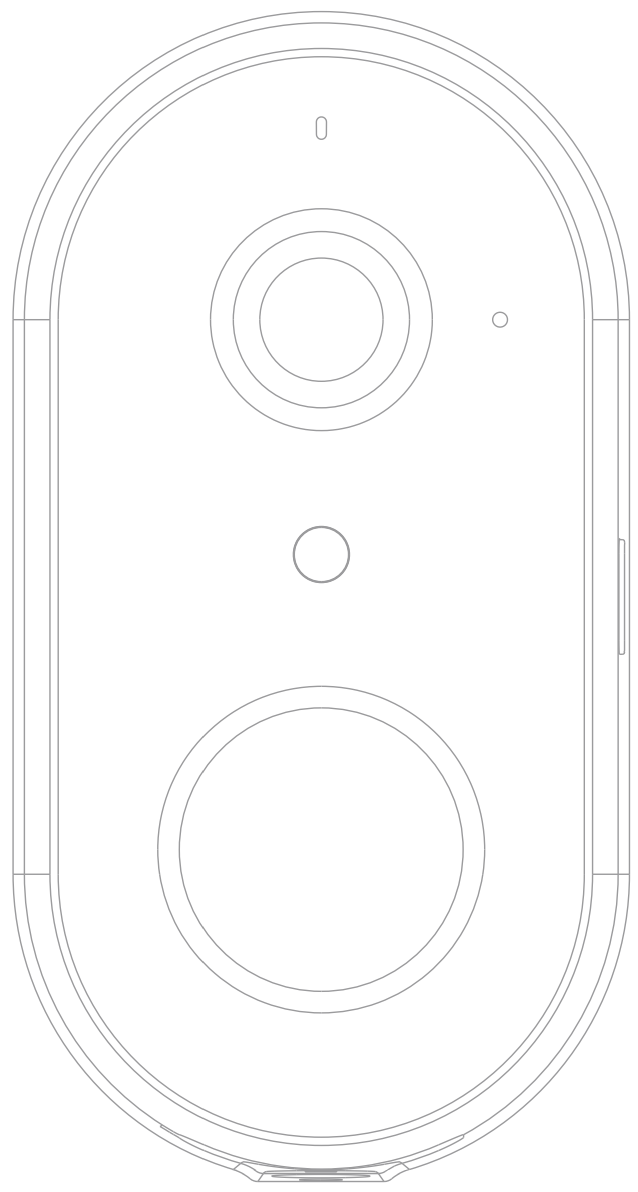
Model: W1
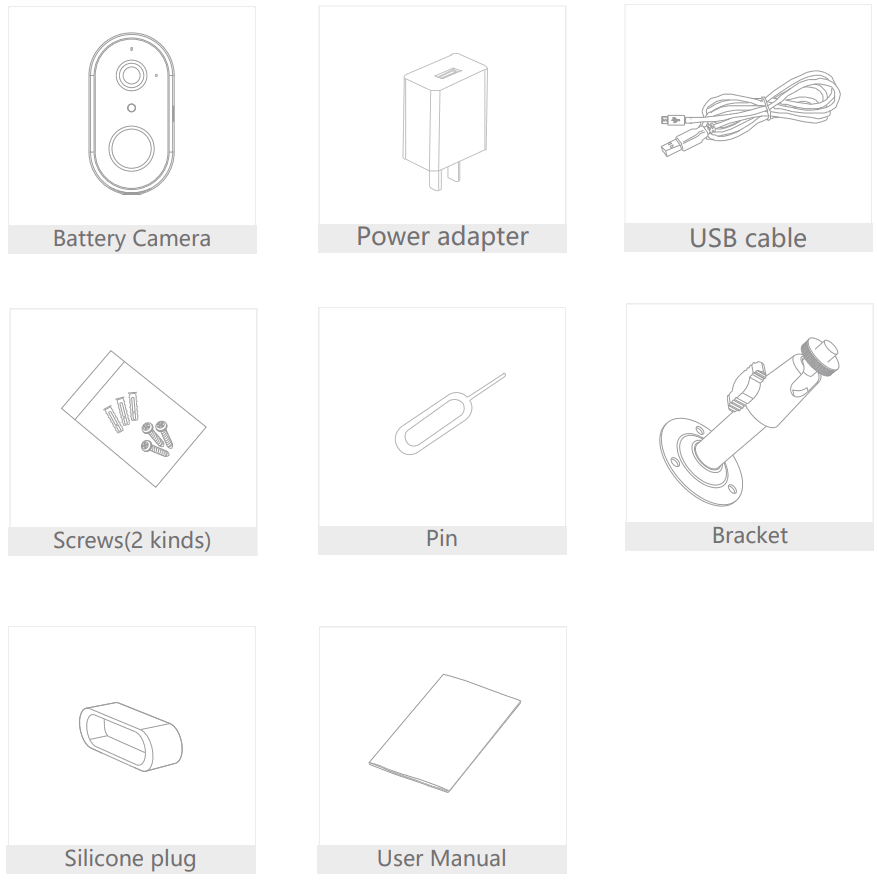
What’s in the box
Please consult this checklist for all parts.
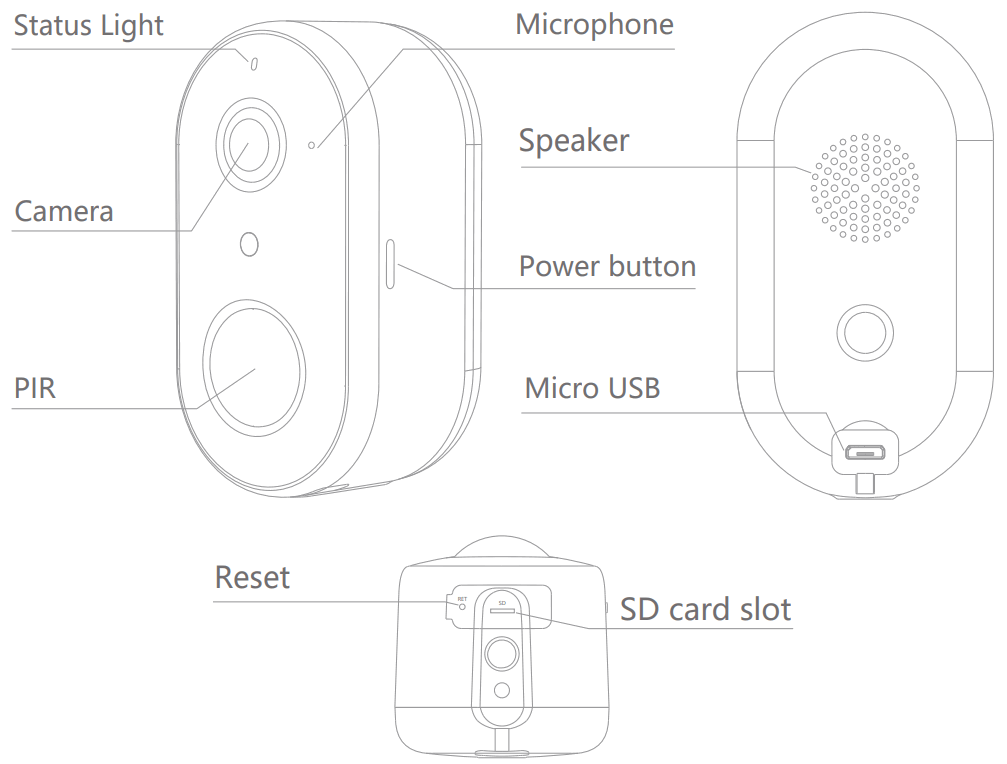
| Power Port | DC 5V±10% |
| Power on/off | Press the button for 3 seconds to turn on/off the camera |
| Status light | • Red light solids on the camera network is abnormal • Red light blinks: awaiting WiFi connection, or currently connecting (faster blinking) • Blue light solids on camera running correctly |
| SD card slot | Support local SD Card storage (Max.128G) |
| Reset | Press and hold on for 5 seconds to reset the camera |
| Charging indicator | • Red indicator solids on the battery is charging • Blue indicator solids on charging completed |
| Battery capacity 6700mAh (Two 18650 lithium-ion batteries) | |
Install
Mode 1 Bottom Bracket Installation
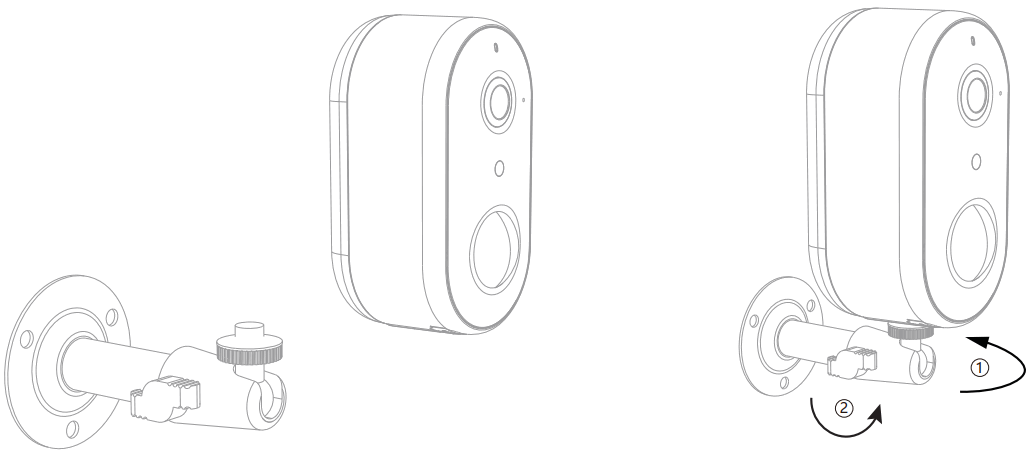
- Fix the bracket to the wall with the mounting screws
- Install the camera in the bracket and lock it with the screw
Connect
Download
Clouded is available for both iOS and Android OS. Research the name ‘Cloud edge in App Store or Android Market, or scan the QR-Code to download the App.
Support
 |  |  |
| |
iPad | IOS | Android | Download App (IOS & Android) | |
Add device
Log in to the CloudEdge, select “Add Device”, and add the smart camera to the App according to the screen tips(Make the smart camera close to the router when configuring).
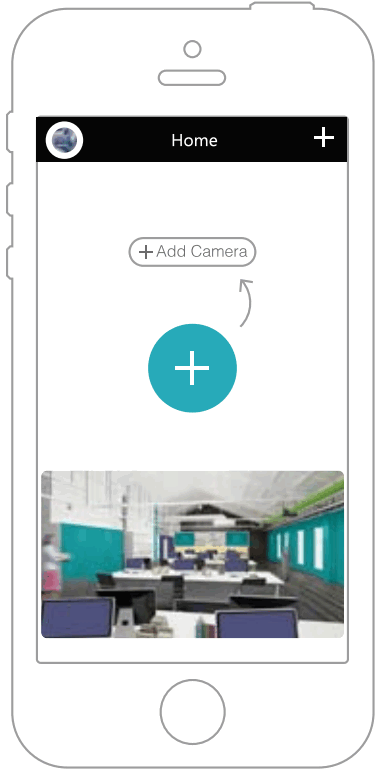
NOTE: If you need to re-select the WiFi network, please press and hold the “RESET” button for 5 seconds, the device will restart, and the indicator will be flashing red.
FAQ
Q: The device cannot be previewed properly?
A: Check whether the network is normal, you can place the camera close to the router, and if not, it is recommended to reset the device and add it again.
Q: Why is it still on the list of devices after resetting?
A: The reset device only resets the network configuration of the camera, but cannot change the configuration on the App, remove the camera, and must be deleted by the App.
Q: How to cut the camera network to another router?
A: First remove and reset the device on the App and then configure the device again by the App.
Q: Why doesn’t the device identify the SD card?
A: It is recommended to plug in an SD card after a power cut. Confirm whether the SD card is normally available and the format is FAT32. And the TF card can’t be identified when the internet environment is not good.
Q: Why I can’t get the notifications with my cell phone App? A: Please confirm that the App has been running on the phone, and the relevant reminder function has been opened; Message notification and authority confirmation in the mobile phone system has been opened.
Functions
Remote wake-up
The camera will be in a sleep mode to save power; you can have a preview in App.
Full-duplex audio
You can see and hear the visitor in your App from the camera.
PIR
When the camera detects someone stopping by, it sends an alarm message to your cell phone.
Low battery alarm
When the battery power is lower than your set, the App will send a notification to your mobile phone.
Record
Using SD card or opening the Cloud-Storage Service, to keep recording for every moment.
Daytime & Night
Powerful night vision means no interruptions, even in complete darkness.
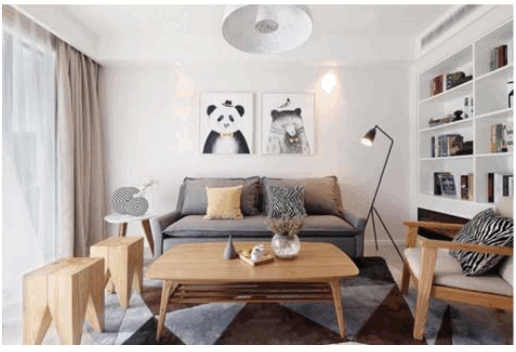 | 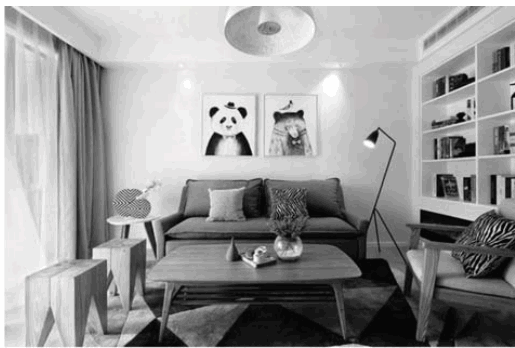 |
Daytime | Night |
FCC Statement:
Any changes or modifications not expressly approved by the party responsible for compliance could void the user’s authority to operate the equipment.
This device complies with part 15 of the FCC Rules. Operation is subject to the following two conditions:
(1) This device may not cause harmful interference, and (2) this device must accept any interference received, including interference that may cause undesired operation.
FCC Radiation Exposure Statement:
This equipment complies with FCC radiation exposure limits set forth for an uncontrolled environment. This equipment should be installed and operated with a minimum distance of 20cm between the radiator and your body.
Note: This equipment has been tested and found to comply with the limits for a Class B digital device, pursuant to part 15 of the FCC Rules. These limits are designed to provide reasonable protection against harmful interference in a residential installation. This equipment generates uses and can radiate radio frequency energy and, if not installed and used in accordance with the instructions, may cause harmful interference to radio communications. However, there is no guarantee that interference will not occur in a particular installation. If this equipment does cause harmful interference to radio or television reception, which can be determined by turning the equipment off and on, the user is encouraged to try to correct the interference by one or more of the following measures:
—Reorient or relocate the receiving antenna.
—Increase the separation between the equipment and receiver.
—Connect the equipment into an outlet on a circuit different from that to which the receiver is connected.
—Consult the dealer or an experienced radio/TV technician for help.