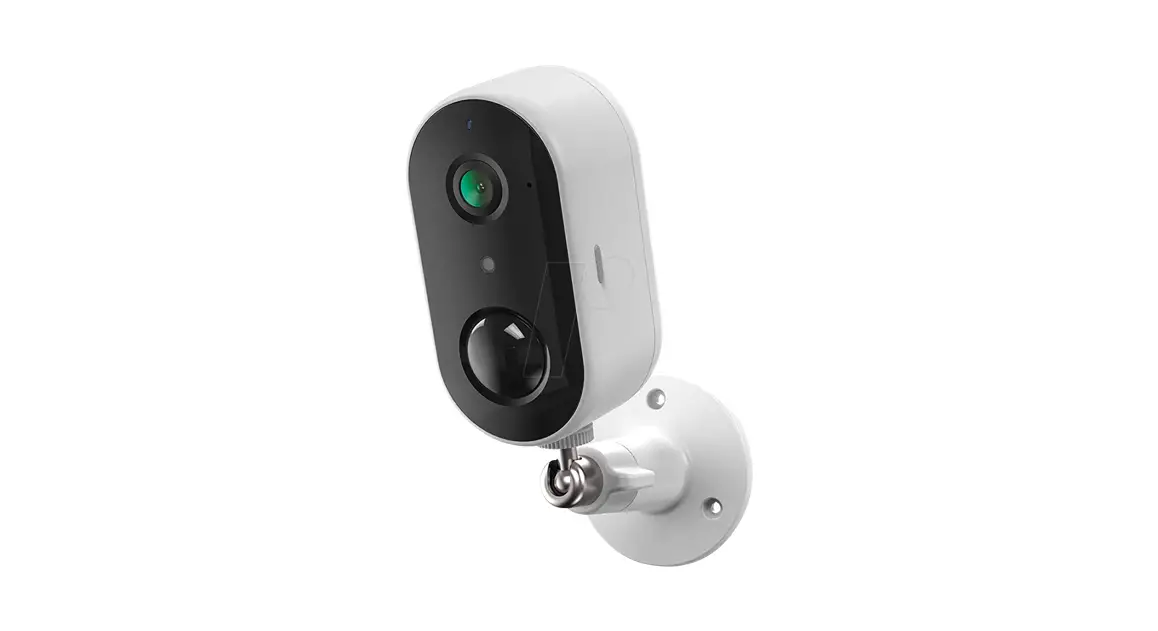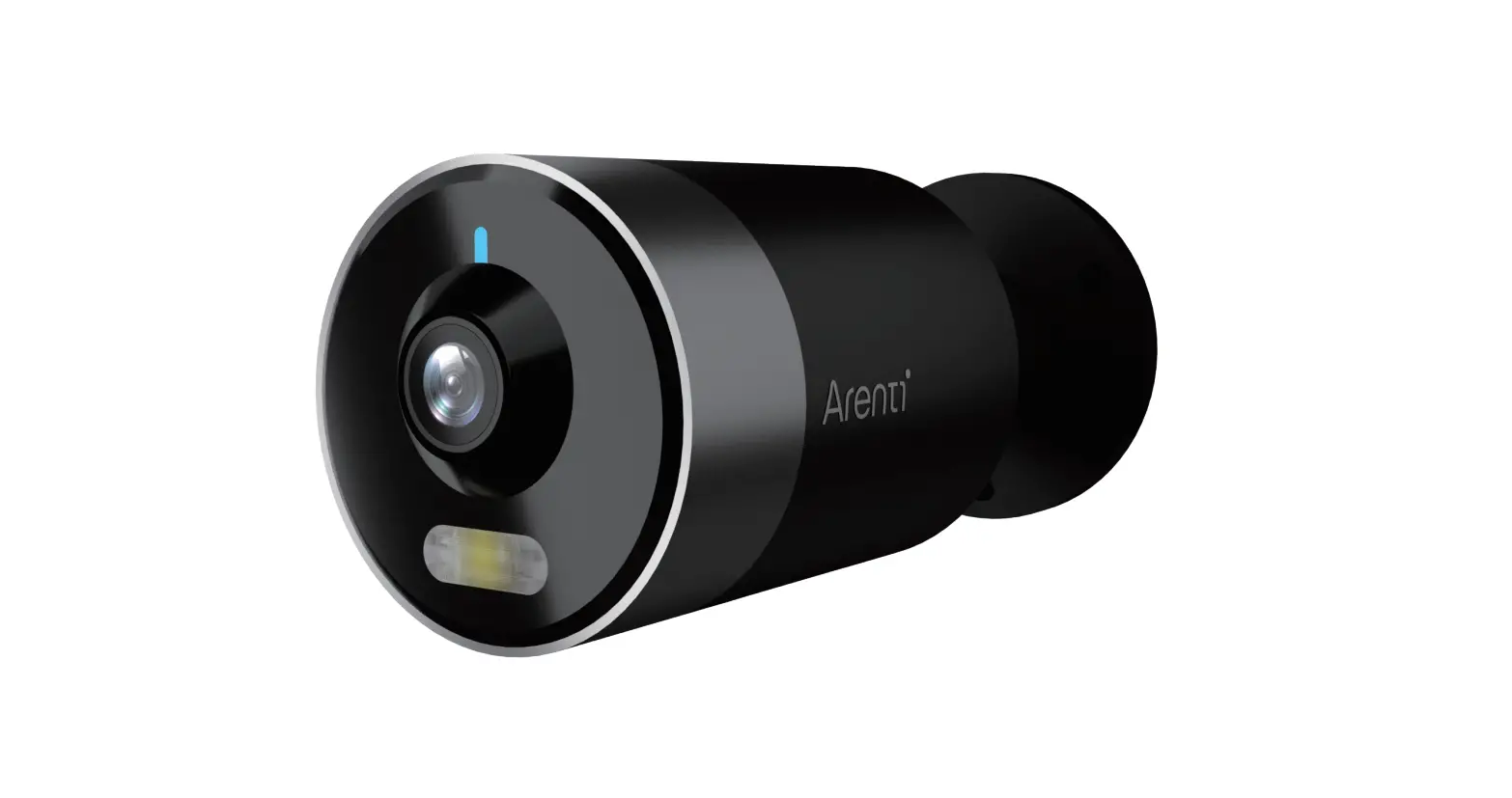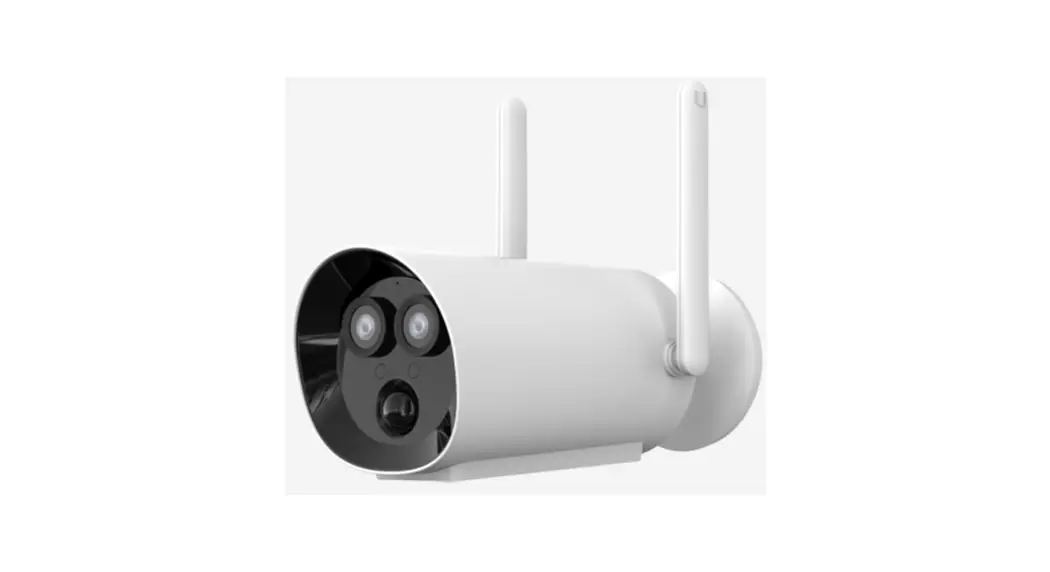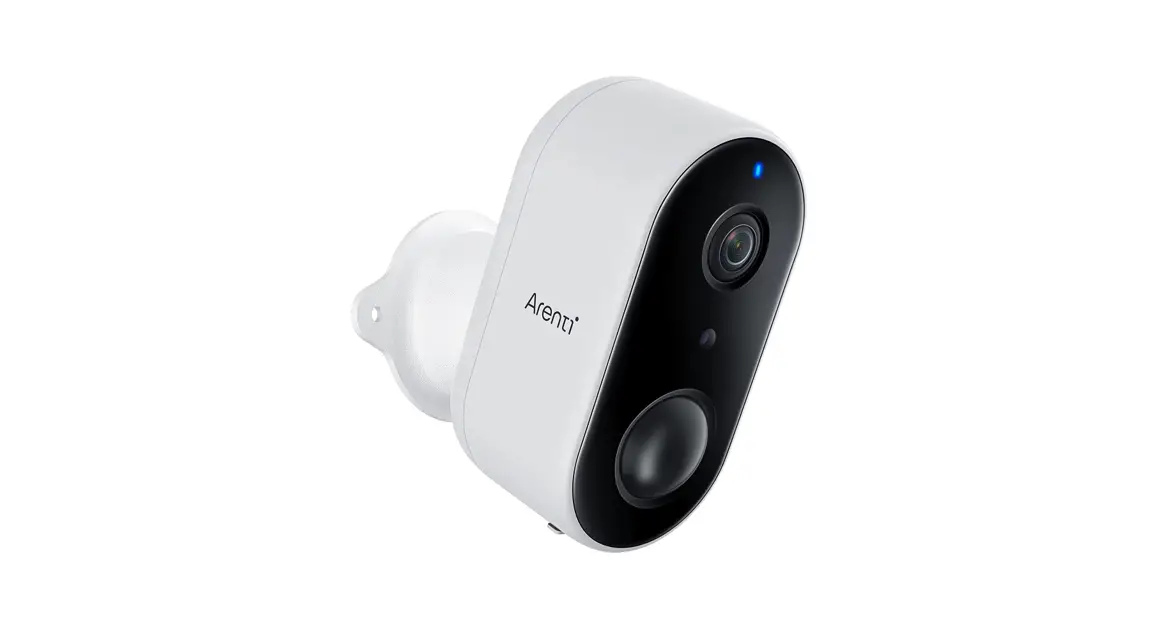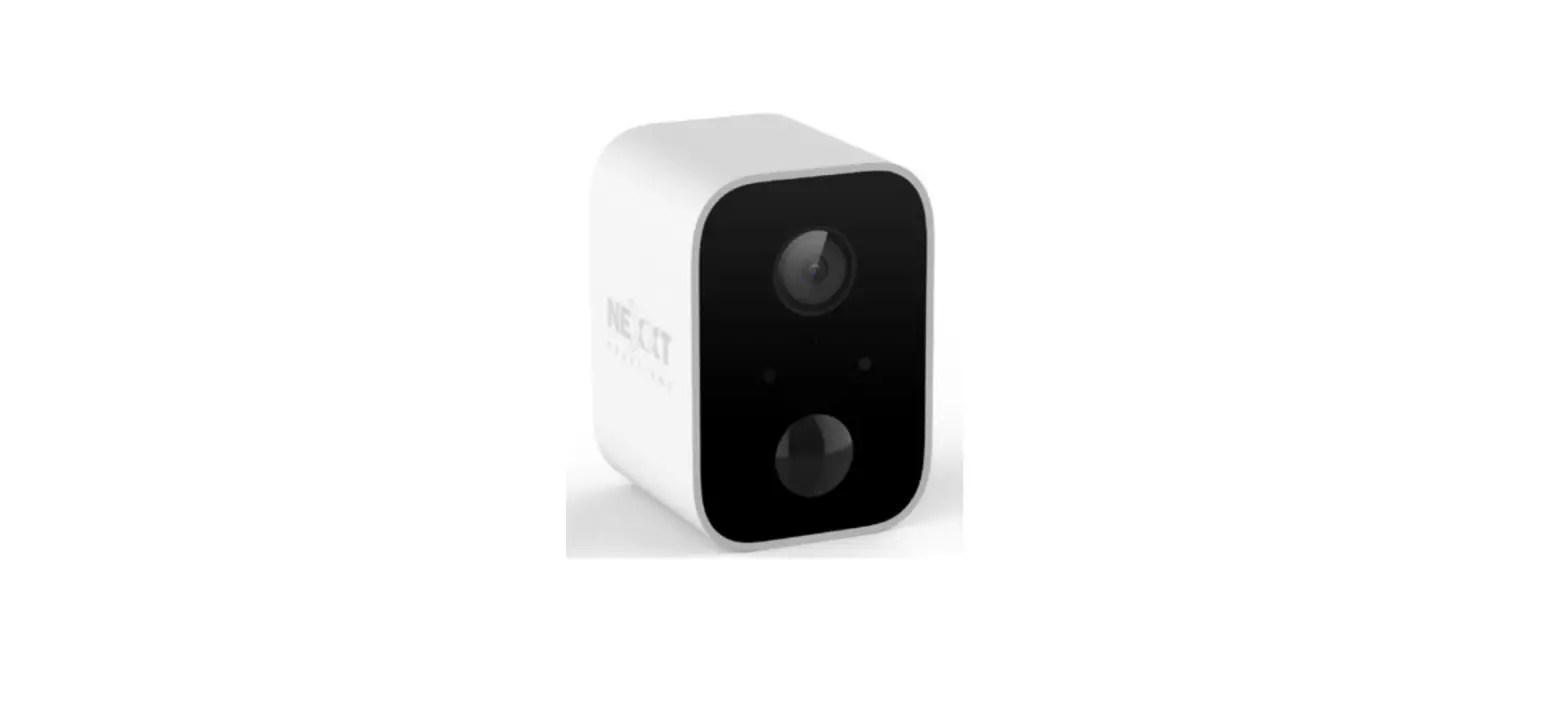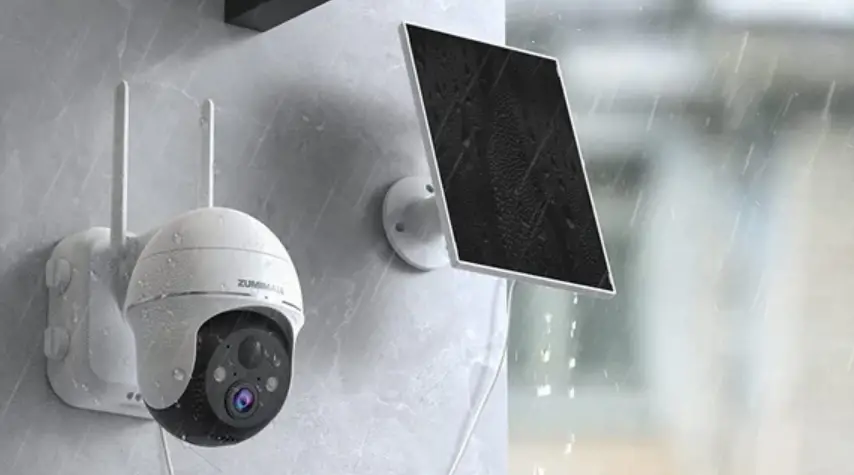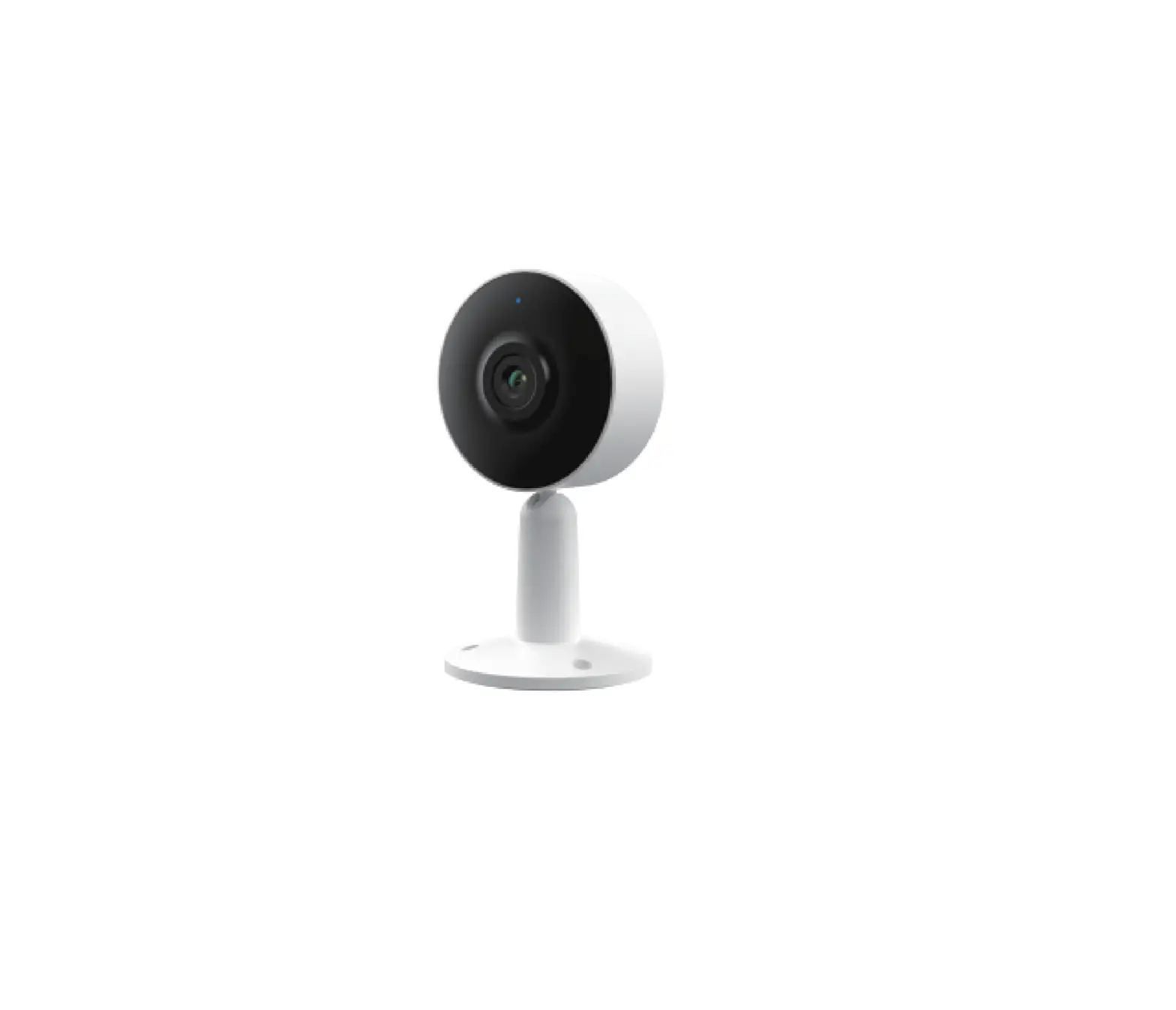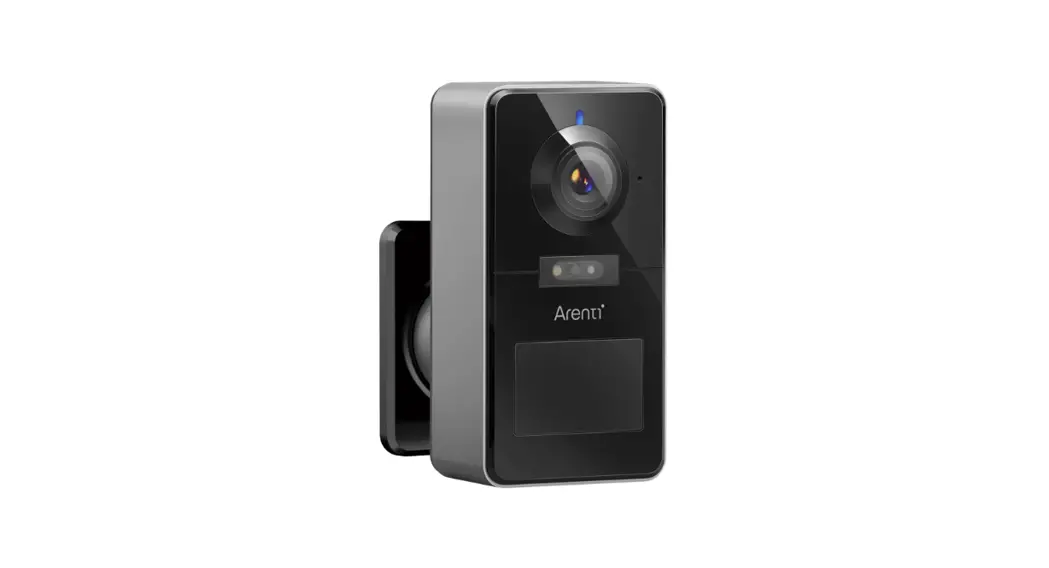
 POWER1
QUICK GUIDE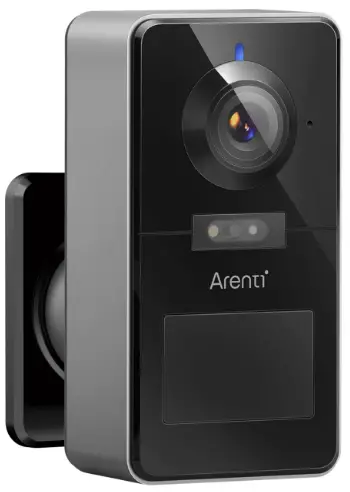
Compatible with Amazon Alexa & Google Assistant
Quick start guide
- Packing list
- Product description
- Installation
- Product configuration
- Legal notice
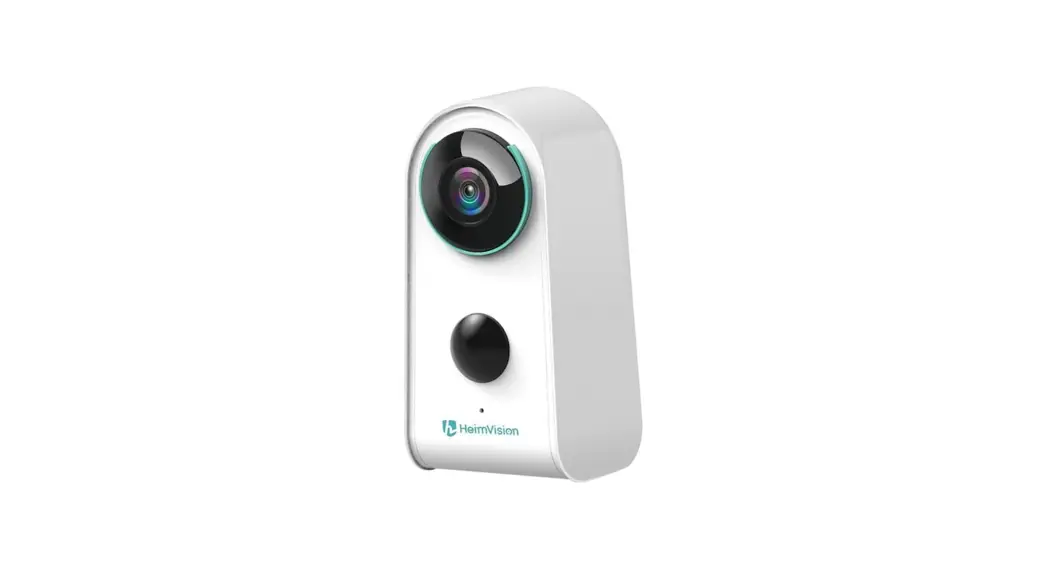
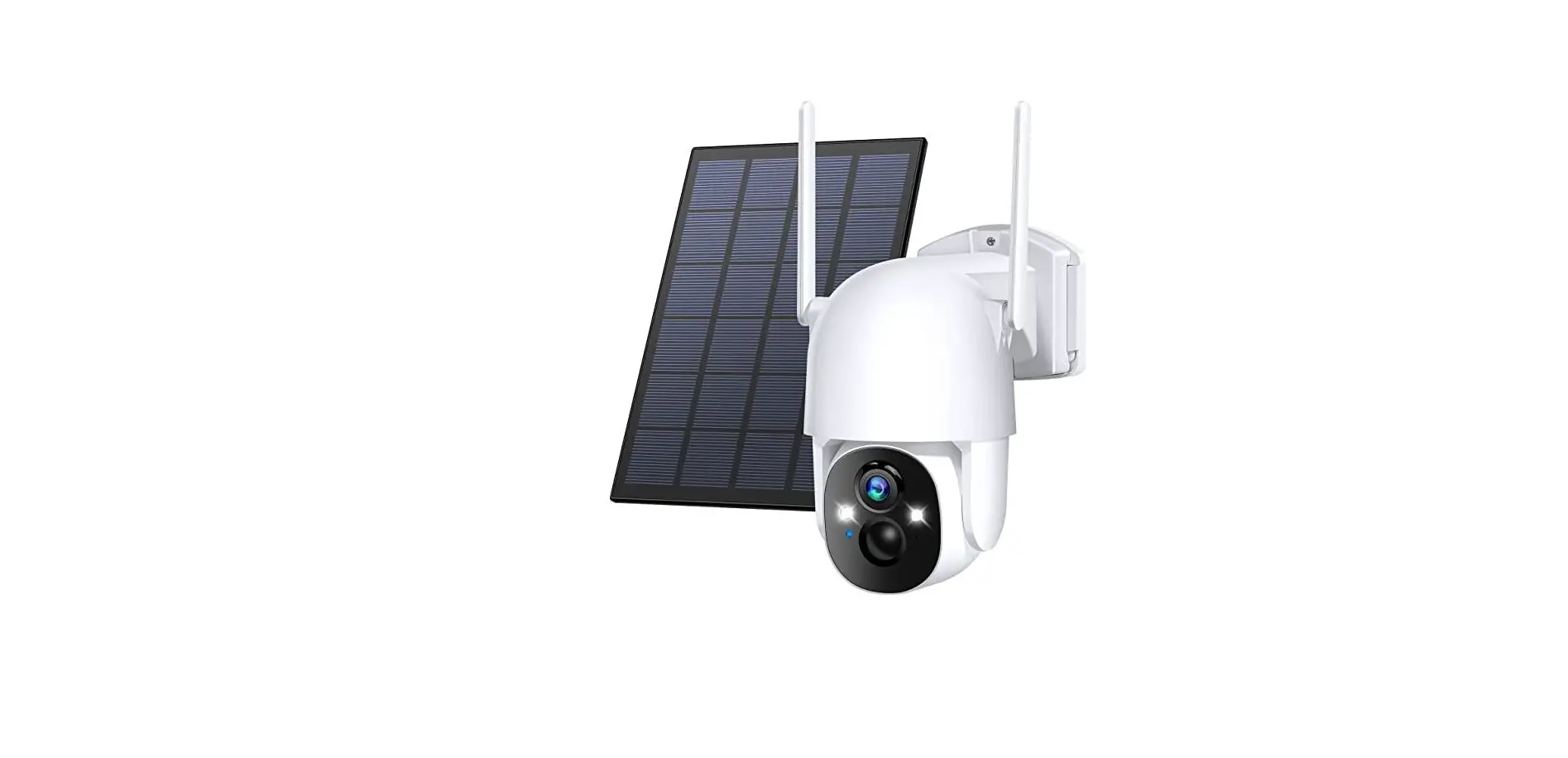
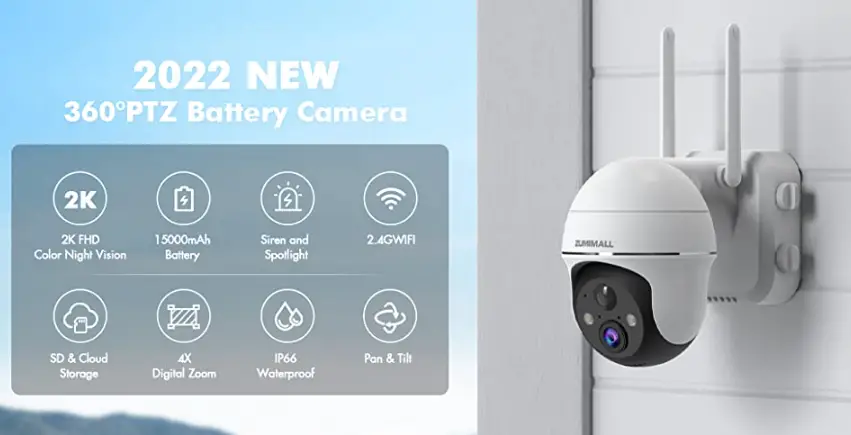
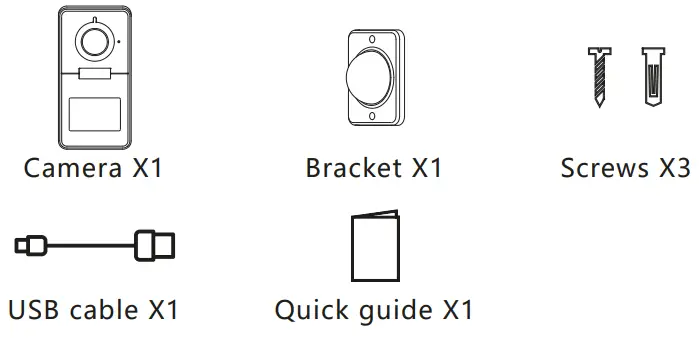
Packing list
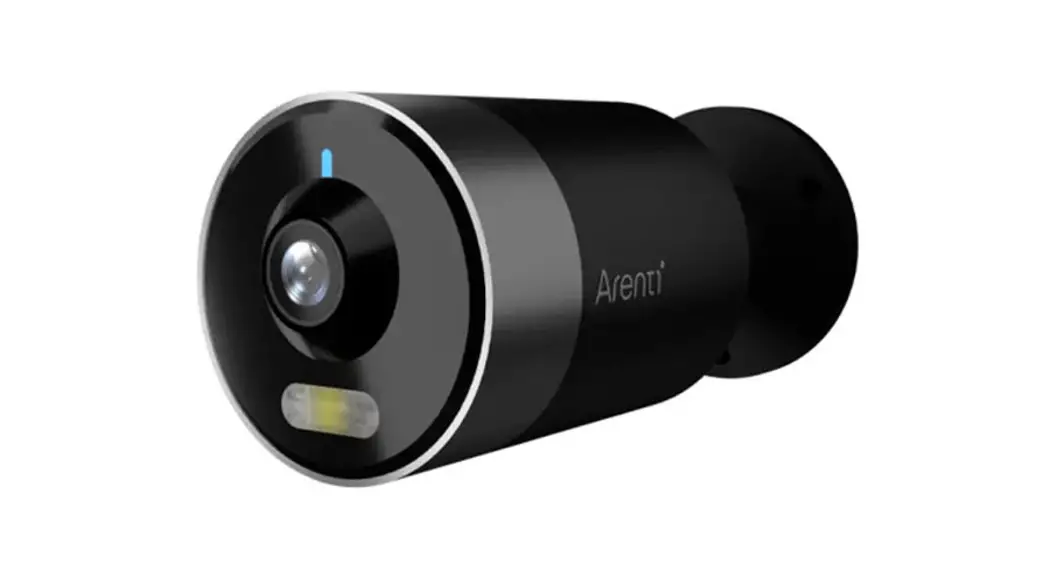
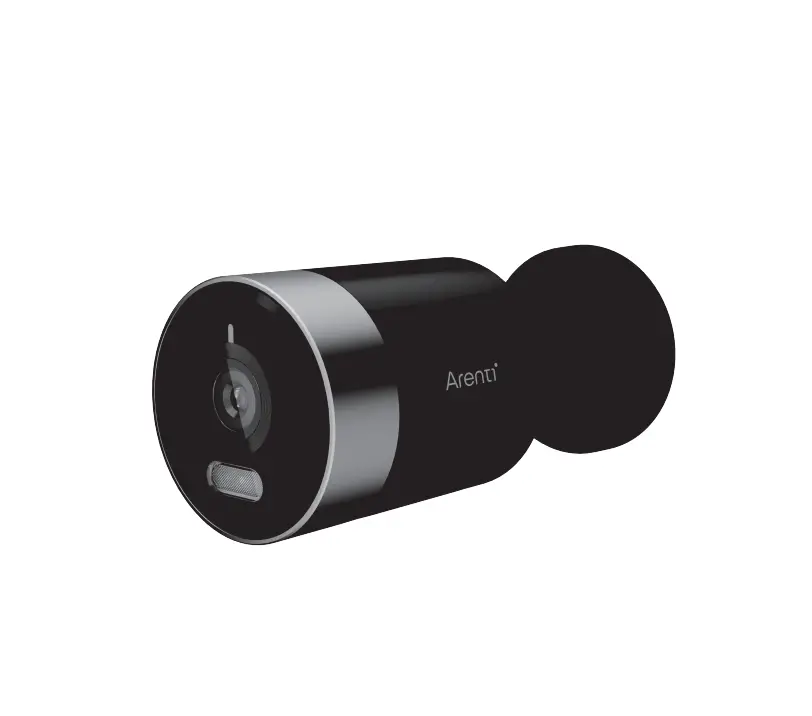
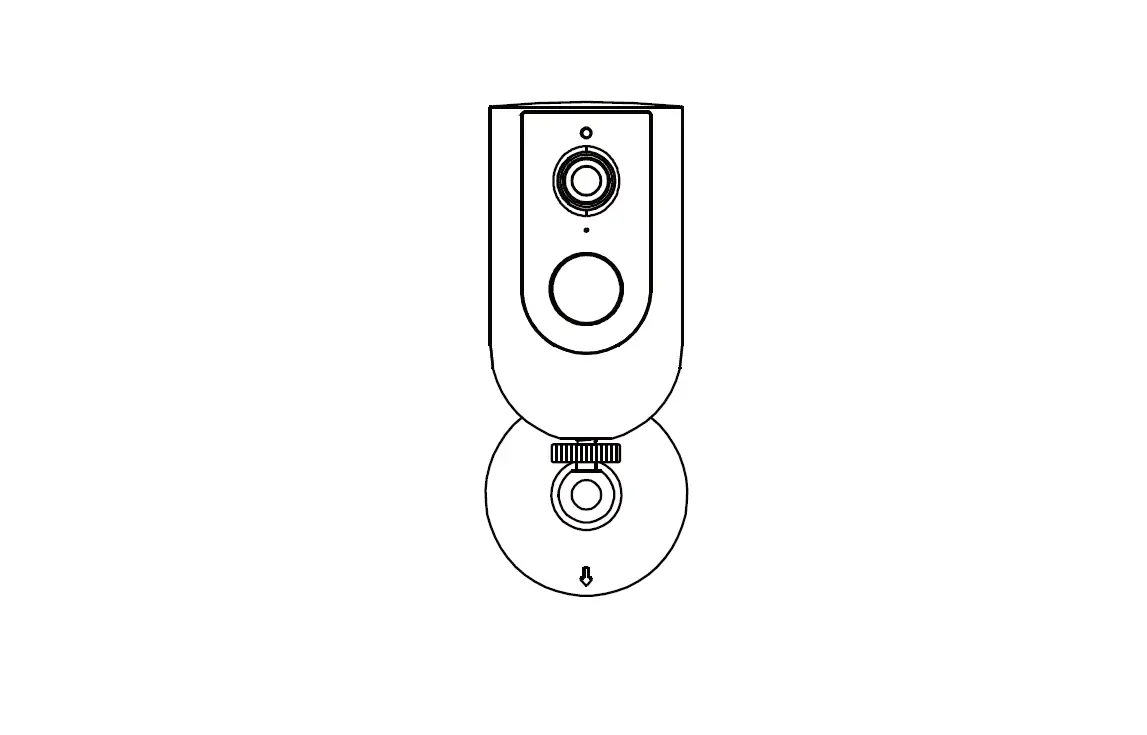
Product description
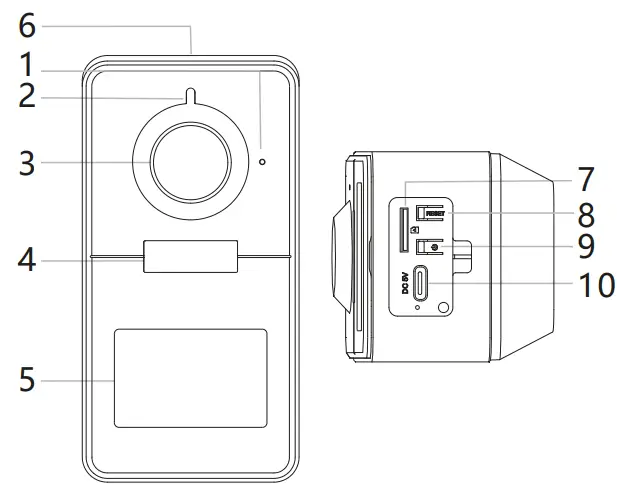
- Microphone
- LED indicator
- Lens
- Spotlight & IR Light
- PIR
- Speaker
- SD card slot
- Reset
- Device ON/OFF
- DC5V USB
Notice
- To reset the device, press and hold the reset button for 5s.
- The camera beeps when the operation is completed.
| Flashing red light (slow) | Wait for network config |
| Flashing red light (fast) | Connecting the network |
| Fixed red light | Network is malfunctional |
| Fixed blue light | Camera is working correctly |
Installation
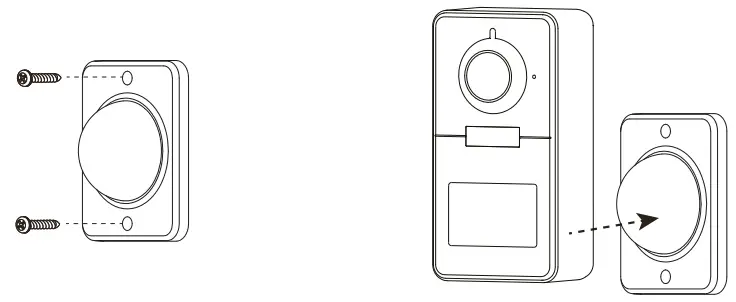
- Fix the bracket to the wall with screws.
- Bring the camera closer to the bracket.
Product configuration
Step 1 Turn on your camera.
Step 2 Connect your smartphone to the Wi-Fi network.
Step 3 Download Arenti app from the App Store or Google Play depending on your device.
Step 4 Launch the App and sign up for the first use.
Step 5 Follow the on-screen instructions to add your camera.
For more information, scan the QR code.
 https://www.arenti.com/blogs/help_center
Notice
- If you have multiple cameras, please follow step5 again to add devices one by one.
- To change Wi-Fi network, please restore the camera to factory settings and follow step 5 to add the camera.
Specification
| Min. brightness | Color 0.1 [email protected] |
| Black and white 0.01 [email protected] | |
| Lens | 3.2 mm F2.0 |
| FOV | 130° |
| Shutter | 1/15-1/10,000 per second |
| Infrared | High power LED with ICR |
| Infrared distance | 10 meters |
| Spotlight color temperature | 3000K |
| Spotlight distance | 10 meters |
| Video compression | H.265 |
| Bit rate | 32Kbps – 2Mbps |
| Picture settings | Support HD/SD; support flip |
| Storage | SD card (Max 256GB) |
| Audio | Two-way audio |
| Protocols | TCP/IP, HTTP, DHCP, DNS |
| WiFi standard | IEEE802.11b/g/n |
| Frequency | 2.4 GHz |
| WiFi encryption | WPA-PSK/WPA2-PSK |
| Security | AES128 |
| Working temperature | -20°C 50°C 50°C |
| Power | DC5V,1A |
| Consumption | 4.5W MAX |
| Size(mm) | 79 x 56 x 115 (with bracket) |
| 50 x 56 x 115 (without bracket) |