
Overview
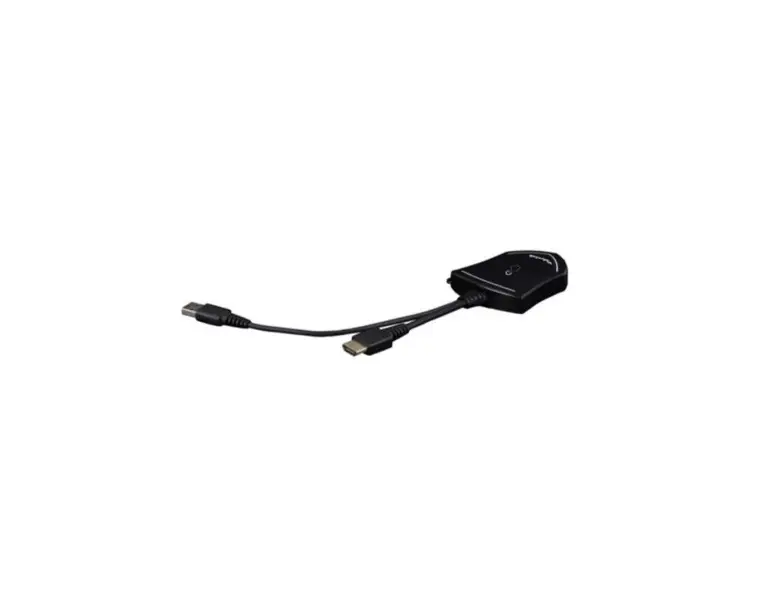
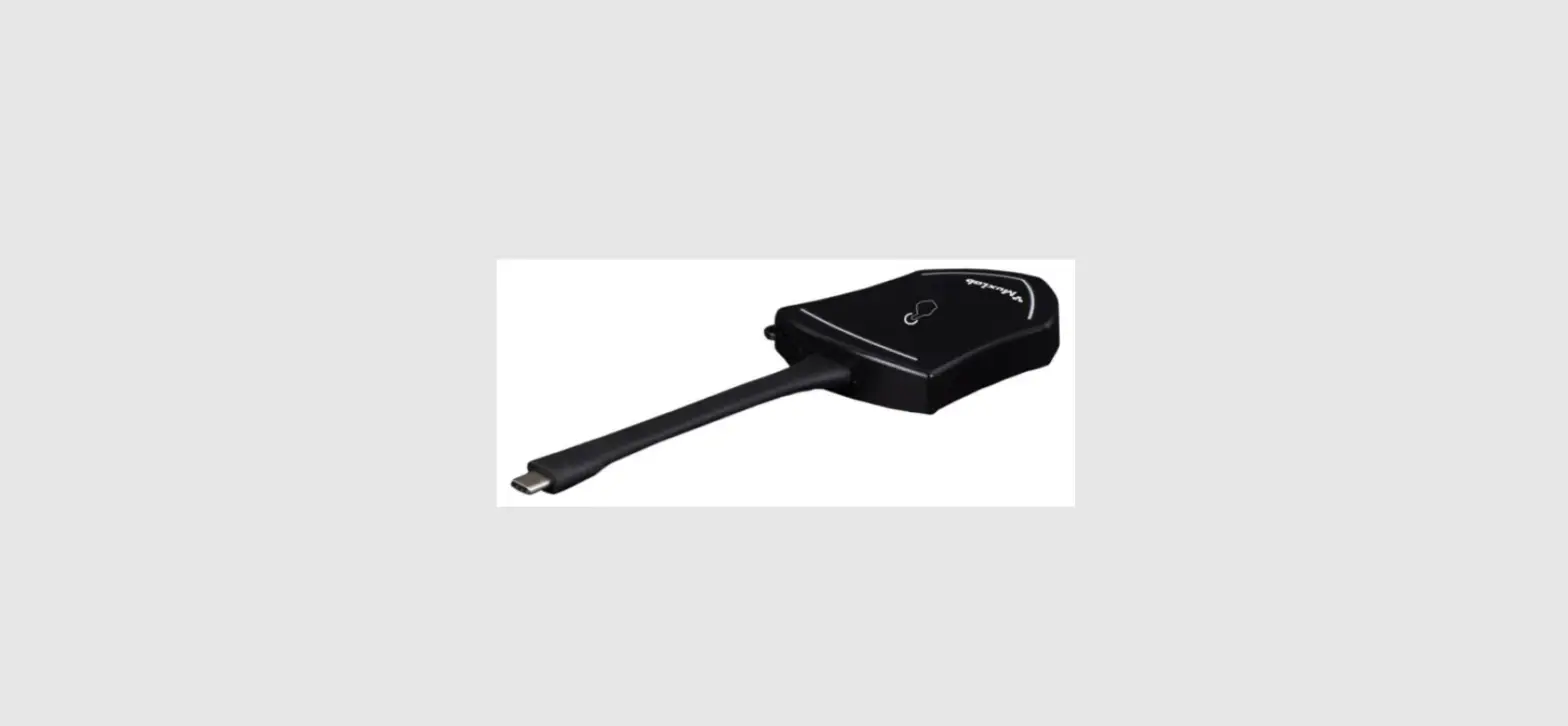
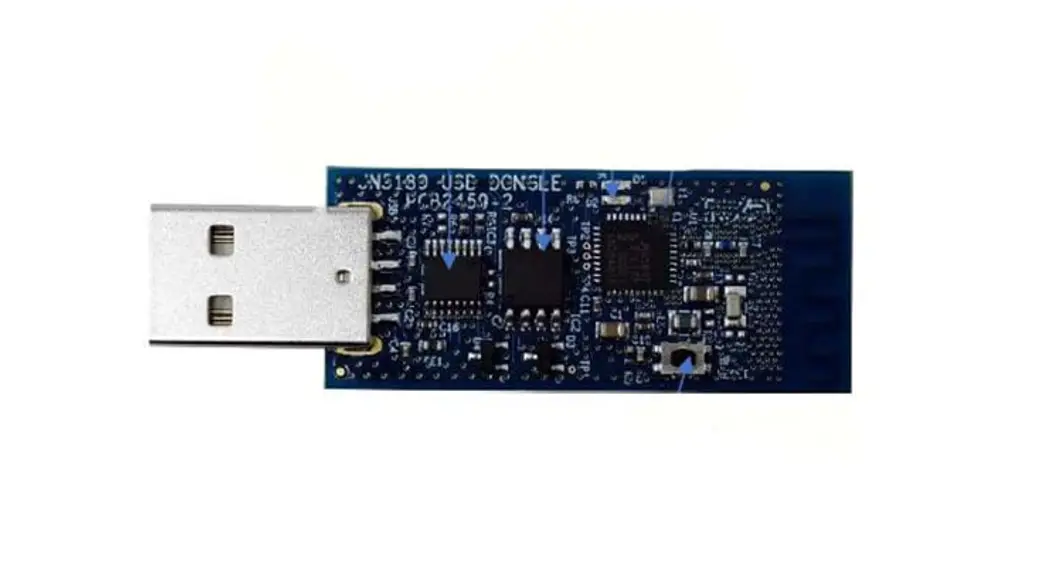
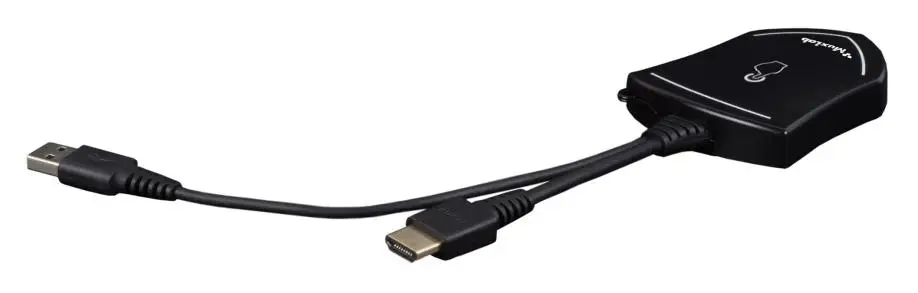
The MuxMeet Share Dongle-H1 (model: 500827) is an HDMI Dongle that enables meeting participants using Windows or MAC based laptops to wirelessly share content with the push of a button, making connecting and sharing desktop screens in a meeting a simple and enjoyable experience.
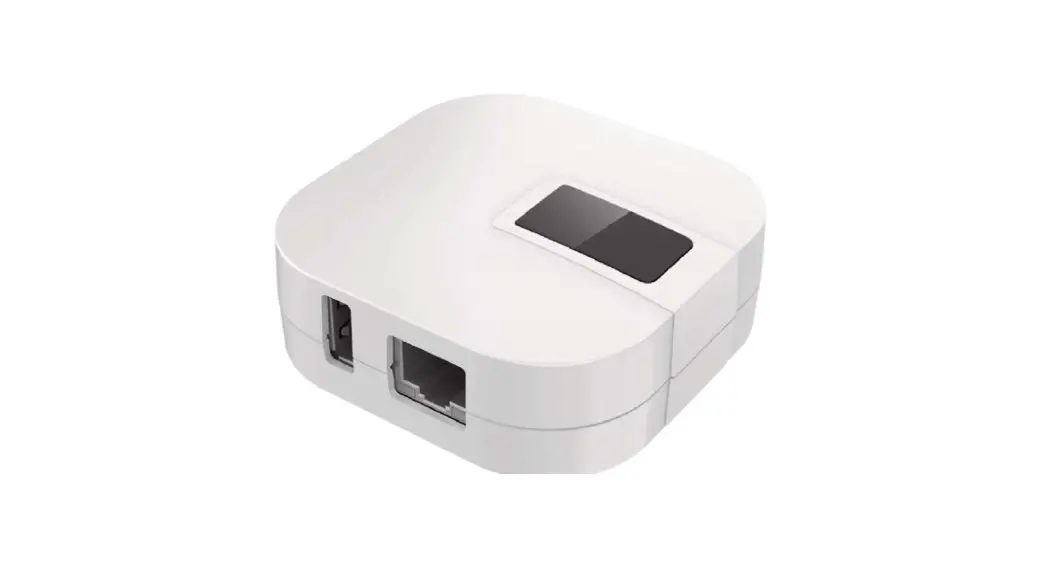
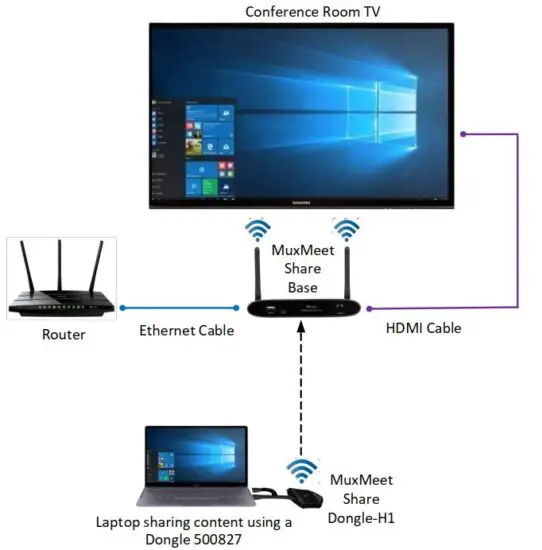
The MuxMeet Share Dongle-H1 is easy to connect and easy to use. Thanks to its plug-and-play connectivity, there is no need to install drivers. Sharing your desktop screen is as easy as pushing a button on the attached MuxMeet Share Dongle-H1, and an LED indicates the unit status. This device works in conjunction with MuxMeet Share Base-1 (model: 500826) or with MuxMeet Share Base-2 (model: 500829). MuxMeet Share Base-1 and MuxMeet Share Base-2 are sold separately.
Key Features
- Can be connected to a Windows or Mac based laptop
- Can wireless transmit your computer desktop to MuxMeet Share Base-1 (model: 500826) or MuxMeet Share Base-2 (model: 500829)
- Supports transmit the computer desktop in mirror or extend mode
- Supports VESA PC resolution, auto-detecting
- No driver installation required
- With the push of a button, it is possible to start or stop a transmission
Installation
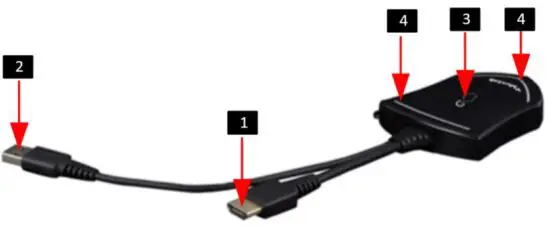
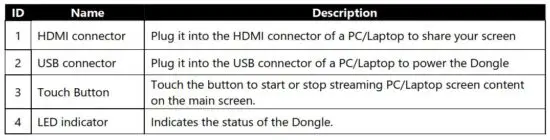
LED indicator behavior
- When LED indicator is static green, it’s ready to mirror your PC desktop on the main screen.
- When LED indicator is static red, it indicates:
1) It’s mirroring your PC desktop on the screen,
2) Pairing is done. You can now unplug the Dongle from the base unit. - When LED indicator is blinking Green, it indicates:
1) The Dongle is plugged in the laptop and initializing.
2) Pairing/software upgrading of the Dongle in the Base Unit is in progress. - When LED indicator is Off (no light), it indicates
1) the Dongle is not plugged in the PC/Lap-top
2) the Dongle is defective
3) the USB port or computer might be defective.
Typical Application
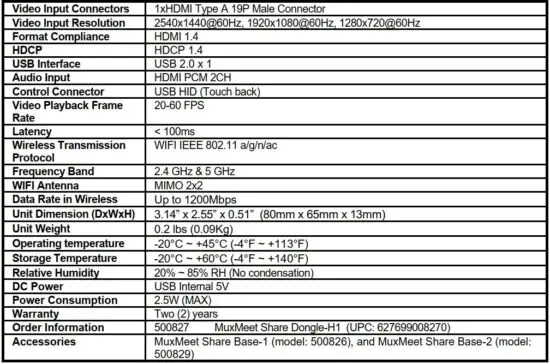
Specifications
2321 Rue Cohen, Montreal, Quebec, Canada, H4R 2N7
Tel: (514) 905-0588 Fax: (514) 905-0589
Toll Free (North America): (877) 689-5228
E-mail: [email protected] URL: www.muxlab.com
Read More About This Manual & Download PDF:
 Home - Muxlab