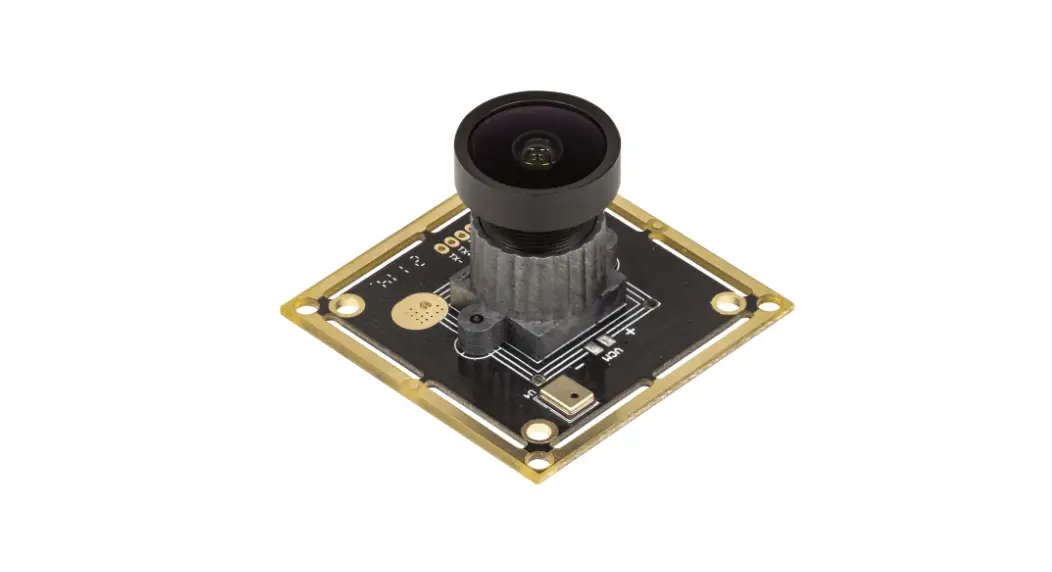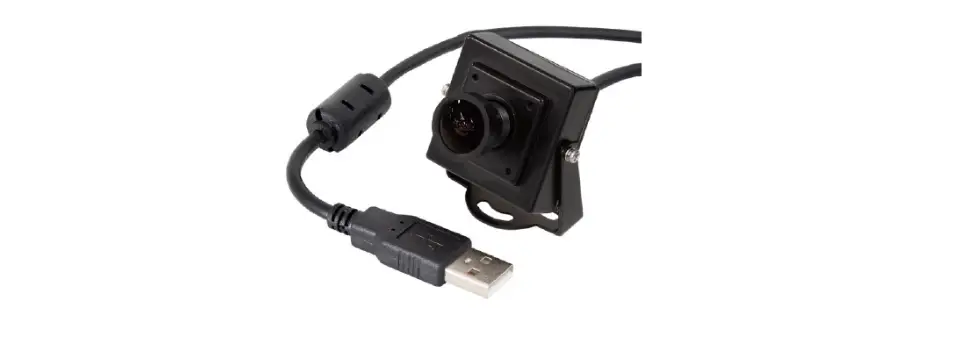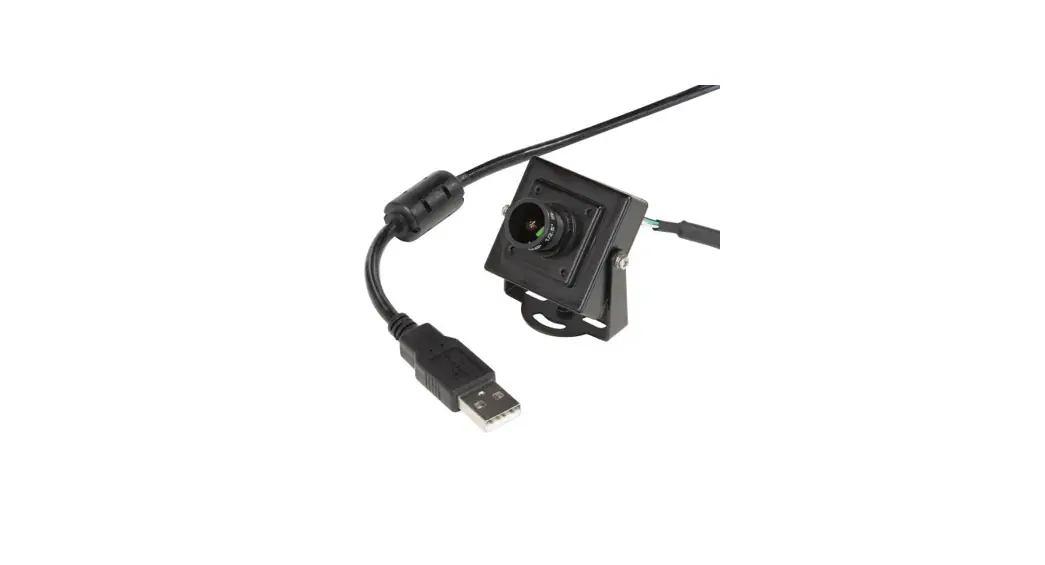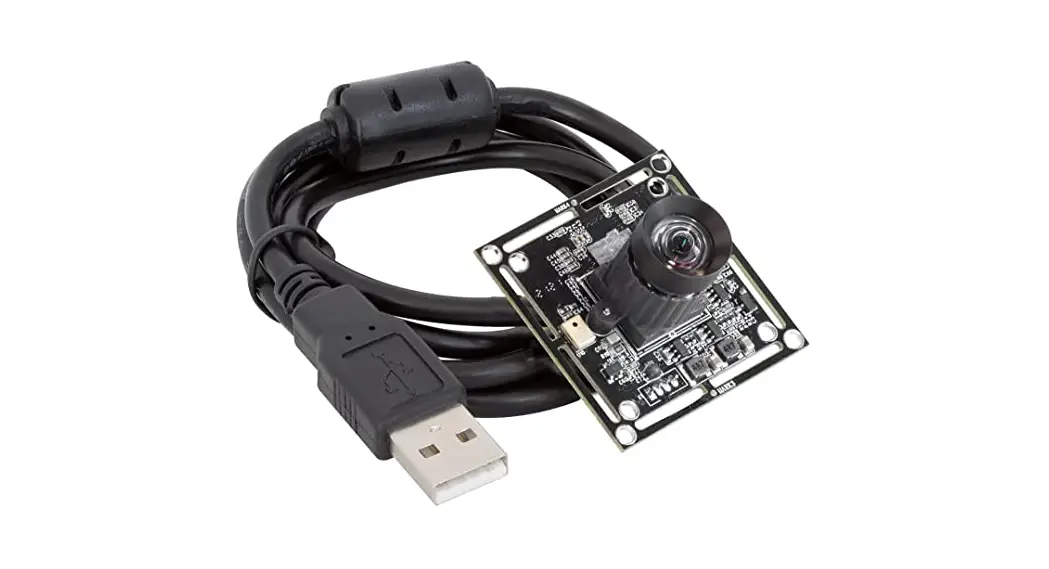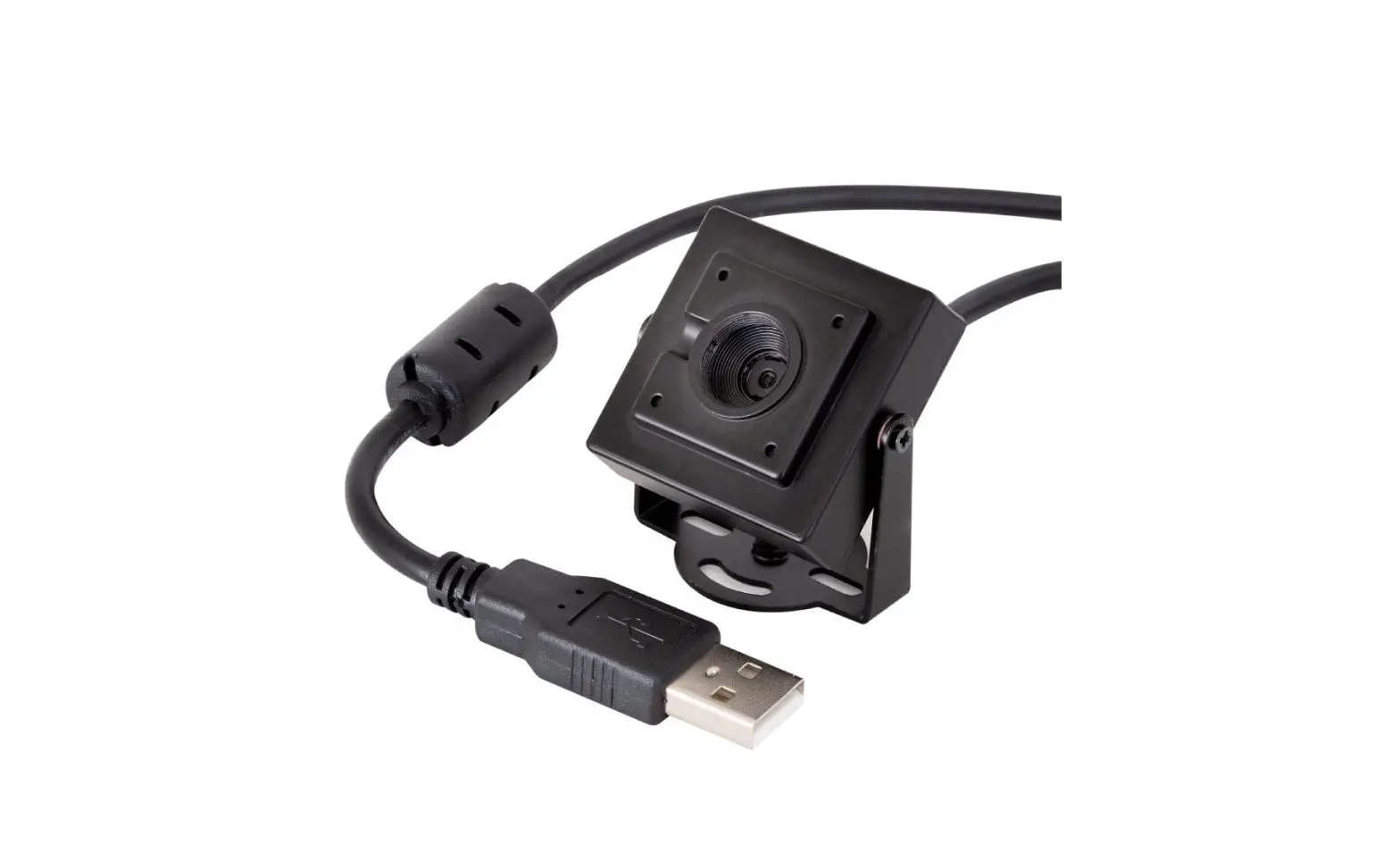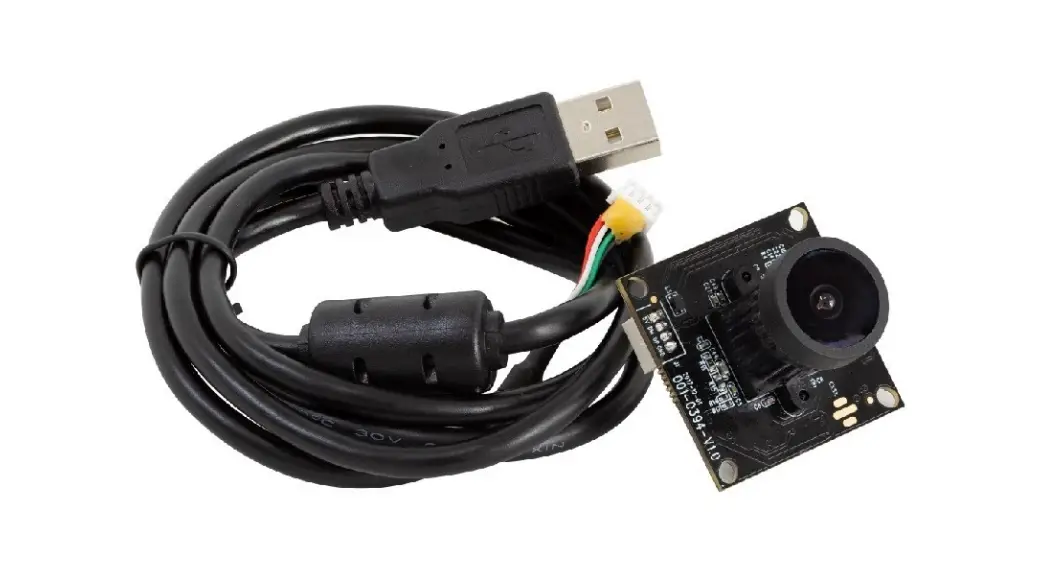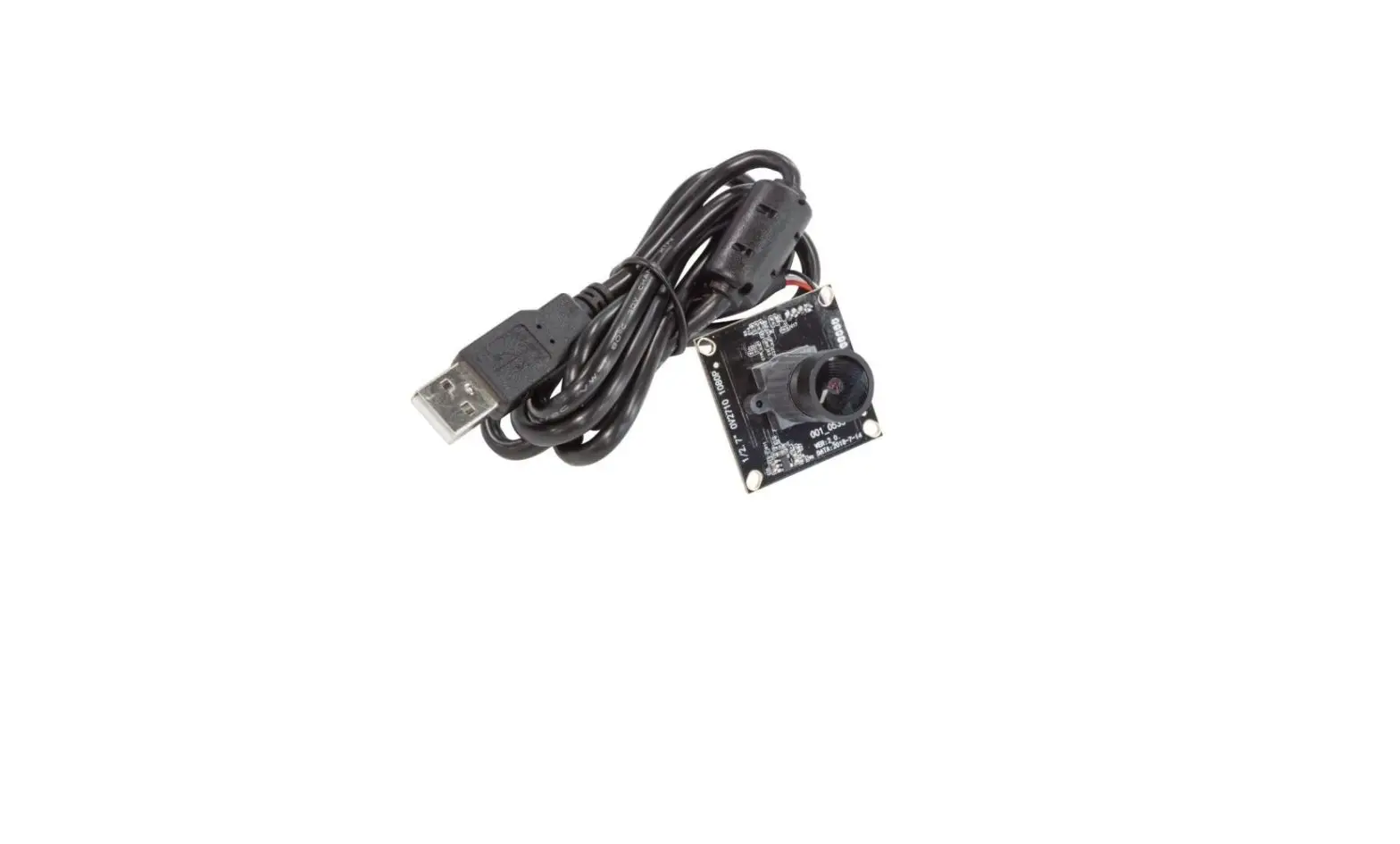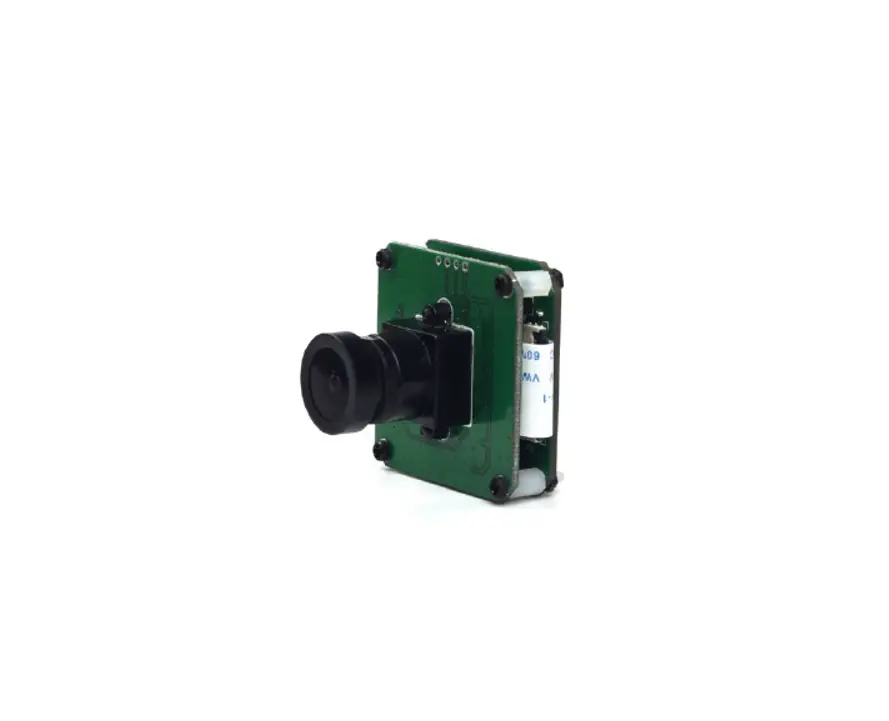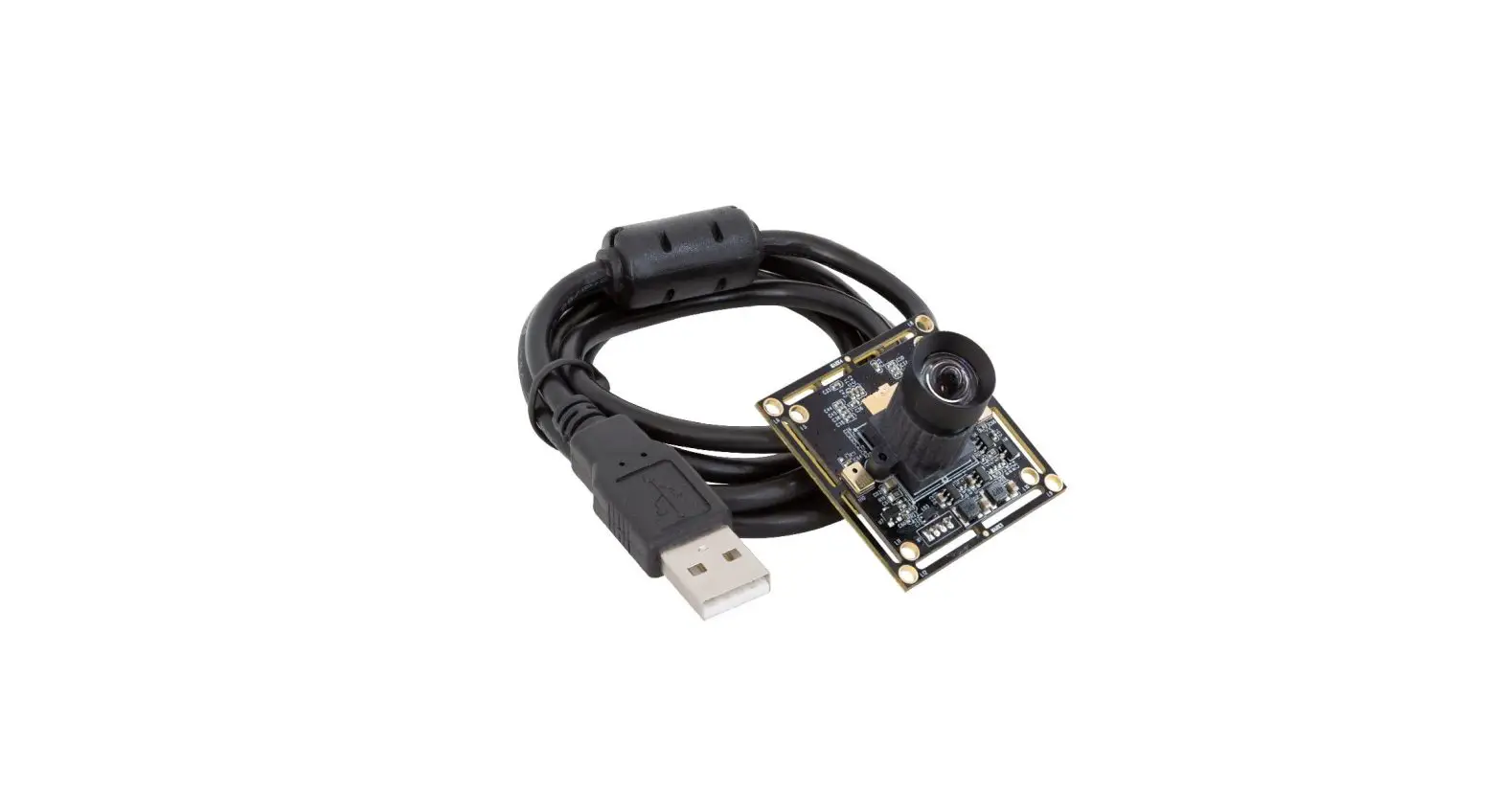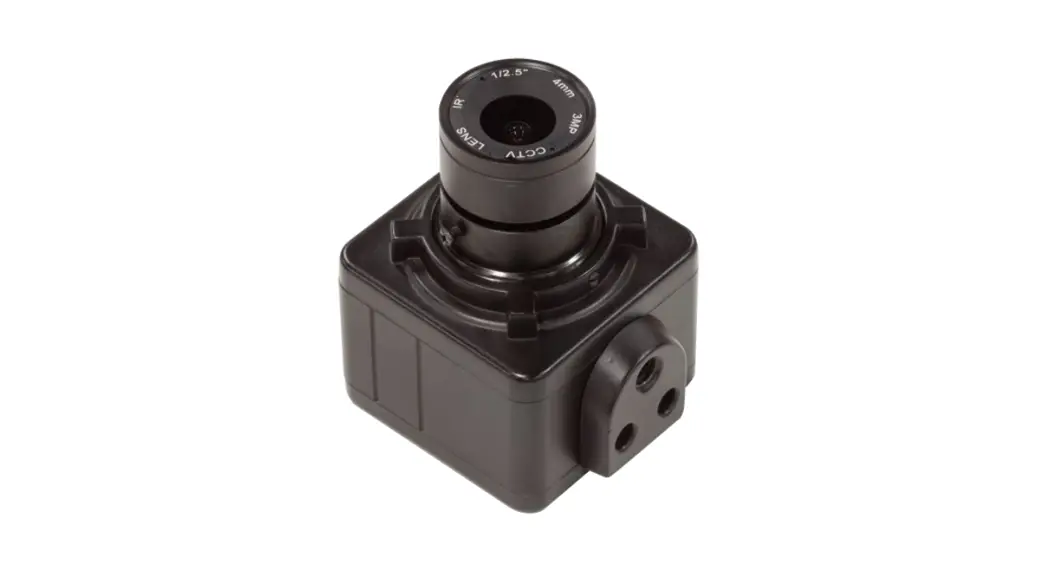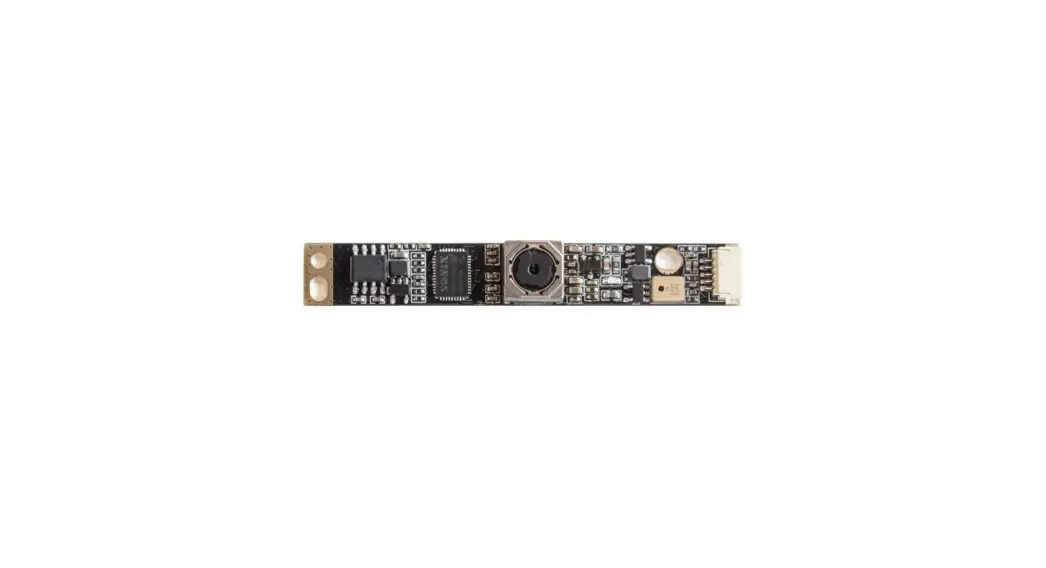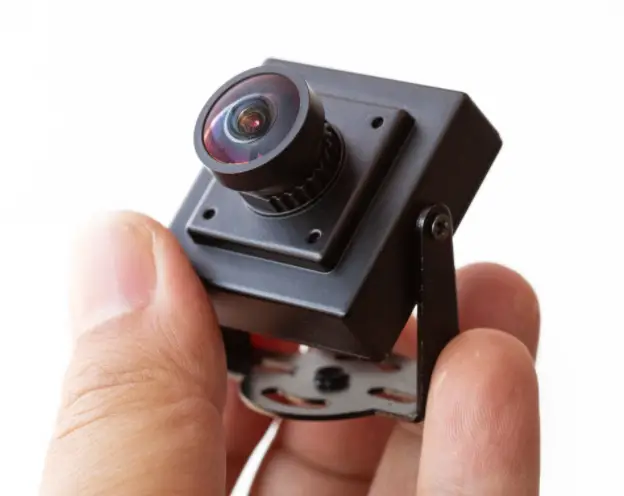
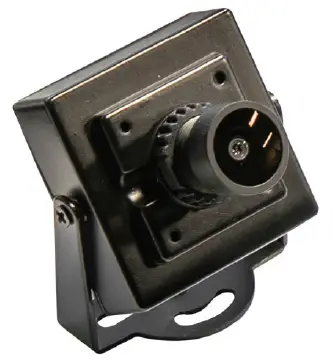
Arducam UB022901 Wide Angle USB Camera with Metal Case
INTRODUCTION
About Arducam
Arducam has been a professional designer and manu-facturer of SPI, MIPI, DVP and USB cameras since 2012. We also offer customized turnkey design and manufacturing solution services for customers who want their products to be unique.
About this USB Camera
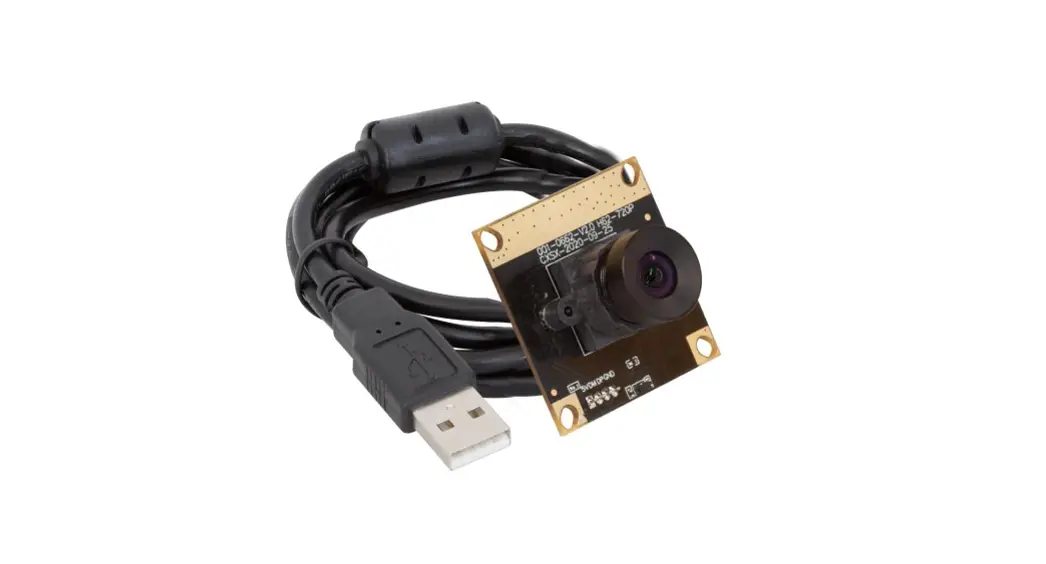
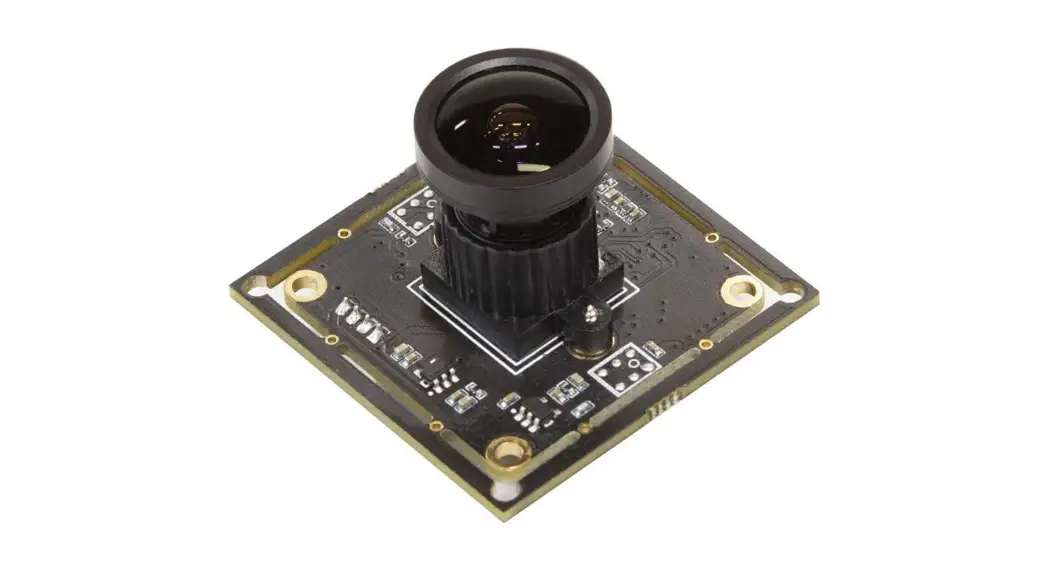
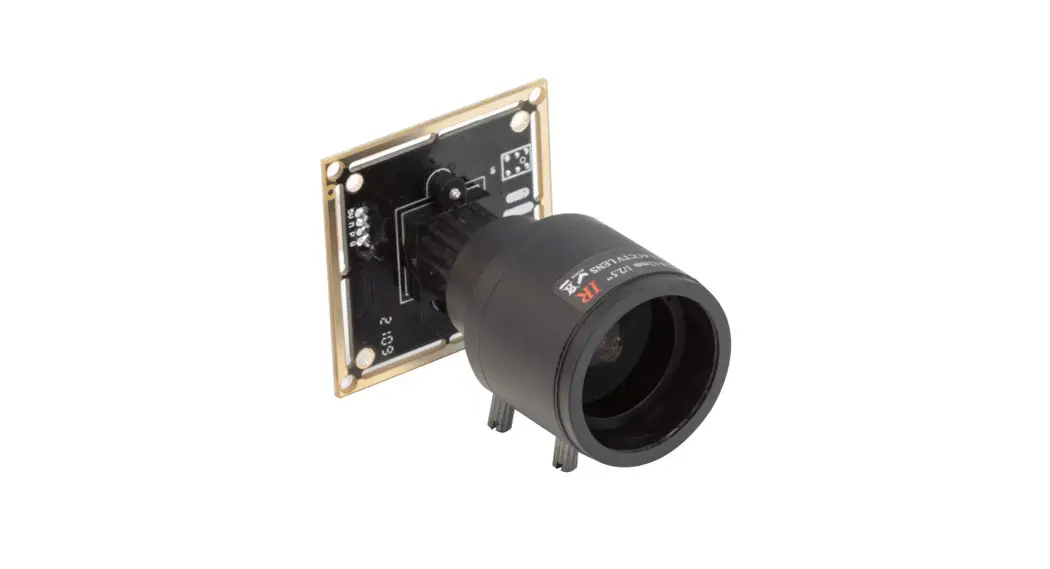
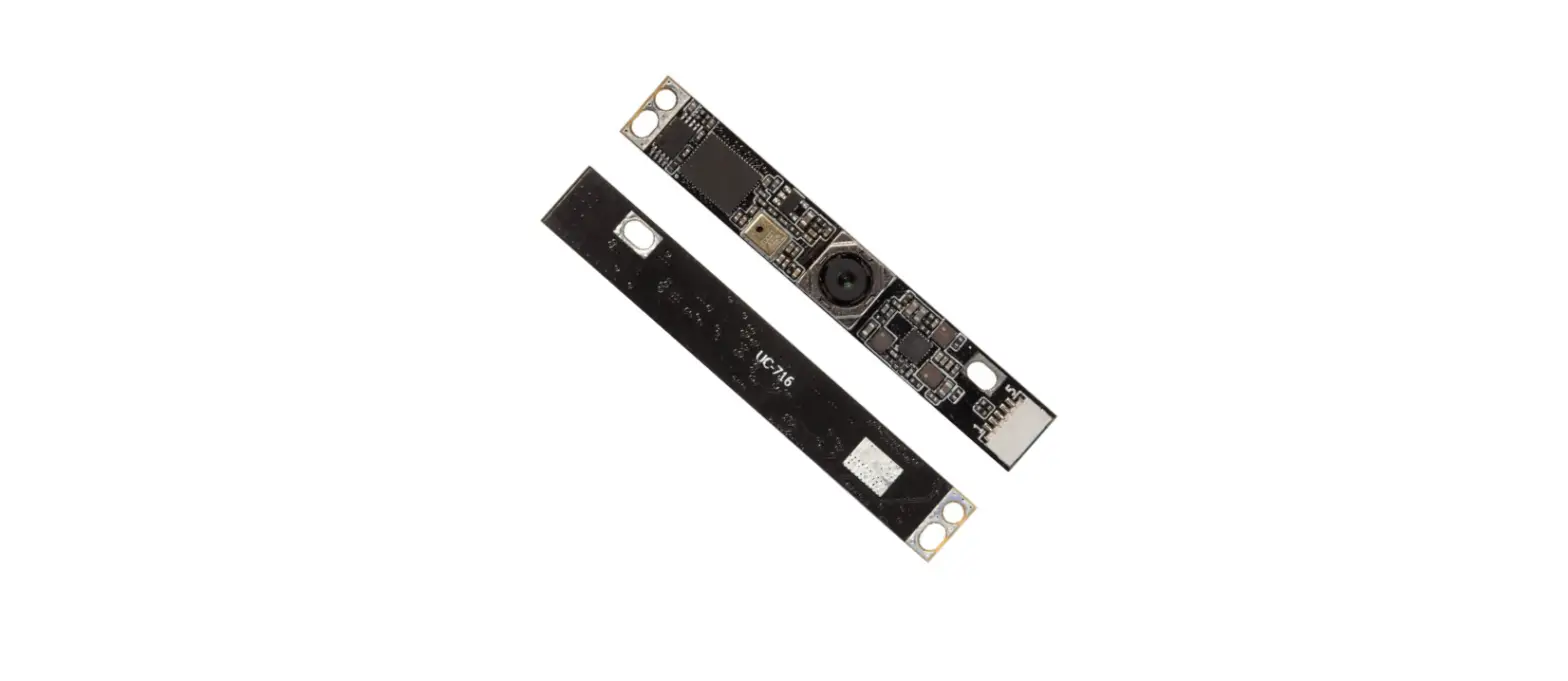
The UB022901 is a new member of the Arducam’s USB camera family. It’s a 8MP, UVC compliant, wide angle, USB 2.0 camera. This USB camera is based on the 1/3.2” Sony IMX179 image sensor, and you can read more about its specs in the next chapter. Arducam also provides the sample application that demon-strates some of the features of this camera.
About UVC
The UB022901 is a UVC-compliant camera. The native UVC drivers of Windows, Linux and Mac shall be com-patible with this camera so that it does not require extra drivers to be installed.
About Customer Service
If you need our help or want to customize other mod-els of USB cameras, feel free to contact us at [email protected]
SPECSIFICATIONS
| Camera | |
| Sensor | 1/3.2” IMX179 |
| Resolution | 8MP 3264H x 2448V |
| Data Format | MJPG/YUY2 |
| Frame rate | MJPG 15fps@3264 x 2448; 30fps@1920 x 1080; YUY2 30fps@640 x 480. |
| Lens | |
| Field of View (FOV) | H=90° |
| Lens Mount | M12 |
| IR Sensitivity | Integral IR filter, visible light only |
| Functionality and Compatibility | |
| Auto Controlled Features | Contrast/ Saturation/ Exposure / White balance |
| Audio | Single microphone |
| System Compatibil- ity | Win7/8/10, Linux, Mac and Android with UVC |
| Power | |
| Power Supply | DC 5V |
| Working Current | MAX 350mA |
| Physical | |
| Operating Temp. | -4°F~167°F (-20°C~+75°C) |
| Dimension | 40x28x45mm |
| Connector No. | ZHR-4 |
| Cable Length | 3.3ft (1M) |
QUICK START
How to download the program
Download the APP Amcap from the following link https://www.arducam.com/downloads/app/AMCap.exe
NOTE:
- For Mac OS, please open the native software facetime and select the video camera “USB Camera” .
- If used with the Andriod device, USB Camera APP and connect adapter are needed.
How to connect the camera
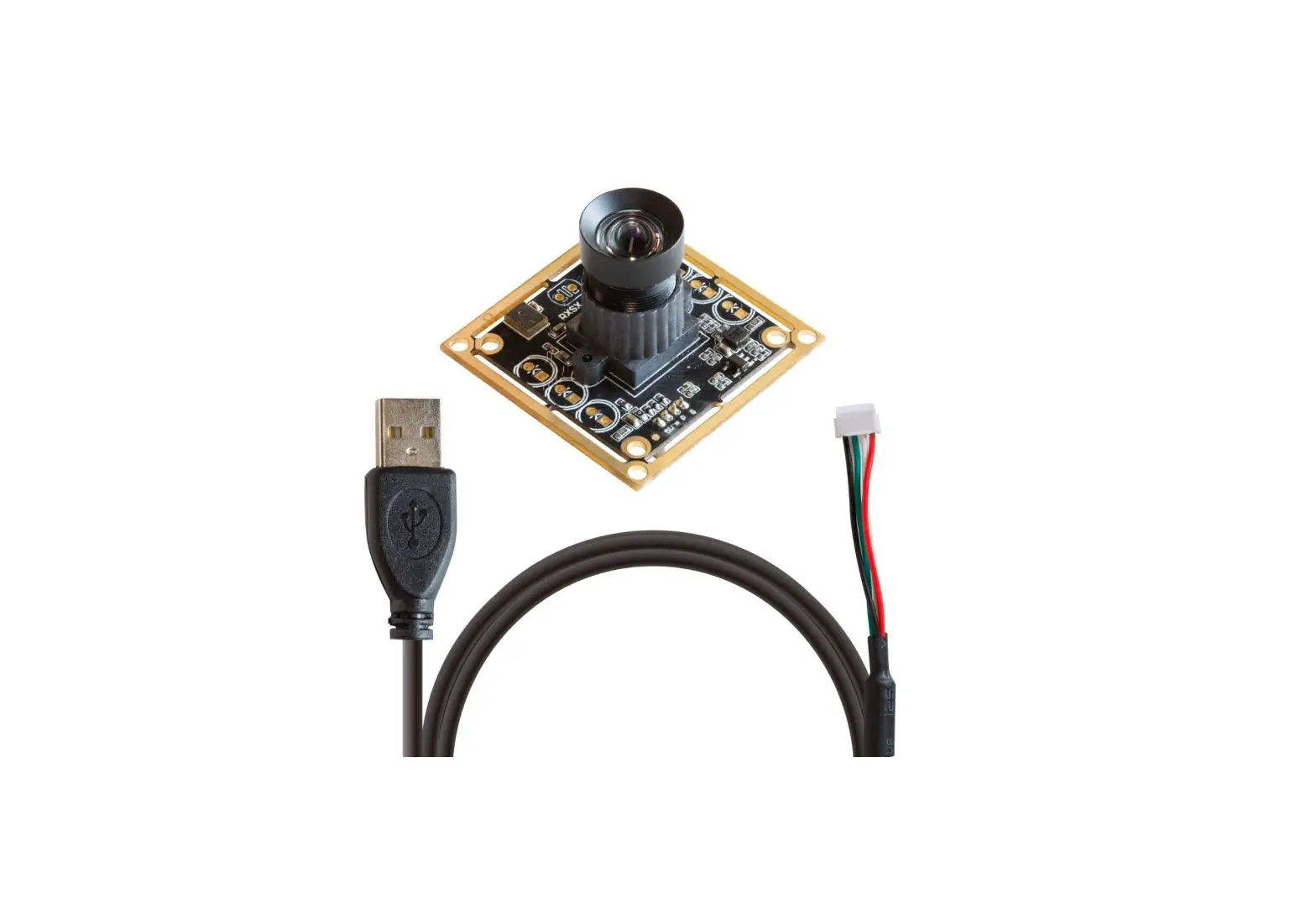
Connect the one end of the USB cable to the connect-or provided on the back of UB022901, and connect the other end to the USB 2.0 host controller on the computer.
How to use the program (Windows demo only)
The Menu bar at the top of the shown image contains few menu items and the current preview resolution and the frame rate are displayed on the bottom bar when the application is running. The following sections describe each of the menu items in detail.
Menu>Devices
This menu will show the available video devices to host PC. The UB022901 named “USB Camera2”. This camera support capturing audio, so the menu shows the “Microphone(2-USB Audio)”.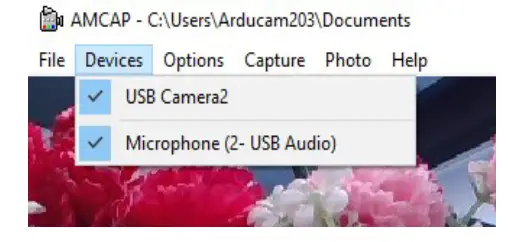
Menu>Options
The options menu can be used to select the preview and audio and image parameters supported by this camera.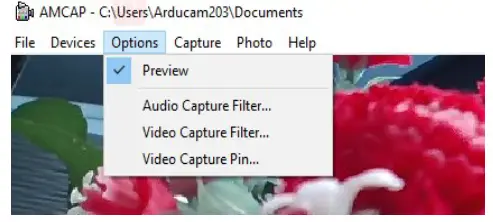
How to use the program (Windows demo only)
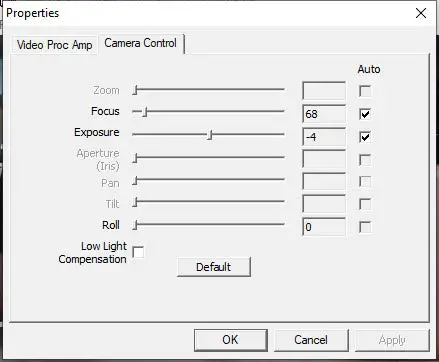
Video Capture Filter -> Video Proc Amp/Camera Control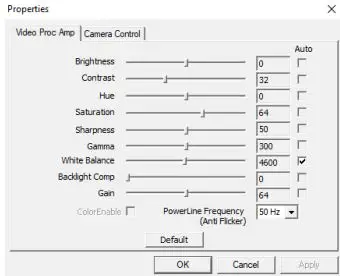
How to use the program (Windows demo only)
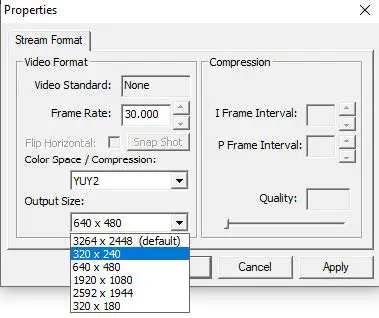
Video Capture Pin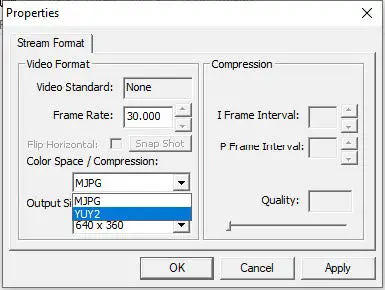
How to use the program (Windows demo only)
Menu> Capture
The capture menu is used to capture the still image and video by using this application. You can also select the related parameters.
NOTE: If you want to get the voice from the micro-phone, you need to select the option “Capture Audio” before capturing video.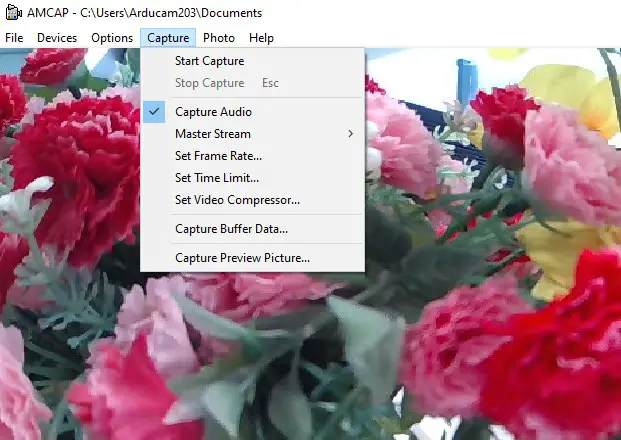

 arducam.com/downloads/app/