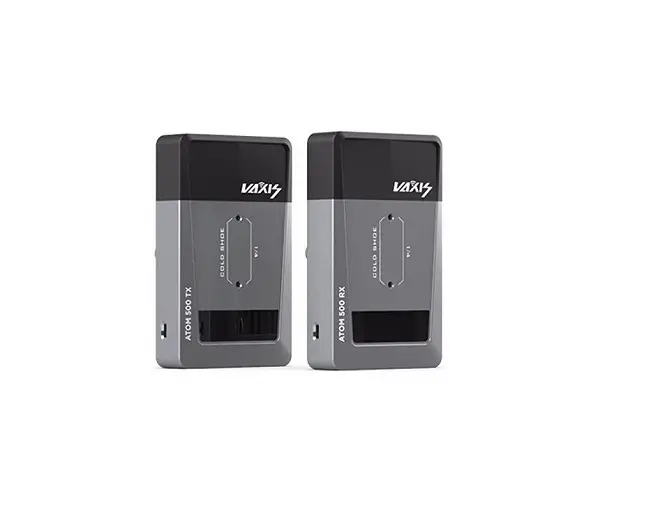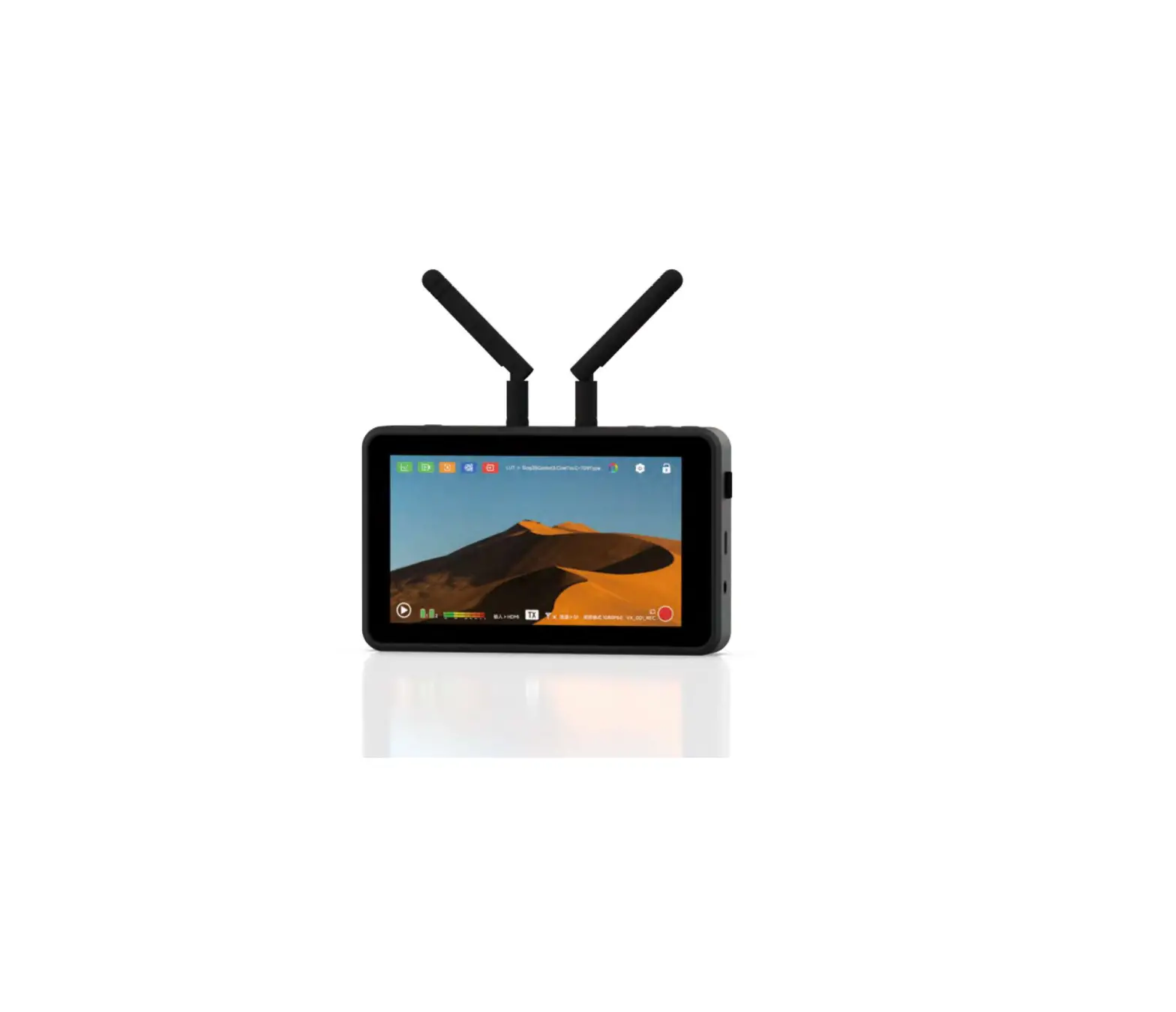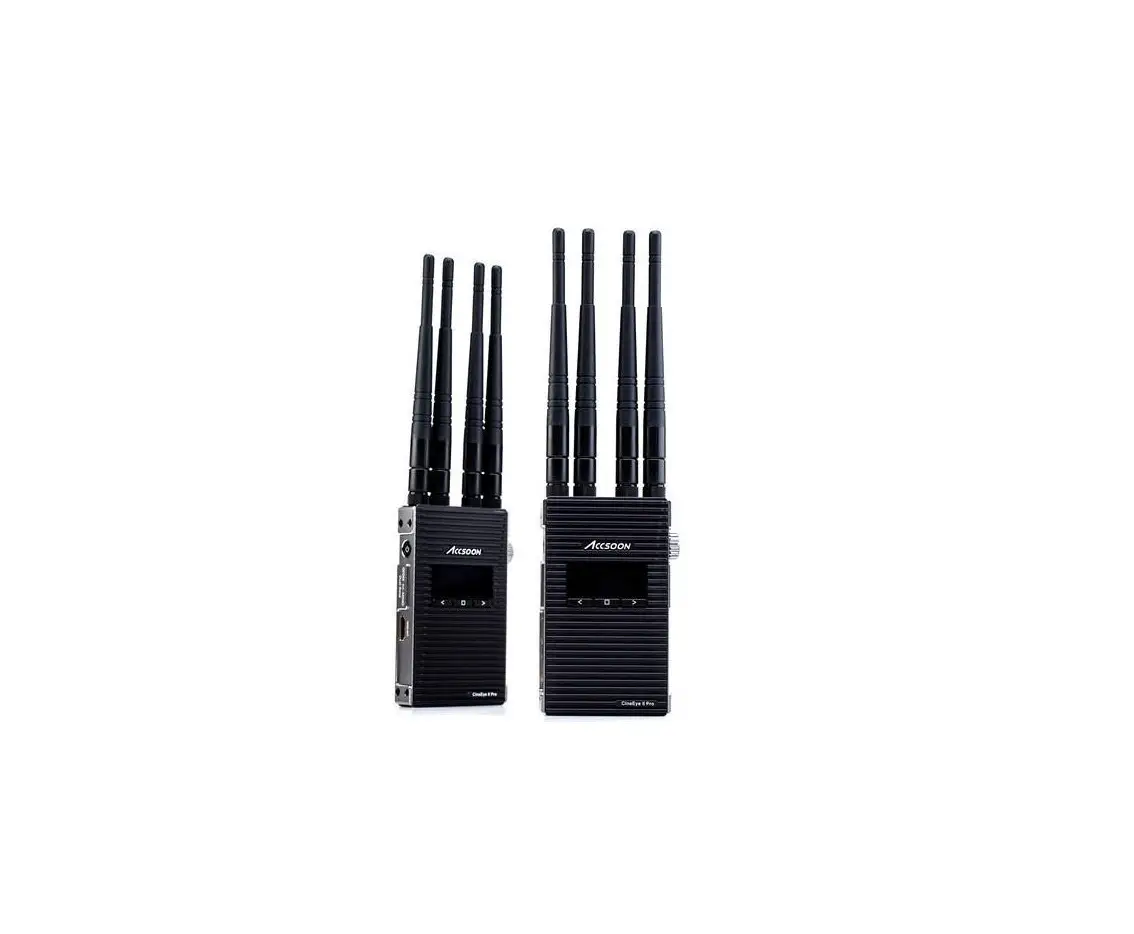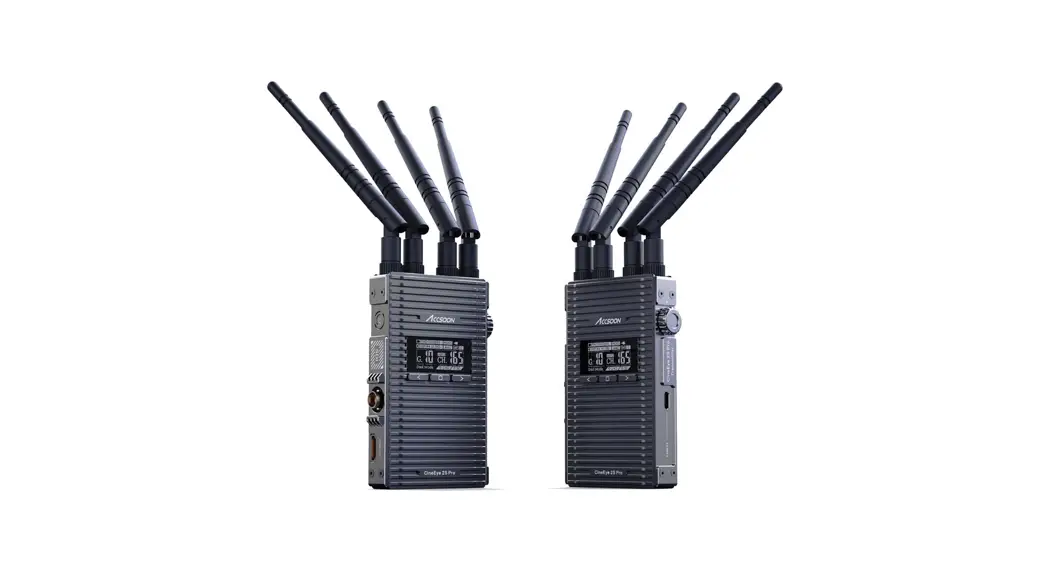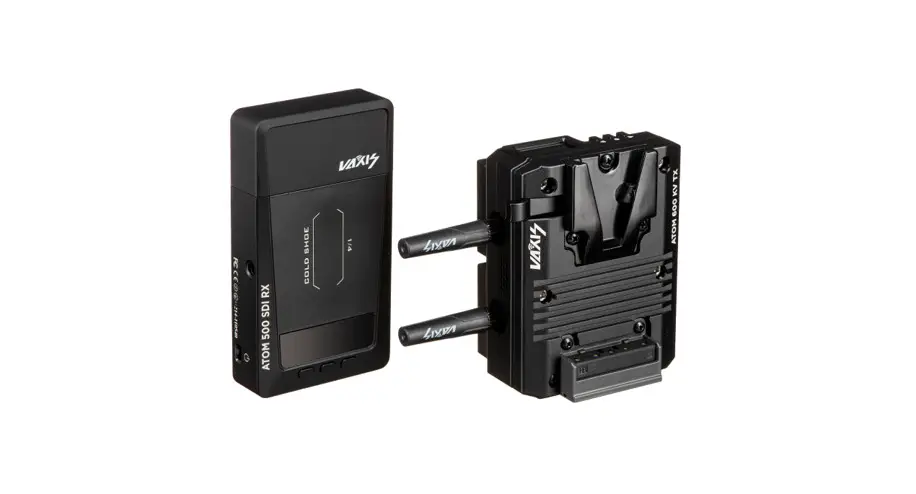

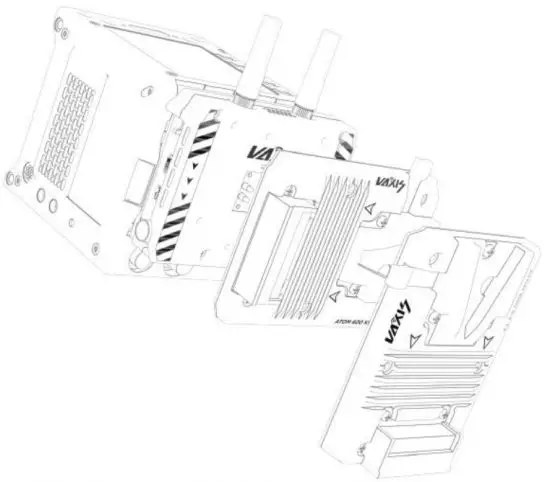
VAXIS • ATOM 600 KV (TX)
Wireless Video System
To Our Customers:
Thank you for your recent purchase of the Vaxis Atom 600 VK. We created this product with you in mind and hope you will find the Atom 600 KV useful.
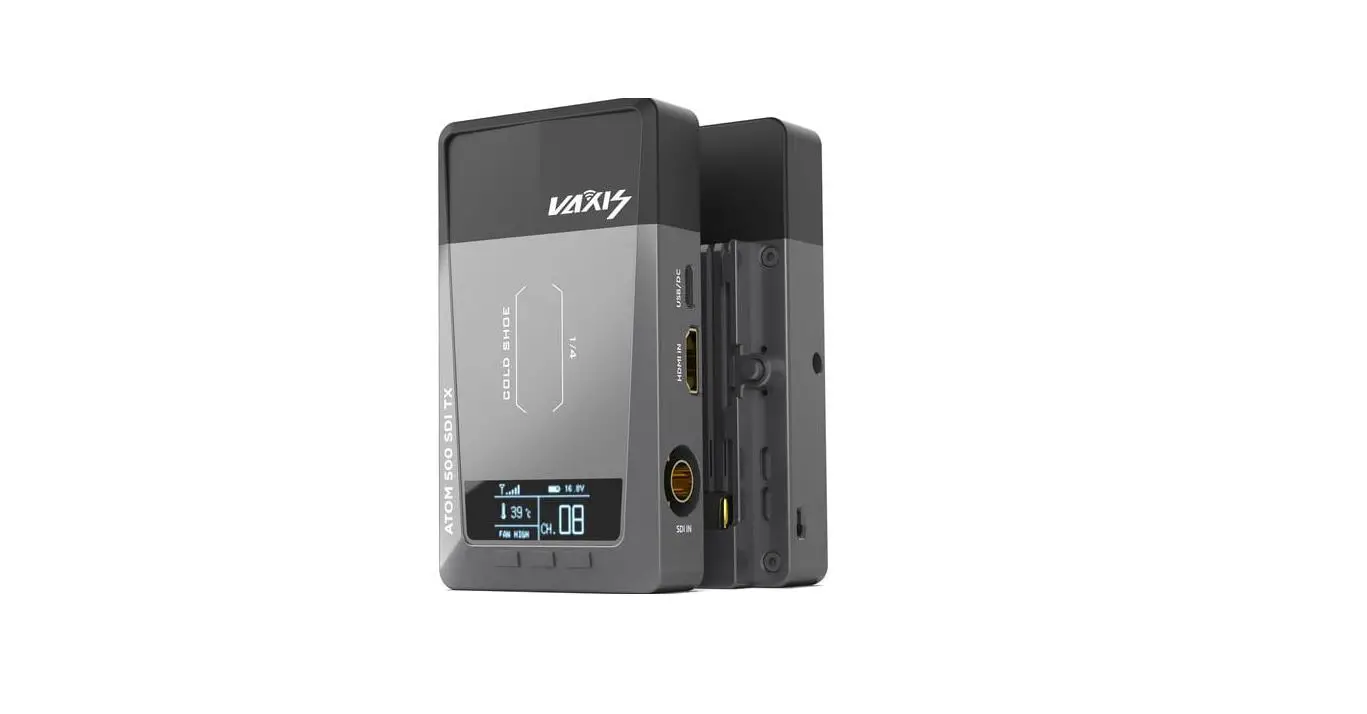
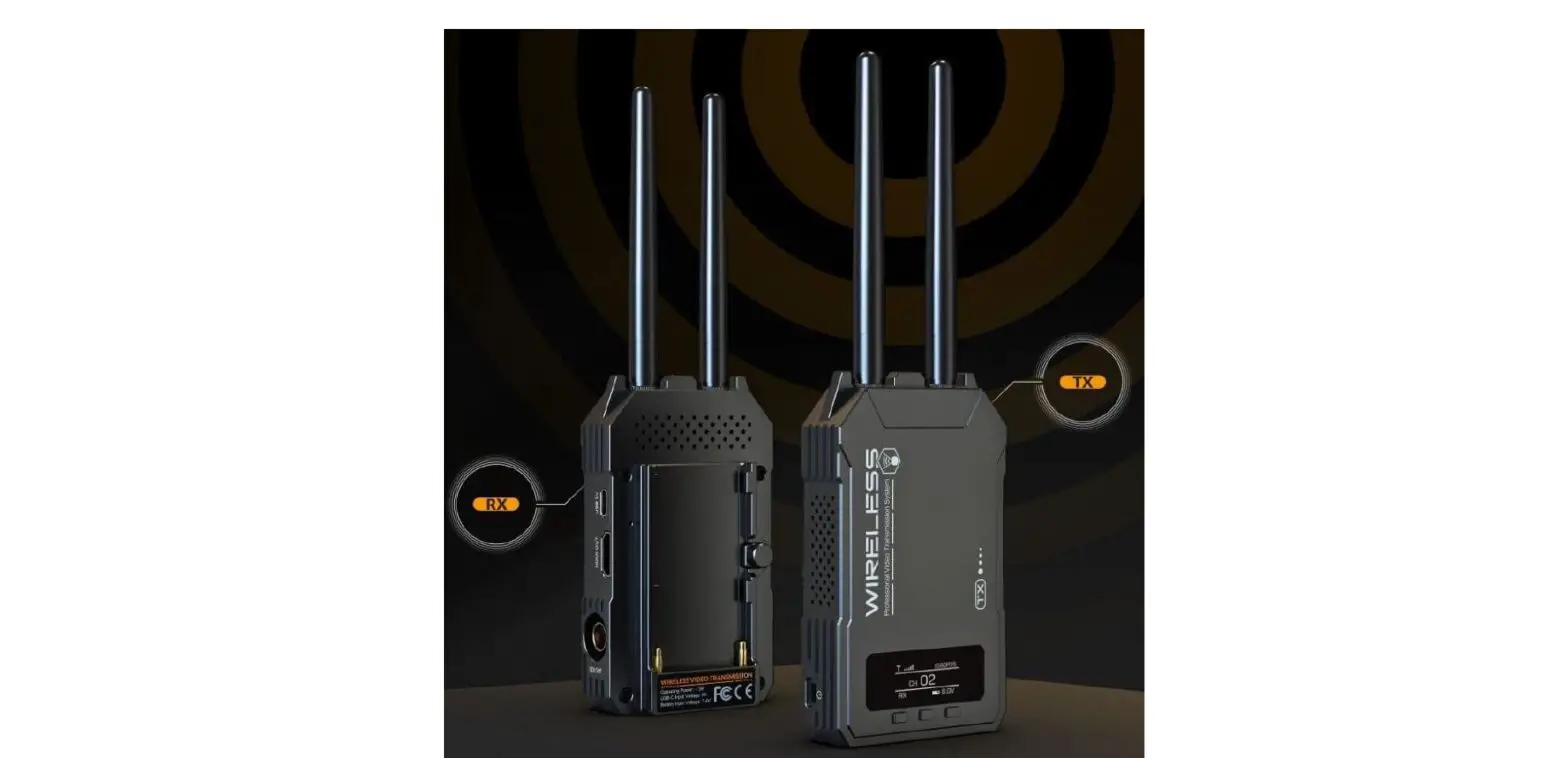
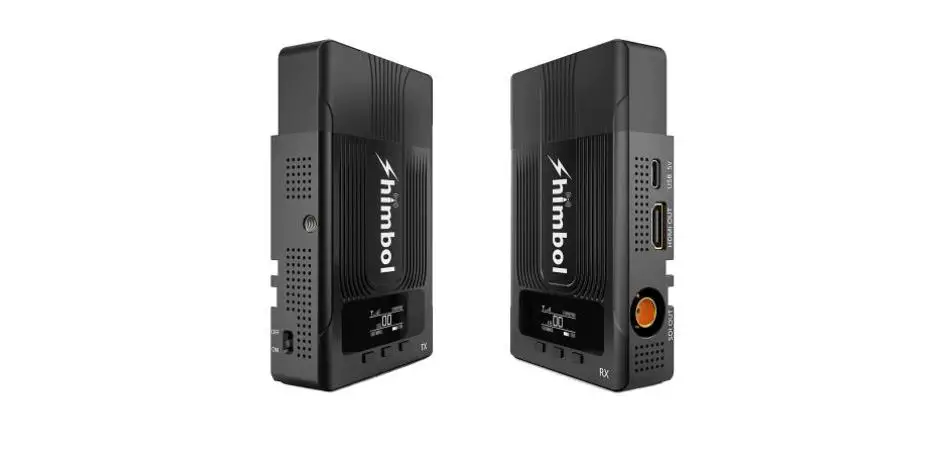
Transmitter Interface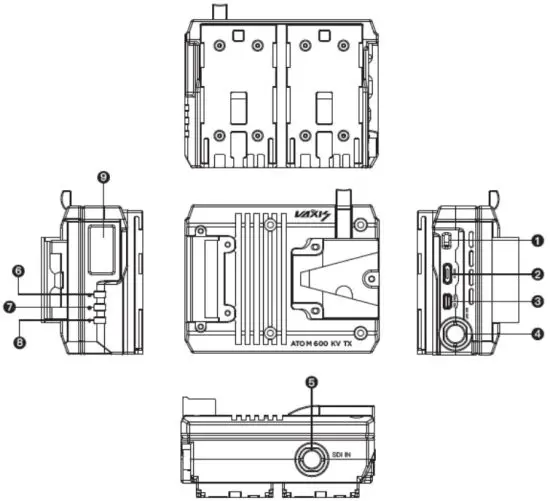
- Power Switch
- SDI Input
- OLED Display
- USB Interface
- Up
- Micro-HDMI Out
- SDI Out
- Menu/OK
- Down
Receiver Interface
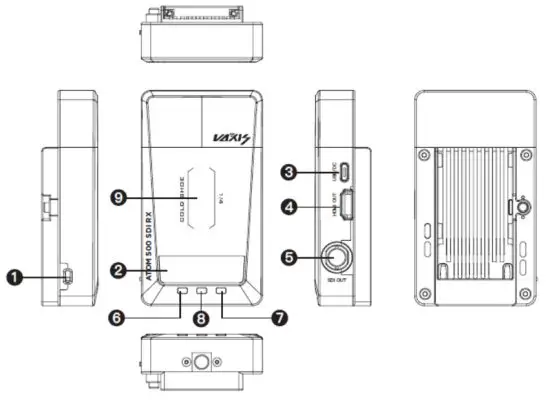
- Power Switch
- SDI Input
- OLED Display
- USB Interface
- Up
- HDMI Out
- 1\4 Screw Mount
- Menu/OK
- Down
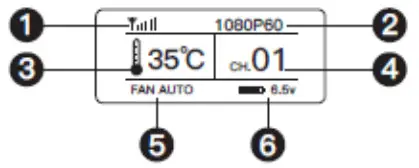
- Signal Strength
- Video Format
- Fan Mode
- Battery Voltage
- Temperature
- Channel
Operations Guide
- CHANNEL SWITCH
Press the left or right button to switch between channels, and press the middle button to confirm. The receiver will automatically adjust to the same charnel as selected by the transmitter.
ACCESSIBILITY STEP SCANNER BACK - FAN MODE
Long presses the left button for 3s to enter the fan mode menu. Options include FAN LOW, FAN HIGH, FAN AUTO, and FAN OFF. - APP MONITORING
Long press the right button for 3s, and the screen will show a QR code. Scan the code with our app: Vaxis Vision and your mobile phone will be paired to the TX.
APP Download
 https://apps.apple.com/cn/app/vaxis-vision/id1487059610
Scan to download Vaxis Vision from App Store.
4. This device is a non-handheld device, and the distance between the device and people is greater than 20cm during work.
| 600 KV TX | RX | |
| Interface | SDI/HDMI Loop Out | 1-CvliOutput/S01 Output |
| Voltage | 6-18V | 5V DC |
| Power | <6.5w | <6.5w |
| HDMI Input Video Format | / | / |
| HDMI Output Video Format | 720P050/601-tz 1280*1024060Hz 1 ceos§50/60Ft 1080P624/25/30/50/60Hz | 720PA50/60Hz 1280*1024360Hz 10801@50/60Hz 1080Pl124/25/30/50/601-$z |
| SDI Input VideoFormat | 720P050/60Ftz 10801050/59.94/60Hz 1060P023.98/24/25/29.97/30 50/59.94/60Hz 1080PSF23.98/24//25/29.97/30Hz | / |
| SDI Output Video Format | 720P050/601-Iz 108010250/59.94/60Hz 1080P023.98/24/25/29.97/30 50/59.94/60Hz 1080PSF23.98/24/25/29.97/30142 | 720P650/6011z 10801@50/59.94/60Hz 1080P023.98/24/25/29.97 30/50/59.94/60Hz 1080PSF23.98/24/25/29.97/30 |
| Weight | 400g | 170g |
| Dimensions | 96.9’1050.4mm | 113*63.51,20mm |
| Frequency | 5G1-tz | |
| TransmissionPower | 17dbm | |
| Delay | 80ms | |
| RX Sensitivity | -80tH | |
FCC Statement
This device complies with Part 15 of the FCC Rules. Operation is subject to the following two conditions: (1) this device may not cause harmful interference and (2) this device must accept any interference received, including interference that may cause undesired operation.
Any changes or modifications not expressly approved by the party responsible for compliance could void the user’s authority to operate the equipment.
Note: This equipment has been tested and found to comply with the limits for a Class B digital device, pursuant to part 15 of the FCC Rules. These limits are designed to provide reasonable protection against harmful interference in a residential installation. This equipment generates uses and can radiate radio frequency energy and, if not installed and used in accordance with the instructions, may cause harmful interference to radio communications. However, there is no guarantee that interference will not occur in a particular installation. If this equipment does cause harmful interference to radio or television reception, which can be determined by turning the equipment off and on, the user is encouraged to try to correct the interference by one or more of the following measures:
-Reorient or relocate the receiving antenna.
-Increase the separation between the equipment and receiver.
-Connect the equipment into an outlet on a circuit different from that to which the receiver is connected.
-Consult the dealer or an experienced radio/TV technician for help.
The device has been evaluated to meet general RF exposure requirements. The device can be used in portable exposure conditions without restriction.
Part 15B Equipment
This equipment has been tested and found to comply with the limits for a Class B digital device, pursuant to part 15 of the FCC rules. These limits are designed to provide reasonable protection against harmful interference in a residential installation. This equipment generates, uses, and can radiate radio frequency energy and, if not installed and used in accordance with the instructions, may cause harmful interference to radio communications.
However, there is no guarantee that interference will not occur in a particular installation. If this equipment does cause harmful interference to radio or television reception, which can be determined by turning the equipment off and on, the user is encouraged to try to correct the interference by one or more of the following measures:
- Reorient or relocate the receiving antenna.
- Increase the separation between the equipment and receiver.
Connect the equipment into an outlet on a circuit different from that to which the receiver is connected.
- Consult the dealer or an experienced radio/TV technician for help.
Any changes or modifications not expressly approved by the manufacturer could void the user’s authority to operate the equipment