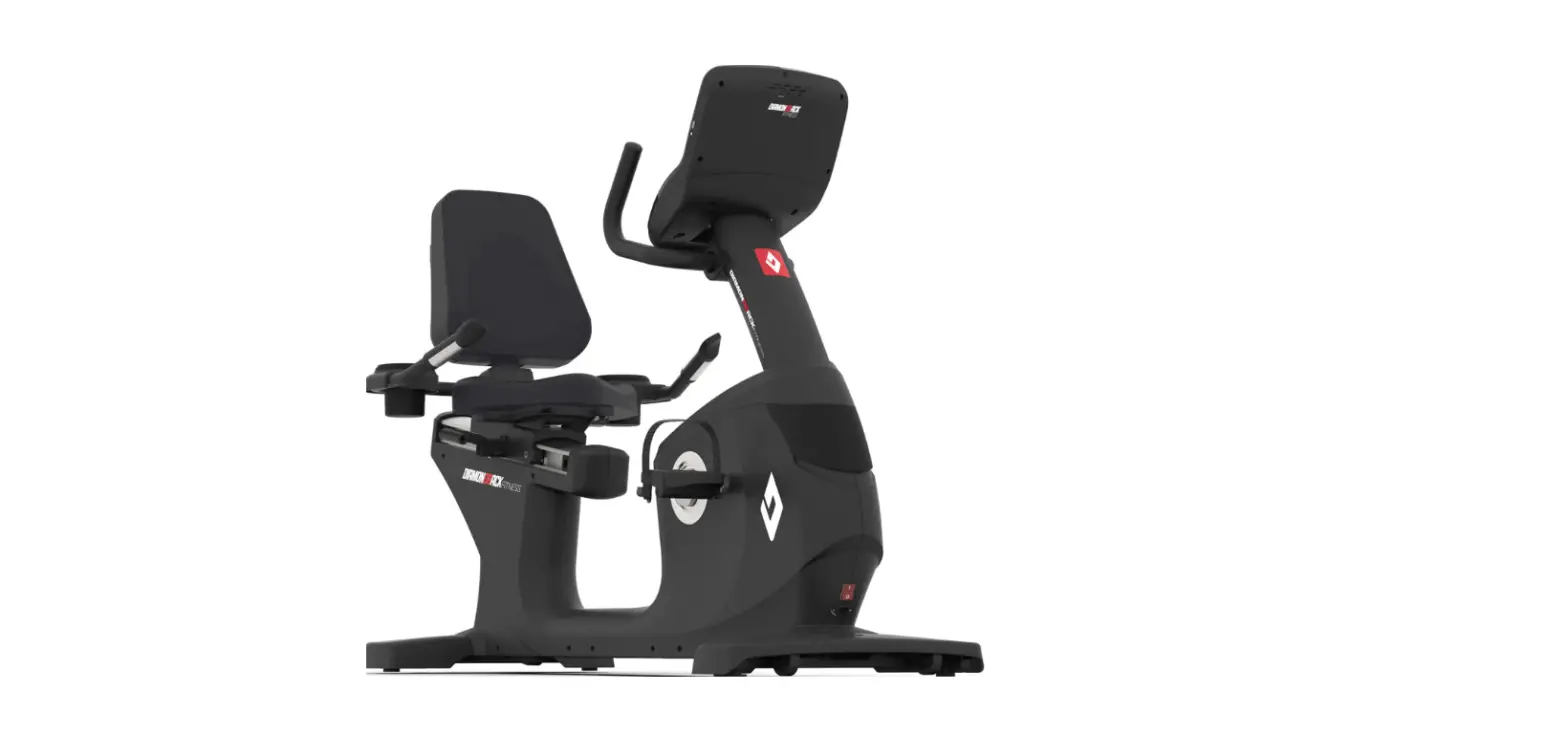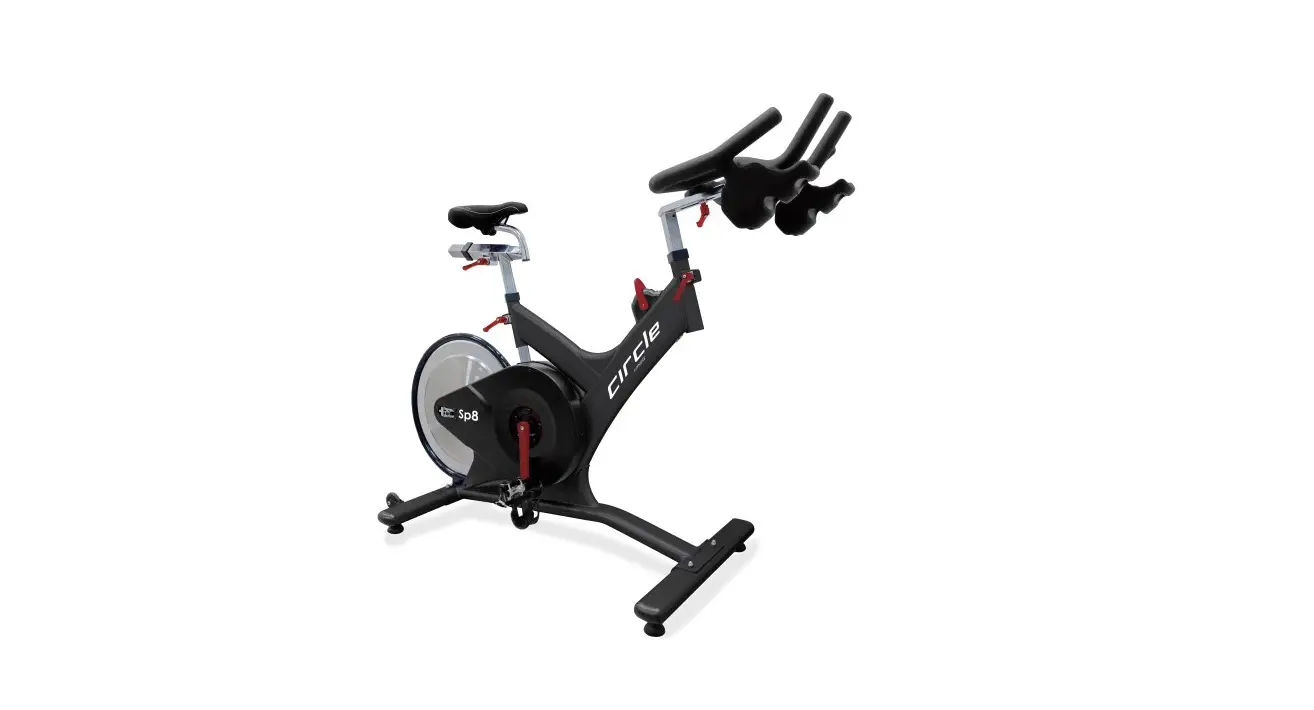

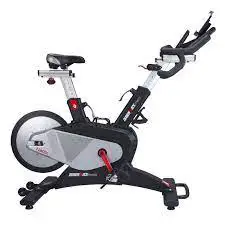
DIAMONDBACK FITNESS 1260sc Rear Wheel Studio Cycle
Power on the console
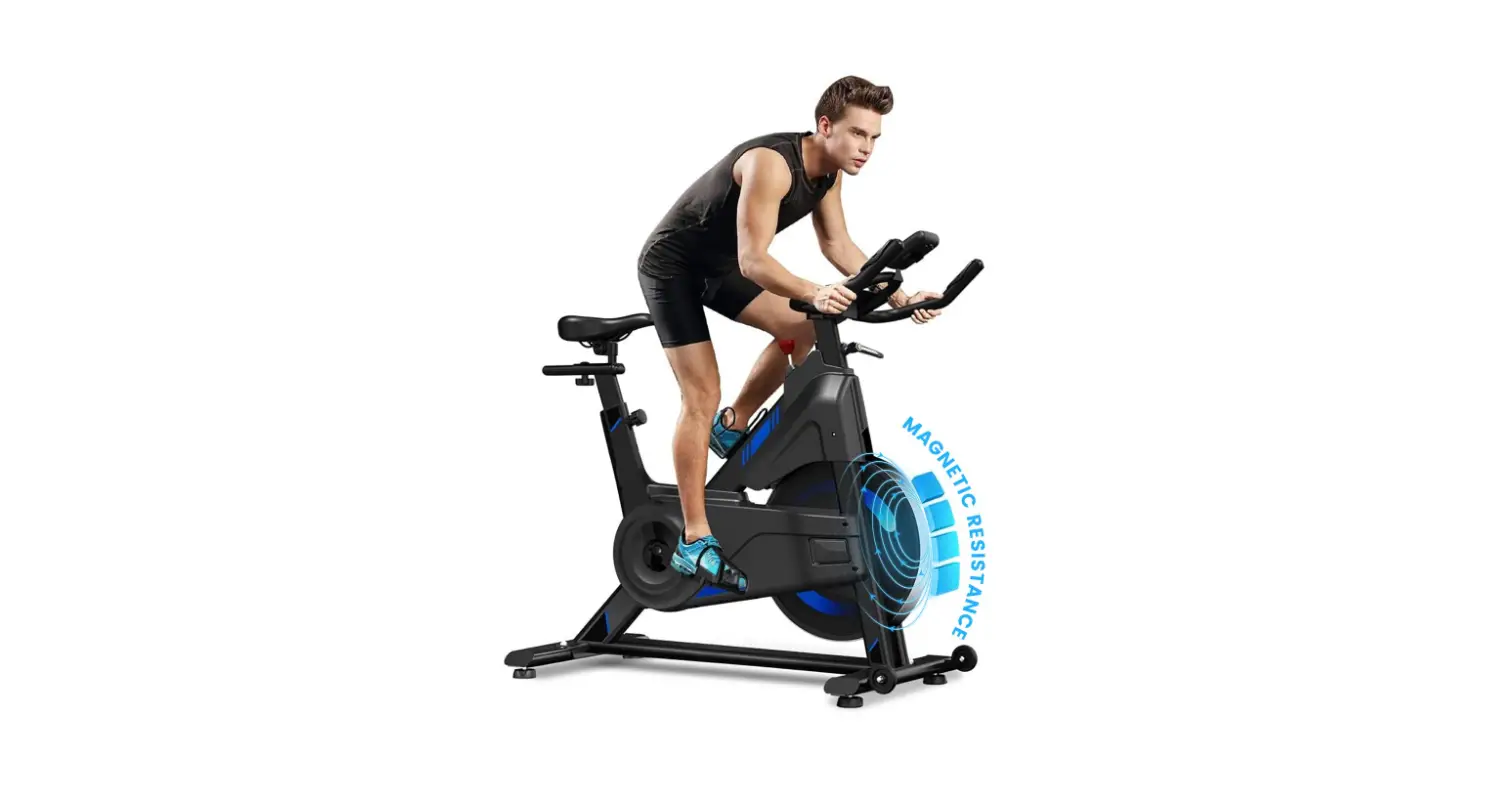
Pedal your 1260Sc a couple rotations until the console beeps and lights up.
Start your compatible app
Open your BLE FTMS (Fitness Machine Service) compatible app on your iOS or Android device. Get to the point in your app where it is searching for devices.
Now, press the blue Bluetooth • ANT+ button on the 1260Sc console. You’ll see ANT+ blinking near the top in the console display indicating you’re ready for the final step.
Special note for first time setup:
The ANT+ indicator will blink for 30 seconds. Devices can only find and make a first time connection with the 1260Sc console during this 30 second blinking period.
Finish the connection
On your iOS or Android device, choose GFIT from the connection choices.
Still have questions? Please contact us.
email : support@diamondbackfitness.com
website : http://diamondbackfitness.com