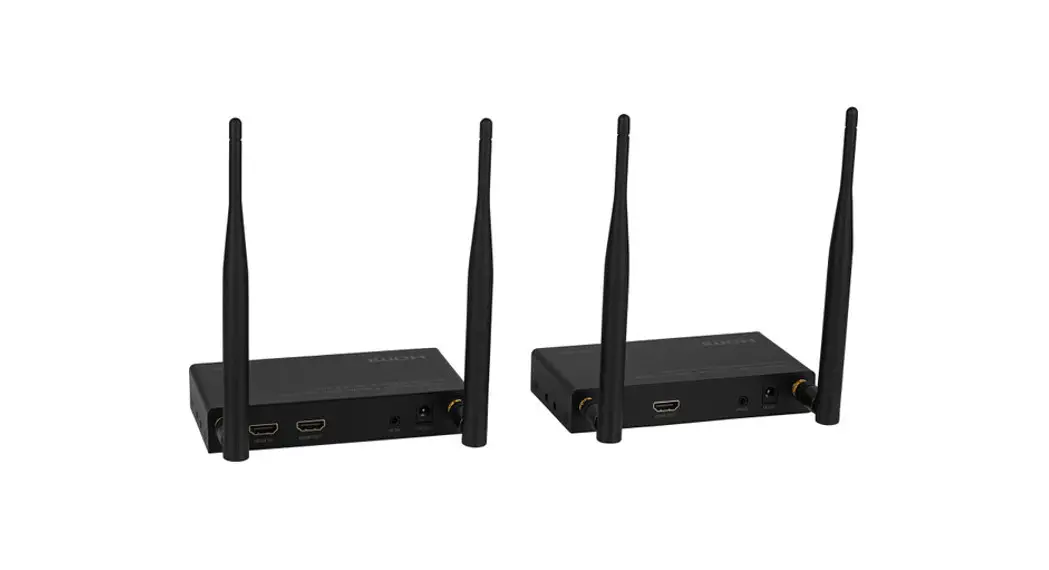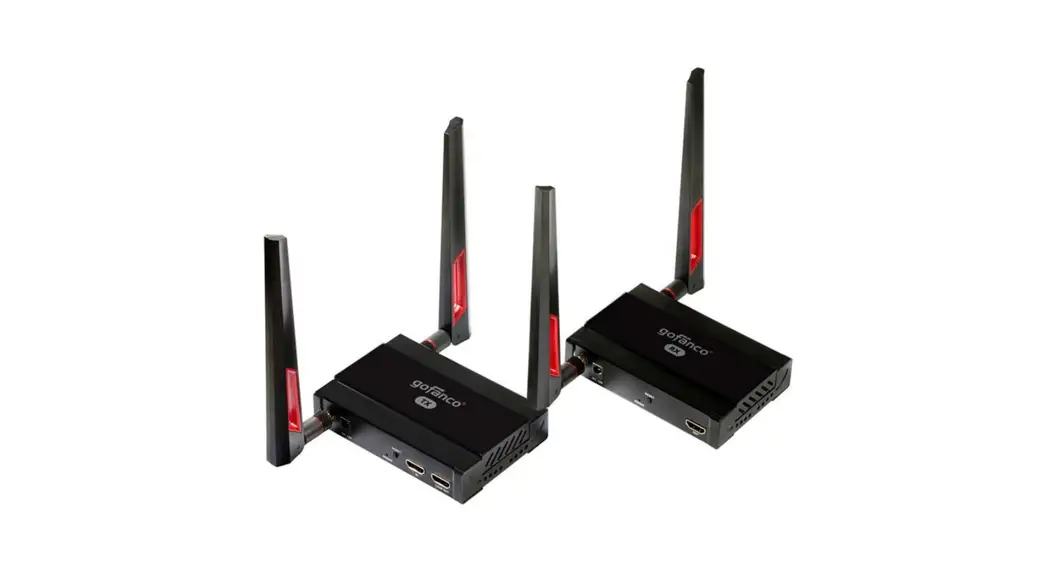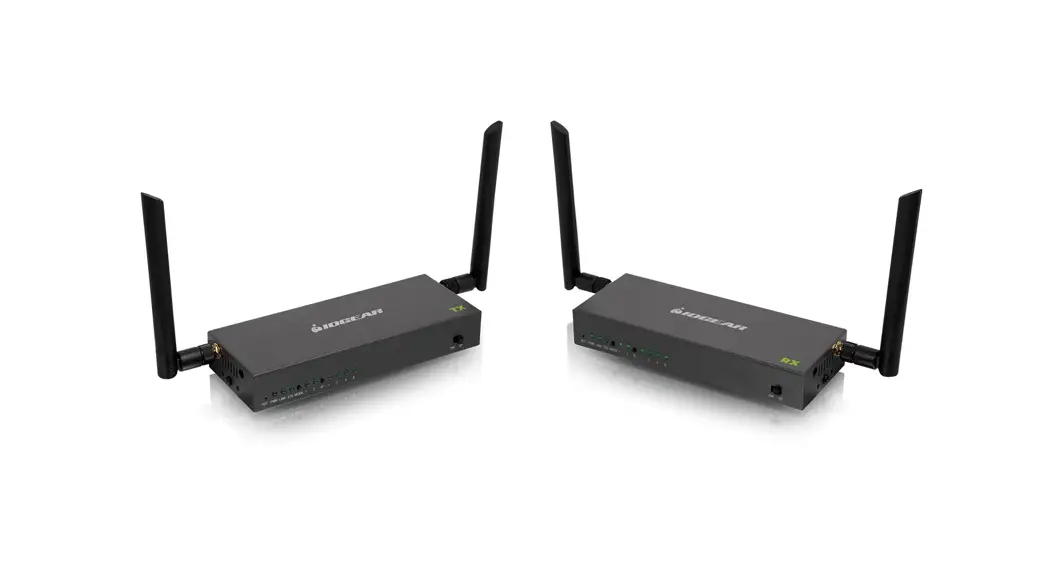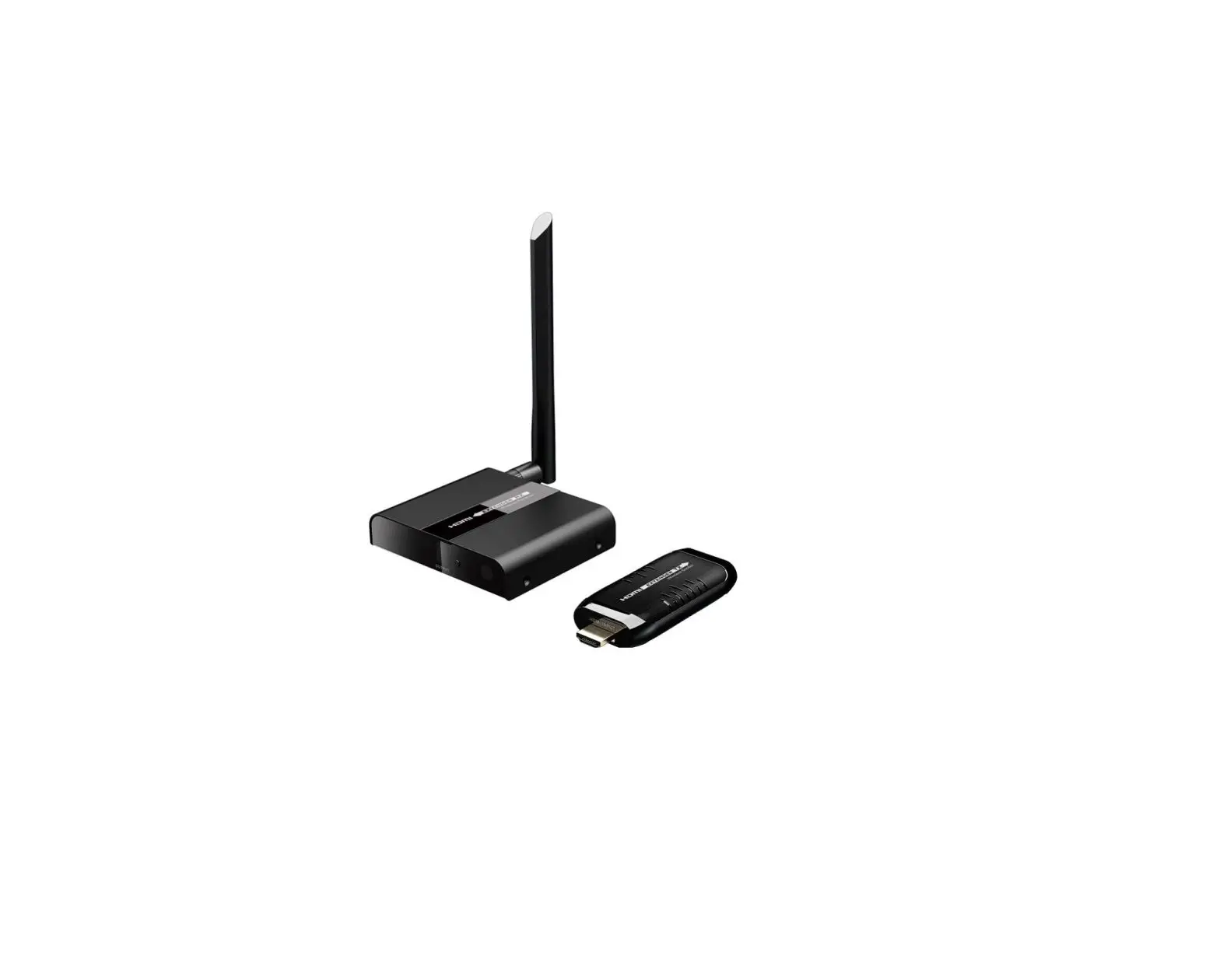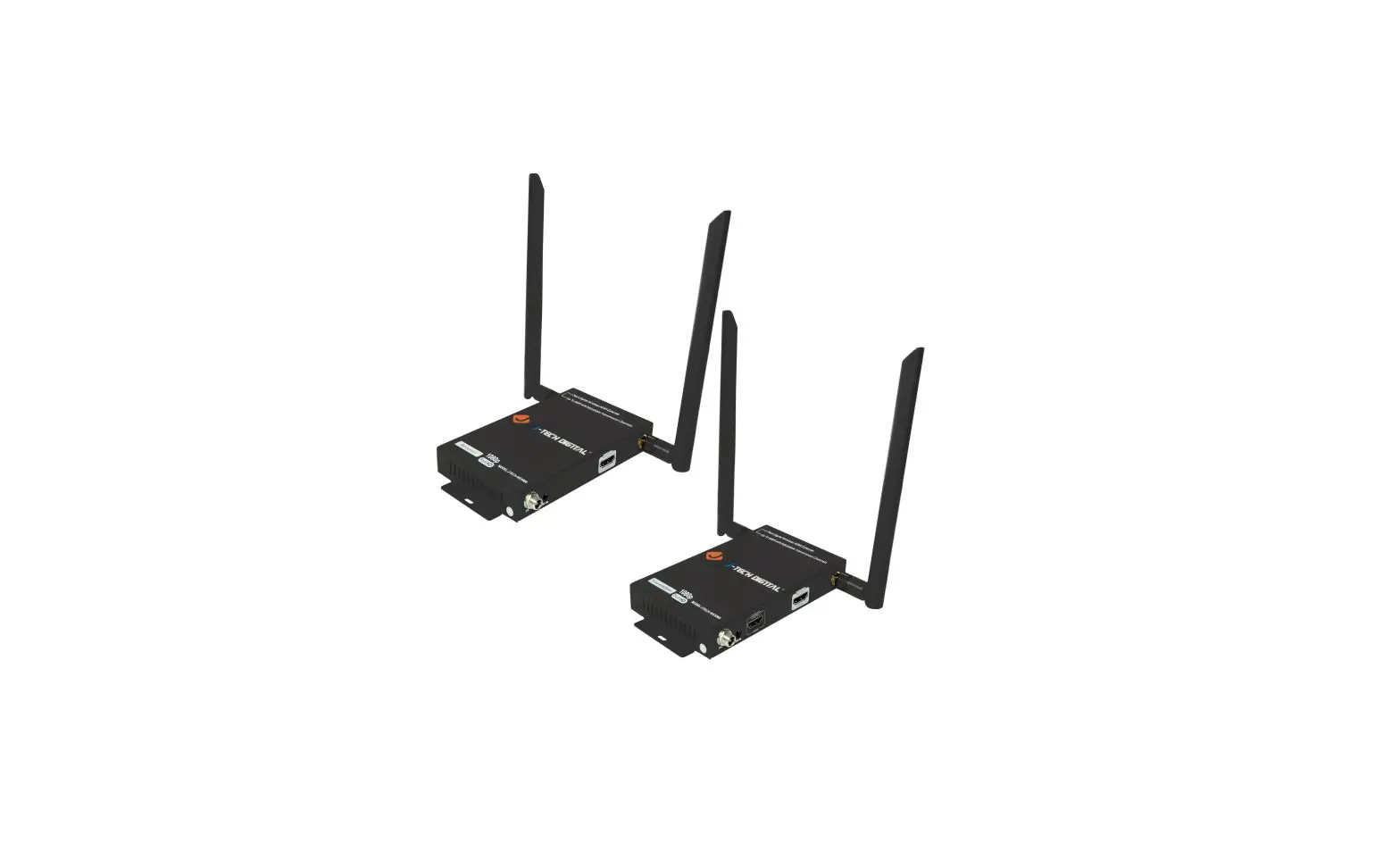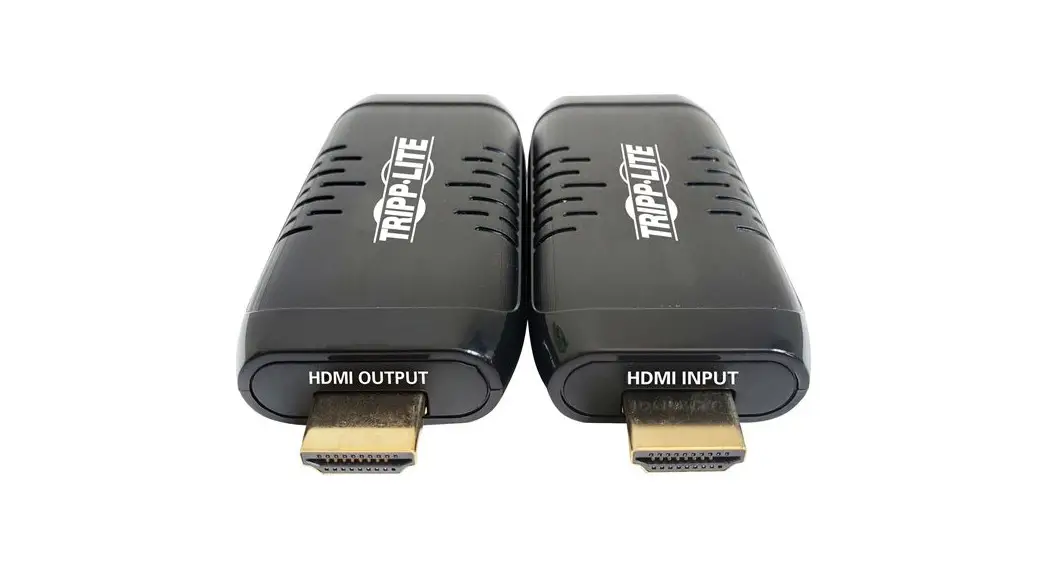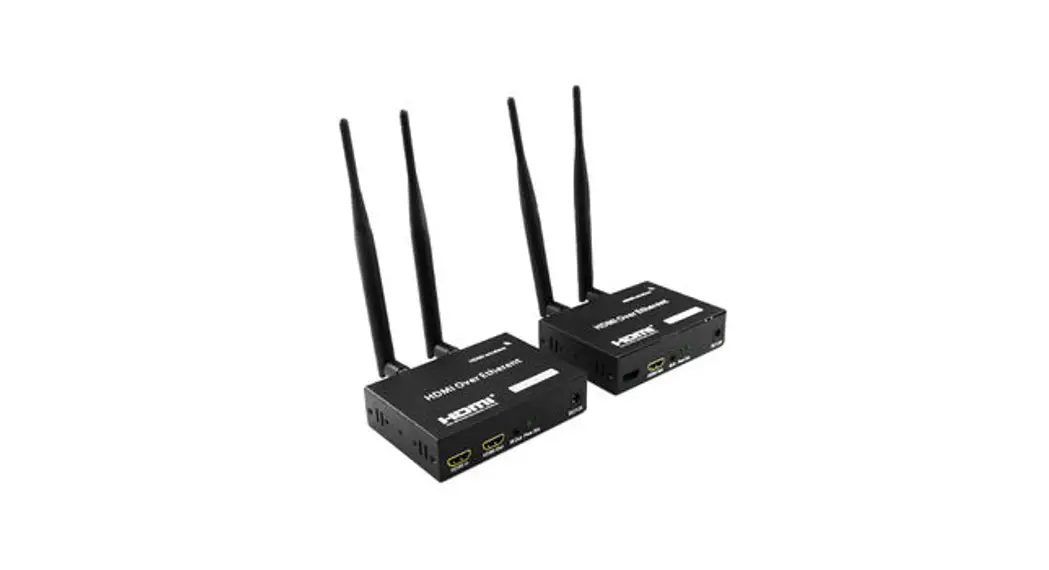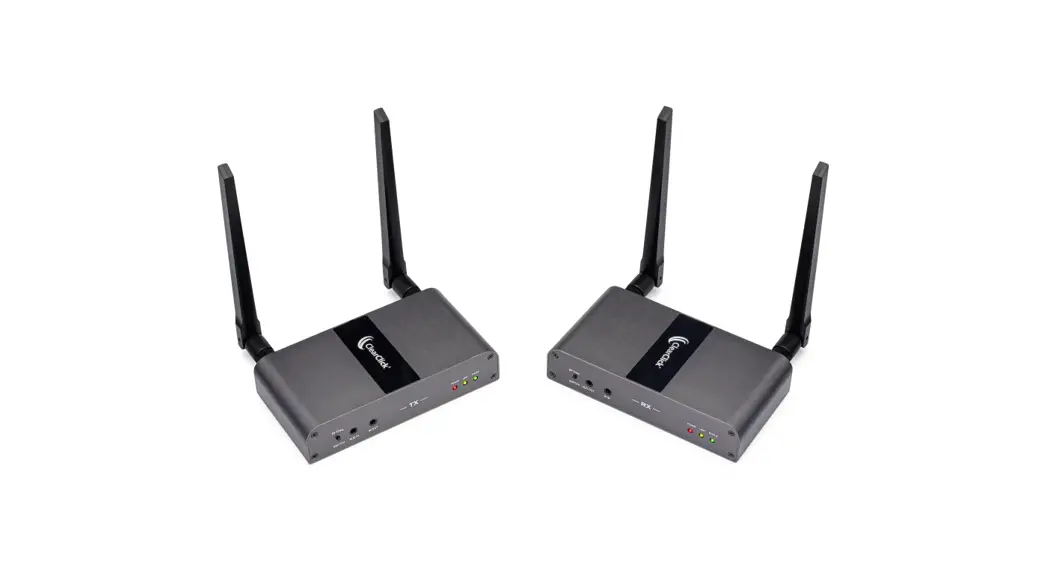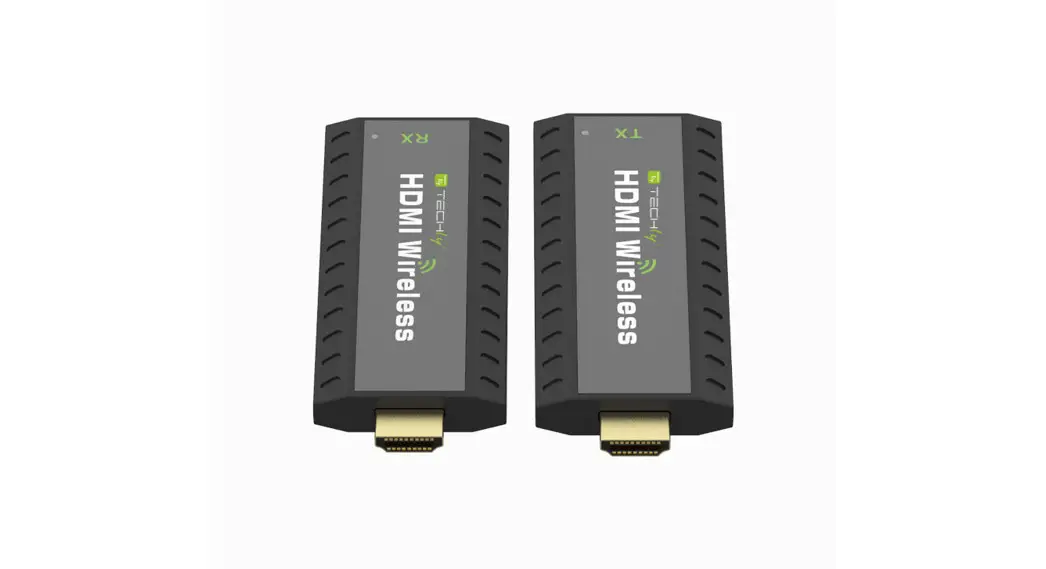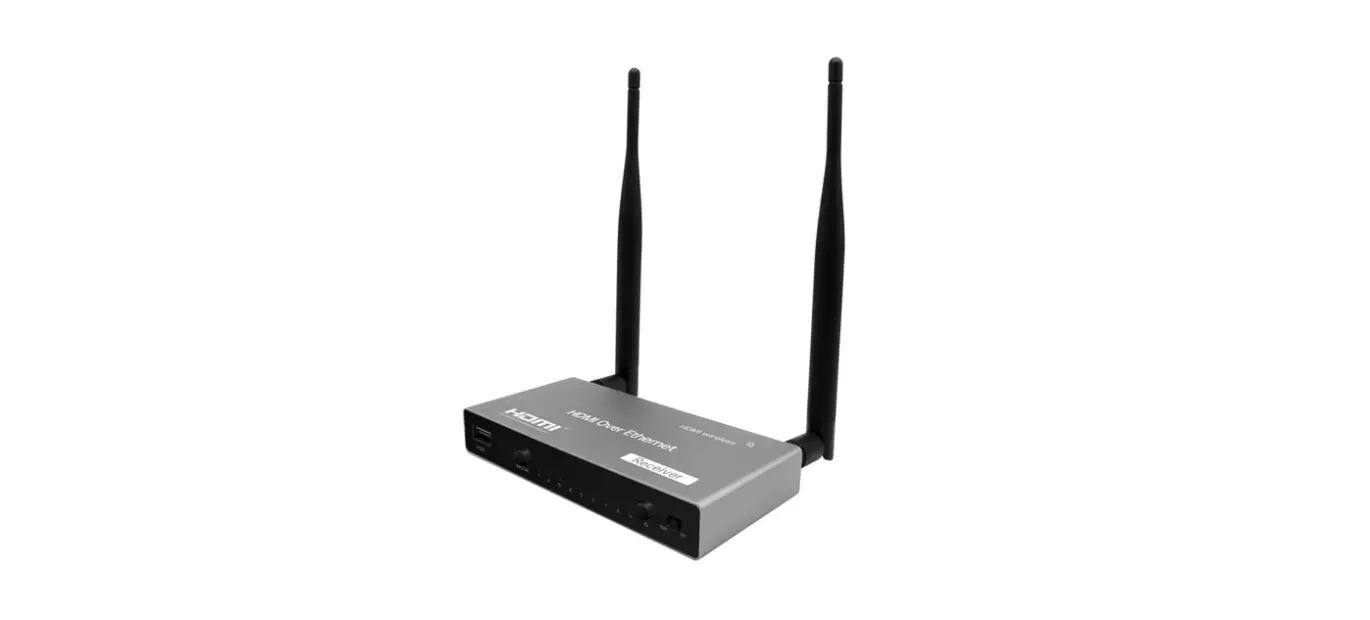

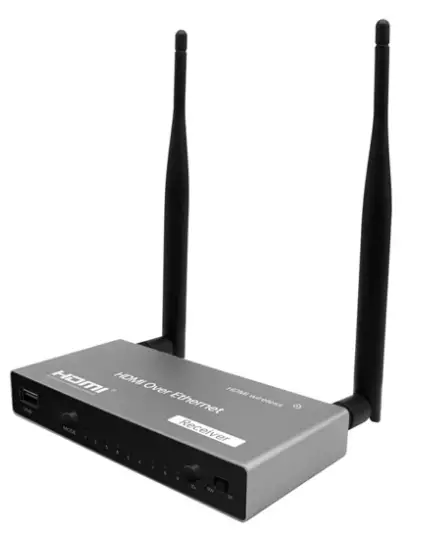
PARTS EXPRESS 5 GHz 4K Wireless HDMI Extender Extra Receiver
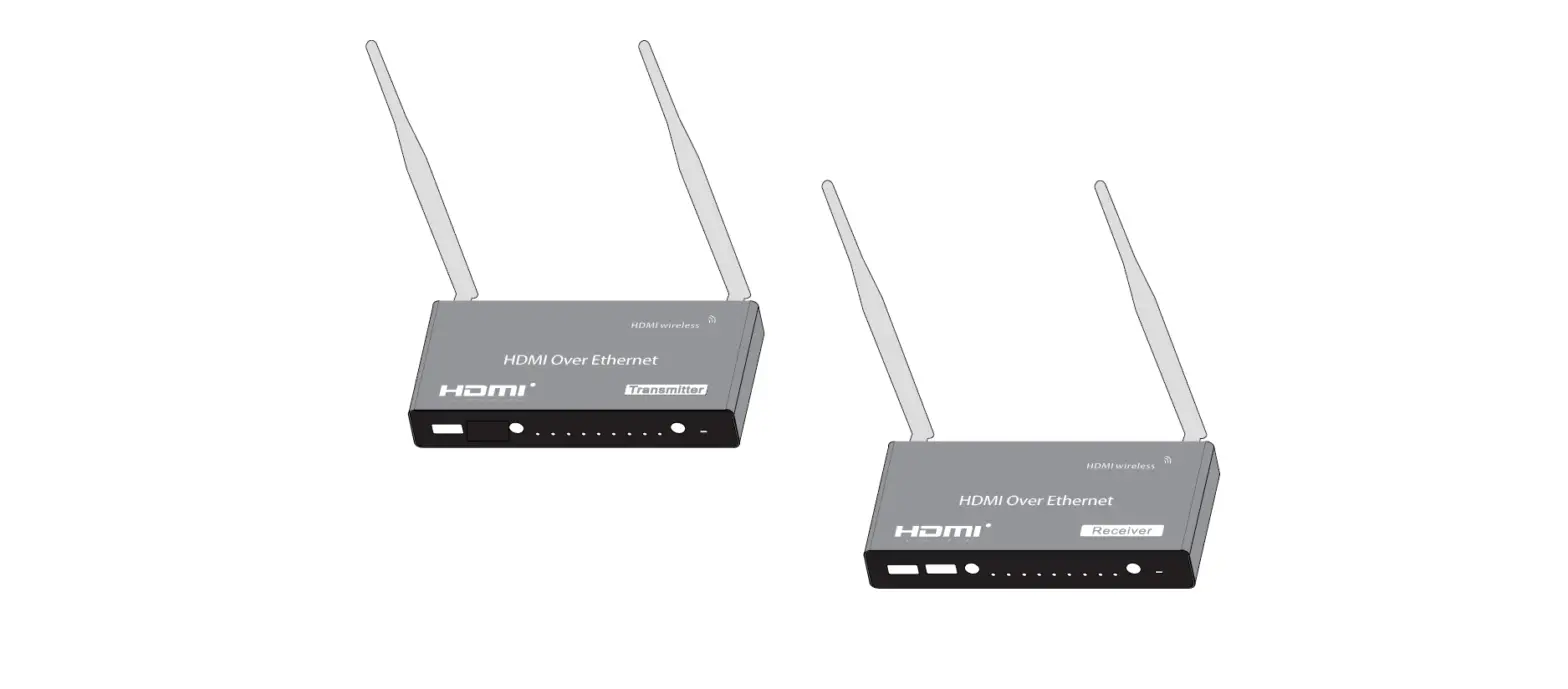
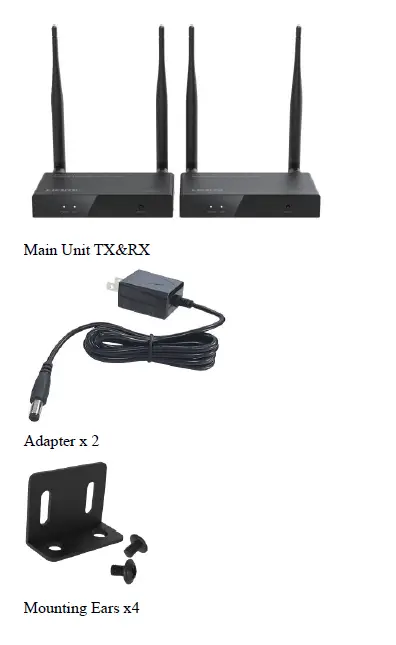
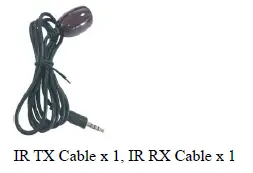
What’s included
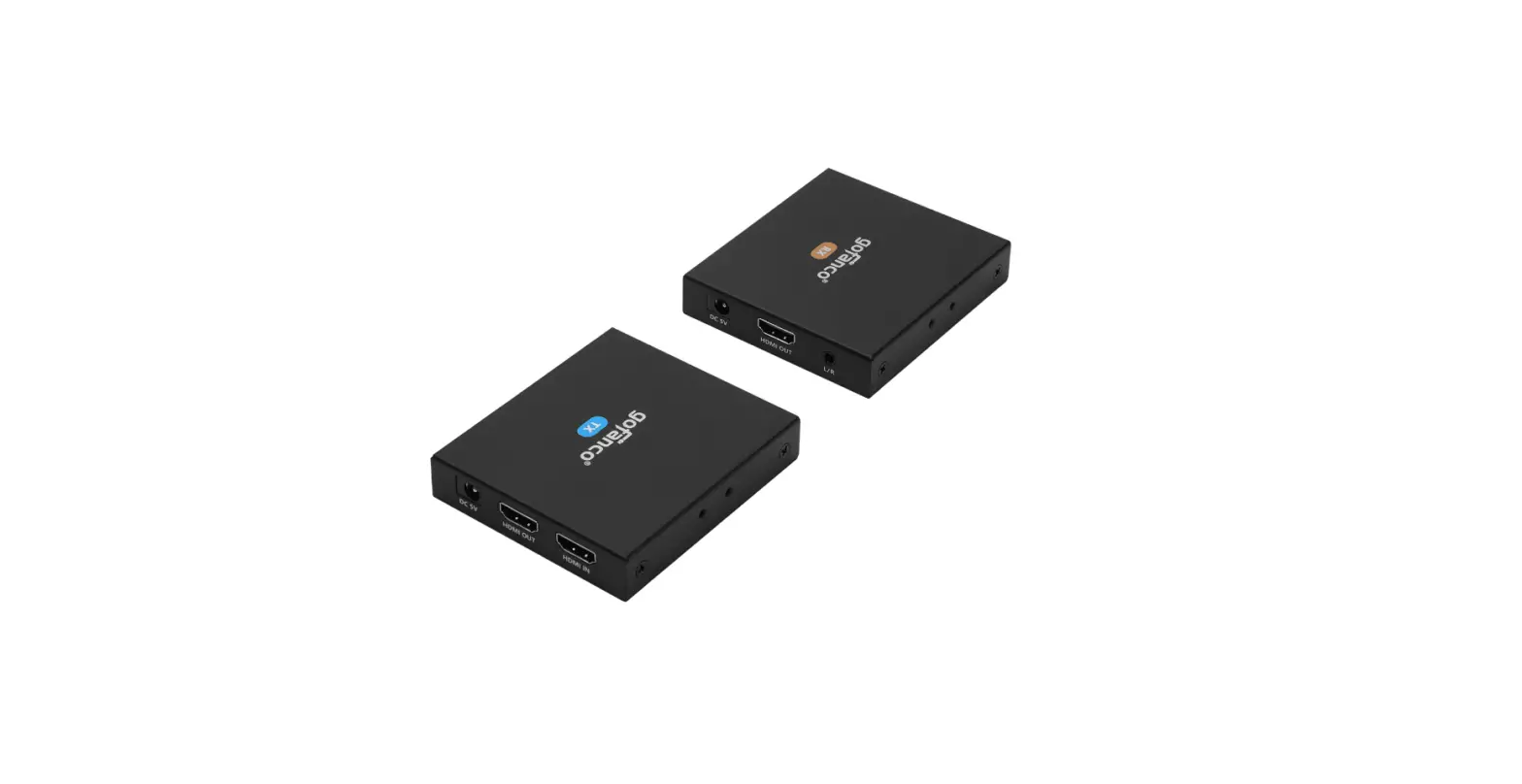
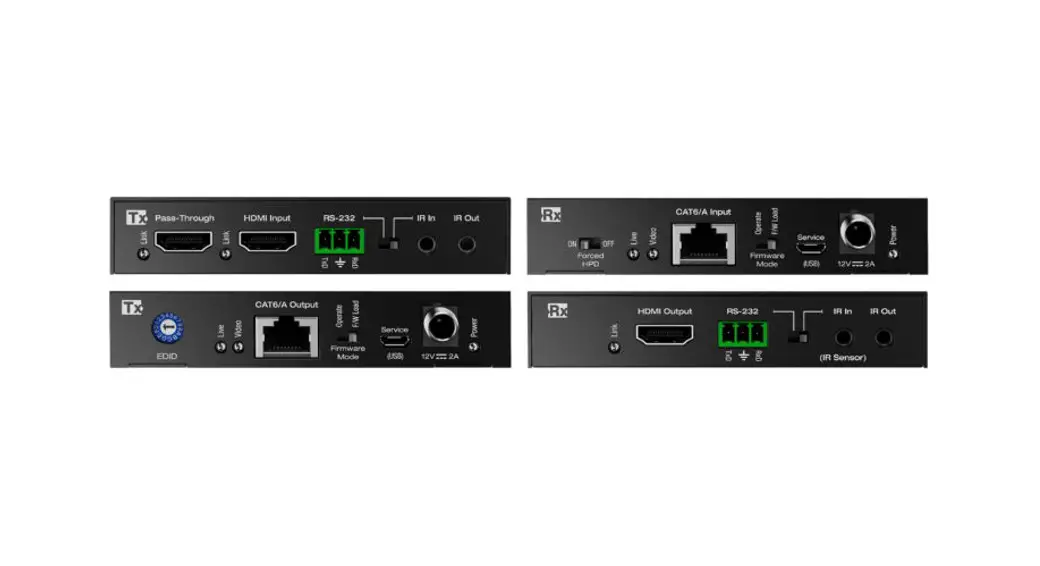
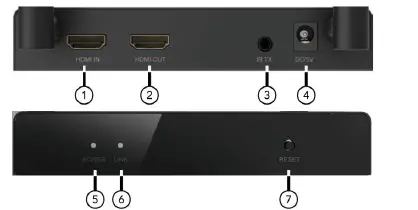
Ports and Interfaces
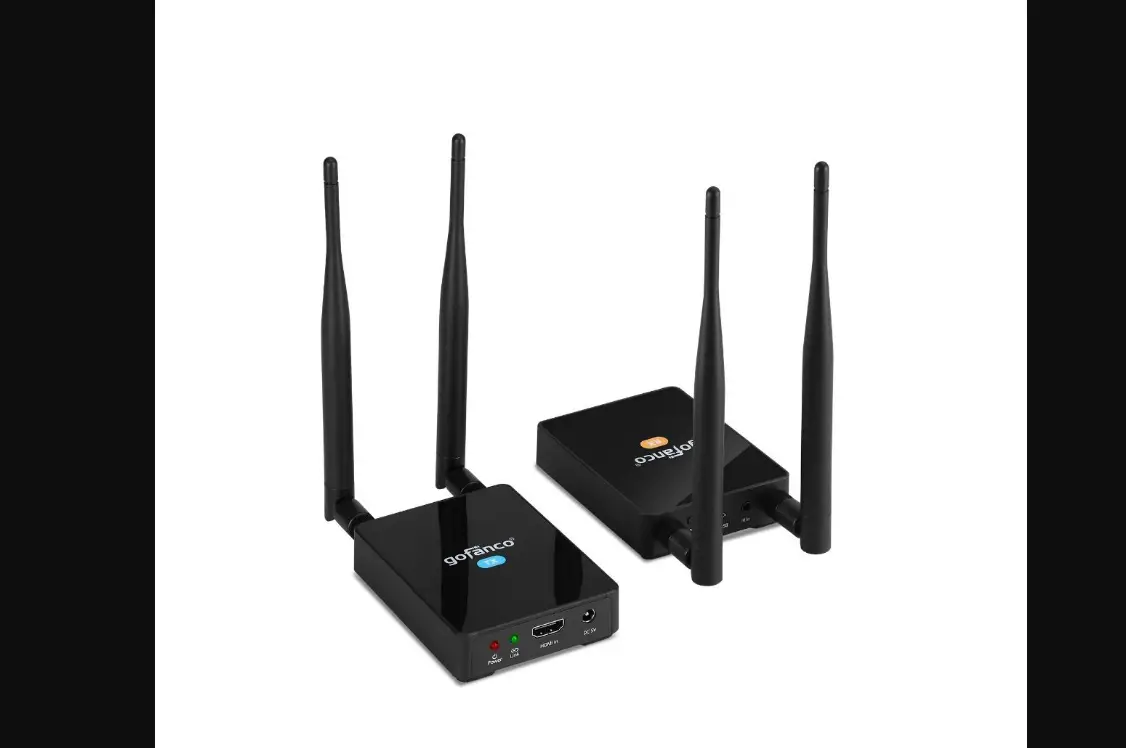
TX
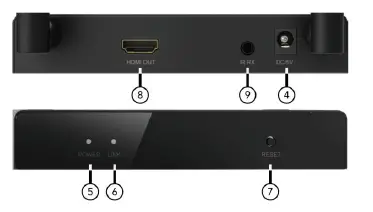
 RX
RX
- HDMI IN: Connect to Input Sources via HDMI Male Input Port
- HDMI OUT: Connect to local Output display
- IR OUT: IR Signal Output Port
- DC 5V: DC 5V In
- Power: Power LED Indicator
- Link
- No Connection: Flash slowly
- Get Connection: flash quickly
- Receiver:
- No Connection: Flash slowly
- Get Connection: flash quickly
- Reset: Long Press 10 Seconds to Reset, Short Click to Match the Sender and Receiver
- HDMI OUT: Connect to local Output display
- IR RX: IR Signal Input Port
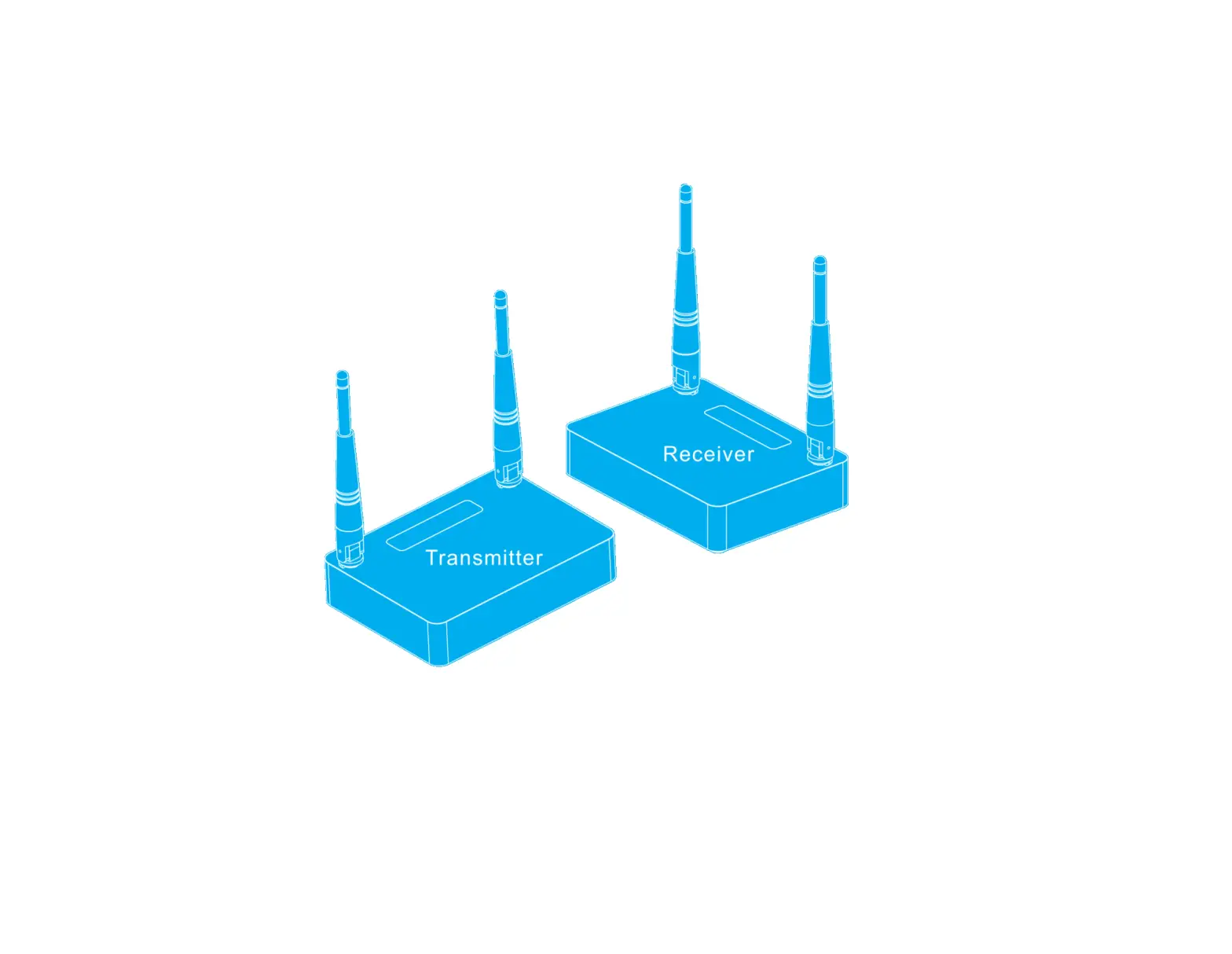
Connection Diagram
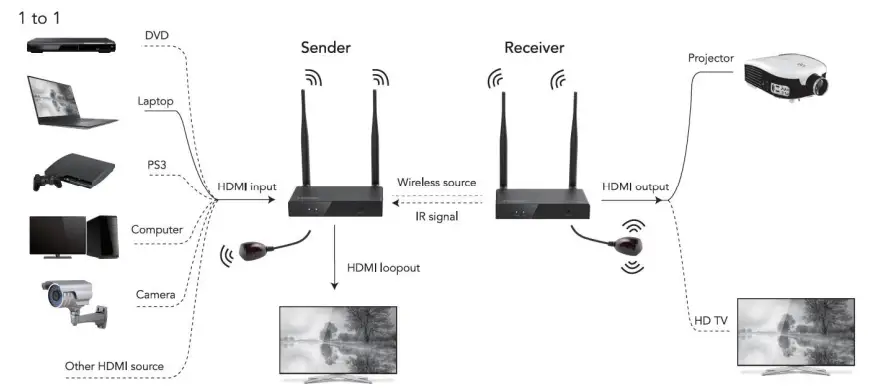
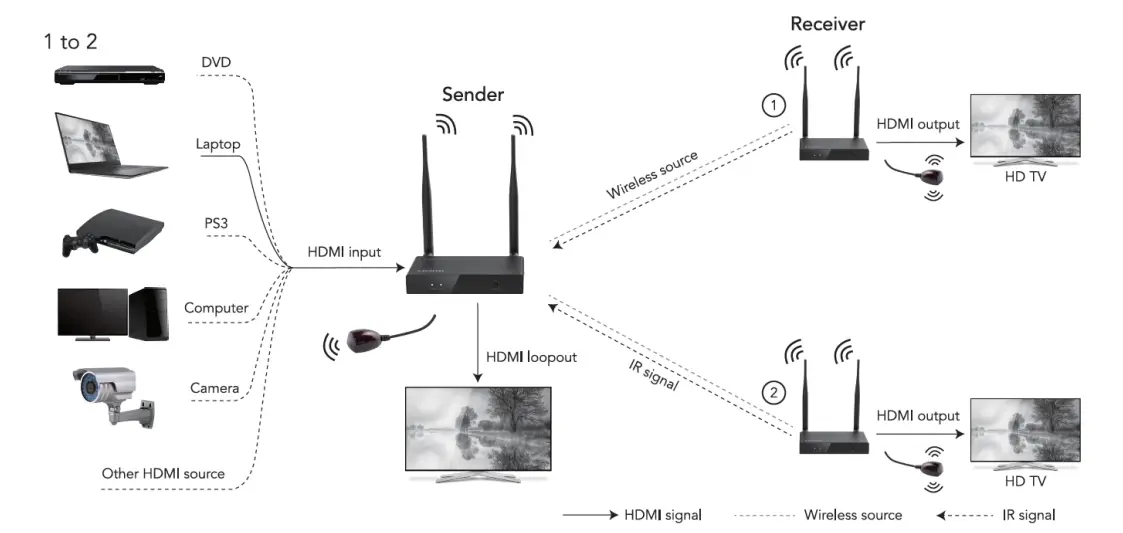
Pairing Steps Guide
- Connecting the sender HDMI IN port and receiver HDMI OUT port via HDMI cable firstly.
- Power on the sender and receiver till the both link LED flash slowly.
- Short click the reset button of sender and receiver, wait the pairing process finish and get picture from the receiver
Introduction
The Wireless HDMI™ Extender lets you extend HDMI™ audio/video signal up to 150meters (500 feet) via 5GHz band, with very low latency. The Wireless HDMI™ Extender includes both the Transmitter and Receiver, ideal for the point to point digital signal extension situations that require high quality HDMI™ video and some place which have the limitation to physical wire connection. It supports up to 2 displays to show one source content synchronously and resolutions up to 4K@30Hz. It also allows user to control source device from display side via source device’s remote controller.
Features
- Simple Plug and Play, no software installation required
- Support 5GHz single frequency wireless A/V transmission
- Wireless extension of HDMI up to 150 meters (500 feet) with no obstruction
- Compliant with HDCP1.3
- Support highest video resolution 4K@30Hz
- Support Point-to-Point and Multicast transmission (up to 2 receivers)
- Support infrared remote to control source device from display side
- Support uncompressed audio such as LPCM
- Support audio sampling rate up to 48 KHz
Specification
Note: Specifications are subject to change without notice
| Input Port | HDMI x 1 |
| Output Port | HDMI x 1, LOOP OUT x 1 |
| Wireless Extensions Distance | 150m(500 feet) for 4K@30H |
| Frequency Band Range | 5GHz |
| Wireless Standard | 802.11a |
| Vertical Frequency Range | 50/60Hz |
| Compress Formats | H.264 |
| IR Frequency Range | 20-60KHz |
| Interlaced Resolutions(50&60Hz) | 480i,576i,1080i |
| Progressive Resolutions(50&60Hz) | 480p,576p,720p,1080p,4K@30Hz |
| Limited Warranty | 1 Year Parts and Labor |
| Operating Temperature | 0℃ to 50℃ |
| Storage Humidity | 5% to 90% RH non-condensation |
| Power Supply | DC 5V 2A |
| Power Consumption (Max) | TX: 5.5W, RX: 4W |
| Extender Unit Cert | FCC, CE, RoHS |
| Power Supply Cert | FCC, CE, RoHS |
| Dimension(LxWxH) | 142×74.5x25mm |
| Net Weight | TX:280g, RX:280g |
| Material | Metal |
| User Manual | English Version |
Troubleshooting
| Problems | Causes | Solutions |
| No picture out after correct connection at one room | Maybe the sender and receiver have not yet matched the connection. | You need pair the sender and receiver or pair the second receiver, please follow the pairing steps guide |
| No picture out after correct connection at different room | The distance can`t reach 150m due to the signal loss via pass through the solid walls. | When pass through a solid wall (thickness under 30cm), the signal will loss 30% of the original signal and the distance will shorter than 120m; if pass through two or more solid wall, the distance will shorter than 40m. Please get shorter distance at pass through solid wall application |
| The picture out not stable or the distance is shorter than description | Maybe there have some same band Interference sources at 5GHz effect the extender`s signal transmission. | Please place the product closer when there have same band Interference sources or remove the Interference sources |
The Adopted Trademarks HDMI, HDMI High-Definition Multimedia Interface, and the HDMI Logo are trademarks or registered trademarks of HDMI Licensing Administrator, Inc. in the United States and other countries. All other trademarks, registered trademarks, or service marks are the property of their respective owners.