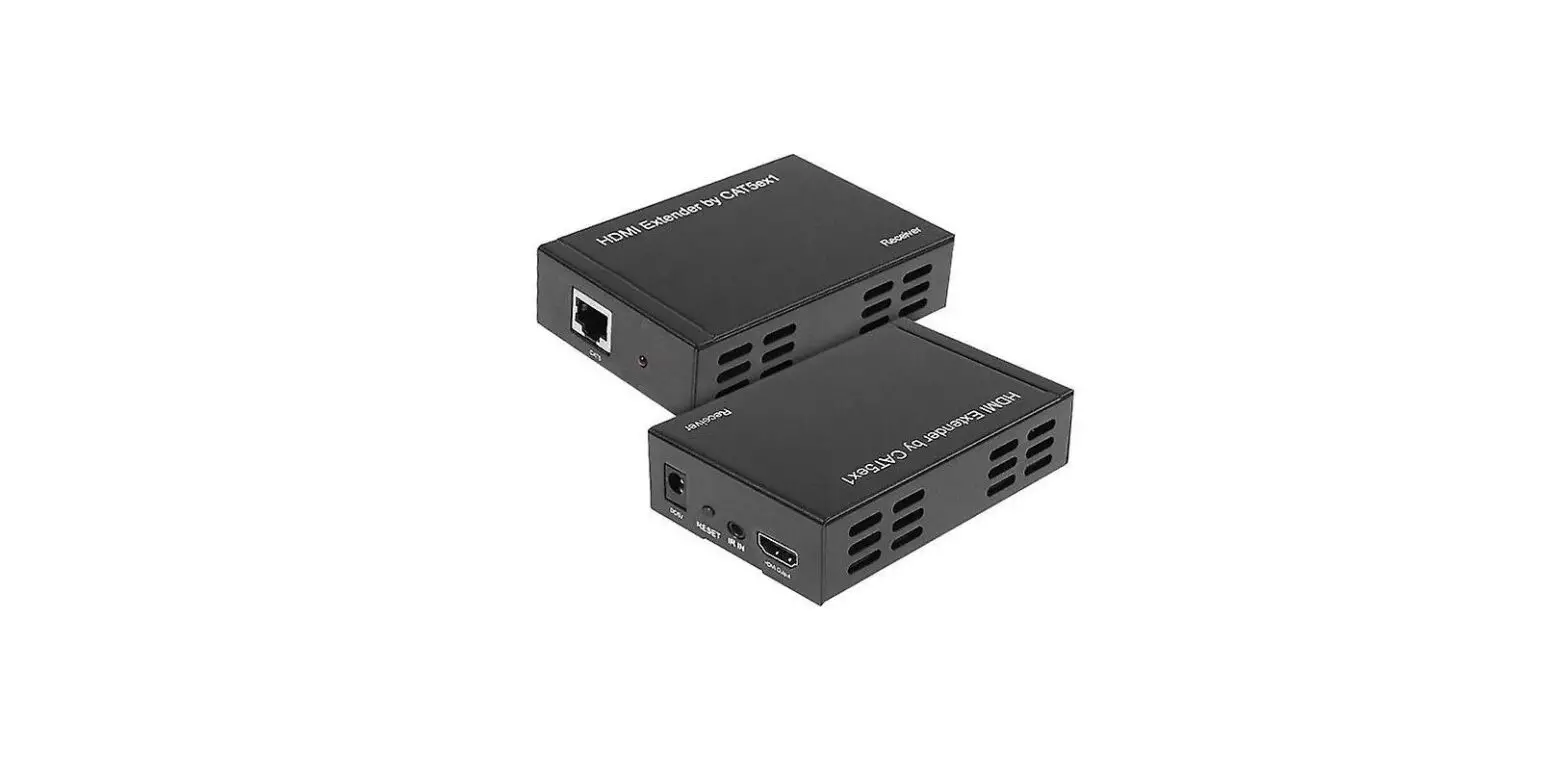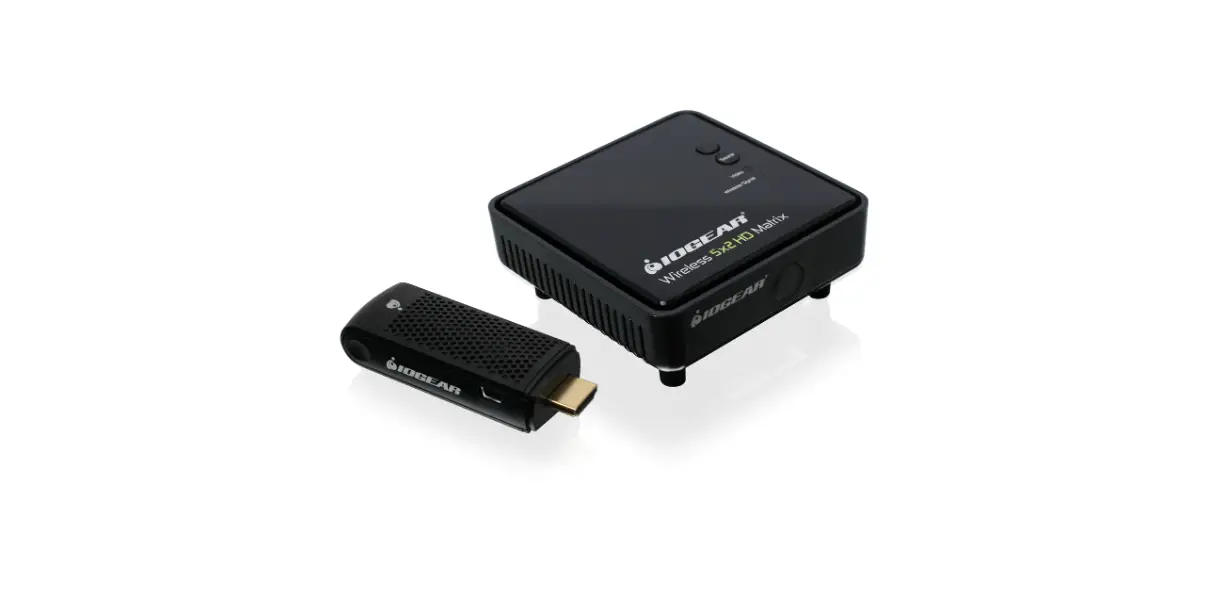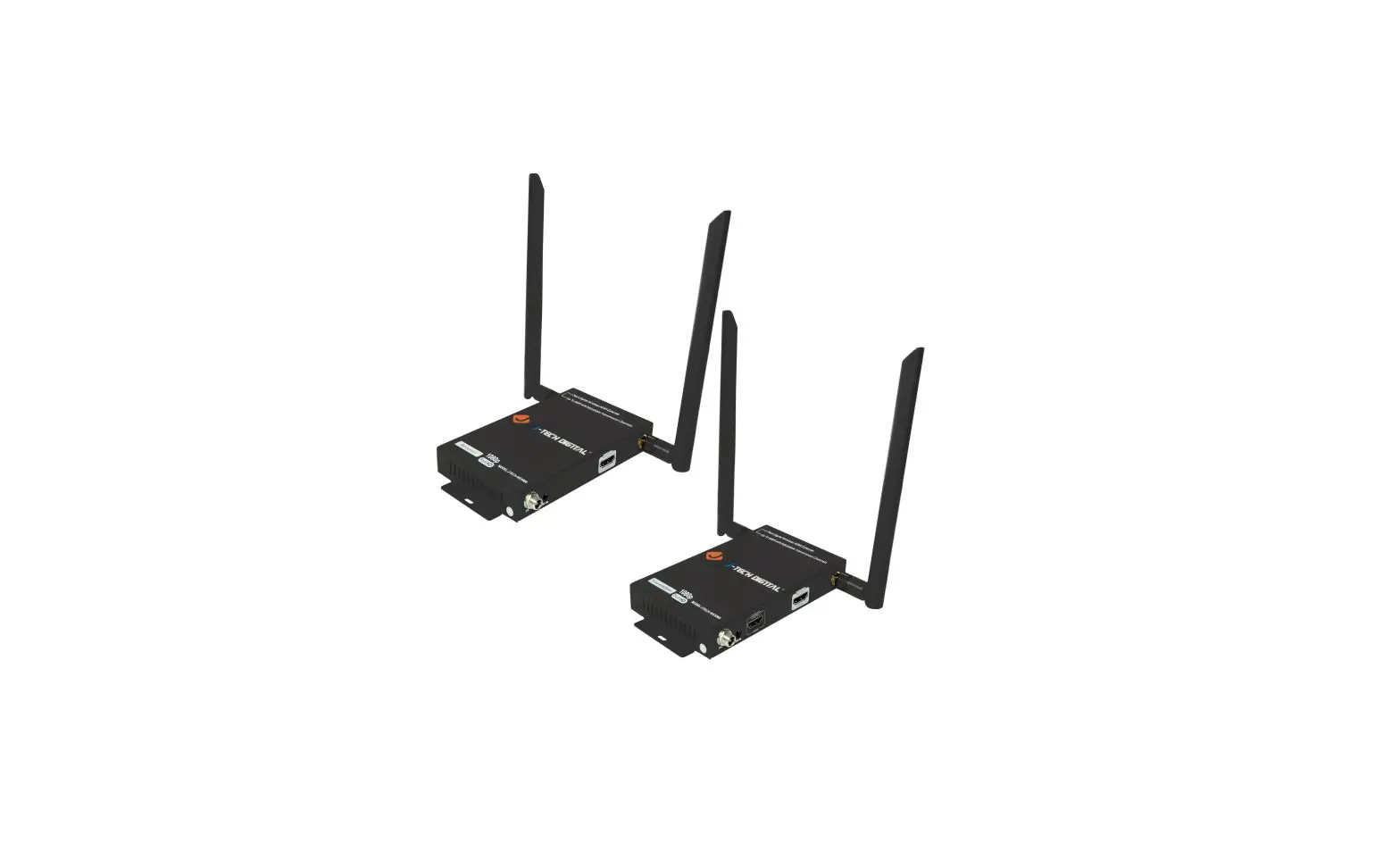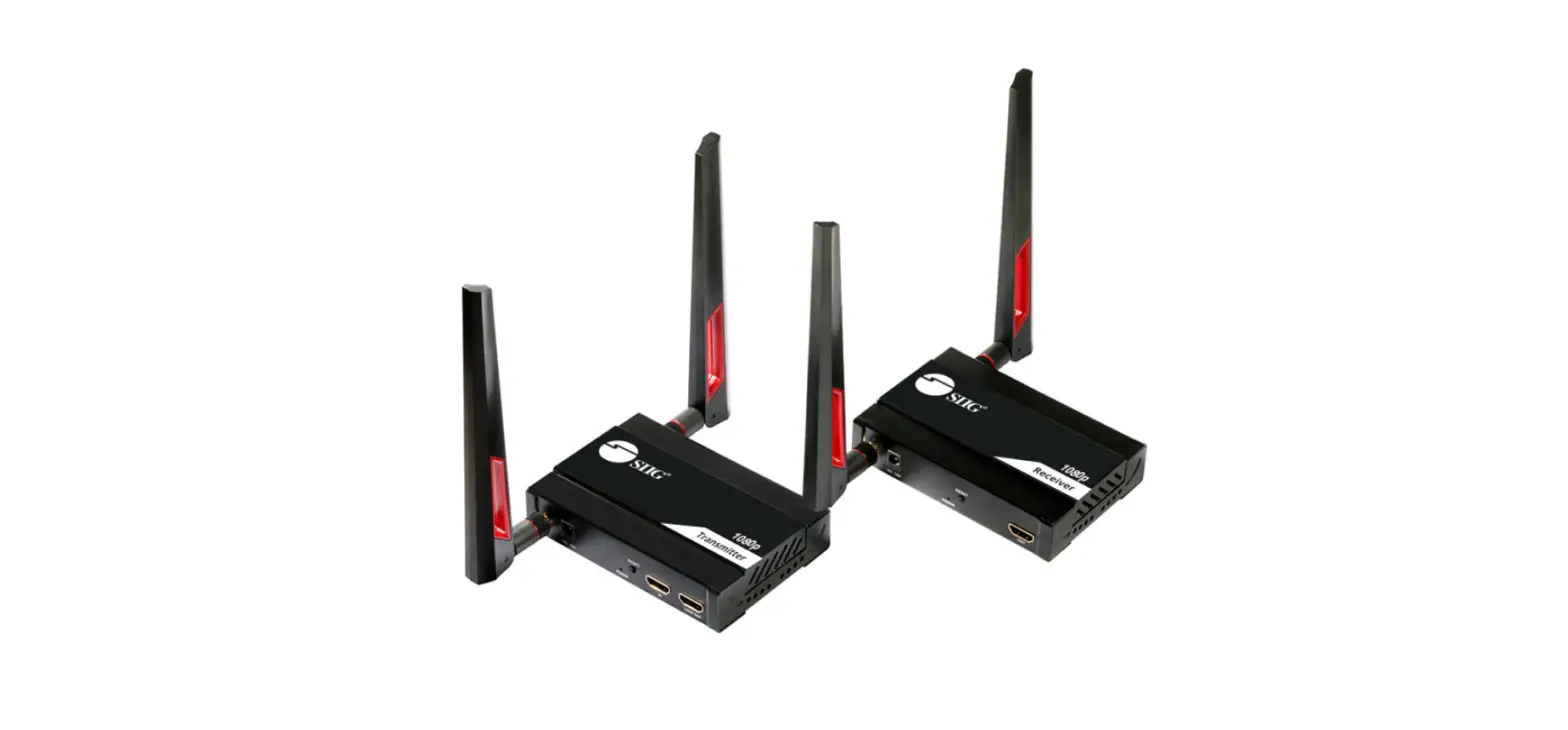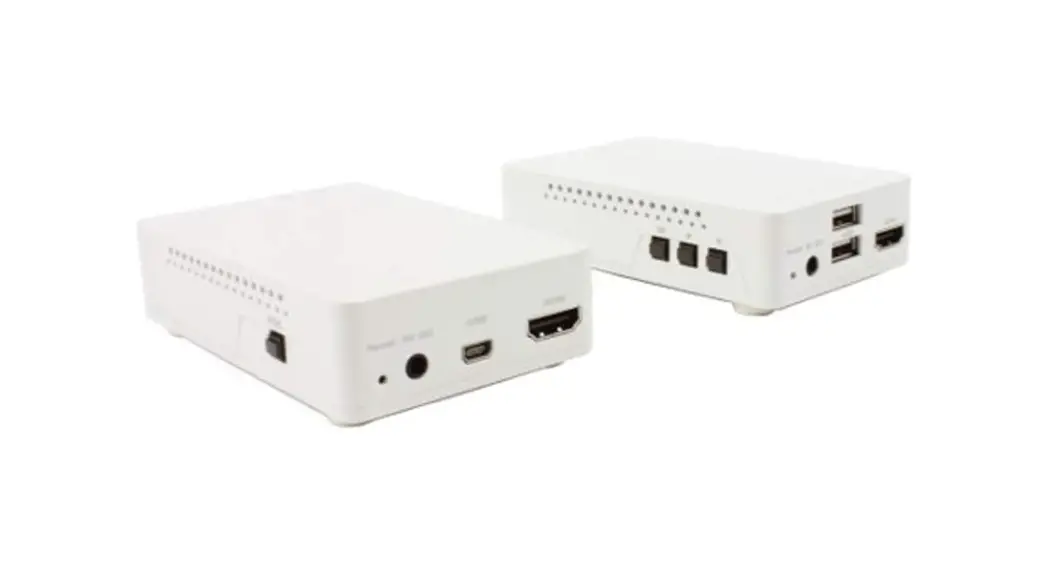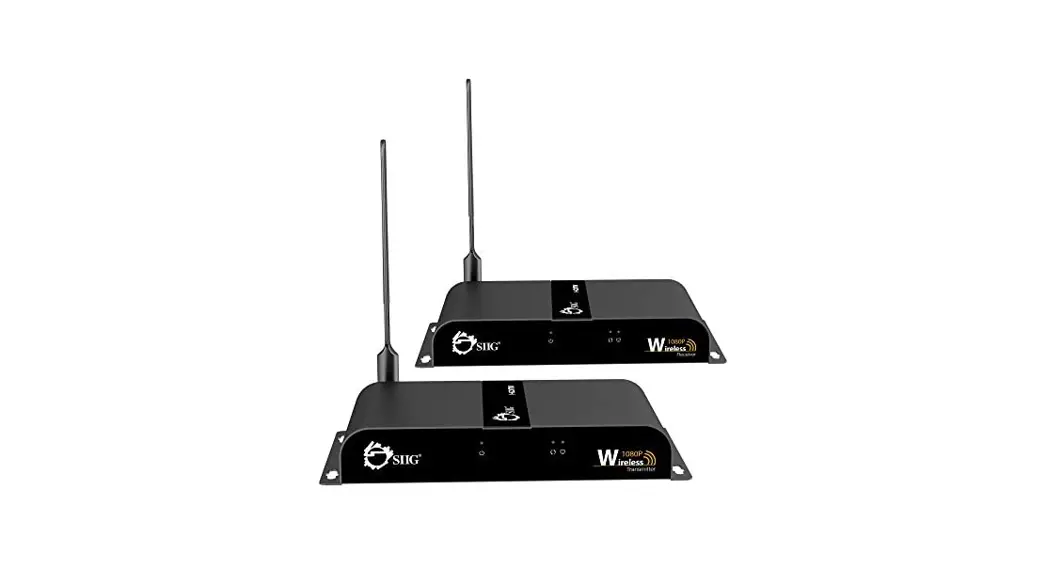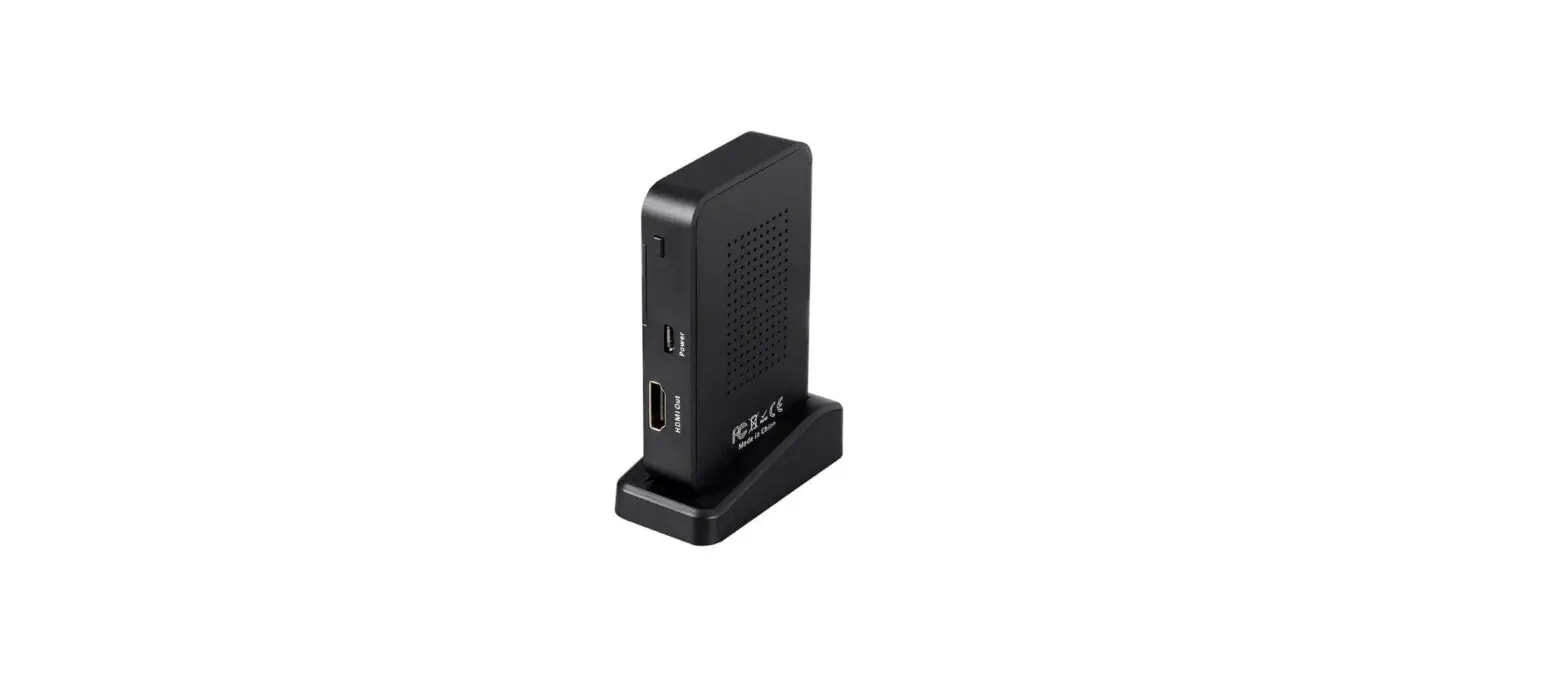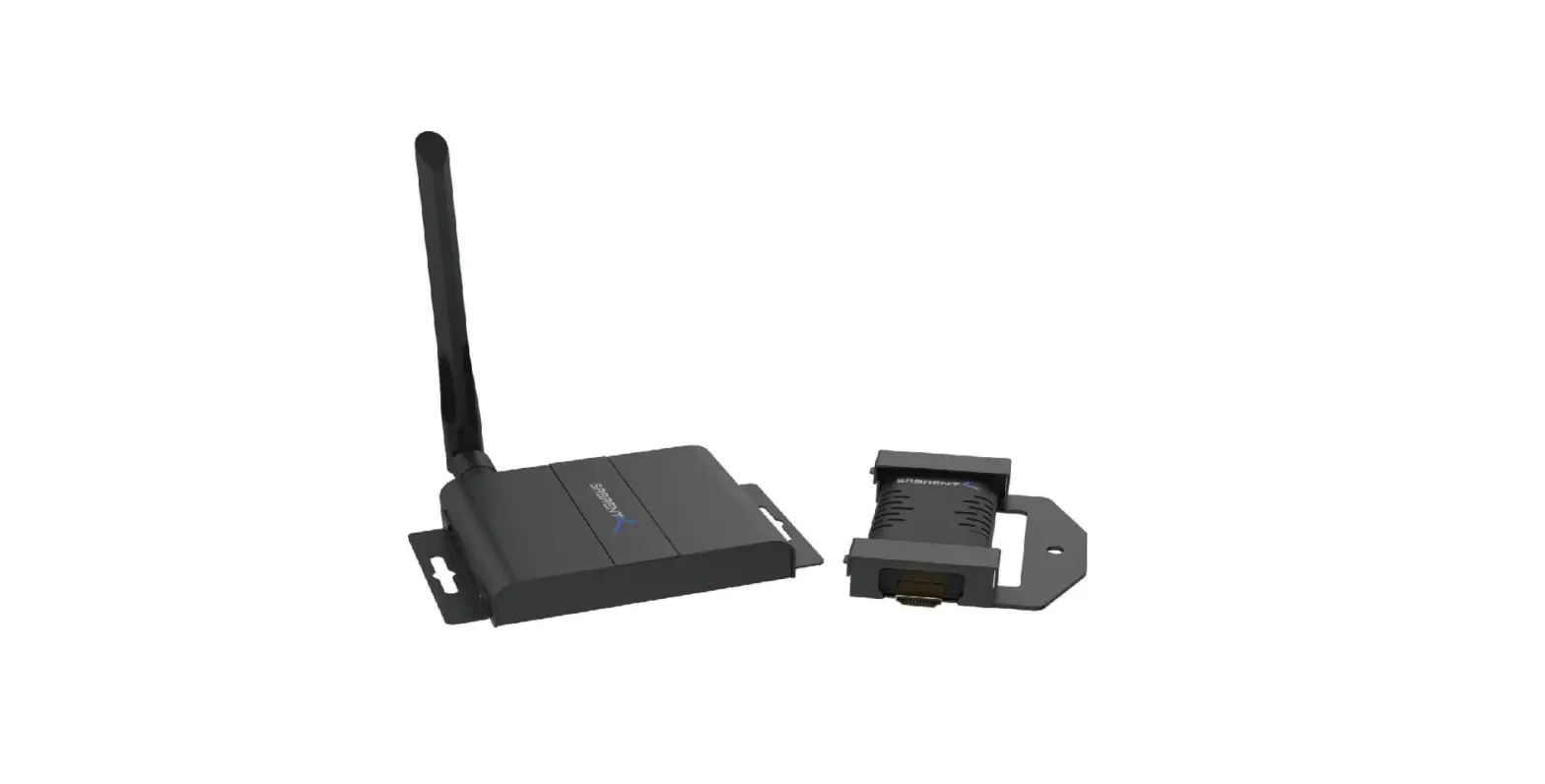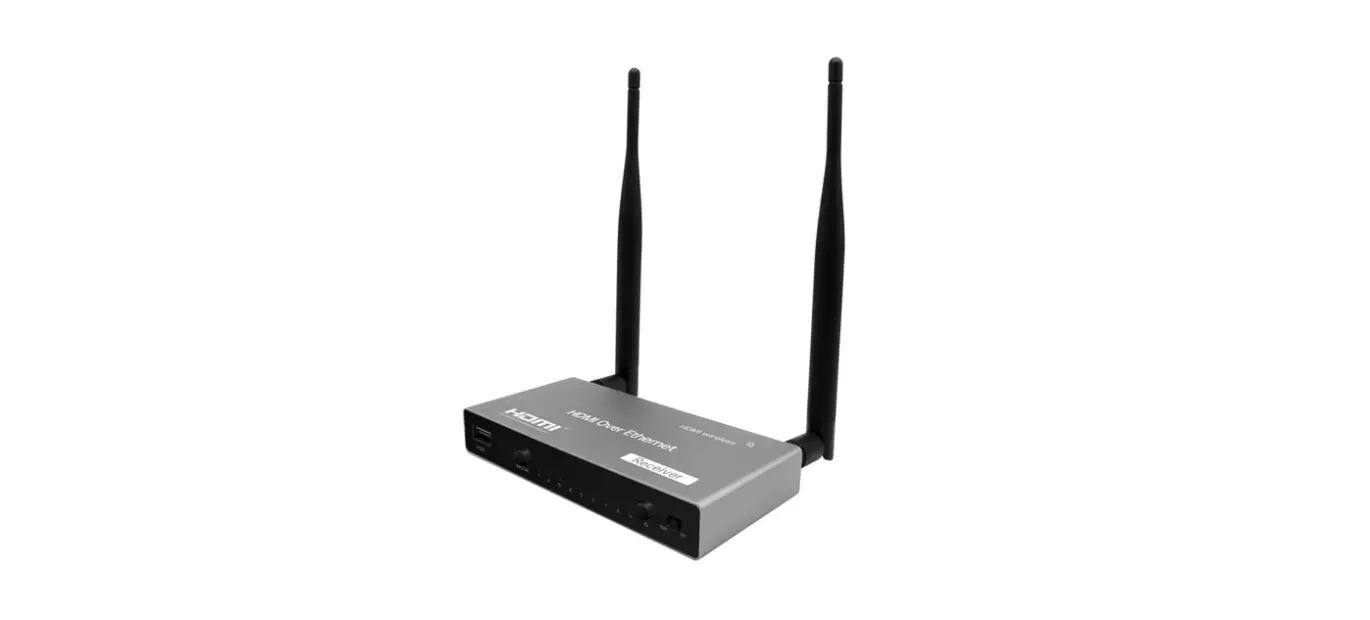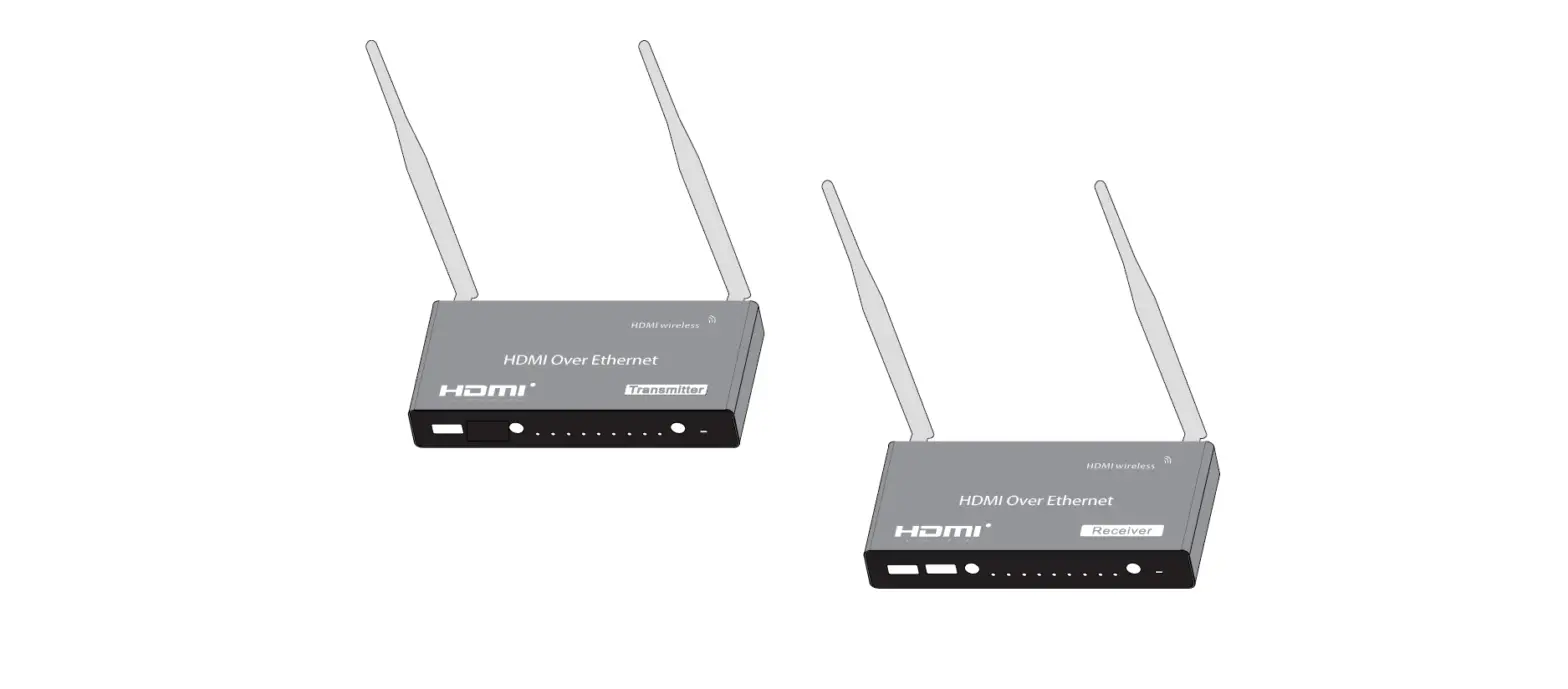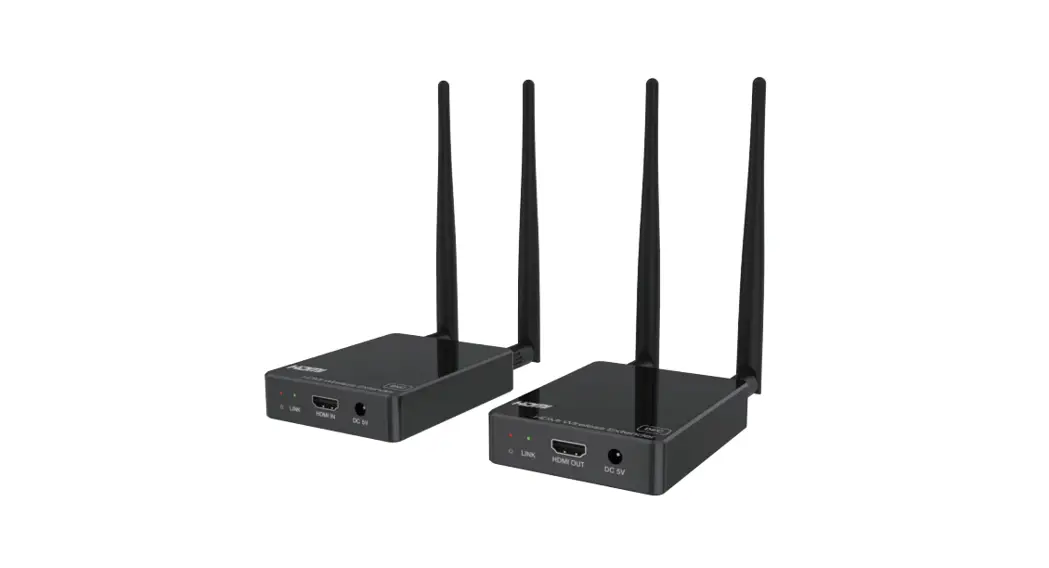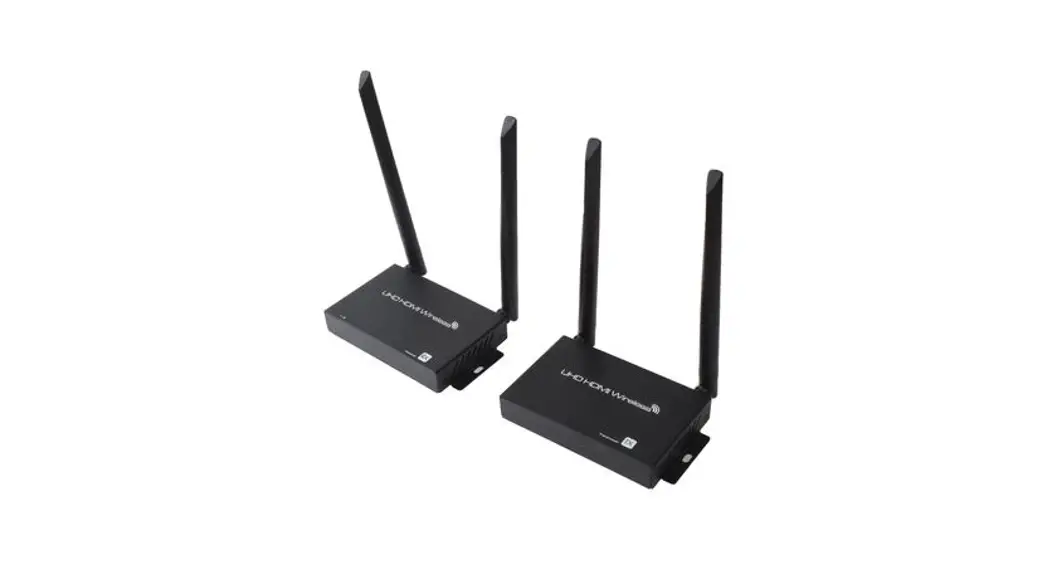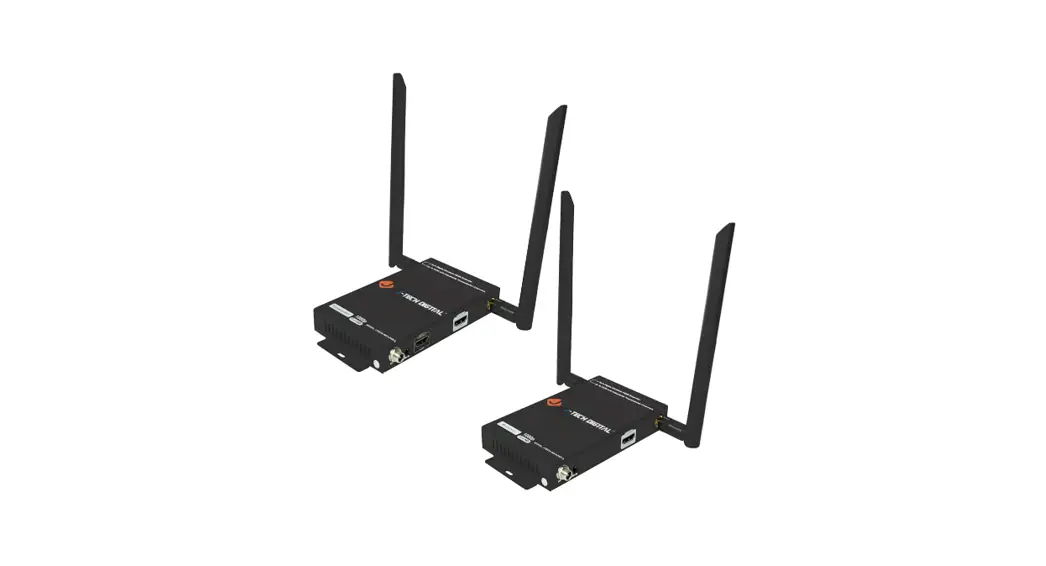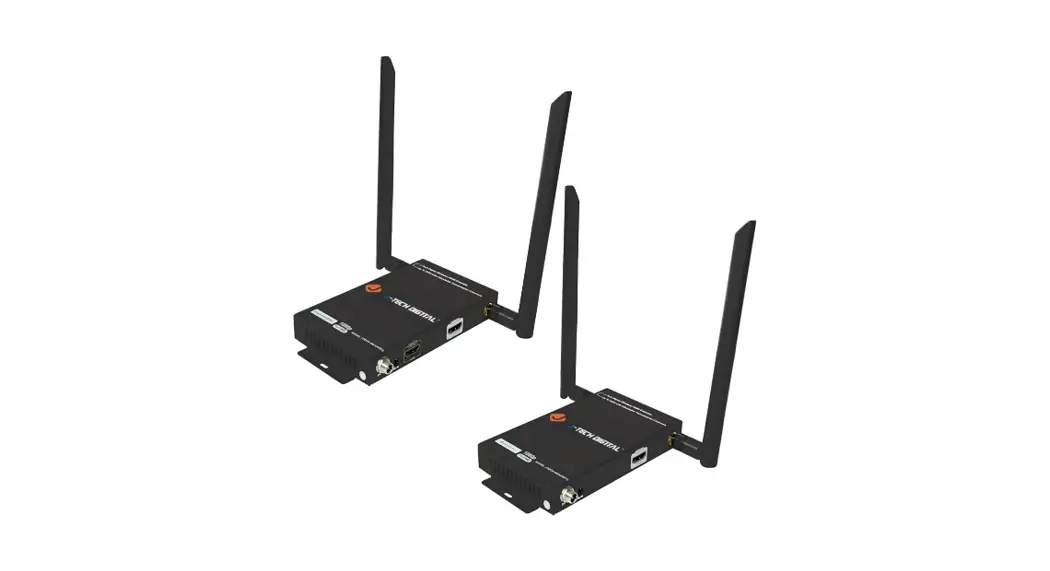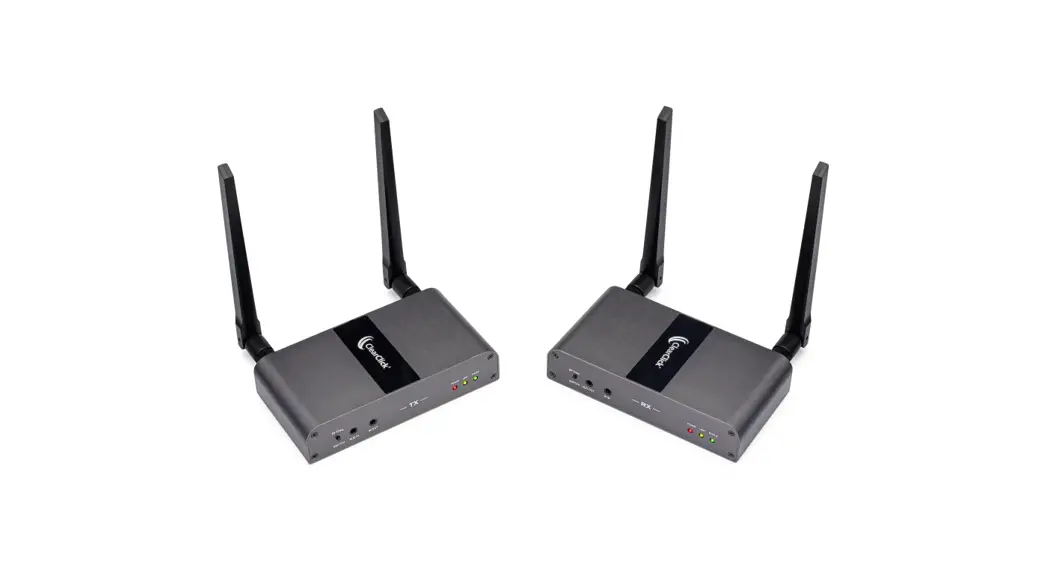
 Extend+Expand Wireless HDMI Transmitter and Receiver Kit
User Guide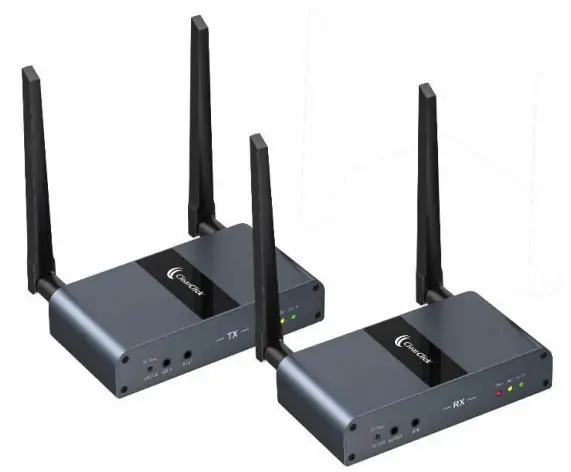 Wireless HDMI Transmitter
& Receiver Kit
Extend+Expand Wireless HDMI Transmitter and Receiver Kit
User’s Manual & Quick Start Guide
3-Year Warranty & USA-Based Tech Support
For tech support, email us at: [email protected]
Extend your warranty to 4 years for free by registering at:
www.clearclicksoftware.com/Register/
www.ClearClick.tech
Additional Receivers Available
You can add up to 3 additional receivers (RX) to this system, for a total of 4 receivers (RX). To purchase additional transmitters, please visit: www.ClearClick.tech
Extend Your Warranty for FREE!
Extend your warranty by one year for free simply by registering your product at: www.ClearClick.tech
Safety Precautions – Important, Please Read:
- Do not disassemble the units.
- Do not permit children to use or play with this device.
- Please note that the devices may become very warm during use.
- Do not operate the unit around water or rain. Do not operate the unit around any unnecessary machines or appliances.
- Unplug the units when not in use.
- Use only the included accessories with the device.
3-Year Warranty
Your purchase comes with a 3-year warranty. This means that if anything goes wrong with the unit (other than accidental damage) within the first 3 years of ownership, we will replace the unit for free, 100% at our cost. Contact us at [email protected] with any issues.
What’s In The Box?
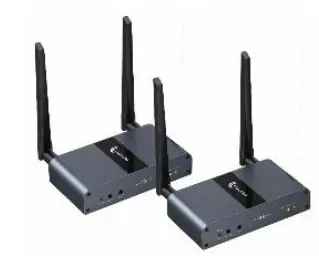 | 1 Transmitter (TX) + 1 Receiver (RX) |
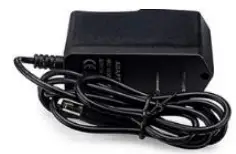 | 2 Power Adapters |
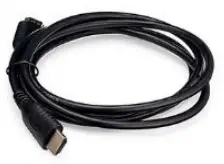 | 2 HDMI Cables |
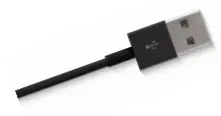 | 1 USB Cable |
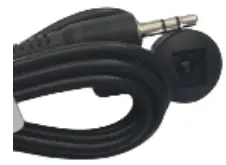 | 1 IR IN Cable |
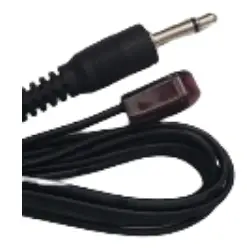 | 1 IR OUT Cable |
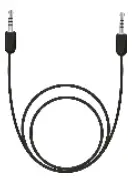 | 1 3.5mm Audio Cable |
 | 1 Quick Start Guide/User’s Manual |
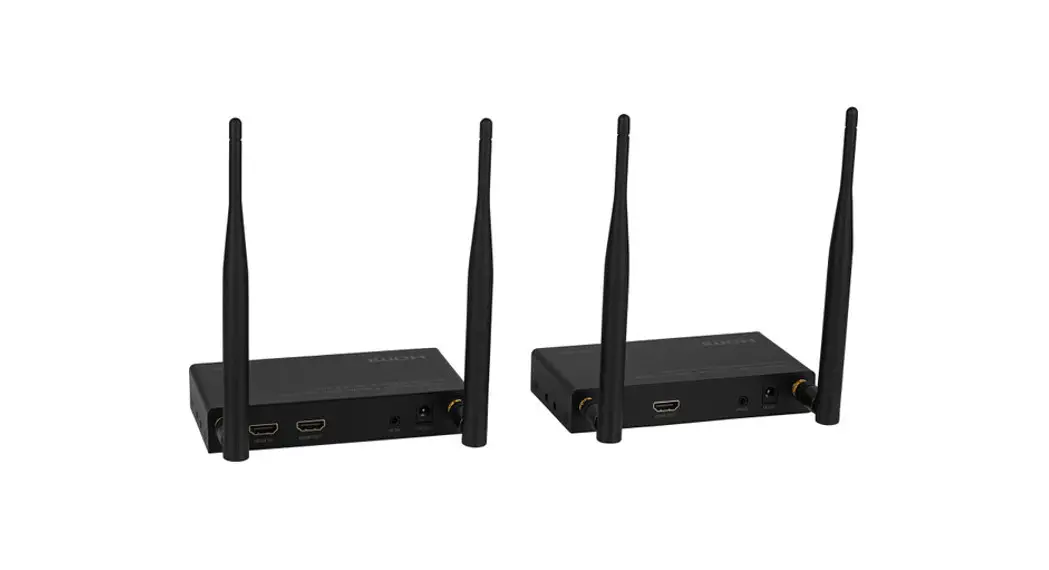
Transmitter (TX) Back Diagram
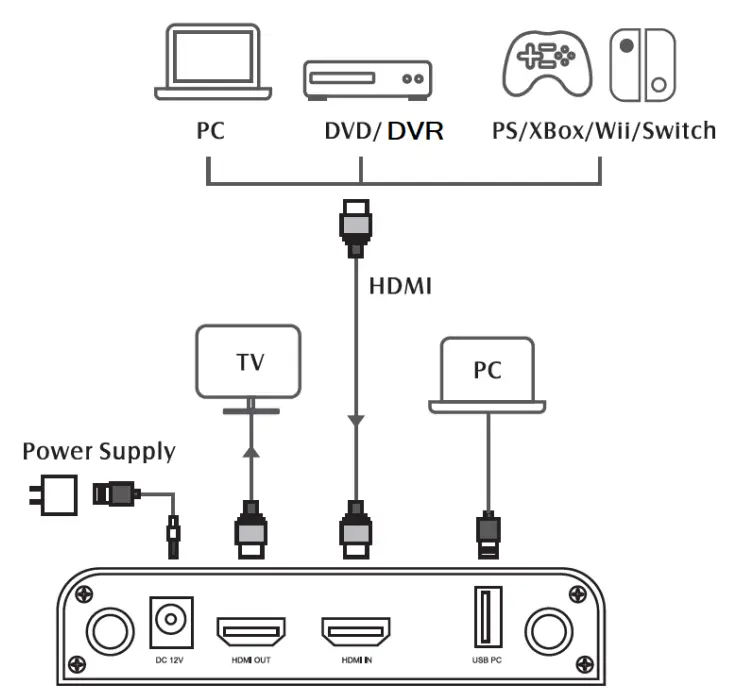
- Antenna Sockets: Screw in & connect the included antennas.
- DC 12V: Connect the included power adapter.
- HDMI OUT (Optional): Your HDMI source can be passed through to a TV or monitor via a physical HDMI wire connection.
- HDMI IN: Using an HDMI cable, connect the video source (i.e. DVD player, DVR, gaming system, or PC/Mac) that you would like to start broadcasting video wirelessly from.
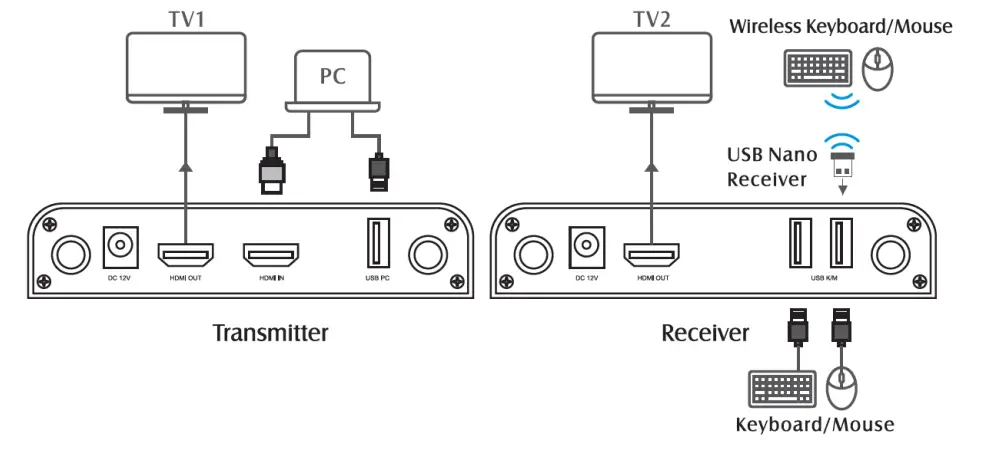
- USB PC (Optional): Connect the included USB cable to your PC/Mac. If a keyboard/mouse is connected to the receiver (RX), this signal will be transmitted wirelessly and sent to your computer via the “USB PC” port on the transmitter (TX).
Receiver (RX) Back Diagram
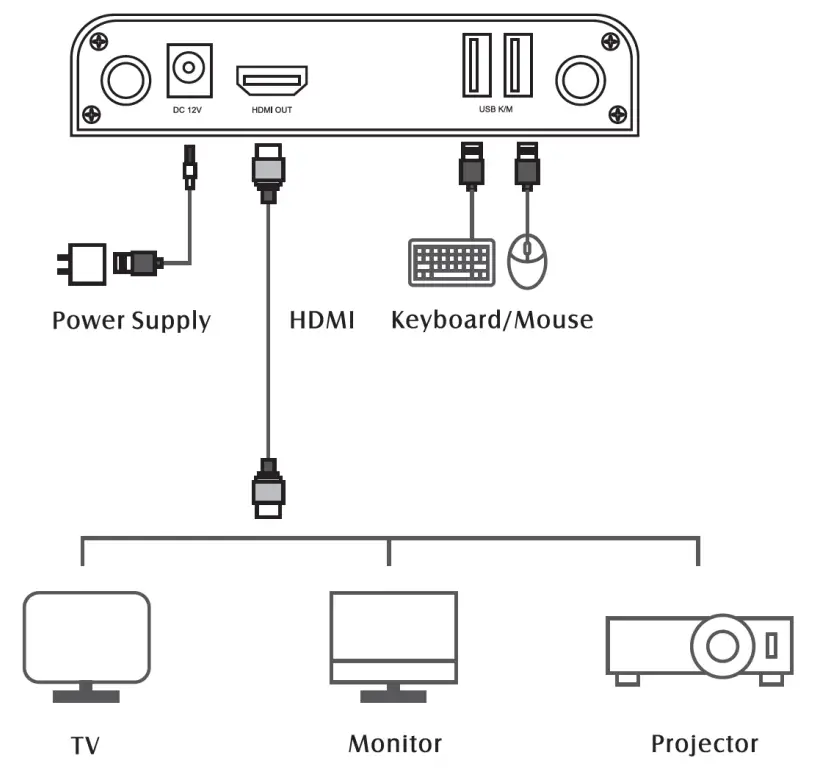
- Antenna Sockets: Screw in & connect the included antennas.
- DC 12V: Connect the included power adapter.
- HDMI OUT: Connect to a TV, monitor, or projector. Your video source will be received wirelessly from the transmitter (TX) and sent to your TV, monitor, or projector.
- USB K/M (Optional): Connect a keyboard and/or mouse. The signal will be transferred wirelessly back to your transmitter (TX). From there, it will be sent to your PC / Mac through the connected USB cable.
Quick Start Guide
- Connect the antennas and power adapters to your transmitter (TX) and receiver (RX).
- TRANSMITTER (TX): Using an HDMI cable, connect your video source (i.e. DVD player, computer, DVR, etc.) to your transmitter’s (TX’s) HDMI IN port. (Optional: connect an audio source to the “AUX IN” port.)
- (OPTIONAL – HDMI Passthrough): If you’d like to “pass through” the video signal via a wired HDMI cable, connect a TV, monitor, or projector to the transmitter’s (TX’s) HDMI OUT port.
- RECEIVER (RX): Connect your receiver’s (RX’s) HDMI OUT port to a TV, monitor, or projector using an HDMI cable. (Optional: connect speakers to the “AUX OUT” port.)
- TV/Monitor/Projector: Ensure your TV, monitor, or projector is set to the correct HDMI input.
- Within a few seconds, the Extend+Expand™ system will start wirelessly transmitting your HDMI source from your transmitter (TX) to your receiver (RX). [NOTE: The range of this system is up to 650 feet with clear line of sight. This range will be diminished based on the number of walls, floors, and objects in between the transmitter (TX) and receiver (RX).]
- (OPTIONAL – Keyboard/Mouse Back Control): If you are transmitting a video feed from a PC or Mac, you can connect a keyboard and/or or mouse to the receiver’s (RX’s) “USB K/M” ports and have it wirelessly broadcast the signal back to the transmitter (TX). The transmitter (TX) can then transfer that signal to a PC or Mac through the USB cable. This allows you to “back control” the computer through a keyboard or mouse from a distance (i.e. from near the receiver/RX).

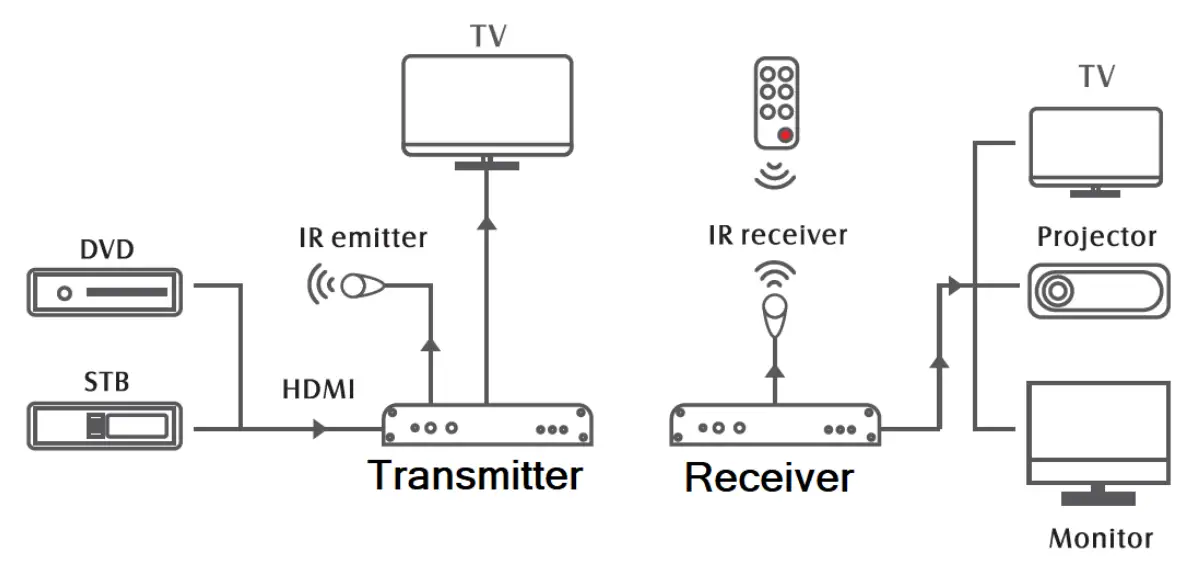
- (OPTIONAL – Remote Control Back Control): If you’d like, you can have the system receive a signal from a remote control (i.e. DVD player or DVR remote control) on the receiver (RX) side and transmit this signal wirelessly to the transmitter (TX). This allows you to “back control” a device such as DVD player or DVR from a distance (i.e. from near the receiver/RX).
To do this, connect the “IR IN” cable to the receiver (RX), and connect the “IR OUT” cable to the transmitter (TX).
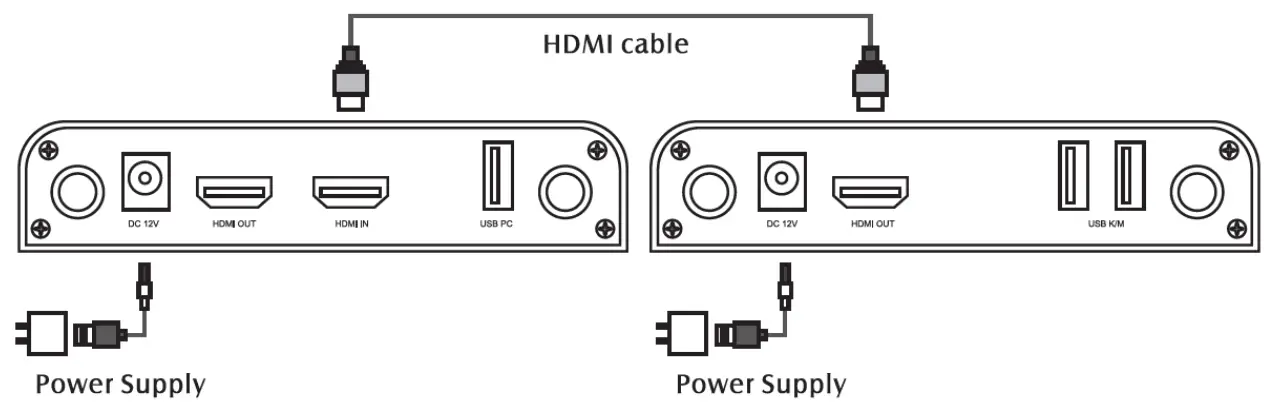
- (OPTIONAL – Pairing extra receivers to the system): You can purchase extra receivers (RX’s) at www.ClearClick.tech. This allows you to send an HDMI signal from your transmitter (TX) to multiple TV’s/monitors/projectors. You can add up to 3 additional receivers (4 receivers total) to one Extend+Expand™ system. To pair an additional receiver (RX) to the transmitter (TX), follow the steps below:
a. Connect both the transmitter (TX) and add-on receiver (RX) to their power adapters.
b. Use an HDMI cable to connect the transmitter’s (TX’s) HDMI IN port to the receiver’s (RX’s) HDMI OUT port.
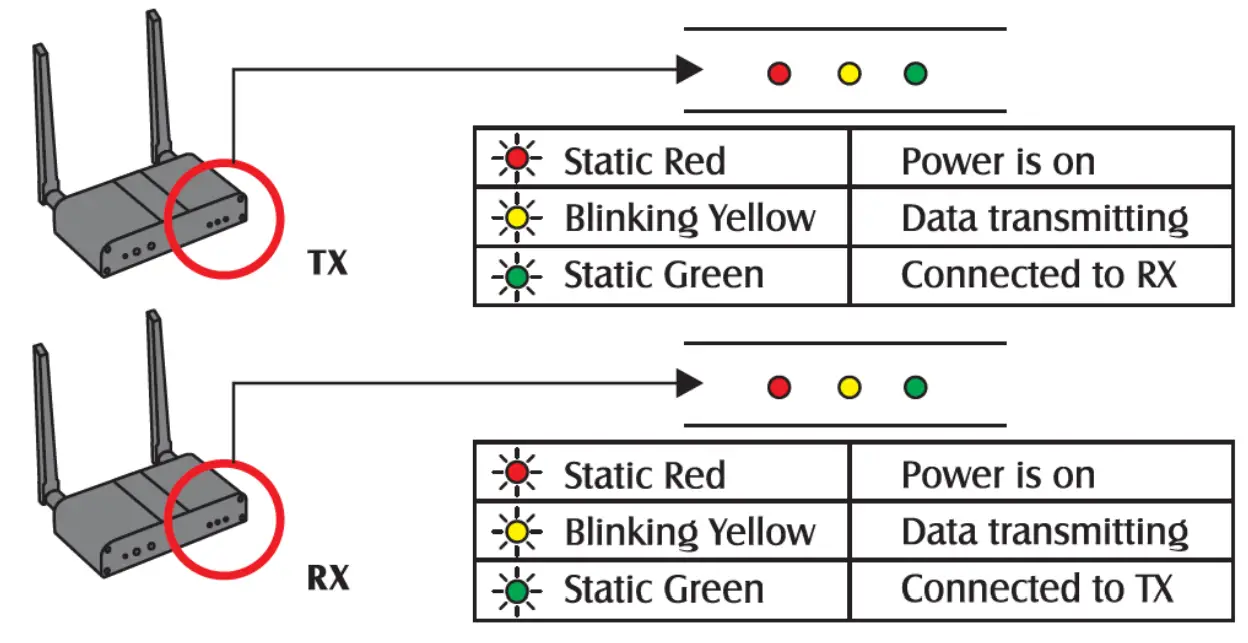
c. When the green LED lights on the transmitter (TX) and receiver (RX) stay solid green, the pairing is complete, and you may disconnect the HDMI cable.
LED Indicator Light Explanation
 Technical Specifications
 Technical Specifications
| Video | Supported protocol Maximum resolution Ports | HDMI 1.4 (HDCP 1.4) 1920X1080@60 Hz Ports HDMI -A Ports |
| IR | Ports | 3.5mm |
| WiFi | Protocol Transmission distance | 802.11 b/g/n/ac Up to 200m (clear line of sight) |
| Other | Power Supply Max power consumption Temperature Humidity Size | DC 12V/1A Max. 7W 0°C – +45°C 10% – 80% RH 90*92*33mm |
For product support or to purchase additional receivers (RX), please visit:

www.ClearClick.tech
[email protected]
 ClearClick | A Leader in Providing Easy To Use Technology
 Register Your Product & Extend Your Warranty For FREE – ClearClick