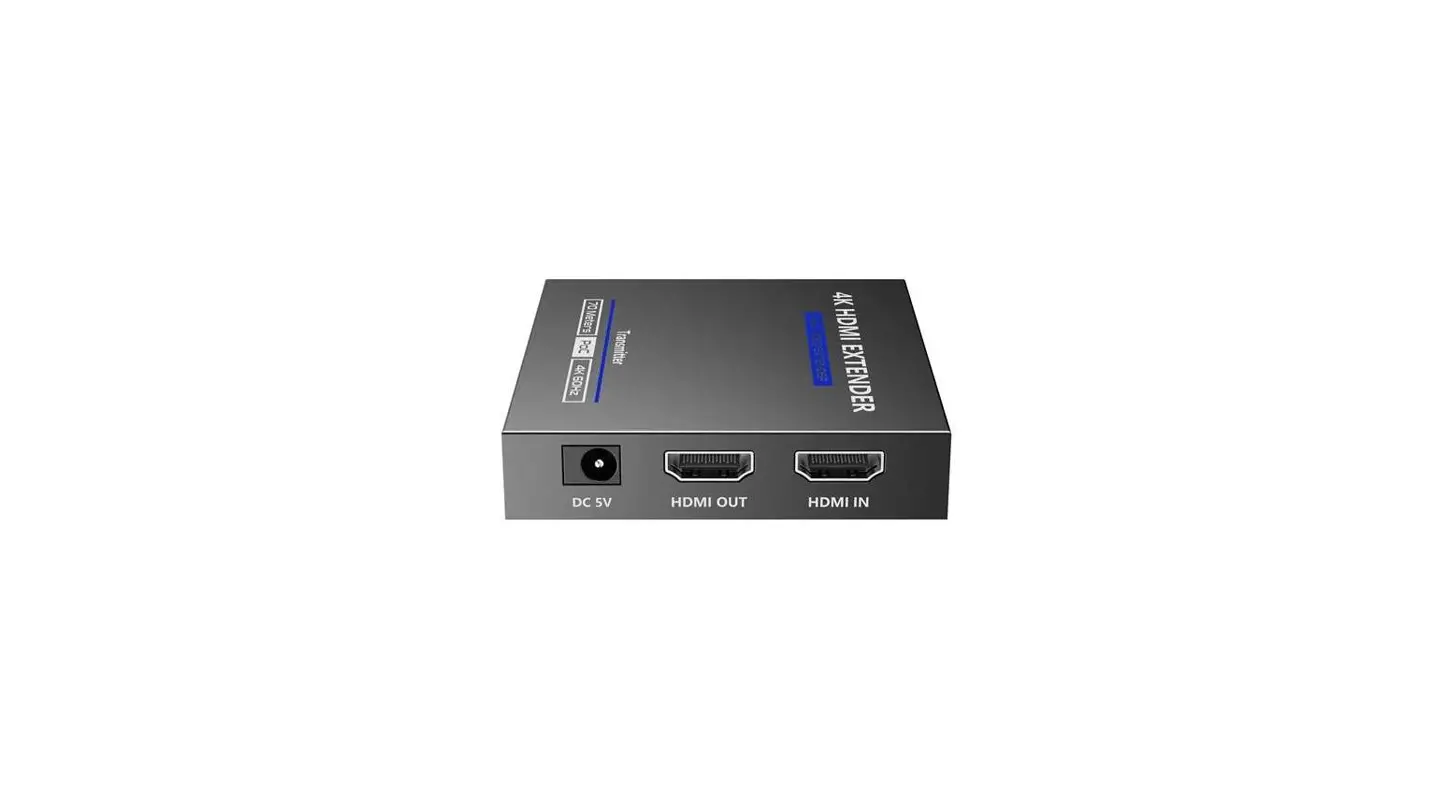
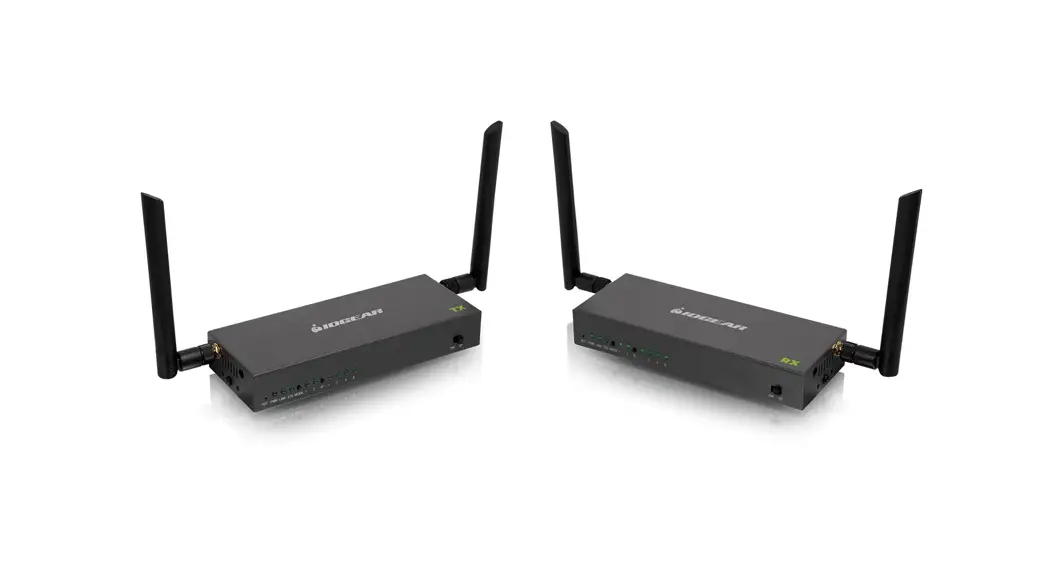
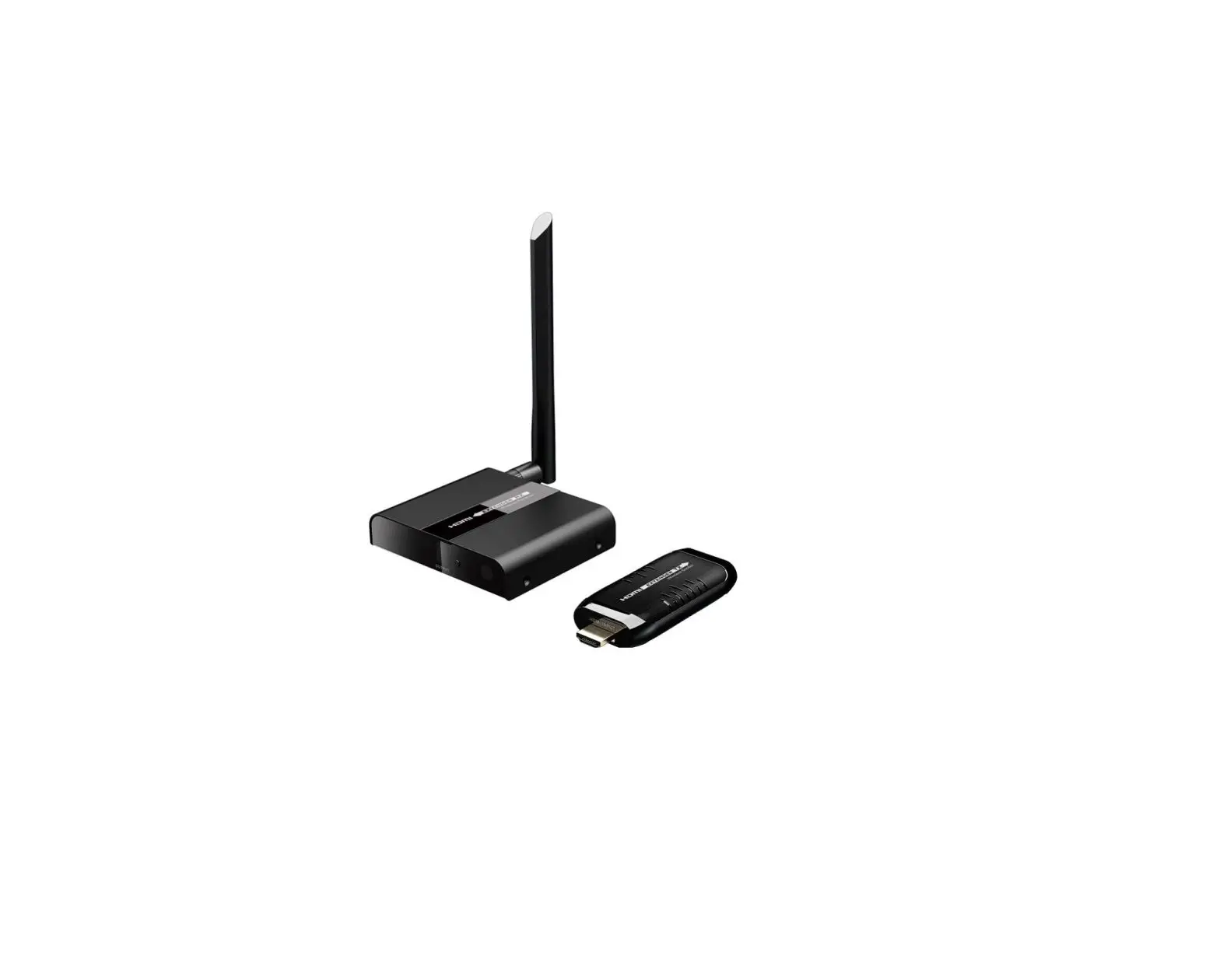
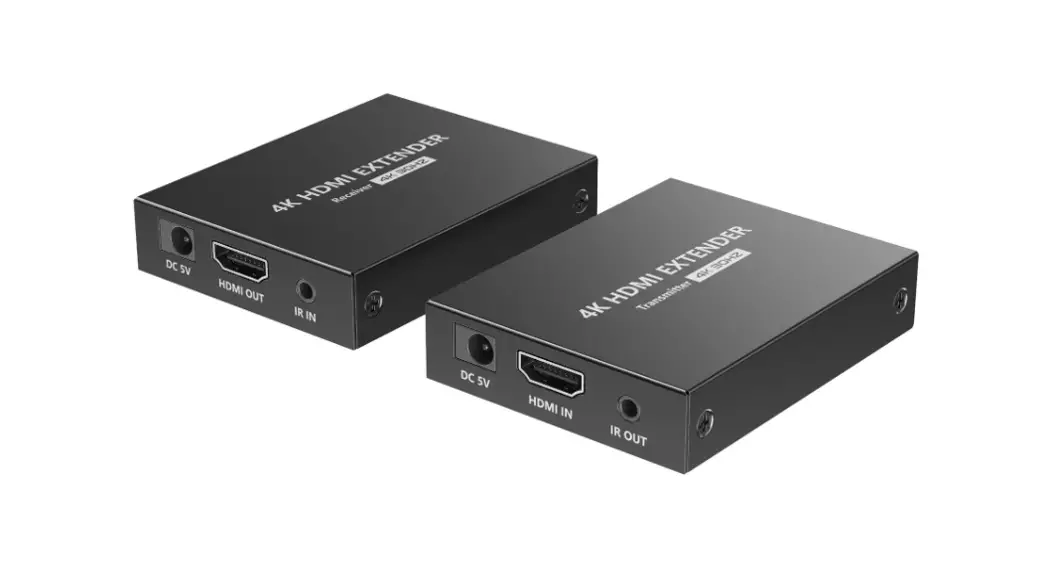
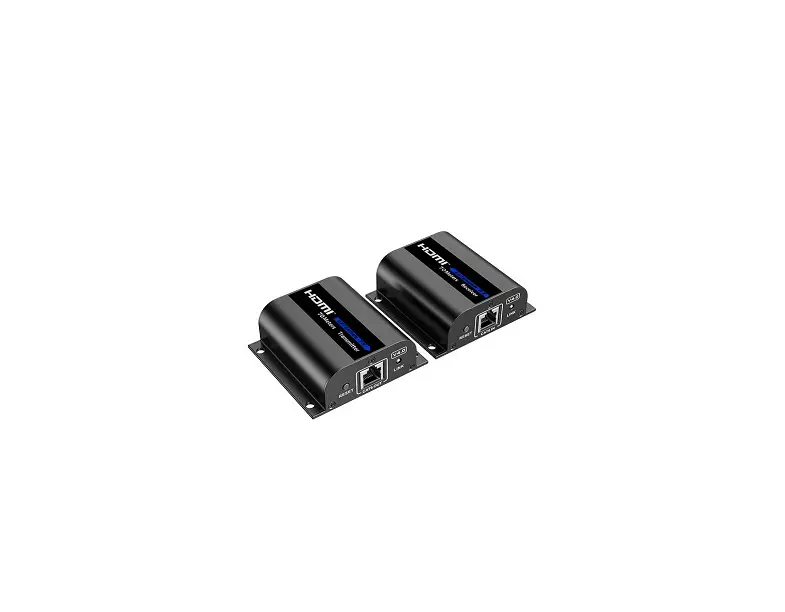
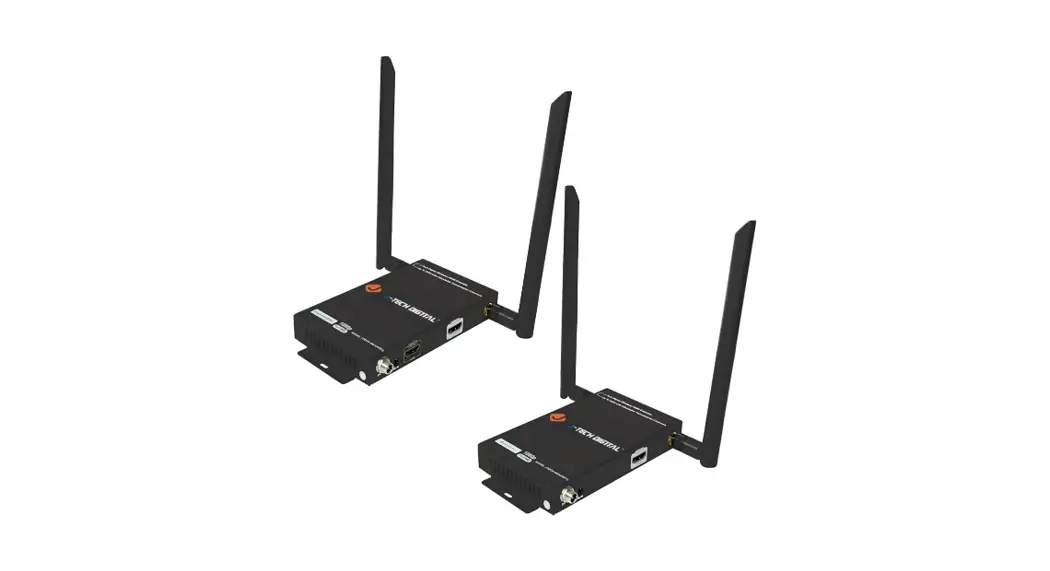
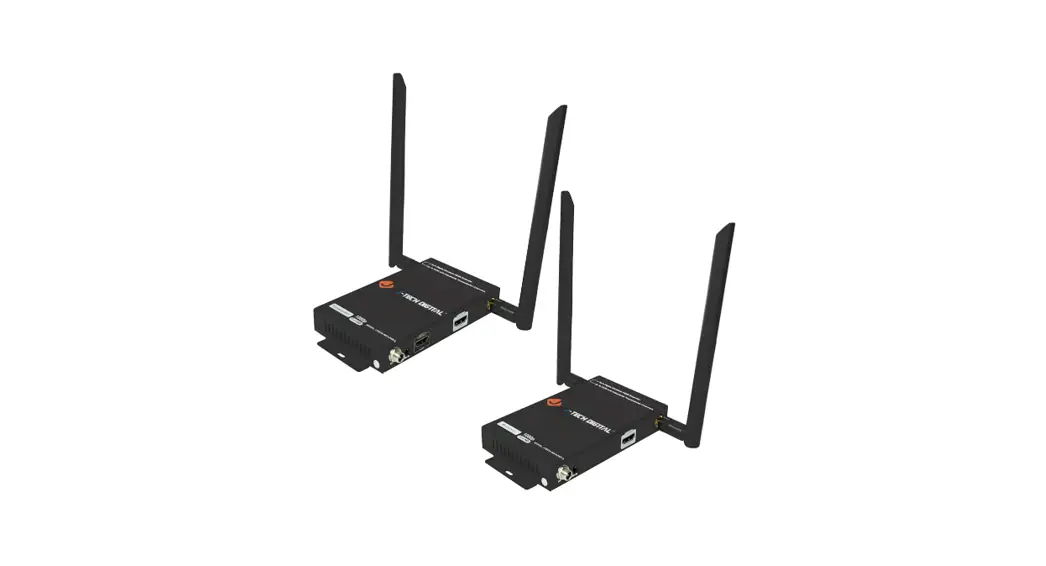
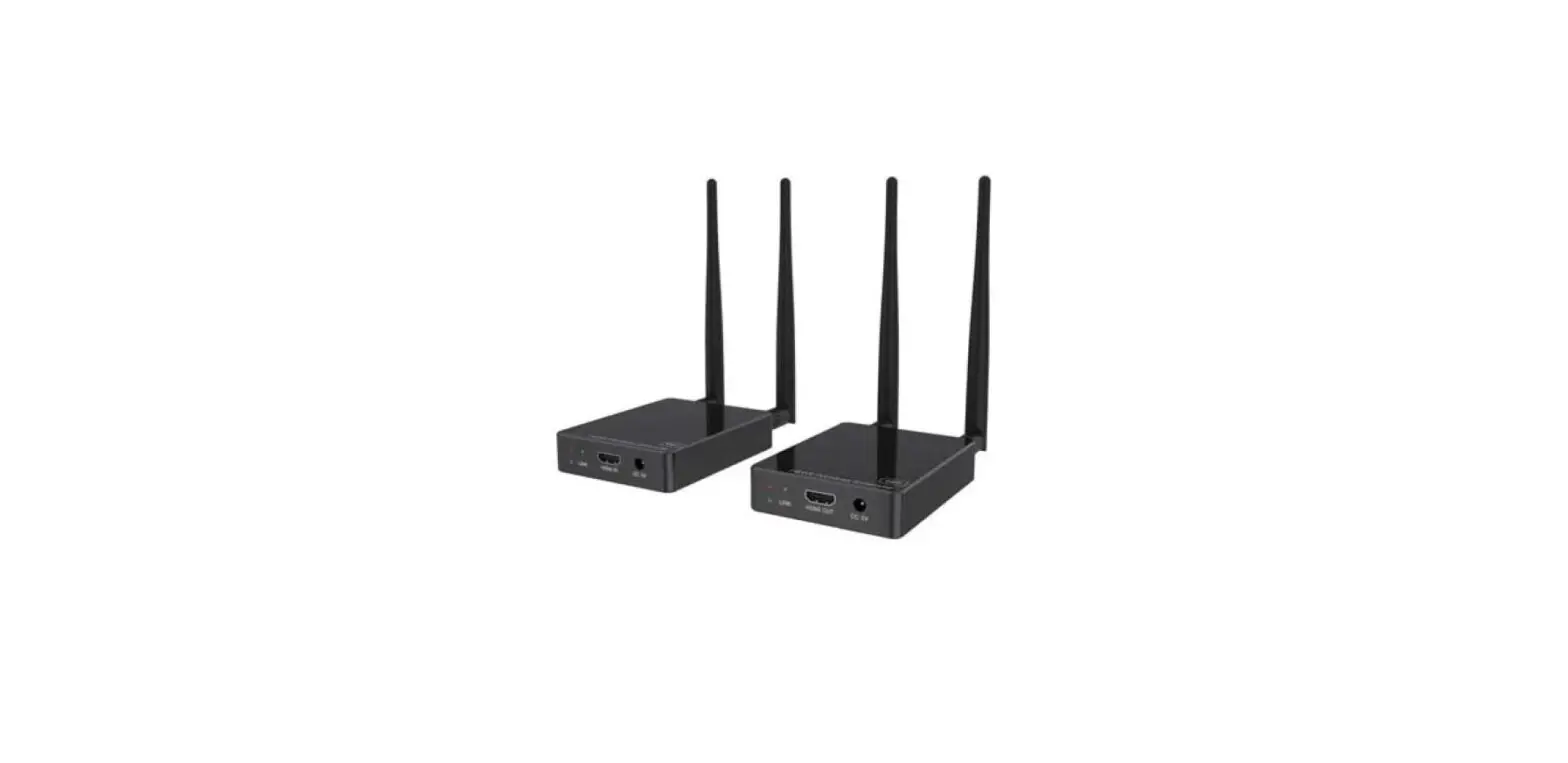
LKV699T 4K 60Hz HDMI Wireless Extender
Product Information:
| Product Name | 4K 60Hz HDMI Wireless Extender |
|---|---|
| Model Number | H22071AH1 V2.0 : 0106010022088 |
| Weight | 157g |
| Dimensions | 100x138mm |
Product Usage Instructions:
Transmitter (TX):
Power Indicator: The indicator will turn blue
when the power is turned on.
WiFi Indicator: Indicates the status of the
wireless connection.
Signal Indicator: Indicates the status of the
HDMI signal transmission.
Channel Switch Button: Press to switch
channels.
Antenna Connectors: Connect with antennas for
better signal reception.
Micro USB Port: Used for firmware upgrade.
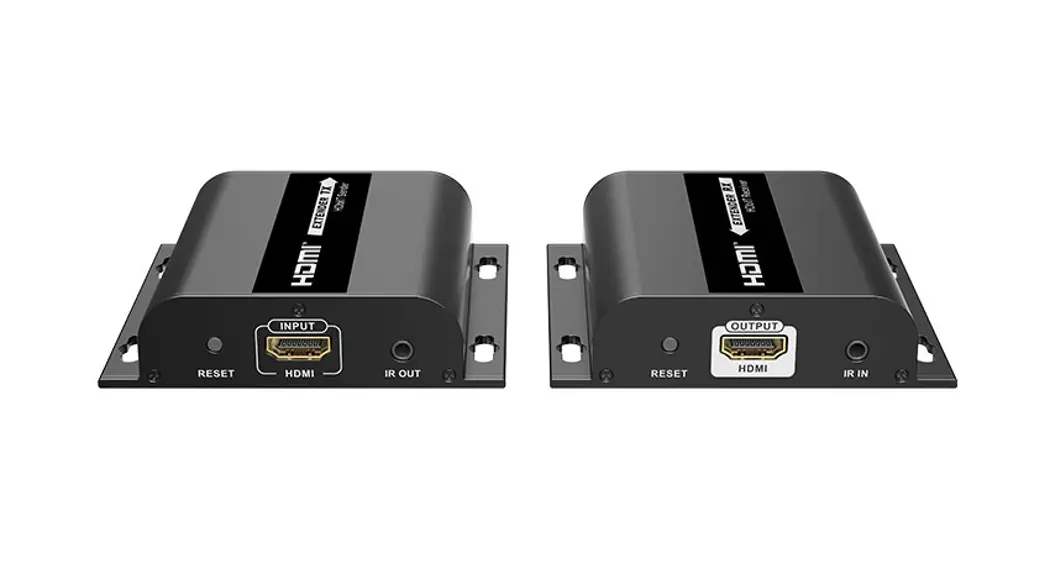
HDMI Input: Connect with HDMI source device
using an HDMI cable.
HDMI Output: Connect with local HDMI display
device using an HDMI cable.
IR Out: Connect with IR blaster extension
cable.
Power Input: Connect with DC 5V/2A power
adapter.
Receiver (RX):
Power Indicator: The indicator will turn blue
when the power is turned on.
WiFi Indicator: Indicates the status of the
wireless connection.
Signal Indicator: Indicates the status of the
HDMI signal reception.
Channel Switch Button: After connecting with
TX, press to switch channels.
Antenna Connectors: Connect with antennas for
better signal reception.
Micro USB Port: Used for firmware upgrade.
HDMI Output: Connect with HDMI display device
using an HDMI cable.
IR In: Connect with IR receiver extension
cable.
Power Input: Connect with DC 5V/2A power
adapter.
:157g 100x138mm
H22071AH1 V2.0 : 0106010022088
User Manual
4K 60Hz HDMI Wireless Extender
· Important Safety Instructions
1) Do not expose this device to rain or place it near water. Any liquid that goes into the device may cause a failure, fire, or electric shock.
2) Never insert anything metallic into the open parts of this device. This may cause a danger of electric shock.
3) Do not place this device near or over a radiator or heat register, or where it is exposed to direct sunlight.
4) The device should be repaired only by a qualified technician. 5) If a third-party power supply is used, please ensure that the power
supply specifications meet the product requirements.
· Introduction
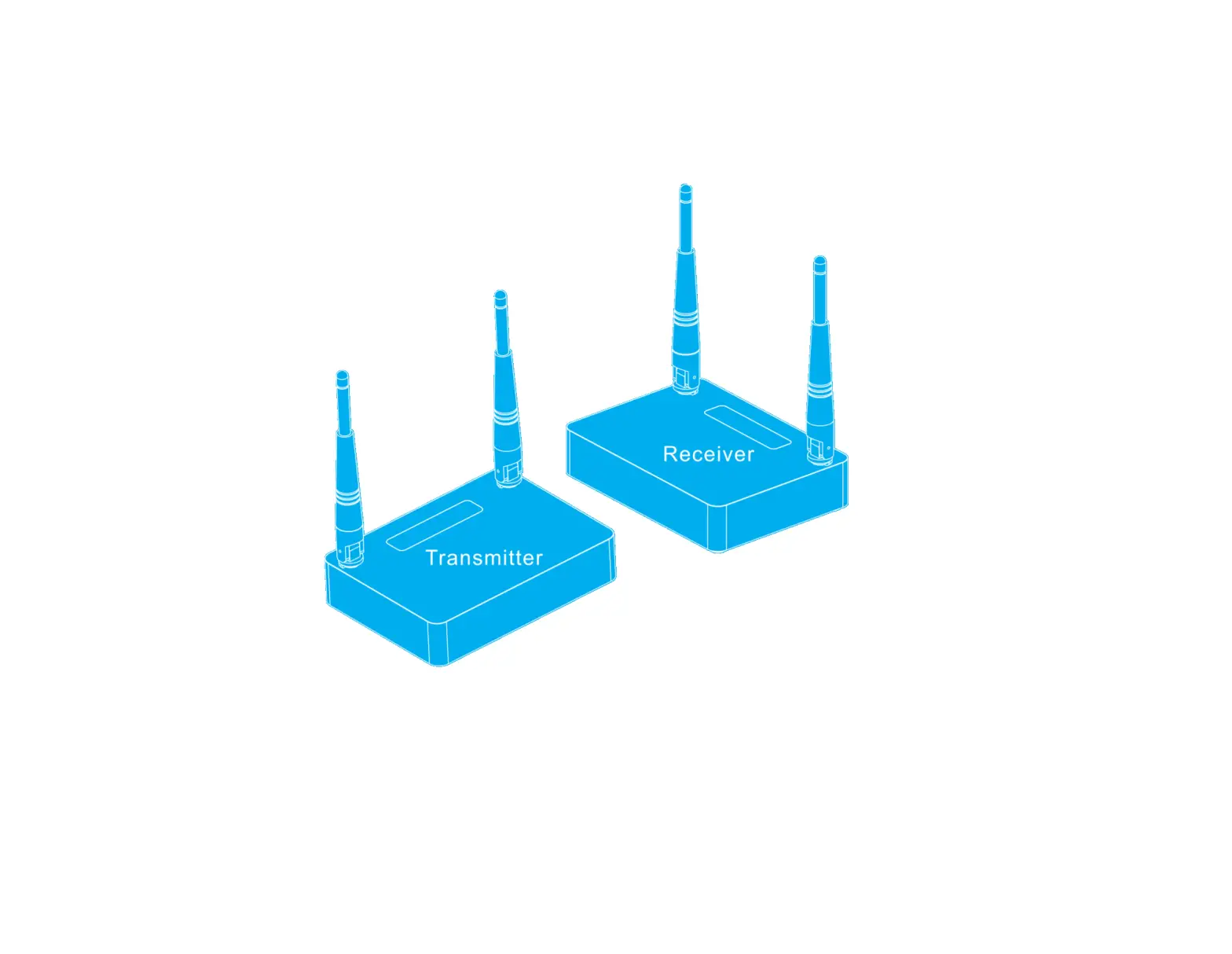
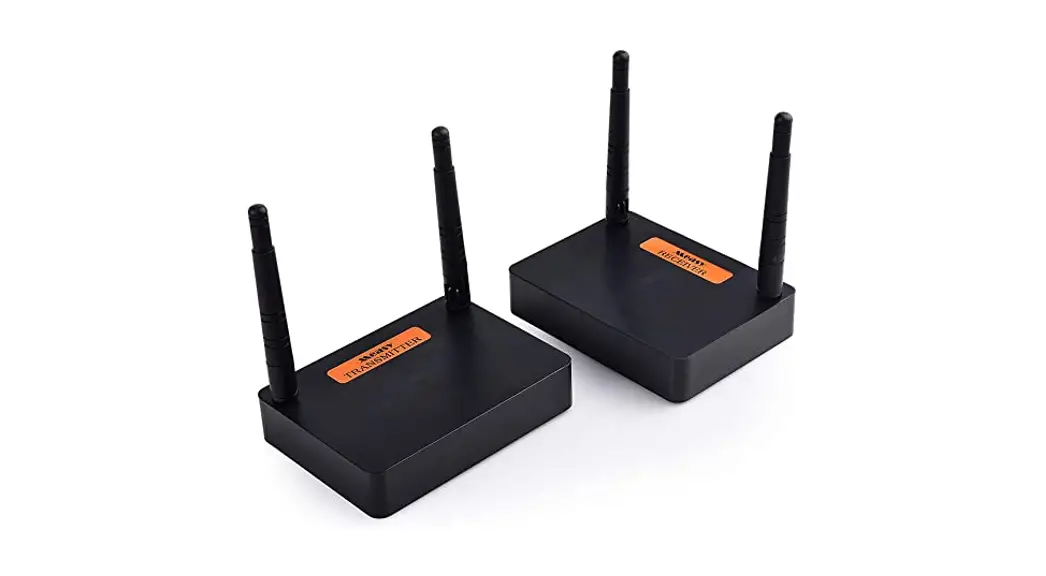
This is a 4K@60Hz HDMI wireless extender, including a transmitter and a receiver. Adopting ipcolor STREAM technology can realize high definition and low-latency transmission. Based on the 5G wireless frequency band, with stable anti-interference and safety performance. It supports 1-to-1 wireless transmission, and the transmission distance can reach 50 meters, effectively solving problems caused by complicated wiring. It’s an ideal wireless video transmission solution for video conferences, home entertainment, multimedia education, etc.
Note 1) Transmission distances may vary depending on the environment. 2) Signals may be reduced or completely lost by solid structures such as walls,
bricks, and glass. 3) The surrounding wireless signal may cause certain interference to the
transmission, and the channel can be switched to reduce the interference.
· Features
1. Adopting ipcolor STREAM technology can realize high definition and low-latency transmission.
2. Support up to 3840×2160@60Hz resolution, backward compatible. 3. Support wireless transmission up to 50 meters (line of sight). 4. The transmitter supports HDMI loop out. 5. In case of multiple sets of products in the same area, support SSID pairing
and channel switching to avoid interference. 6. Support IR passback. 7. Support 5G wireless frequency bands, strong anti-interference. 8. Support firmware upgrade via Micro USB port.
· Package Contents
Transmitter x1
Receiver x1
5V 2A power adapter x2
IR receiver extension cable x1
IR blaster extensio cable x1
Antenna x4
Mounting ear x4
Screw x10
Grounding screw x2
2
3
User manual x1
· Installation Requirements
1. HDMI source device (DVD, game console, PC, etc.) 2. HDMI display device (TV, projector, LED screen, etc.)
· Panel Description
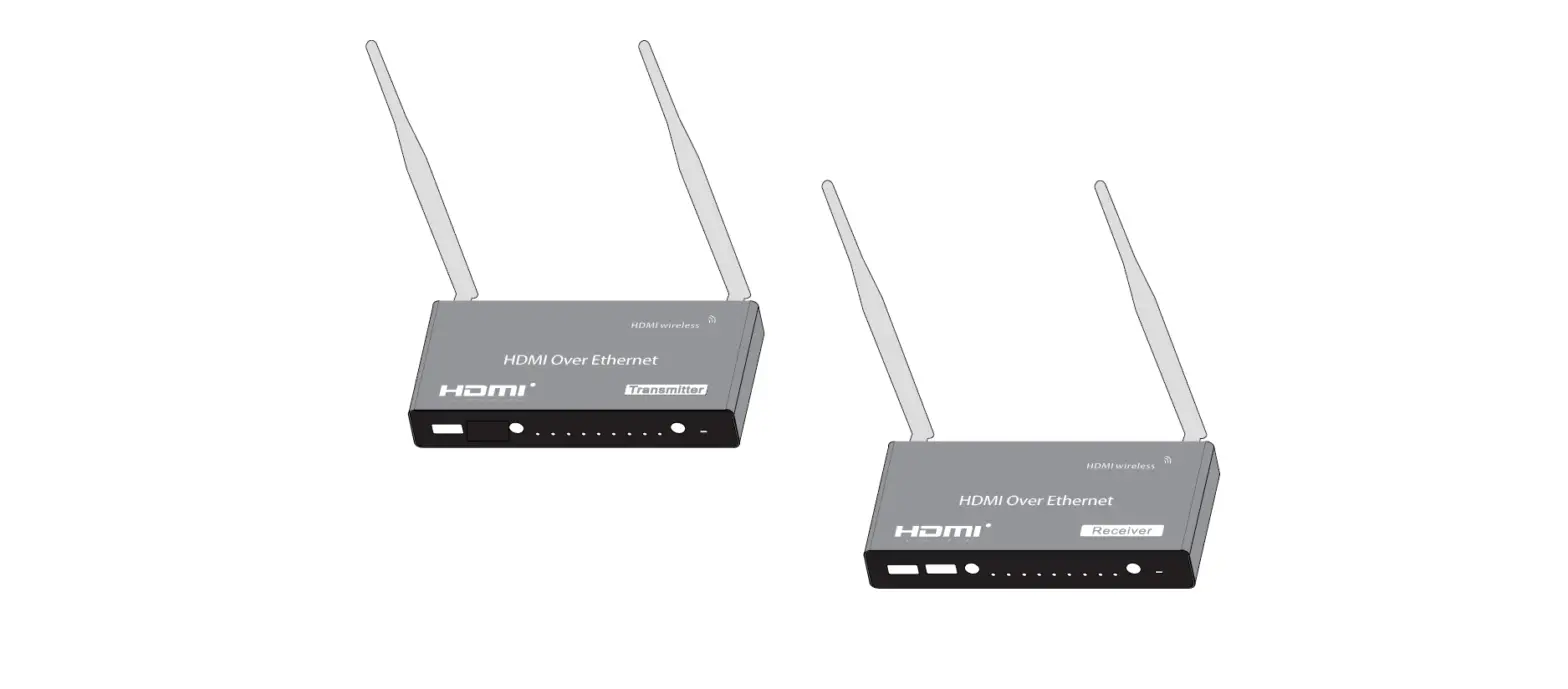
1. Transmitter (TX)
Power indicator WiFi indicator
The indicator will turn blue when the power is turned on
a) Slow flash: waiting for connection b) Steady on: connection succeeded c) Quick flash: SSID Pairing mode
4
Signal indicator
Channel switch button
Antenna connectors
Micro USB port
HDMI input
HDMI output
IR out Power input
a) Light off: no HDMI signal b) Steady on: HDMI signal is transmitting c) Quick flash: restore factory settings
a) press to switch channels b) Press and hold 5s for SSID pairing c) Press and hold 10s for restore factory settings
Connect with antennas
Used for firmware upgrade Connect with HDMI source device with HDMI cable Connect with local HDMI display device with HDMI cable
Connect with IR blaster extension cable Connect with DC 5V/2A power adapter
2. Receiver (RX)
5
Power indicator WiFi indicator
Signal indicator
Channel switch button
Antenna connectors
Micro USB port
HDMI output
IR in
Power input
The indicator will turn blue when the power is turned on
a) Slow flash: waiting for connection b) Steady on: connection succeeded c) Quick flash: SSID Pairing mode
a) Light off: no HDMI signal b) Steady on: HDMI signal is transmitting c) Quick flash: restore factory settings
a) After connecting with TX, press to switch channels b) Press and hold 5s for SSID pairing c) Press and hold 10s for restore factory settings
Connect with antennas
Used for firmware upgrade
Connect with HDMI display device with HDMI cable
Connect with IR receiver extension cable
Connect with DC 5V/2A power adapter
· Installation Procedures
1. Connection Diagrams One to one connection
HDMI IN Video Source
TX
HDMI Display
6
HDMI OUT
RX
HDMI Display
2. Connection Instructions 1) Connect the source device to the HDMI IN port of the transmitter with an HDMI cable, and connect the HDMI OUT port of the receiver to the display device with another HDMI cable. 2) If using the IR passback function, connect the IR blaster extension cable into the IR OUT port of the transmitter, and connect the IR receiver extension cable into the IR IN port of the receiver. a: The emitter of the IR blaster extension cable should be as close as possible to the IR receiving window of the source device. b: Point the remote control at the receiving head of the IR receiver extension cable to operate. 3) Plug the power supply into the devices to get started. 4) In the case of multiple sets being used at the same time in the same area. In order to prevent mutual interference, switch each set of transmitters and receivers to a different channel after they have been manually paired with the SSID.
3. SSID Pairing 1. Enter the SSID pairing mode by holding the transmitter and receiver’s channel switch buttons for five seconds. Both WiFi connection indicators will flash quickly in yellow. 2. When the SSID pairing is successful, the WiFi indicators on the transmitter and receiver will change from quick flashing to slow flashing or steady on.
7
NO.
Channel 1 Channel 2 Channel 3 Channel 4
Frequency 5.180 GHz 5.200 GHz 5.220 GHz 5.240 GHz
· FAQ
Q: Why the receiver and transmitter cannot be connected, showing “Search ipcolor Tx…” on the screen?
A: 1) Move transmitter and receiver closer. 2) Re-power the transmitter or receiver. 3) Re-pair the transmitter and receiver.
Q: Why the Wi-Fi indicator is steady on but showing “Please check the TX input signal” ?
A: 1) Make sure the TX has HDMI input and that the resolution is within the specified range.
2) Try to connect the signal source directly to the display device, or change the signal source and HDMI cable and test again.
Q: Why is the display stuttering or unstable? A: 1) Place the transmitter or receiver within the signal coverage and minimize
obstructions between the transmitter and receiver. 2) Switch to a different channel to avoid interference from other wireless
signals. 3) Re-power the receiver or transmitter.
8
· Specification
Items Power Supply
HDMI Performance and Interface
Specifications
Voltage/Current
DC 5V/2A
Power consumption TX 6W, RX 4W
HDMI version
HDMI 2.0
HDCP version
HDCP 1.4/HDCP 2.2
Maximum transfer rate
18Gbps
Resolution supported
3840×2160@24/30/50/60Hz, 1080P@50/60Hz, 720P@50/60Hz, 1920×1200, 2560×1440, 2560×1600
Transmission
Protection Level IR Performance Operating Environment
Input and output TMDS signal
0.7~1.2Vp-pTMDS
Input and output DDC signal
5Vp-pTTL
Wi-Fi Frequency bands
Transmission distance
5.18~5.24 GHz 50m
Latency Connection types SSID pairing
ESD protection
130~180ms
One-to-one
Supported
1a Contact discharge level 3 1b Air discharge level 3 Standard: IEC61000-4-2
Infrared frequency Receiving range
20~60kHz 5m
Working temperature
-20~60
Storage temperature -30~70
Humidity (no condensation)
0~90% RH
9
Dimension
Physical Properties Color Material Net weight
TX: 115(W) x 125(L) x 20.6(H) mm RX: 115(W) x 125(L) x 20.6(H) mm Black
Iron
TX: 353g; RX: 346g
Disclaimer
The product name and brand name may be registered trademark of related manufacturers. TM and ® may be omitted on the user manual. The pictures on the user manual are just for reference, The terms HDMI, HDMI High-Definition Multimedia Interface, and the HDMI Logo are trademarks or registered trademarks of HDMI Licensing Administrator, Inc. We reserve the rights to make changes without further notice to a product or system described herein to improve reliability, function or design.
10
RF exposure statement
This equipment complies with the FCC RF radiation exposure limits set forth for an uncontrolled environment. This equipment should be installed and operated with a minimum distance of 20cm between the radiator and any part of your body.
This equipment meets the exemption from the routine evaluation limits in section 2.5 of RSS-102. It should be installed and operated with a minimum distance of 20cm between the radiator and any part of your body.
Cet équipement est conforme à l’exemption des limites d’évaluation habituelle de la section 2.5 de la norme RSS-102. Il doit être installé et utilisé à une distance minimale de 20 cm entre le radiateur et toute partie de votre corps.
FCC Warning
This device complies with Part 15 of the FCC Rules. Operation is subject to the following two conditions: (1) This device may not cause harmful interference, and (2) this device must accept any interference received, including interference that may cause undesired operation.
Note: This equipment has been tested and found to comply with the limits for a Class B digital device, pursuant to part 15 of the FCC Rules. These limits are designed to provide reasonable protection against harmful interference in a residential installation. This equipment generates, uses and can radiate radio frequency energy and, if not installed and used in accordance with the instructions, may cause harmful interference to radio communications. However, there is no guarantee that interference will not occur in a particular installation. If this equipment does cause harmful interference to radio or television reception, which can be determined by turning the equipment off and on, the user is encouraged to try to correct the interference by one or more of the following measures: –Reorient or relocate the receiving antenna. –Increase the separation between the equipment and receiver. –Connect the equipment into an outlet on a circuit different from that to which the receiver is connected. –Consult the dealer or an experienced radio/TV technician for help.
11
NOTE 2: Any changes or modifications to this unit not expressly approved by the party responsible for compliance could void the user’s authority to operate the equipment. IC WARNING This device contains licence-exempt transmitter(s) that comply with Innovation, Science and Economic Development Canada’s licence-exempt RSS(s). Operation is subject to the following two conditions: (1) This device may not cause interference. (2) This device must accept any interference, including interference that may cause undesired operation of the device. L’émetteur/récepteur exempt de licence contenu dans le présent appareil est conforme aux CNR d’Innovation, Sciences et Développement économique Canada applicables aux appareils radio exempts de licence. L’exploitation est autorisée aux deux conditions suivantes: 1. L’appareil ne doit pas produire de brouillage; 2. L’appareil doit accepter tout brouillage radioélectrique subi, même si le brouillage est susceptible d’en compromettre le fonctionnement. The device is restricted to indoor use only when operating in the 5150 to 5250 MHz frequency range. Lorsque l’appareil fonctionne dans la gamme de fréquences de 5150 à 5250 MHz, il est limité à une utilisation en intérieur uniquement.
12