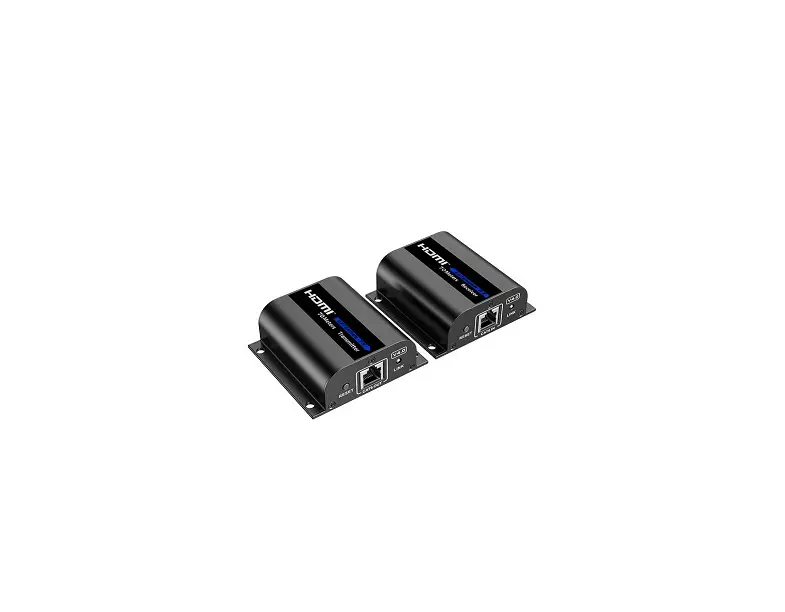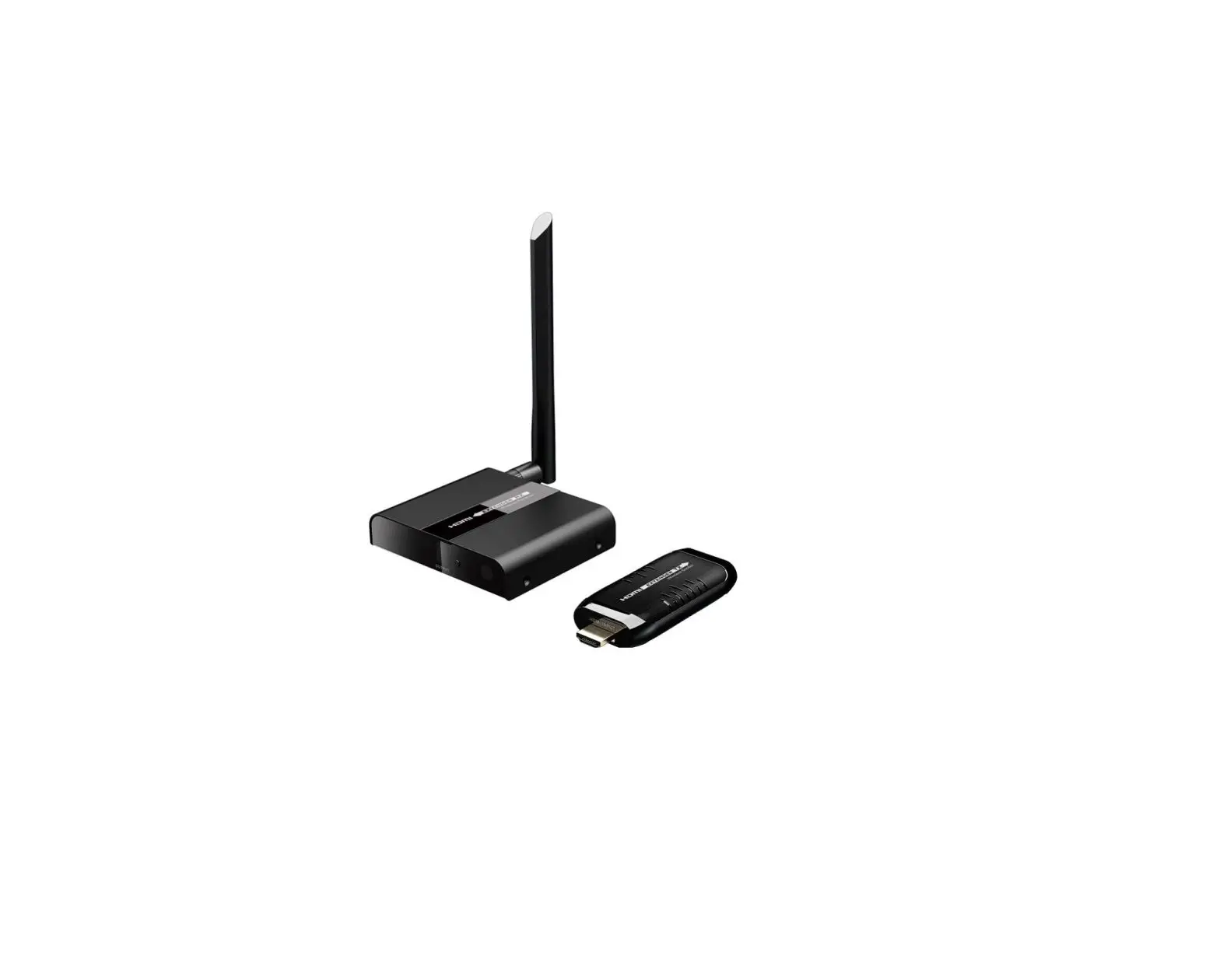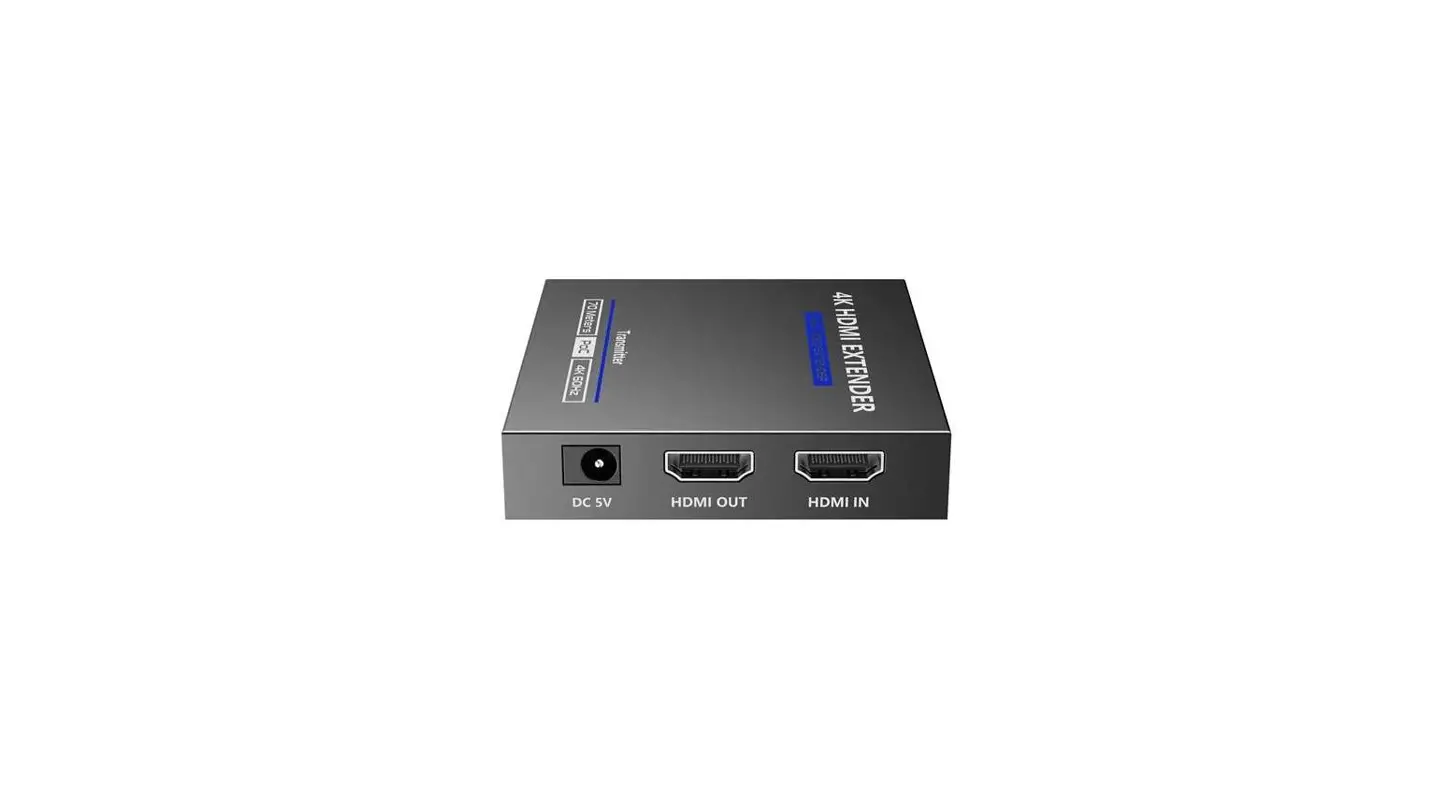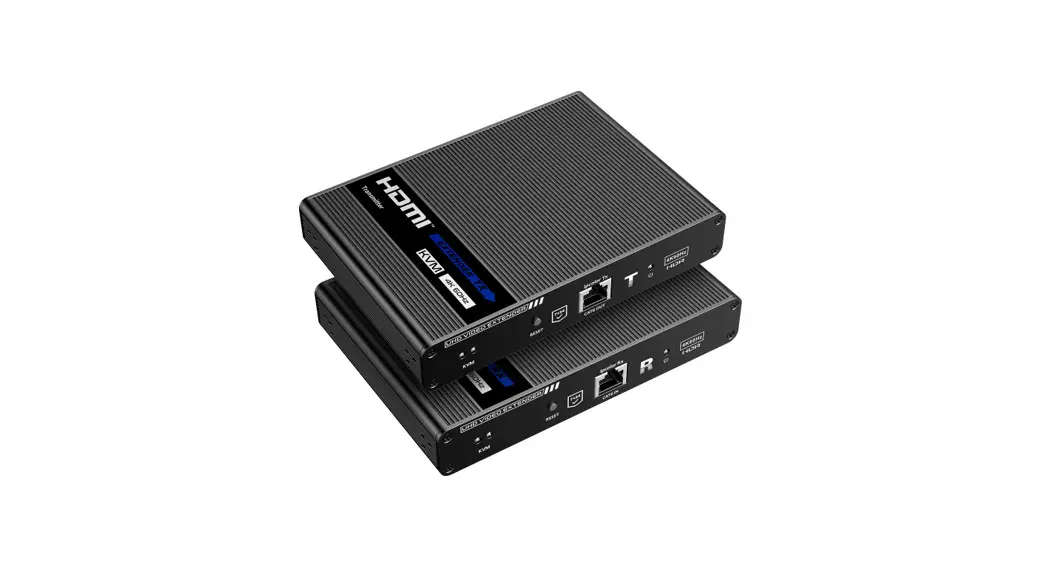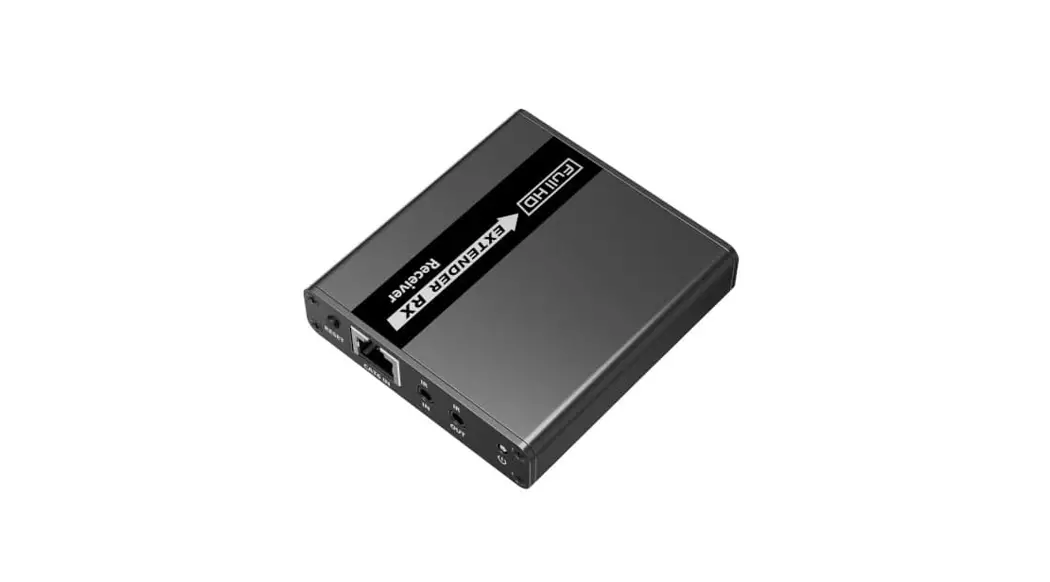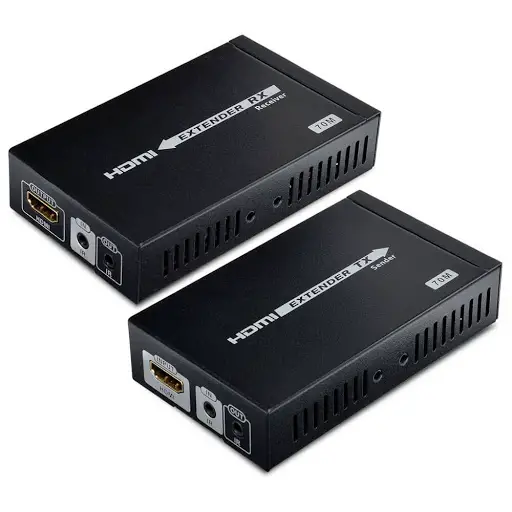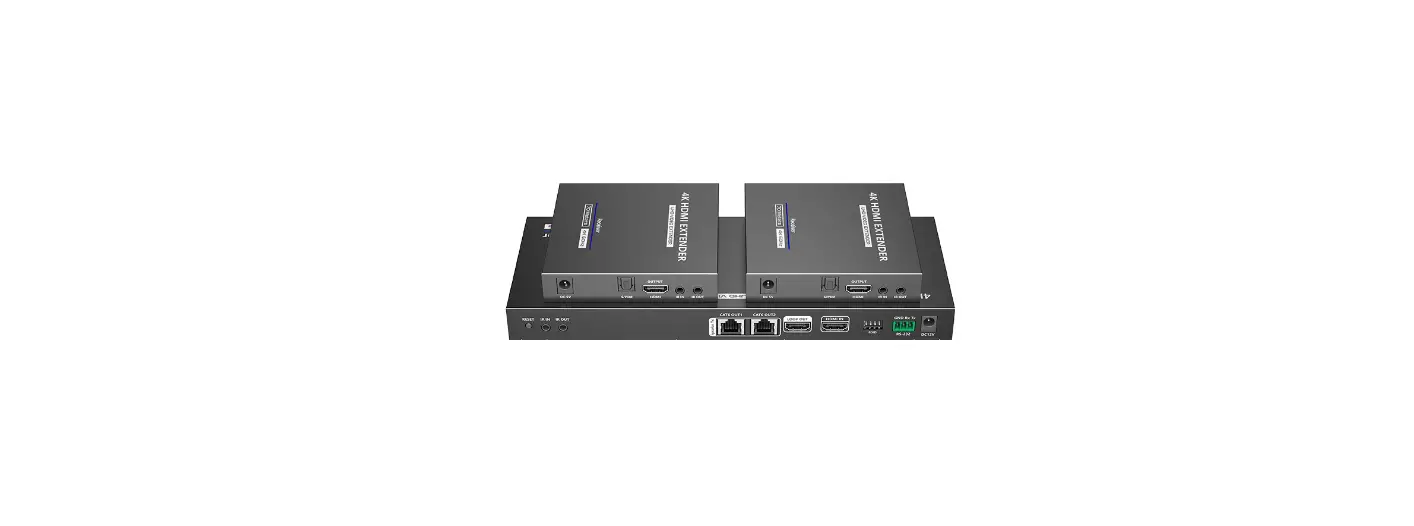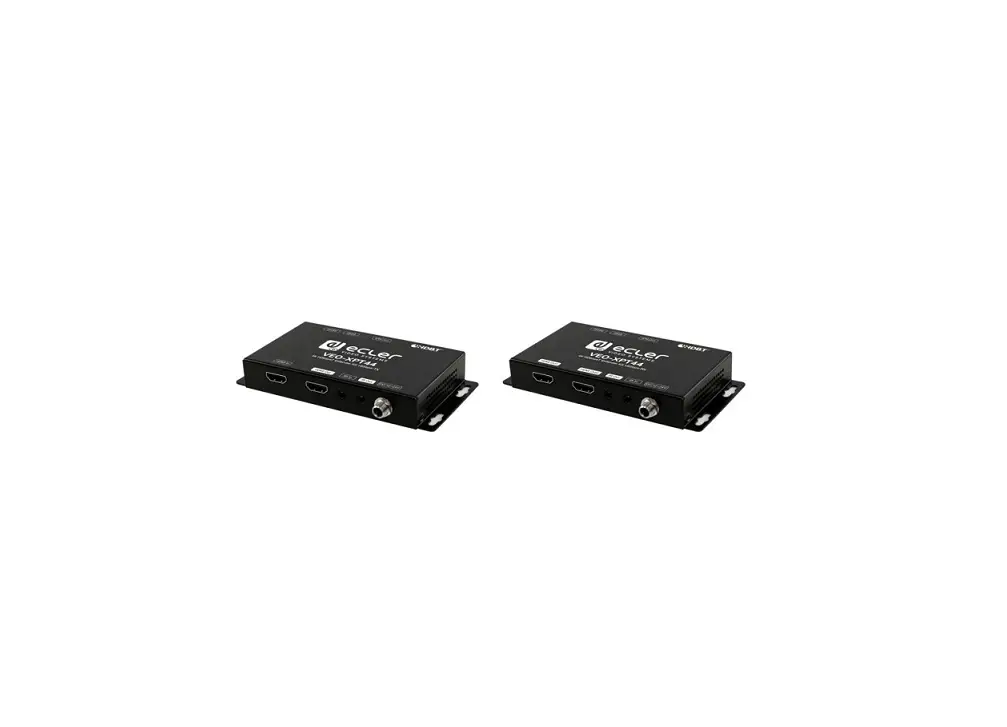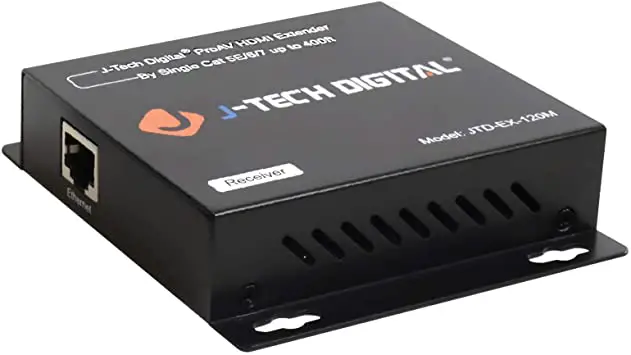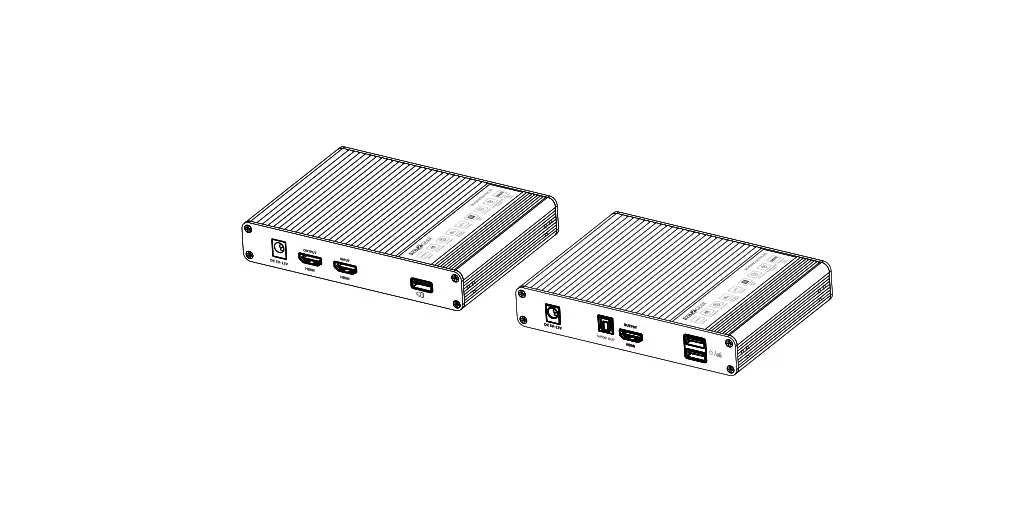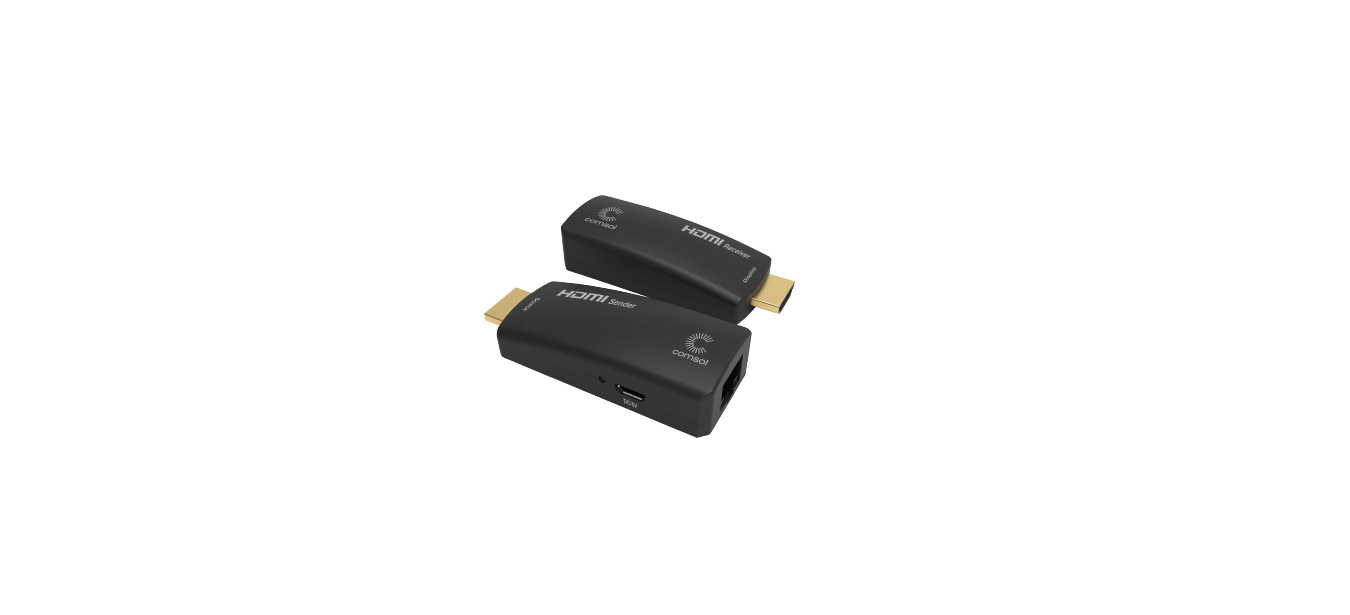

LKV372P HDMI Extender
User Manual
Important Safety Notice
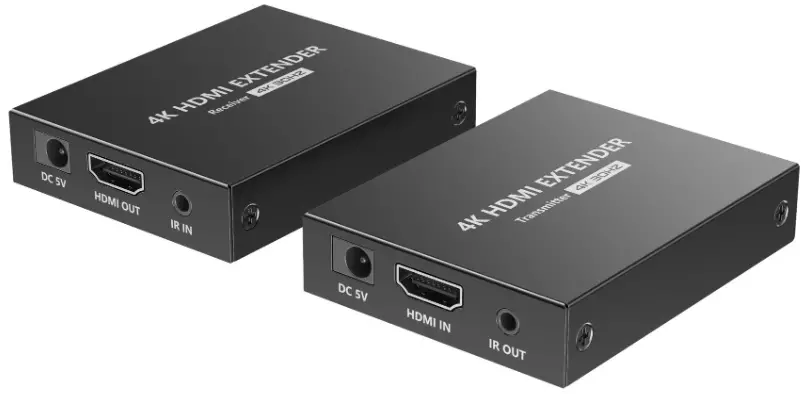
- Please distinguish the transmitter and receiver before installation.
- Do not disassemble the machine to repair the product during the working process to avoid electric shock.
- Please cut off the power before installation. Live installation may damage the equipment.
- Do not expose the devices to rain, moisture and liquid.
- Use a 5V/2A DC adapter only. Make sure the specification matched if using 3rd party DC adapters.
Introduction
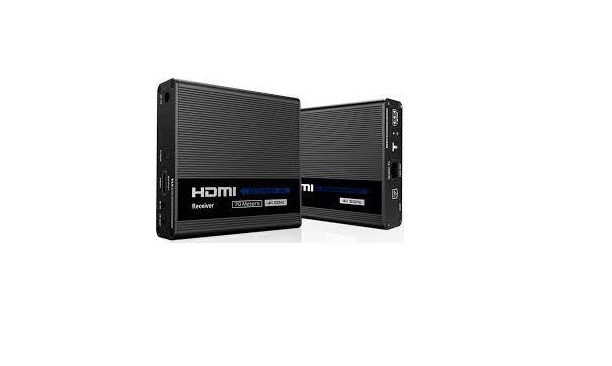
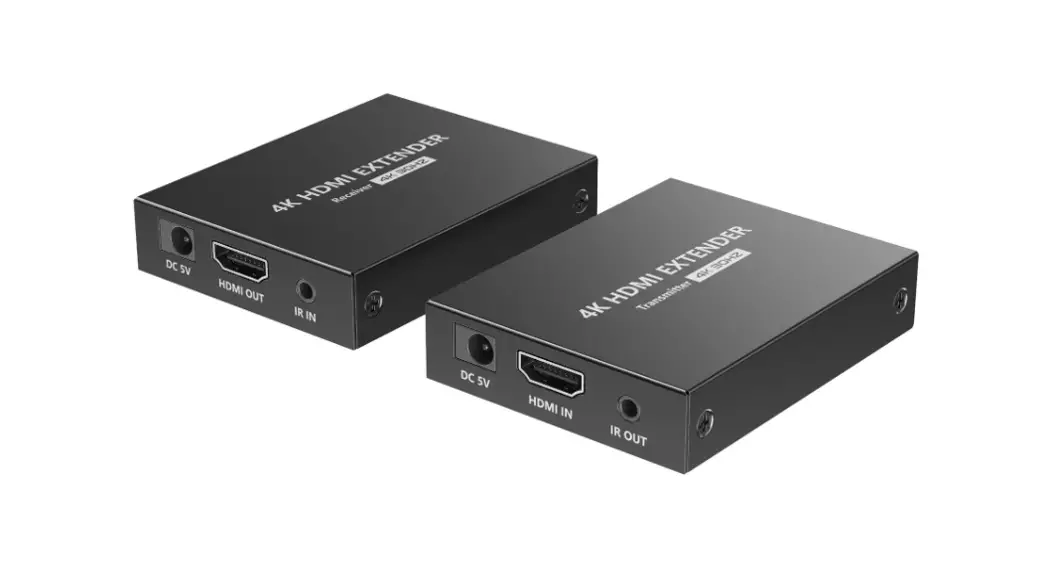
This HDMI Extender includes a transmitter unit and a receiver unit, allows the HDMI signal to be transmitted up to 70 meters at 1080p resolution using a Cat6/6A/7 network cable. It adopts a point-to-point connection configuration, supports IR pass-back. It is perfect for outdoor advertising, monitor system, home entertainment, conference, etc.
Features
- Zero latency.
- Support up to 4K@30Hz resolution.
- Support CAT6/6A/7 network cables, 1080p@60Hz transmission distance is up to 70meters, 4K@30Hz transmission distance is up to 40 meters.
- Support IR pass-back function (20~60KHz).
- Support HDR10.
- Support EDID passthrough.
- Support PoC network cable power supply, only TX power supply is needed.
Package Contents
 | ||
| Transmitter unit x 1pc | Receiver unit x 1pc | DC5V/2A x 1pc |
 | ||
| User manual x 1pc | IR blaster extension cable x 1pc | IR receiver extension cable x 1pc |
Installation Requirements
- HDMI source device (compute graphics card, DVD, PS4, HD monitoring equipment etc.)
- HDMI display device like SDTV, HDTV, projector with HDMI port.
- UTP/STP CAT6/6A/7 cable, follow standard IEEE-568B, it is recommended to select a network cable with less loss and crosstalk.
Interfaces
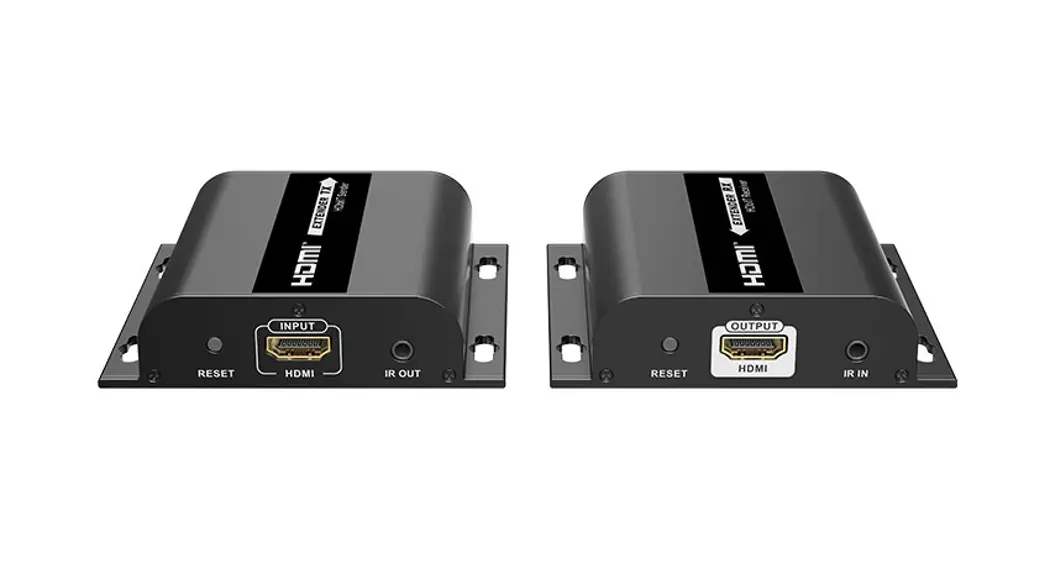
- Transmitter (TX)

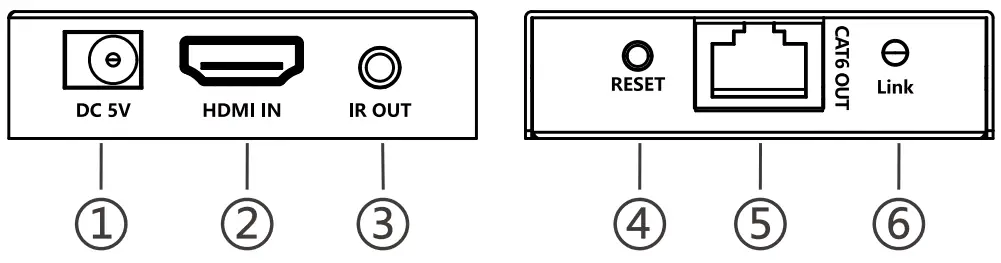
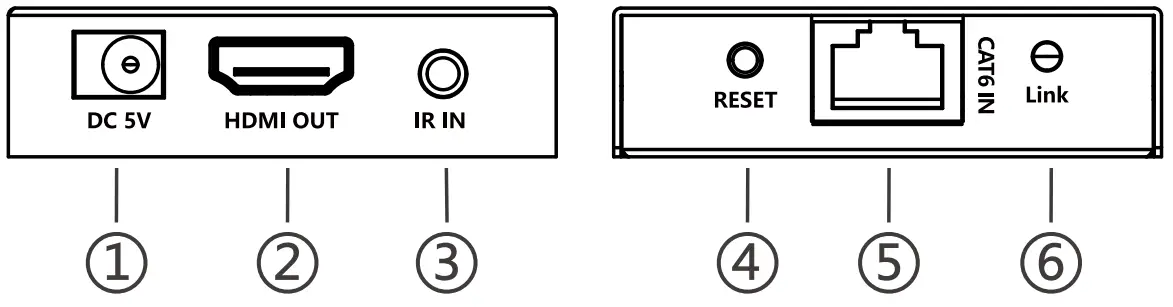
1 Power input Connect to the 5V/2A DC power adapter. 2 HDMI input Connect to a HDMI source device. 3 IR out Connect the IR blaster extension cable, please keep the infrared transmitter as close as possible to the signal source device when using. 4 Reset button Press the button to restart the device. 5 RJ45 signal output Output modulated HDMI signal. 6 Signal Indicator No HDMI signal is transmitted, the indicator flashes.
HDMI signal is transmitted, the indicator stays on. - Receiver (RX)

1 Power input PoC, only TX power supply is needed. 2 HDMI output Connect to a HDMI display device. 3 IR in Connect the IR receiver extension cable to ensure that the remote control used is within the range of the IR receiving device. 4 Reset button Press the button to restart the device. 5 RJ45 signal input Input modulated HDMI signal. 6 Signal Indicator No HDMI signal is transmitted, the indicator flashes.
HDMI signal is transmitted, the indicator stays on.
Installation Procedures
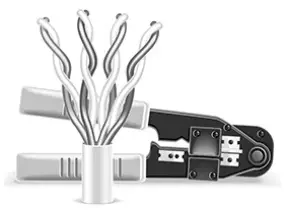
- The network cable should follow the standard of IEEE-568B. It is recommended to select a network cable with less loss and crosstalk.
1-Orange/white
2-Orange
3-Green/white
4-Blue5-Blue/white
6-Green
7-Brown/white
8-Brown
- Connection

- Connection instruction
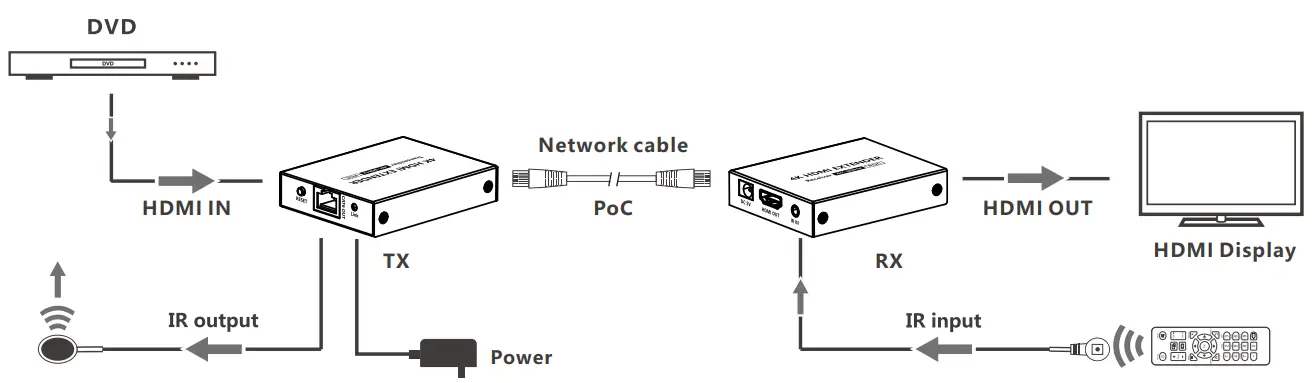
1) Connect the HDMI port of the source device to the HDMI IN port of the transmitter via an HDMI cable.
2) Connect the CAT6 OUT port of the transmitter and the CAT6 IN port of the receiver via a network cable.
3) Connect the HDMI port of the display device to the HDMI OUT port of the receiver via an HDMI cable.
4) Connect the IR blaster extension cable to the IR OUT port of the transmitter, connect the IR receiver extension cable to the IR IN port of the receiver.
5) Plug the power into the devices to get started.
FAQ
– A: Press the “RESET” button of the receiver to restart the device. Reconnect the devices with a shorter network cable
– A: 1) Check whether the network cable is uses IEEE-568B wiring standards.
2) Check whether the source device and the transmitter are connected well.
3) Reset the transmitter or receiver and connect it again.
– A: 1) Press the “RESET” button of the receiver to restart the device.
2) Check whether the display device and the receiver are connected well.
3) Reconnect the network cable or re-power the receiver.
Specification
| Items | Specification | |
| Power Supply | Voltage/Current | DC5V/2A |
| Power consumption | TX+RX<SW | |
| HDMI Performance And Interface | HDMI compliance | HDMI 1.4 |
| HDCP compliance | HDCP 1.4 | |
| HDMI resolution | 800 x 600, 1024 x 768, 1280 x 720, 1280 x 960, 1366 x 768, 1440 x 900, 1680 x 1050, 1920 x 1080, 4801@60Hz, 480p@60Hz, 576i@50Hz, 576p@50Hz, 720p@50/60Hz, 1080i@50/60Hz, 1080p@24/25/30/50/60Hz, 3840 x 2160@24/25/30Hz | |
| Audio formats | DTS, DTS-HD, PCM, LPCM | |
| HDR | Support | |
| EDID through | Support | |
| IR Pass-back | Frequency Range: 20-60KHz | |
| Input and output TMDS signal | 0.7 ∼ 1.2Vp-p(TMDS) | |
| Input and output DDC signal | 5Vp-p(TTL) | |
| Transmission Distance | Cat6/6A/7 | 1080p@60Hz transmission 70 meters 4K@30Hz transmission 40 meters |
| Protection Level | Electrostatic protection of the whole machine | Implementation of the standard: IEC61000-4-2 la Contact discharge level 2 (±4KV) 1 b Air discharge level 3 (±8KV) |
| Operating Environment | Working temperature | -20 ∼ 60°C |
| Storage temperature | -30 ∼ 70°C | |
| Humidity (no condensation) | 0-90%RH | |
| Body Properties | Dimension | 75.0(L) x 60.0(W) x 16.5(H) mm |
| Weight | TX: 127g RX: 127g | |
| Color | Black |
Disclaimer
The product name and brand name may be registered trademark of related manufactures. ™ and ® may be omitted on the user manual. The pictures in this user manual are just for reference. The terms HDMI, HDMI High-Definition Multimedia Interface, and the HDMI Logo are trademarks or registered trademarks of HDMI Licensing Administrator, Inc. We reserve the rights to make changes without further notice to a product or system described herein to improve reliability, function or design.