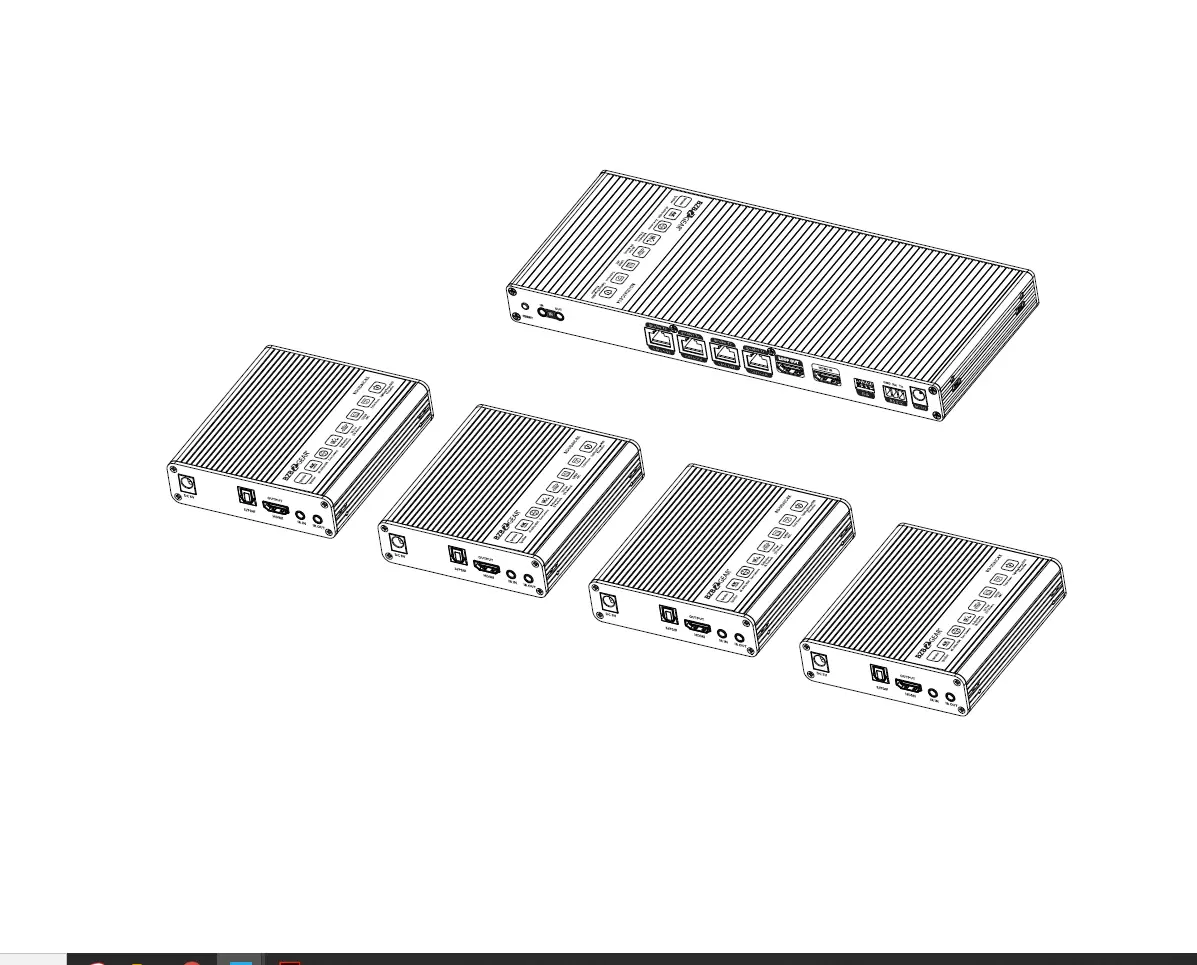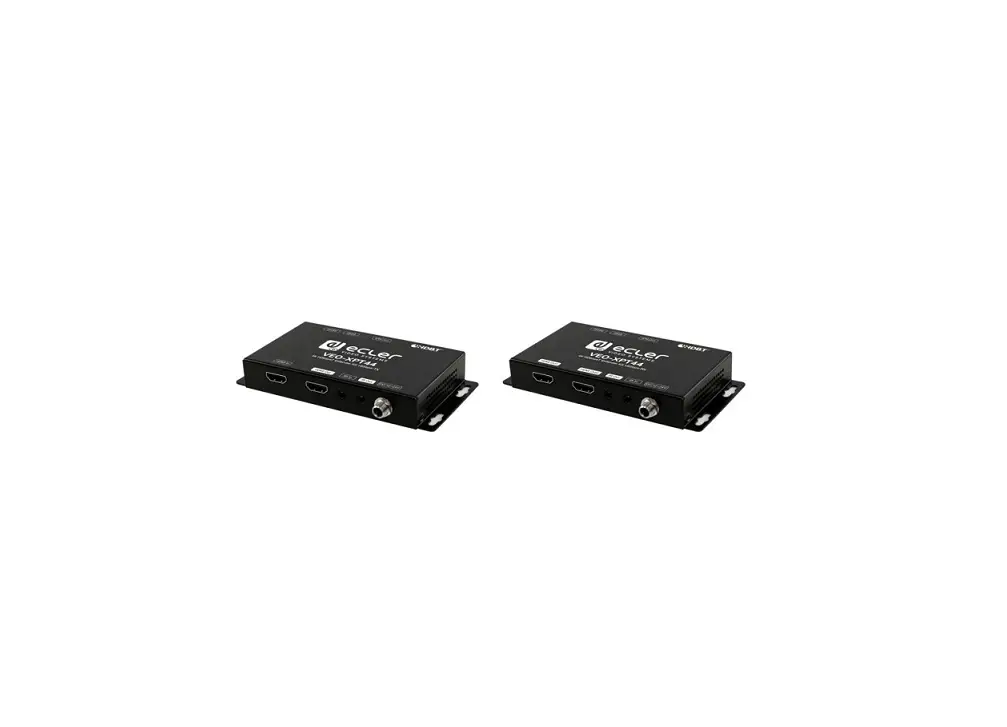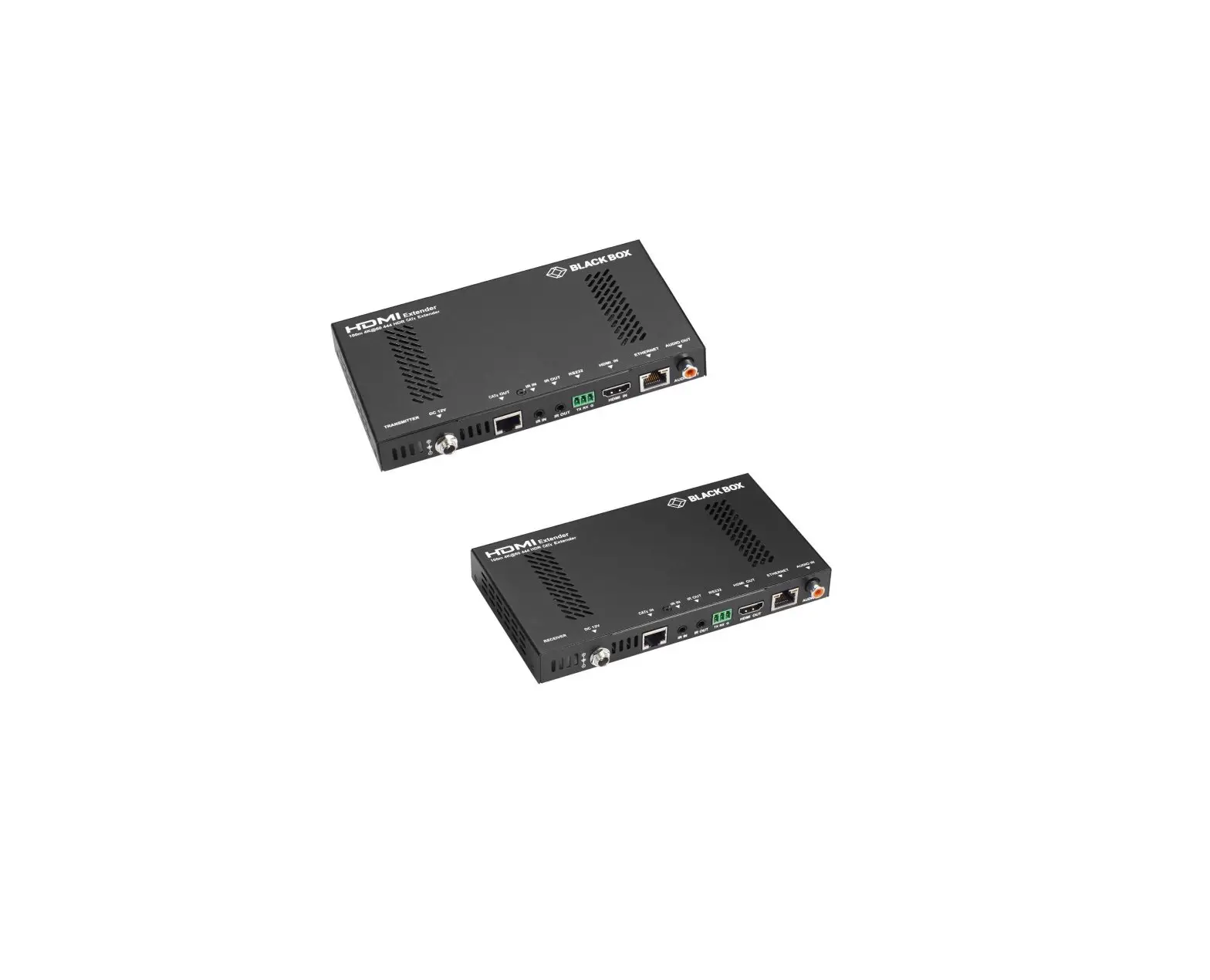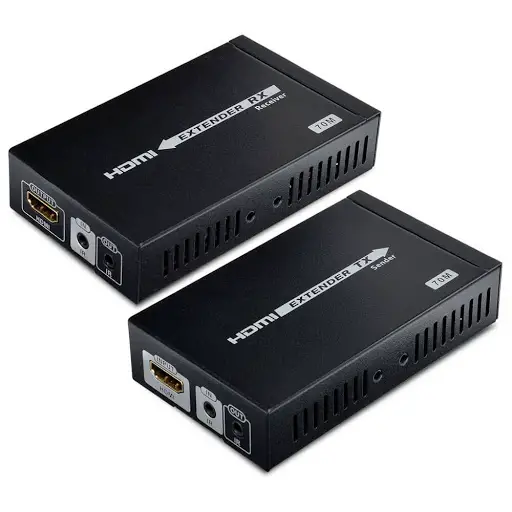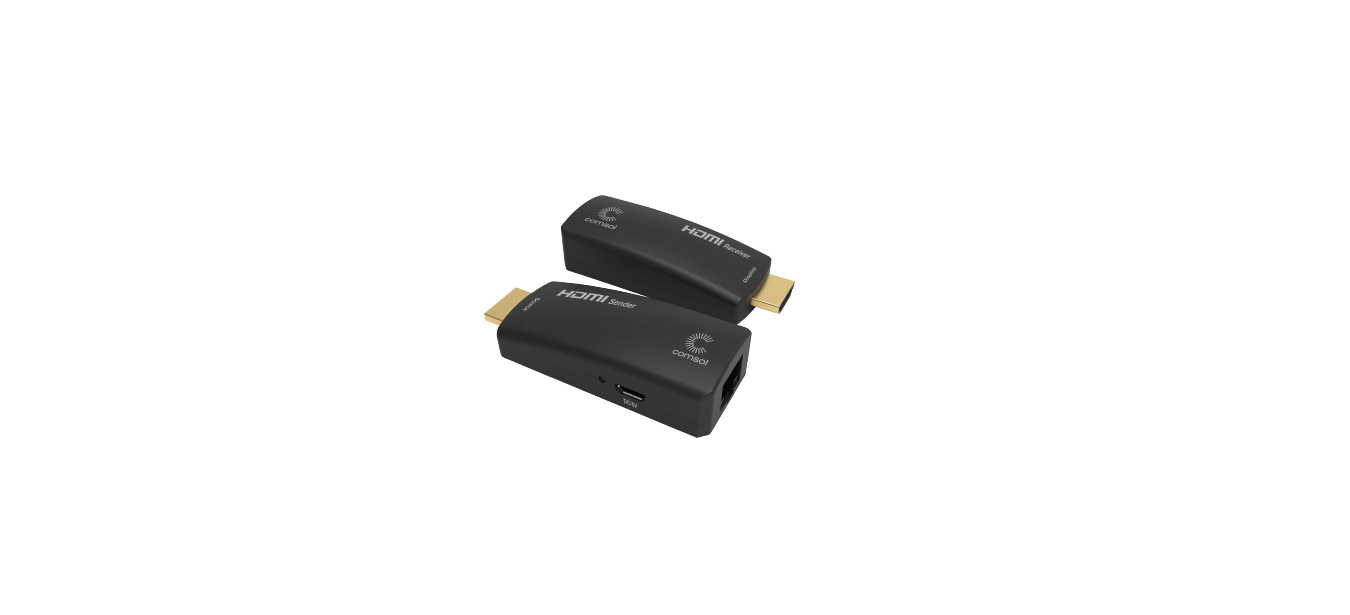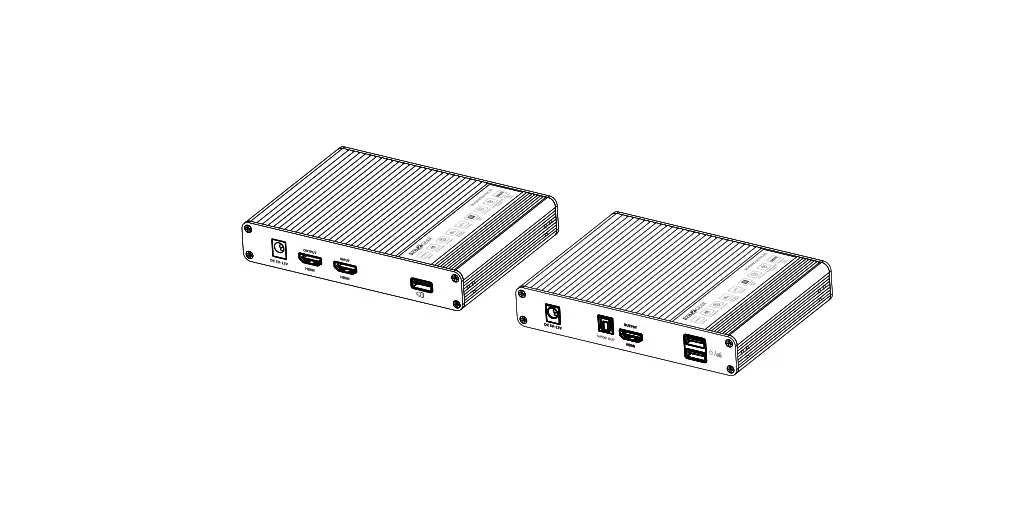

BZBGEAR BG-EXHKVM-70C HDMI Extender
Important Safety Notice
- Do not mix up HDMI to RJ45 transmitter and RJ45 to HDMI receiver before installation.
- Do not hot plug when it is working.
- Use DC5V-12V power supply only. Make sure specification matched if using 3rd party adapters.
- Static electricity will cause damage of the device, please do ESD protection when using the device.
Introduction
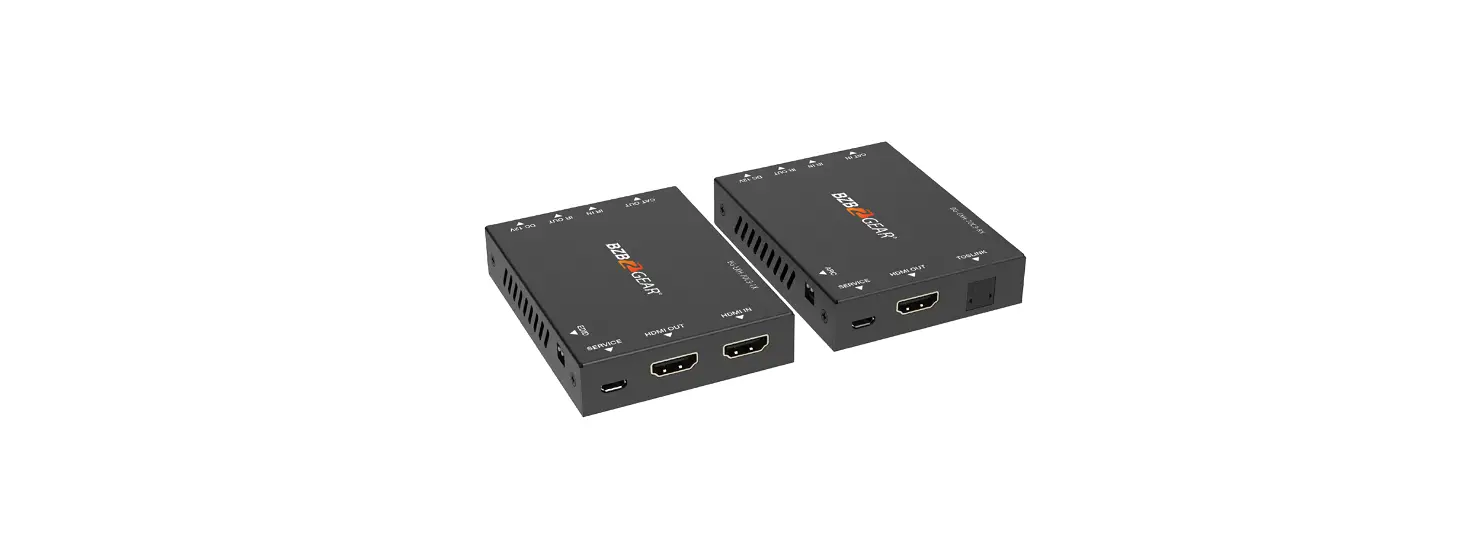
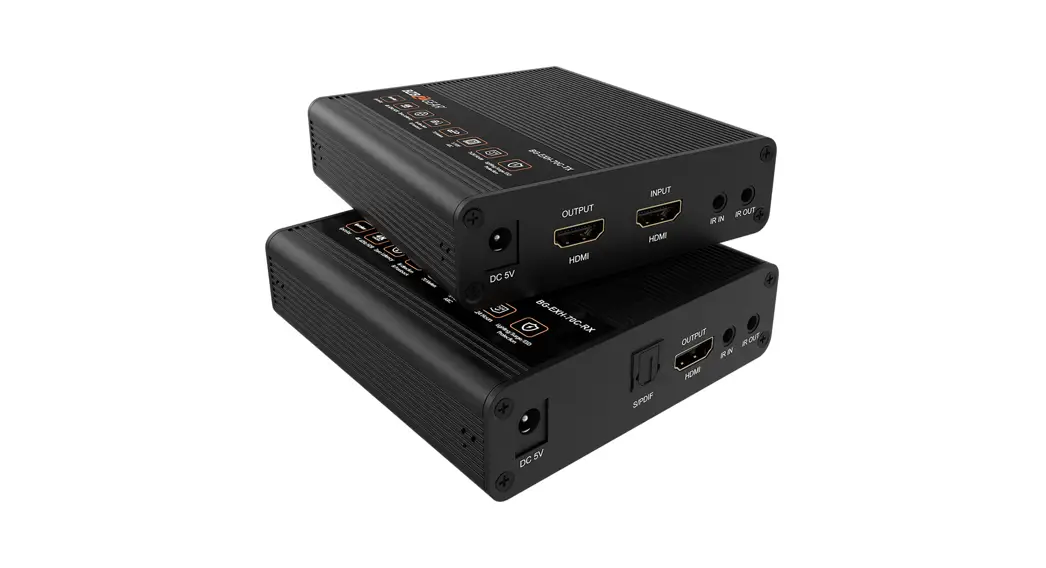
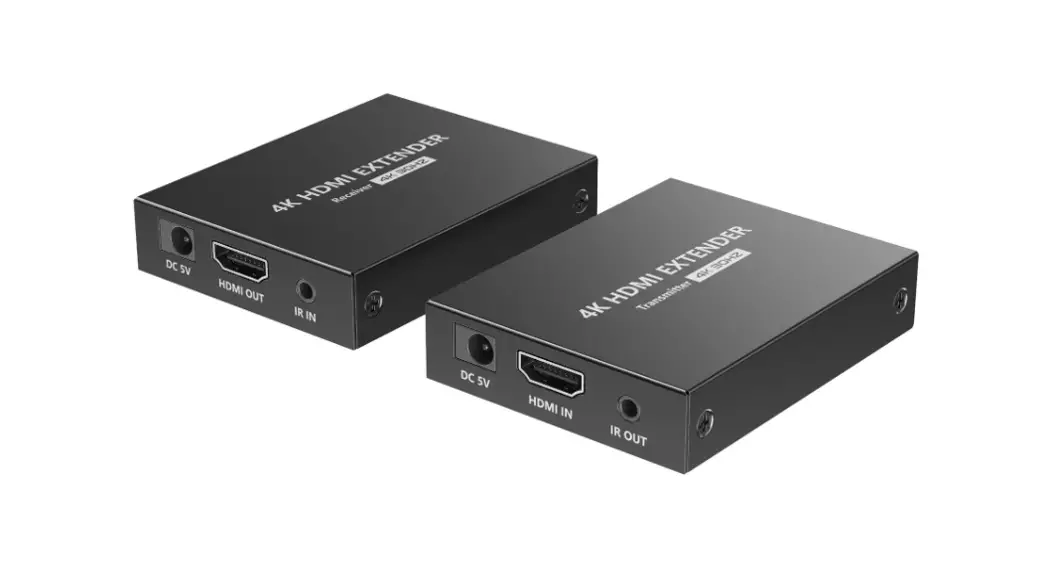
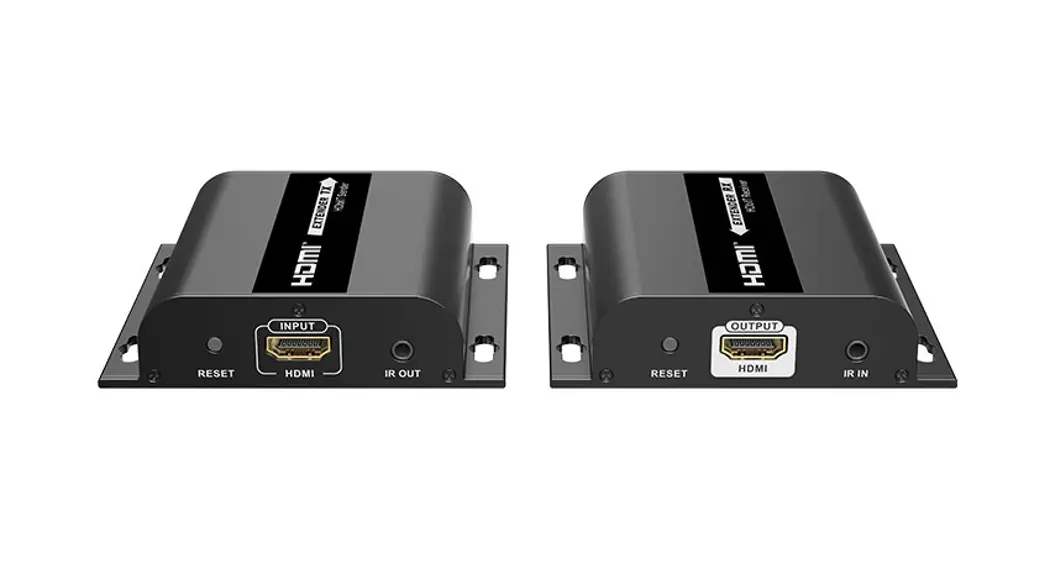
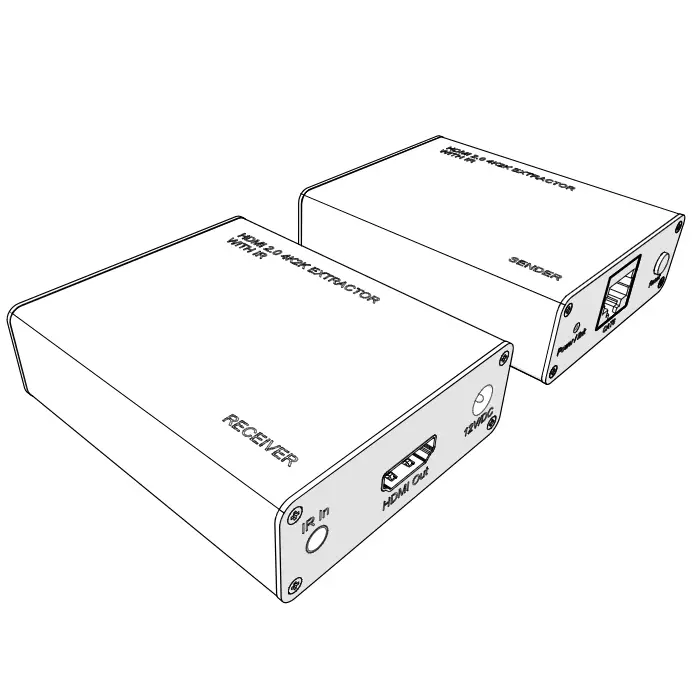
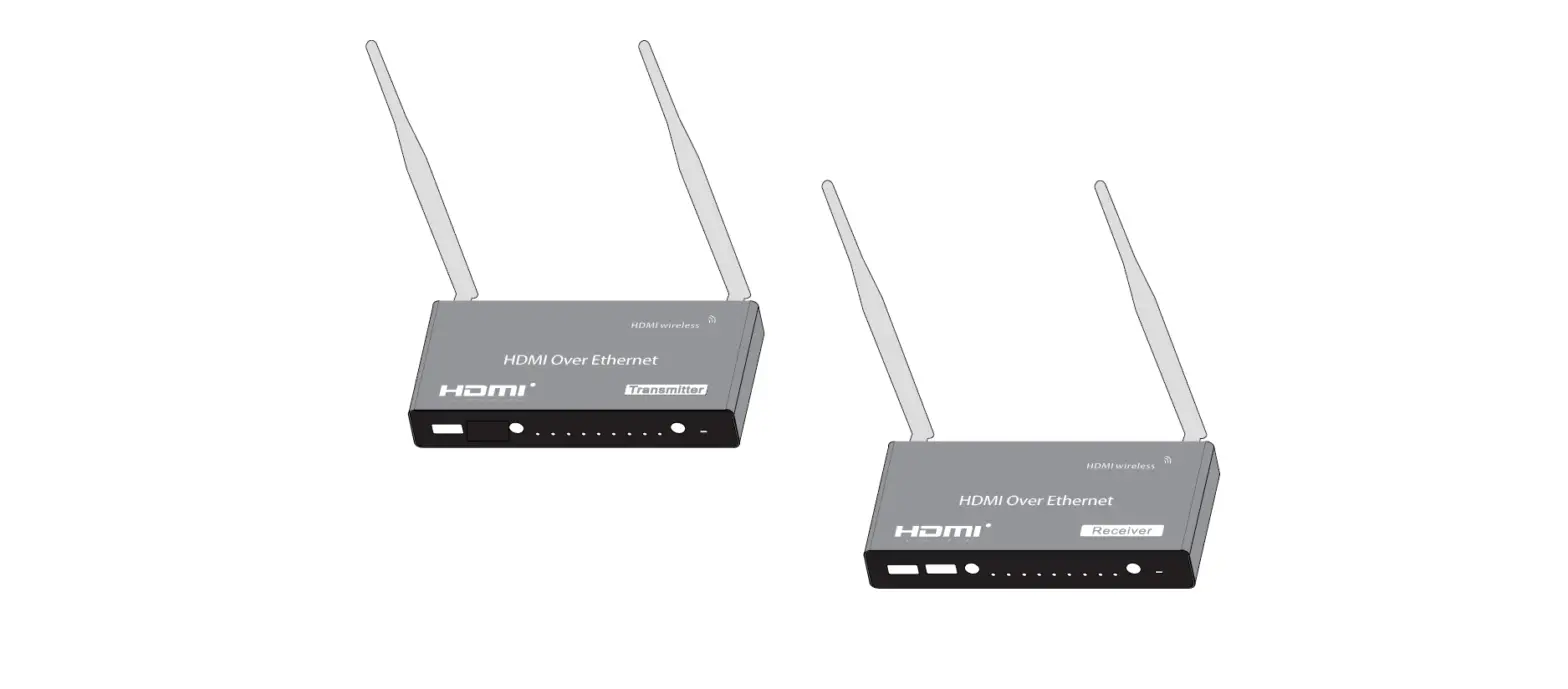
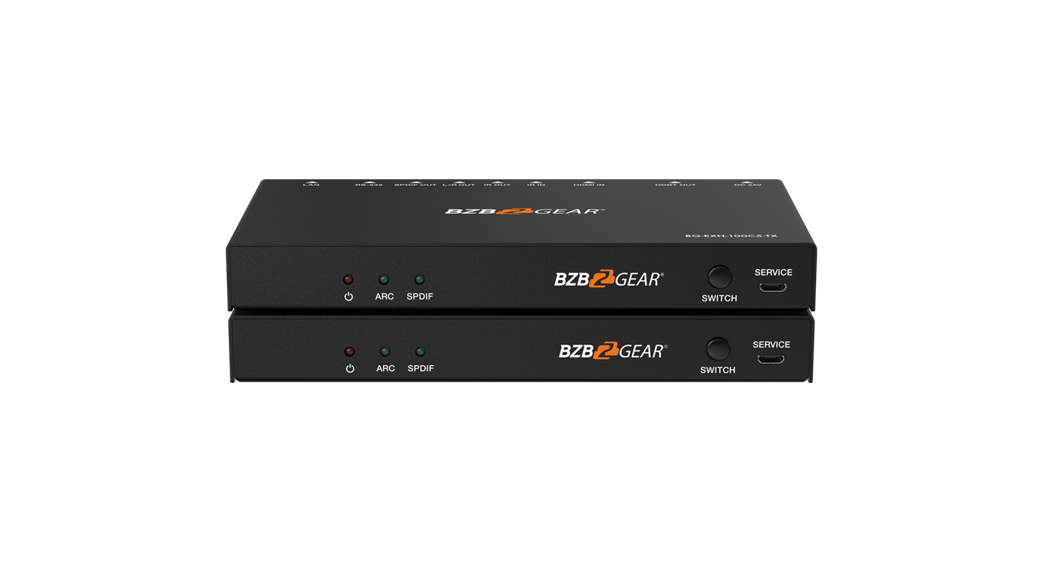
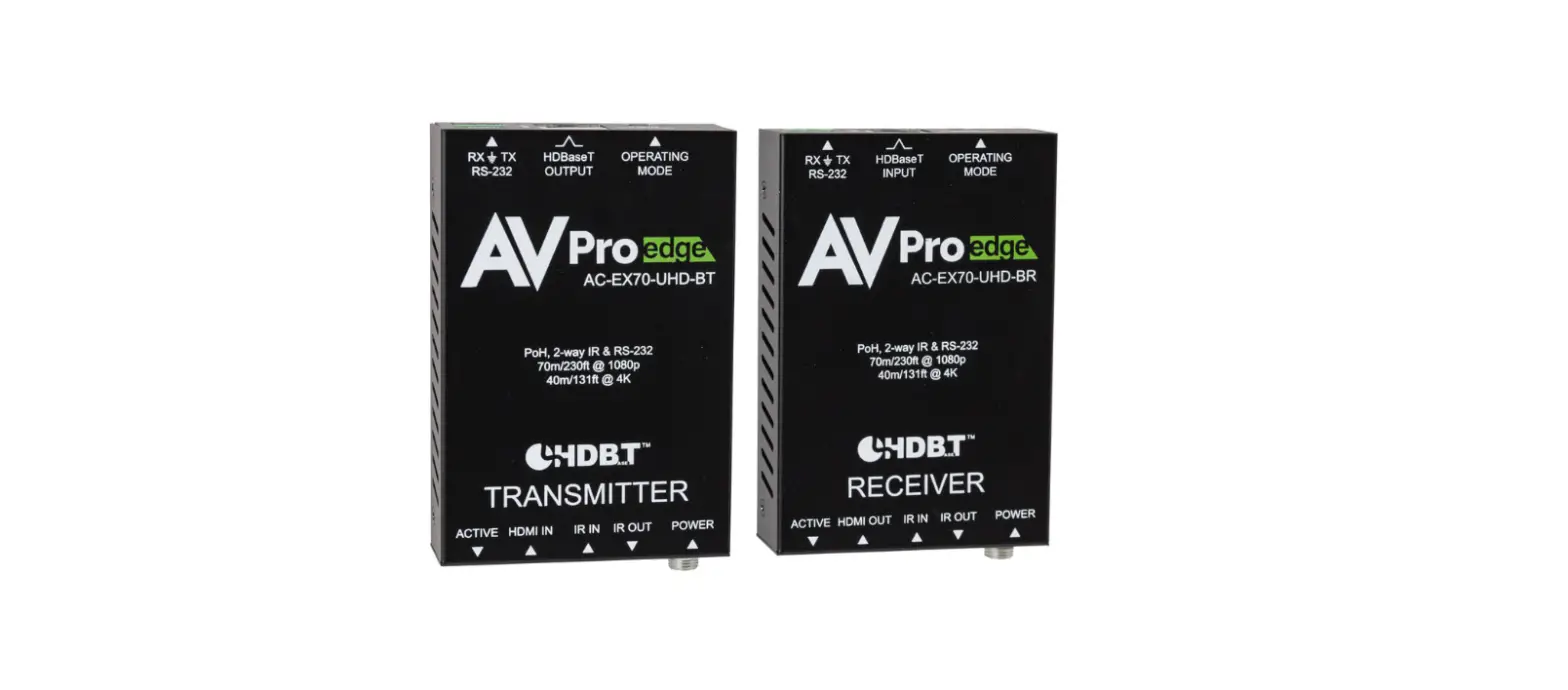
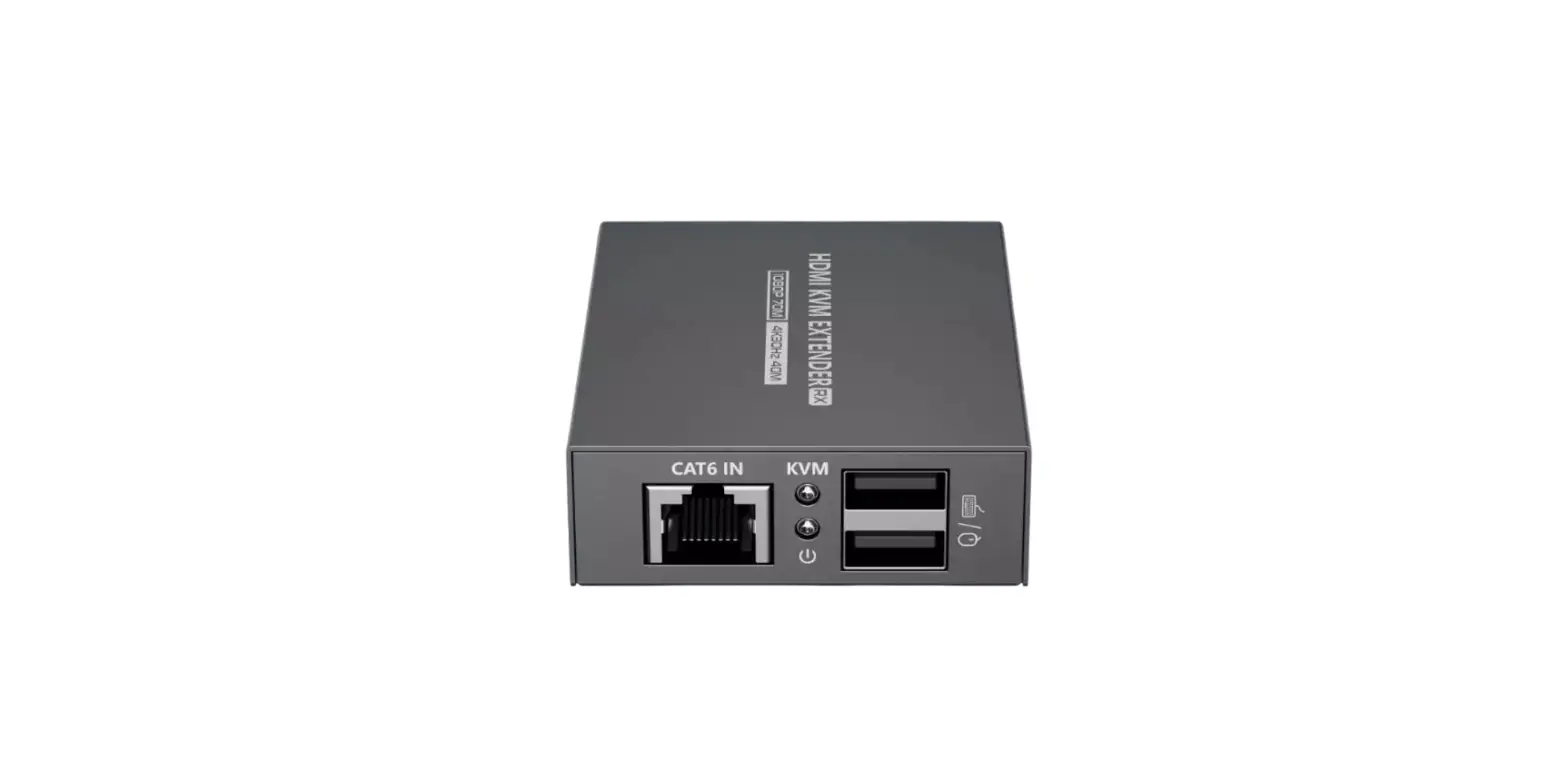
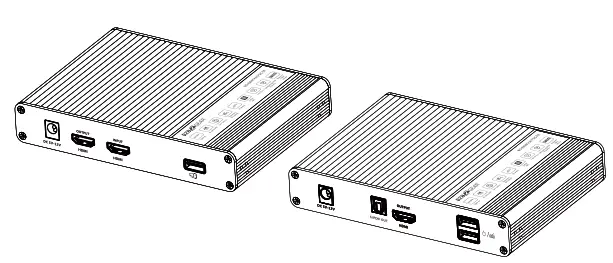
This HDMI Extender includes a transmitter unit and a receiver unit, allows HDMI signal to be transmitted up to 70 meters at 4K resolution using a CAT6/6A/7 network cable. It is perfect for outdoor advertising, video clips, monitor systems, home entertainment, conferences, etc.
Features
- Zero latency.
- 4K@60Hz HDMI signal can be transmitted 70 meters through a CAT6/6A/7 network cable.
- The receiver can extract the digital audio from the transmitter through the S/PDIF port.
- Supports audio formats (Dolby True HD 7.lCH, Dolby Digital 5,lCH)
- Supports HDR(YUV4:4:4), EDID passback.
- Transmitter support one HDMI loop-out.
- Support KVM function.
- Lighting protection, surge protection, ESD protection.
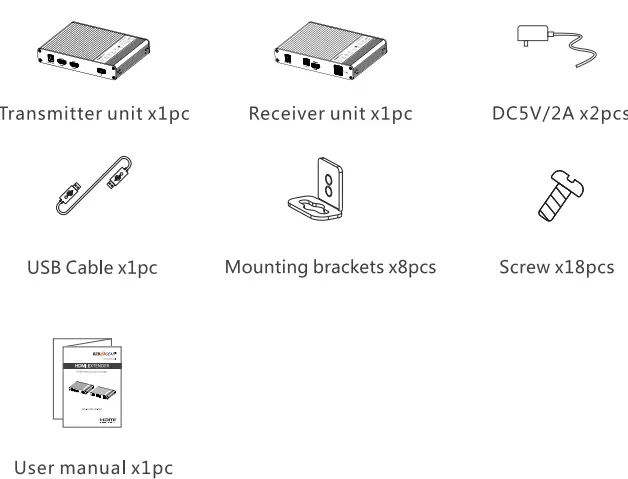
Package Contents
Installation Requirements
- HDMI source device (computer graphics card, DVD, PS4, HD monitoring equipment , etc.).
- HDMI display device like SDTV, HDTV, projector with HDMI port.
- UTP/STP CAT6/CAT6A/CAT7 cable. Follow standard IEEE-568B,
It is recommended to select a network cable with less loss and crosstalk.
Interfaces
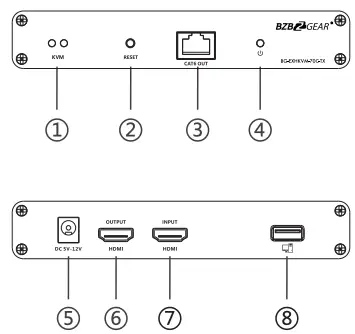
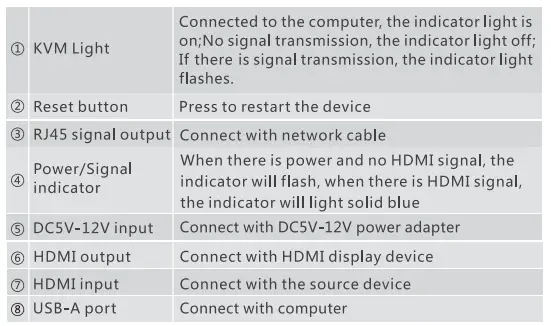
Transmitter (TX)
Receiver (RX)
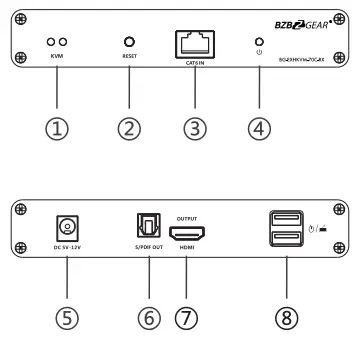
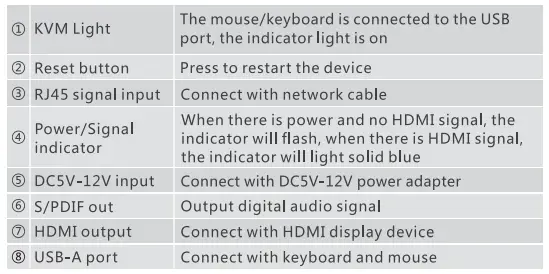
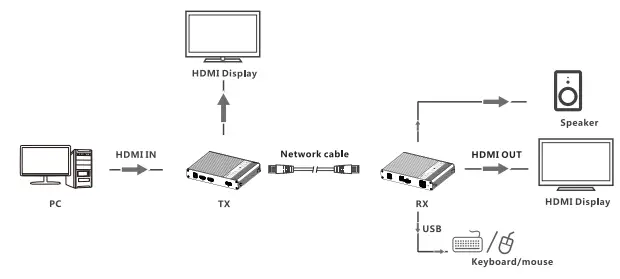
Installation Procedures
Connection
one to one:
Follow the standard of!EEE-568B, It is recommended to select a network cable with less loss and crosstalk. 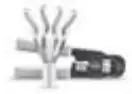
- 0range/white
- 0range
- 3-G reen/white
- Blue
- Blue/white
- Green
- Brown/white
- Brown
Connection instruction
- Connect the source device to the HDMI in port of the transmitter with an HDMI cable, and connect the HDMI out port of the receiver to the display device with another HDMI cable.
- Connect the CAT out port of the transmitter and the CAT in port of the receiver via a network cable (CAT6/CAT6A/CAT7).
- If using HDMI loop out, connect the display device to the HDMI OUT port of the transmitter.
- Plug the power supply into the device to get started.
[NOTE]: It is recommended to use a length range within 2-70m network cable. If the cable is too short, there may be no display output because the signal is too strong. If the cable is too long, the output may be with poor quality.
FAQ
- Q: There is no output on screen when all connections are correct?
- Please make sure the H DMI cables support 4Kx 2K if the output signal from the source device is 4Kx2K resolution.
- Please check and make sure the network cable is inserted into the RJ45 port well.
- Restart the transmitter or receiver by pressing the reset button.
- Q: Black screen appears on the display/monitor?
- Check if the length of the cable is within the specified range.
- Reset the transmitter to restart the connection.
- Q: The display shows unusual color or no sound?
- Reset the transmitter or receiver to restart the connection.
- Check if the HDMI cables are connected well.
- Reconnect the network cable.
Specifications
| Items Specification | ||
| Power Supply | Voltage/Current | DCSV-12V |
| Power consumption | TX<4W RX<4W | |
|
HOM! Performance And Interface | HOM! compliance | HOM! 2.0 |
| HOCP compliance | HOCP 2.2 | |
|
HOM! resolution | 480i@60Hz, 480p@60Hz, 576i@50Hz, 576p@50Hz, 720p@50/60Hz, 1080i@50/60Hz, 1080p@50/60Hz, 3840×2160@24/2S/30/S0/60Hz, 4096×2160@24/25Hz, 1280×960, 1280×800, 1280×768, 1680xl050, 1360×768, 1366×768, 1600×900, 1024×768, 800×600 | |
|
HOM! Performance And Interface | Supports audio formats | LPCM/DTS-HD/DTS-Audio/Dolby True HD 7.lCH/ Dolby Digital S,lCH |
| Input and output TMOS signal | 0.7~ l.2Vp-p(TMOS) | |
| Input and output DOC signal | SVp-p(TTL) | |
| Input cable length | 8m(AWG24) | |
| Output cable length | 8m(AWG24) | |
| 70m | ||
|
Protection Level |
Electrostatic protection of the whole machine | la Contact discharge level 3 lb Air discharge level 3 Implementation of the standard: IEC61000-4-2 |
| Operating Environment | Working temperature | -20~60°C |
| Storage temperature | -30~70°c | |
| Humidity (no condensation) | 0~90%RH | |
|
Body Properties | Dimension | 150.0(L) x 107.0(W) x 28.4(H)mm |
| Material | Aluminium alloy material + crystal panel | |
| Treatment process | Grit blast | |
| Color | Black | |
| Weight | TX: 260g RX:260g | |
Warranty
BZBGEAR wants to assure you peace of mind. We’re so confident in the quality of our products that along with the manufacturer’s one-year limited warranty, we are offering free second-year warranty coverage upon registration*. Taking advantage of this program is simple,just follow the steps below:
- Register your product within 90 days of purchase by visiting BZBGEAR.com/warranty.
- Complete the registration form. Provide all necessary proof of purchase details, including serial number and a copy of your sales receipt. For questions, please call 1.888.499.9906 or email [email protected]. For complete warranty information, please visit BZBGEAR.com/warranty or scan the QR code below.

*Terms and conditions apply. Registration is required.

Mission Statement
BZBGEAR manifests from the competitive nature of the audiovisual industry to innovate while keeping the customer in mind. AV solutions can cost a pretty penny, and new technology only adds to it. We believe everyone deserves to see, hear, and feel the advancements made in today’ s AV world without having to break the bank. BZBGEAR is the solution for small to medium-sized applications requiring the latest professional products in AV. We live in a DIV era where resources are abundant on the internet. With that in mind, our team offers system design consultation and expert tech support seven days a week for the products in our BZBGEAR catalog. You’ II notice comparably lower prices with BZBGEAR solutions, but the quality of the products is on par with the top brands in the industry. The unparalleled support from our team is our way of showing we care for every one of our customers. Whether you’ re an integrator, home theater enthusiast, or a do-it-yourselfer, BZBGEAR offers the solutions to allow you to focus on your project and not your budget.