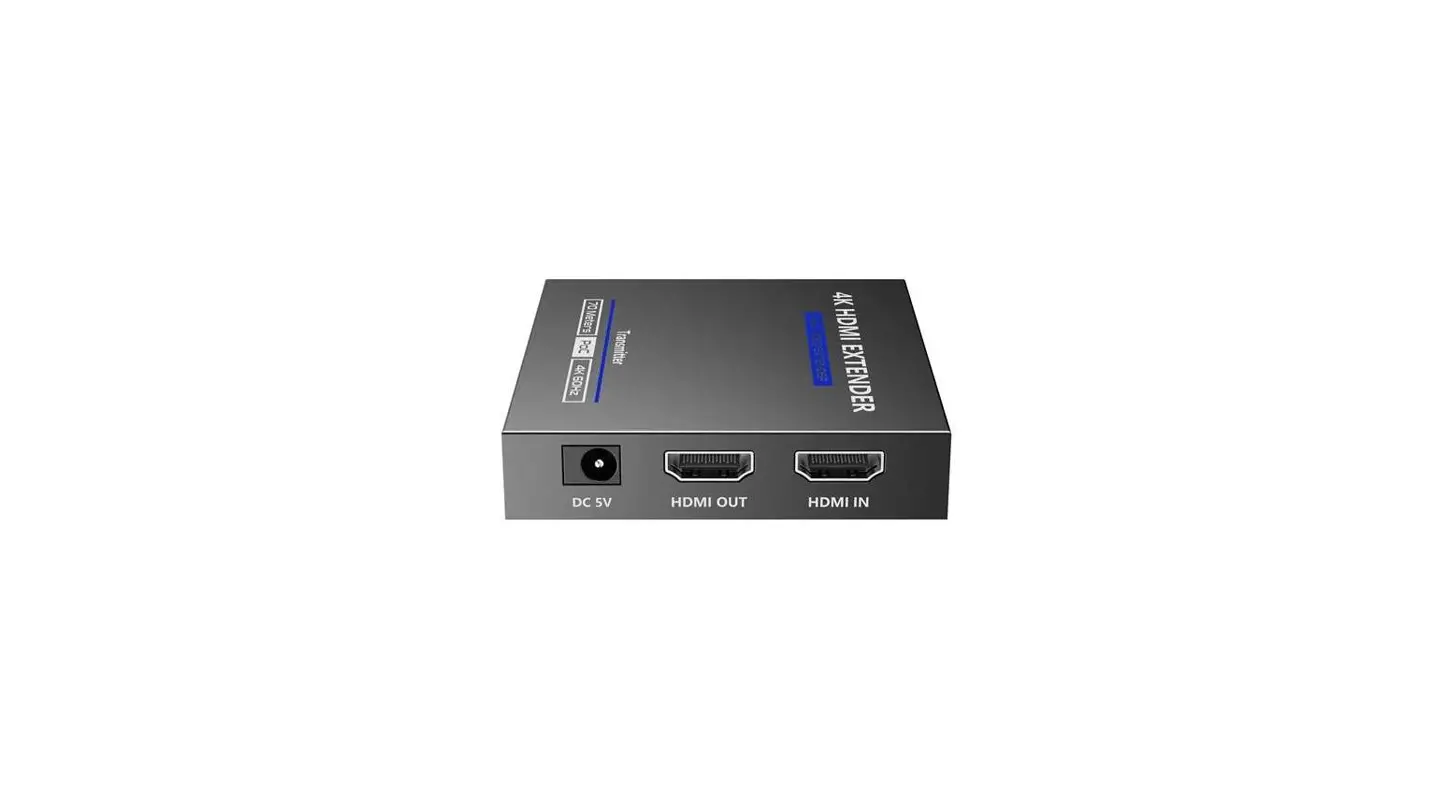
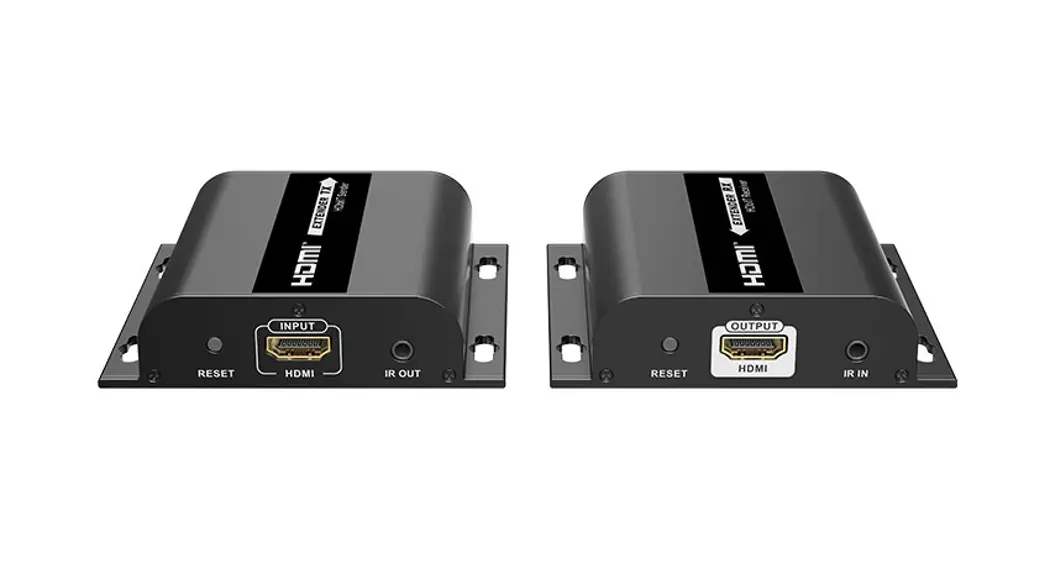
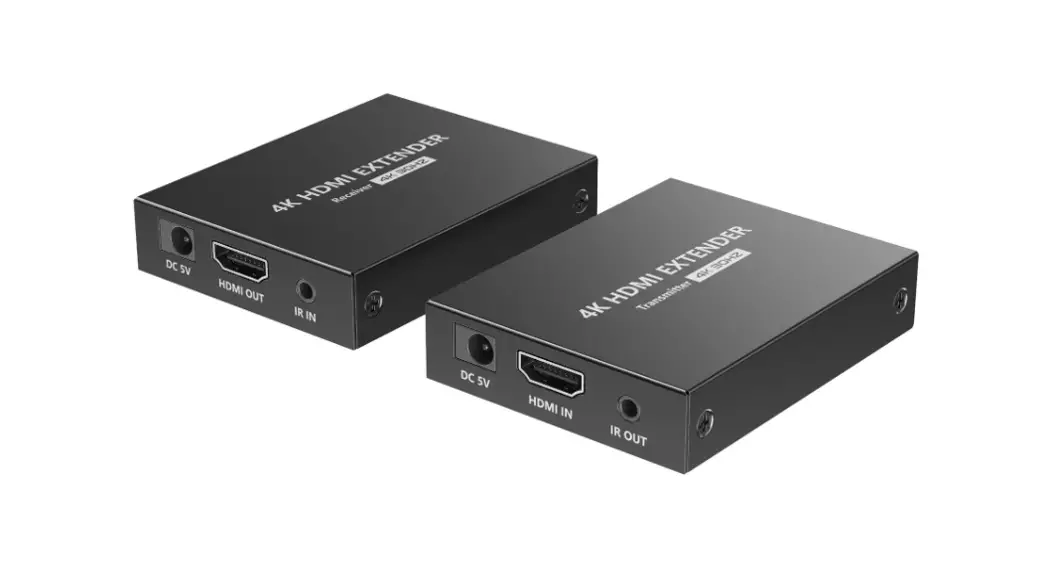
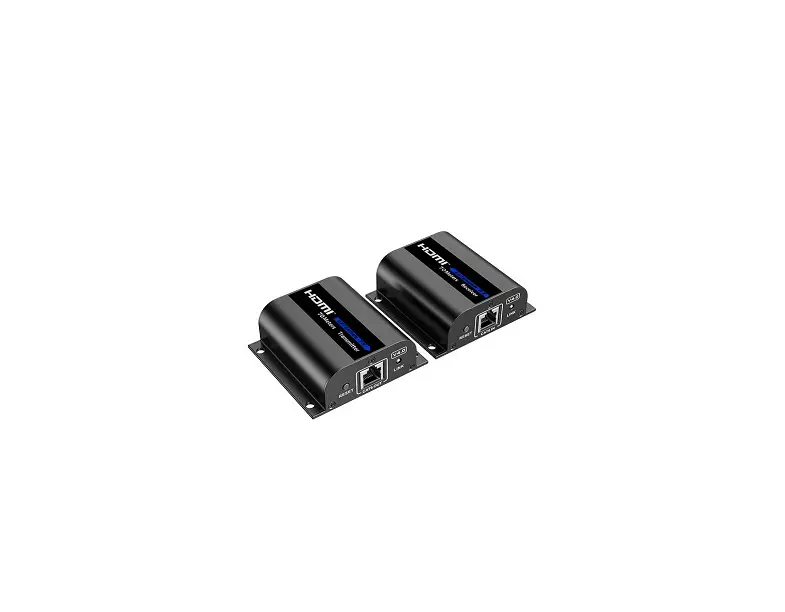
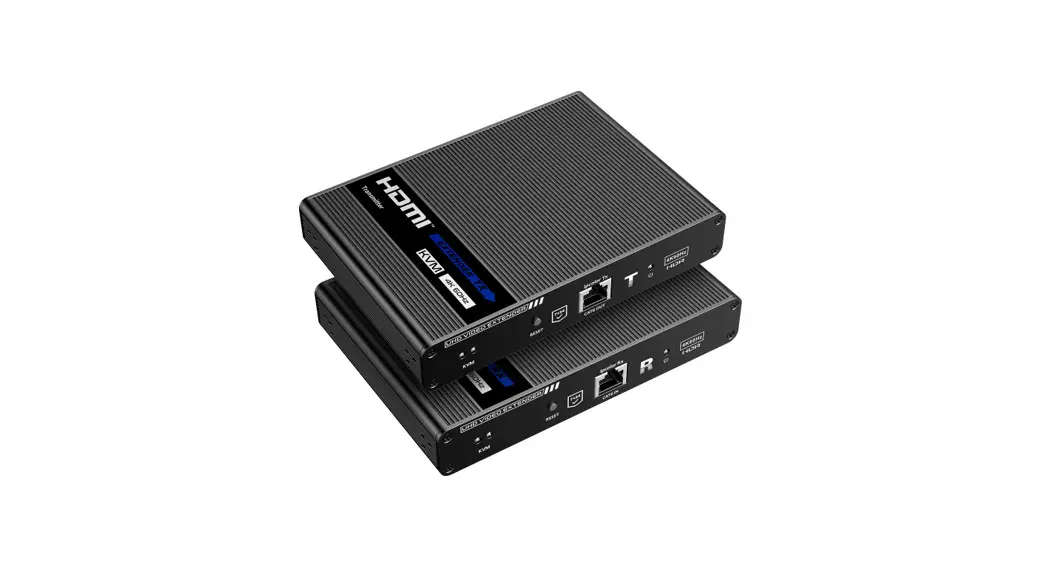
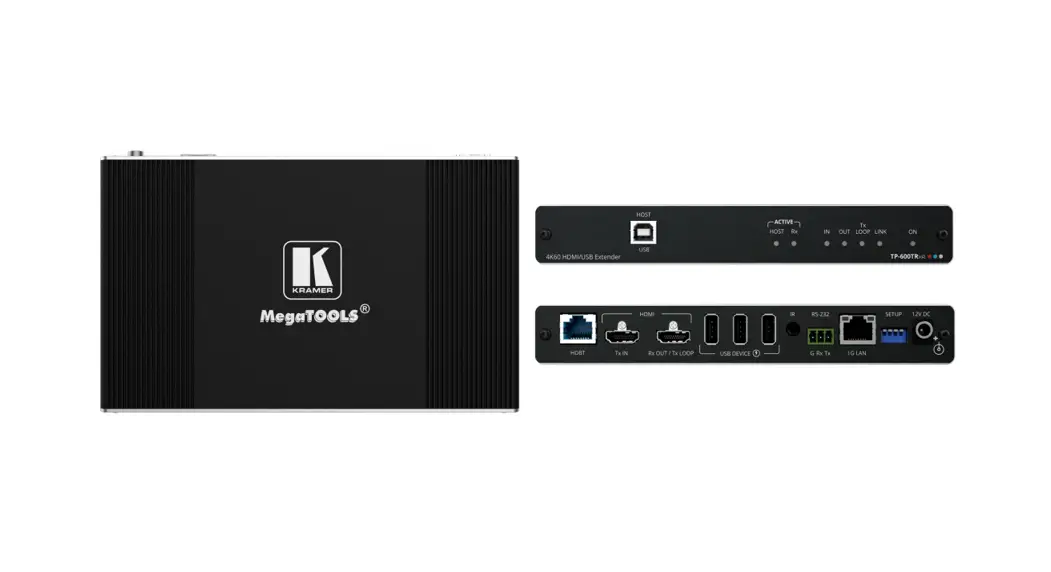
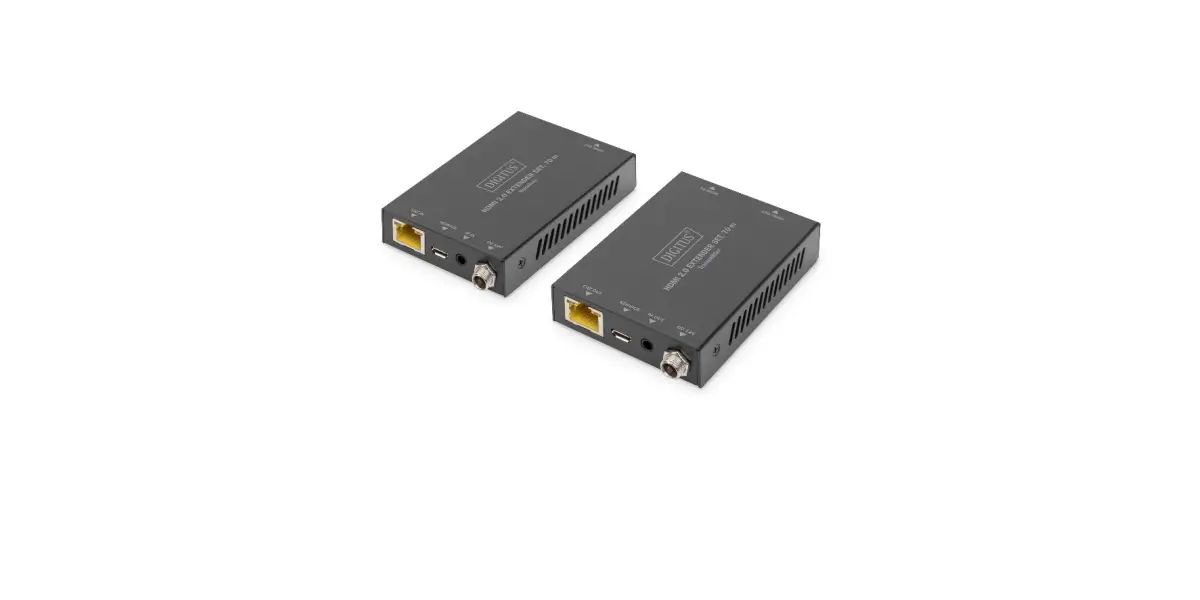
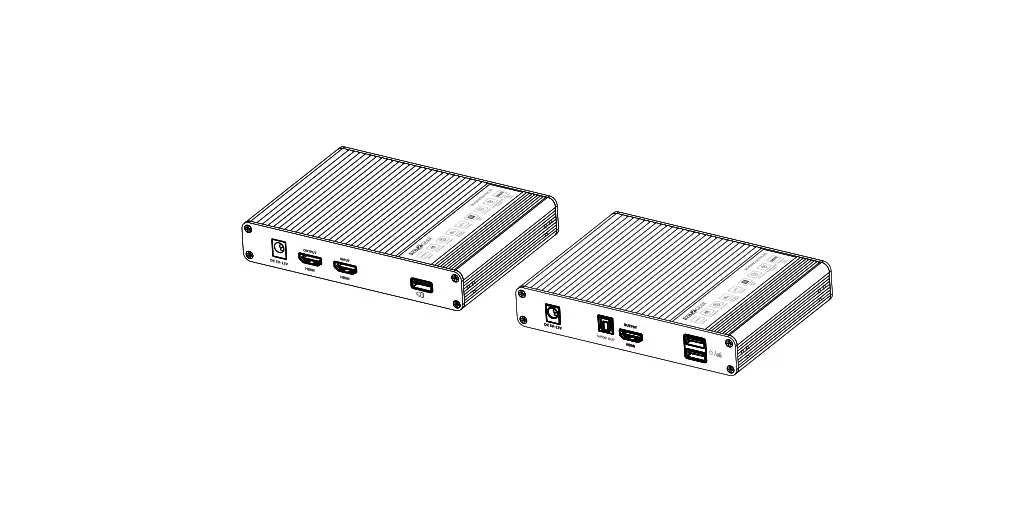
LKV600H 4K60Hz Type-C to HDMI Extender
Product Information
Product Name: 4K60Hz Type-C to HDMI EXTENDER
Model Number: H22047AH1
Barcode: 0106010022015
Dimensions: 90x124mm
Weight: 157g
This product is a Type-C to HDMI extender that allows for zero
latency transmission of UHD audio and video signals via CAT6/6A/7
network cable. It supports resolutions up to 4K@60Hz for distances
up to 60 meters and up to 4K@120/144Hz for distances up to 30
meters. It is suitable for use in education, training, conferences,
and other applications.
- Zero latency transmission
- Supports up to 4K@60/120/144Hz resolution (backward
compatible) - Compatible with Cat6/6A/7 network cable, transmission distance
up to 60 meters for 4K@60Hz signal and 30 meters for 4K@120/144Hz
signal - Supports HDR10
- Supports EDID passthrough and auto downscaling
- Supports Type-C input and HDMI output
- The transmitter can take power from the source signal device
through the Type-C port - Compact design, plug and play
The package includes:
- Transmitter x1
- Receiver x1
- Micro USB cable x1
- User manual x1
Requirements:
- Type-C source device like smartphone, tablet, PC, etc. with
Type-C port. - HDMI display device like TV, projector, LED screen, etc. with
HDMI port. - UTP/STP CAT6/6A/7 cable, follow standard IEEE-568B.
Product Usage Instructions
Transmitter:
- Type-C signal input: Connect with the source device
- RJ45 signal output: Connect with CAT6/6A/7 network
Receiver:
- HDMI signal output: Connect with the display device
- RJ45 signal input: Connect with CAT6/6A/7 network
- Power input: Connect to the USB port with the Micro USB cable.
In case of unstable transmission, connect the Micro USB cable to
the DC5V power adapter
How to make a network cable:
- Follow the standard of IEEE-568B:
- 1-white and orange
- 2-orange
- 3-white and green
- 4-blue
- 5-white and blue
- 6-green
- 7-white and brown
- 8-brown
- Signal sources are connected through the Type-C port of the
transmitter, and displays are connected via the HDMI port of the
receiver. - The transmitter and receiver are connected by CAT6/6A/7 network
cable. - Using the micro USB cable to power on the receiver, the product
is ready to use.
FAQs:
Q: No image is displayed when the signal source is a
smartphone?
- When the output mode of the signal source is Phone Mode or
Screen Mirror Mode and the display device supports 4K@120/144Hz,
make sure the network cable is less than or equal to 30
meters. - If the length of the network cable is more than 30 meters,
please set the output mode of the signal source to Desktop Mode or
Samsung Dex.
Q: How do I fix black screen or screen
flickering?
- It is recommended to replace the network cable with better
quality or reduce the length of the network cable. - If it still doesn’t work, try to reduce the output resolution
of the signal source.
Q: There is no output on screen when all connections are
correct?
- Check whether the network cable meets the requirements and
complies with the IEEE-568B standard. - Check whether the RX power cable is firmly connected.
- Check whether the signal source has a signal output.
- Check whether the display device is set to the correct
input.
H22047AH1 : 0106010022015
:157g 90x124mm
User Manual 4K60Hz Type-C to HDMI EXTENDER
· Important Safety Notice
1. Do not mix up the transmitter and the receiver before installation. 2. Keep the installation environment dry and ventilated.
· Introduction
Featuring a Type-C transmitter and an HDMI receiver, this product achieves zero latency transmission via CAT6/6A/7 network cable of UHD audio and video signals. It supports 4K@60Hz Type-C video signal transmission up to 60 meters and 30 meters for 4K@120/144Hz. A variety of applications can be achieved with this kit, such as education, training, conferences, etc.
· Features
1. Zero latency transmission 2. Support up to 4K@60/120/144Hz resolution, backward compatible 3. Compatible with Cat6/6A/7network cable, transmission distance up to 60
meters for 4K@60Hz signal and 30 meters for 4K@120/144Hz signal 4. Support HDR10 5. Support EDID passthrough and auto downscaling 6. Support Type-C input and HDMI output 7. The transmitter can take power from the source signal device through the
Type-C port 8. Compact design, plug and play
· Package Contents
Transmitter x1
Receiver x1
Micro USB cable x1
User manual x1
· Installation Requirements
1. Type-C source device like smartphone, tablet, PC, etc. with Type-C port. 2. HDMI display device like TV, projector, LED screen, etc. with HDMI port. 3. UTP/STP CAT6/6A/7 cable, follow standard IEEE-568B.
· Panel Description
Transmitter
Type-C signal input Connect with the source device RJ45 signal output Connect with CAT6/6A/7 network
CAT6 CAT6
Receiver
HDMI signal output Connect with the display device RJ45 signal input Connect with CAT6/6A/7 network
Power input
Connect to the USB port with the Micro USB cable. In case of unstable transmission, connect the Micro USB cable to the DC5V power adapter
· Installation and Connection
1. How to make a network cable, follow the standard of IEEE-568B:
1-white and orange 2-orange 3-white and green
5-white and blue
6-green 7-white and brown
4-blue 8-brown
2
3
4
2. Connection
Macbook
Transmitter
CAT6 60m
Receiver
HDMI Display
3. Connection instruction 1) Signal sources are connected through the Type-C port of the transmitter, and displays are connected via the HDMI port of the receiver. 2) The transmitter and receiver are connected by CAT6/6A/7 network cable. 3) Using the micro USB cable to power on the receiver, the product is ready to use.
· Q&A
QNo image is displayed when the signal source is a smartphone? A
1) When the output mode of the signal source is Phone Mode or Screen Mirror Mode and the display device supports 4K@120/144Hz, make sure the network cable is less than or equal to 30 meters.
2) If the length of the network cable is more than 30 meters, please set the output mode of the signal source to Desktop Mode or Samsung Dex.
5
QHow do I fix black screen or screen flickering? A
1) It is recommended to replace the network cable with better quality or reduce the length of the network cable.
2) If it still doesn’t work, try to reduce the output resolution of the signal source.
QThere is no output on screen when all connections are correct? A
1) Check whether the network cable meets the requirements and complies with the IEEE-568B standard.
2) Check whether the RX power cable is firmly connected. 3) Check whether the signal source has a signal output. 4) Check whether the display device is set to the correct input.
6
· Specification
Items Compatibility
Specifications
Voltage
TX: Power by the signal source RX: DC 5V500mA
Power consumption TX < 3W, RX < 3W
HDMI version
HDMI 2.0
HDCP version
HDCP 2.2, HDCP 1.4
Max transmission rate
18Gbps
HDMI performance Resolution
1280×720, 1280×960, 1366×768, 1440×900, 1680×1050, 1920×1080, 1920×1200, 720p@50/60Hz, 1080i@50/60Hz, 1080p@24/25/30/50/60/120/144Hz, 3840×2160@24/25/30/50/60/120/144Hz, 4096×2160@24/25/30/50/60/120/144Hz
TMDS signal
0.7~1.2Vp-p (TMDS)
DDC signal
5Vp-p (TTL)
Transmission distance
CAT6/6A/7
4K@60Hz 60m 4K@120/144Hz 30m
Audio formats
PCM, DTS, Dolby
HDR10
Supported
HDMI 3D
Supported
EDID passthrough Supported, auto downscaling
Operating environment
Working temperature
-20~55
Storage temperature -30~60
Humidity
0~90%RH (no condensation)
Material
ABS
Physical properties Color Dimension
Black 71.5 (L) x 26.0 (W) x 15.0 (H) mm
Weight
TX: 17g RX: 17.5g
7
ESD protection
1a Contact discharge level 2 (±4KV) 1b Air discharge level 3 (±8KV) Implementation of the standard: IEC61000-4-2
Disclaimer
The product name and brand name may be registered trademark of related manufactures. TM and ® may be omitted on the user manual. The pictures in this user manual are just for reference. The terms HDMI, HDMI High-Definition Multimedia Interface, and the HDMI Logo are trademarks or registered trademarks of HDMI Licensing Administrator, Inc. We reserve the rights to make changes without further notice to a product or system described herein to improve reliability, function or design.
8