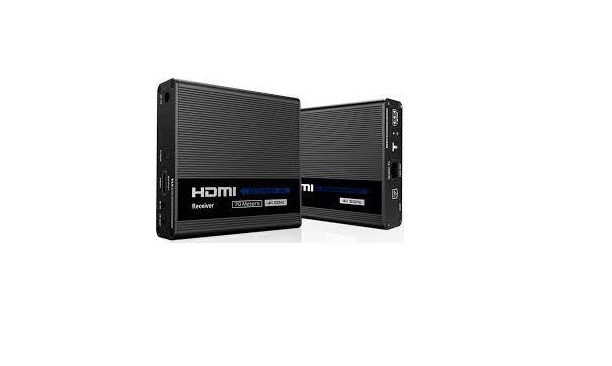
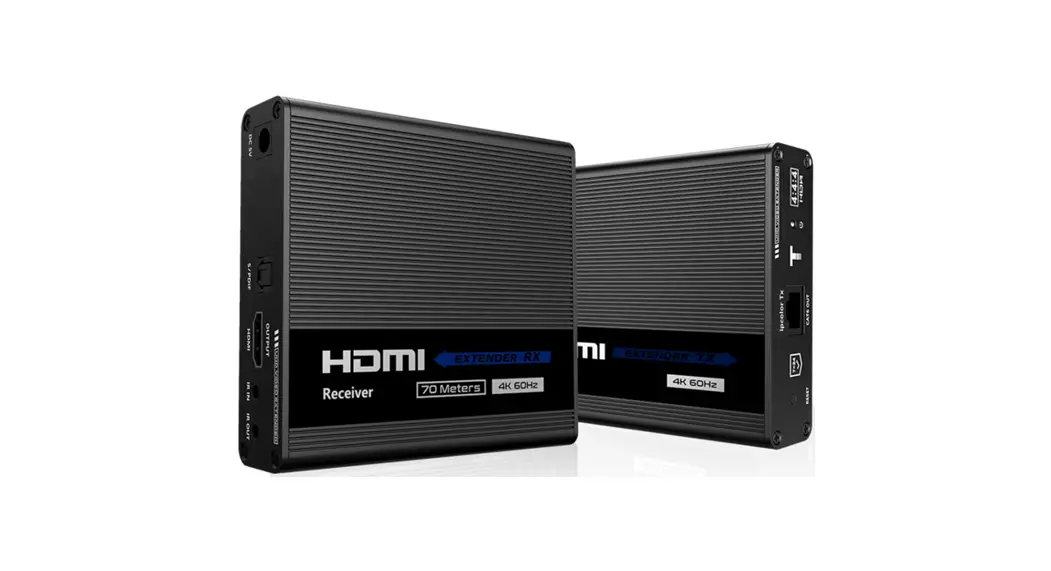
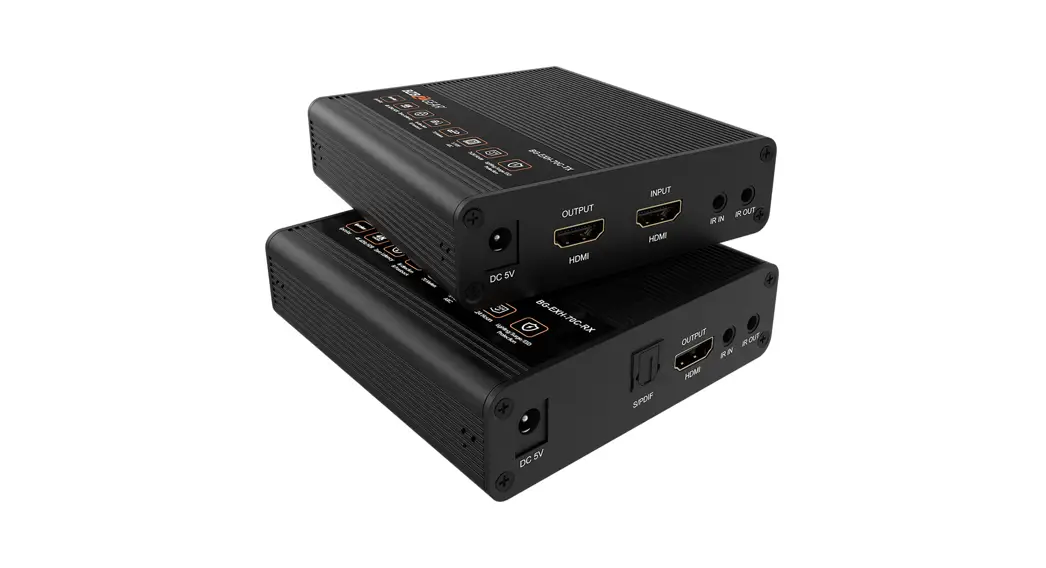
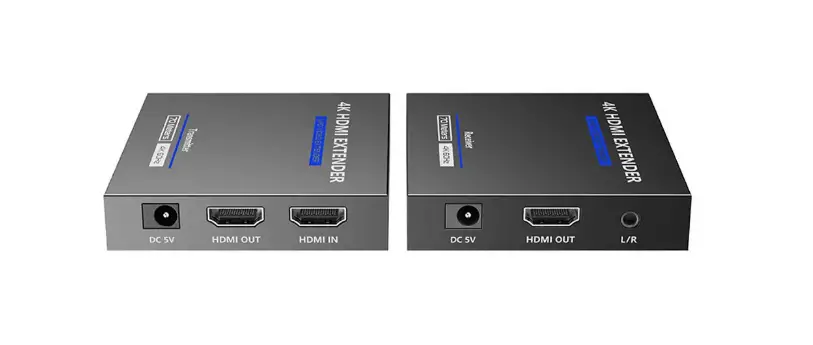
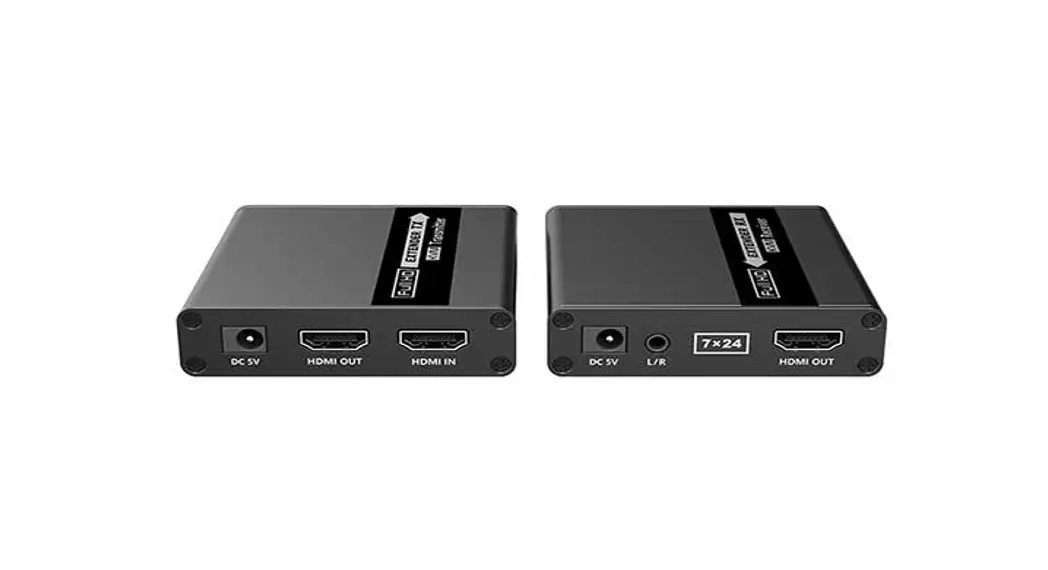
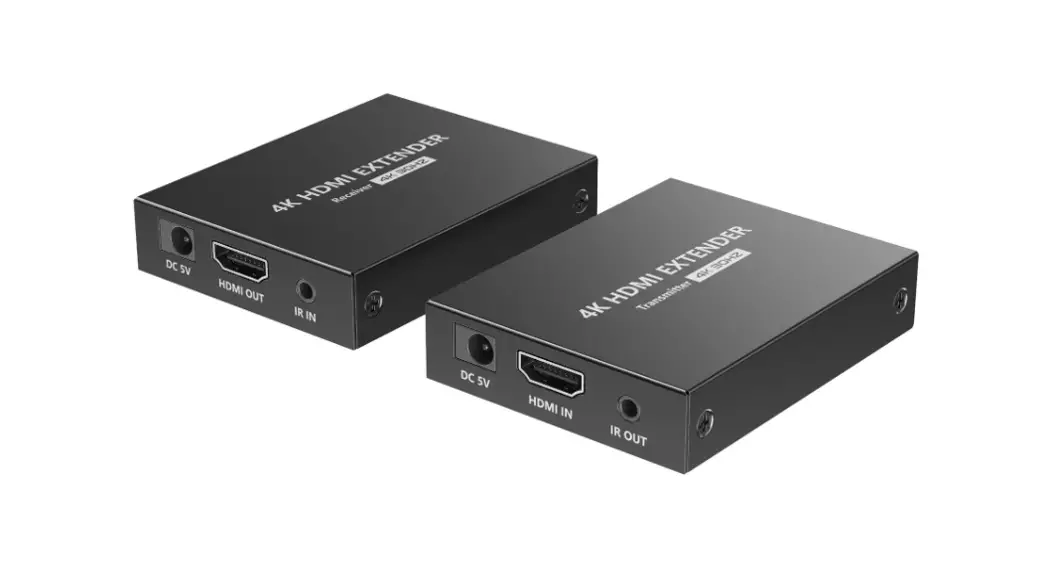
AH1-220727 4K 60Hz HDMI Point to Point Extender
Product Information:
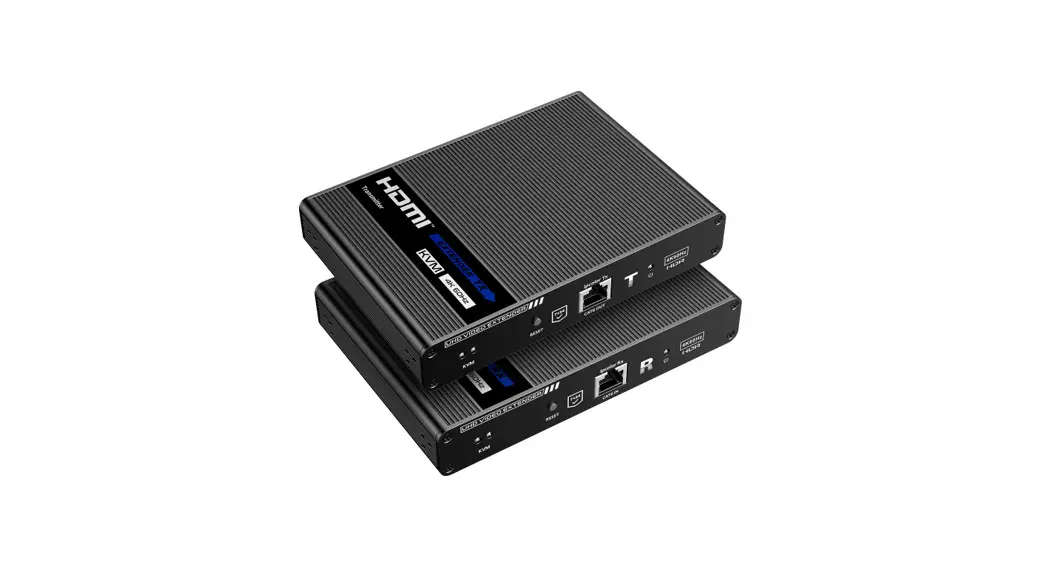
The 4K@60Hz HDMI Point to Point Extender is a reliable and
high-definition video transmission solution. It supports
zero-latency transmission and can extend the HDMI signal up to 50m
using CAT6/6A/7 network cable. The extender kit features support
for HDR10, EDID passthrough, auto downscaling, HDMI loop out, and
IR passthrough. It also provides lightning protection, surge
protection, and ESD protection. The kit is suitable for various
applications such as security monitoring, home theater,
broadcasting, and training.
Product Usage Instructions:
- To ensure safety, make sure all apparatus is properly grounded
to prevent electric shock. - Avoid placing the apparatus near radiators, heat registers, or
direct sunlight. - Place the device in a well-ventilated area and ensure
ventilation openings are not blocked. - Avoid exposing the apparatus to rain or water as it may cause
failure, fire, or electric shock. - Ensure the device is placed on a stable and even surface to
prevent malfunction due to falling. - Avoid inserting anything metallic into the open parts of the
apparatus to prevent electric shock. - If using a three-party power supply, ensure it meets the
product requirements.
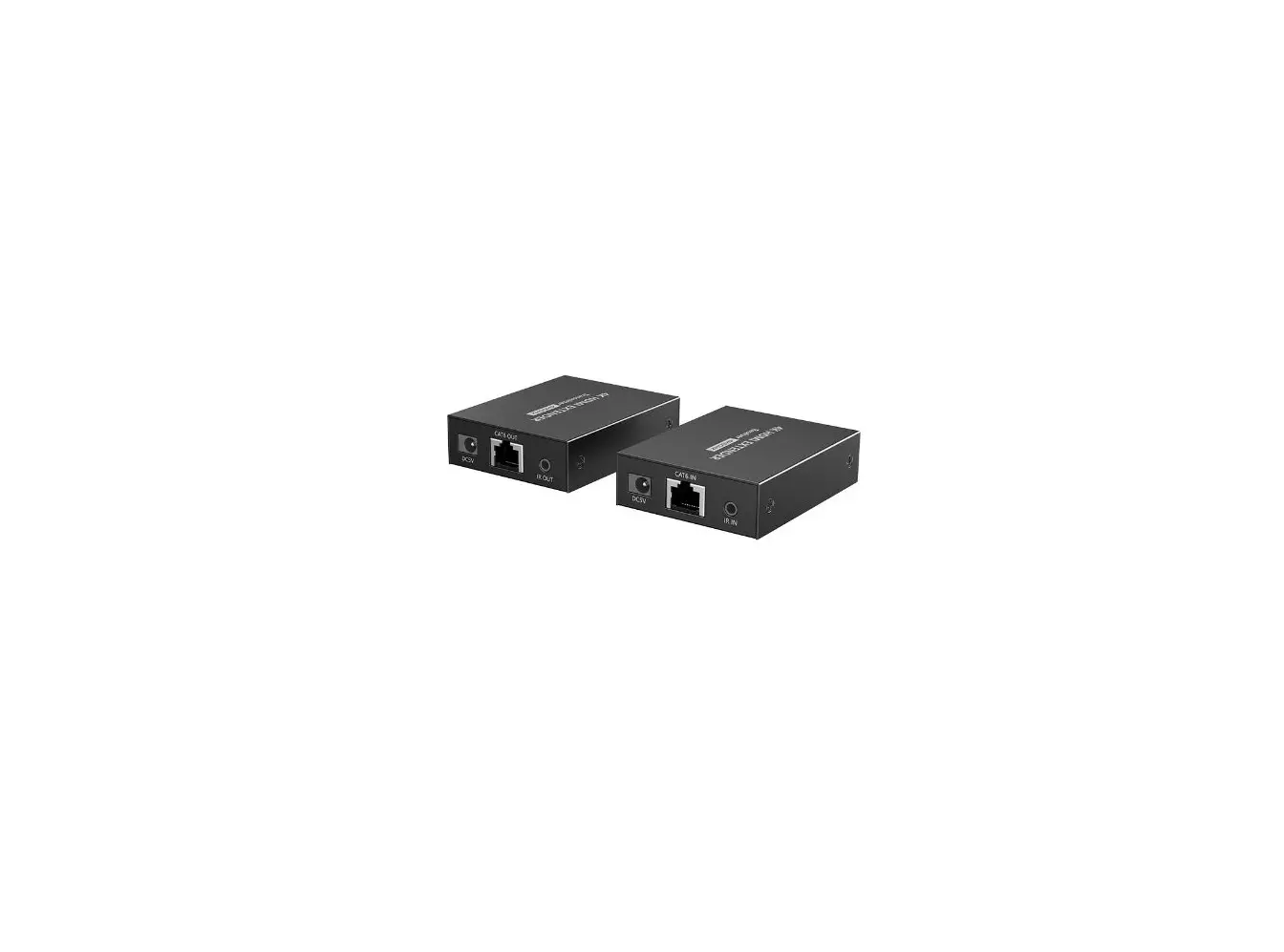
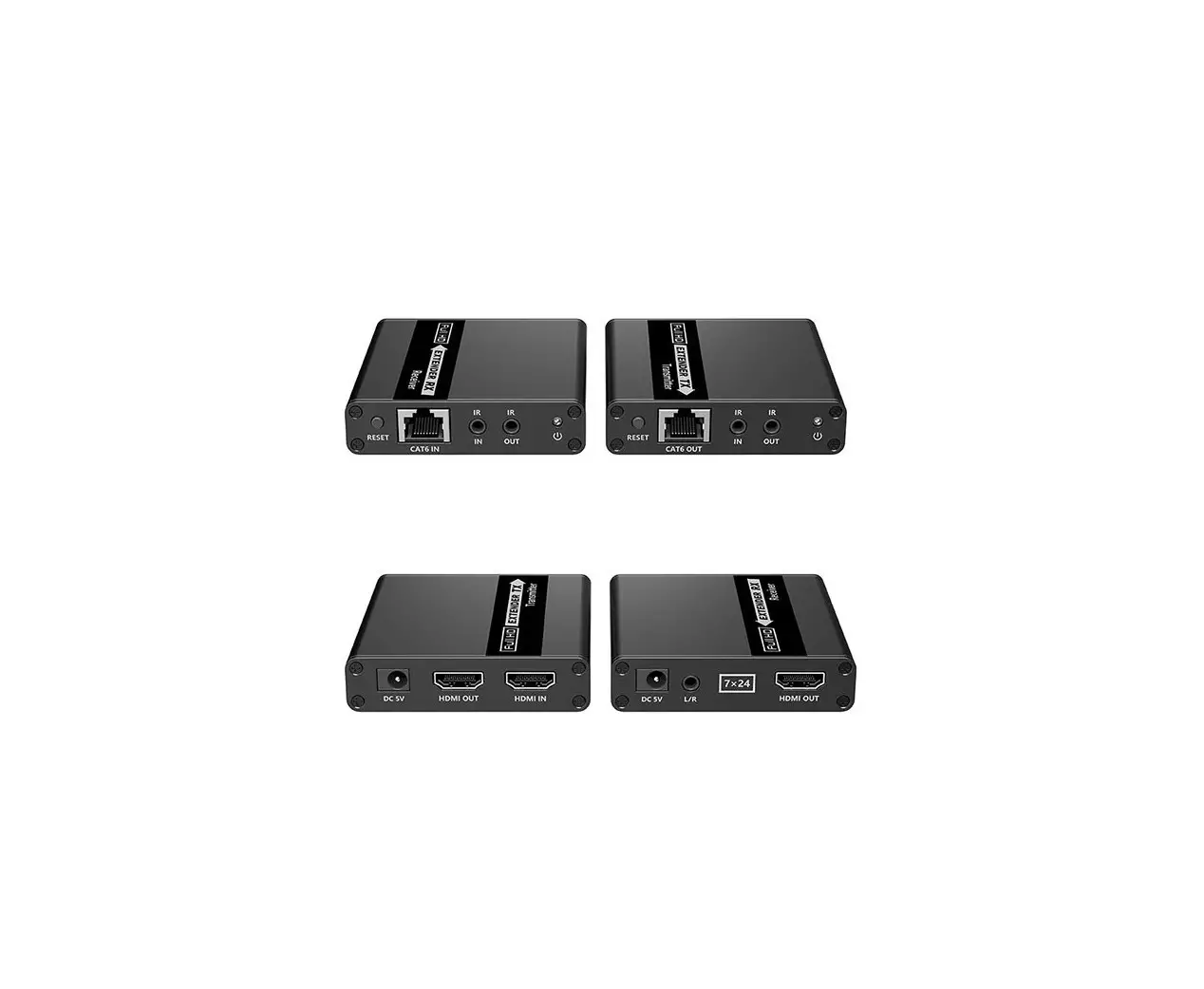
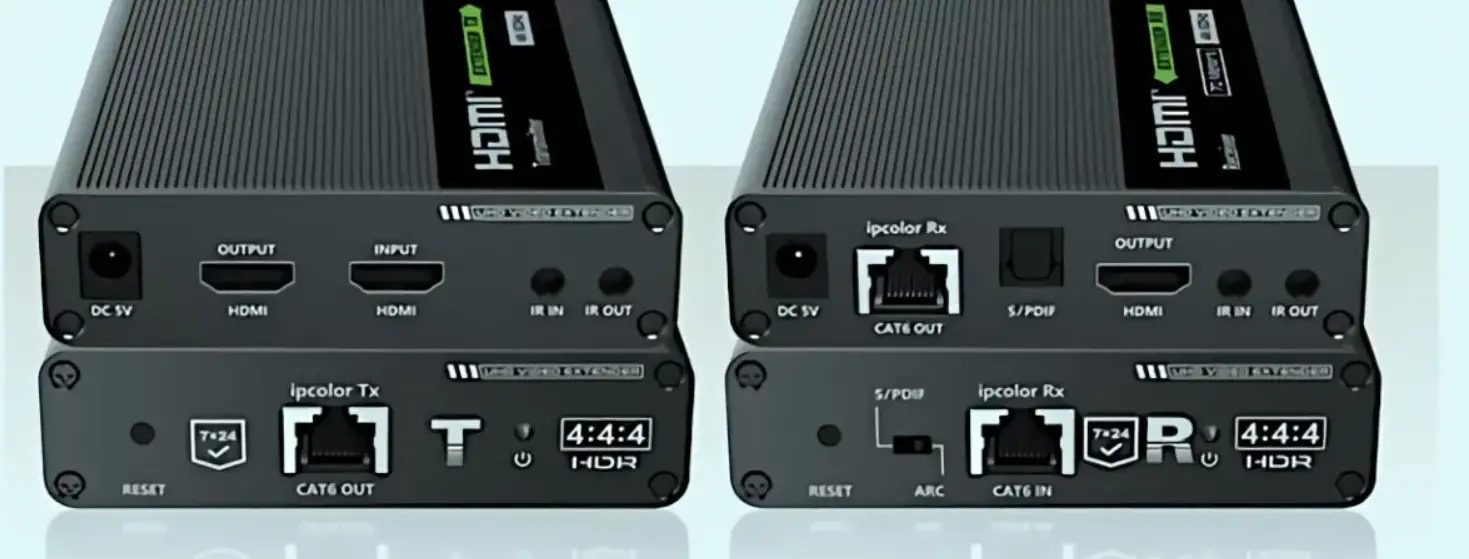
Transmitter:
- Power input
- RJ45 output
- IR OUT
- Reset Hole
- Power Indicator
- HDMI Output
- HDMI Input
Connect the transmitter to a power source using the DC to USB
power cable. Connect the transmitter to the display device using an
HDMI cable. Connect the transmitter to the HDMI source device using
an HDMI cable. Connect the transmitter to a CAT6/6A/7 network
cable.
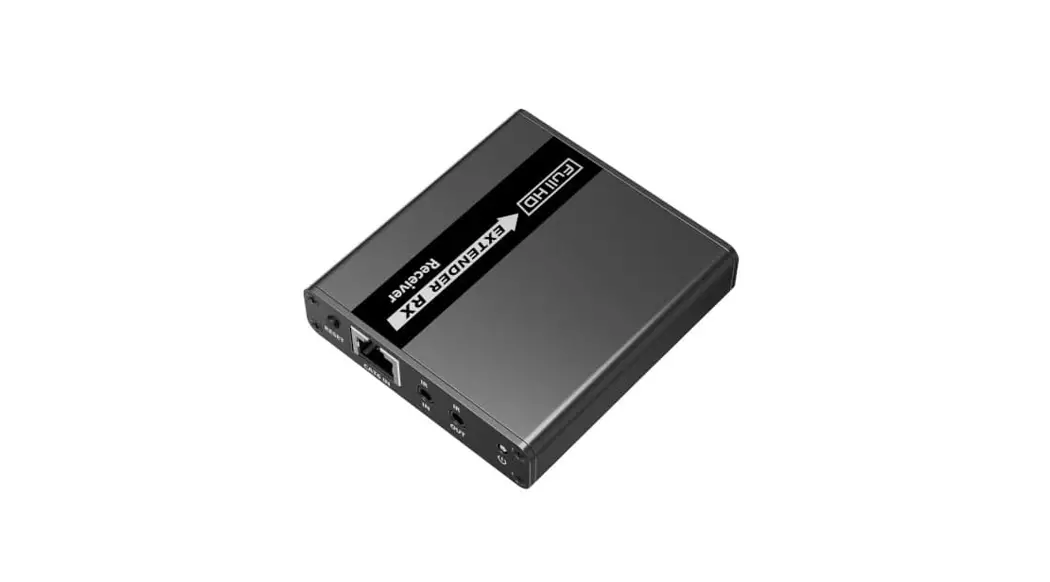
Receiver:
- Power input
- RJ45 input
- IR IN
- Reset Hole
- Power Indicator
- HDMI Output
Connect the receiver to a power source using the DC to USB power
cable. Connect the receiver to the display device using an HDMI
cable. Connect the receiver to a CAT6/6A/7 network cable.
Connection Diagrams:
Video Source — HDMI IN (TX) — HDMI Display — Network cable —
HDMI OUT (RX) — HDMI Display
Connection Instructions:
- Connect the source device to the HDMI IN port of the
transmitter using an HDMI cable. - Connect the HDMI OUT port of the receiver to the display device
using another HDMI cable. - Use a Cat6/6A/7 cable to connect the RJ45 port of the
transmitter and receiver. - If using HDMI loop out, connect the display device to the HDMI
OUT port of the transmitter.
User Manual 4K@60Hz HDMI Point to Point Extender
· Important Safety Instructions:
1. To prevent electric shock, please ensure that all apparatus is properly grounded.
2. Do not place this apparatus near or over a radiator or heat register, or where it is exposed to direct sunlight.
3. Place the device in a well-ventilated area, do not block any ventilation openings.
4. Do not expose this apparatus to rain or place it near water. Any liquid that goes into the apparatus may cause a failure, fire, or electric shock.
5. Do not place the device on an uneven or unstable surface. The device may fall resulting in a malfunction.
6. Never insert anything metallic into the open parts of this apparatus. This may cause a danger of electric shock.
7. If a three-party power supply is used, please ensure that the power supply specifications meet the product requirements.
3. Support HDR10. 4. Support EDID passthrough and auto downscaling. 5. The transmitter supports HDMI loop out. 6. Support IR passthrough. 7. Lightning protection, surge protection, ESD protection. 8. Plug and play.
· Package Contents
Transmitter x1
Receiver x1
DC to USB power cable x2
· Introduction
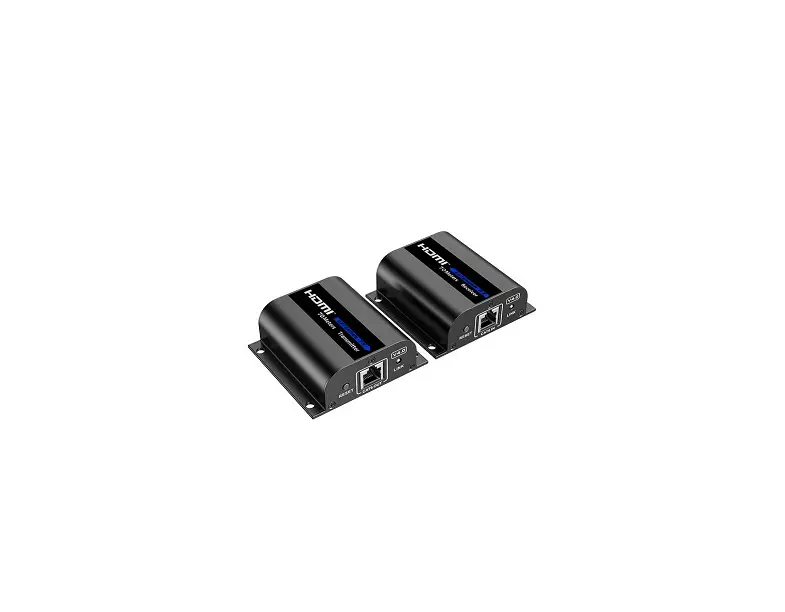
This is an HDMI point-to-point extender kit, it can realize zero-latency transmission. The 4K@60Hz HDMI signal can be extended by 50m through CAT6/6A/7 network cable. It supports HDMI loop out, IR passthrough, etc. This kit is a reliable, ultra-high-definition video transmission solution, which is widely used in security monitoring, home theater, broadcasting, training and other fields.
· Features
1. Zero-latency transmission. 2. Extend 4K@60Hz HDMI signal up to 50m over Cat6/6A/7 cable.
User manual x1
IR blaster extension cable x1
IR receiver extension cable x1
· Installation Requirements
Item Signal source
Cable
Display device
Description
Devices with HDMI port (PC, DVD, NVR, etc.)
CAT6/6A/7following standard IEEE-568B
TVs, projectors, etc. with HDMI port
Requirement HDMI cable 5m CAT6/6A/750m HDMI cable 5m
· Panel Description
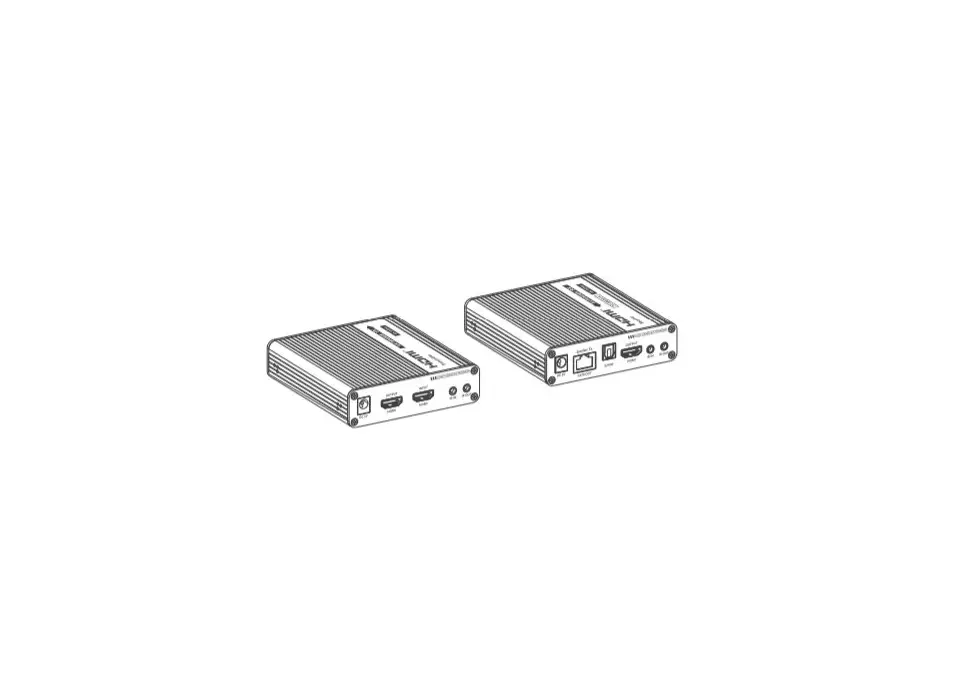
1. Transmitter
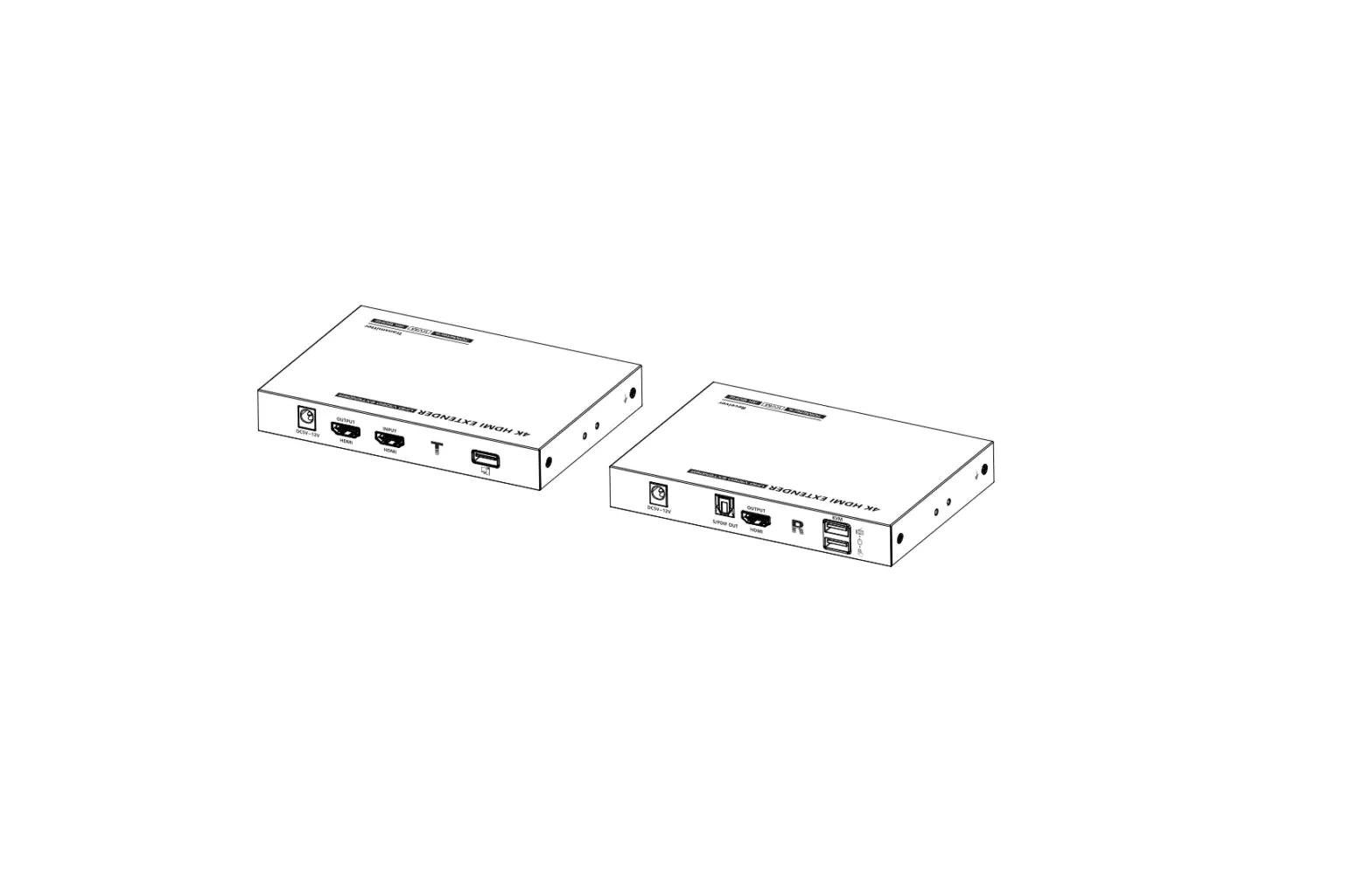
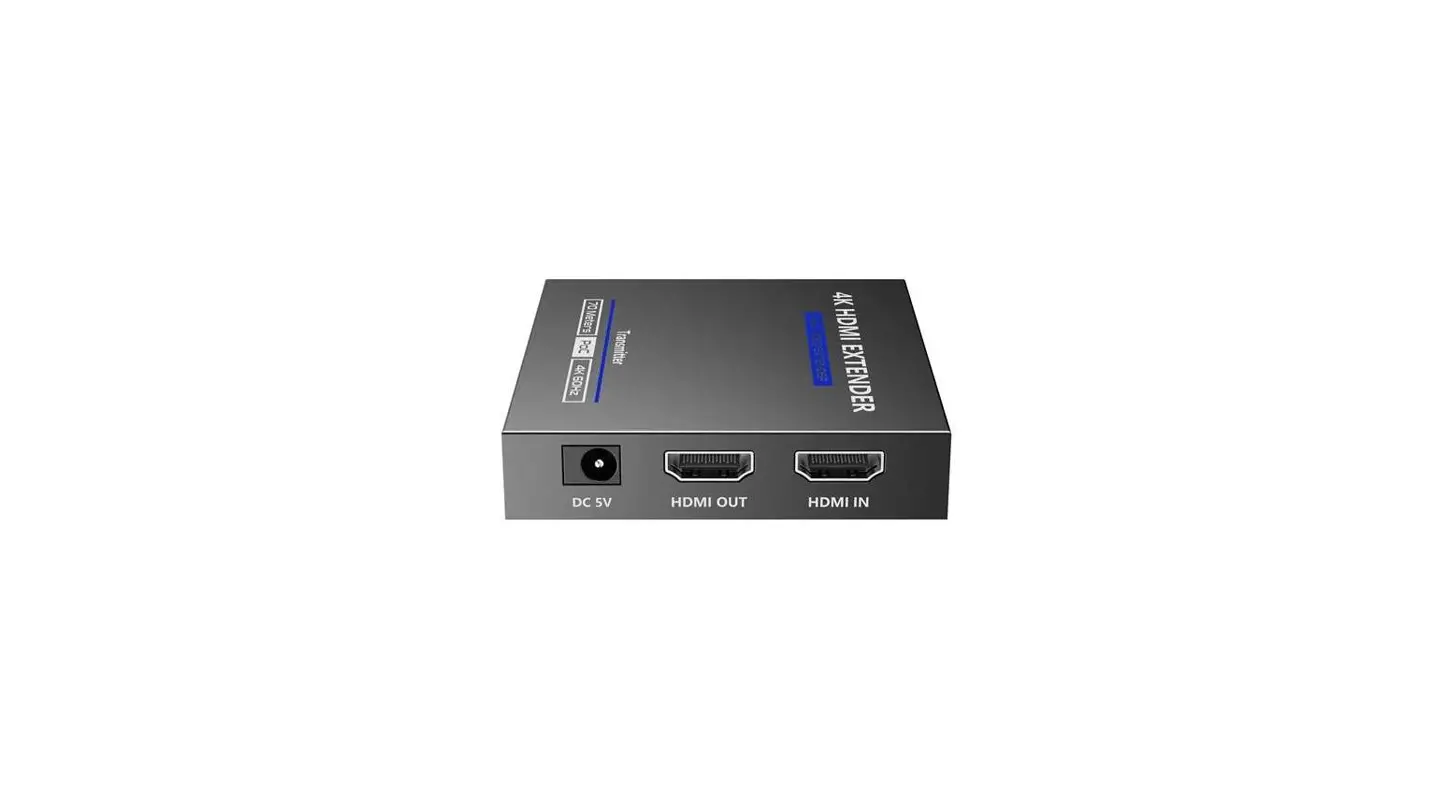
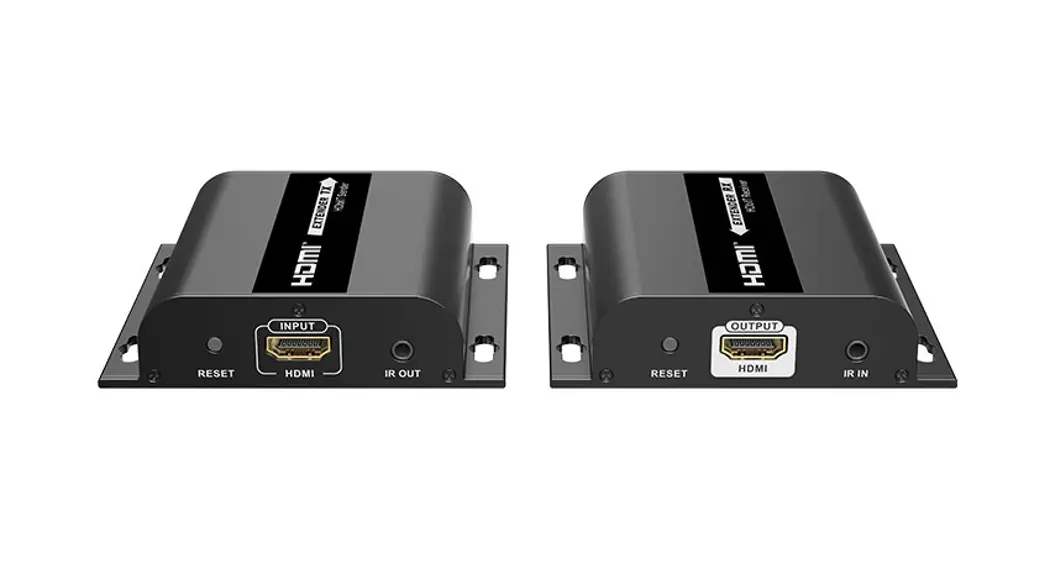
Power input RJ45 output IR OUT Reset Hole
Power Indicator
HDMI Output
HDMI Input
Connect with DC to USB power cable
Connect with CAT6/6A/7 network cable
Connect with IR blaster extension cable Press the pinhole reset button with a straightened paper clip
When there is power, the indicator will light solid blue
Connect with local HDMI display device with HDMI cable Connect with HDMI source device with HDMI cable
2. Receiver
2
3
4
Power input RJ45 input IR IN Reset Hole
Power Indicator
HDMI Output
Connect with DC to USB power cable Connect with CAT6/6A/7 network cable
Connect with IR receiver extension cable
Press the pinhole reset button with a straightened paper clip When there is power, the indicator will light solid blue Connect with HDMI display device with HDMI cable
· Installation Procedures
1. Connection Diagrams
Video Source
HDMI IN TX
HDMI Display Network cable
HDMI OUT
RX
HDMI Display
2. Connection Instructions
1) Connect the source device to the HDMI IN port of the transmitter with an HDMI cable, and connect the HDMI OUT port of the receiver to the display device with another HDMI cable.
2) use a Cat6/6A/7 cable to connect the RJ45 port of the transmitter and receiver.
3) If using HDMI loop out, connect the display device to the HDMI OUT port of the transmitter.
5
4) If using IR passthrough, the IR blaster extension cable should plug in he IR OUT port of the transmitter, the IR receiver extension cable should plug in the IR IN port of the receiver.
5) Plug the power supply into the devices to get started.
3. IR User Guide
IR blaster
1. Power 2. IR Signal 3. Null
IR receiver
1. Power 2. IR Signal 3. Grounding
1) IR blaster extension cable should plug in the IR OUT port of the transmitter, IR receiver extension cable should plug in the IR IN port of the receiver.
2) The emitter of the IR blaster extension cable should be as close as possible to the IR receiving window of the source device.
3) Point the remote control at the receiving head of the IR receiver extension cable to operate.
6
Q: The devices are connected correctly, but why is there no image displayed?
A: 1) Please make sure the HDMI cable meets the transmission requirements. (e.g. 4K HDMI cable) 2) Please check and make sure the network cable is connected well. 3) Restart the transmitter or receiver by pressing the reset button.
Q: Why does the display occasionally have a black screen? A:
1) Check if the length of the cable is within the specified range. 2) Reset the transmitter or receiver to re-built the connection.
Q: Why is the display color abnormal or no sound? A:
1) Reset the transmitter or receiver to re-built the connection. 2) Check if the HDMI cables are connected well. 3) Reconnect the network cable.
Technical Parameters
Items
Transmitter
Receiver
Video Input interface
1x HDMI Type A Female
1x RJ45 Female
Output interface
1x HDMI Type A Female 1x RJ45 Female
1x HDMI Type A Female
HDMI Length
Maximum transfer rate
Maximum transmission bandwidth
5m 18Gbps 600MHz
5m
EDID passthrough Yes
Compatibility
HDMI 2.0Deep color, 4K, HDR, YUV4:4:4 HDCP 2.2, HDCP 1.4
Resolutions
Transmission distance
480i@60Hz480p@60Hz576i@50Hz576p@50Hz 720p@50/60Hz1080i@50/60Hz1080p@50/60Hz 3840×2160@24/25/30/50/60Hz3440x14402560x1440 2560x10802048x10801920x14401920x1080 1280x9601280x8001280x7681680x10501360x768 1366x7681600x9001024x768800x600
4K transmission distance 50m 1080p transmission distance 70m
Audio Input interface
1x HDMI Type A Female
N/A
Output interface 1x HDMI Type A Female
1x HDMI Type A Female
Audio formats LPCM/DTS-HD/DTS-Audio/Dolby Digital 5.1CH/Dolby Atmos
Command Signal
IR interface
1x 3.5mm IR OUT Female
1x 3.5mm IR IN Female
Receiving range 5m
Infrared frequency
20KHz~60KHz
Power Power Supply
DC5V/500mA
DC5V/500mA
Power Consumption
TX2.3W
RX1.5W
Operating Environment
Working temperature
-20~60
Storage temperature
-30~70
Humidity
0~90%RHNo condensation
Physical Properties
Housing
Metal
Weight
TX : 130g
RX130g
Color
Black
Dimensions
75.0(L)*60.0(W)*21.0(H)mm
Protection
ESD protection 1a Contact discharge level 2 (±4KV) 1b Air discharge level 3 (±8KV) Implementation of the standard: IEC61000-4-2
Lightning protection, Surge protection
Certifications
FCC/CE/RoHS
7
8
9
Disclaimer
The product name and brand name may be registered trademark of related manufactures. TM and ® may be omitted on the user manual. The pictures in this user manual are just for reference. The terms HDMI, HDMI High-Definition Multimedia Interface, and the HDMI Logo are trademarks or registered trademarks of HDMI Licensing Administrator, Inc. We reserve the rights to make changes without further notice to a productor system described herein to improve reliability, function or design.