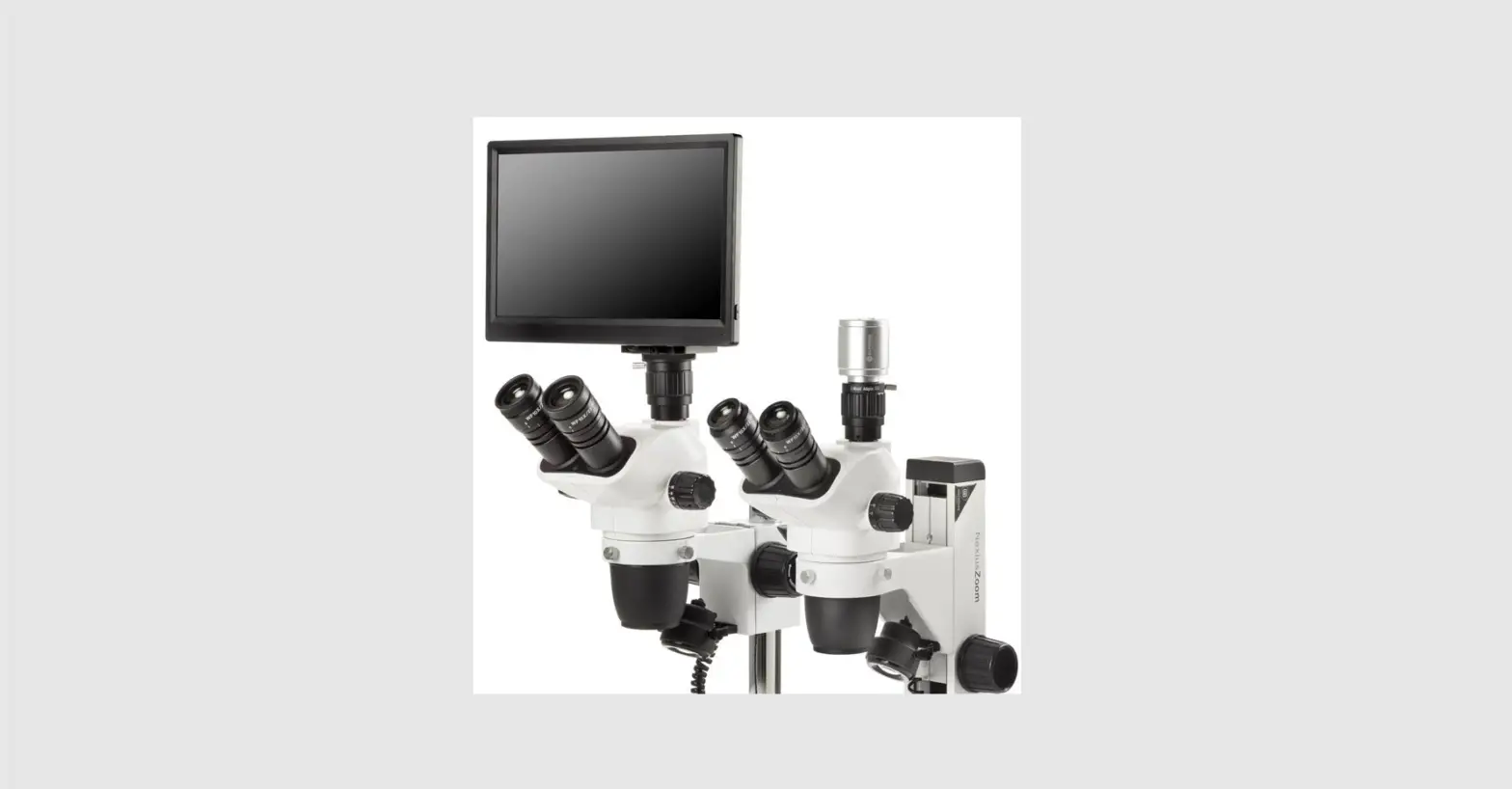
 H D -Screen
VC.3024-HDS I VC.3034 I VC.3038 I VC.3040 HD-BIldschIrm I Ecran HD I Pantalla HD I Schermo HD I HD-Scherm
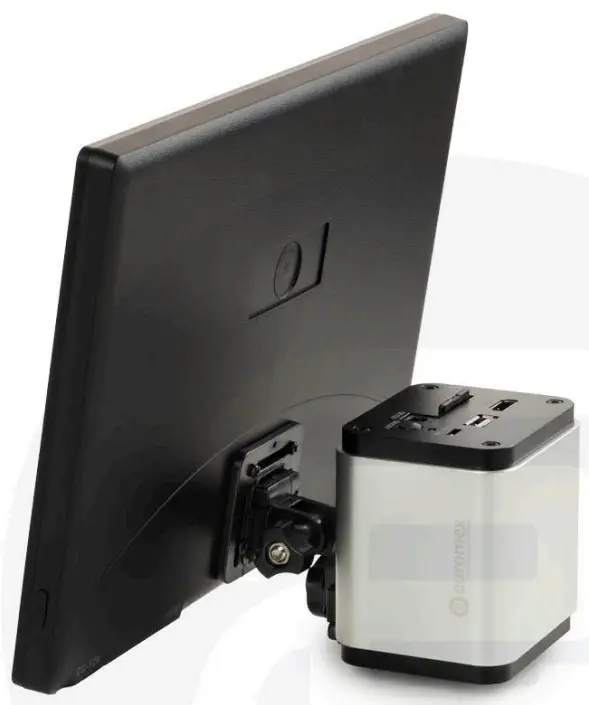
manual
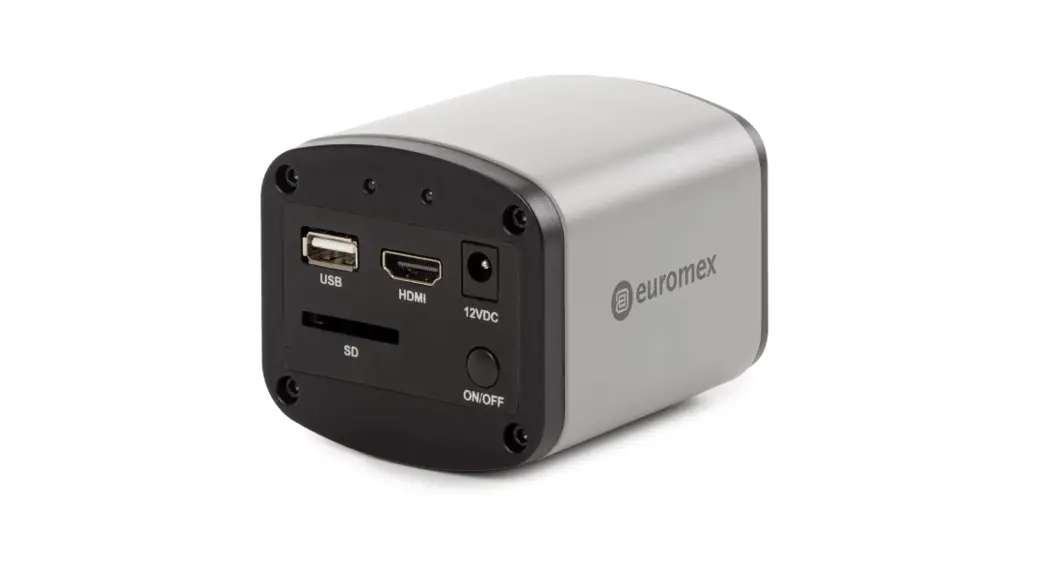
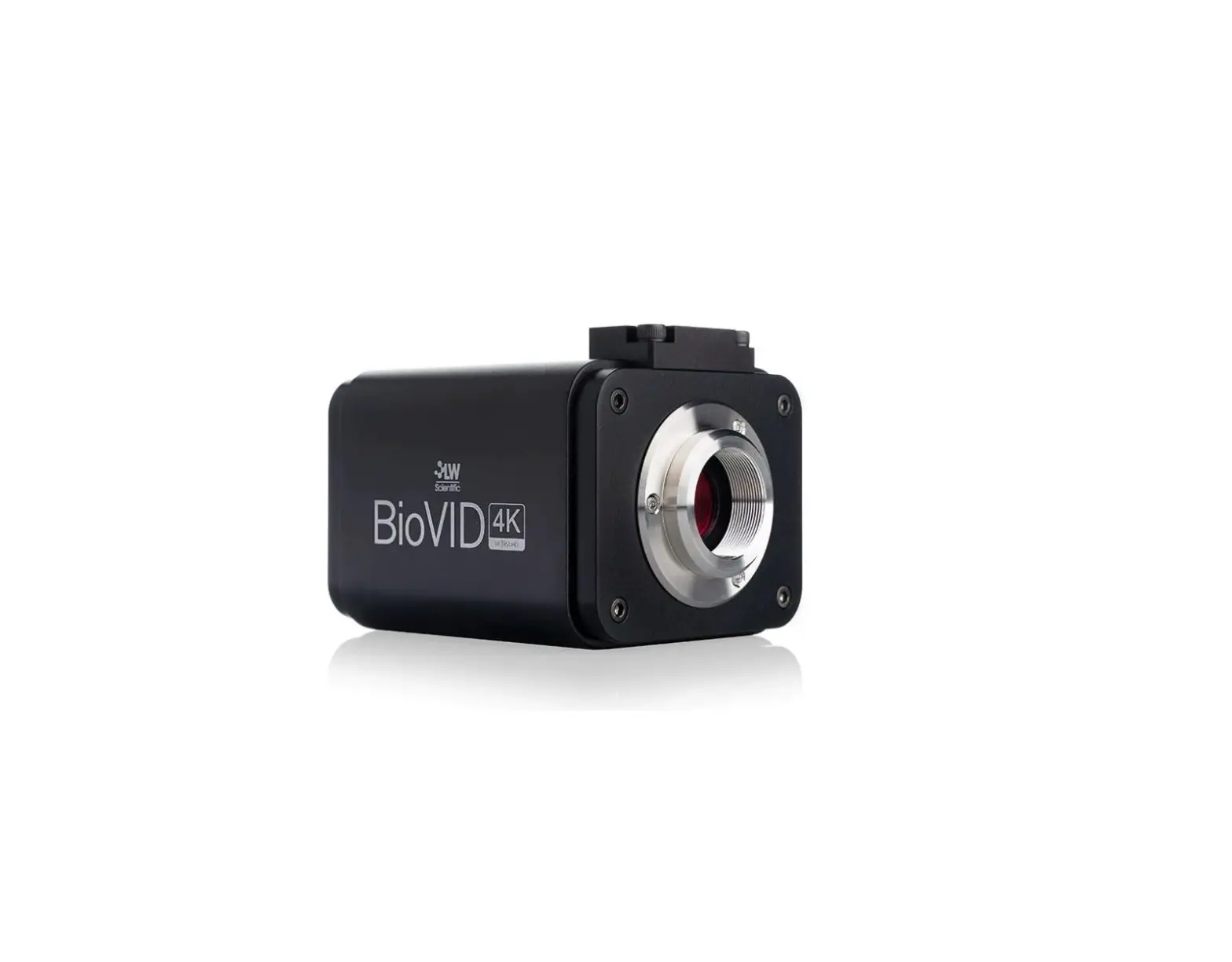
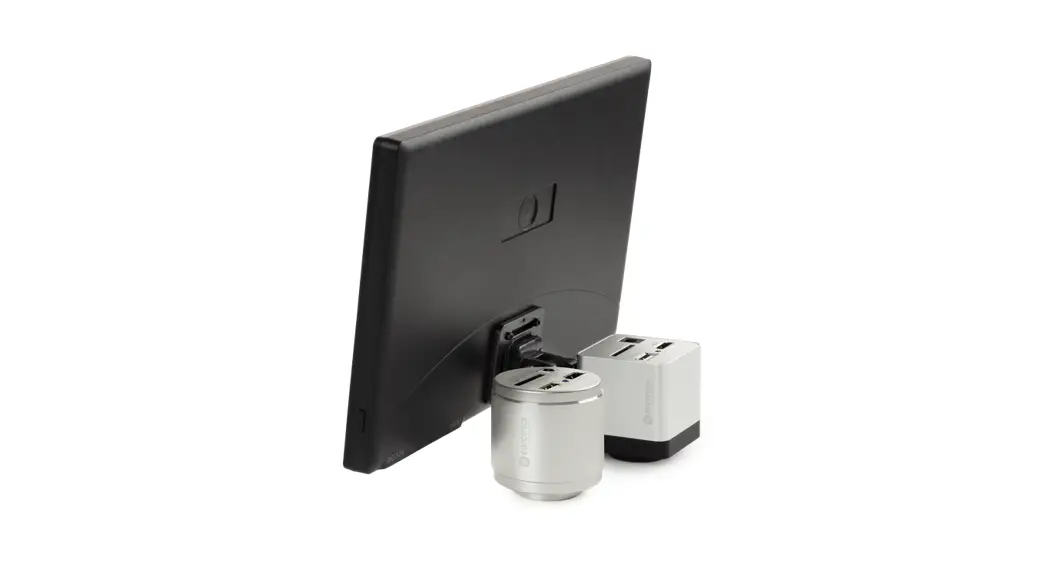
VC.3024-HDS HD-Camera
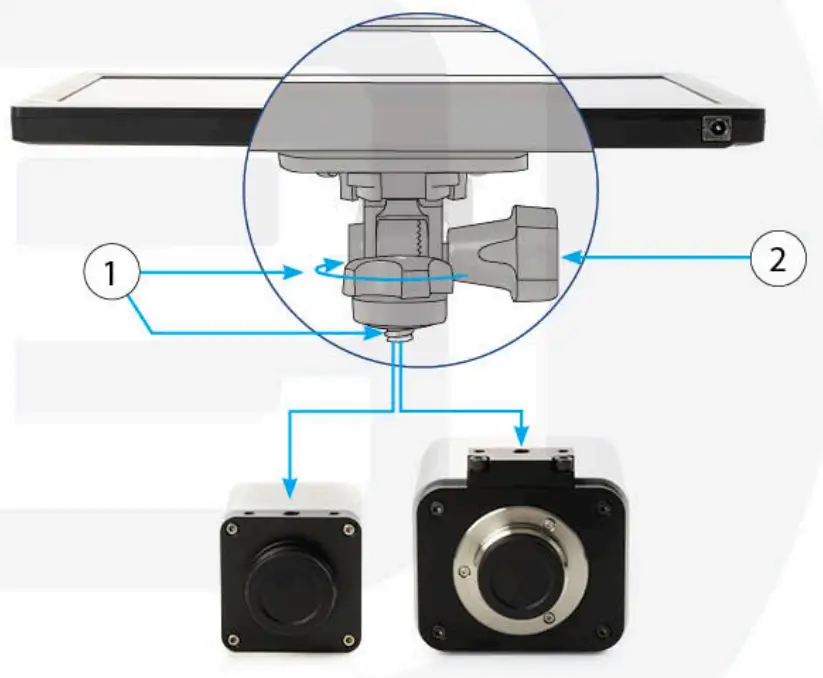
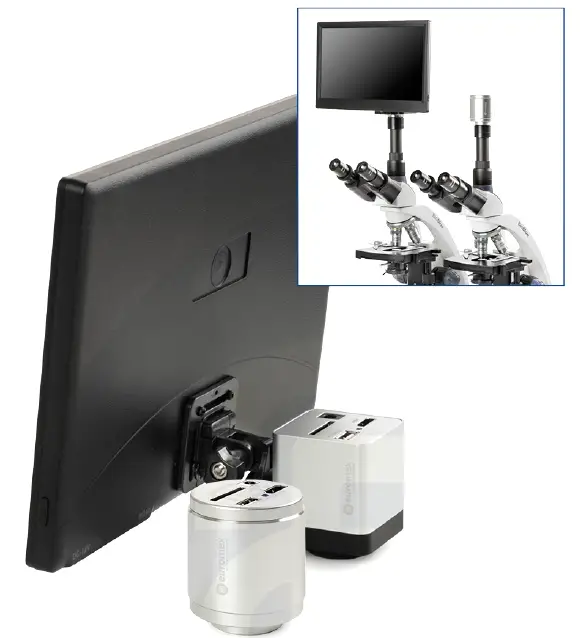
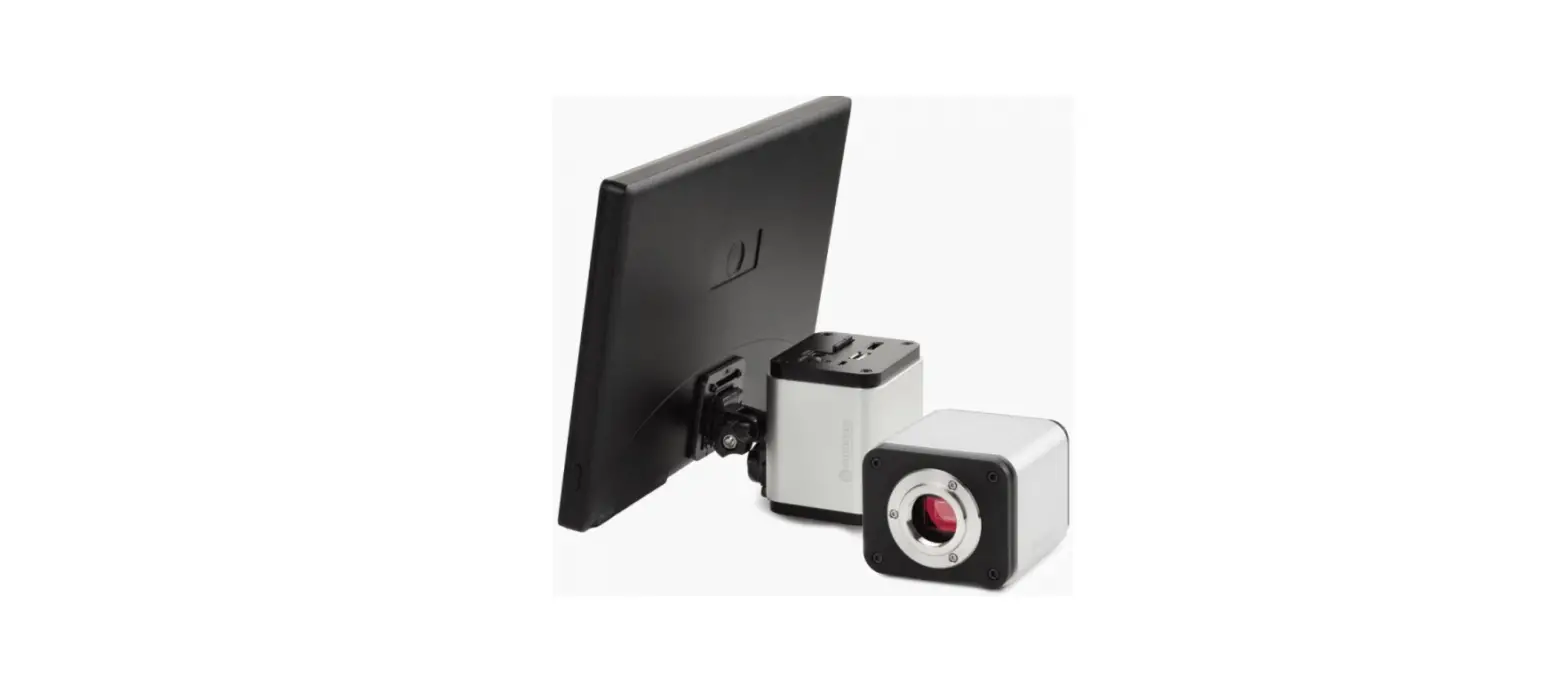
- Attach the screen to the camera by turning the screw clockwise
- Adjust the screen by loosening screw (2) and refastening it when the screen is in place
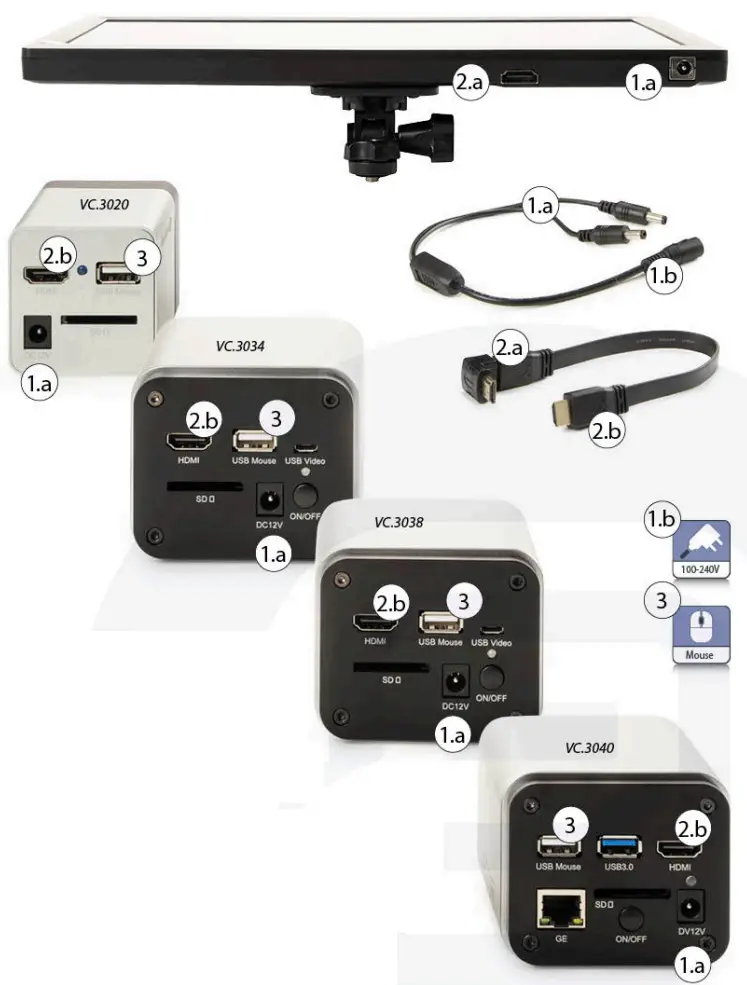
Mouse and power supply are included in the camera package content
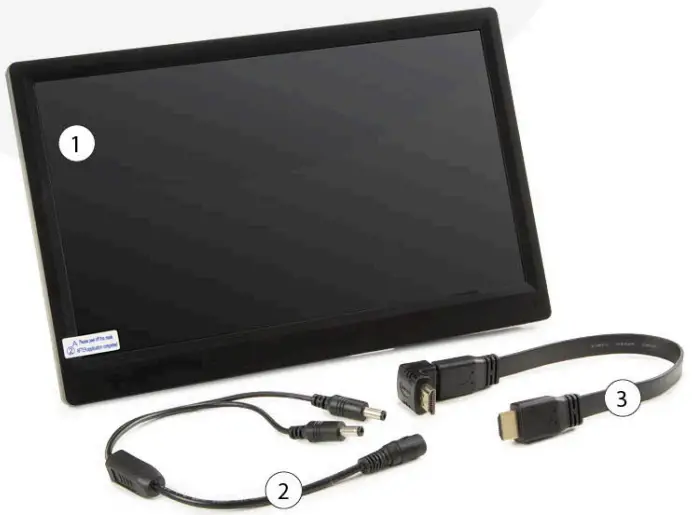
PACKAGE CONTENT
- ONE HDS MONITOR
- Y POWER SPLITTER CABLE
- HDMI CABLE
Euromex Microscopen by • Papenkamp 20 • 6836 BD Arnhem • The Netherlands T +31 (0) 26 323 22 II • [email protected] • www.euromex.com

All information may be changed without prior notice v.126311