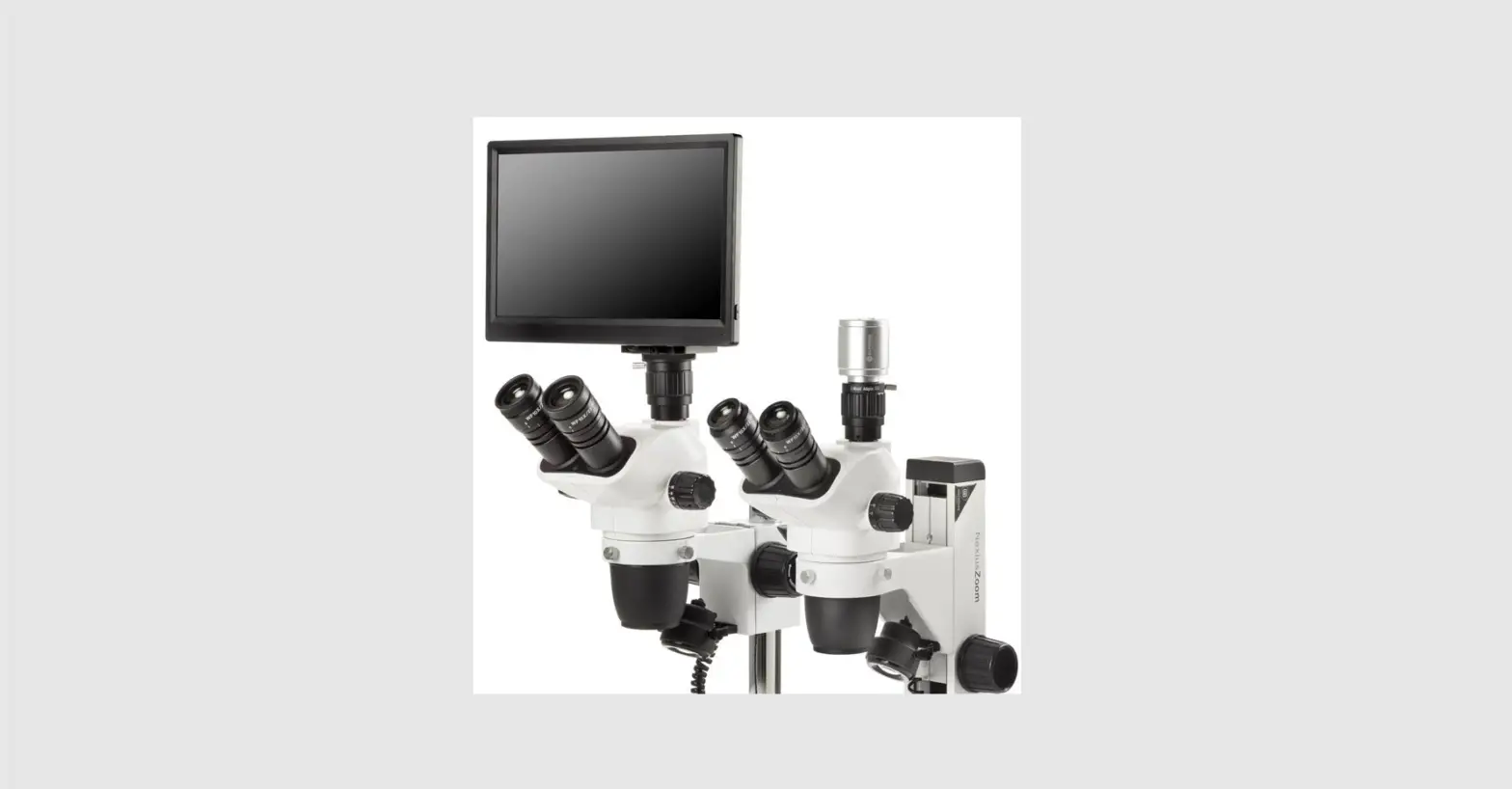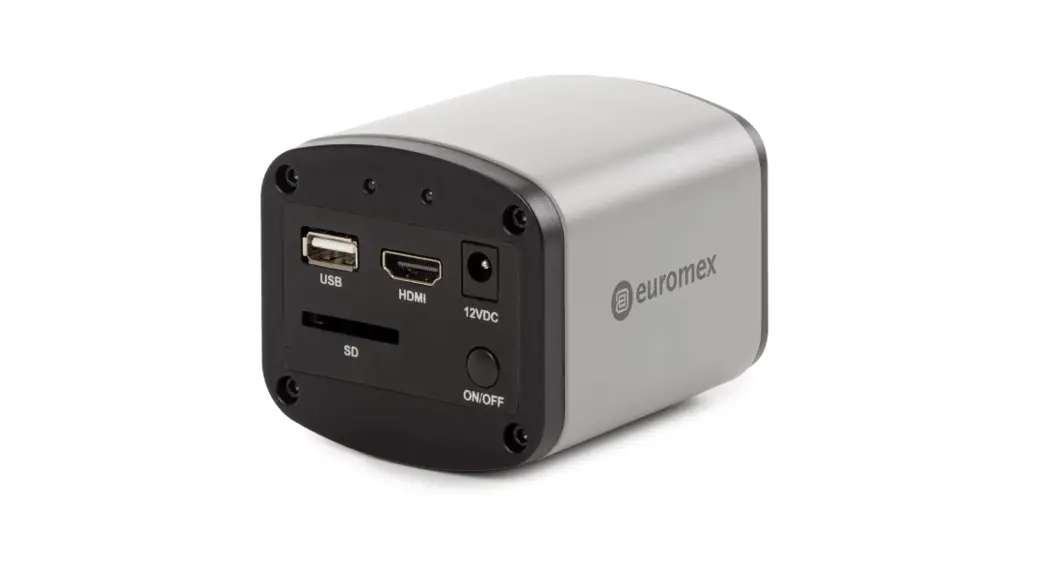

HD-Screen
VC.3031-VC.3036
HD-Bildschirm 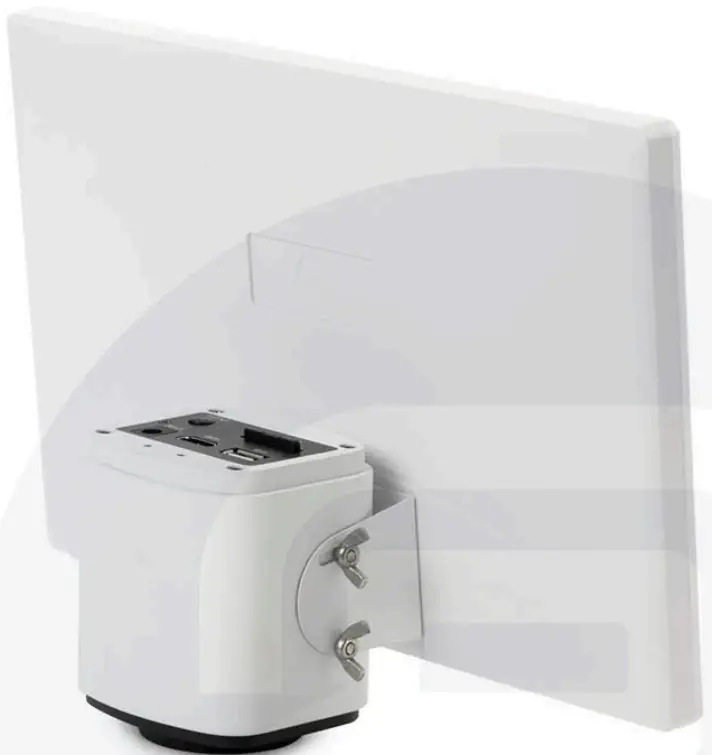
User Manual
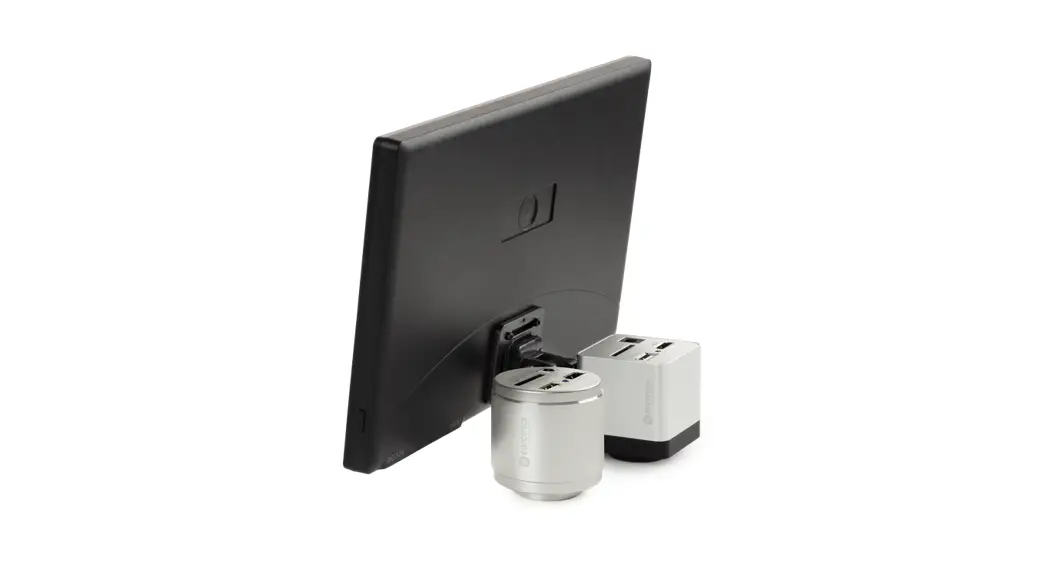
A. Attach the brackets to the screen, using the black Allen screws. Make sure to put the one with the L” on the left side
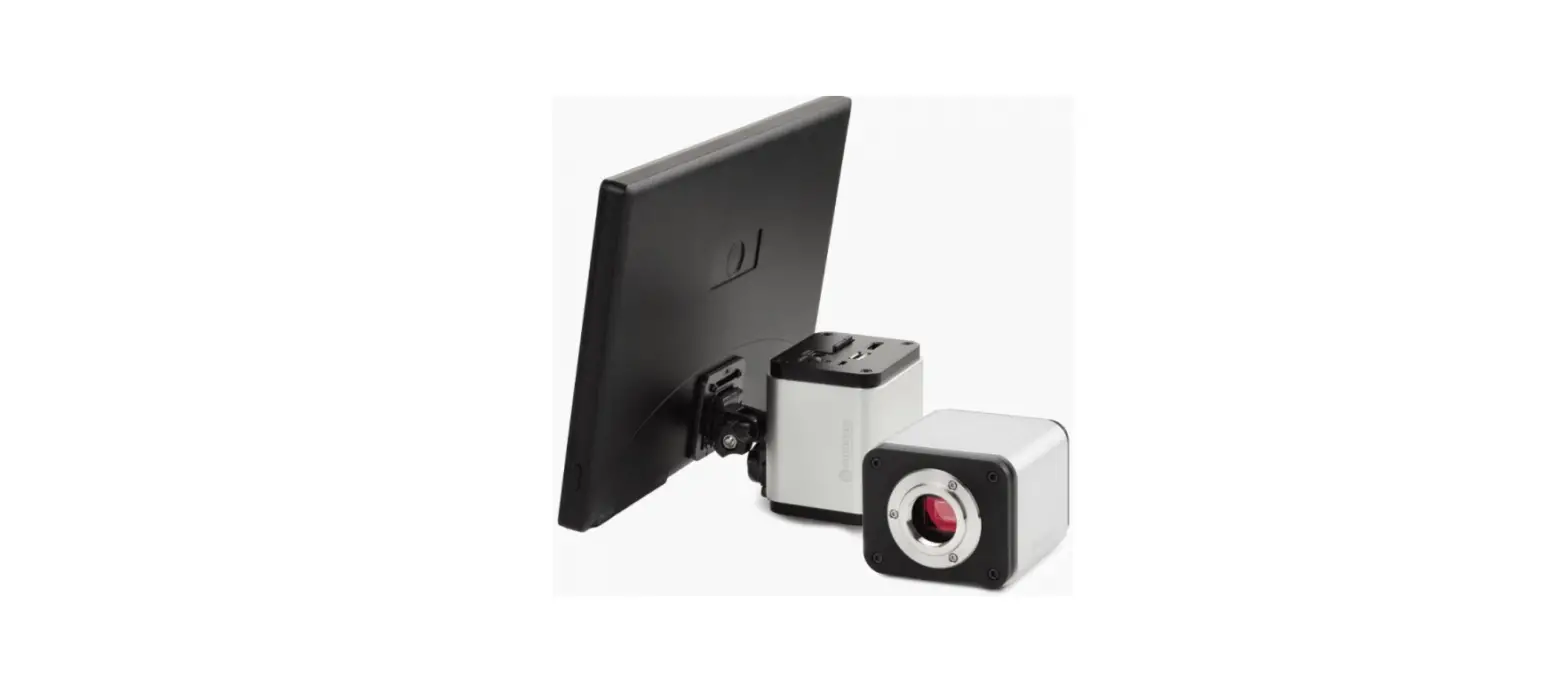
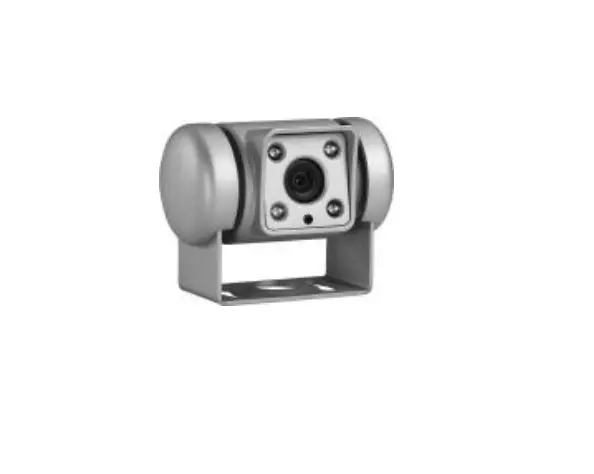
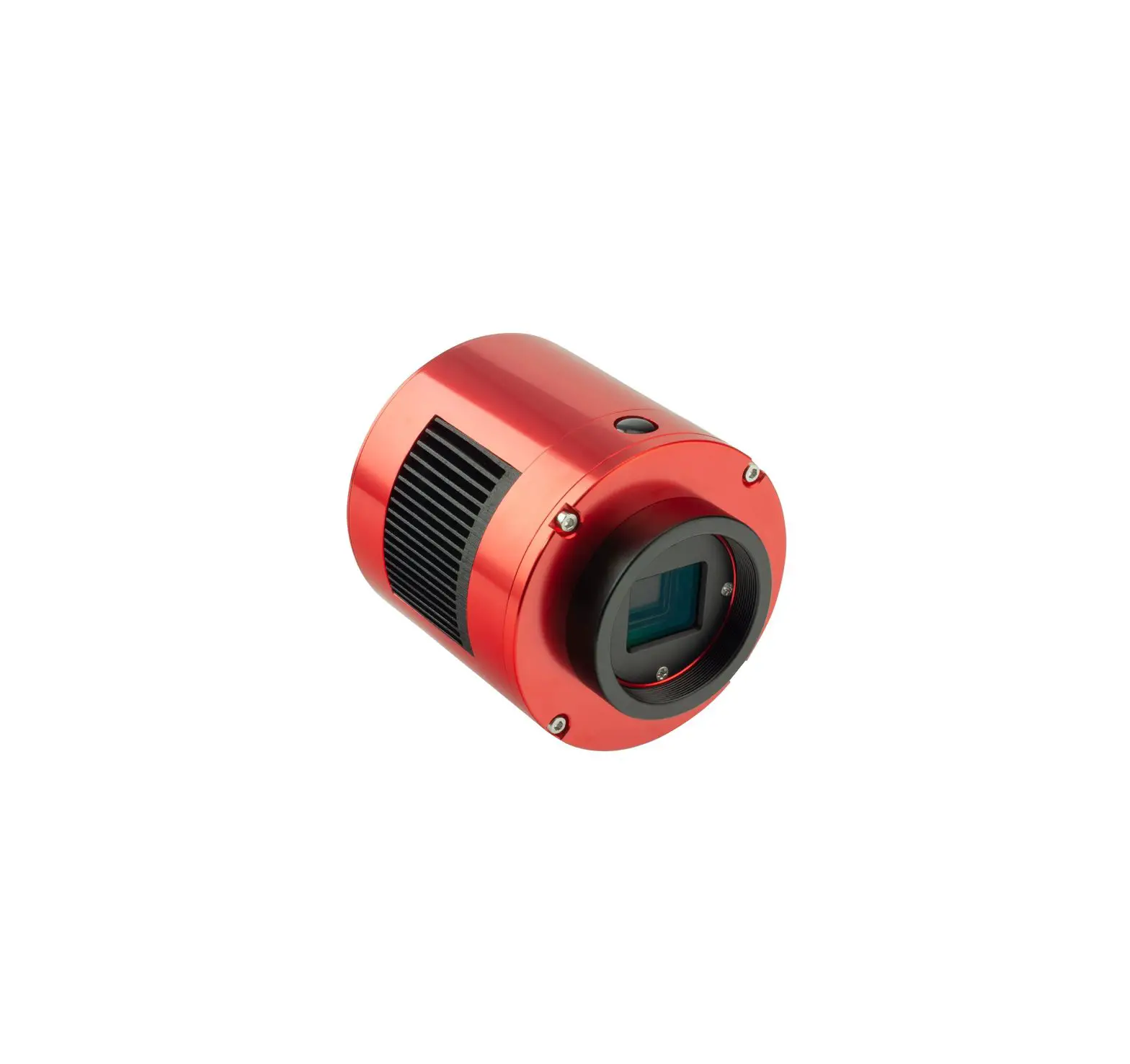
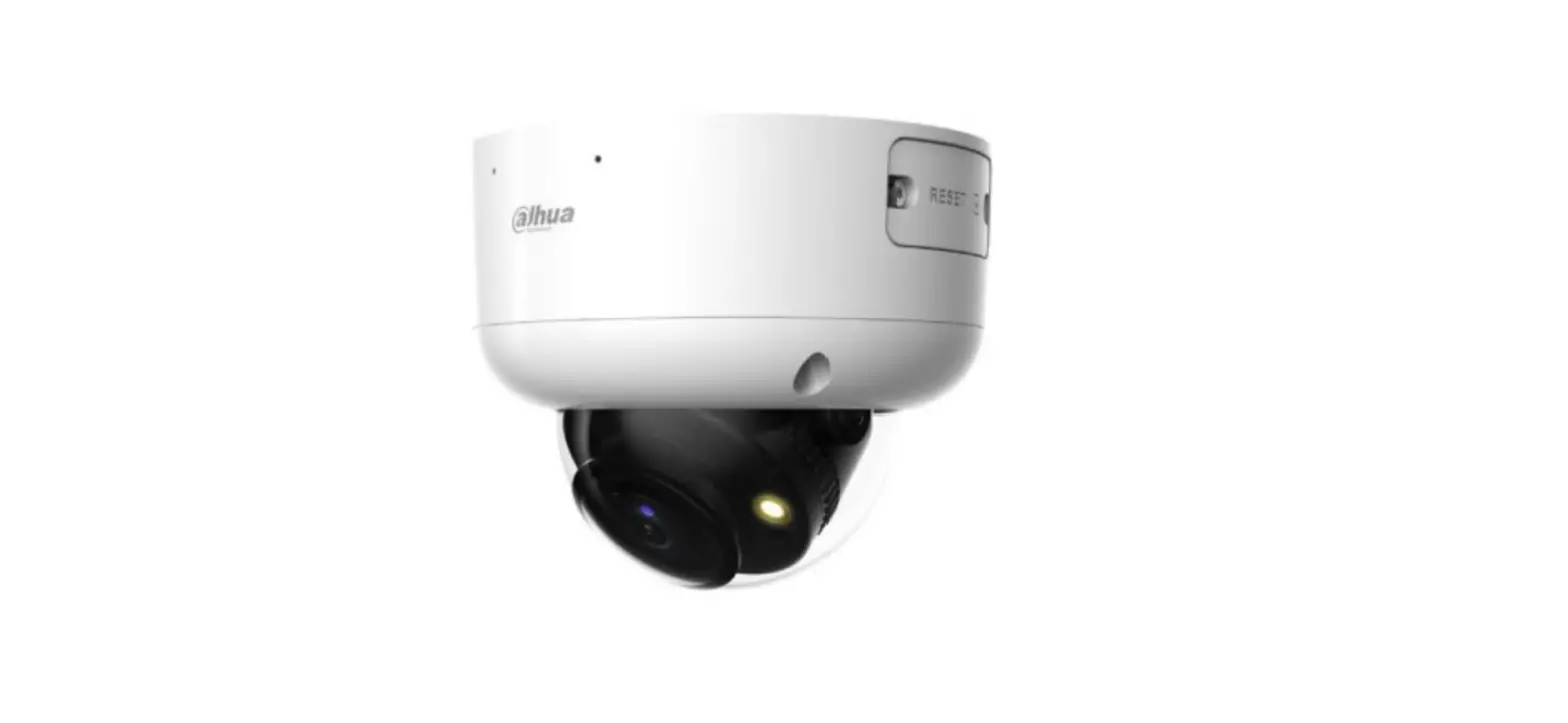
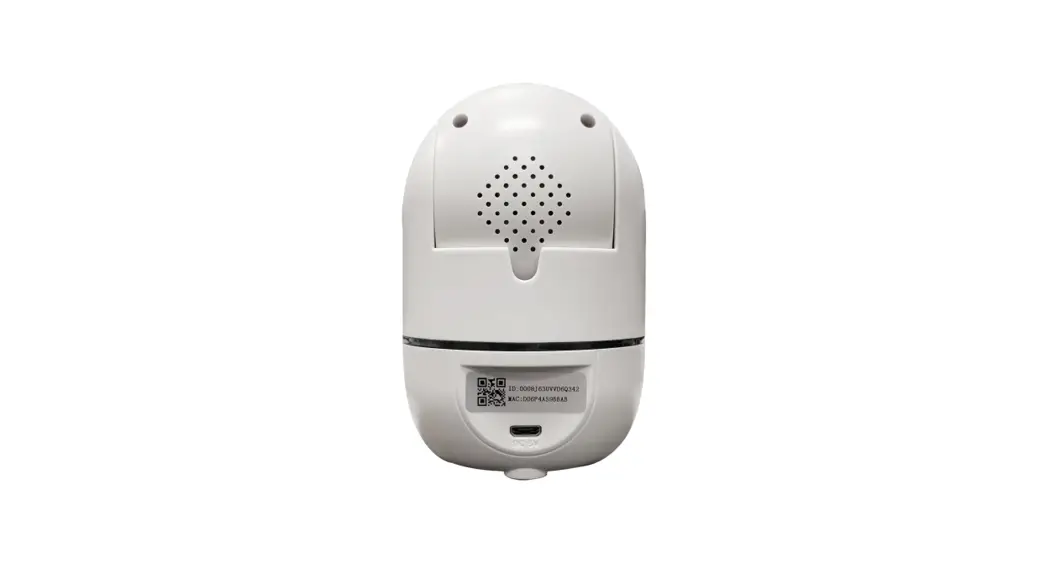
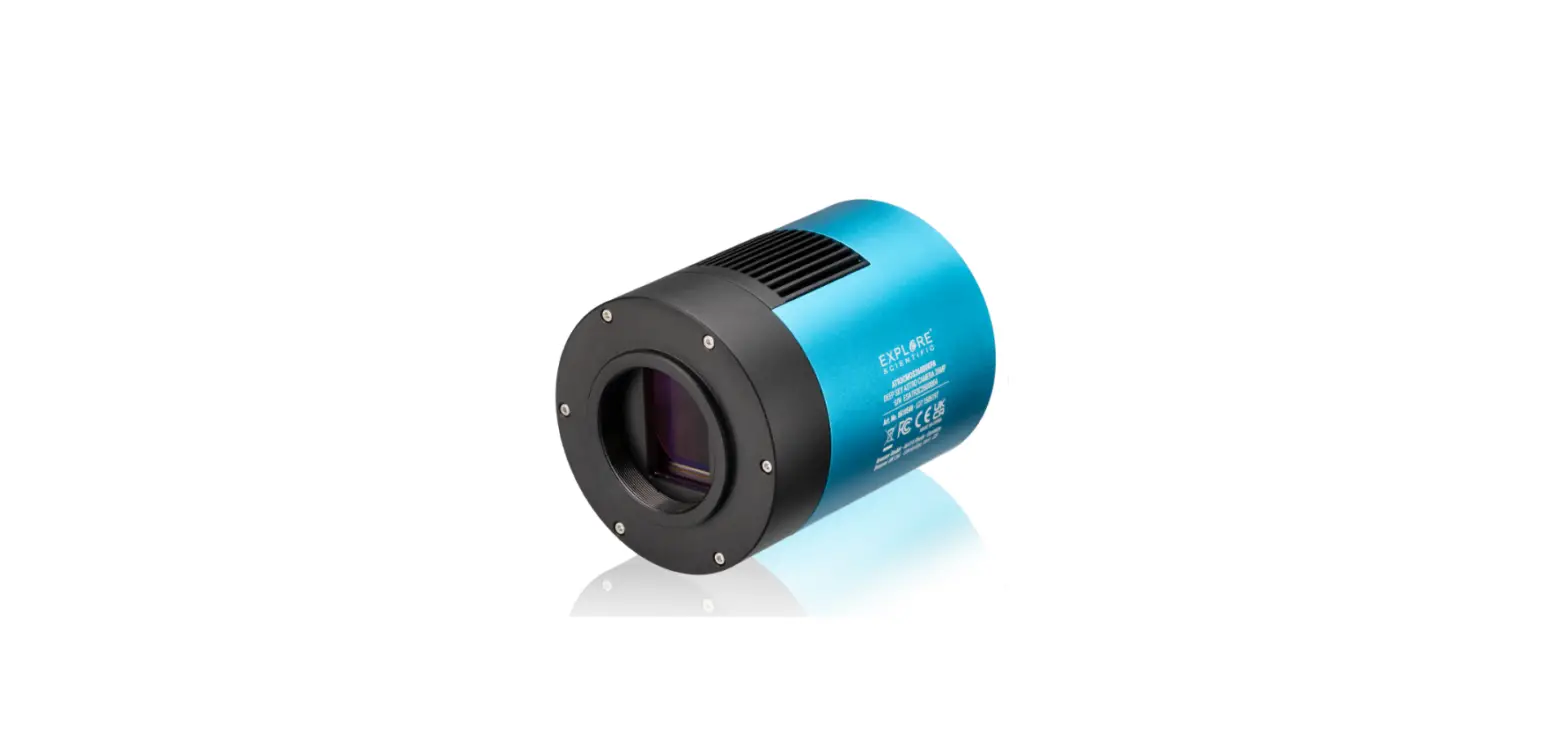
B. Attach the HDMI camera to the brackets by using the butterfly screws. Make sure the back of the camera faces the way the image shows Don’t tighten the lock screws
C. Adjust the camera angle and then tighten all the lock screws the camera package content Mouse and power supply are included in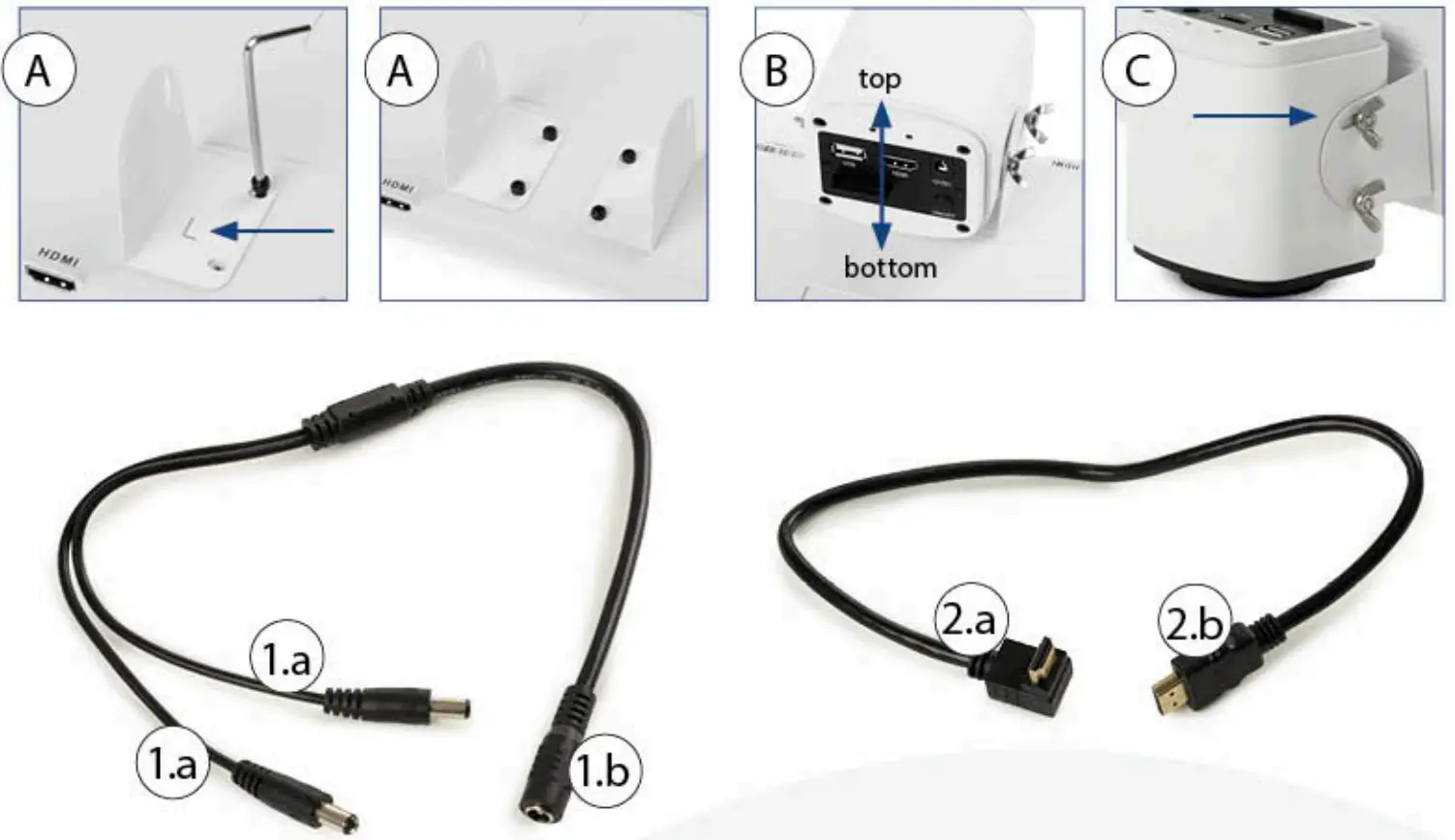
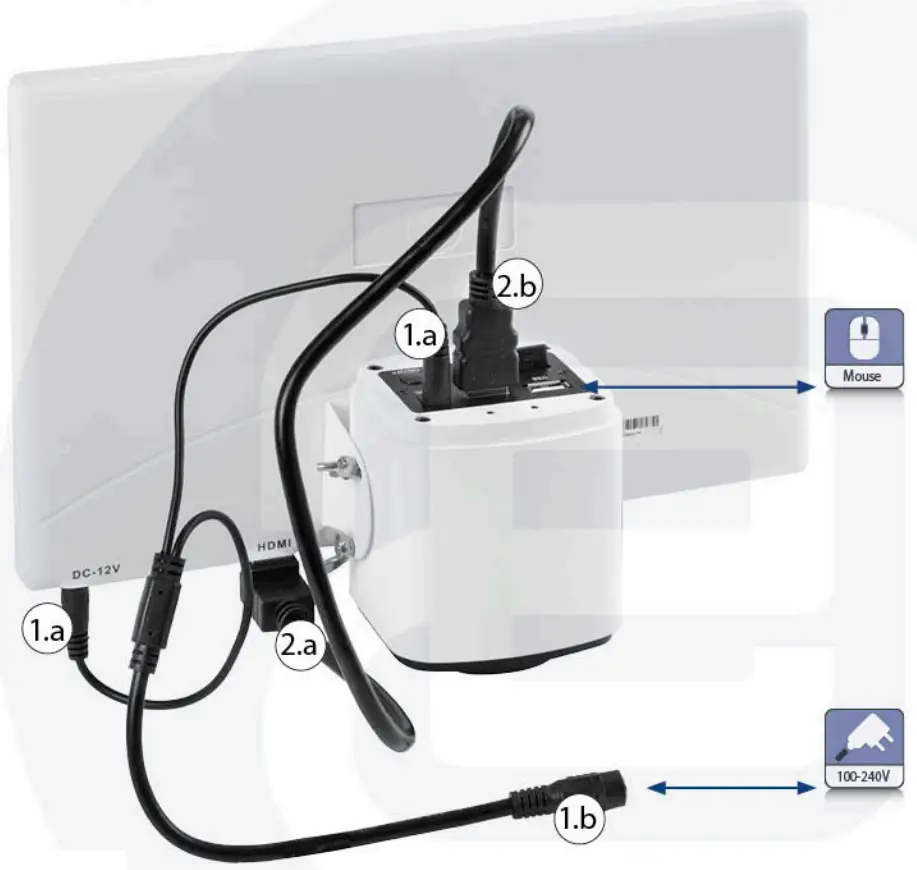
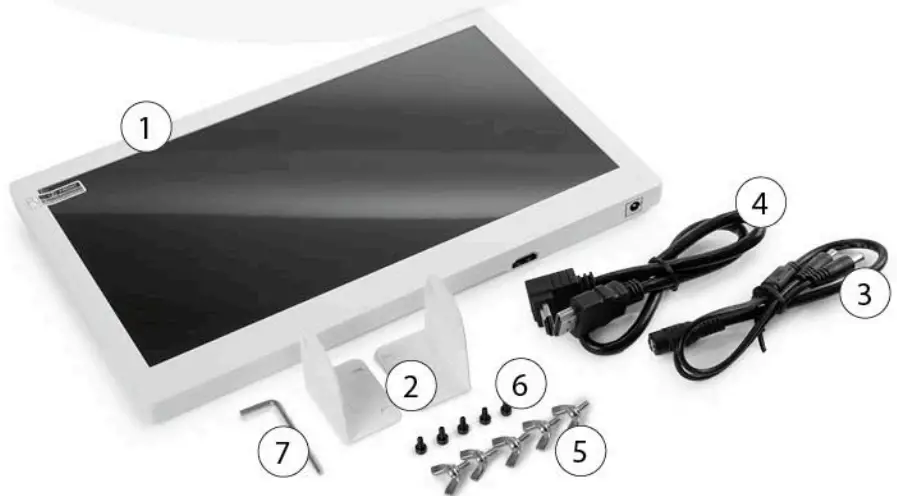
PACKAGE CONTENT
- ONE HDS MONITOR
- TWO BRACKETS
- Y POWER SPLITTER CABLE
- HDMI CABLE
- FIVE BUTTERFLY SCREWS
- FIVE ALLEN SCREWS
- ALLEN KEY
Euromex Microscope bv
Papenkamp 20+6836 BD
Arnhem The Netherlands
T+31(0)26323221
+[email protected]
+ wwweuromex.com