 UserUser Manual
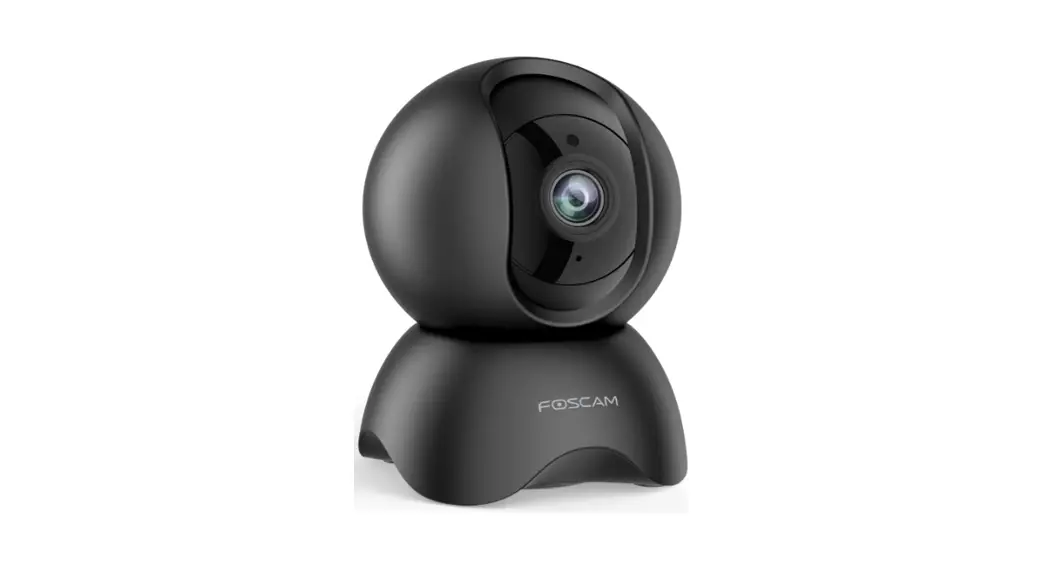
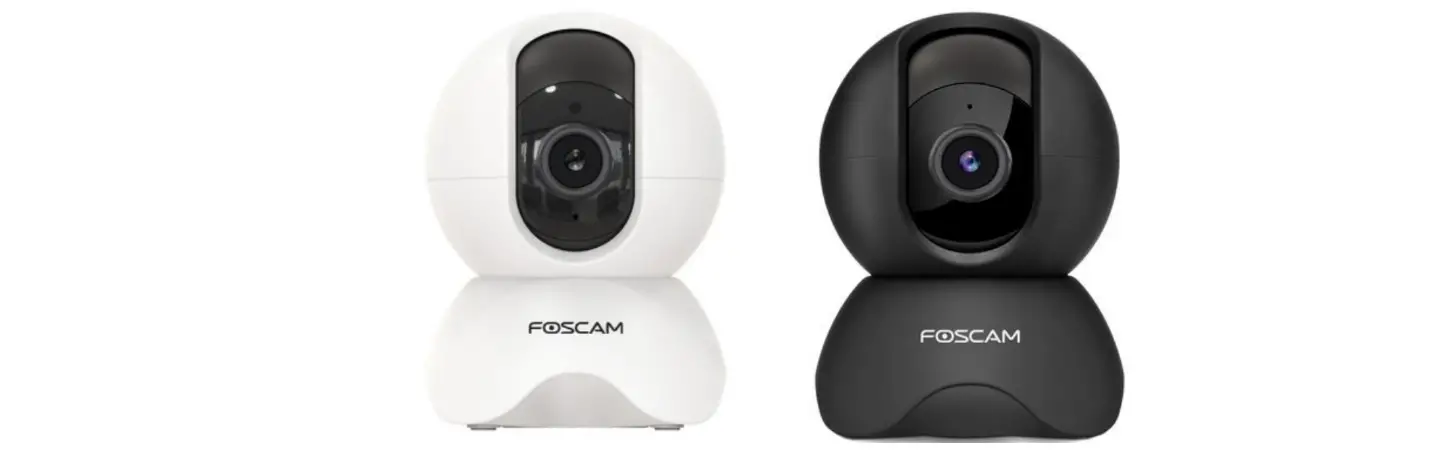
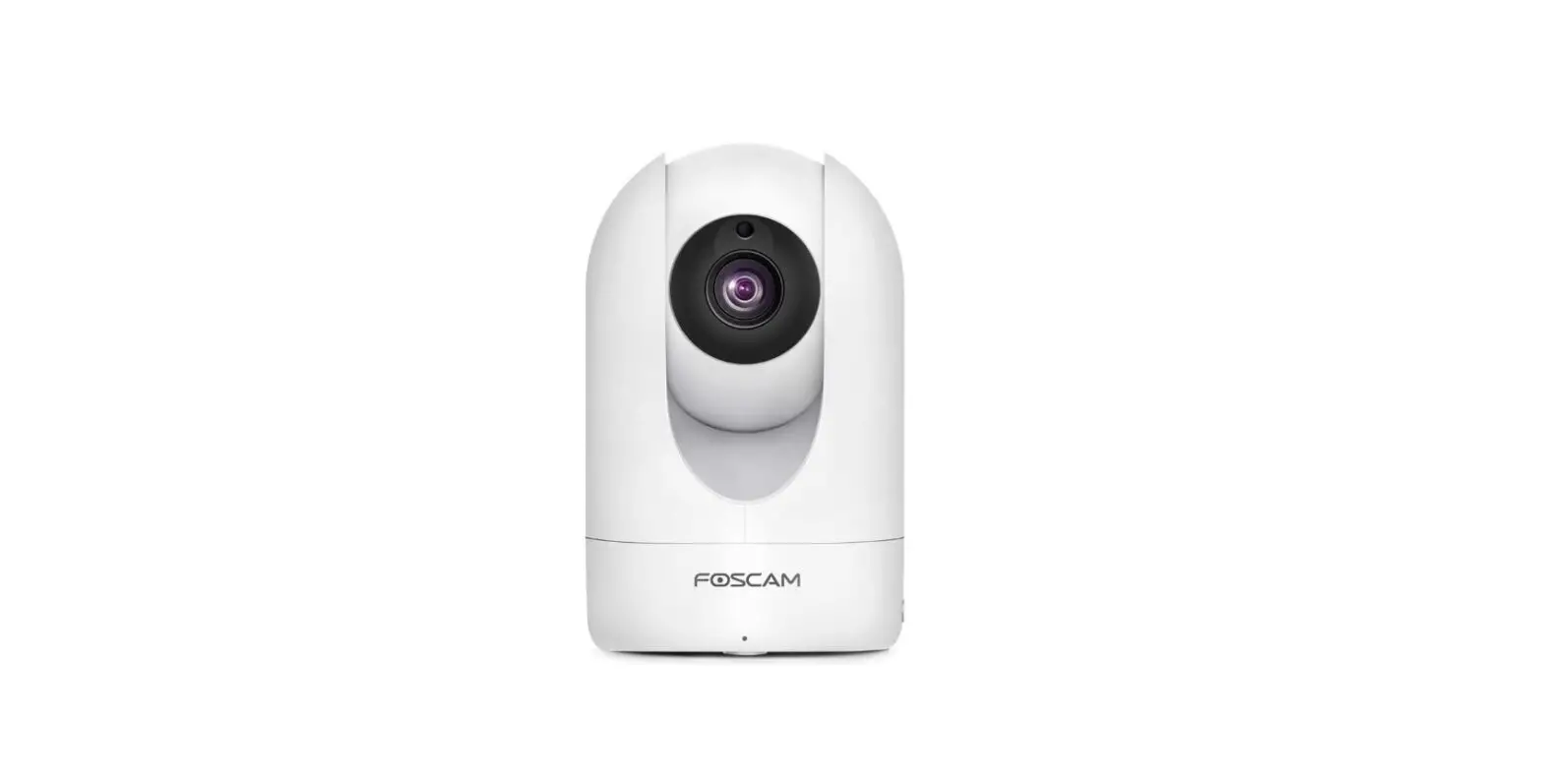
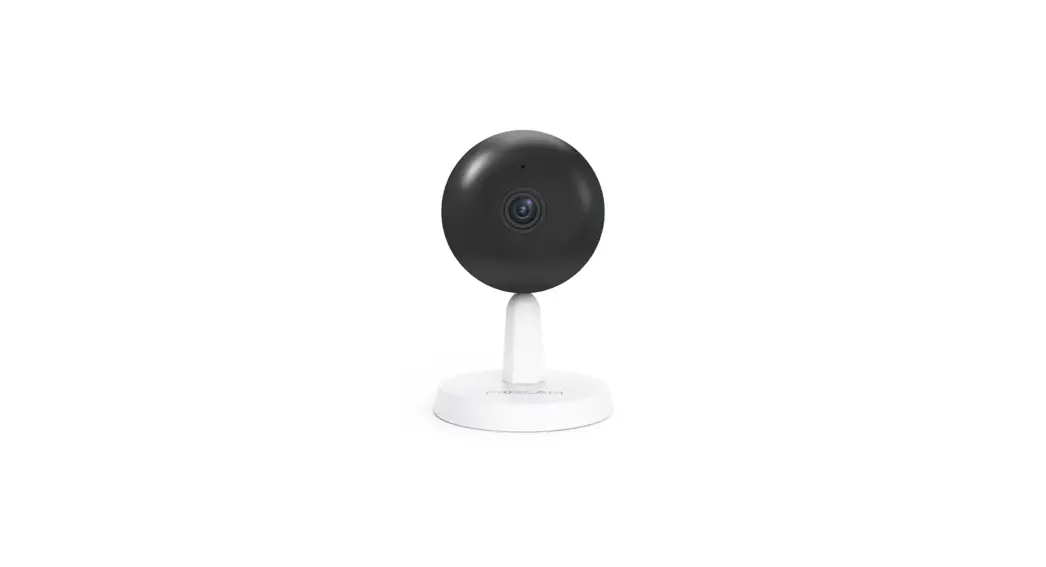
QHD Wireless IP Camera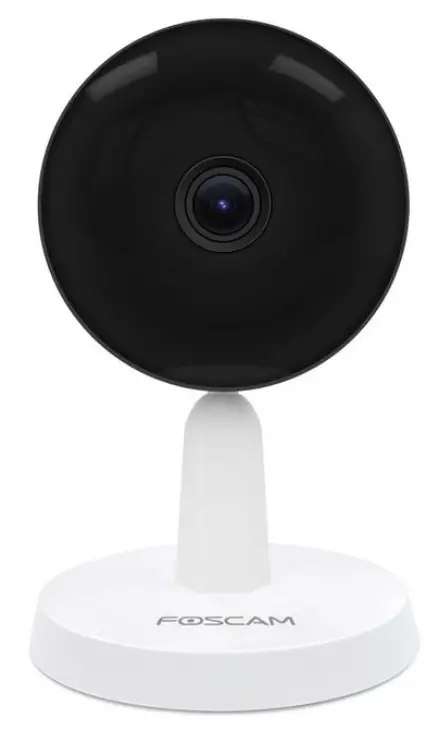 Model: X4
Security Warning
- Please change the password of your doorbell regularly, using a combination of numbers, letters and special characters.
- We recommend that you regularly update your doorbell to the latest available software and firmware versions to help ensure the best experience for your doorbell.
Overview
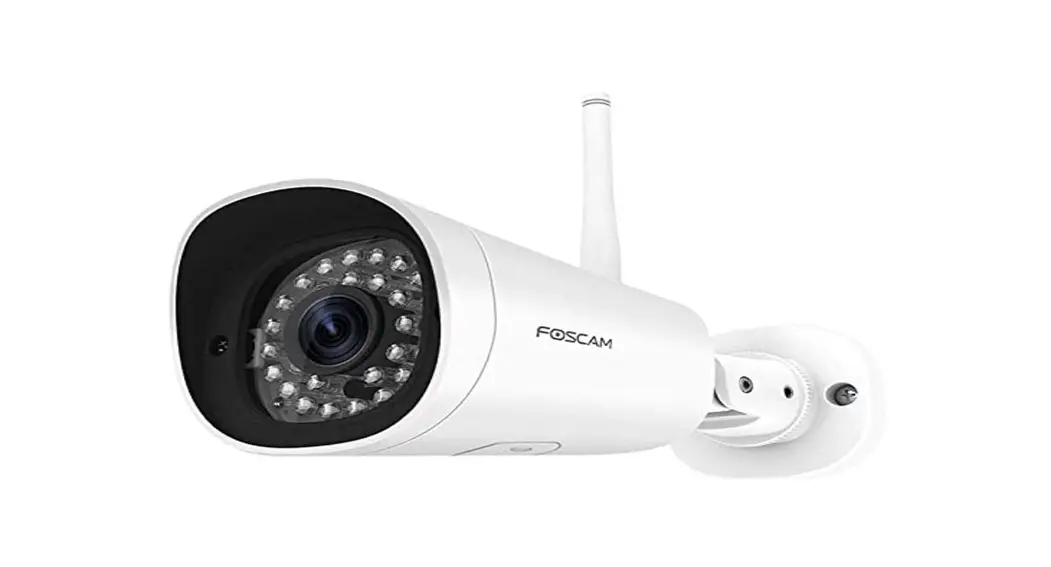
Welcome to use our product, Foscam Camera. Foscam Camera is an integrated IP Camera with a color CMOS sensor enabling viewing in High Definition resolution.It combines a high quality digital video camera, with a powerful free Foscam Video Management Software,to bring clear video to your desktop from anywhere on your network or over the APP.
It supports P2P function. Thanks to the P2P easy access technology, you don’t need to do complicated Port Forwarding and DDNS settings, you just need to scan the QR code on the side of the camera to connect it on smart phone, or input the UID on CMS software to realize remote access.
The Doorbell supports the industry-standard H.265 compression technology, drastically reducing file sizes and conserving valuable network bandwidth.
The camera is designed for indoor surveillance with wide applications such as at home, in retail store and in office. Controlling the camera and managing images are simplified by using the provided web interface across the network in either wired or wireless way.
1.1 Key Features
- Supports WPA and WPA2 Encryption
- Support full duplex real-time 2-way Audio
- Supports AI algorithm (Humanoid detection)
- P2P Feature for Easy Remote Access
- H.265/H.264 video Compression
- Motion/Sound/Human Detection
- Support 2.4GHz&5GHz dual-band WiFi
- Supports image snapshot
- Supports dual-stream
- IR Range up to 8m(26ft)
- Nightvision with 940nms LEDs, no light pollution
- Supports remote viewing & record from anywhere anytime
- Multi-level users management with password protection
- Supports multiple network protocols: IP、TCP、UDP、SMTP、FTP、DHCP、RTSP、ONVIF
- Providing Video Management Software to manage or monitor multi-cameras
- Supports Alexa
- Supports Google Assistant
- Supports 128G Micro SD Card Storage(External)
1.2 Read before Use
Please first verify that all contents received are complete according to the Package Contents listed below.
Before the Network Camera is installed, please carefully read and follow the instructions in the Quick Setup Guide to avoid damage due to faulty assembly and installation. This also ensures the product is used properly as intended.
1.3 Package Contents
| ● IP Camera × 1 | ● AC Adapter × 1 |
| ● Quick Setup Guide × 1 | ● Power Line × 1 |
| ● mounting plate × 1 |
1.4 Physical Description
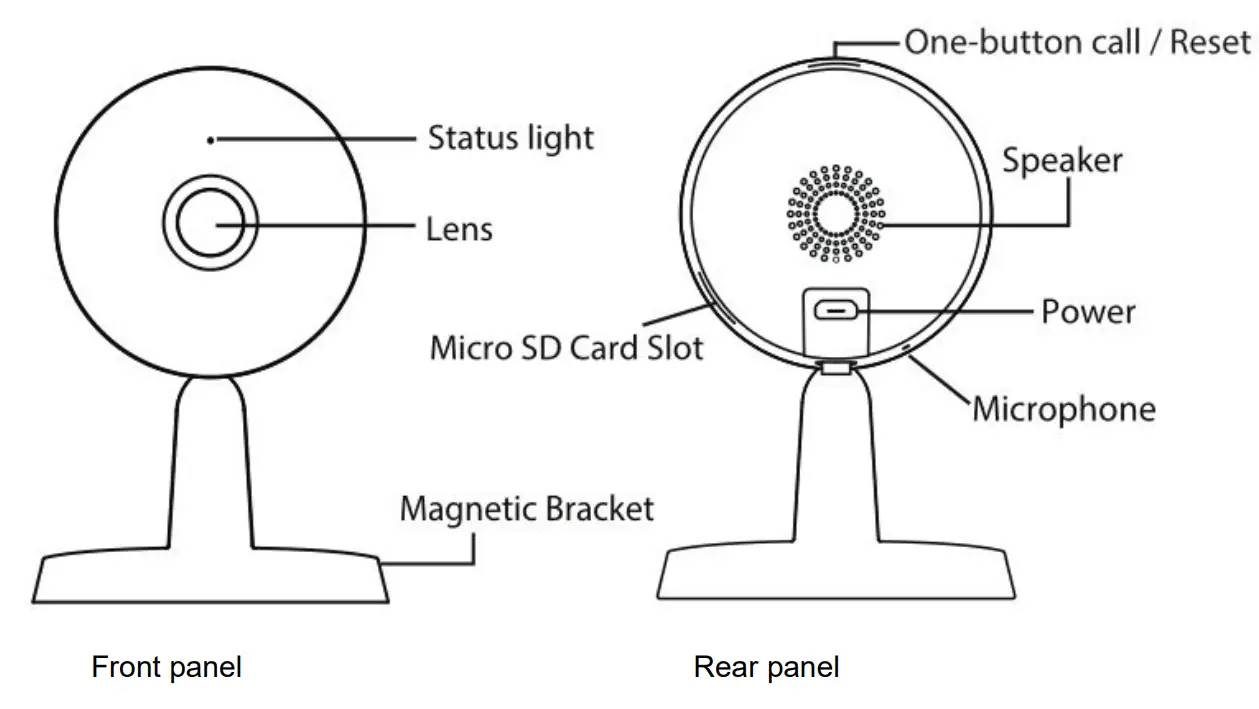
Front panel:
Status light: The flashing status of the Status light are shown in the following table.
| Flashing Status | Description |
| Constantly bright (orange) | Powered on |
| Flashing(blue) every 0.4 seconds | Reset to take effect |
| Constantly bright (blue) | Wi-Fi connected |
| Flashing every(blue) 0.4 seconds and keep on 3 seconds | One-button call |
| Flashing every(blue) 0.2 seconds | EZLink takes effect |
Lens: Fixed focus lens.
Magnetic Bracket: Adsorbing on a ferromagnetic object using a magnet on the base
Rear panel: One-button call /Reset
One-button call: Press and hold the button for 1 to 5 seconds to trigger One-button call, the status light will
blink every 0.4 seconds and keep on 3 seconds;
Reset: Press and hold the Reset button for more than 10 seconds to set the camera to factory default, the
Power light will blink every 0.4 seconds;
Speaker: Built-in speaker
Power: DC 5V/1A Power supply.
Microphone: Built-in microphone.
Micro SD Card slot: Supports up to 128GB SD card for storing the video.
1.5 SD Card Management
This camera supports Micro SD Card.
When you plug in the SD card during the camera work process, please reboot the camera again, or else the SD Card may be cannot work well.
Go to the Settings:Device Status .Device Status page, you can see the SD card status.
1.6 Add Device: Connection via the Foscam App
Scan the QR code below to download and install the Foscam APP.

Please refer to the Quick Setup Guide.
1.7 Installation
Please refer to the Quick Setup Guide.
1.7.1. Place Your Camera on a Flat Surface
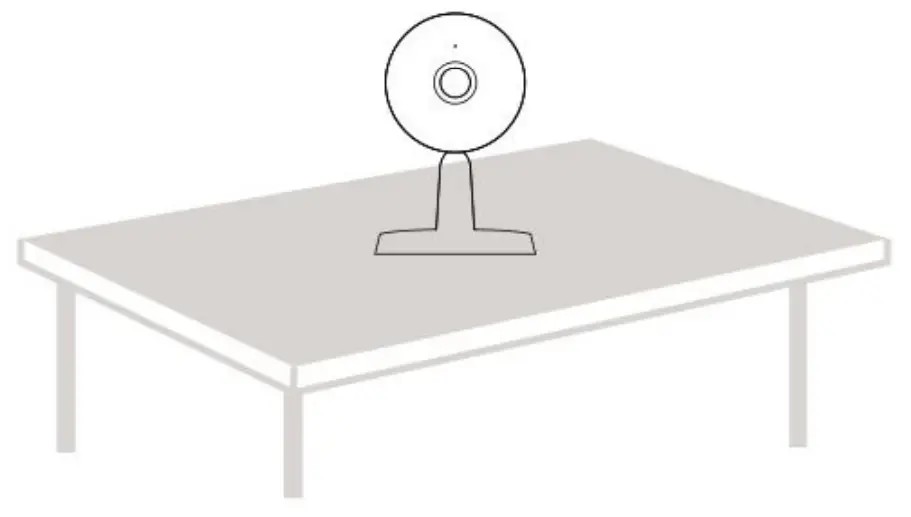
You can place your camera on a flat surface (desk, shelf, Table, etc.).
1.7.2. Adsorbing on a ferromagnetic object using a magnet on the base
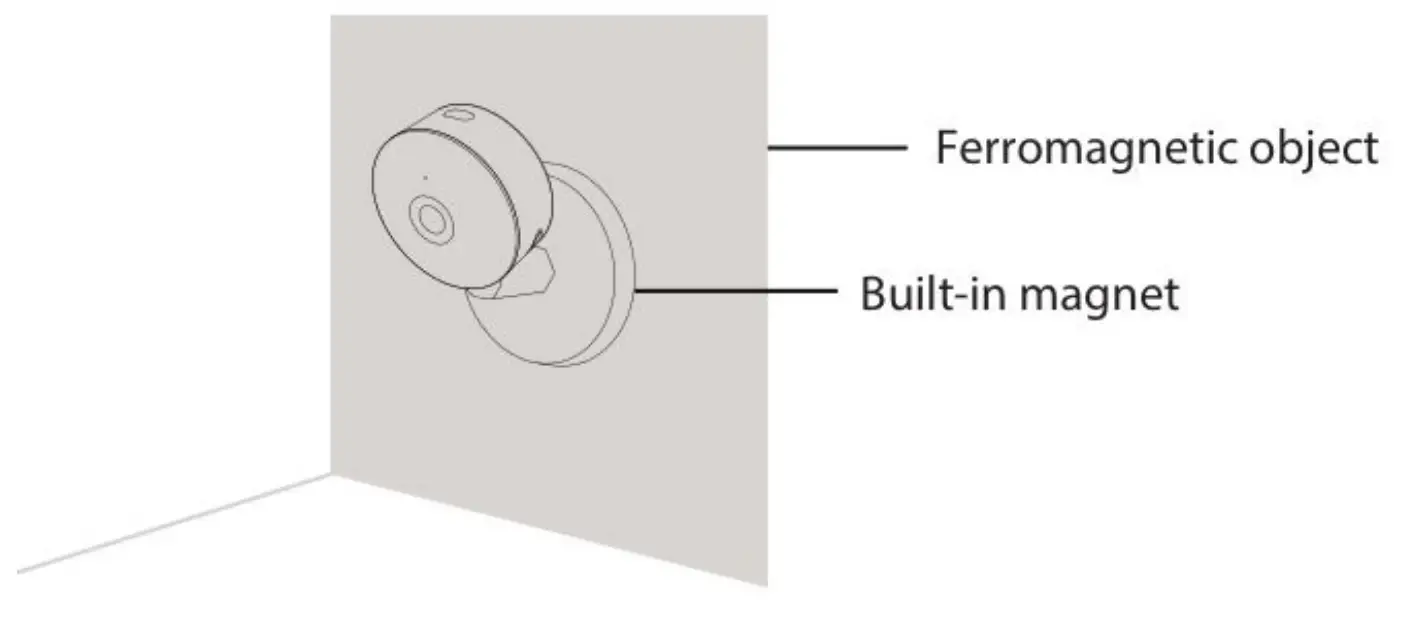
You can Adsorbing on a ferromagnetic object using a magnet on the base
1.7.3. Your Camera to the Wall
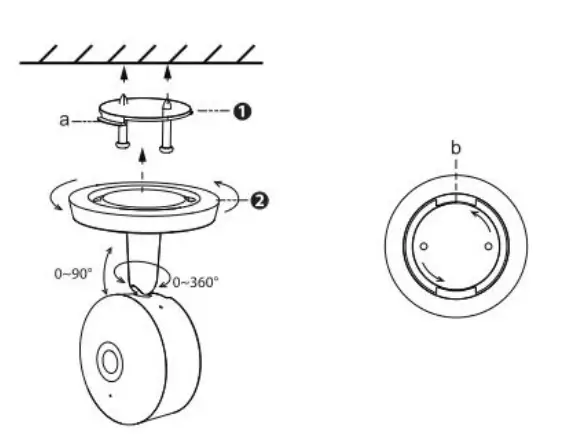
Install the mounting plate on a wall or ceiling with supplied fxing screws.
Note: Align points a and b to insert the camera base to the mounting plate. Rotate so that points a and b are aligned, this attaches the camera securely to the base.
Default Parameters
Default network parameters
IP address: obtain dynamically
Subnet mask: obtain dynamically
Gateway: obtain dynamically
Specification
| ITEMS | X4 | |
| Image Sensor | Sensor | High Definition Color CMOS Sensor |
| Display Resolution | 4.0M Pixels | |
| Min. Illumination | N/A (Without IR Illuminator) | |
| Lens | Lens Type | Glass Lens |
| focal length | f 2.8mm | |
| Aperture | F0,3. | |
| Angle of view | Horizontal:97.2′ Diagonal : 118.8′, Verfical:52.8′ | |
| Video | Image Compression | H.285/H234 |
| Image Frame Rate | Max 25fps (2K) | |
| Resolution | 2K.3MP.108012,72012, VGA, OVGA | |
| Stream | Dual stream | |
| Image adjustment | The hue, brightness, contrast, saturation. sharpness are adjustable | |
| Flip image | Flip and mirror | |
| Infrared mode | 9pcs (940nms) | |
| Night mode | Manual and automatic modes | |
| Night visibility | 8 m | |
| Audio | Input/Output | Build-in two-way audio |
| Audio Compression | PCM/ G.728 | |
| Network | Ethernet | N/A |
| Wireless Standard | 2.4GHz85Gklz,IEEE802.11b/g/n/ac | |
| Data Rate | IEEE802.11b: 11Mbps(Max.); IEEE802.11g: 54Mbcos(Max4; IEEE802.11n: 150Mtps(Max.). IEEE802.11ac: 433Mbps(Max.). | |
| Wireless Security | WPA, WPA2 | |
| Remote Access | P2P | |
| Wifi configuration mode | Support scan OR code . sound wave to add camera | |
| Network Protocol | IP, TCP. UDP. SMTP. FTP. DHCP, RTSP. ONVIF | |
| System Requirements | Operating System | Microsoft Windows XP.7.8.10:Mac OS:iOS, Android |
| Other Features | Motion Detection | Alarm via E-Mail. upload alarm snapshot to FTP . push message to mobile phone and push stream to Cloud |
| Sound Detection | Alarm via E-Mail, upload alarm snapshot to FTP . push message to mobile phone and push stream to Cloud | |
| Human Detection | Alarm via E-Mail, upload alarm snapshot to FTP . push message to mobile phone and push stream to Cloud | |
| Privacy Block | ‘1/A | |
| User Accounts | Three levels user role | |
| Firewall | Supports IP Filtering | |
| One-button call | ‘ores& the button to cal the mobile phone | |
| Reset | Reset button is available | |
| Power | Power Supply | Micro USB 5V/1.0A |
| Power Consumption | 5 Watts (Max.) | |
| Physical | Dinension(LxWxH) | 70(L)x70 (W)x120 (H) |
| Net Weight | 185g | |
| Environment | Waterproof | N/A |
| Operating Temperature | -113°C- 40°C (14°F – 104°F) | |
| Operating Humidity | 20% – 85% non-condensing | |
| Storage Temperature | -20°C -80°C (-4°F – 140°F) | |
| Storage Humidity | 3% – 90% non-condensing | |
| Certification | CE. FCC. RoHS.WEEE | |
For other parts, please refer to the “FOSCAM Camera User Manual”