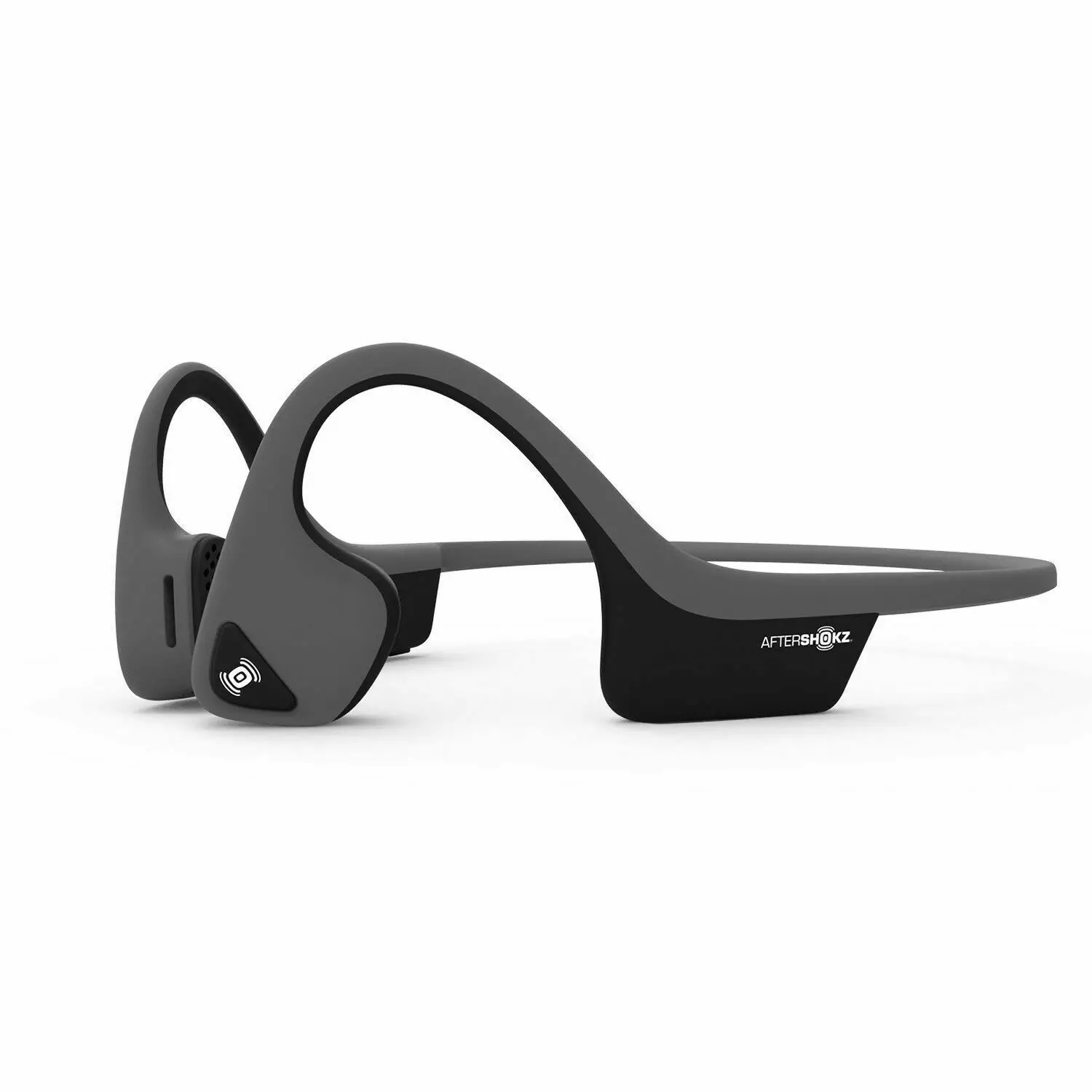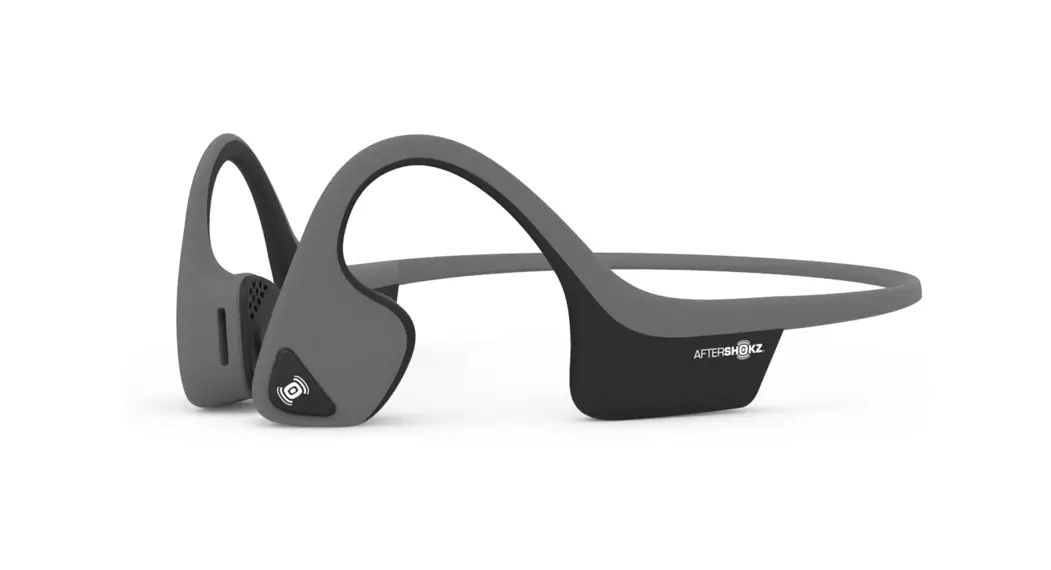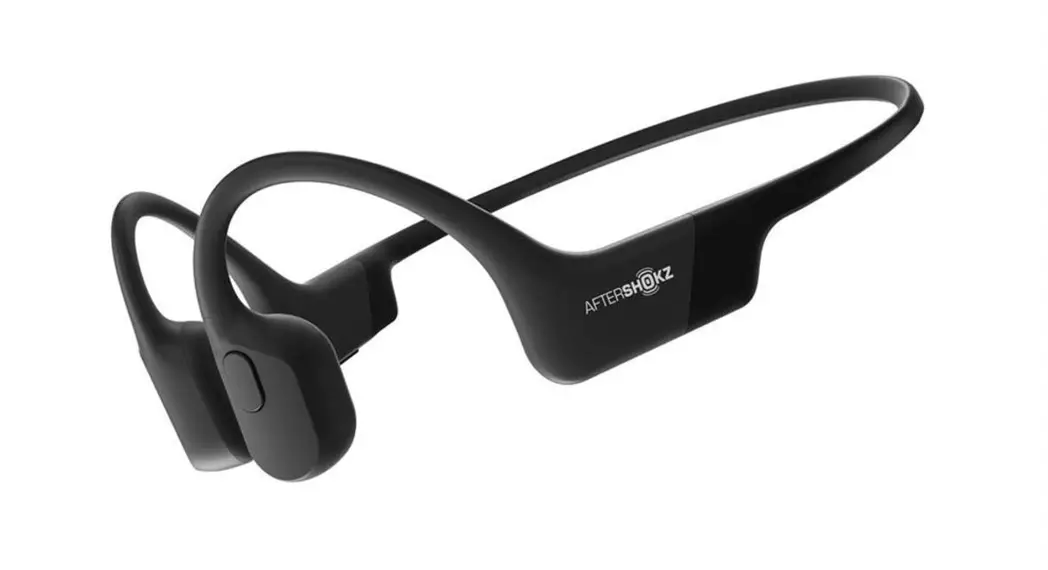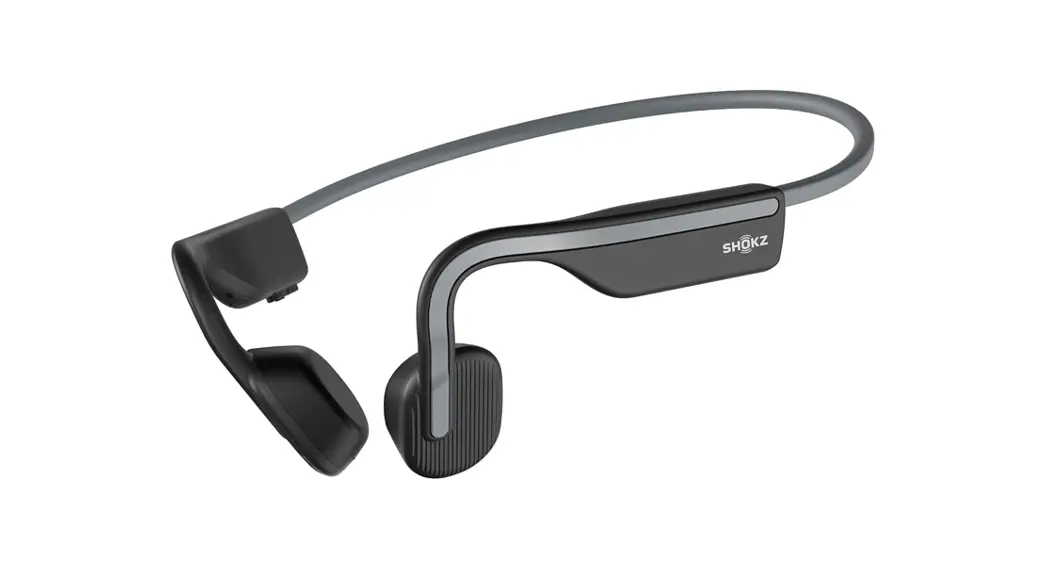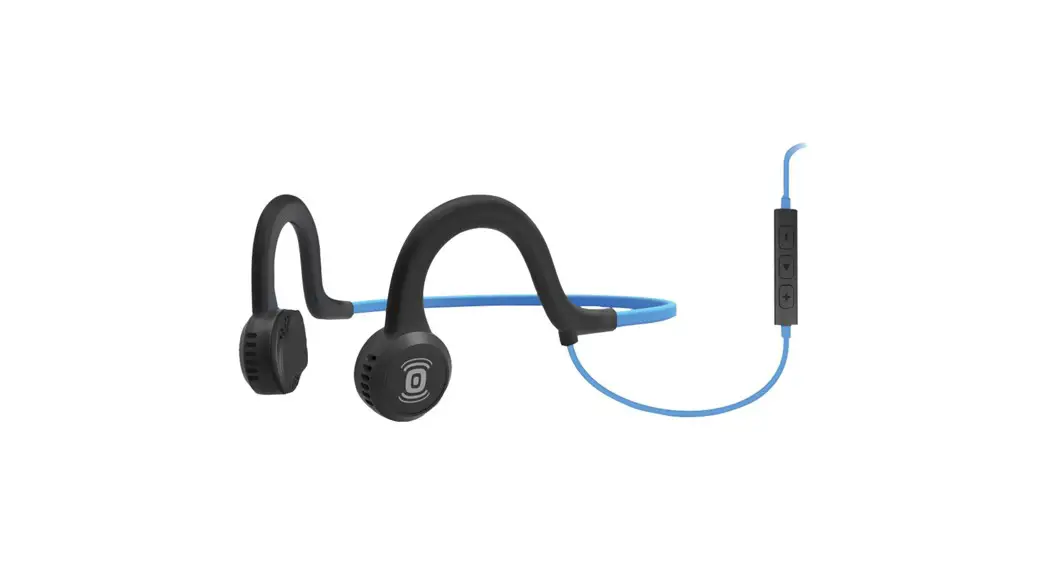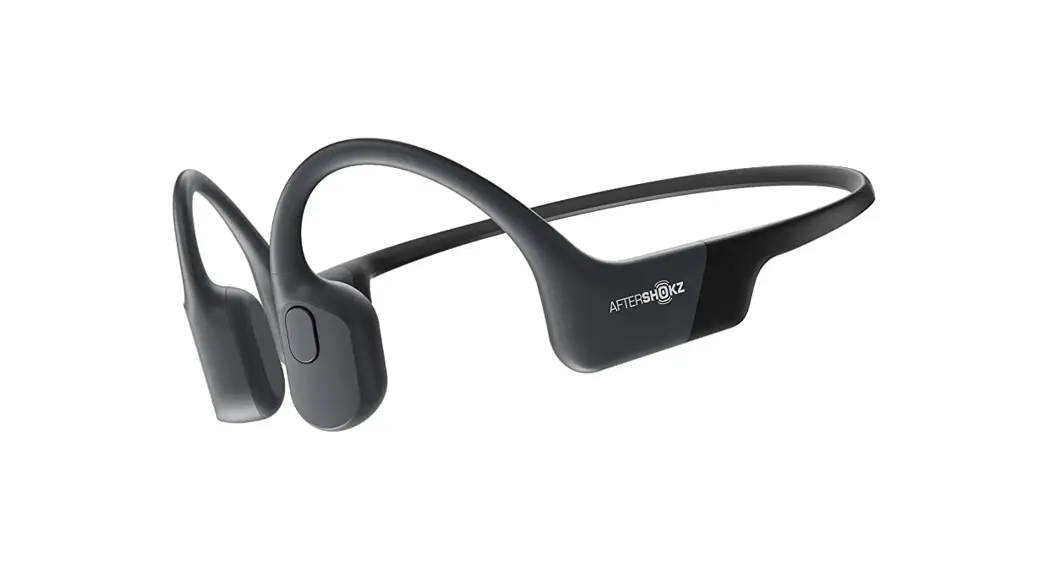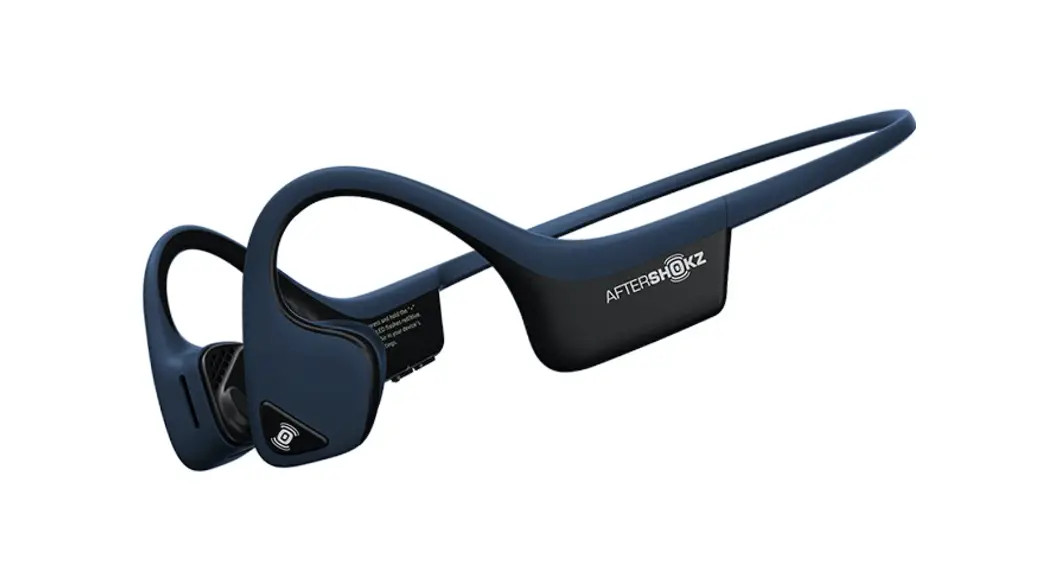
 AS650MB Trekz Air Wireless Sport Headphones
User Guide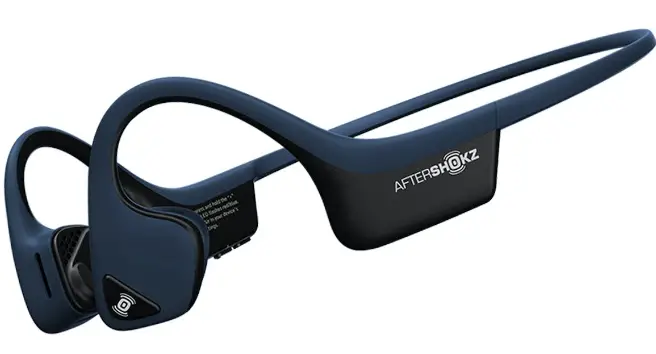
User Guide
How To Set Up Trekz Air
1. Charge
Charge the headphones with the included micro-USB cable. The LED light will turn from red to blue when charging is complete.
2. Pair
Start with your headphones off. Enter pairing mode by pressing and holding volume+ until Audrey says “pairing” and the LED light flashes red and blue.
3. Connect
Open your device’s Bluetooth® menu and select “Trekz Air By AfterShokz.” Audrey says “Connected” and the LED light will flash blue one time.
Let us take care of you! We’ve got your back against defects. Register your Trekz Air at register.aftershokz.com
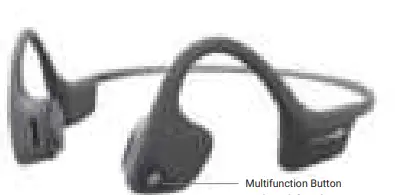
| Function | Action | Prompt/“Audrey Says™” |
| Play/pause music | Click once | One beep |
| Skip to the next song | Double-click while music is playing | One beep |
| Answer/end call | Click once | Two / One beep |
| Answer call waiting and put the current caller is on hold | Click once to switch between callers | One beep |
| Answer call waiting and hang up on the current caller | Press and hold for 2 seconds | One beep |
| Reject a call | Press and hold for 2 seconds | Two beeps |
| Prompt device assistant | Press and hold for 2 seconds | Device beep |
| Redial last number | Double-click | “Last number redial” |
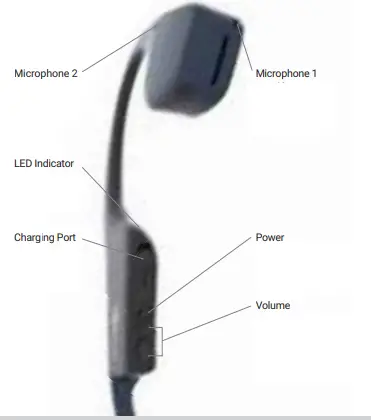
| Function | Action | Prompt/”Audrey Says’TM” |
| Power on | Press and hold volume+ for 3 seconds. | “Welcome to Trekz Air.” |
| Power off | Press and hold volume+ for 3 seconds. | “Power off” |
| Mute | Press and hold both buttons for 2 seconds while on a call | “Mute on” or “Mute off” |
| Change EQ setting | Press and hold both buttons for 3 seconds while music is playing | “Equalization changed” |
| Check battery status | Click the volume up or down button while the music is paused | “Battery high, medium, low (or) charge me” |
| Adjust volume | Click the volume up or down button to adjust the volume | One beep |
Specifications
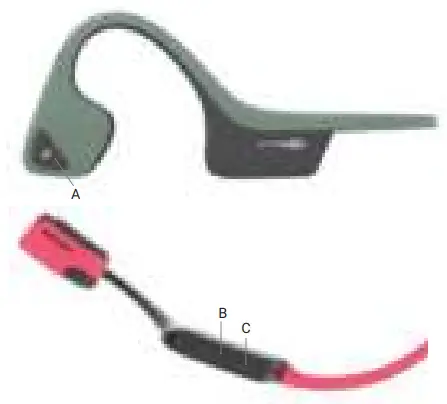
| Part number | AS650 |
| Speaker type | Bone conduction transducer |
| Bluetooth® version | Bluetooth® v4.2 |
| Frequency response | 20Hz~20KHz |
| Sensitivity | 100 ± 3dB |
| Microphone | -40dB ± 3dB |
| Wireless range | 33 ft (10m) |
| Compatible profiles | A2DP, AVRCP, HSP, HFP |
| Continuous play | Up to 6 Hours |
| Charge time | 2 hours |
| Frequency band | 2400MHz~2483.5MHz |
| Maximum Charge Voltage | 5.25 V |
| Speaker Impedance | 11.4 omh |
| Battery | Rechargeable lithium-ion |
| Weight | 1.06 oz |
| Standby time | Up to 20 days |
| Warranty | 2 years |
| Maximum output power | 4dBm |
| Water-resistance | IP55 |
| Battery Capacity | 183 mAh |
LED Indicator
| Solid red | Charging |
| Solid blue | Charging complete |
| Flashes of red and blue | Pairing mode |
| Flashes blue | Incoming call |
| Flashes red every 2 minutes | Low battery |
Multipoint Pairing
 Multipoint pairing allows Trekz Air to be connected to two devices at once, allowing users to seamlessly transition between the two.
- Start with your headphones off.
- Press and hold volume+ until Audrey says “Pairing” and the LED light flashes red and blue.
- Press and hold the multifunction button and volume+ button for 3 seconds. Audrey says “Multipoint Enabled.”
- Open your first device’s Bluetooth menu and select Trekz Air by AfterShokz. Audrey says “Connected”
- Turn your headphones off.
- Re-enter pairing mode by pressing and holding volume+ until Audrey says “Pairing” and the LED light flashes red and blue.
- Open your second device’s Bluetooth menu and select Trekz Air by AfterShokz. Audrey says “Connected.”
- Turn your headphones off.
- Turn your headphones on, Your headphones are now connected to both devices.
More information: bit.ly/ASMultipoint
How To Reset Your Headphones
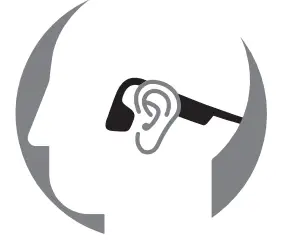
- Start with your headphones off
- Enter pairing mode by pressing and holding volume+ until Audrey says “Pairing” and the LED light flashes red and blue.
- Press and hold the multifunction button, volume+ button, and volume- button (all three buttons) simultaneously for 3-5 seconds, until you hear two beeps or feel vibrations.
- Turn your headphones off. Trekz Air is now reset and can be re-paired to your device.
Optional Accessories
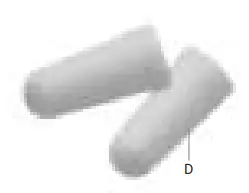
Earplugs (D)
Use headphones in environments where it is safe to block out ambient noise, such as on a train or airplane.
- Roll earplugs firmly between fingers and place them in the ears.
- To adjust EQ settings to reduce or enhance bass while wearing earplugs, press and hold volume up and down buttons simultaneously.
- Switch EQ to normal condition when you take out the earplugs.
Manufacturer
AfterShokz LLC,1 Adler Drive, East Syracuse, NY 13057.
Storage and maintenance
- Store the headphones in a cool and dry place. The working temperature should be 0-45°C(32-113°F). Working in cold/hot environments or highly humid areas may reduce the life of the battery.
- After storage for a long period, please charge the headphones before using them again.
- The headphones are water resistant but are NOT waterproof. Please DO NOT submerse the headphones in water.
- Listening with headphones at a high volume may affect your hearing and the audio will be distorted.
- Clean the headphones with a soft dry cloth.
- Do not charge right after exercising, in case there’s sweat inside the charging port, which could lead to circuit burning while charging. Keeping the charging port dry before connecting to the charger will reduce the risk.
Note Design and specification are subject to change without notice. For the most up-to-date product information, please visit www.aftershokz.com.
FCC caution
Any changes or modifications not expressly approved by the party responsible for compliance could void the user’s authority to operate this equipment.This device complies with Part 15 of the FCC Rules.
Operation is subject to the following two conditions: (1) This device may not cause harmful interference, and (2) this device must accept any interference received, including interference that may cause undesired operation. This device and its antenna(s) must not be co-located or operating in conjunction with any other antenna or transmitter.
Note
This equipment has been tested and found to comply with the limits for a Class C digital device, pursuant to Part 15 of the FCC Rules. These limits are designed to provide reasonable protection against harmful interference in a residential installation. This equipment generates, uses and can radiate radio frequency energy and, if not installed and used in accordance with the instructions, may cause harmful interference to radio communications. However, there is no guarantee that interference will not occur in a particular installation. If this equipment does cause harmful interference to radio or television reception, which can be determined by turning the equipment off and on, the user is encouraged to try to correct the interference by one or more of the following measures:
- Reorient or relocate the receiving antenna.
- Increase the separation between the equipment and receiver
- Connect the equipment into an outlet on a circuit different from that to which the receiver is connected.
- Consult the dealer or an experienced radio/TV technician for help.
Declaration of Conformity of Industry Canada
This device complies with Industry Canada licence-exempt RSS standard(s). Operation is subject to the following two conditions: (1) this device may not cause interference, and (2) this device must accept any interference, including interference that may cause undesired operation of the device. This Class (B) digital apparatus complies with Canadian ICES-003.
Manufacturer declarations
Warranty
AfterShokz LLC gives a warranty of 24 months on this product. For the current warranty conditions, please visit our website at www.aftershokz.com or contact your AfterShokz partner. Before putting the product into operation, please observe the respective country-specific regulations.
USB
Due to the used enclosure material, the product shall only be connected to a USB Interface of version 2.0 or higher. The connection to the so-called power USB is prohibited. Battery
CAUTION RISK OF EXPLOSION IF BATTERY IS REPLACED BY AN INCORRECT TYPE. DISPOSE OF USED BATTERIES ACCORDING TO THE INSTRUCTIONS I Sound pressure Excessive sound pressure from earphones and headphones can cause hearing loss.
In compliance with the essential requirements and other relevant provisions of the following Directives. ► RoHS Directive(2011/65/EU)
► WEEE Directive(2012/19/EU) Please dispose of this product by taking it to your local collection point or recycling center for such equipment. CE Declaration of Conformity
RED(2014/53/EU)
The CE Declaration of Conformity is available on our website at www.aftershokz.com. Hereby, Aftershokz declares that the Bone Conduction Headphones AS600 is in compliance with Directive 2014/53/EU.
The full text of the EU declaration of conformity is available at the following internet address: https://aftershokz.com/pages/policies
 YouTube
 ì•žì¬í• : apsunfit