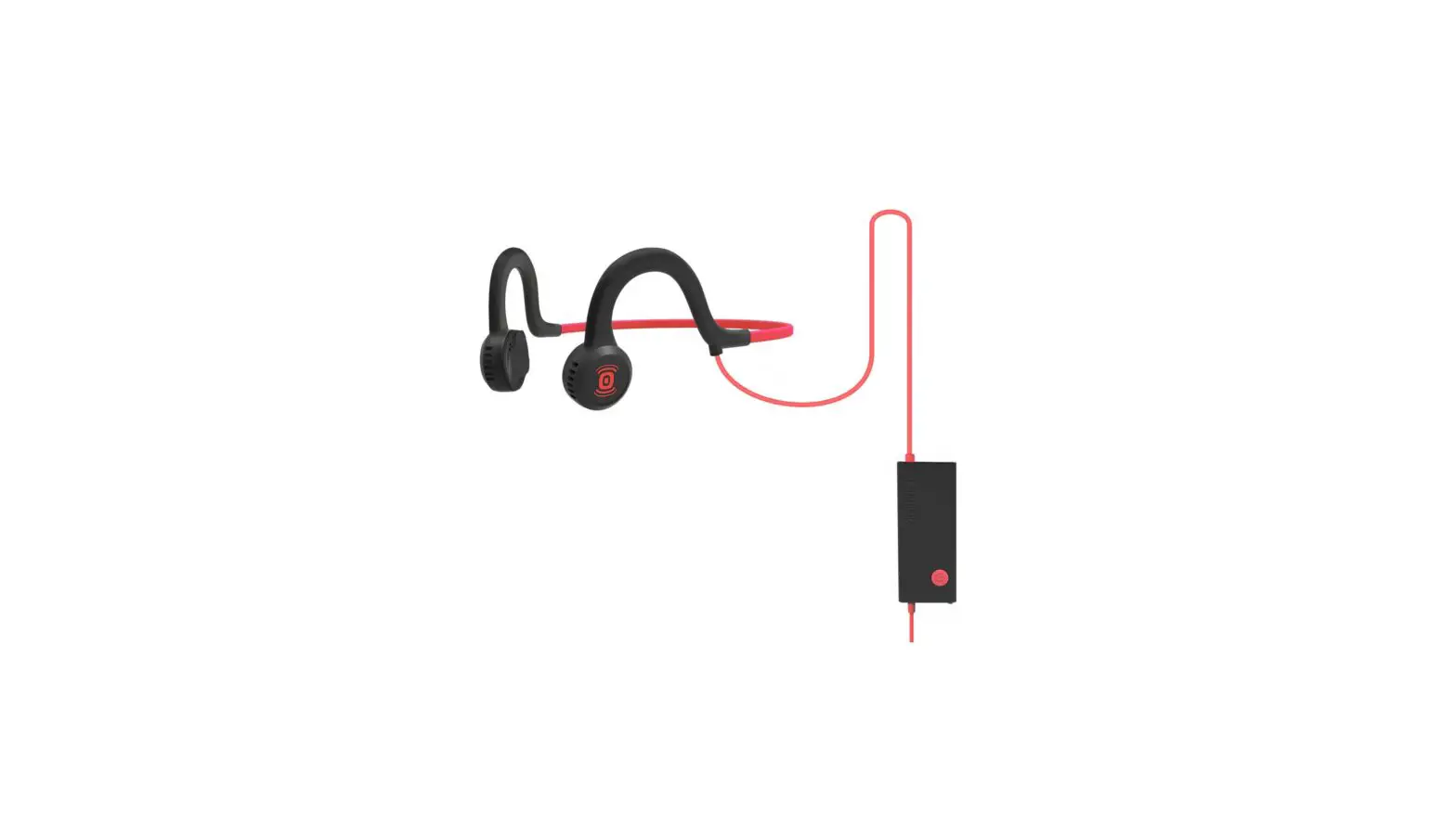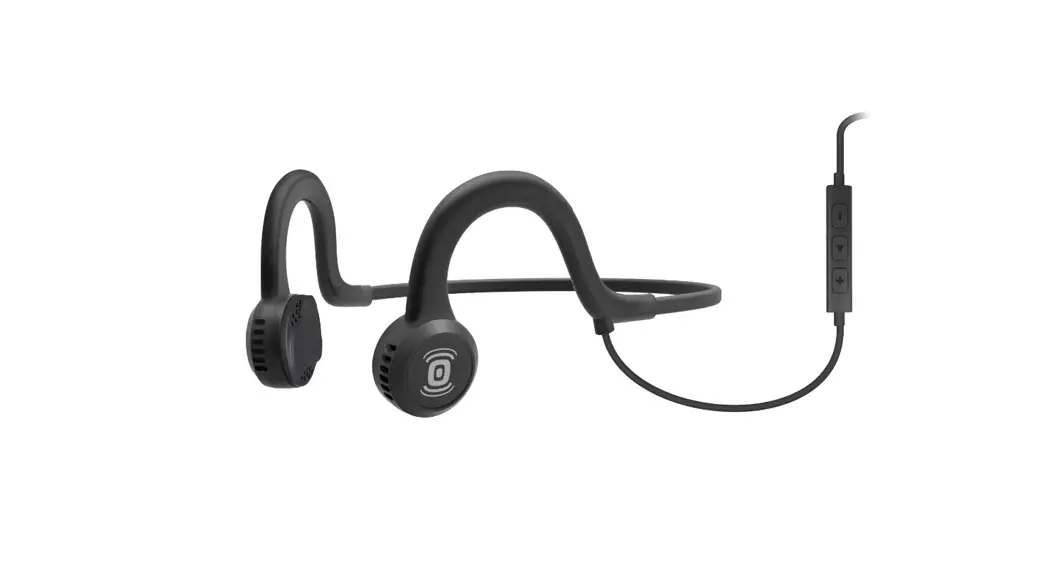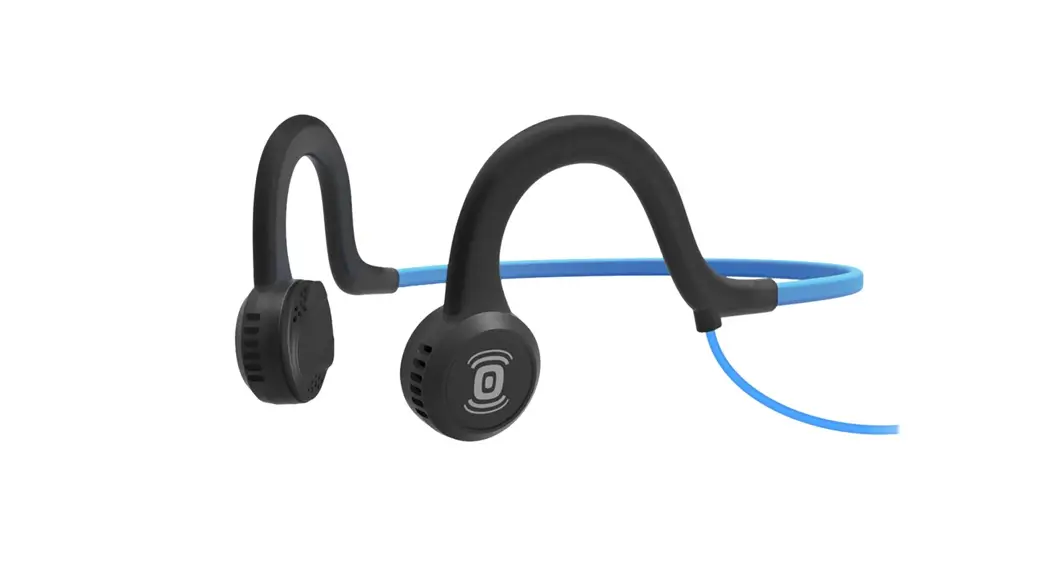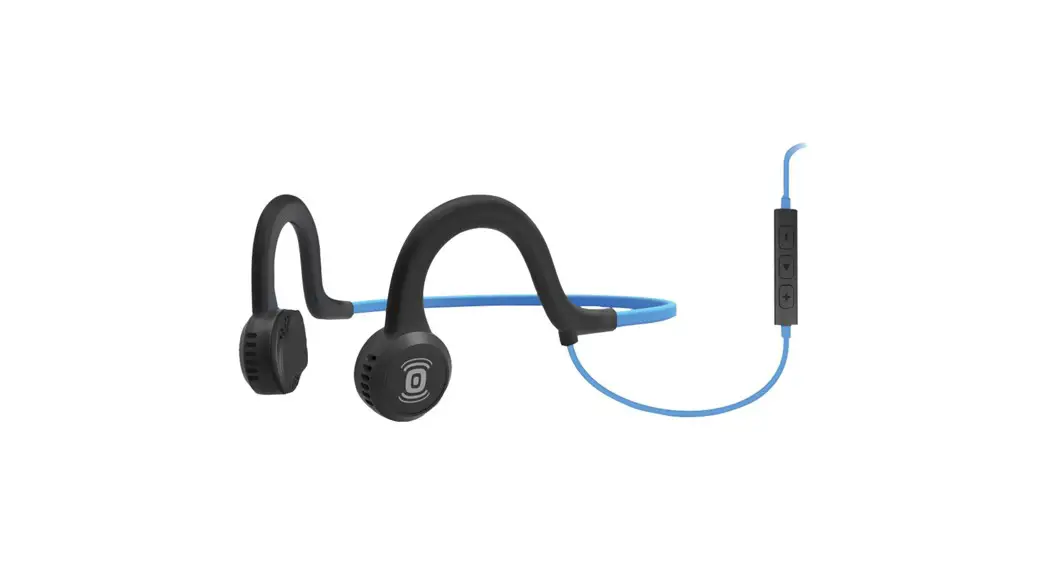
 SPORTZ Titanium with Mic
User Guide
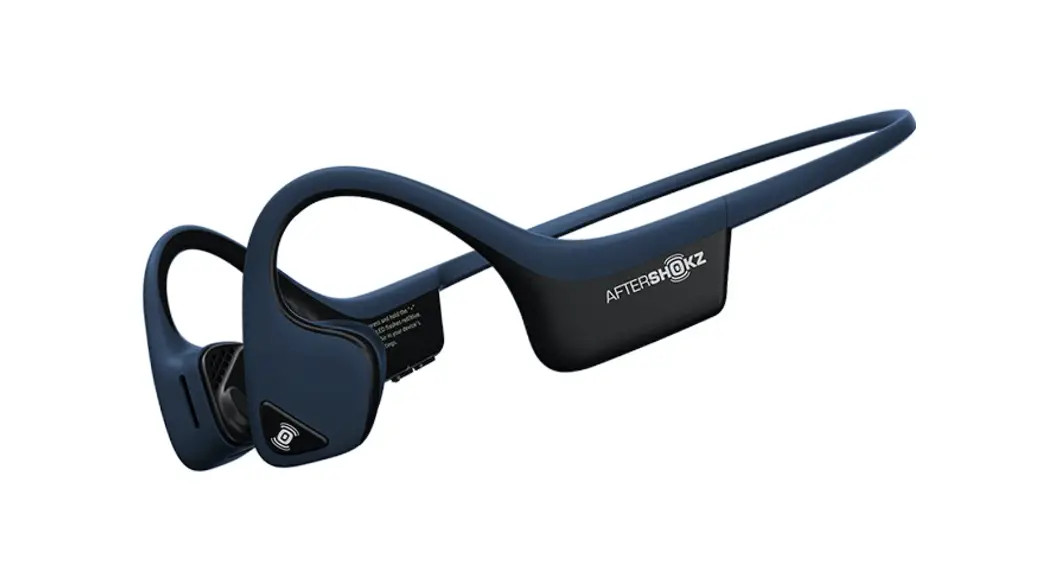
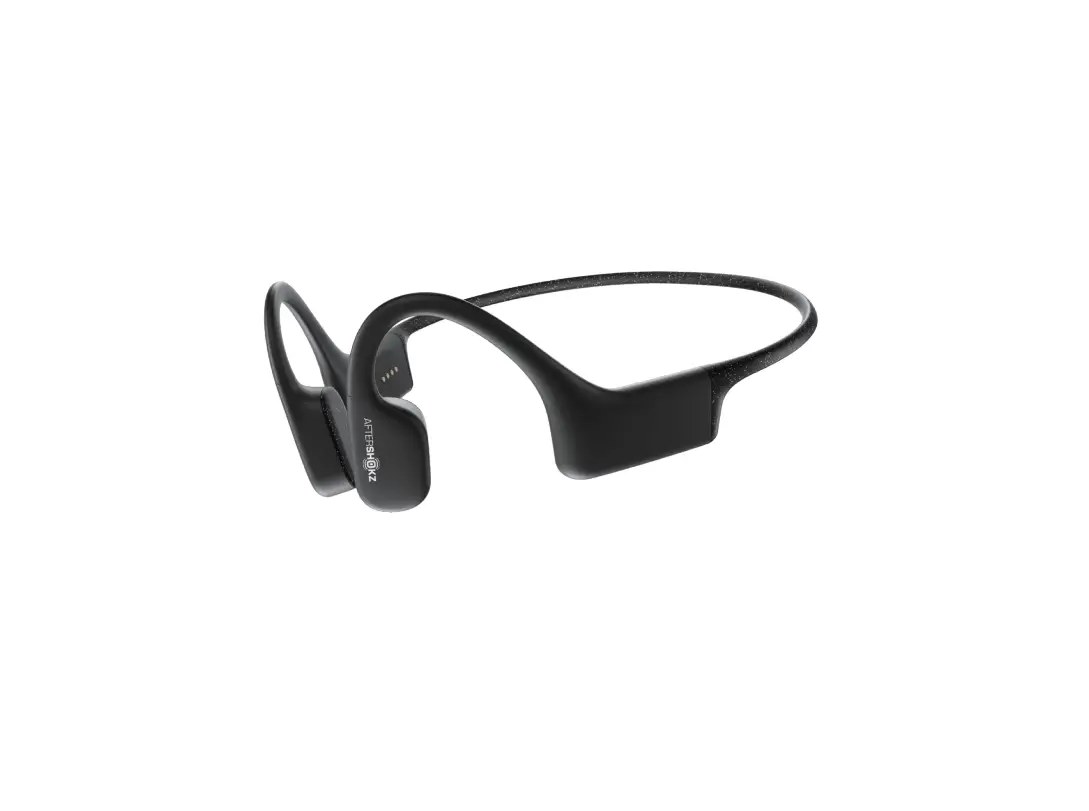
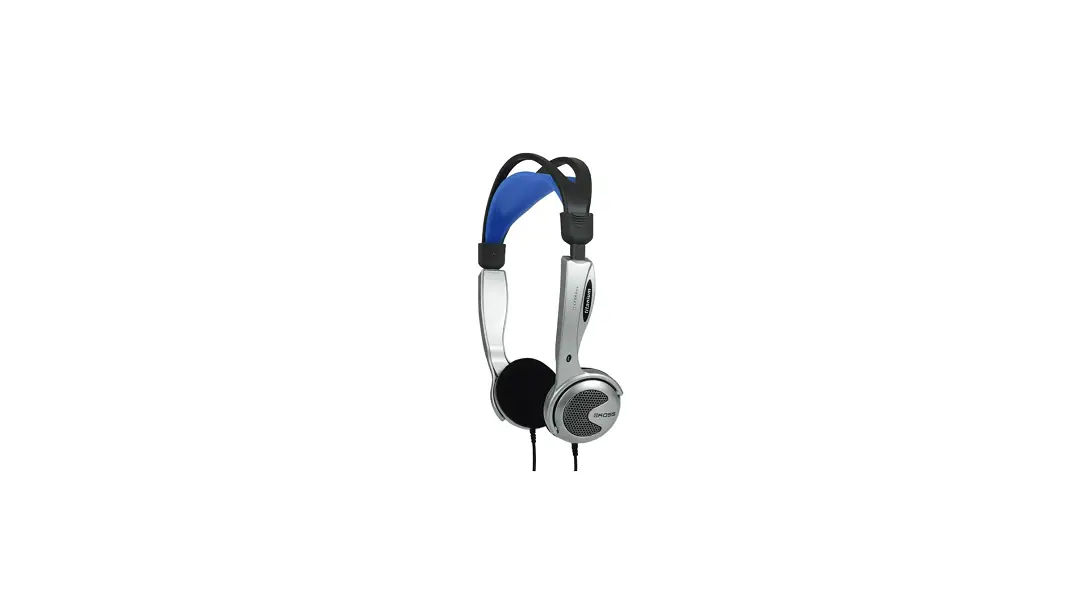
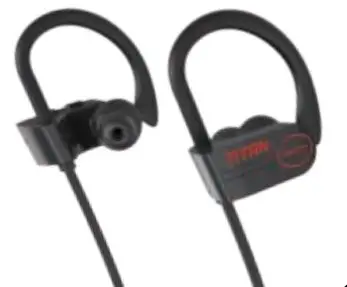
Sportz Titanium with Mic Sport Headphones
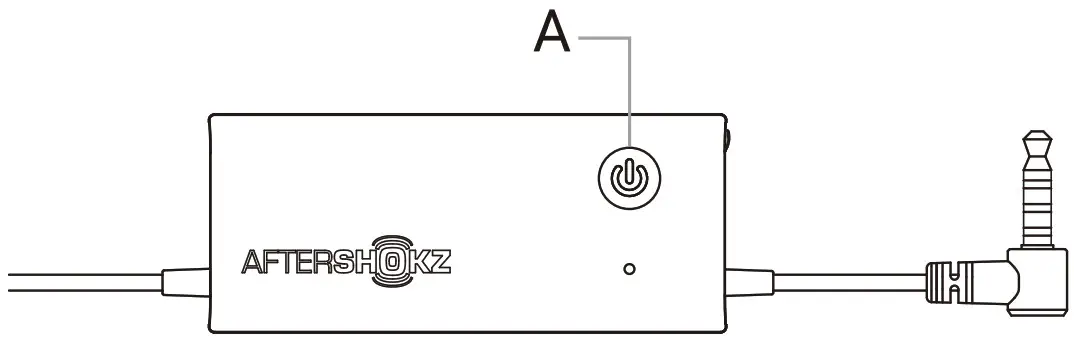
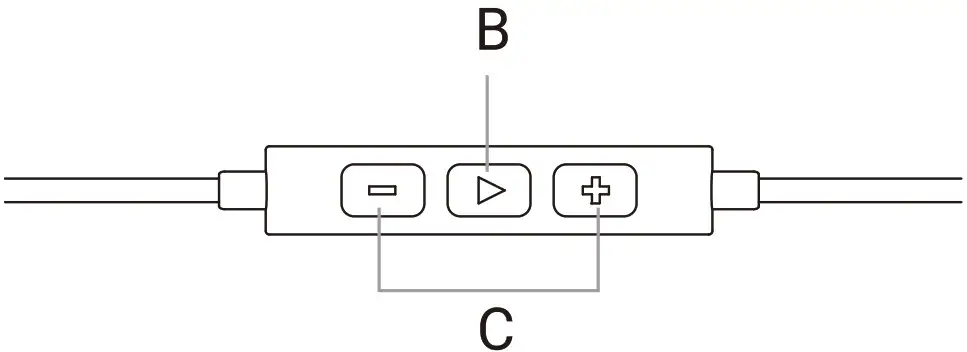
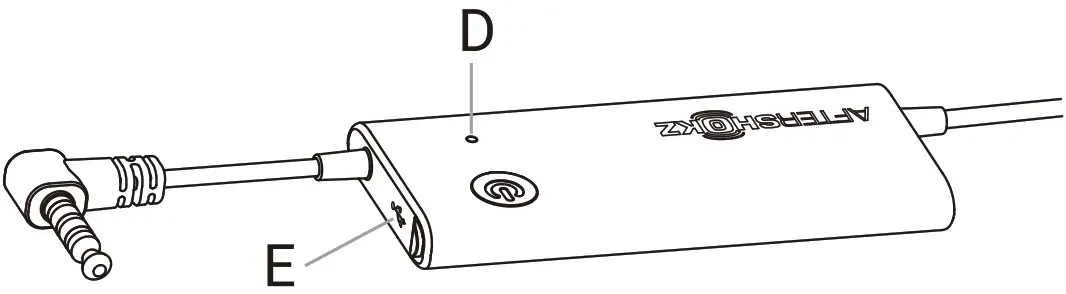
Power Button (A)
| Function | Action |
| Power on | Press and hold the power button for 2 seconds |
| Power off | Press and hold the power button for 2 seconds |
Play/Pause Button (B)
| Function | Action |
| Play/Pause | One click |
| Skip to next song | Double-click while music Is playing |
| Answer/end call | One click |
Volume Buttons (C)
| Function | Action |
| Adjust volume | One click |
LED Indicator (D)
| Function | Action |
| Solid red | Charging |
| Solid blue | Charging complete |
| Flashing red every 4 seconds | Low battery |
USB Charging Port (E)
Charge the headphones with the included micro-USB charging cable.
The LED indicator will turn blue when charging is complete.
Specifications
| Part number | AS451 |
| Speaker type | Bone conduction transducer |
| Frequency response | 20Hz-20KHz |
| Sensitivity | 101 ± 3dB |
| Microphone | – 49dB ± 3dB |
| Continuous play | 12 hours |
| Standby time | 60 days |
| Charge time | 2 hours |
| Weight | 1.48 oz (42g) |
| Warranty | 2 years |
Register your product
We’ve got your back against damages. Register your Sportz Titanium at bit.ly/RegisterSportzTitanium
PAK-MU0000243R