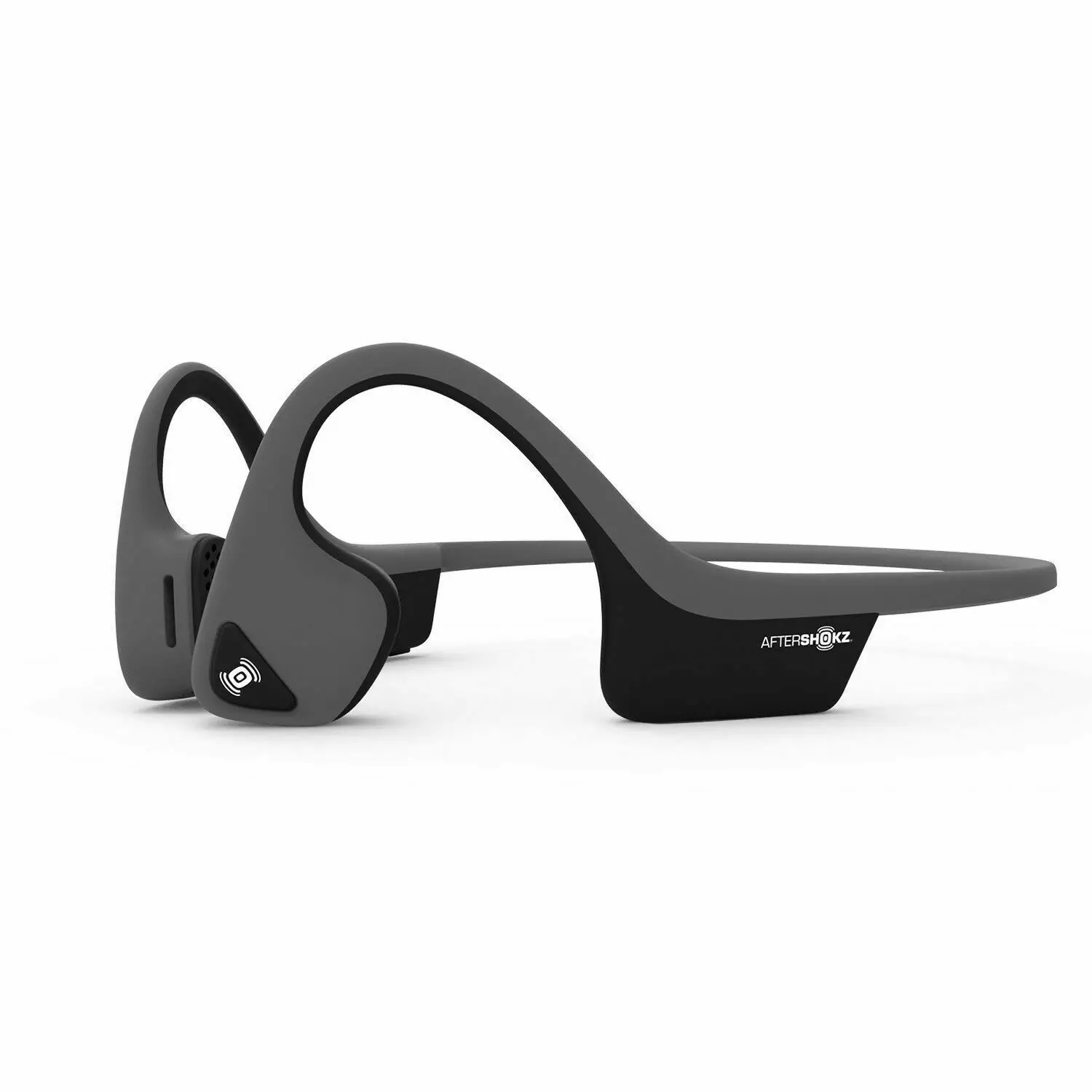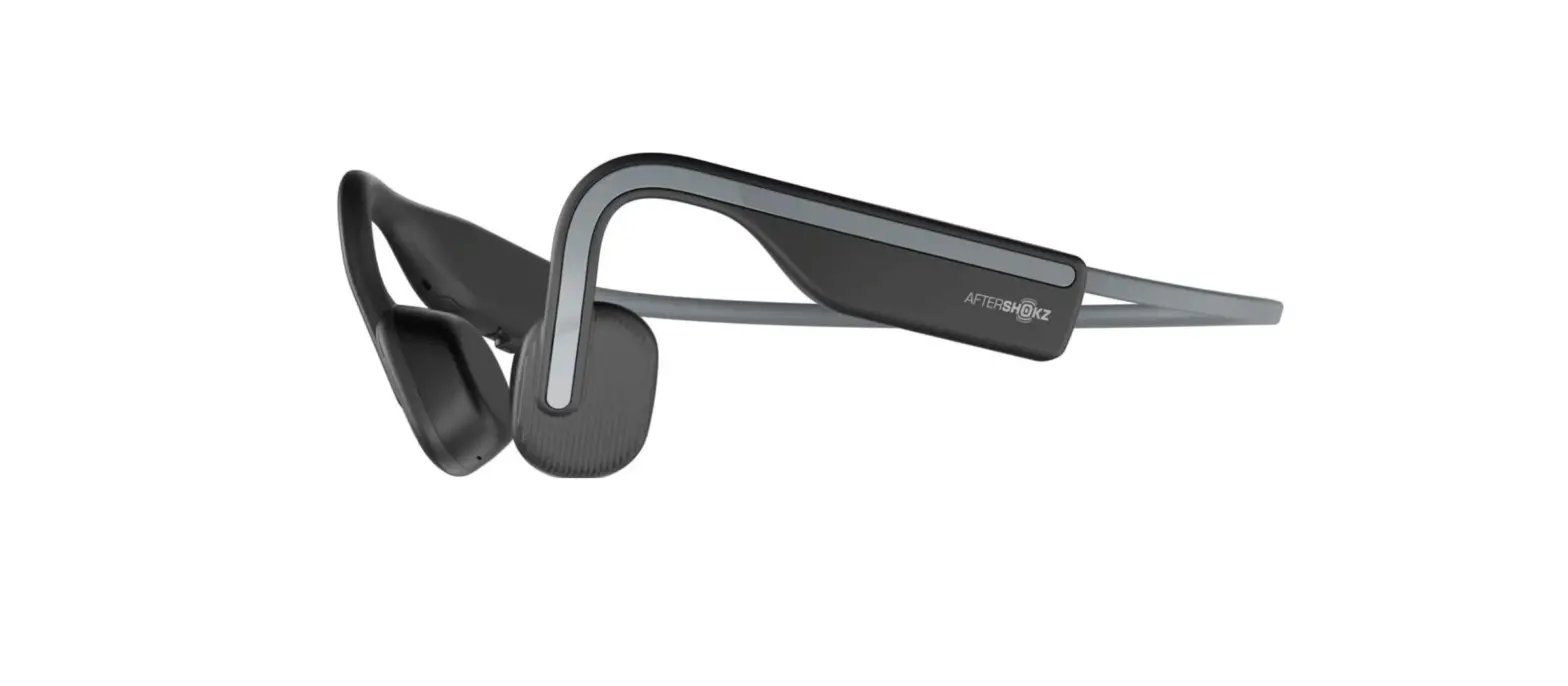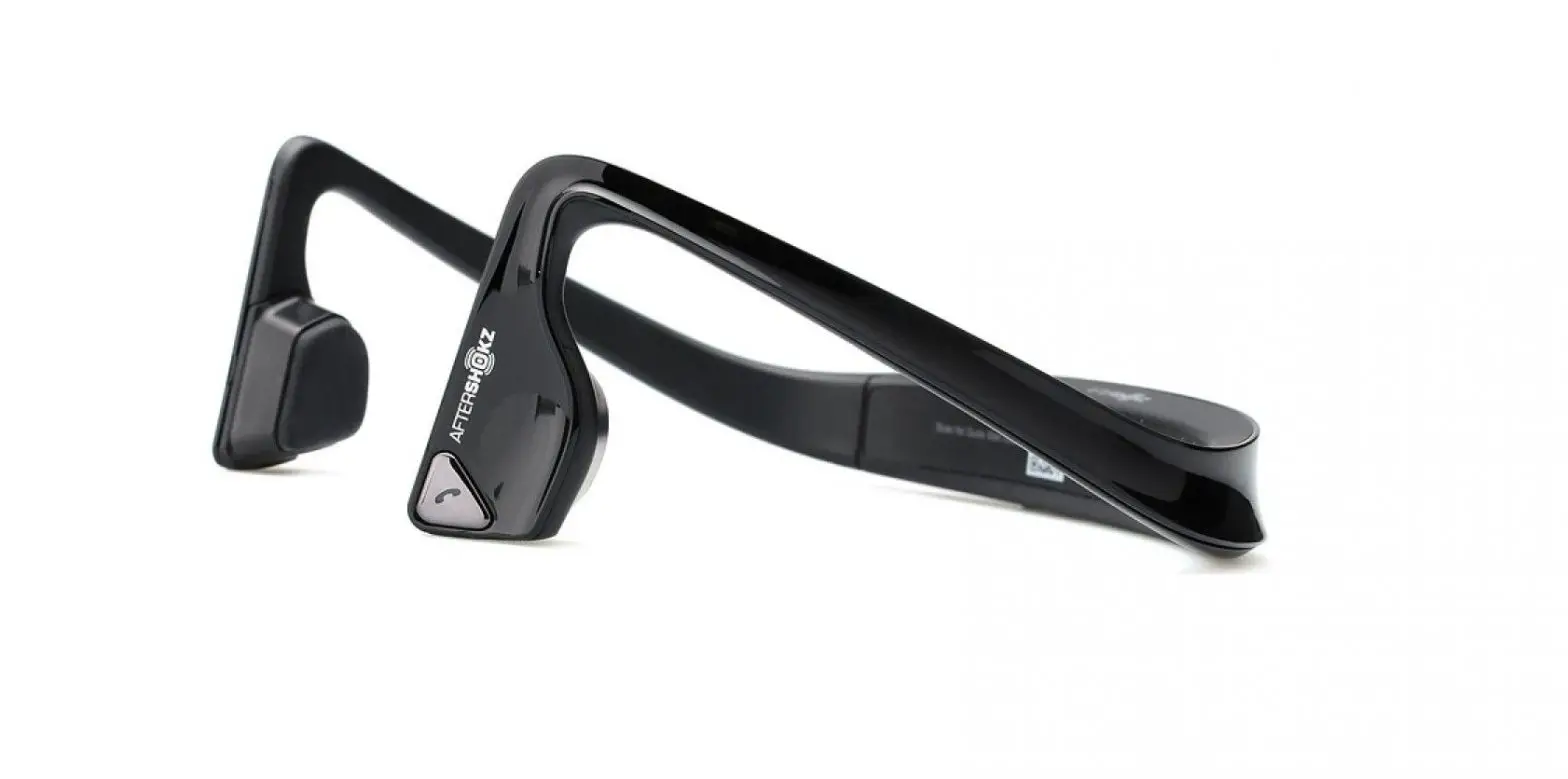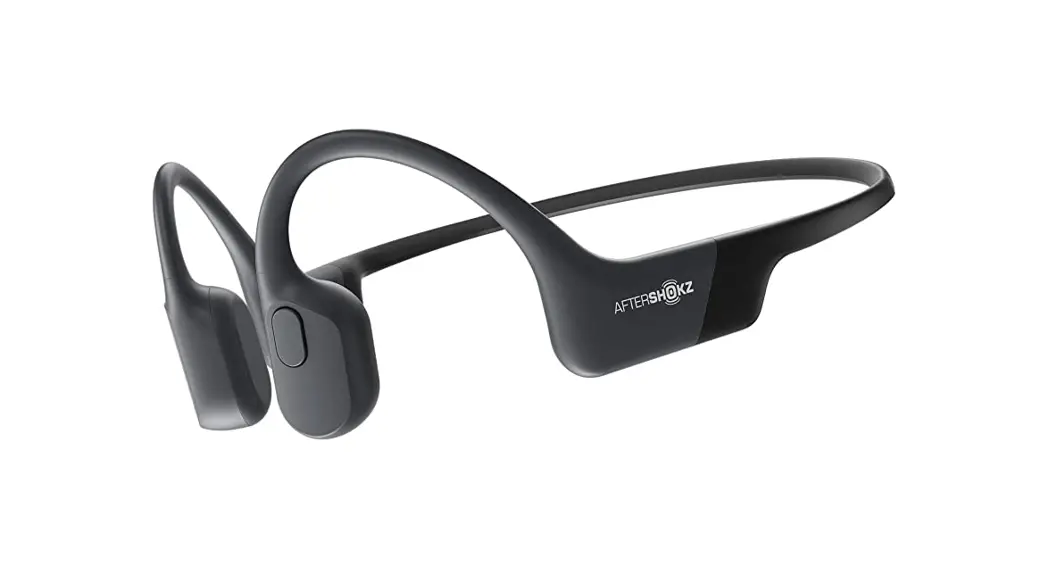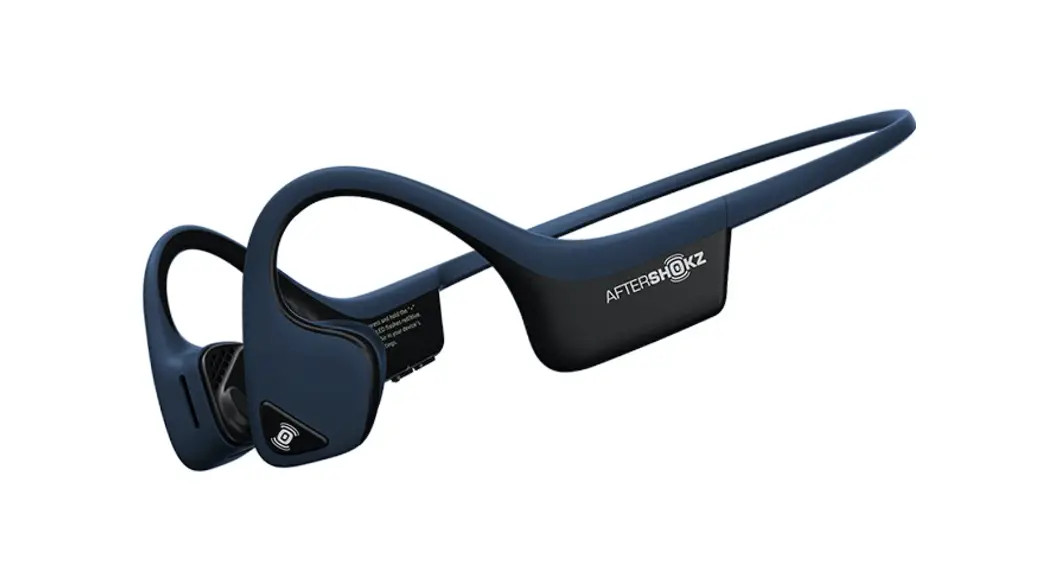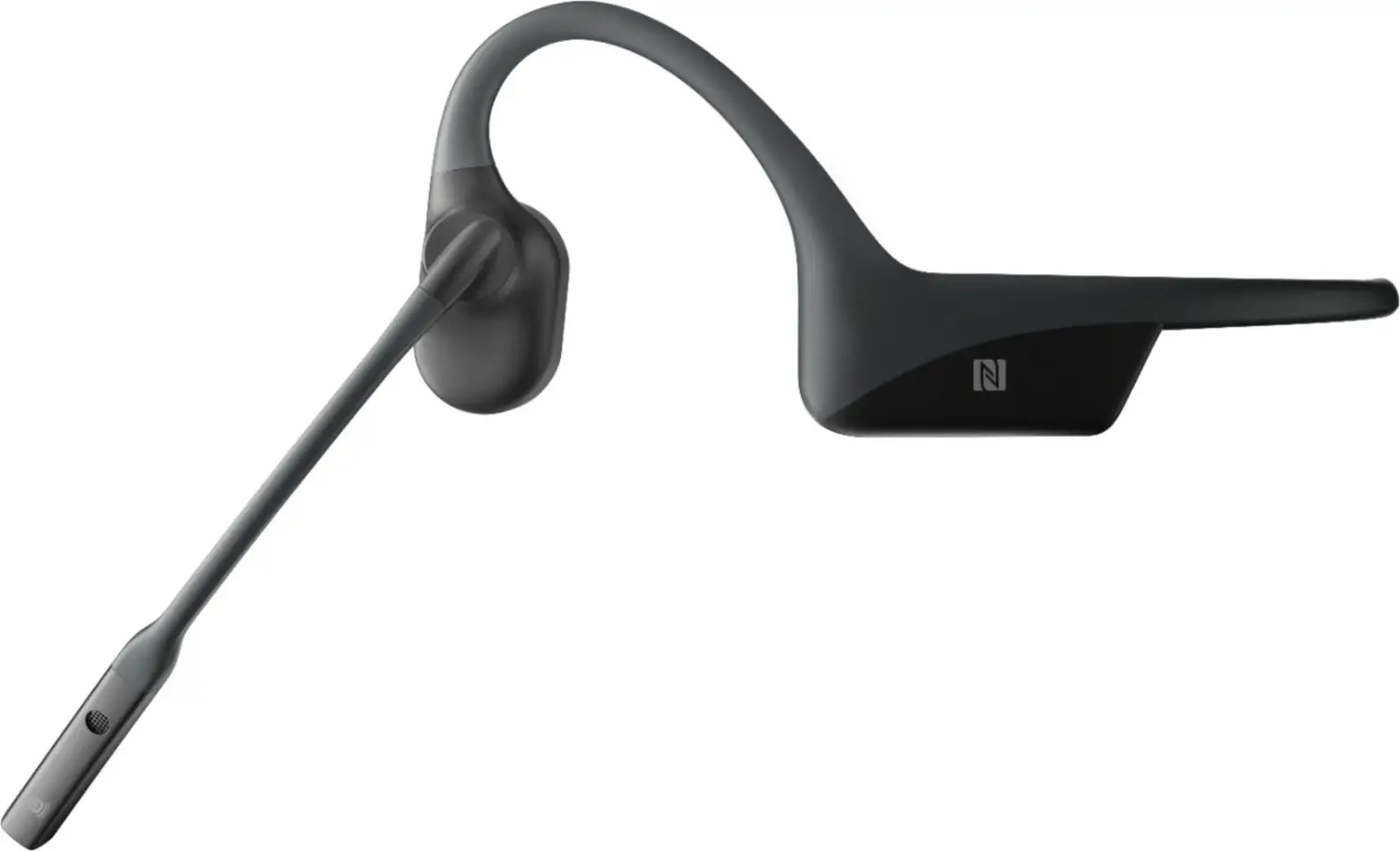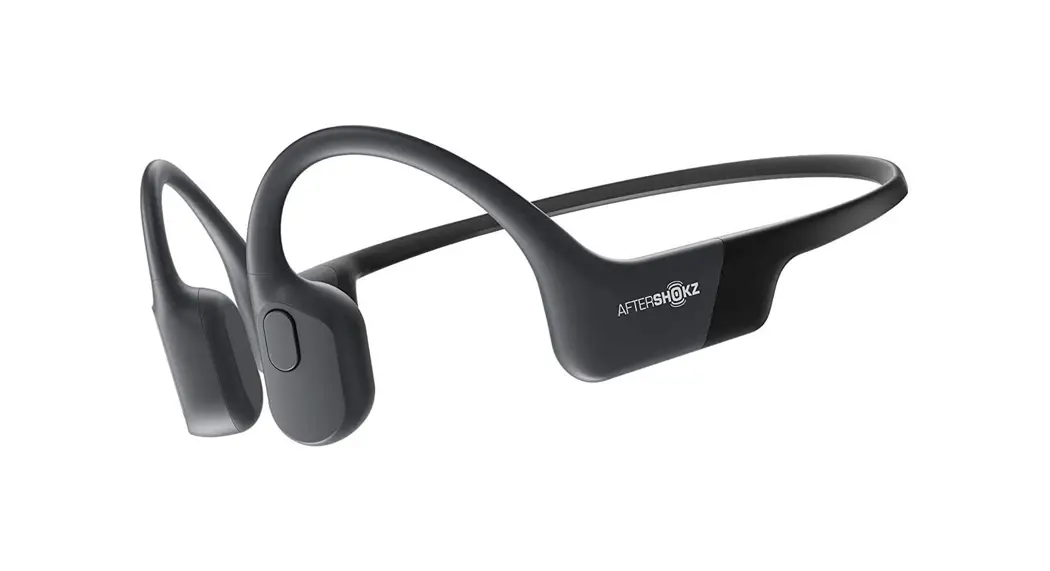


How To Set Up Air
- Charge
Charge the headphones with the included micro-USB cable. The LED light will turn from red to blue when charging is complete. - Pair
Start with your headphones off. Enter pairing mode by pressing and holding volume+ until Audrey says “pairing” and the LED light flashes red and blue. - Connect
Open your device’s Bluetooth® menu and select “Air By AfterShokz.” Audrey says “Connected” and the LED light will flash blue one time.
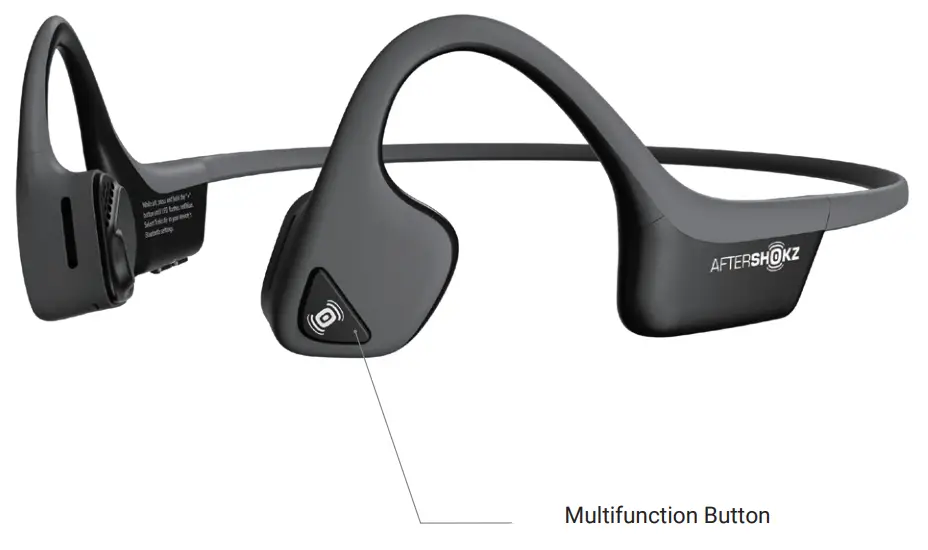
| Function | Action | Prompt / “Audrey Says™ |
| Play/pause music | Click once | One beep |
| Skip to the next song | Double-click while music is playing | One beep |
| 4nswer / end call | Click once | Two / One beep |
| 4nswer call waiting and put the current caller on hold | Click once to switch between callers | One beep |
| 4nswer call waiting and ‘tang up on current caller | Press and hold for 2 seconds | One beep |
| Reject a call | Press and hold for 2 seconds | Two beeps |
| Prompt device assistant | Press and hold for 2 seconds | Device beep |
| Redial last number | Double-click | ‘Last number redial” |
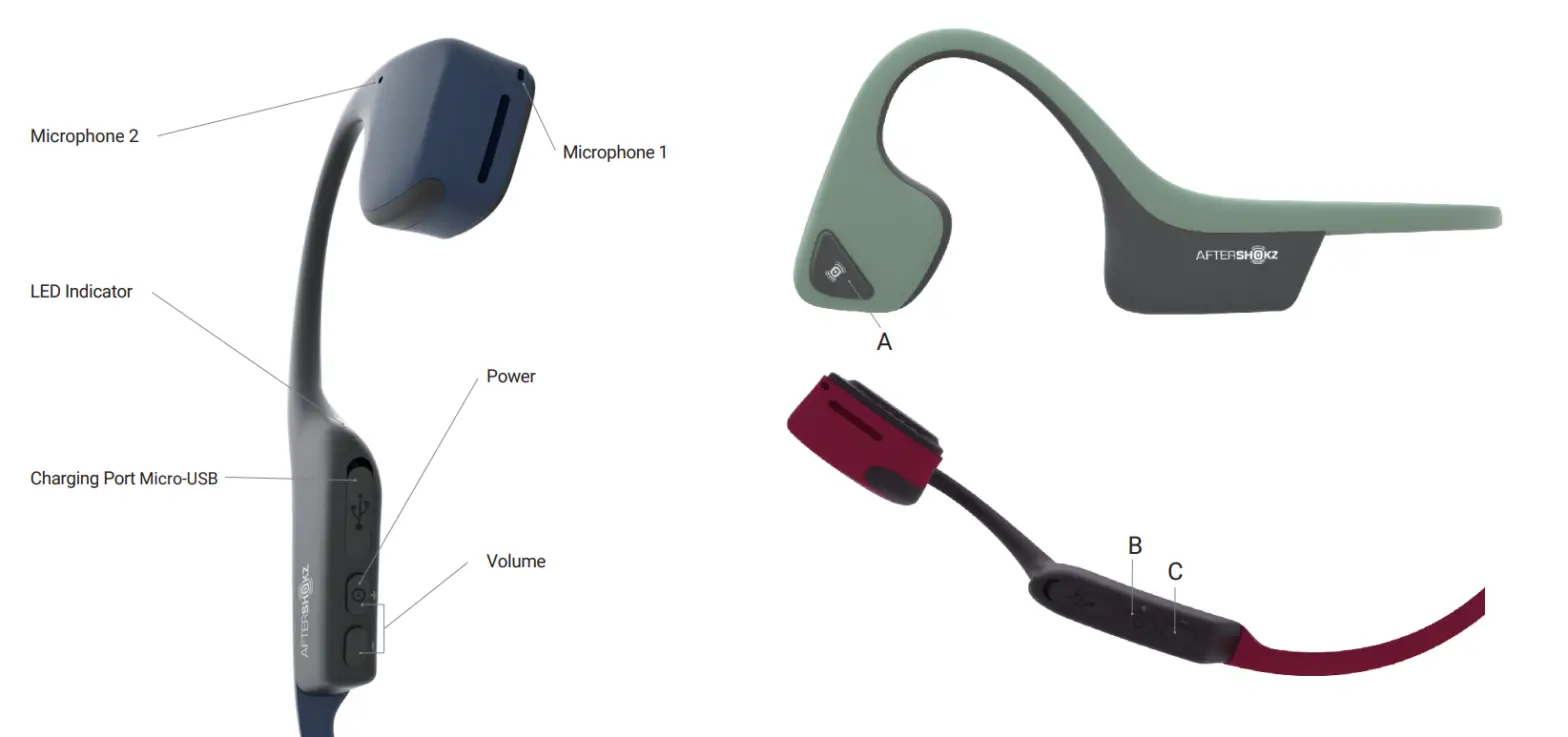
Volume Up / Power Button (B); Volume Down Button (C)
| Function | Action | Prompt / “Audrey Says™” |
| Power on | Press and hold volume+ for 3 seconds. | “Welcome to AfterShokz.” |
| Power off | Press and hold volume+ for 3 seconds. | “Power off” |
| Mute | Press and hold both buttons for 2 seconds while on a call | “Mute on” or “Mute off” |
| Change EQ setting | Press and hold both buttons for 3 seconds while music is playing | “Equalization changed” |
| Check battery status | Click the volume up or down button while music is paused | “Battery high, medium, low (or) charge me” |
| Adjust volume | Click the volume up or down button to adjust volume | One beep |
Specifications
| Part number | AS650 | Frequency response | 20Hz~20KHz |
| Speaker type | Bone conduction transducer | Sensitivity | 100 ± 3dB |
| Bluetooth® version | Bluetooth® v4.2 | Microphone | -40dB ± 3dB |
| Wireless range | 33 ft (10m) | Battery | Rechargeable lithium-ion |
| Compatible profiles | A2DP, AVRCP, HSP, HFP | Weight | 1.06 oz (30g) |
| Continuous play | Up to 6 Hours | Standby time | Up to 20 days |
| Charge time | 2 hours | Warranty | 2 years |
| Frequency band | 2400MHz~2483.5MHz | Maximum output power | 4dBm |
| Maximum Charge Voltage | 5.25 V | Water-resistance | IP55 |
| Battery Capacity | 183 mAh |
LED Indicator
| Solid red | Charging |
| Solid blue | Charging complete |
| Flashes red and blue | Pairing mode |
| Flashes blue | Incoming call |
| Flashes red every 2 minutes | Low battery |
Multipoint Pairing
Multipoint pairing allows Air to be connected to two devices at once, allowing users to seamlessly transition between the two.
- Start with your headphones off.
- Press and hold volume+ until Audrey says “Pairing” and the LED light flashes red and blue.
- Press and hold the multifunction button and volume+ button for 3 seconds. Audrey says “Multipoint Enabled.”
- Open your first device’s Bluetooth menu and select Air by AfterShokz. Audrey says “Connected”
- Turn your headphones off.
- Re-enter pairing mode by pressing and holding volume+ until Audrey says “Pairing” and the LED light flashes red and blue.
- Open your second device’s Bluetooth menu and select Air by AfterShokz. Audrey says “Connected.”
- Turn your headphones off.
- Turn your headphones on, Your headphones are now connected to both devices.
More information: bit.ly/ASMultipoint
How To Reset Your Headphones
- Start with your headphones off
- Enter pairing mode by pressing and holding volume+ until Audrey says “Pairing” and the LED light flashes red and blue.
- Press and hold the multifunction button, volume+ button and volume- button (all three buttons) simultaneously for 3-5 seconds, until you hear two beeps or feel vibrations.
- Turn your headphones off. Air is now reset and can be re-paired to your device.
Optional Accessories
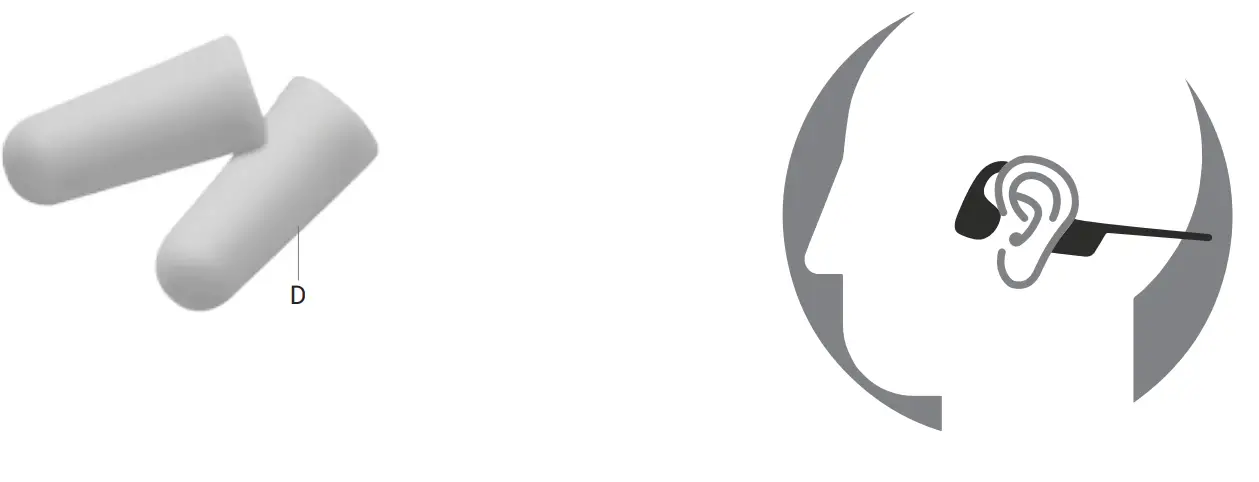
Earplugs (D)
Use headphones in environments where it is safe to block out ambient noise, such as on a train or airplane.
- Roll earplugs firmly between fingers and place in the ears.
- To adjust EQ settings to reduce or enhance bass while wearing earplugs, press and hold volume up and down buttons simultaneously.
- Switch EQ to normal condition when you take out the earplugs.
Manufacturer
6057 Corporate Dr., East Syracuse, NY 13057
 YouTube